

Dell 15 Laptop DC15250 (15.6" FHD, 120Hz) review: solid everyday performance with a smooth display
Product description
What this laptop is and what it’s for
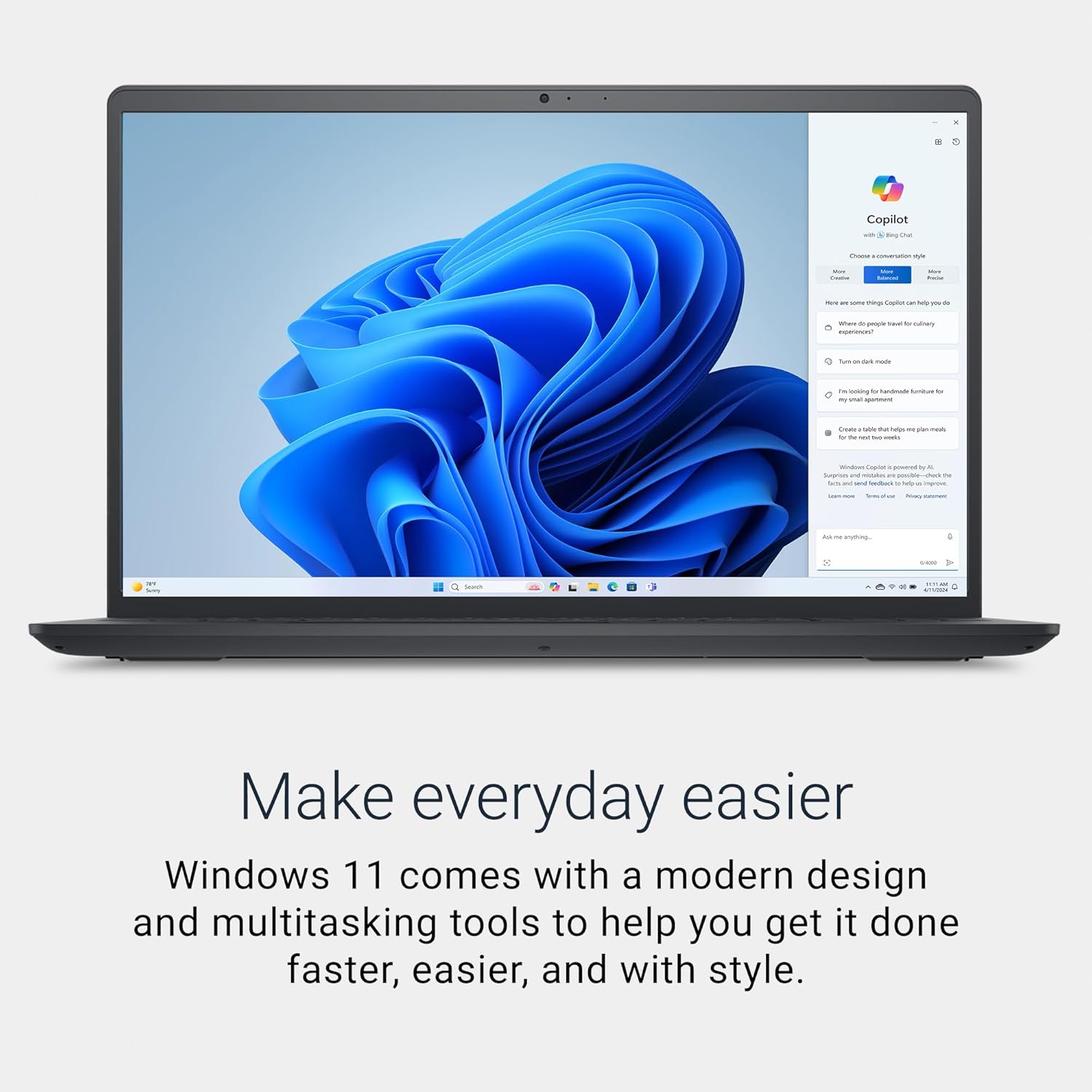
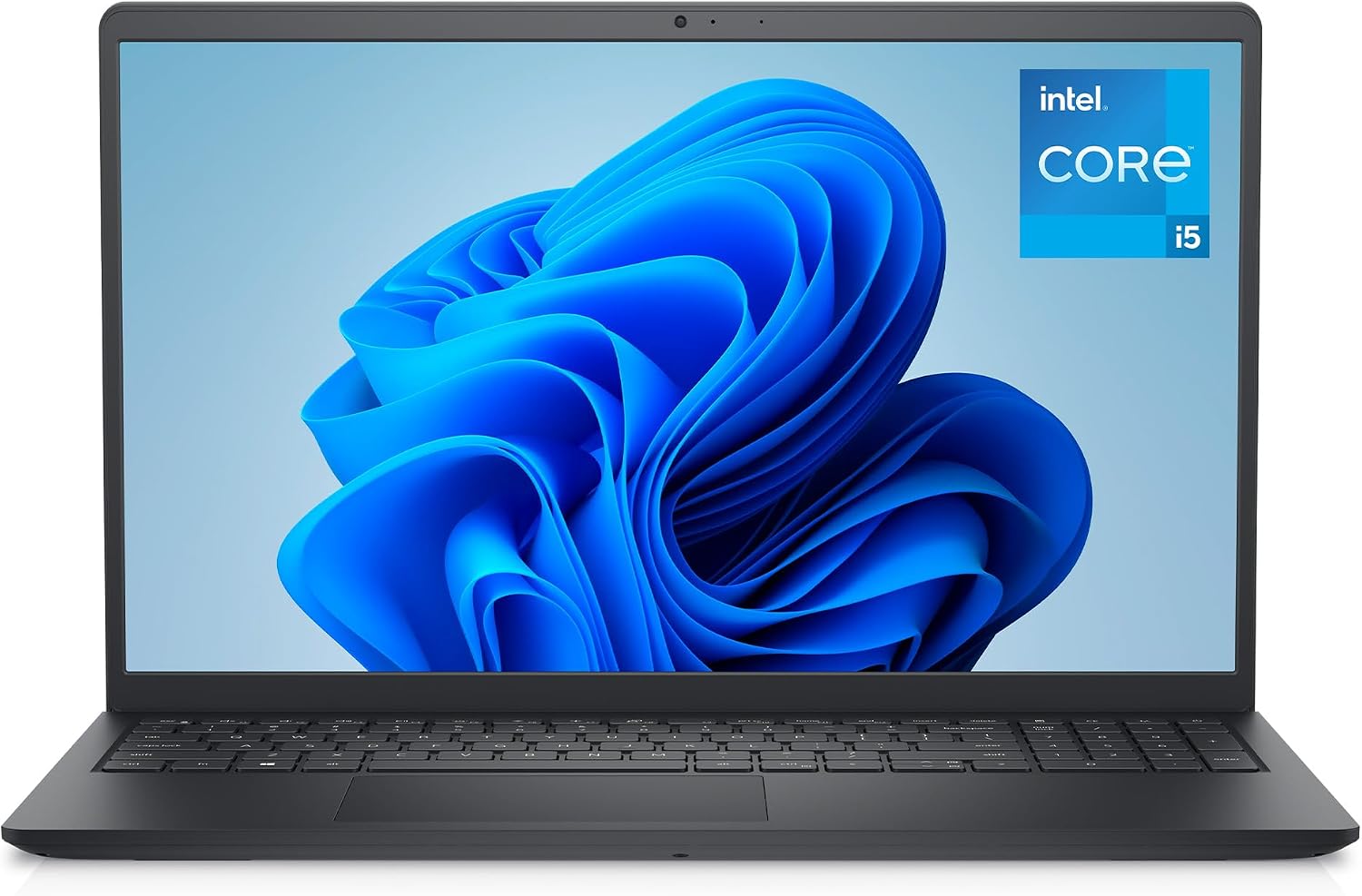
The Dell 15 Laptop DC15250 is a mid‑range daily driver designed for everyday tasks, light multitasking and content consumption. On paper it offers a recent 13th Gen Intel Core i5‑1334U processor, 16GB of DDR5 memory and a fast 512GB PCIe NVMe SSD. If you mainly need to switch between a handful of browser tabs, office apps and streaming, this model aims to keep things responsive without feeling underpowered. The 15.6" Full HD display runs at 120Hz with an anti‑glare finish, which should help during longer sessions and reduce reflections in bright rooms.
Performance and how it feels in use
With the i5‑1334U and 16GB RAM, the machine is comfortable for everyday multitasking—typing documents, emails and managing multiple web apps without obvious stuttering. The 120Hz panel can help make scrolling and video playback feel smoother compared with standard 60Hz screens. That said, for demanding tasks like heavy photo editing, large video timelines or modern gaming, this setup tends to sit in the middle of the spectrum, you may notice limitations if you push RAM or CPU usage at length. The built‑in Intel UHD Graphics are fine for everyday media and light user‑generated tasks, but not a substitute for dedicated GPUs.
Display, keyboard and daily comfort
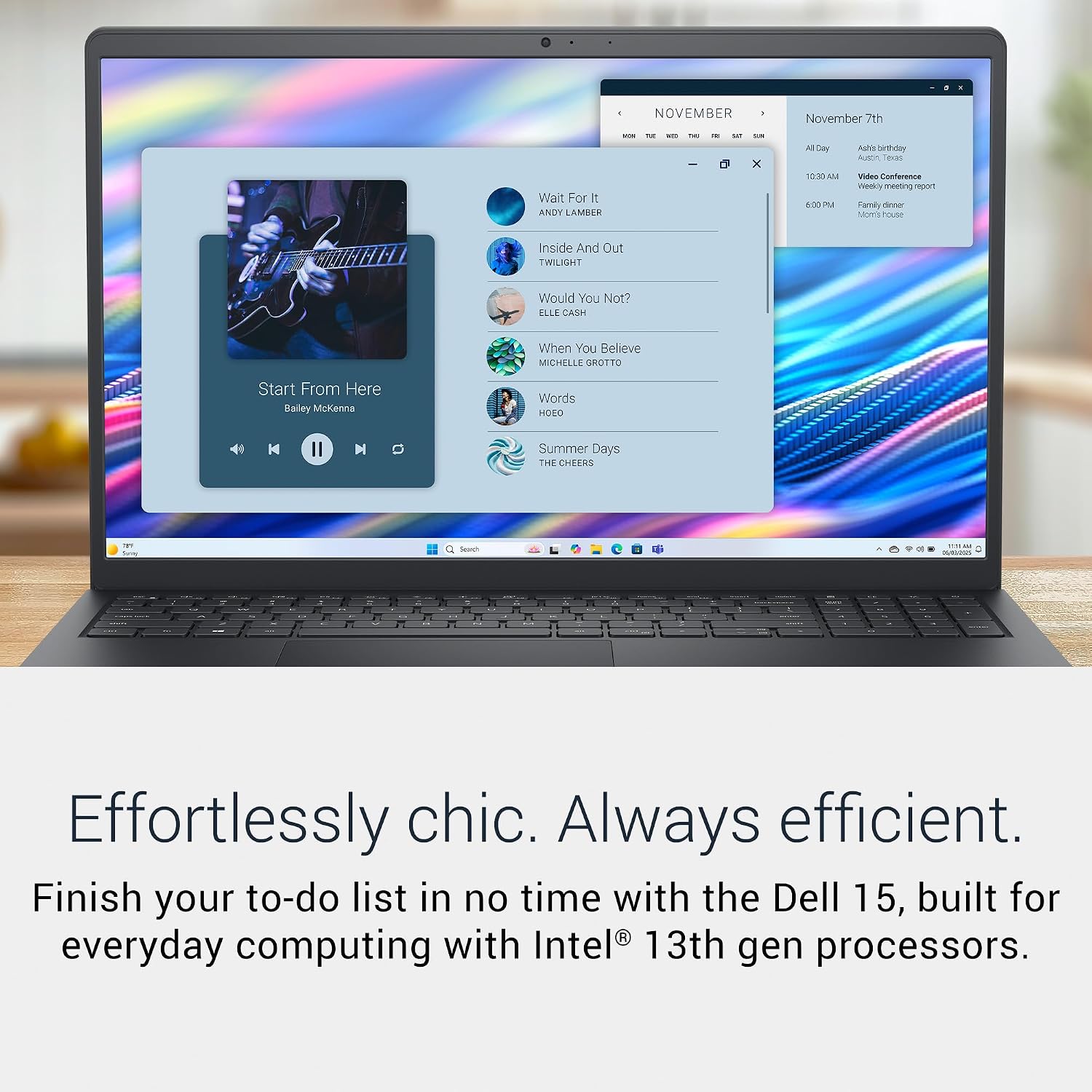
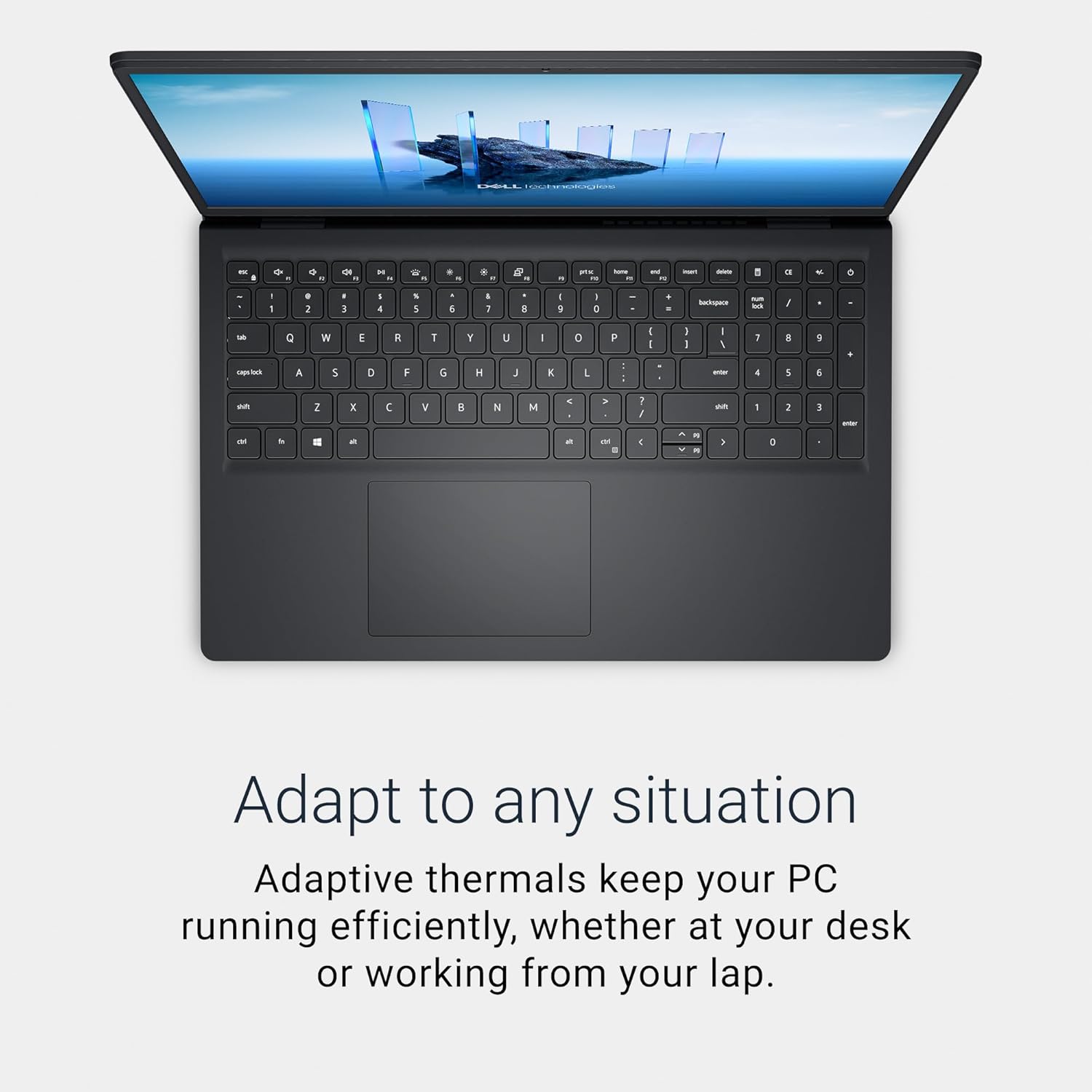
The 15.6" IPS panel provides wide viewing angles and solid colour consistency for daily work and streaming. The anti‑glare finish helps during bright workspaces or when using the laptop on a desk by a window. The full‑size UK keyboard should offer comfortable, accurate input for long writing sessions. The carbon black chassis presents a clean, understated look that fits both home and office environments, though the plastic construction means it’s not the sturdiest feel you’ll find in premium lines.
Connectivity and flexibility
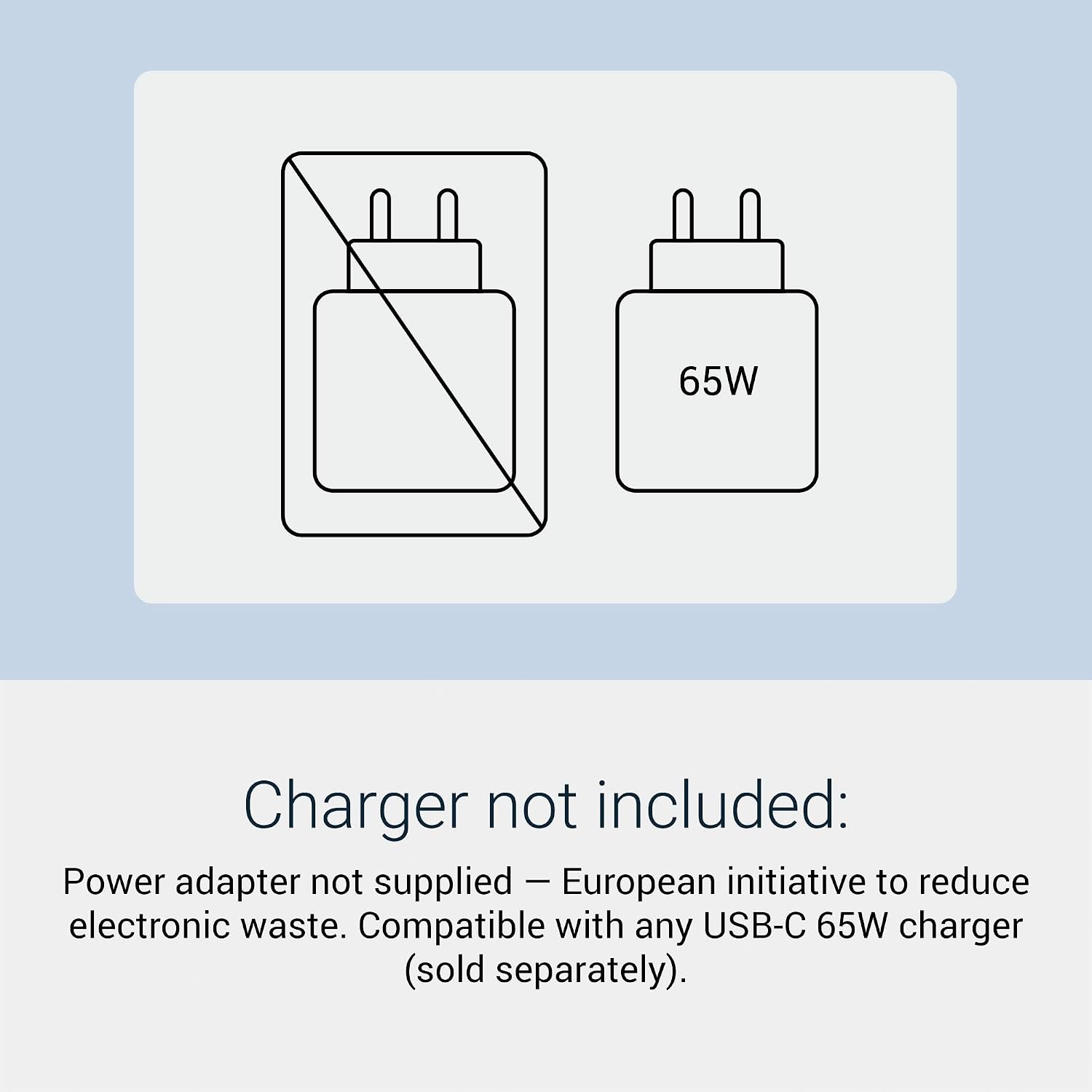
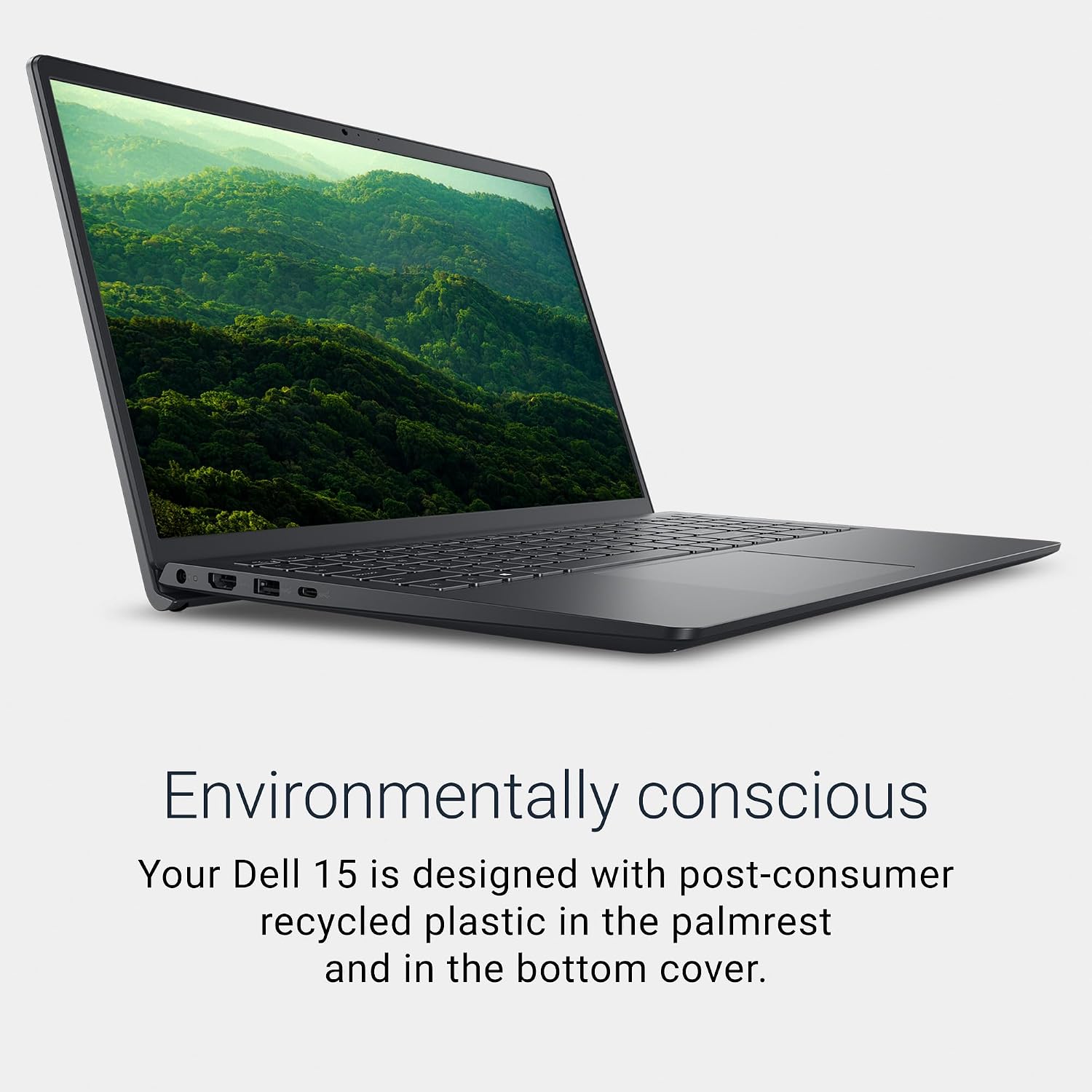
You get a balanced set of ports: USB‑C with Power Delivery, USB‑A, HDMI and a microSD reader—covering a range of peripherals, displays and data transfers. Wi‑Fi 6 and Bluetooth give decent wireless performance in most homes and small offices. Dell notes that the power adapter is sold separately, aligned with the EU common charger initiative, charging via USB‑C is supported with Power Delivery but requires a 65W USB‑C adapter if you want to use this feature. In practice, you’ll want to factor in a compatible USB‑C charger if you’re aiming to travel light or ditch the brick entirely.

Software and warranty
With Windows 11 Home pre‑installed, you’ll have a modern, familiar environment for productivity apps and cloud services. Dell includes a 1‑year onsite service after remote diagnosis, which can be helpful for quick on‑site support. The warranty makes sense for a device that’s intended to be used regularly at home or in an office rather than as a rugged travel machine.
What to consider before buying
If you prioritise raw gaming performance, this isn’t the ideal pick. For tasks like office work, browsing with multiple tabs, media streaming and light photo work, it should feel capable. The absence of the included power adapter in the box means you’ll need to budget for a charger if you don’t already own one that’s compatible with USB‑C PD or the dedicated adapter. Battery life will depend on usage, screen brightness and the tasks you’re performing, the spec sheet doesn’t provide specific endurance figures, so consider how you’ll use it away from mains.
Who it’s best for and who may want to look elsewhere
This model suits students, remote workers or home users who want a reliable 15‑inch machine with a modern processor, ample RAM and fast storage for everyday tasks. It’s a sensible step up from basic laptops if you value a smoother display and more responsive multitasking. If you regularly edit large multimedia projects, play newer games, or need top‑tier portability with lighter chassis, you might prefer a model with a stronger GPU or more advanced cooling.
Quick‑use practical example
Imagine drafting a long report in a web‑based editor, juggling a dozen‑tab browser window, streaming a tutorial in the background and transferring files from a camera via microSD. The system should navigate those tasks without noticeable slowdowns, while the 120Hz screen keeps scrolling and media smooth. Paired with a suitably rated USB‑C charger, you could even reduce the number of bricks on your desk when travelling between meetings.
FAQ (practical and data‑driven)
- Is the power adapter included? No, it’s sold separately, USB‑C PD charging is supported if you have a 65W or compatible charger.
- Does it support Wi‑Fi 6? Yes, it includes Wi‑Fi 6 for improved stability and faster local networks.
- Can I upgrade the RAM or storage? The base spec lists 16GB RAM and 512GB SSD, any upgrade options would depend on the model’s internal design and are not detailed here.
- Is it suitable for long typing sessions? The full‑size keyboard is described as comfortable for daily tasks, long sessions may still depend on your own ergonomics and power setup.
Decision time
Is it worth it? If you value a balanced, capable daily laptop with a modern CPU, ample RAM and a silky 120Hz display for work and media at a sensible price, this Dell model represents a practical option. You’ll want to factor in the missing power adapter and potential limits in demanding workloads. It suits the typical home/office user who wants a reliable machine for productivity with reasonable future‑proofing, rather than a device aimed at high‑end creative work or gaming.