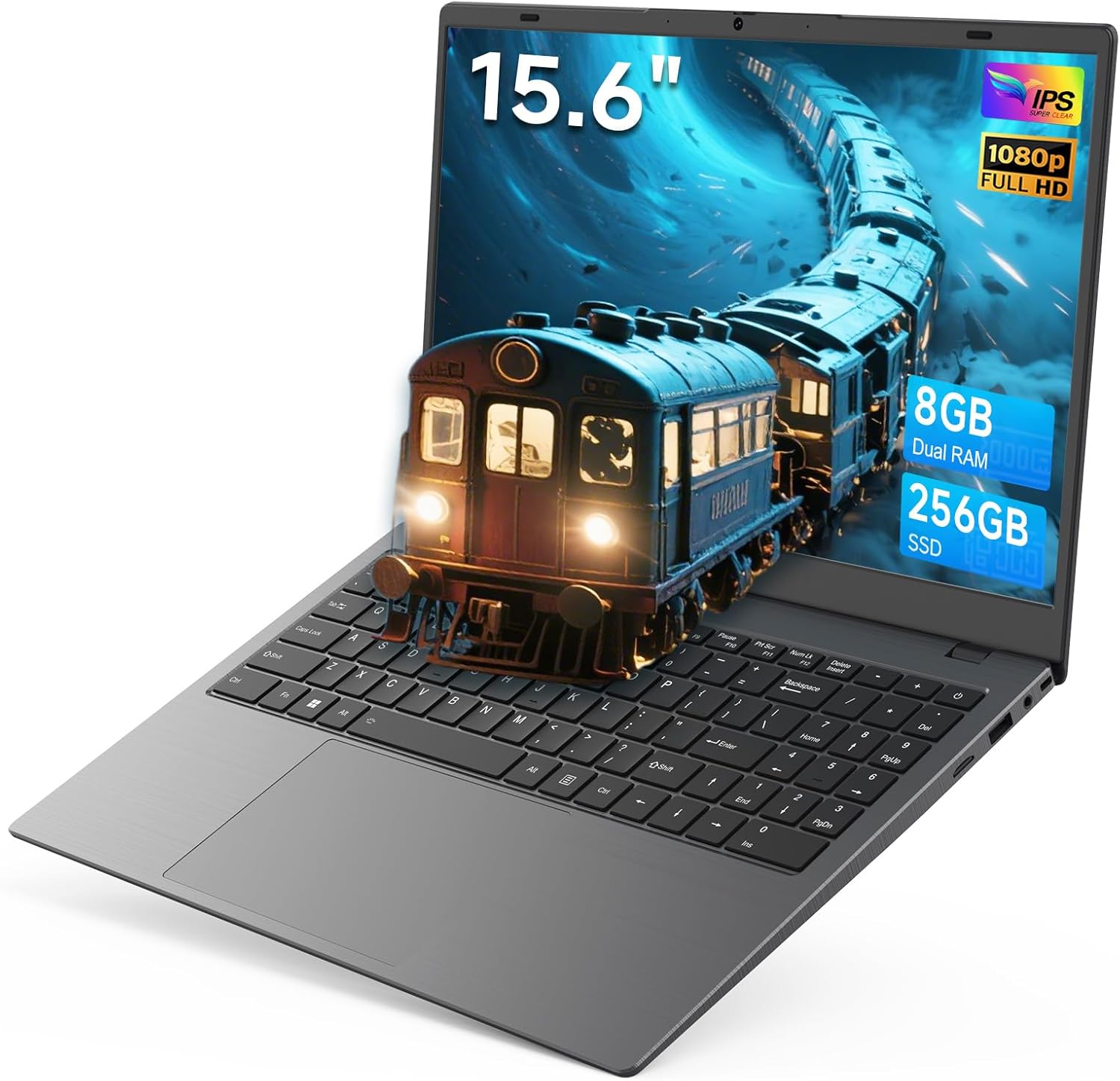
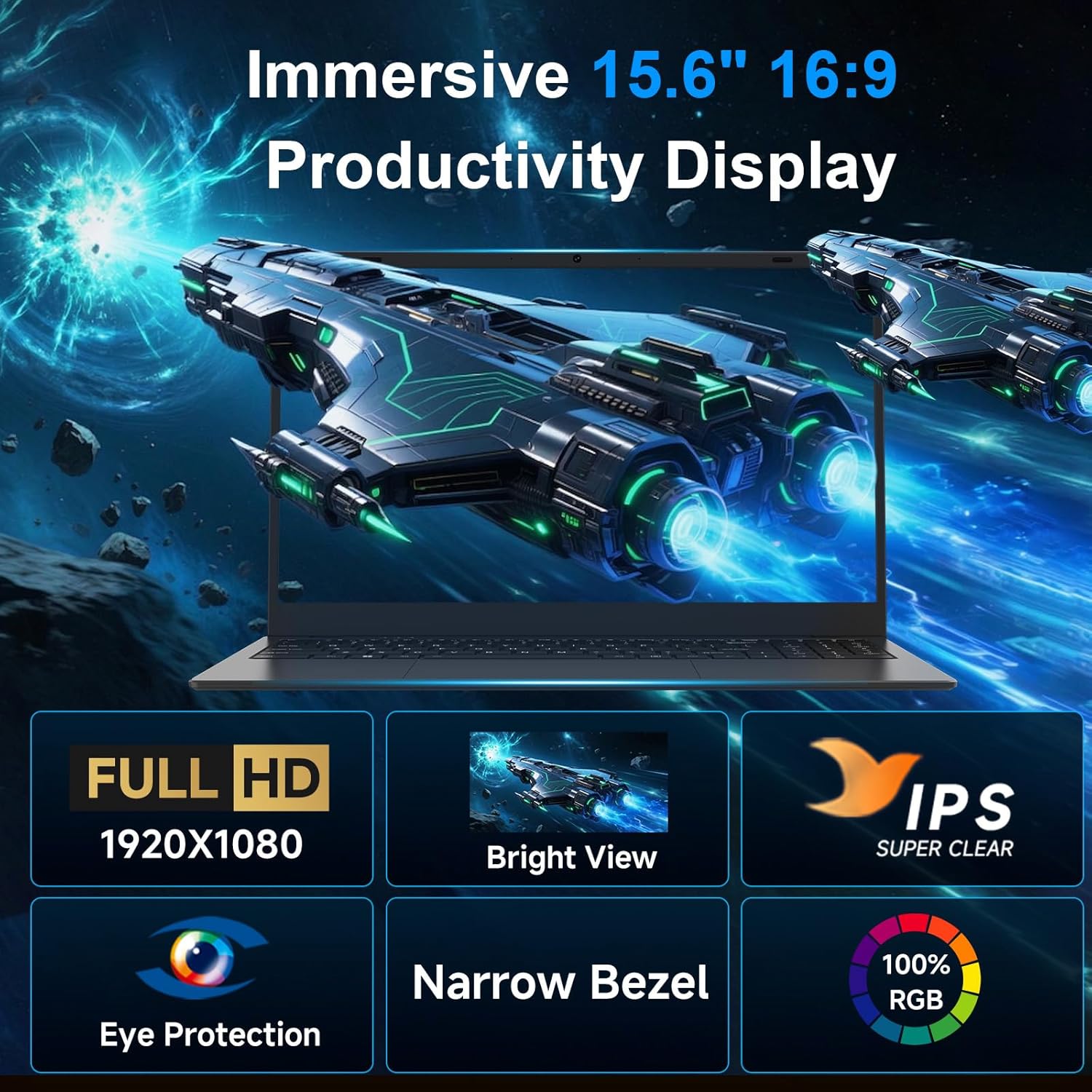
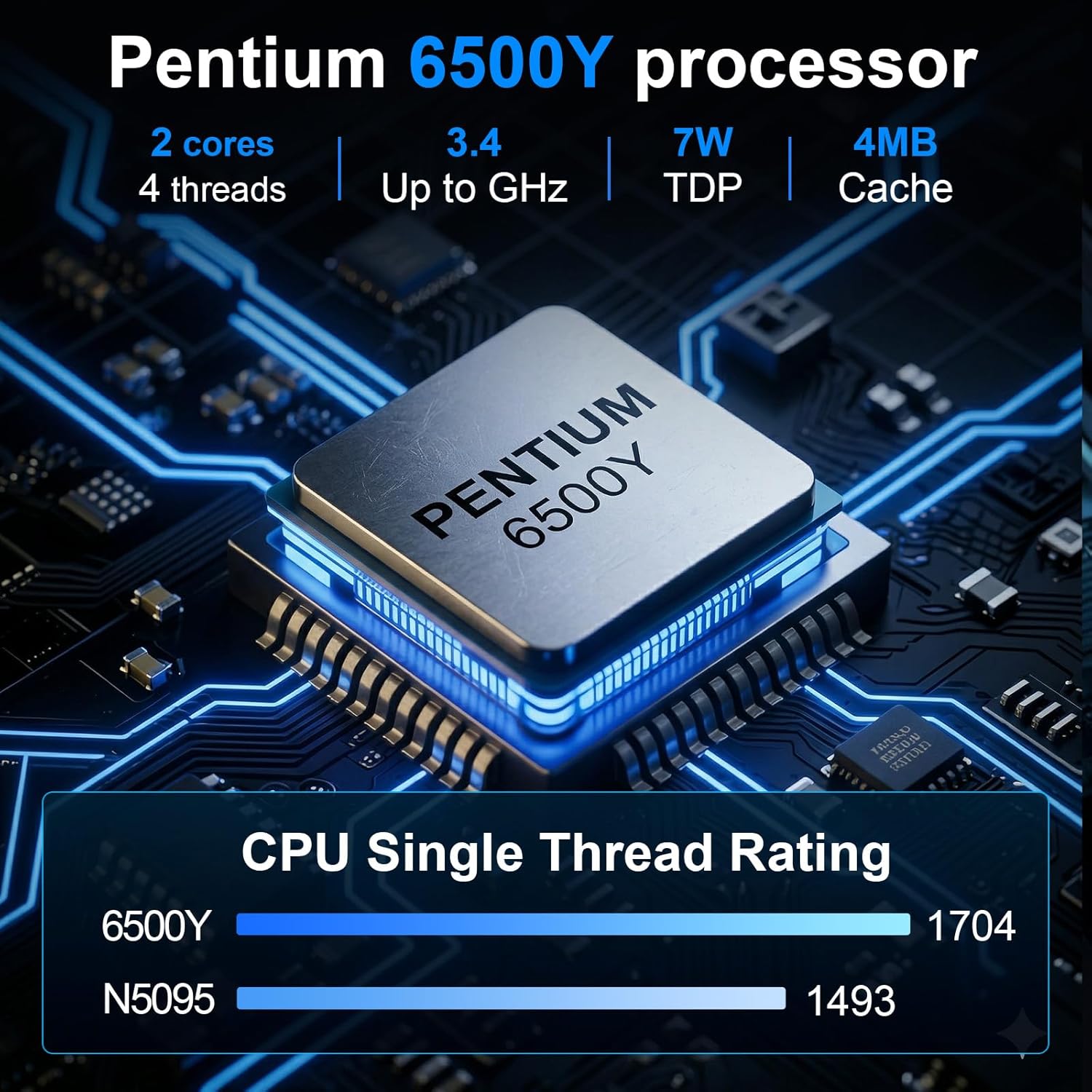
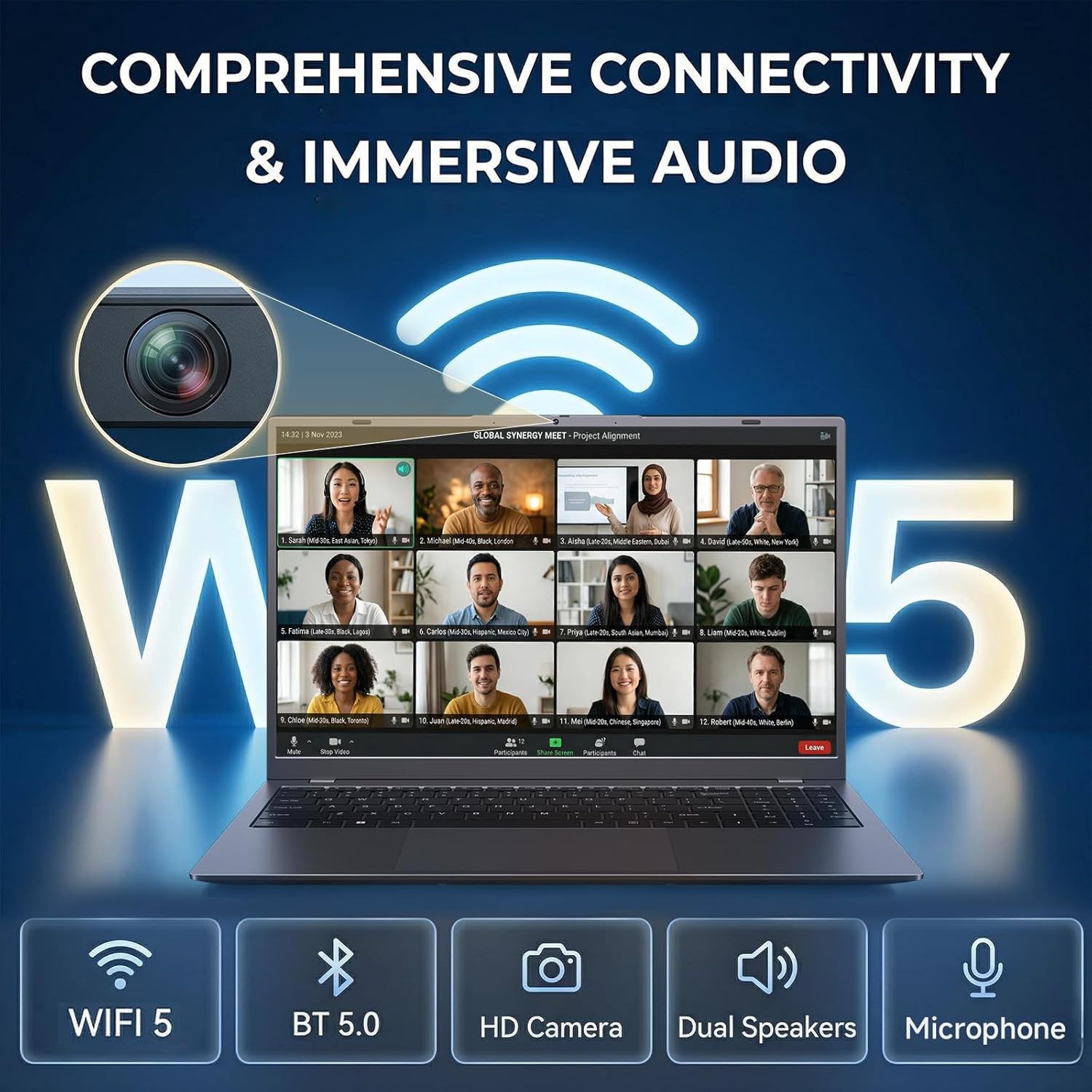
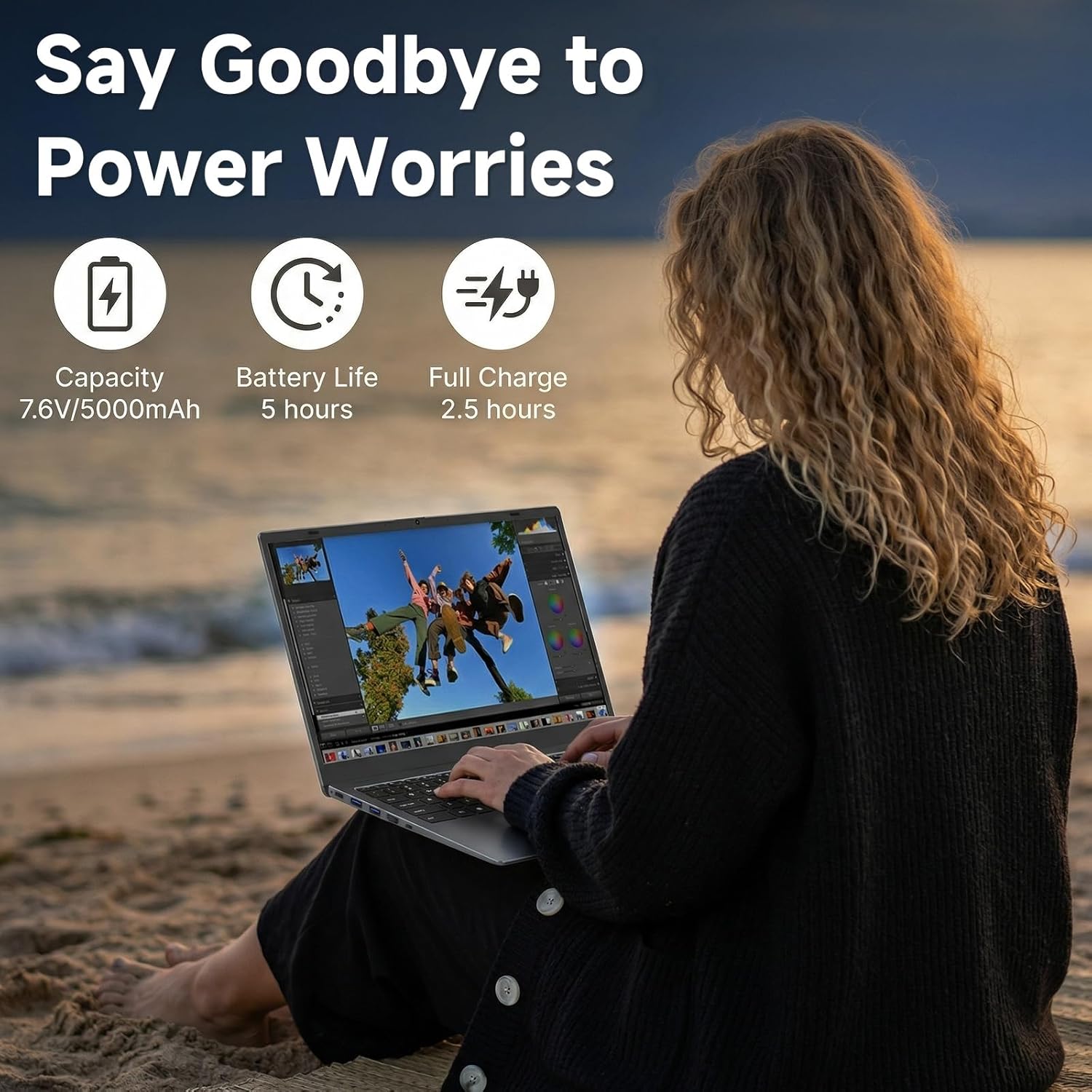
What it is and what it’s for\nThe BLUEING 15.6 Inch FHD Laptop is a compact, everyday computing device designed for basic business, office work and home use. It combines a dual‑core Pentium Gold 6500Y processor with 8GB of RAM and a 256GB SSD to handle common tasks such as emailing, document work, light multitasking and media playback. On paper, it’s a pragmatic option if you prioritise value for money and a straightforward laptop for daily productivity rather than raw performance for demanding software.\n\n## Performance you can expect\nThe 6500Y offers Turbo Boost up to 3.4GHz, which helps with quicker pacing through multiple browser tabs or office applications. Realistically, you’ll notice smooth operation for routine tasks, but heavy workloads like advanced video editing or large dataset handling will likely push this machine beyond its comfort zone. If your day-to-day involves spreadsheets, presentations and web research, the setup should feel dependable rather than sluggish.\n\n## Display, privacy and visuals\nA 15.6‑inch 1080p IPS panel delivers reasonably sharp images and pleasant viewing angles for typical work and media consumption. A notable feature is the front-facing camera with a physical privacy cover, offering a simple, visible way to protect your privacy during calls and meetings. If you value privacy, this is a practical, easy-to-manage addition.\n\n## Portability and battery life\nAt approximately 21mm thick and around 1.6kg, the BLUEING laptop is easy to carry between home and office or a coffee shop. The 38Wh battery should cover a standard day of light use, but like all laptops, real-world endurance will depend on screen brightness, wireless usage and workloads. It’s not the kind of device you’d expect to survive a full long-haul day away from a power socket without compromise, so plan for occasional recharging on the move.\n\n## Connectivity and inputs\nThe machine offers a full‑function USB‑C port, two USB 3.2 ports, a USB 2.0 port, HDMI, a TF card slot and a headphone jack, plus Type‑C charging. With 2.4G/5G Wi‑Fi and Bluetooth 5.0, downloads and streaming should be unfussed in typical home or office networks. The full‑size keyboard and spacious touchpad support comfortable daily typing and navigation.\n\n## Software, warranty and support\nA 1‑year manufacturer’s warranty provides a baseline level of security, with a responsive help‑desk ethos stated in the product notes. A 30‑day returns policy is mentioned, which helps when you’re deciding whether the device fits your daily needs. It’s worth checking what software is pre‑installed and whether you need any specific business tools set up out of the box.\n\n## Who this is for and who it isn’t perfect for\nThis BLUEING laptop is best suited to users who want a cost‑effective machine for everyday office tasks, web browsing, video viewing and light multitasking. It isn’t aimed at high‑end creators, gamers or users running intensive software. If you prioritise maximum performance, a more capable CPU, larger RAM or faster NVMe storage could be more appropriate.\n\n## What to check before buying\nBefore purchasing, consider how much you value a private camera cover, the weight you’re comfortable carrying and whether the 256GB SSD will be sufficient for your workload or whether external storage will be needed. Also think about whether the display’s brightness and contrast will meet your typical working environments.\n\n## Practical use case and how it compares to other approaches\nThink of this as a reliable work‑from‑desk companion that travels well. If your day involves frequent travel between meetings or sites, the balance of portability and connectivity makes sense. For those who need sustained heavy multitasking or video editing, stepping up to a more powerful processor, more RAM and faster storage would offer tangible benefits. In short, it sits in the value segment for light to moderate office work and everyday tasks.\n\n## What stands out in use\nIn practice, you’ll notice a quiet, compact machine that covers the essentials without fuss. The privacy cover on the webcam is a small but meaningful assurance for calls. The broad port selection and the convenience of USB‑C charging are also meaningful for daily workflows.\n\n## Decision time: Should you buy it?\nIs it worth it? If you’re after a solid, entry‑level laptop for office tasks, commuting between sites and home use, this BLUEING model offers pragmatic value. Not ideal if you expect peak performance from demanding software, but it represents sensible budgeting for light‑to‑moderate daily use.\n\n## FAQ (where data allows)\n- How much storage is available after initial setup? (The device ships with 256GB SSD, actual usable space will be less after system files.)\n- Can I upgrade memory or storage later? (Details not provided, typical upgradability would depend on the included hardware and design.)\n- What’s the typical battery life under office workloads? (Battery life depends on use, expect routine tasks to be comfortable for a standard work session, with follow‑ups as needed.)