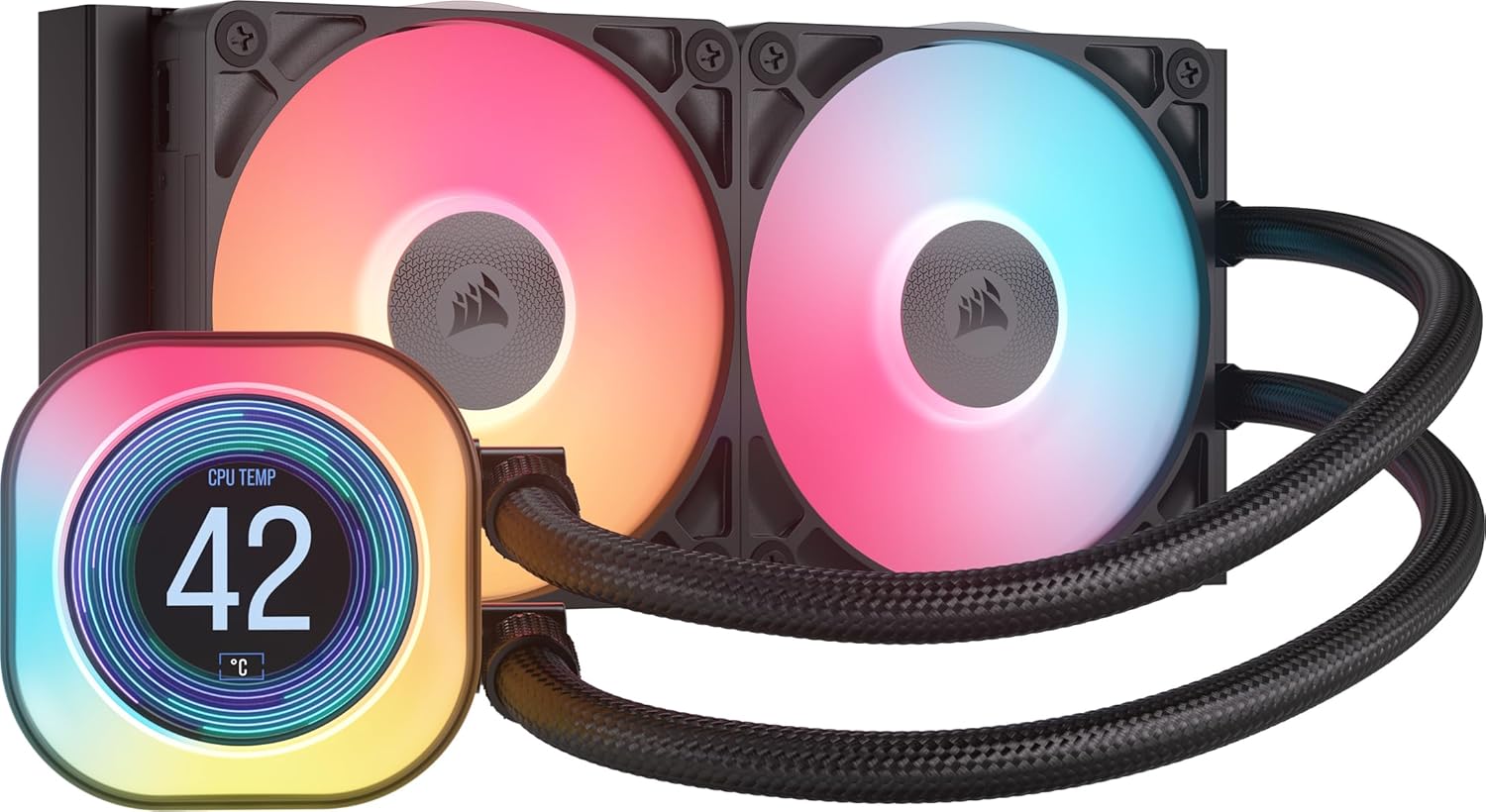
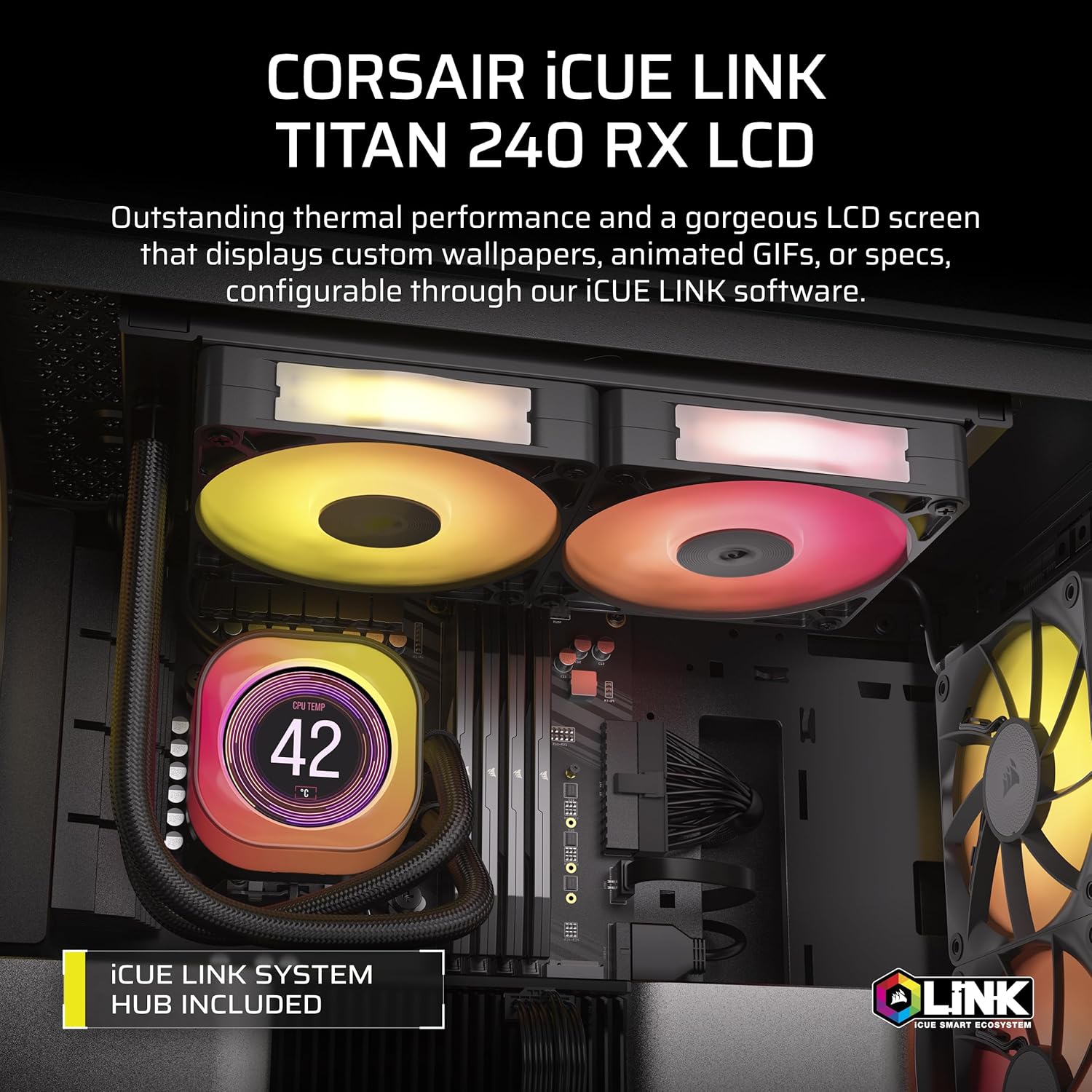
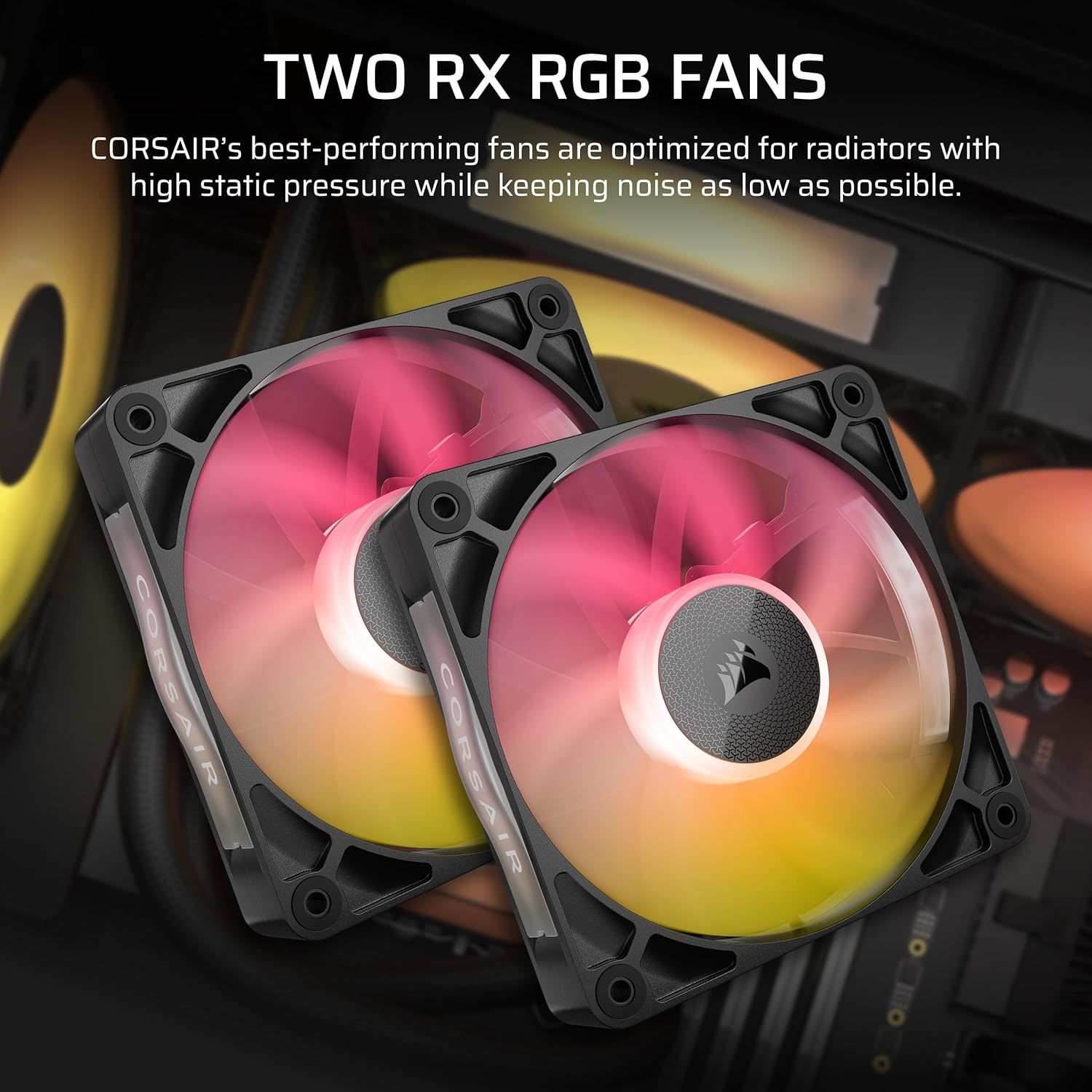
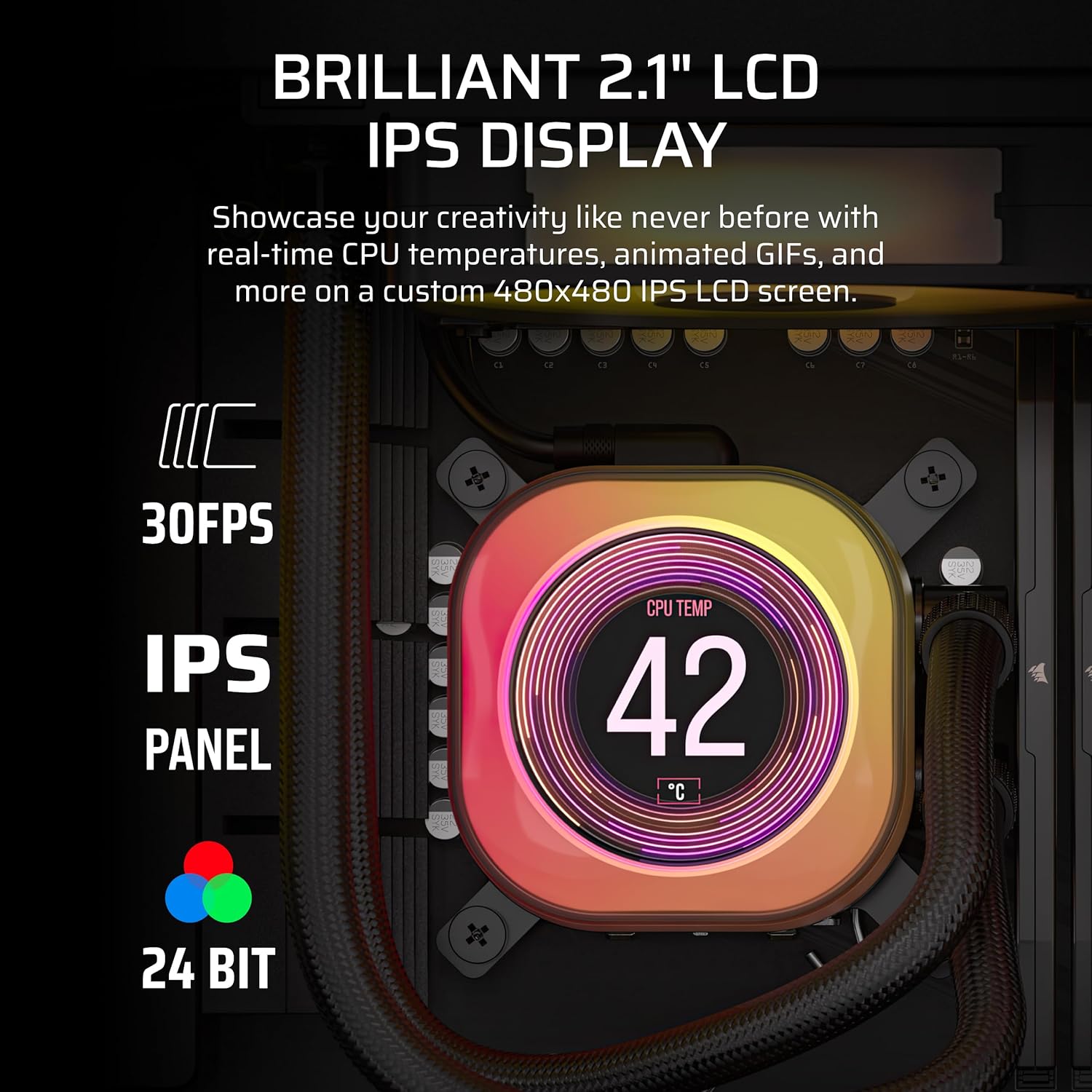
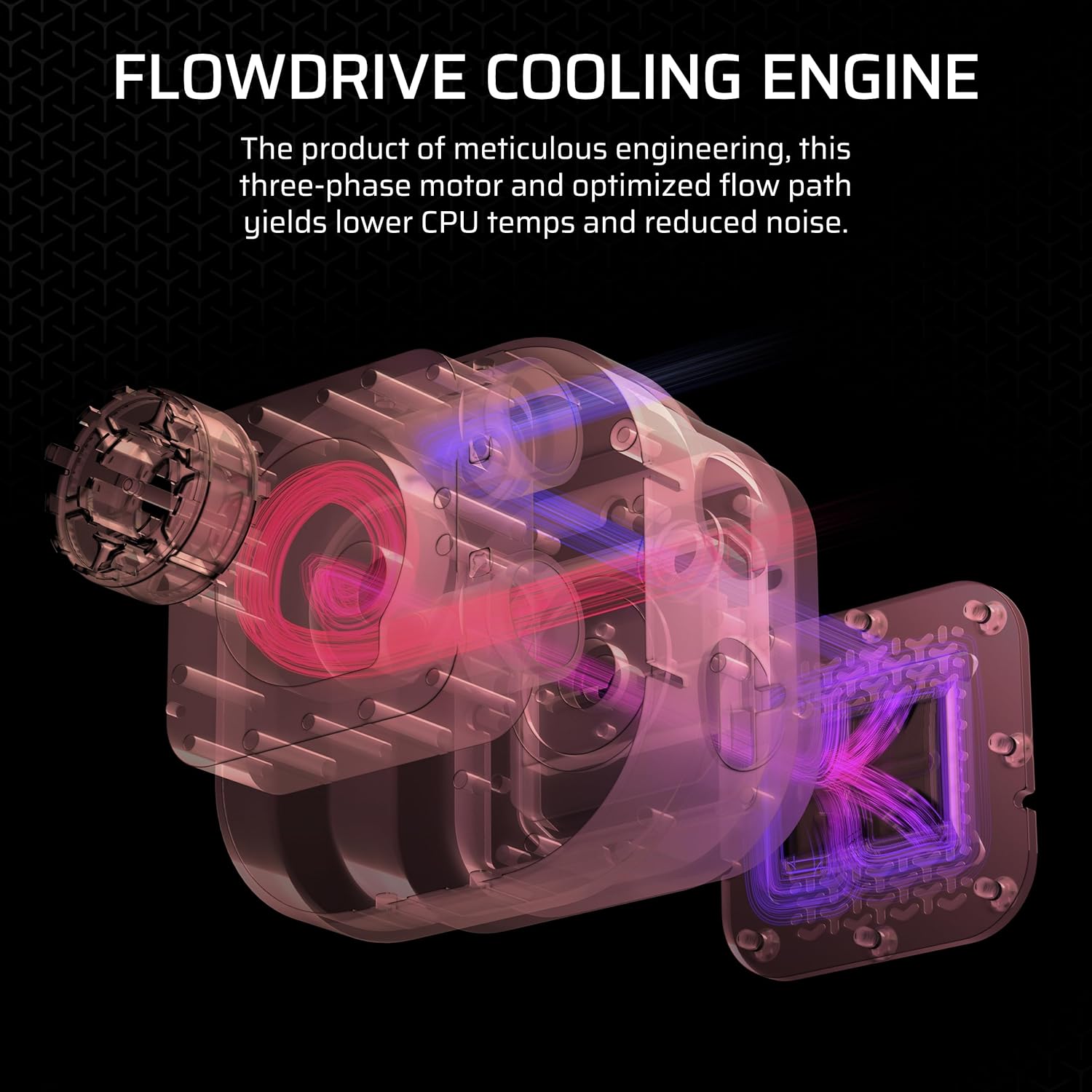
What this is and what it aims to solve\nThe Corsair iCUE LINK TITAN 240 RX LCD is a 240mm all‑in‑one liquid CPU cooler built to work within Corsair’s iCUE LINK ecosystem. On paper, it combines a FlowDrive cooling engine with a three‑phase powered pump and a precision cold plate to maximise contact with the CPU’s heat spreader. It’s designed for users who want a compact, quieter cooling solution without sacrificing performance, and who are already invested in Corsair’s iCUE hardware and software for streamlined control and aesthetics.\n\n## Design and build quality\nThe unit ships with two RX RGB fans pre‑mounted on the radiator, which are engineered for high airflow and solid static pressure. Corsair emphasises AirGuide technology and Magnetic Dome bearings to reduce noise and improve cooling efficiency. A standout feature is the built‑in 2.1’’ IPS LCD display, capable of showing real‑time CPU temperature, custom images or animations, with a bright 600cd/m² backlight and 480x480 resolution at 30 FPS. The display adds a degree of personality to a setup, but it’s also a practical window into thermal behaviour.\n\n## Connectivity and ecosystem\nA core selling point is iCUE LINK. All components connect in sequence via universal connectors, plugged into the included iCUE LINK System Hub. On paper this should simplify cabling and management, and it promises a more cohesive, expandable system without a tangle of individual cables. If you already use iCUE devices, the integration can feel natural, if not, it’s a potential learning curve but still functional.\n\n## Compatibility and installation considerations\nThe cooler targets both Intel and AMD sockets, listing LGA 1851/1700 and AM5/AM4. This broad compatibility is convenient for a wide range of mainstream builds, though always verify the exact mounting kit included and any necessary backplates for your motherboard. The radiator and fans are designed for standard 120mm class mounting, making it suitable for mid‑sized cases with adequate clearance.\n\n## Performance perspective (on paper)\nWith a high‑efficiency FlowDrive pump and a precision cold plate profile, Corsair aims for strong heat transfer and airflow across the radiator. The two RX120 fans provide robust cooling potential for a 240mm radiator, and the low noise target is reinforced by the design of the fans and pump. In practical terms, users should expect solid cooling headroom for typical multi‑core workloads and some headroom for overclocking within reasonable noise levels.\n\n## What stands out and where it may fall short\nYou’ll notice the integrated LCD as a distinct differentiator—the ability to display temps or custom visuals can personalise the build and aid quick checks without opening software. However, the LCD adds a panel that might not be essential for everyone and could draw more power or contribute minor fan noise depending on settings. The iCUE LINK connectivity is compelling for those seeking neat, modular cable management, for others, it may seem like an extra layer of ecosystem lock‑in.\n\n## Who this is for\nIf you value a premium, tidy cooling solution with modern aesthetics and you already use Corsair’s ecosystem, this cooler can fit well. It’s suitable for mid‑to‑high end builds where a 240mm radiator is appropriate and you want a display to showcase temperature or custom art. It might be less compelling if you’re building a budget system or prefer a more neutral, non‑display cooling solution.\n\n## When it makes sense to buy\nConsider this cooler if you want robust cooling with a cohesive control interface, value a large LCD panel for system monitoring, and you’re comfortable with iCUE’s software and hub approach. If you don’t need an LCD or you want simplest possible cabling, a more conventional cooler could be a cleaner choice.\n\n## Practical checks before purchasing\n- Confirm case compatibility and available clearance for a 240mm radiator with the chosen motherboard and RAM height.\n- Check that your motherboard is compatible with LGA 1851/1700 and AM5/AM4 sockets as advertised, and review the backplate requirements.\n- Decide whether the iCUE LINK System Hub and the possibility of expanding the ecosystem align with your future upgrade plans.\n- Consider whether you want the LCD display to play a functional role (monitoring visuals) or just cosmetic flair.\n\n## Practical use case\nImagine a PC build where you’re running sustained workloads: photo editing with long renders or a game session with streaming. The TITAN 240 RX LCD would maintain cooler CPU temperatures while keeping the chassis visually cohesive through iCUE lighting and a live temperature readout on the display. It’s not about chasing every last degree of overclocking, it’s about balanced cooling with a tidy, informative presentation.\n\n## Final decision point\nIs it worth it? A solid pick if you value integrated monitoring on the LCD, prefer a connected cooling solution within the iCUE ecosystem, and want the cleaner, cable‑friendly setup a hub‑based approach offers. It may not be the best fit if you prioritise a very compact build, a non‑display aesthetic, or a budget‑conscious plan.\n\n## FAQ\n- Do I need to use the iCUE software to control lighting and performance? Yes, the system is designed to operate within the iCUE ecosystem, including the System Hub.\n- Will the LCD display affect cooling performance? The display is primarily an output panel, it should not significantly alter cooling performance beyond the power draw and potential minor air movement changes.\n- Can I upgrade the fans or swap the radiator size easily? The kit provides RX RGB fans pre‑mounted, switching to different fans or radiators may require compatibility checks with the hub and mounting points.