

Corsair Nautilus 240 RS LCD Liquid CPU Cooler with 2x RS120 Fans (White)
Product description
What it is
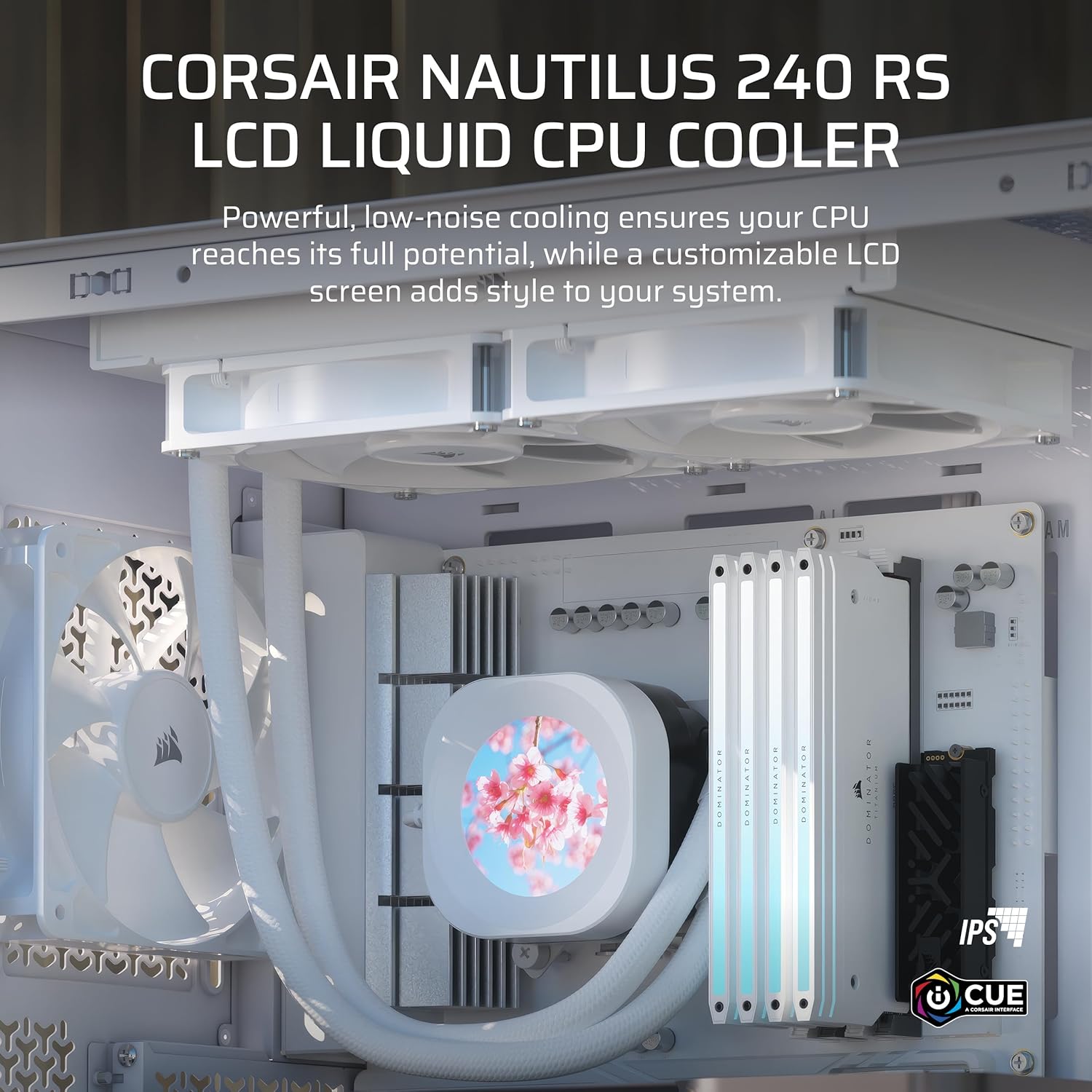
The Corsair Nautilus 240 RS LCD is a 240mm AIO liquid CPU cooler that combines practical cooling performance with a customisable 2.1-inch IPS LCD screen. It’s designed to keep modern CPUs in check while offering a dash of personality through the display, making it a sensible choice for compact builds or systems where thermal headroom matters.
How it performs on paper
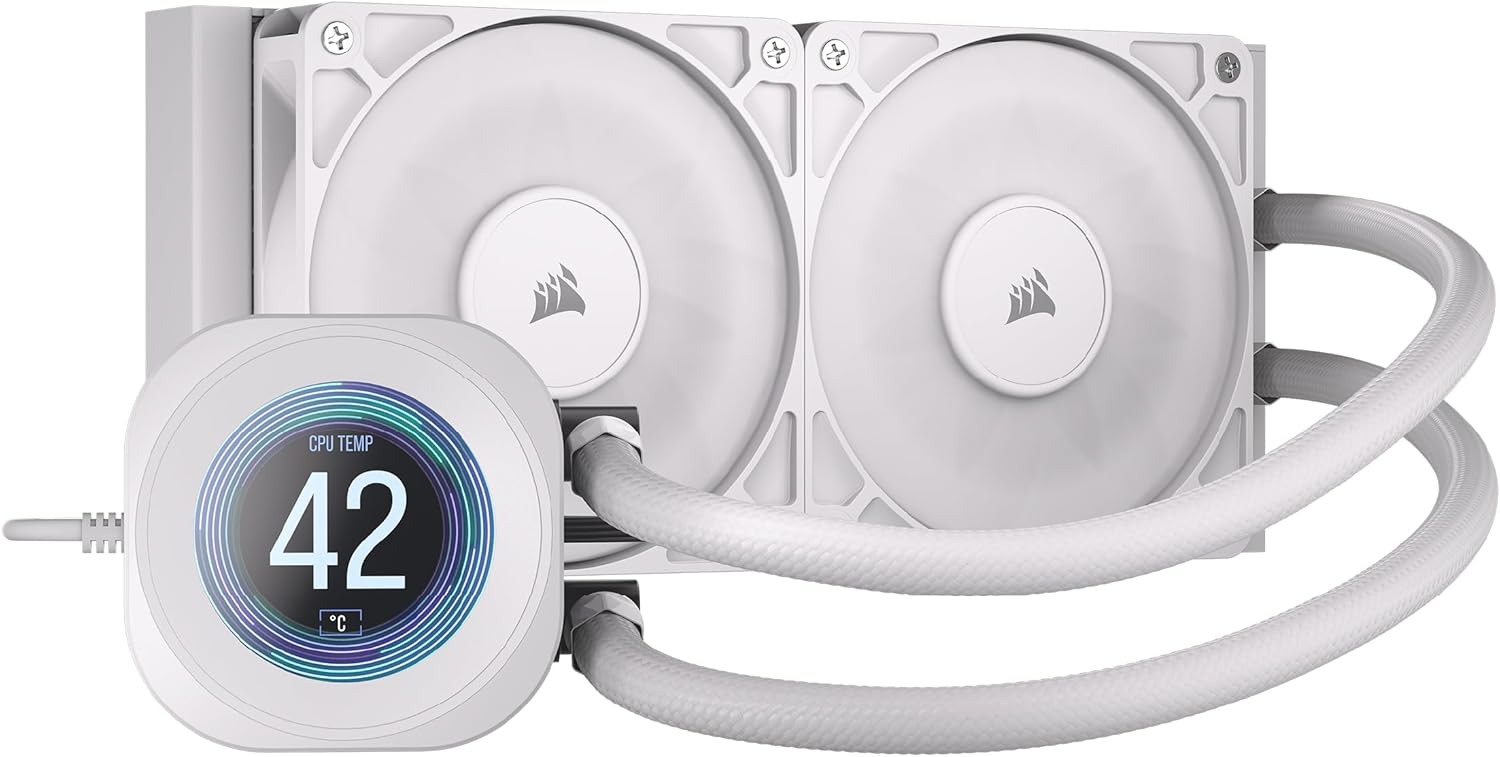
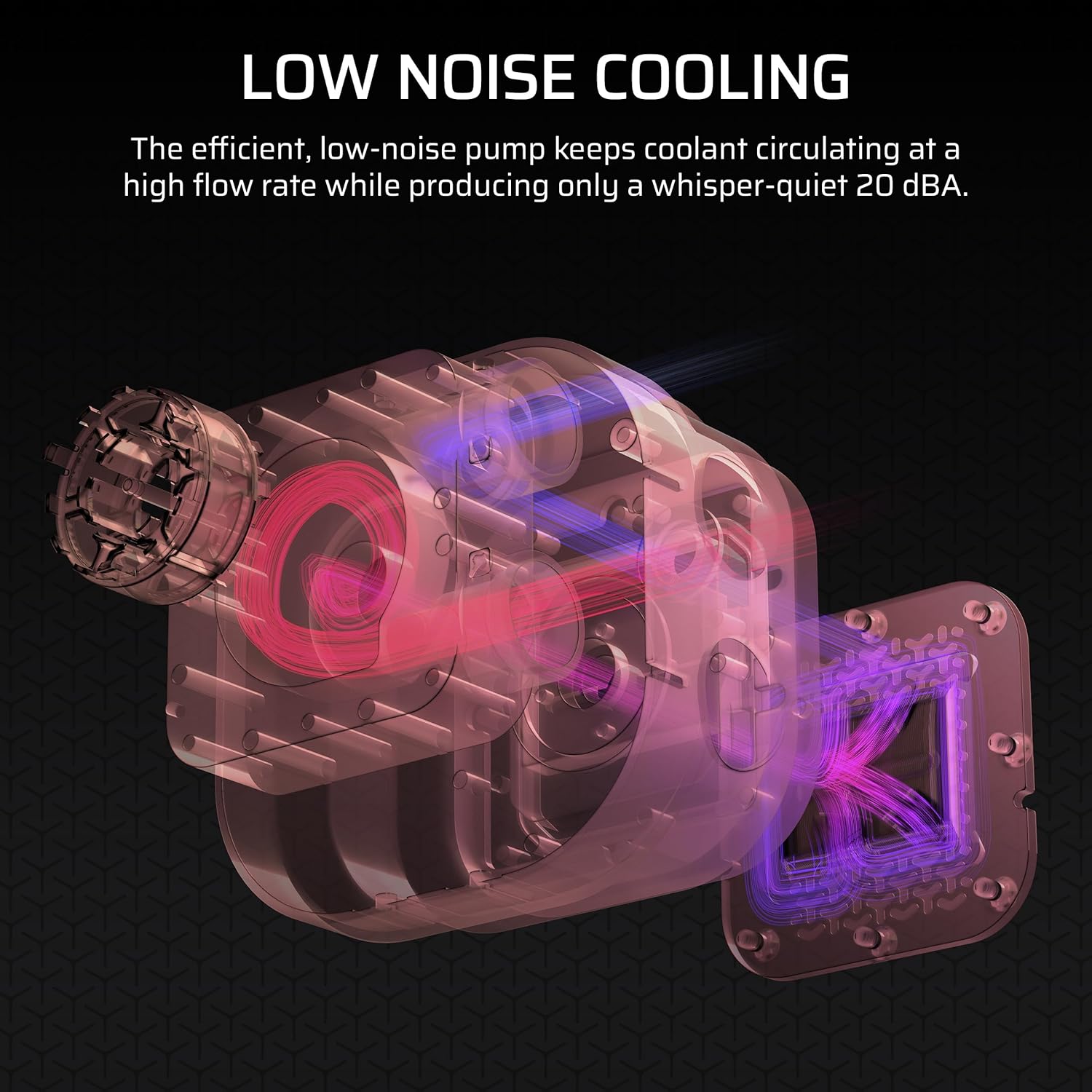
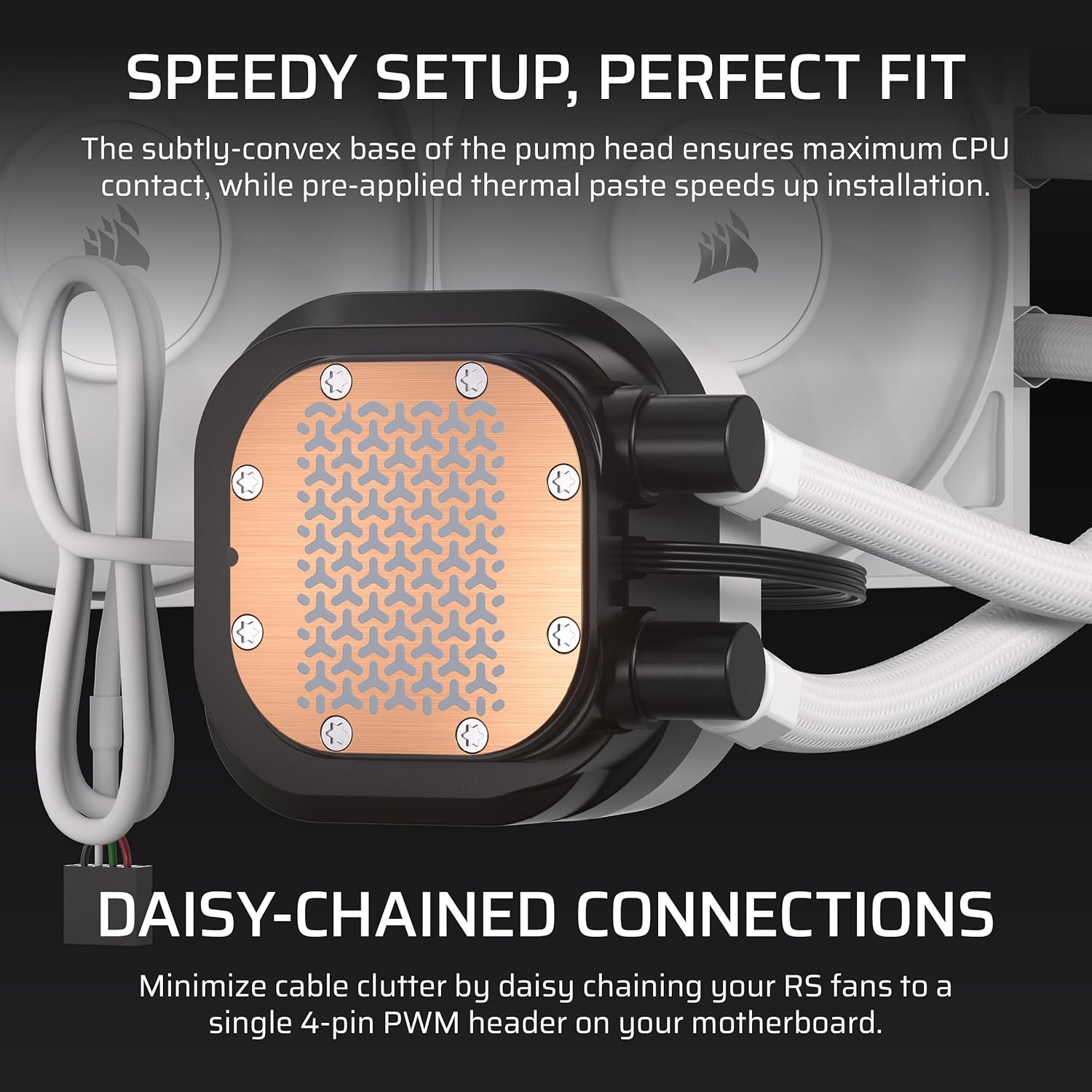
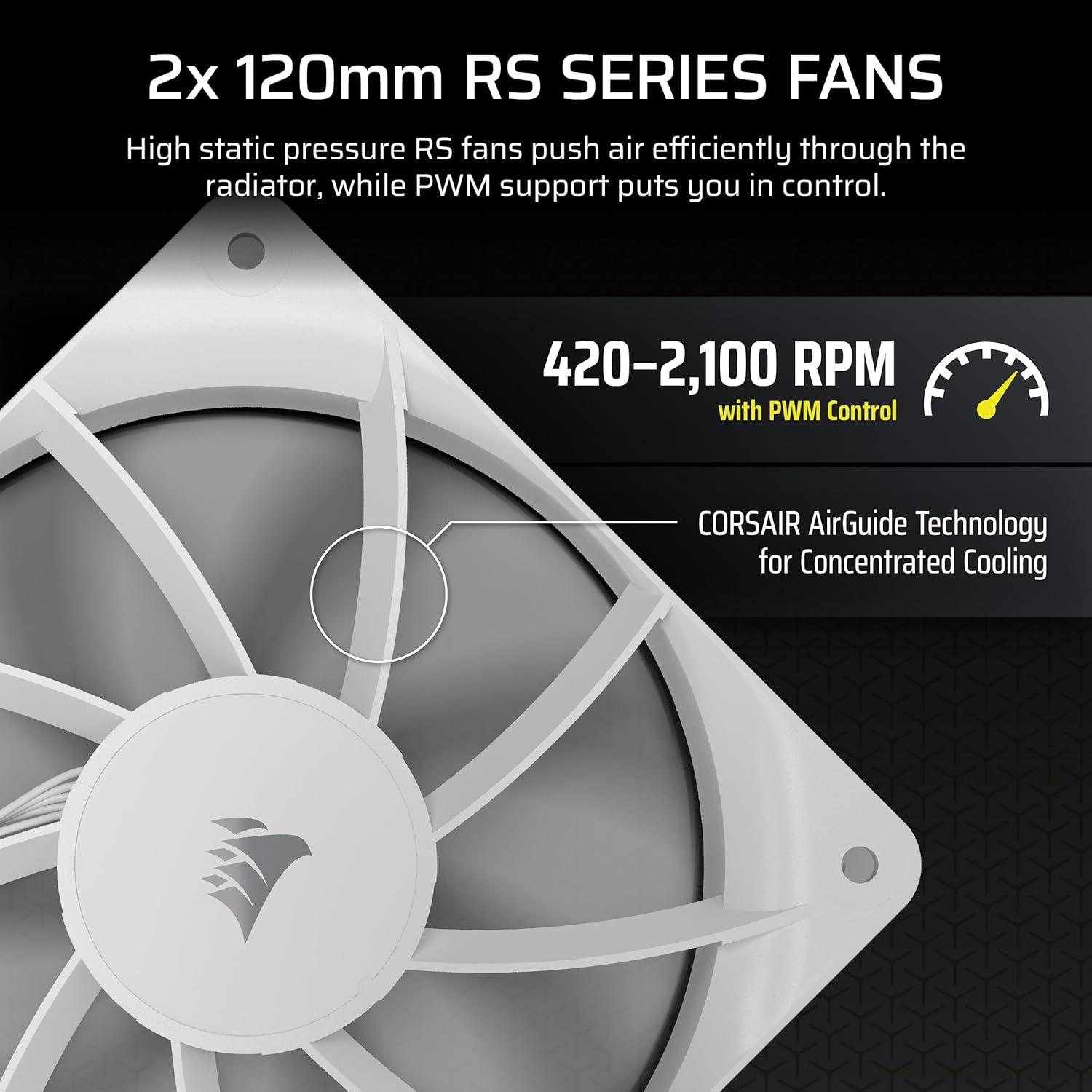
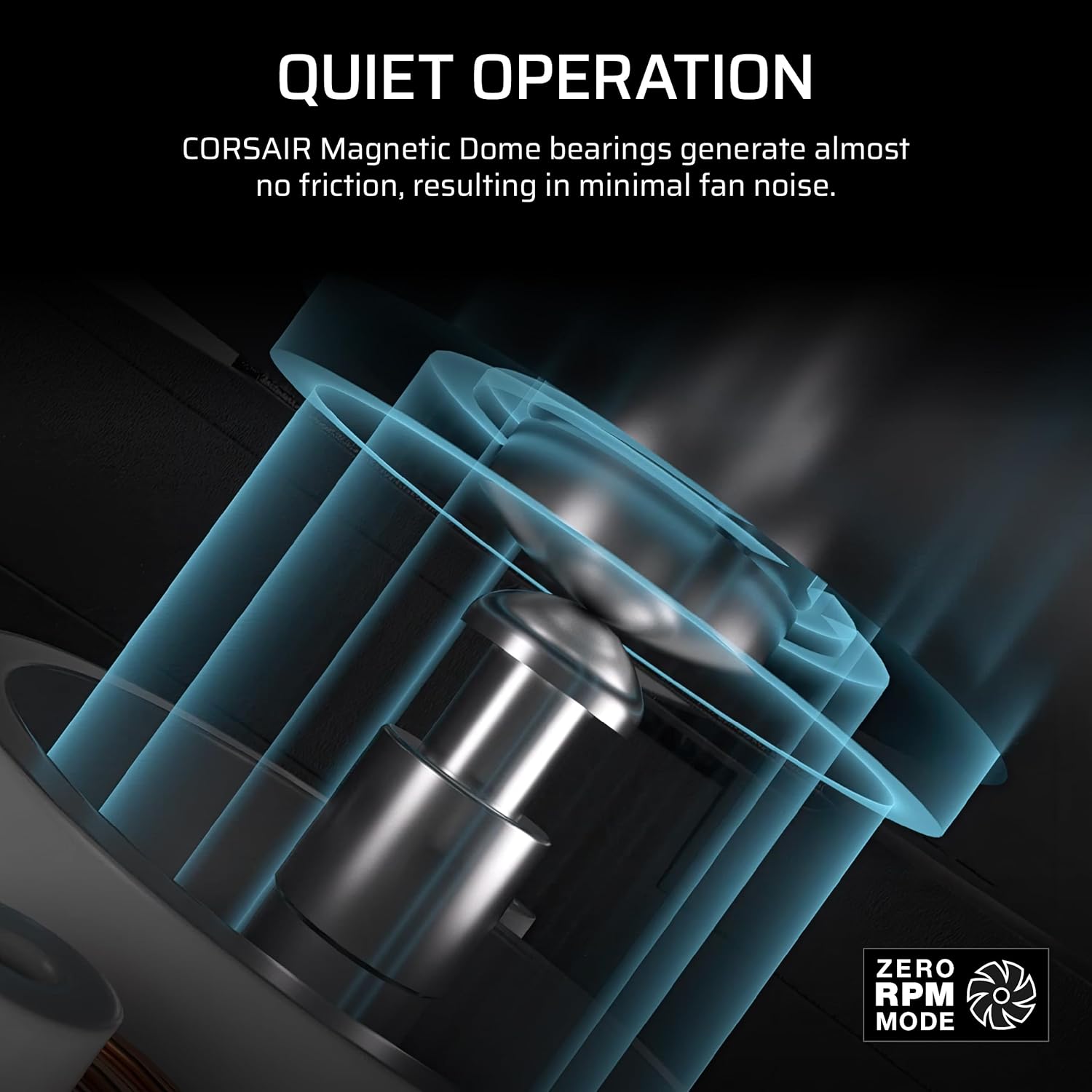
On the cooling side, the flat-lander radiator paired with two RS120 fans aims to deliver solid static pressure and airflow. The pump is described as efficient and low-noise, operating around 20 dBA under typical loads. The cold plate is convex and comes with pre-applied thermal paste, which should streamline installation and improve initial contact with the CPU’s heat spreader.
What stands out in use
In practice, you’ll likely notice a fairly quiet operation at moderate loads, with the LCD screen giving an at-a-glance readout of system data or custom images. The daisy-chain capability is mentioned, which can simplify cabling in builds that support Corsair components, reducing visible clutter and potentially improving airflow paths.
Where it fits best
This cooler seems well-suited to mainstream desktop systems that use Intel LGA 1851/1700 or AMD AM4/AM5 sockets, including both existing builds and upgrades. The white finish offers a clean, unobtrusive look that can blend into various aesthetics without shouting for attention.
What could be better
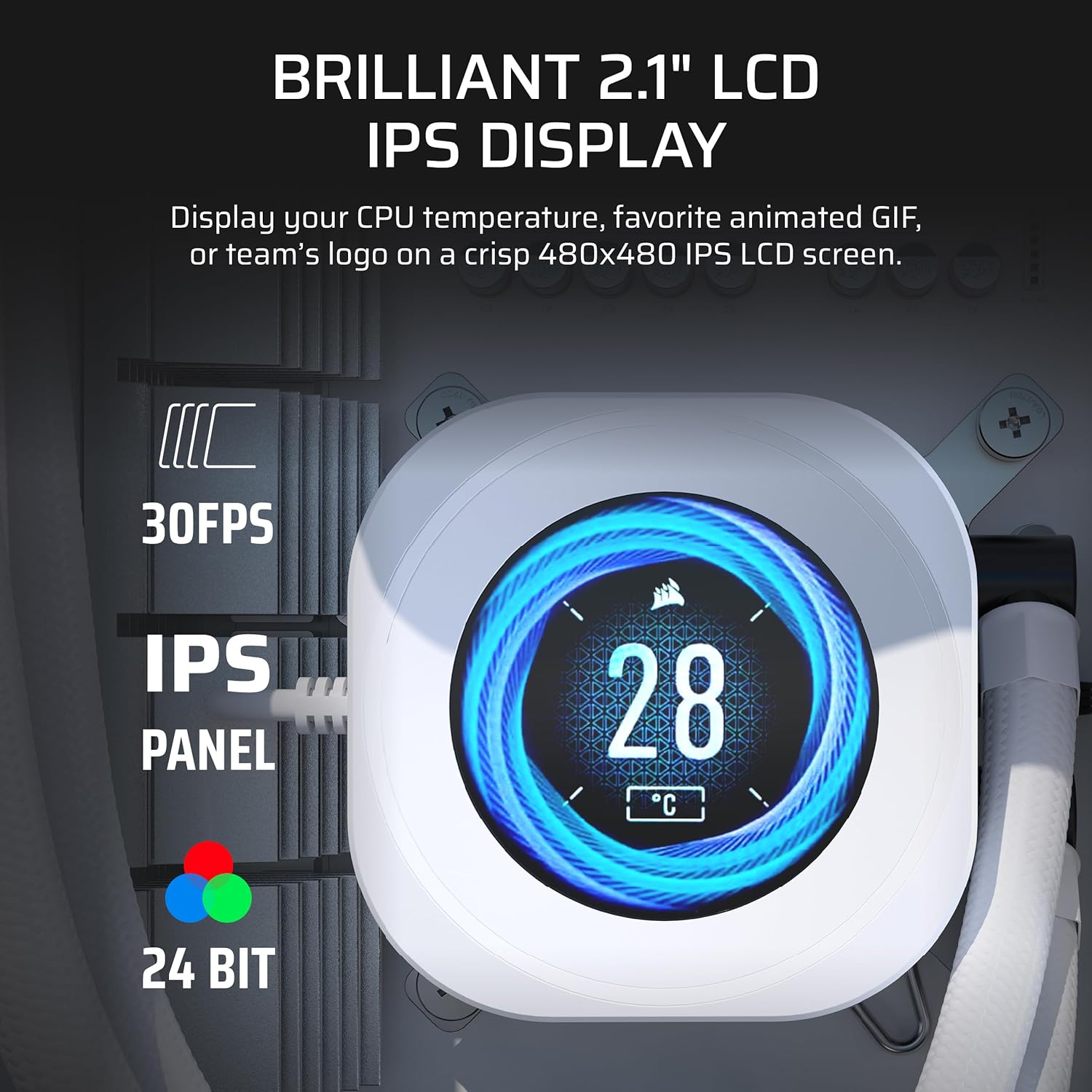
On the downside, the feature set focuses on value rather than extreme overclocking capability. The LCD adds visual appeal, but for users prioritising raw cooling performance or custom loop experimentation, some may wish for more advanced control or additional tubing options. As with many all-in-ones, lift-and-fill or long-term longevity will depend on pump wear and coolant quality over time.
Who this is for
If you’re after a mid-range, low-noise CPU cooling solution with a dash of modern tech (the LCD display) and straightforward installation, the Nautilus 240 RS fits the bill. It’s a practical upgrade for users building a quiet, aesthetically clean PC or those who value a readable, customisable display in their case.
Who it isn’t for
If you chase maximum overclocking headroom or require extremely low temperatures under sustained heavy loads, you might look for more aggressive cooling arrangements or a higher-end custom loop. For those who prioritise pure aesthetics over performance, the LCD feature adds a personal touch, but it’s not essential to cooling efficacy.
What to check before buying
- Confirm socket compatibility (Intel LGA 1851/1700 or AMD AM4/AM5) for your motherboard.
- Consider case clearance: a 240 mm radiator needs enough space and mounting support.
- Review your preference for a white finish in your build and how the LCD will be used (data display vs. imagery).
- Think about cable routing, the daisy-chain feature can help reduce clutter but ensure your Corsair ecosystem supports it.
How it compares to other approaches
Compared with air coolers of similar size, this AIO offers likely lower noise at idle and a more compact footprint for small-to-m Medium builds. When compared to higher-end AIOs or full custom loops, it provides decent performance for everyday gaming and productivity, with less maintenance and at a more predictable price point.
What you’ll notice day to day
In daily use, you’ll experience steady cooling performance while enjoying a simple, controlled visual element from the LCD. It’s not a gateway to extreme DIY features, but it does provide a quiet operation that can suit most working or gaming setups without dominating the sound profile.
FAQ
- Does the LCD display matter for cooling performance? Not directly, it’s a cosmetic and informational feature rather than a cooling driver.
- Is installation straightforward? The pre-applied paste and convex cold plate aid initial contact, but ensure you follow Corsair’s fitting instructions for your socket.
- Can I daisy-chain with other Corsair components? The product supports daisy-chaining, which can simplify cable management if you have compatible devices.
Is it worth it?
It makes sense if you want a compact, low-noise 240 mm AIO with an integrated LCD for a personalised build aesthetic and easier cable management, especially on mid-range systems. It may not be the best option if you’re chasing extreme cooling headroom or a pure performance-first setup.