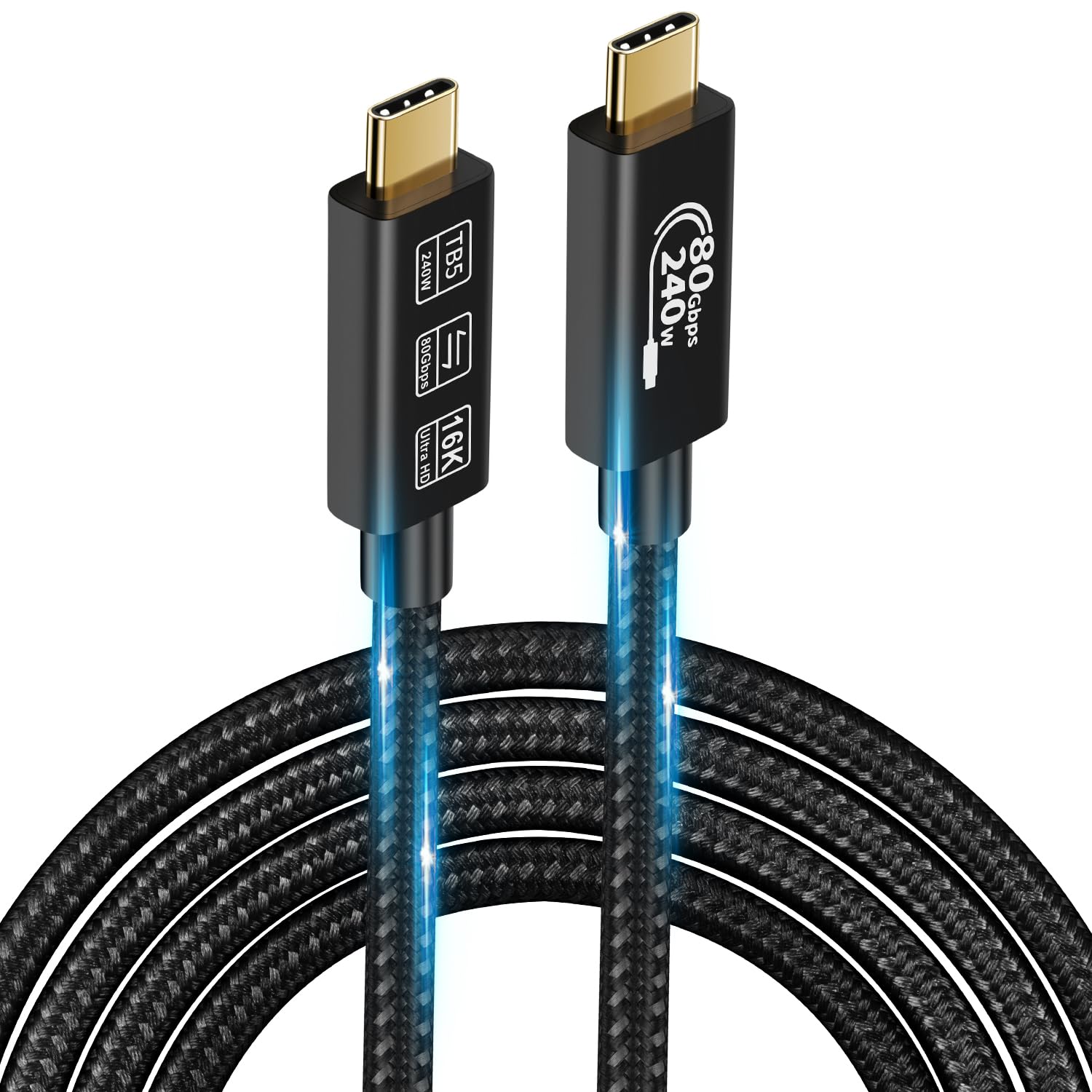
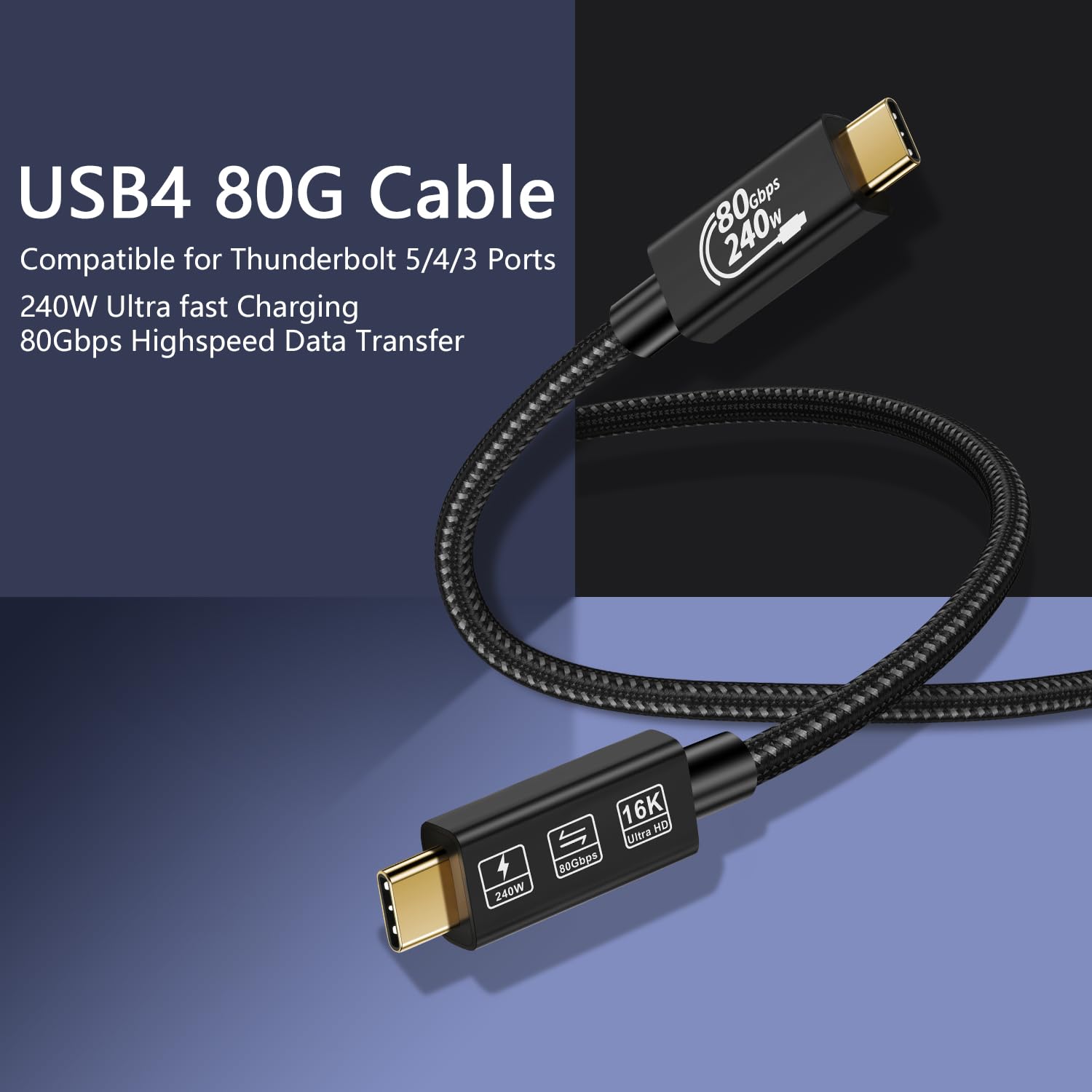
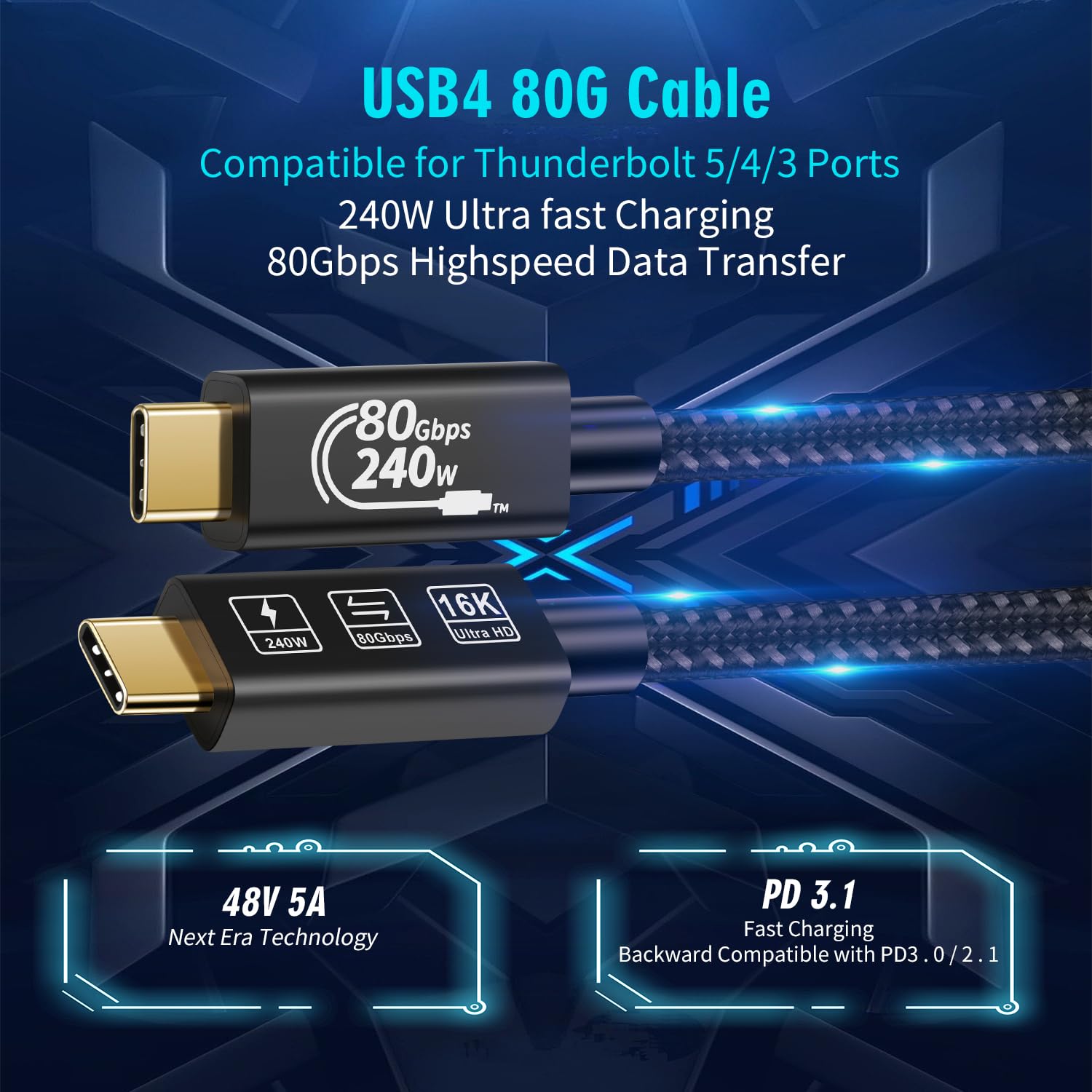
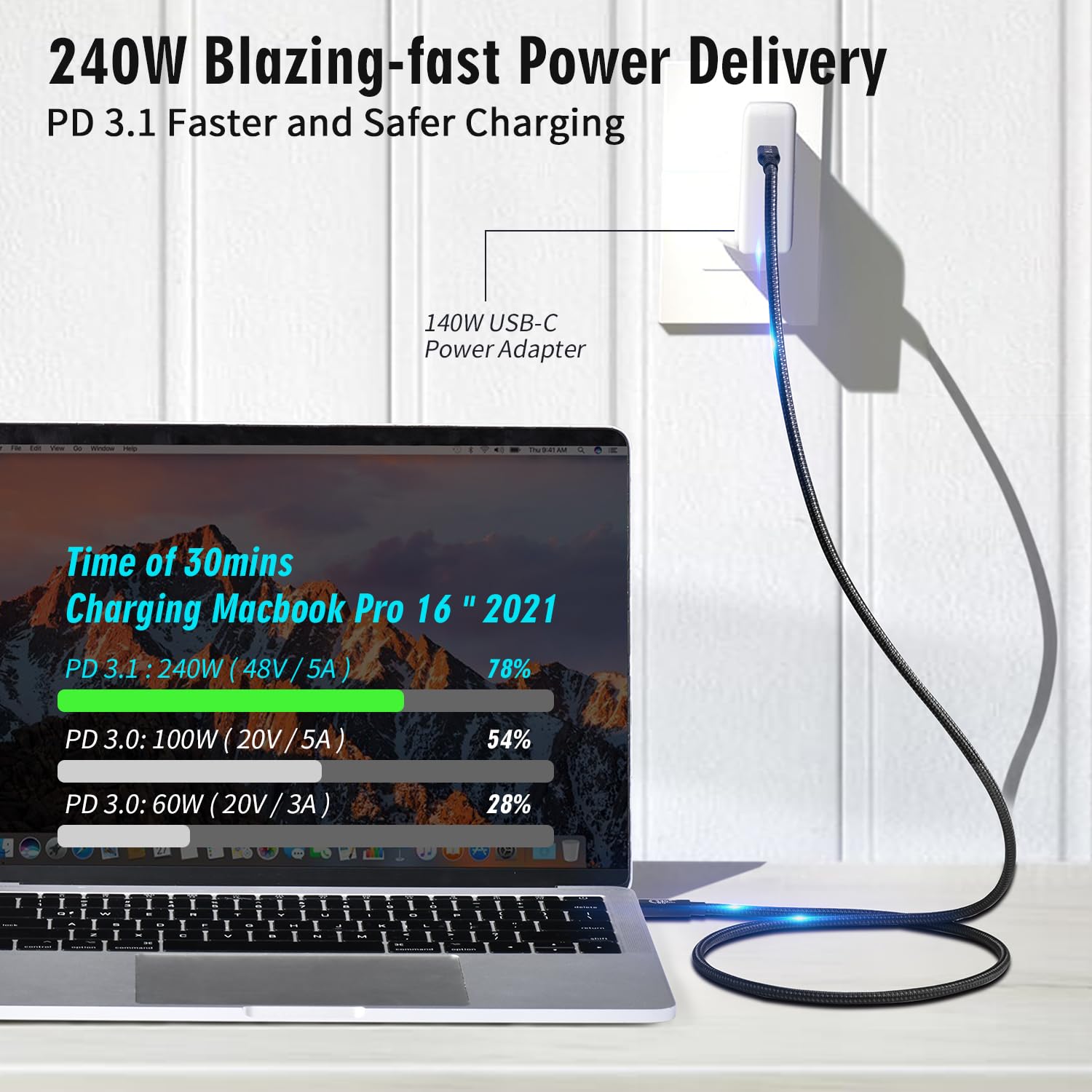
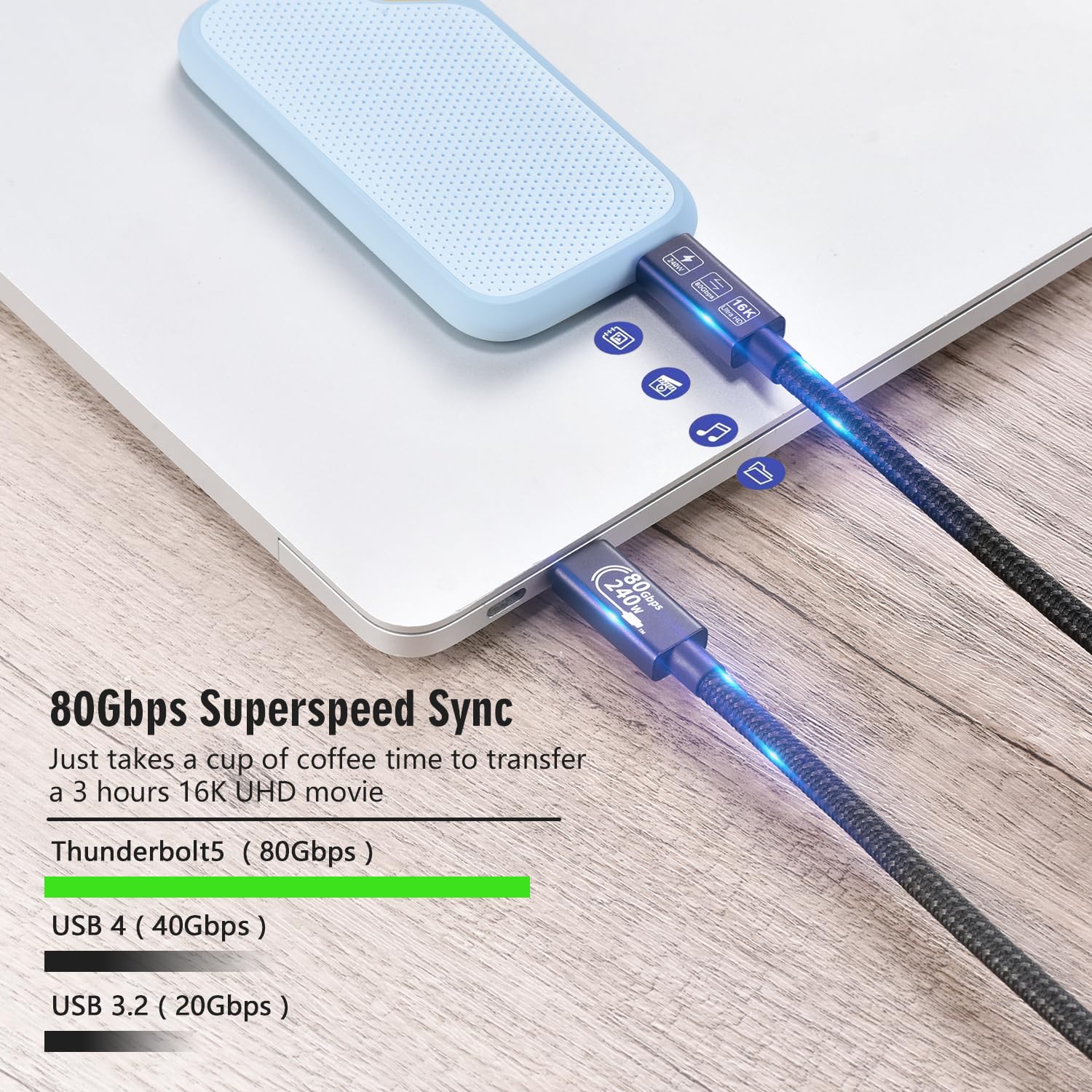
What this product is and what it solves\nThis CHENLENIC USB4 Cable is a USB-C to USB-C lead designed for high-end data transfer and powering compatible devices. It targets users who want a single cable to handle fast charging, multiple display outputs, and speedy data movement between laptops, docks, hubs, and SSDs. On the paper specifications, it supports up to 240 W charging, a key benefit for devices that demand substantial power delivery, such as certain laptops and hubs, without needing a separate power brick for every accessory. In practical terms, that level of power delivery can simplify desk setup and reduce cable clutter, especially when you’re working with a compact or mobile workstation.\n\n## How it performs on paper\nThe cable advertises Thunderbolt 5 data transfer speeds up to 80 Gbps, which is described as up to eight times faster than USB 3.0. This makes it plausible for rapid file transfers and smooth operation with high-bandwidth peripherals. The same spec implies strong compatibility with USB4 gen4 devices and Thunderbolt 5/4/3 ports, with backward compatibility to USB 3.x generations. It’s worth noting that real-world speeds depend on the connected devices and ports used.\n\n## Visual output and display capabilities\nThe product claims support for 16K@60Hz or dual 8K@60Hz monitors, as well as two 4K@60Hz displays simultaneously. If these figures align with what your setup requires, this cable could reduce the need for multiple video cables. However, such high-resolution outputs usually depend on both the host’s and display’s capabilities, so you may not always see the full spec in everyday use.\n\n## Build quality and longevity\nPhysical design highlights include 24K gold-plated connectors and a robust aluminum alloy housing with strain relief. These touches are aimed at durability and reliable contact over time, which matters when you frequently connect and disconnect or route cables behind a workstation. The claimed lifetime support—18 months warranty plus lifetime technical support—adds reassurance beyond the initial purchase.\n\n## Compatibility and practical use\nThe cable is described as widely compatible across USB4 gen4, Thunderbolt 5/4/3, and various USB-C devices, including laptops, monitors, hubs, docks, SSDs, and even Apple devices that use USB-C. If your setup spans multiple generations of USB-C/Thunderbolt devices, this cable could simplify connectivity by offering a single, versatile solution.\n\n## Who it’s for and when it makes sense\nIt makes sense for professionals who need fast data transfer, substantial power delivery, and high-resolution display support from a single cable. It’s particularly relevant if you’re consolidating a desk with a dock, external GPU, or multiple high-bandwidth peripherals. It may be less compelling if your devices don’t support Thunderbolt 5 or if you primarily use lower-resolution displays. Also, keep in mind that the top-end specs assume compatible devices, in many everyday scenarios you might see more modest benefits.\n\n## What to check before buying\n- Ensure your host device and peripherals can exploit up to 80 Gbps data transfer and 240 W charging.\n- Confirm your monitors support 16K@60Hz or dual 8K@60Hz if you plan to run at those resolutions.\n- Verify whether you actually need a 1.5 m length in your workspace.\n- Consider whether your setup will benefit from a single cable for power, video and data or if separate cables are already serving you well.\n\n## Practical usage example\nImagine a laptop connected to a high-end dock with multiple drives and an external monitor. With this cable, you could charge the laptop at a high rate while streaming large media files or editing 8K footage to an external display without noticeable latency. It’s not a guarantee for every scenario, but the premise is that a single robust link keeps desktop clutter down and supports demanding workflows.\n\n## Final decision\nIs it worth it? It depends on your needs for speed, power and display potential. If you prioritise a unified high-performance connection for a TB5-capable setup and you’re comfortable with the possibility that real-world speeds vary by device, this cable is worth considering. It may not be the best fit if you don’t require such extreme bandwidth or if your devices don’t utilise Thunderbolt 5 features.\n\n## FAQ (brief)\n- Will this cable work with my USB-C charger and laptop? Yes, if your devices support USB4 gen4 or Thunderbolt 5/4/3 and the charger can deliver up to 240 W.\n- Do I always get 80 Gbps speed? speeds vary by device and port support, real-world results depend on the connected hardware.\n- Can I use this as a display cable for standard Full HD monitors? It will support DisplayPort Alt Mode, but actual display capabilities depend on the host and monitor.