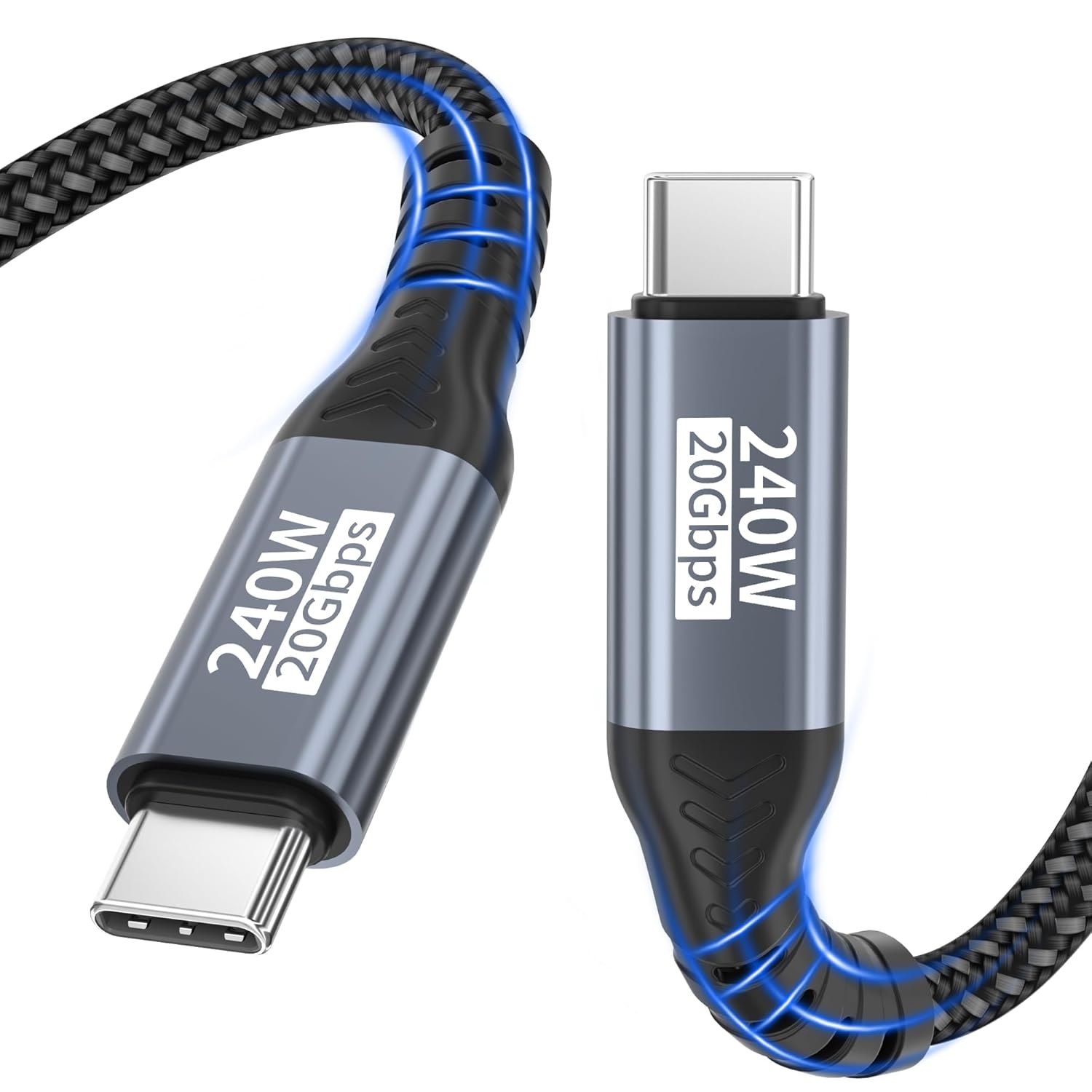
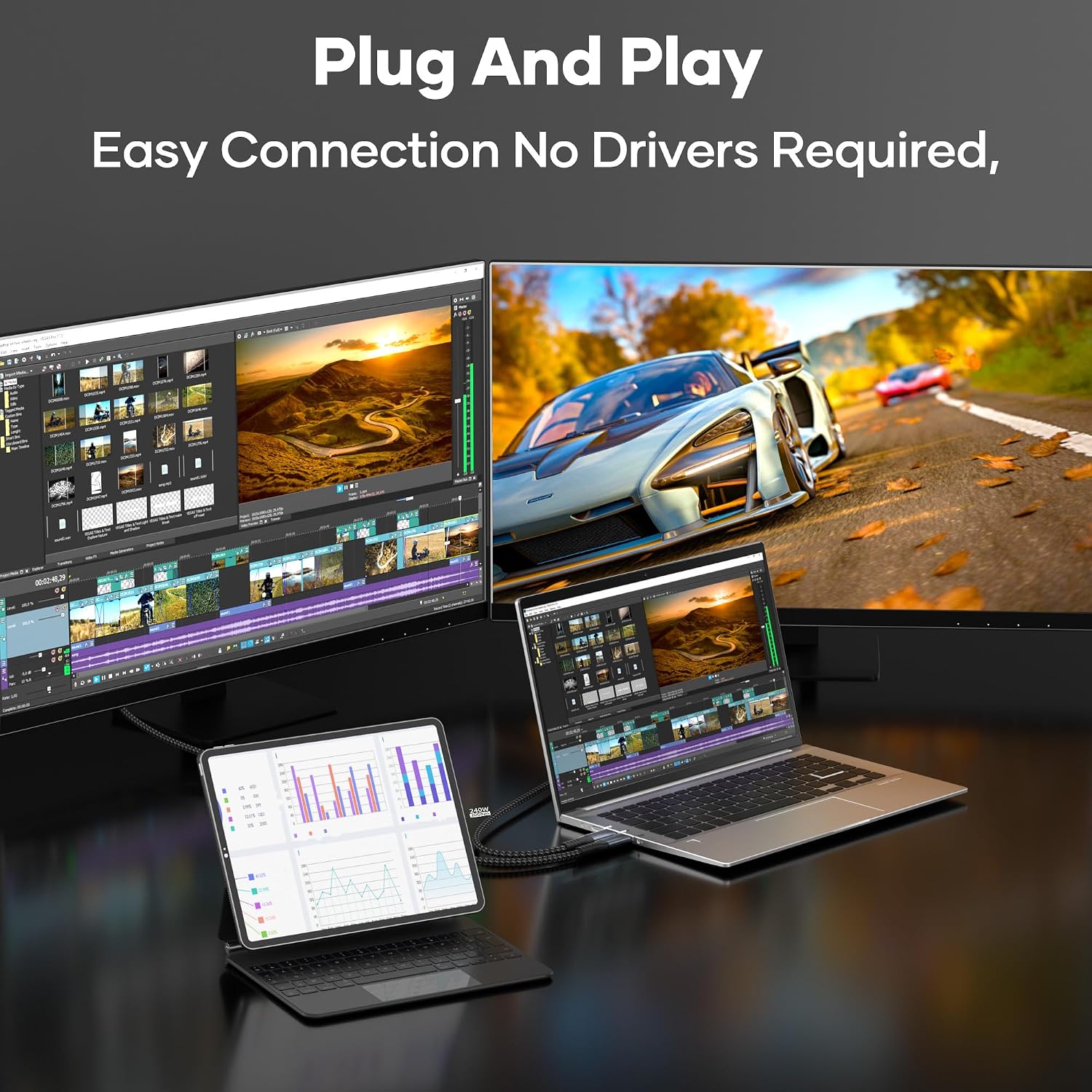
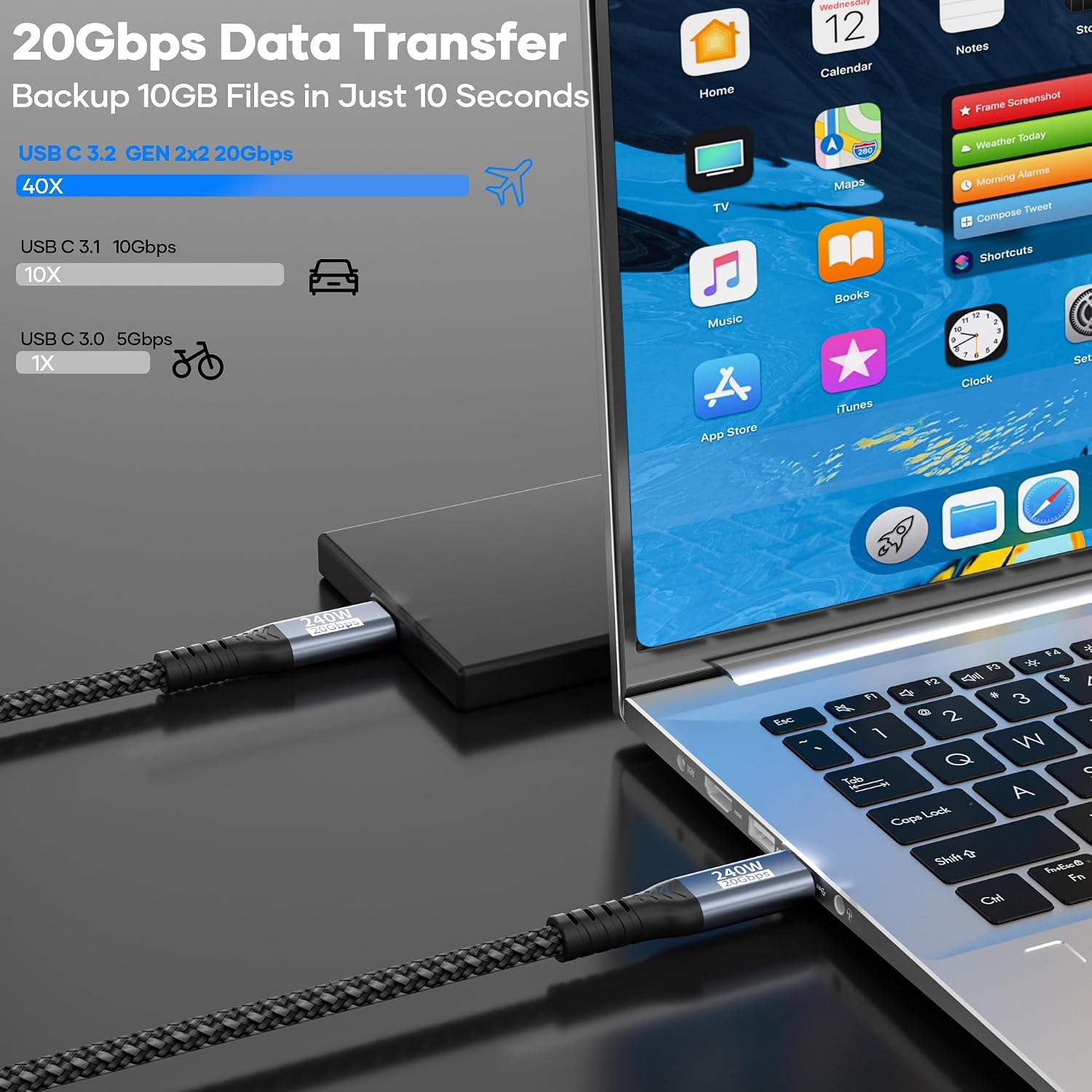
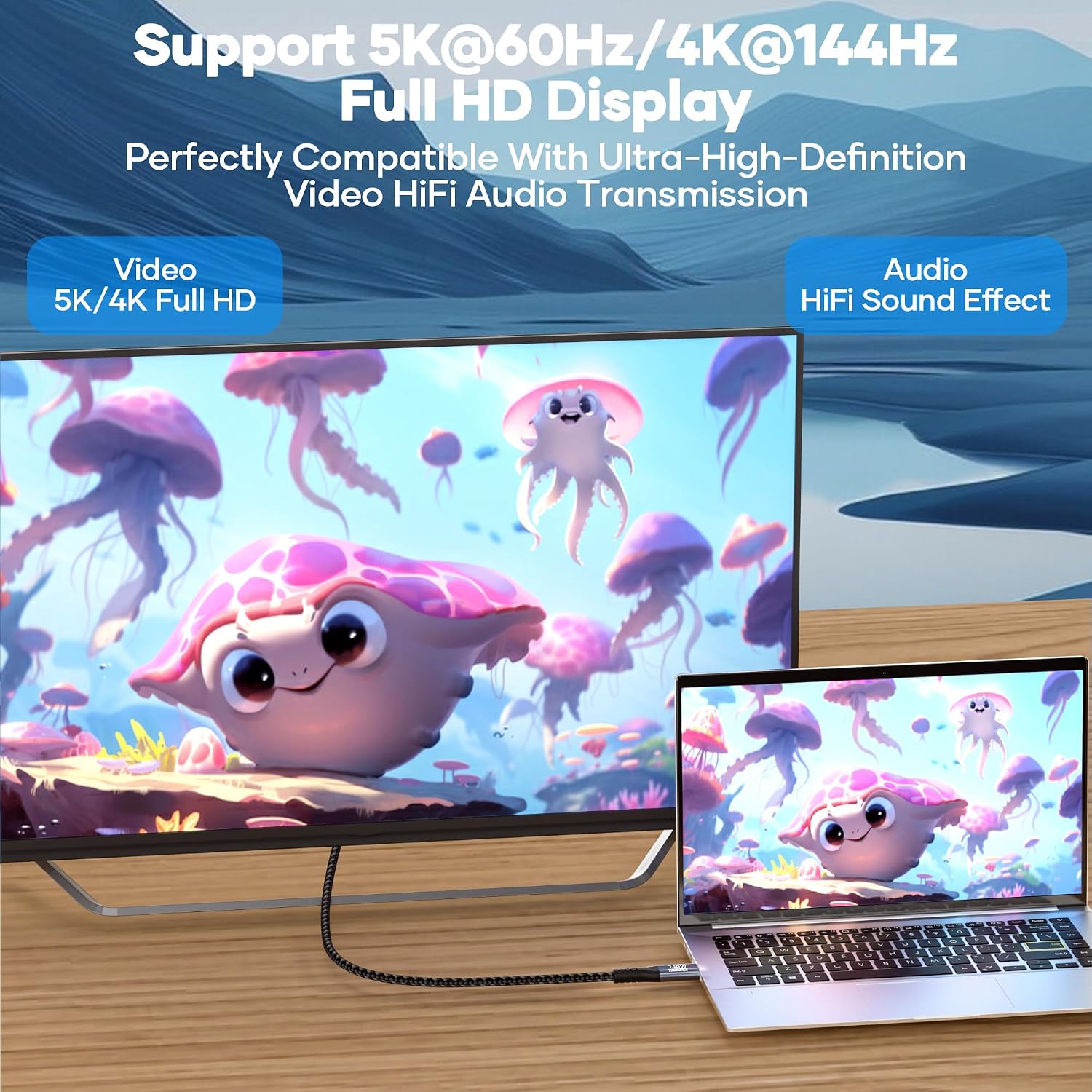
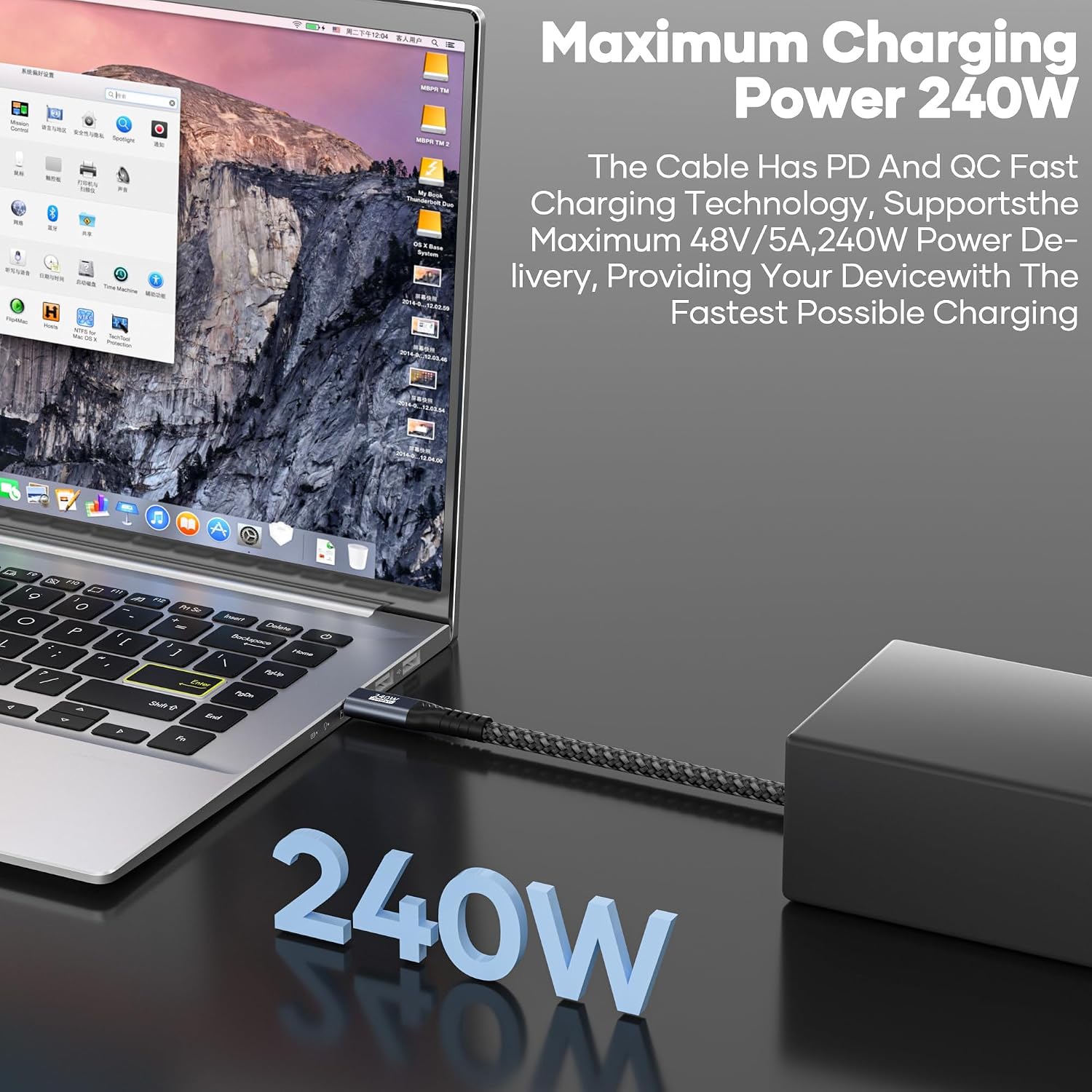
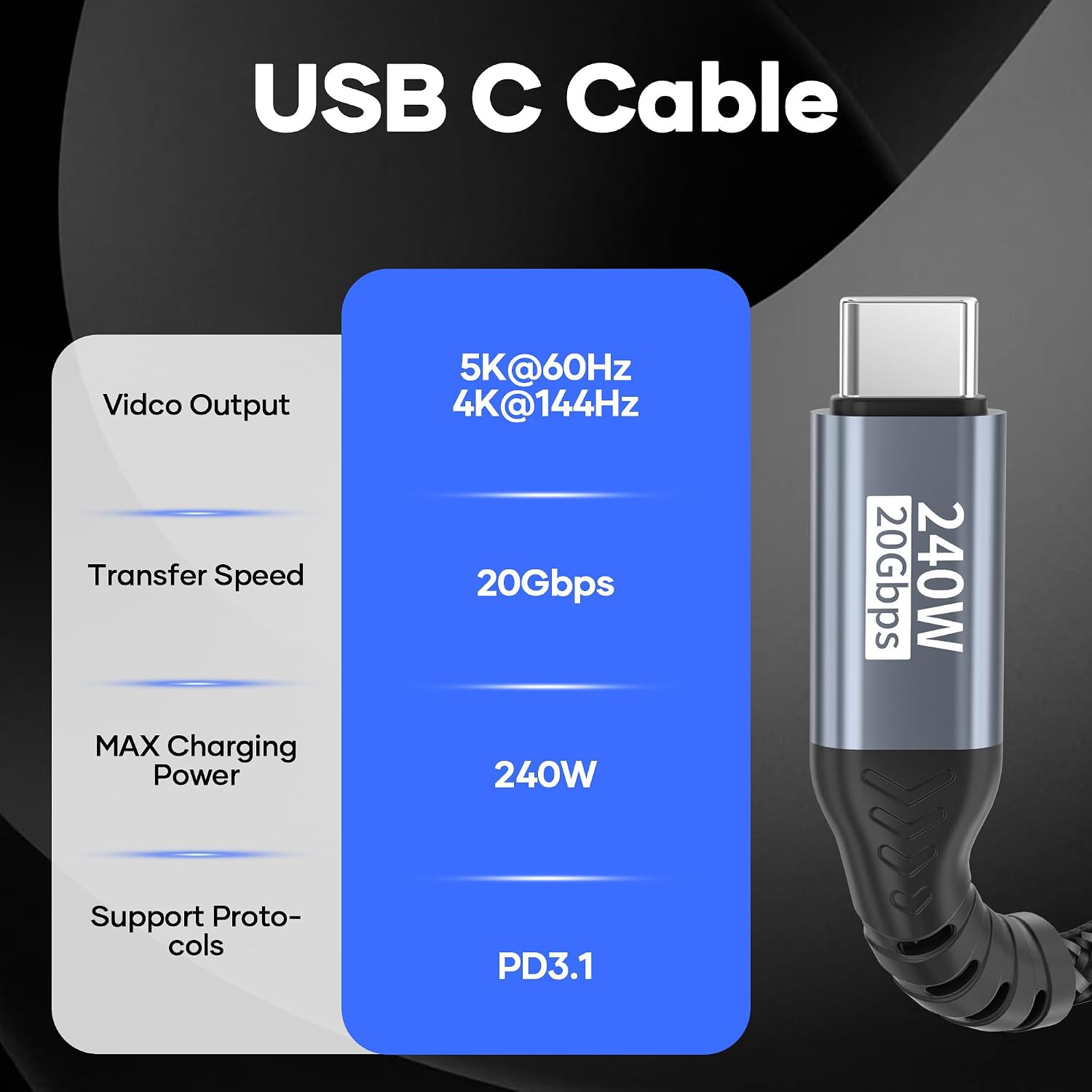
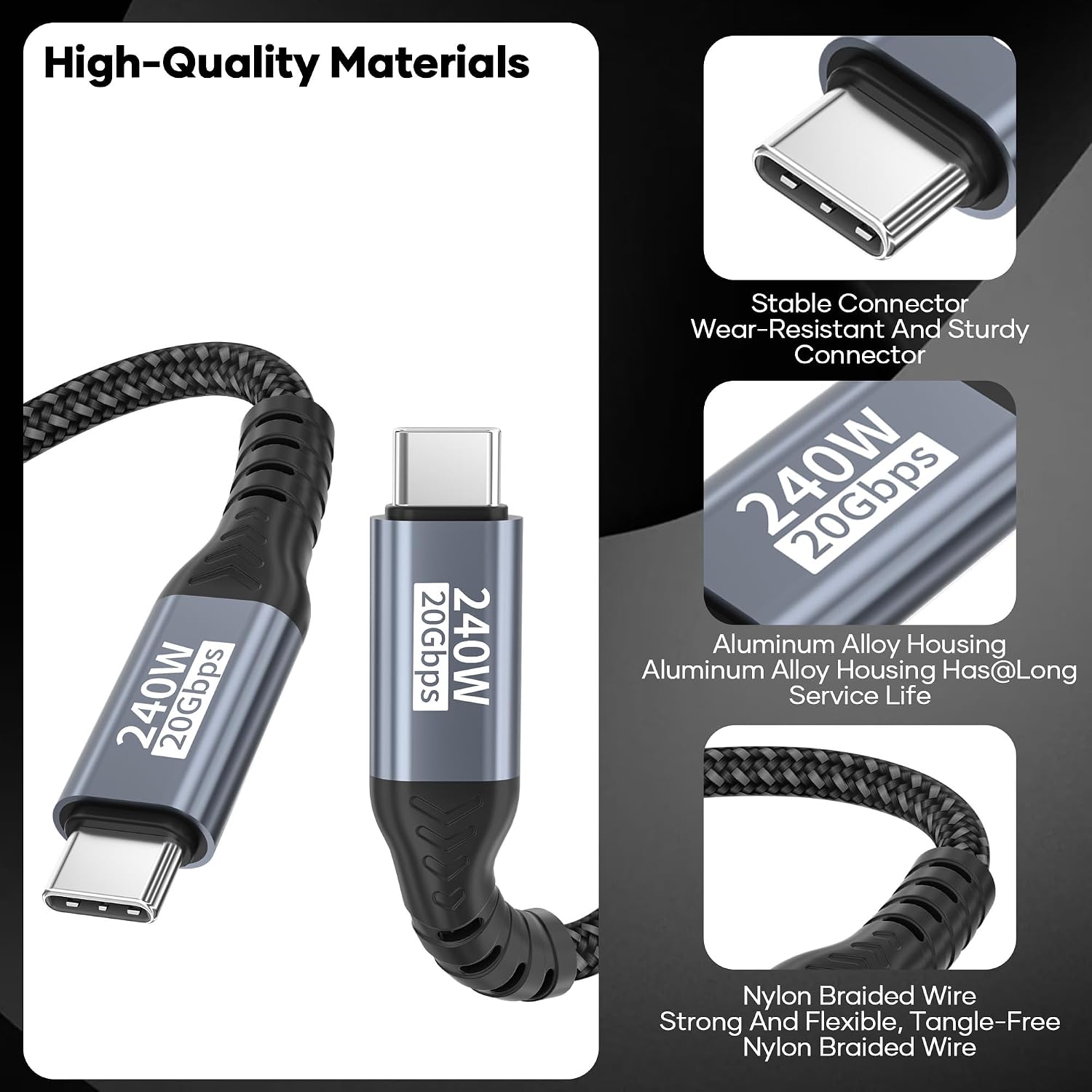
What this cable is and what it’s for\nThis USB C to USB C data and charging cable is designed to connect USB C devices for high‑speed data transfer, substantial charging power, and capable video output. It speaks to users who want a single, reliable solution for moving large files, powering devices, and driving external displays from a USB C host. On paper, the spec sheet reads as a comprehensive kit: 20Gbps data transfer under USB 3.2 Gen2x2, PD 3.1 fast charging up to 240W, and support for 4K at 144Hz or 5K at 60Hz video output when paired with compatible devices. In practice, that means you can back up big photo libraries quickly, juice up a capable laptop or tablet, and drive a USB C monitor where supported.\n\n## Key features at a glance\nThe cable uses a triple‑protected nylon braid for durability and flexibility, backed by an aluminium housing for structural strength. It’s designed to be tangle‑resistant and robust enough for daily use, including routine plugging and unplugging. An integrated E‑Marker chip helps regulate current, which is intended to protect connected devices and help extend battery life. The construction is tested for long life, with a bend test reported at 20,000 cycles.\n\n## How the speed and power figures translate to real use\nTo achieve the claimed 20Gbps transfer rate, both ends must connect to USB 3.2 or higher devices (such as USB 4 or Thunderbolt 3/4). If you’re simply moving a few gigabytes or charging a device at sensible speeds, you’ll still see solid performance, but the full 20Gbps and the higher charging end are realistically earned in compatible setups. Fast charging up to 240W is supported via PD 3.1 and QC 4.0+ protocols, making it suitable for a range of high‑drain devices. If your device only supports lower wattages, you’ll still benefit from the efficient charging but not the top end.\n\n## Who this is for\nThis cable suits users with newer USB C laptops, iPads, or iPhone models that can take advantage of USB C PD charging and DP Alt Mode video output. It’s useful for professionals who need rapid file transfers, creators with 4K or higher display needs, and anyone seeking a single cable for data, charging, and video when the device supports the relevant standards. It is particularly practical for those who work across multiple USB C devices, including desktops, laptops, and displays.\n\n## Limitations and when it may not be the best fit\nNot every USB C device supports 20Gbps or DP Alt Mode. If your setup relies on older USB generations, or if your monitor doesn’t support DP Alt Mode, you may not see the extreme performance in practice. The video output note also means you should verify that your display and host devices support the required modes. For those who don’t require 240W charging or high‑refresh video, a simpler, cheaper USB C to USB C cable could meet daily needs just as well.\n\n## What to check before you buy\n- Ensure both ends and the devices support USB 3.2 Gen2x2 or higher to approach 20Gbps.\n- Confirm your charger or power brick can supply high wattage (up to 240W) to leverage fast charging.\n- If you intend to use video output, verify the host and display support for DP Alt Mode and the necessary resolutions/refresh rates.\n- Consider length: 2m is convenient for desk setups but longer cables can introduce some signal loss depending on the hardware.\n\n## How it compares to other approaches\nIf you prioritise raw data speed and high‑power charging in a single cable, this approach is stronger on paper than basic cables that offer only data or charging. For casual charging or everyday syncing, a standard USB C cable with lower power ratings may suffice and be cheaper. For dedicated high‑end video output, you might look for a solution explicitly confirmed to support your monitor’s resolution and refresh rate across your chosen devices.\n\n## FAQ (based on available information)\n- Does it work with USB 4 or Thunderbolt devices? Yes, provided both ends and the devices support USB 3.2 Gen2x2 or higher.\n- Can I use this with an iPhone or iPad? Yes, as long as the host and accessories support USB C PD charging and data transfer.\n- Will it charge a MacBook Pro with the highest wattage? It can, if the charger and device support up to PD 3.1 and the power delivery profile required.\n\n## Final verdict\nIs it worth it? It makes sense if you need a single 2m cable that can handle fast data transfer, high‑wattage charging, and capable video output on compatible hardware. If your setup rarely uses high transfer rates or high wattage, or you’re working with older USB generations, you may not need the top‑tier features. For professionals who rely on speed, reliability and versatility in one cable, this model offers a straightforward path, with durability features that help justify longer‑term use.\n