

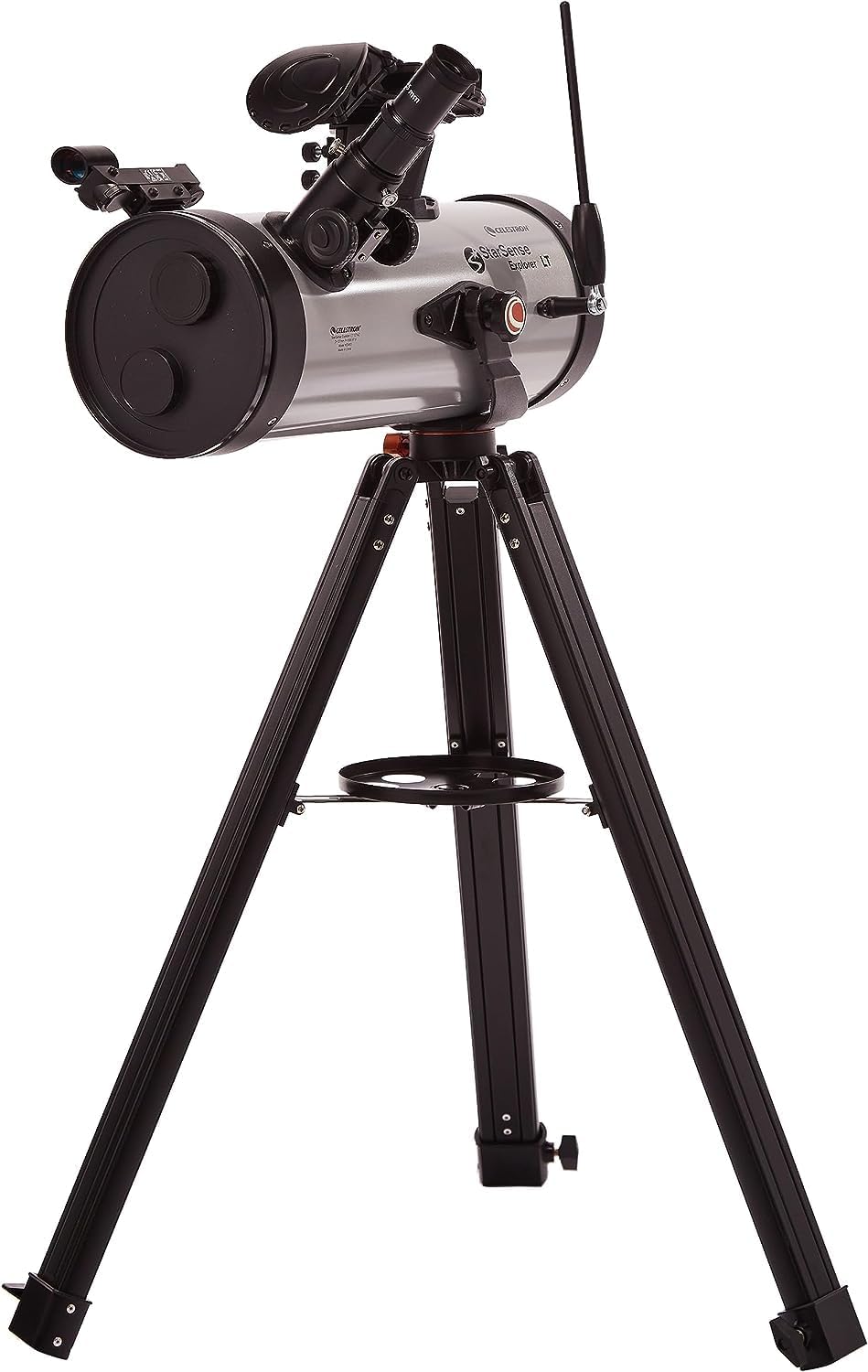
Celestron StarSense Explorer LT 70AZ (22450) smartphone app-enabled telescope with StarSense app
Product description
What it is and why people buy it
The Celestron StarSense Explorer LT 70AZ is a smartphone app-enabled telescope designed to make finding night-sky objects feel a lot less intimidating. The core idea is simple: instead of starting with a complicated star map and hoping you’re lining up the right thing, the telescope works with your mobile using the StarSense approach to help guide you towards targets. On paper, it’s aimed at beginners and casual stargazers who want a guided experience straight away.
In practical terms, you’re still doing real observing — you’ll mount the telescope, look through the eyepiece, and enjoy what the optics can show. Where this kit leans in is the “getting there” step: it can generate a list of objects currently visible and help you follow on-screen guidance, which is the part that usually slows people down.
That matters if you’ve ever watched a beginner struggle with star-hopping, or if you just want a quicker path from “what’s that?” to actually seeing something through the eyepiece.
What stands out with the StarSense guided experience
The StarSense technology uses your smartphone to recognise the sky by analysing star patterns overhead and calculating positions in real time. Instead of relying solely on manual searching, the app can help narrow your focus to objects you can realistically find.
The included Explorer app also supports two useful modes of expectation-setting. You can view planets, brighter nebulae and galaxies, star clusters, and double stars from a city location. If you take the telescope to darker skies, the app is geared towards spotting fainter deep-sky objects too. That’s a nice workflow for people who might observe in different locations rather than always relying on the same conditions.
There’s also a satisfying “moment” when the guidance completes: with the manual altazimuth mount and slow-motion altitude adjustment, you follow the on-screen arrows. When the bullseye turns green, it’s ready for you to look in the telescope’s eyepiece. It’s not magic — but it’s a much more guided way to line up than a totally manual setup.
Key features you’ll notice day to day
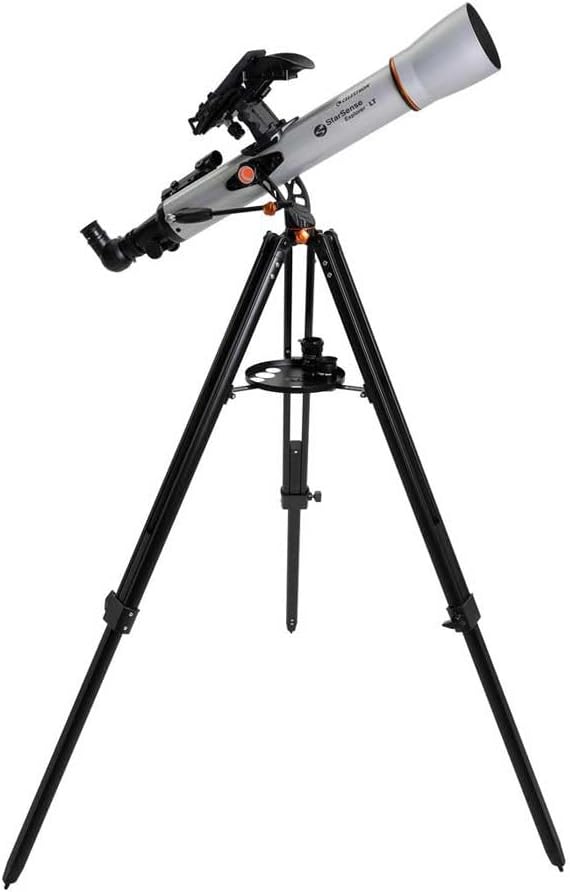
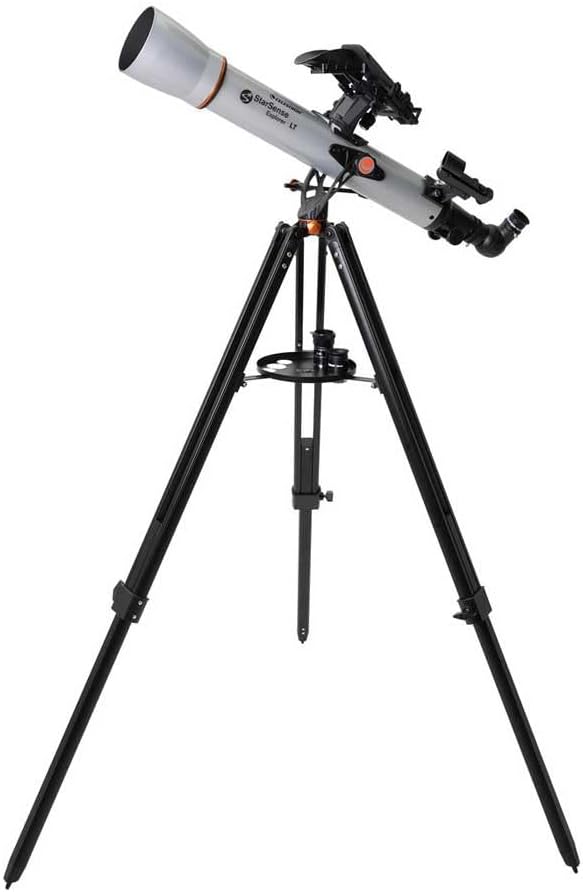
The telescope uses a 70mm refractor with fully coated glass optics, which is meant to support bright, sharp views. The kit is also set up to be usable without extra purchases from day one.
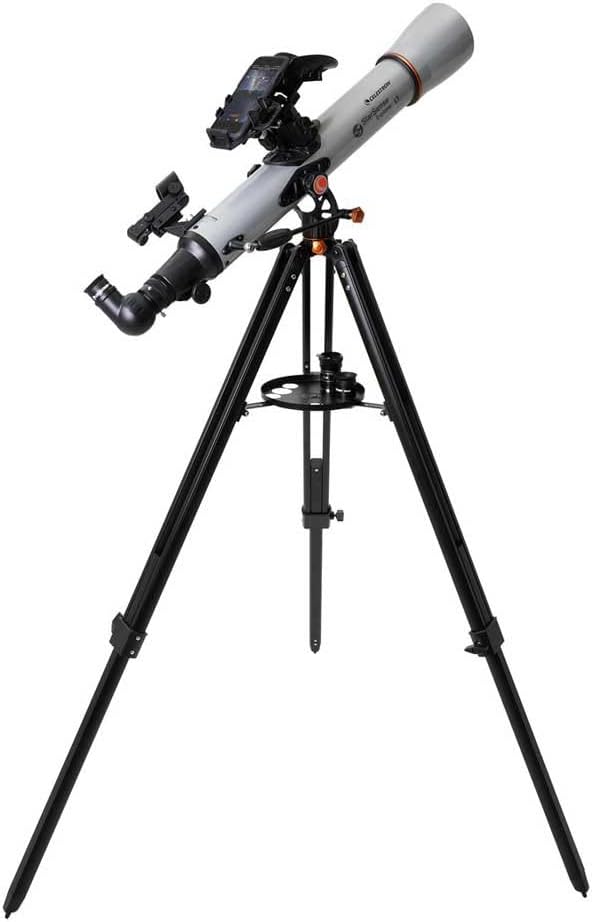
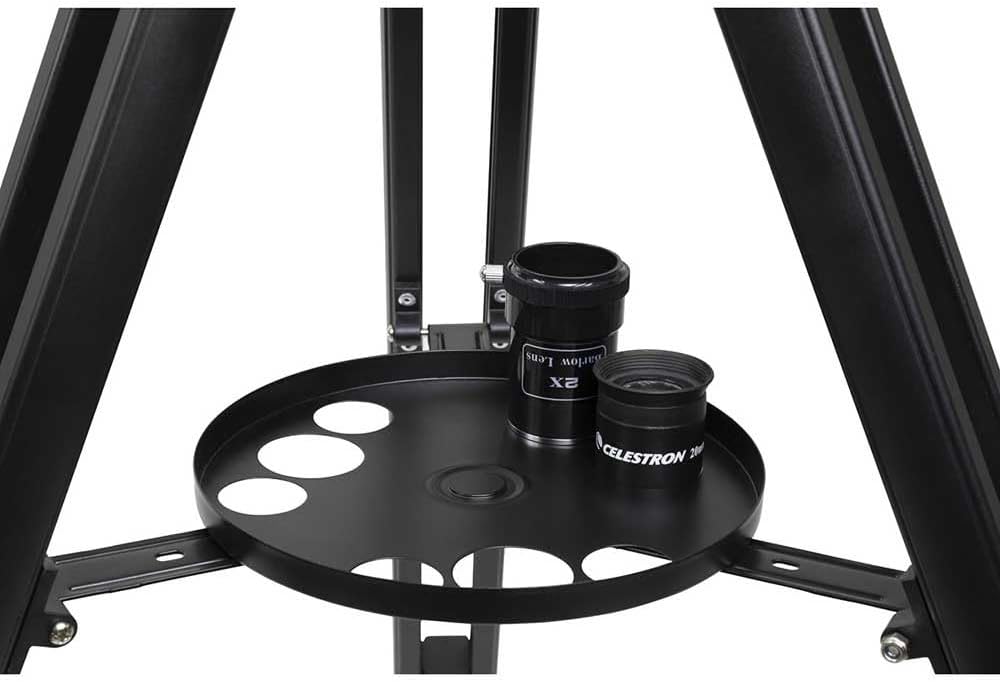
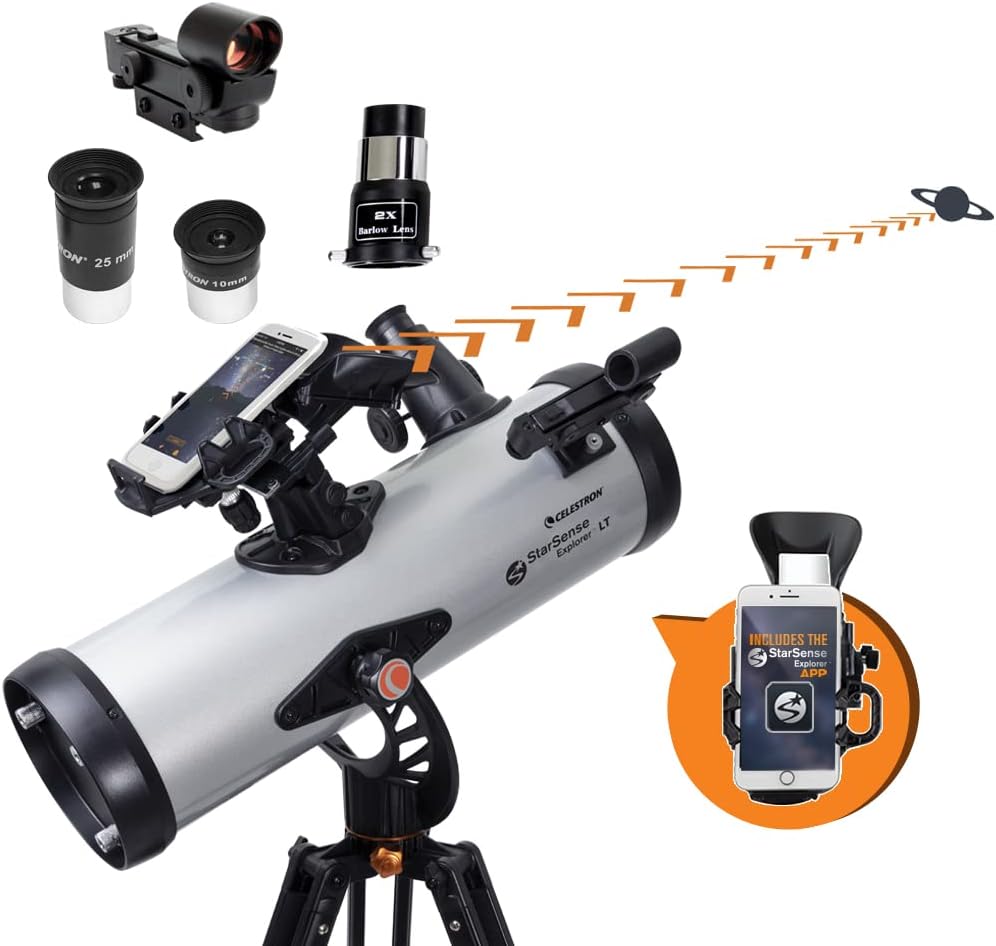
Included extras (based on the provided information) cover the usual “first session” needs: 25mm and 10mm eyepieces, a 2x Barlow lens, a StarSense smartphone dock, an erect image diagonal, and a red dot finderscope. You also get a full-height tripod.
One area to keep in mind: because this is a smartphone-guided system, your experience will depend quite a bit on how you use the phone and where you place it. If you’re expecting fully independent operation without a compatible smartphone and the StarSense app, you may feel let down. For most people, though, that’s also the point — it’s “app-enabled” rather than a stand-alone goto telescope.
Manual mount reality check (and who it suits)
This is a manual altazimuth mount with altitude slow motion adjustment via a sliding rod. That’s a trade-off: it keeps things straightforward and beginner-friendly, but it also means you’ll still be physically aiming and tracking.
It suits you if you enjoy the hands-on side of observing — aligning, adjusting, and learning the sky as you go — while still using the phone for the “where should I look?” step.
However, it may not be the best choice if you want everything fully automated for quick viewing with minimal interaction. If you’re planning frequent long sessions where you’d prefer push-button targeting and continuous automatic tracking, you might find this kit keeps you more involved than you expected.
What you get for your first night out (example use case)
Imagine you’re in the garden in the evening and you’re not sure what’s realistically visible. You set up the full-height tripod, fit the telescope, attach the smartphone to the StarSense dock, and open the app.
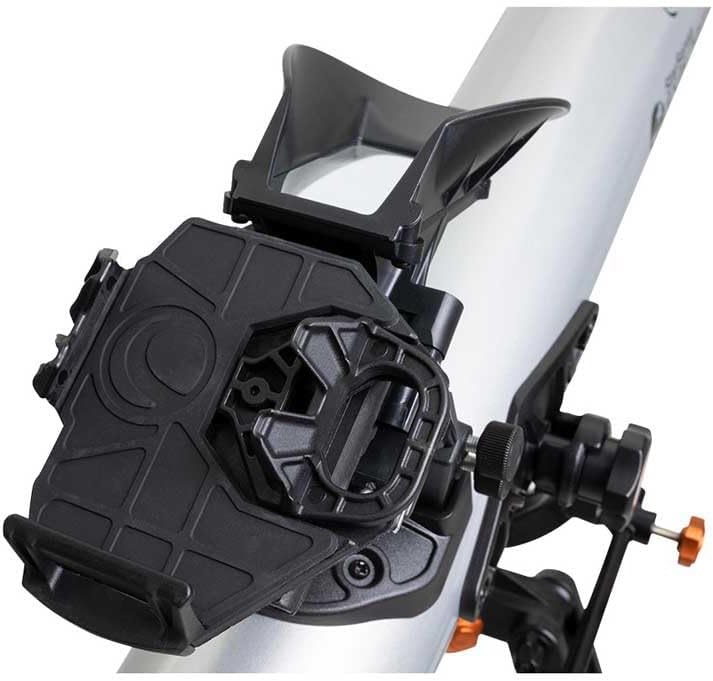
The app generates a list of objects currently visible and guides you towards a target. You then use the manual altazimuth controls and follow the on-screen arrows. When the bullseye turns green, you swap your attention back to the eyepiece and start observing. That flow is likely to feel noticeably calmer than trying to work out the alignment manually from scratch.
Tech specs (from the information provided)
- Type: smartphone app-enabled telescope (works with the StarSense app)
- Optics: 70mm refractor with fully coated glass optics
- Mount: manual altazimuth with altitude slow motion adjustment
- What’s included: 25mm and 10mm eyepieces, 2x Barlow lens, StarSense smartphone dock, erect image diagonal, red dot finderscope, full-height tripod
- App support: iOS/Android compatible (via StarSense app)
Care, setup, and buying checks before you commit
Before buying, it’s worth checking you’re comfortable with a phone-based workflow. Make sure you have a compatible iOS or Android device for the StarSense app, and think about how you’ll use it in a real observing setting (for example, brightness in the dark, stability while aiming, and where the phone can sit while you adjust the mount).
Also consider where you usually observe. The kit can support city viewing for brighter targets, but it’s designed to make a difference when you get to darker skies for fainter deep-sky objects. If you’re mostly limited to bright urban conditions, you may still enjoy plenty of targets, but your expectations for deep-sky detail should match the environment.
Final verdict
Should you buy it?
It’s a good fit if you want a guided way to find stars, planets, nebulae and galaxies without needing lots of prior telescope experience, and you’re happy to do manual aiming guided by on-screen arrows. The combination of 70mm refractor optics, a beginner-friendly manual altazimuth mount, and the StarSense smartphone recognition approach makes it a practical learning telescope for casual nights out.
It may not suit you if you’re looking for a fully automated, hands-off experience, or if you’d rather not rely on a smartphone and the app for the sky recognition and object list.
If you’re deciding between this kind of “guided with your phone” approach and a more traditional or fully automated path, this one makes sense when speed and confidence in finding targets matter most — especially for first-time users.
Mini FAQ
How does the StarSense Explorer LT 70AZ help you find objects?
It works with the StarSense app on a compatible iOS/Android smartphone, using the phone to analyse star patterns overhead and calculate object positions to generate a list of currently visible targets.
Can I use it from a city?
The information provided says you can view planets, brighter nebulae and galaxies, star clusters, and double stars from the city, and then shift to fainter deep-sky objects when you move to darker skies.
Is this telescope fully automatic?
No. It uses a manual altazimuth mount with altitude slow-motion adjustment, so you still aim and adjust while following the on-screen guidance.
What’s included in the box?
Based on the provided details, you get 25mm and 10mm eyepieces, a 2x Barlow lens, a StarSense smartphone dock, an erect image diagonal, a red dot finderscope, and a full-height tripod.