

Download app on Google Play


Imagen de Canon MAXIFY MB2750 24 ipm printer đź“  en OfertitasTOP
New offer
Thumbnail principal de Canon MAXIFY MB2750 24 ipm printer đź“ 
Thumbnail 1 de Canon MAXIFY MB2750 24 ipm printer đź“ 
Thumbnail 2 de Canon MAXIFY MB2750 24 ipm printer đź“ 
Thumbnail 3 de Canon MAXIFY MB2750 24 ipm printer đź“ 
Thumbnail 4 de Canon MAXIFY MB2750 24 ipm printer đź“ 
Thumbnail 5 de Canon MAXIFY MB2750 24 ipm printer đź“ 
Thumbnail 6 de Canon MAXIFY MB2750 24 ipm printer đź“ 

Canon MAXIFY MB2750 24 ipm printer đź“ 

amazon UK
Reviews
4,3
+19

Reviews

4,3
+19 reviews

Price

ÂŁ179.99ÂŁ119.99-33%
View in store
amazon UK
Price evolution · Historical minimum: £119.99

Product description

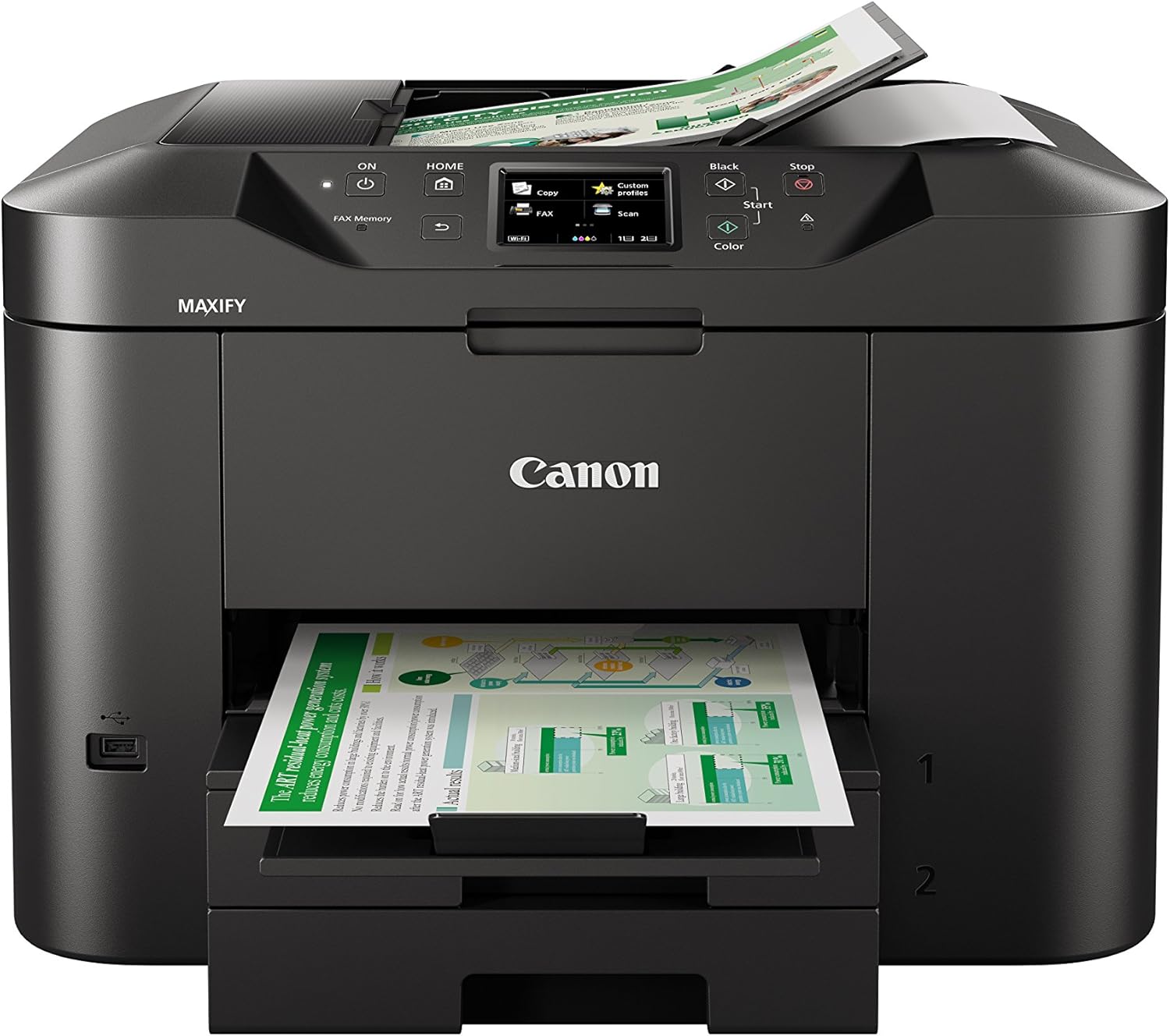
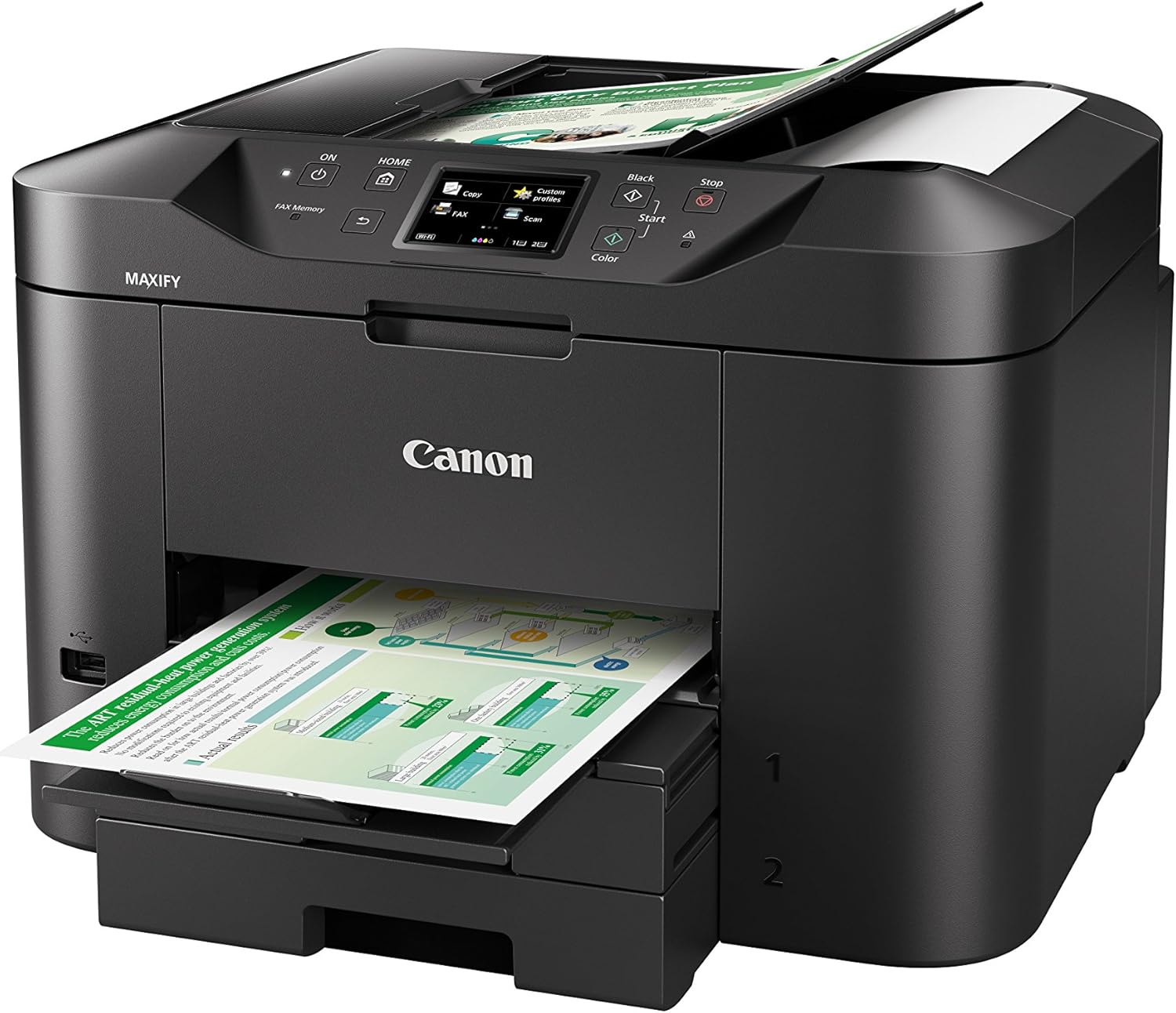
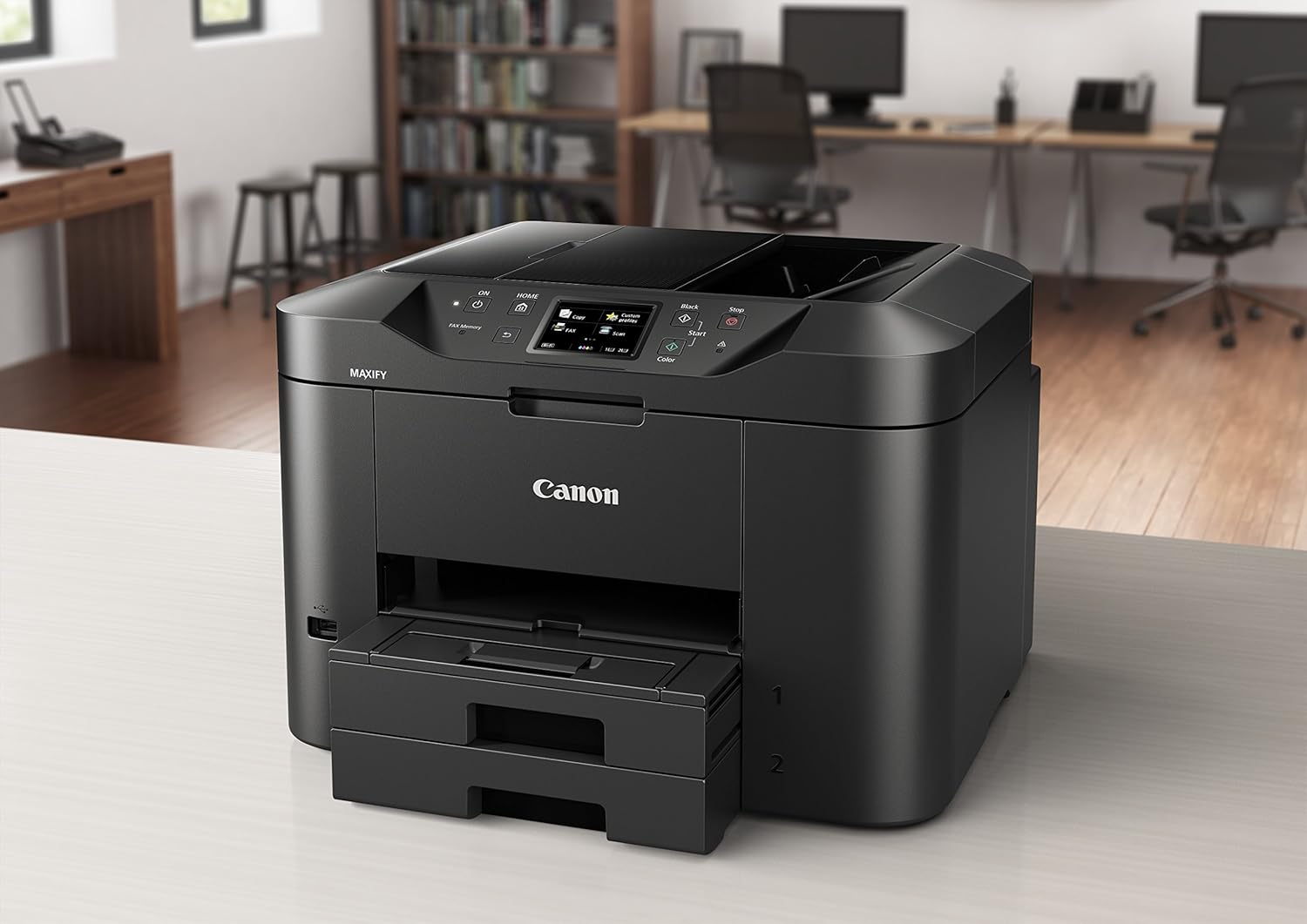
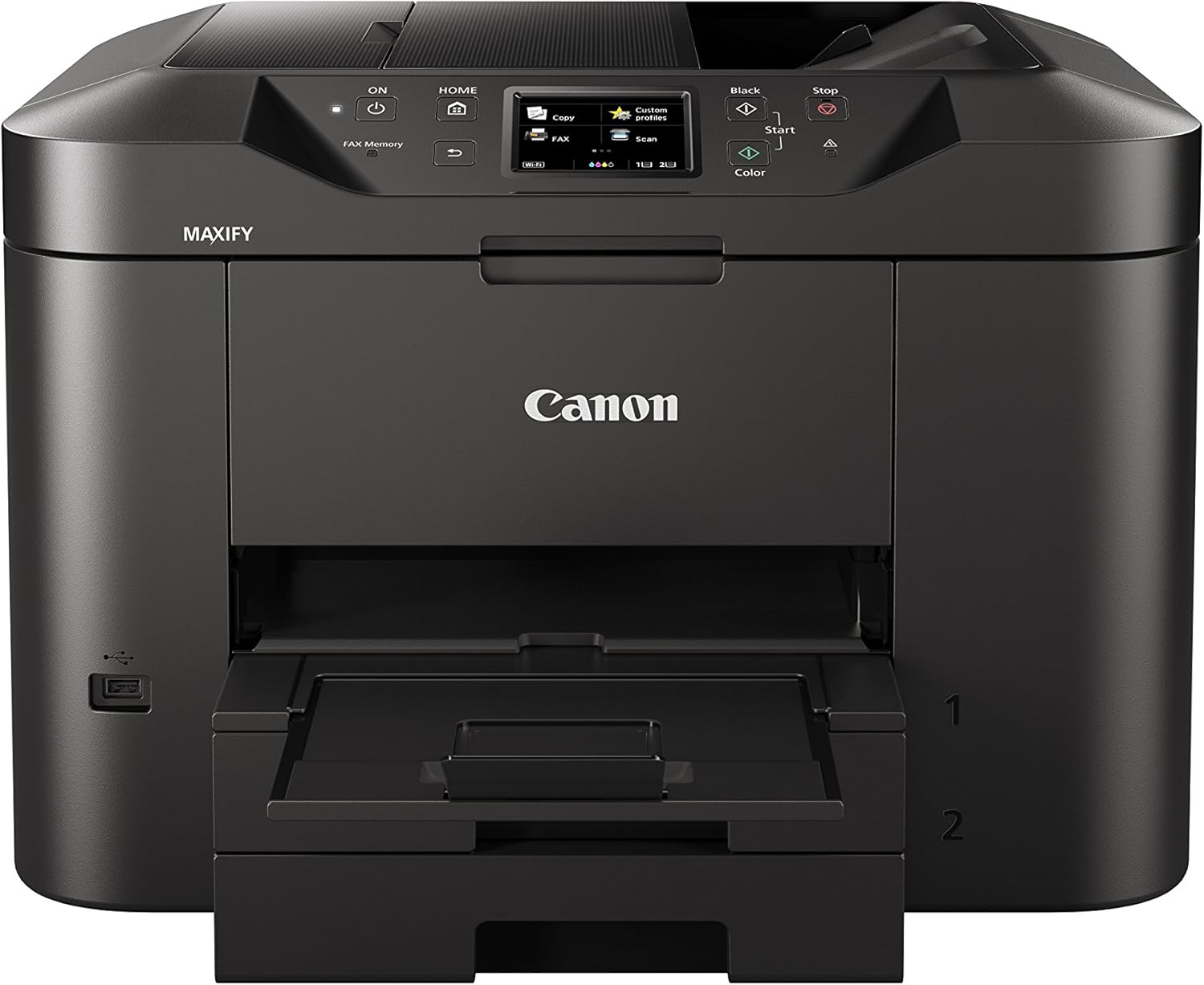
This Canon MAXIFY MB2750 is an all‑in‑one colour inkjet designed for small offices and home workspaces that need steady daily output and straightforward connectivity. It delivers practical speed and flexible paper handling, making routine printing and scanning less of a chore. If you need reliable throughput, the quoted 24 ipm mono keeps basic document jobs moving, while colour prints run at a lower pace according to manufacturer figures.

Key features
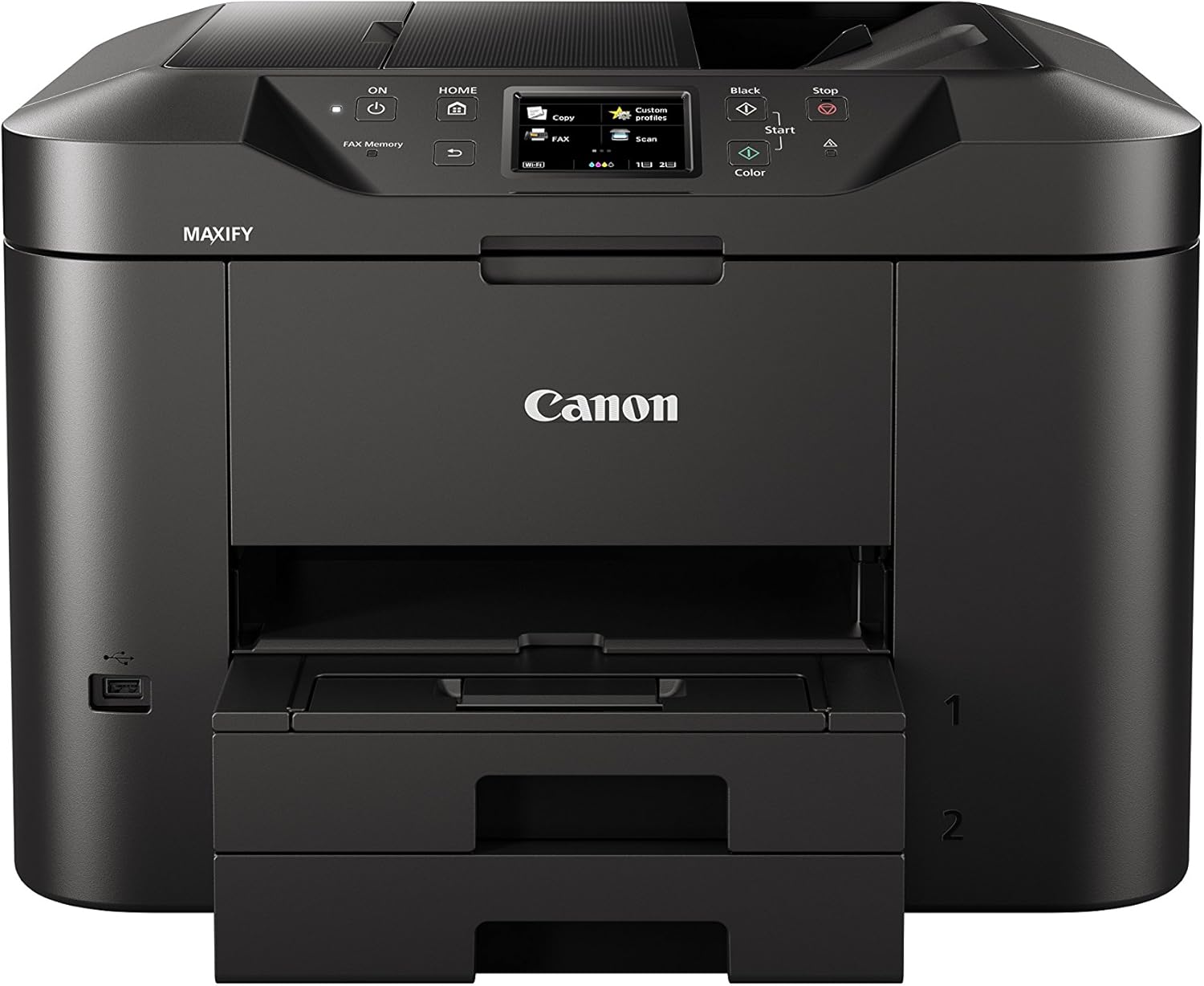
The MAXIFY MB2750 focuses on productivity with a large input capacity and useful ink yields. It offers a 500‑sheet capacity and a 50‑sheet automatic document feeder, so longer runs require fewer refills and manual interventions. Connectivity includes Wi‑Fi and LAN, and cloud printing and scanning are supported for easier remote workflows. For heavier mono work you benefit from the higher page yield and speed, whereas colour tasks remain practical for reports and client documents.
Technical overview

  • Name: Canon MAXIFY MB2750 All‑In‑One Colour Inkjet Printer
  • Colour: Black
  • Speed: 24 ipm mono
  • Speed: 15.5 ipm colour
  • Capacity: 500 sheet input
  • ADF: 50 sheet
  • Yield: 1,200 page mono
  • Yield: 900 page colour

Where it shines
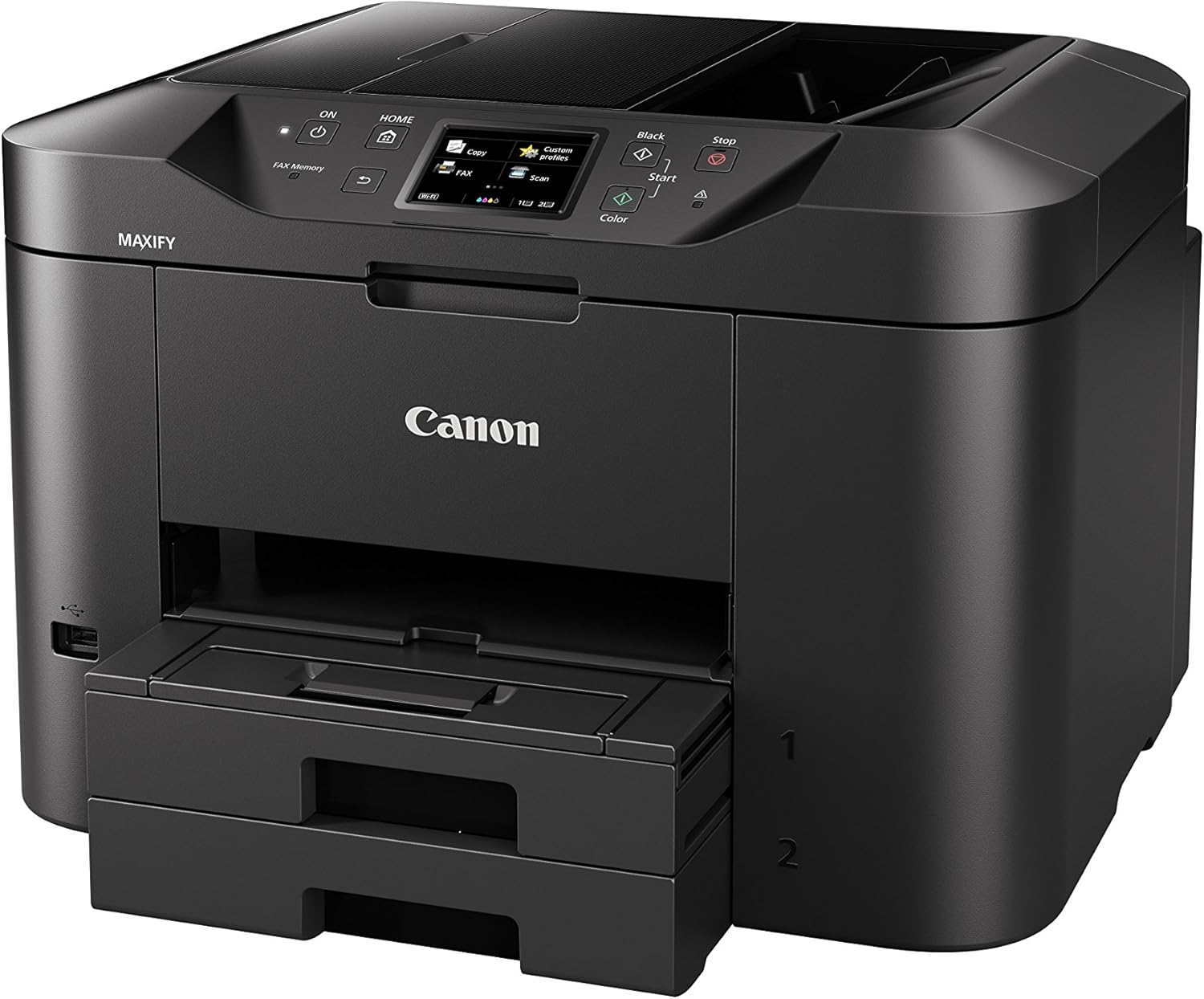
It stands out for uninterrupted document runs and modest running costs according to the stated ink yields. The combination of higher mono yield and a large paper tray reduces interruptions during business hours. Cloud support and network connectivity make it practical for multi‑user environments.

Who it’s for

You’ll like it if you handle steady volumes of office documents and value fewer refill cycles, networked printing and a built‑in ADF for multi‑page scanning. It may not suit you if ultra‑fast colour output or photo‑grade prints are a priority, since its colour speed and target use are more document oriented.

View in store

Price evolution

Historical minimum: ÂŁ119.99

Description:

This Canon MAXIFY MB2750 is an all‑in‑one colour inkjet designed for small offices and home workspaces that need steady daily output and straightforward connectivity. It delivers practical speed and flexible paper handling, making routine printing and scanning less of a chore. If you need reliable throughput, the quoted 24 ipm mono keeps basic document jobs moving, while colour prints run at a lower pace according to manufacturer figures.

Key features

The MAXIFY MB2750 focuses on productivity with a large input capacity and useful ink yields. It offers a 500‑sheet capacity and a 50‑sheet automatic document feeder, so longer runs require fewer refills and manual interventions. Connectivity includes Wi‑Fi and LAN, and cloud printing and scanning are supported for easier remote workflows. For heavier mono work you benefit from the higher page yield and speed, whereas colour tasks remain practical for reports and client documents.

Technical overview

  • Name: Canon MAXIFY MB2750 All‑In‑One Colour Inkjet Printer
  • Colour: Black
  • Speed: 24 ipm mono
  • Speed: 15.5 ipm colour
  • Capacity: 500 sheet input
  • ADF: 50 sheet
  • Yield: 1,200 page mono
  • Yield: 900 page colour

Where it shines
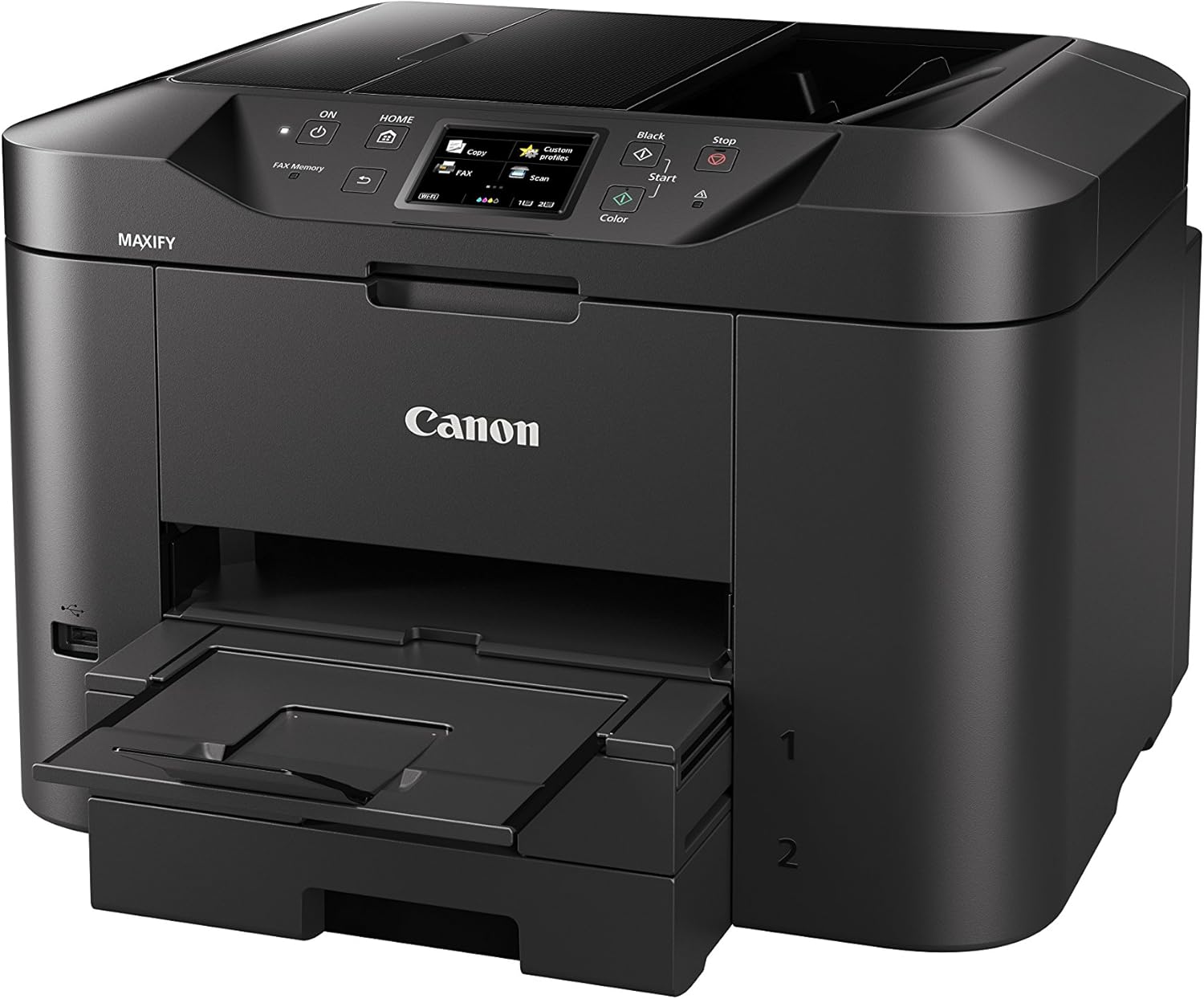
It stands out for uninterrupted document runs and modest running costs according to the stated ink yields. The combination of higher mono yield and a large paper tray reduces interruptions during business hours. Cloud support and network connectivity make it practical for multi‑user environments.

Who it’s for

You’ll like it if you handle steady volumes of office documents and value fewer refill cycles, networked printing and a built‑in ADF for multi‑page scanning. It may not suit you if ultra‑fast colour output or photo‑grade prints are a priority, since its colour speed and target use are more document oriented.