

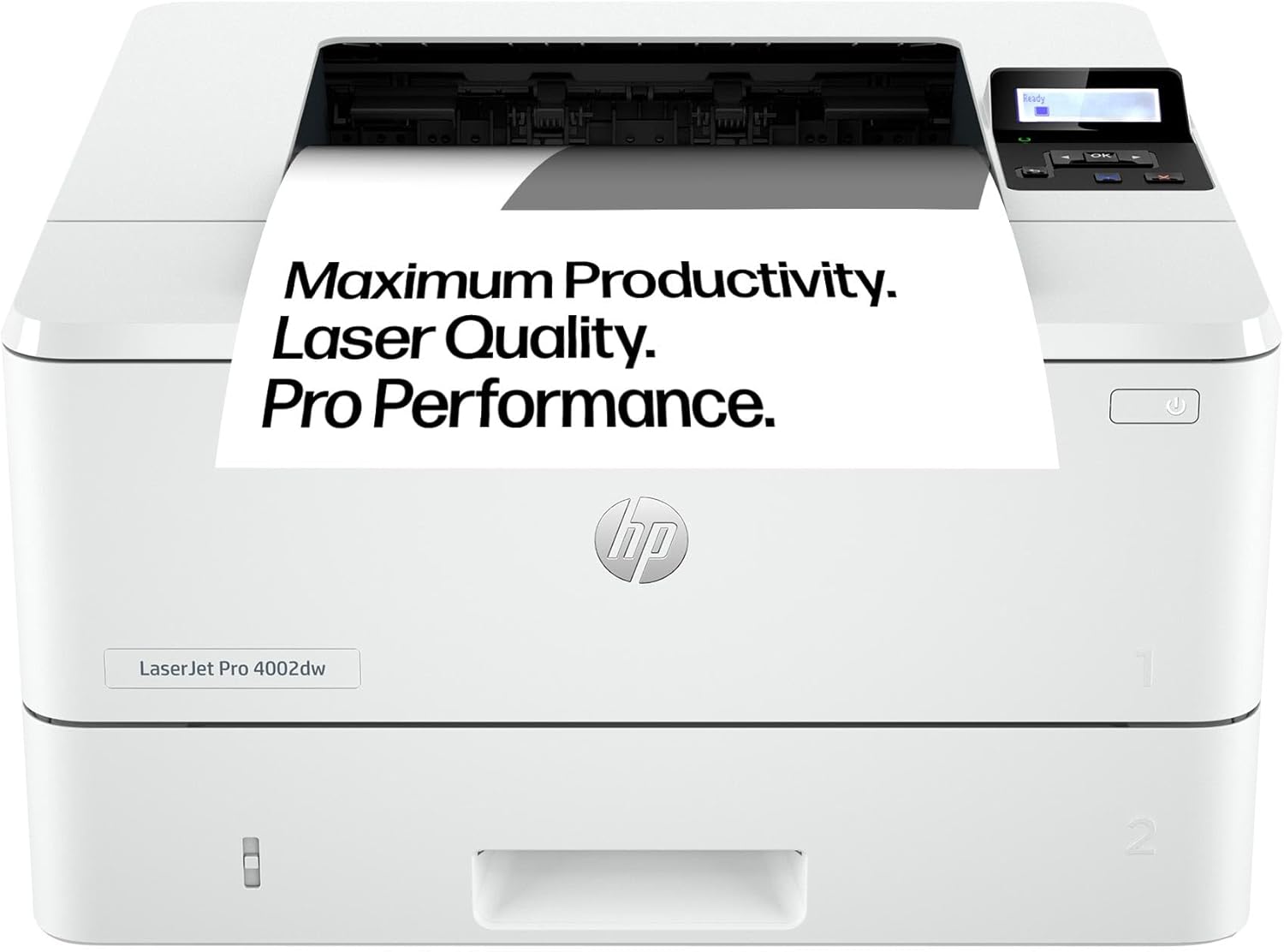
HP LaserJet Pro 4002dw Laser Printer: Fast, Secure and Efficient for Small to Medium Teams
Product description
What it is and who it’s for
The HP LaserJet Pro 4002dw is a black-and-white networked laser printer designed to support small to medium businesses. It combines high-speed output with automated two-sided printing, a substantial paper capacity, and remote management tools. If your team needs consistent, architectural-quality mono prints with reliable security, this model positions itself as a practical, no-nonsense solution for daily office workflows.
Core capabilities at a glance
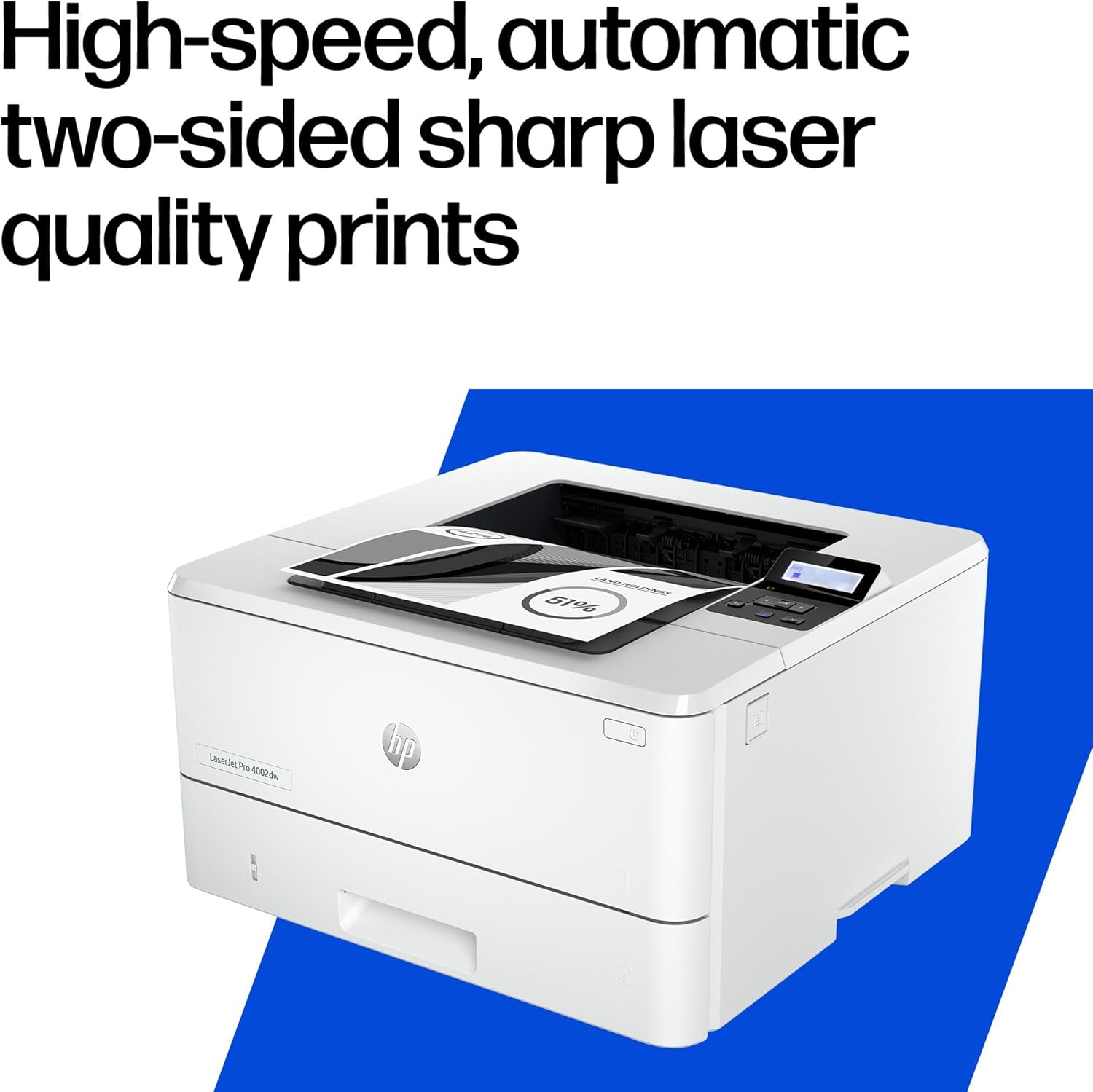
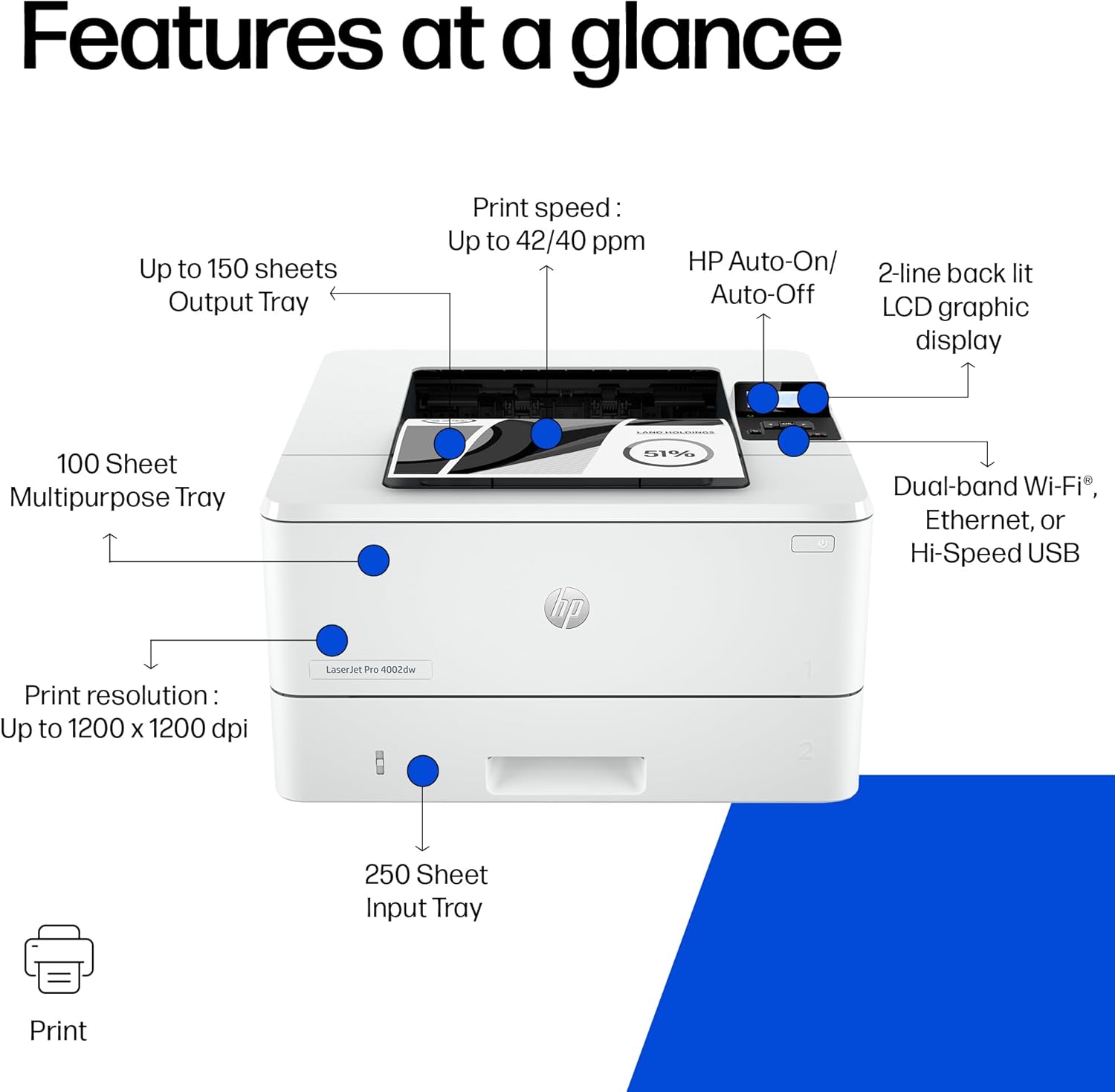
On paper, the Pro 4002dw offers up to 42 pages per minute (ppm) in Letter size, and 40 ppm in A4, with duplex printing enabled by default to cut paper use. A standard 350‑sheet paper tray supports everyday workloads, while additional capacity could be added via expansion options. Connectivity includes dual‑band Wi‑Fi and Ethernet, which helps keep multiple users in an office on the same page without bottlenecks. Energy efficiency is highlighted as a selling point, aligning with cost-saving and sustainability concerns that many small to mid-sized businesses weigh.
How it fits into everyday work
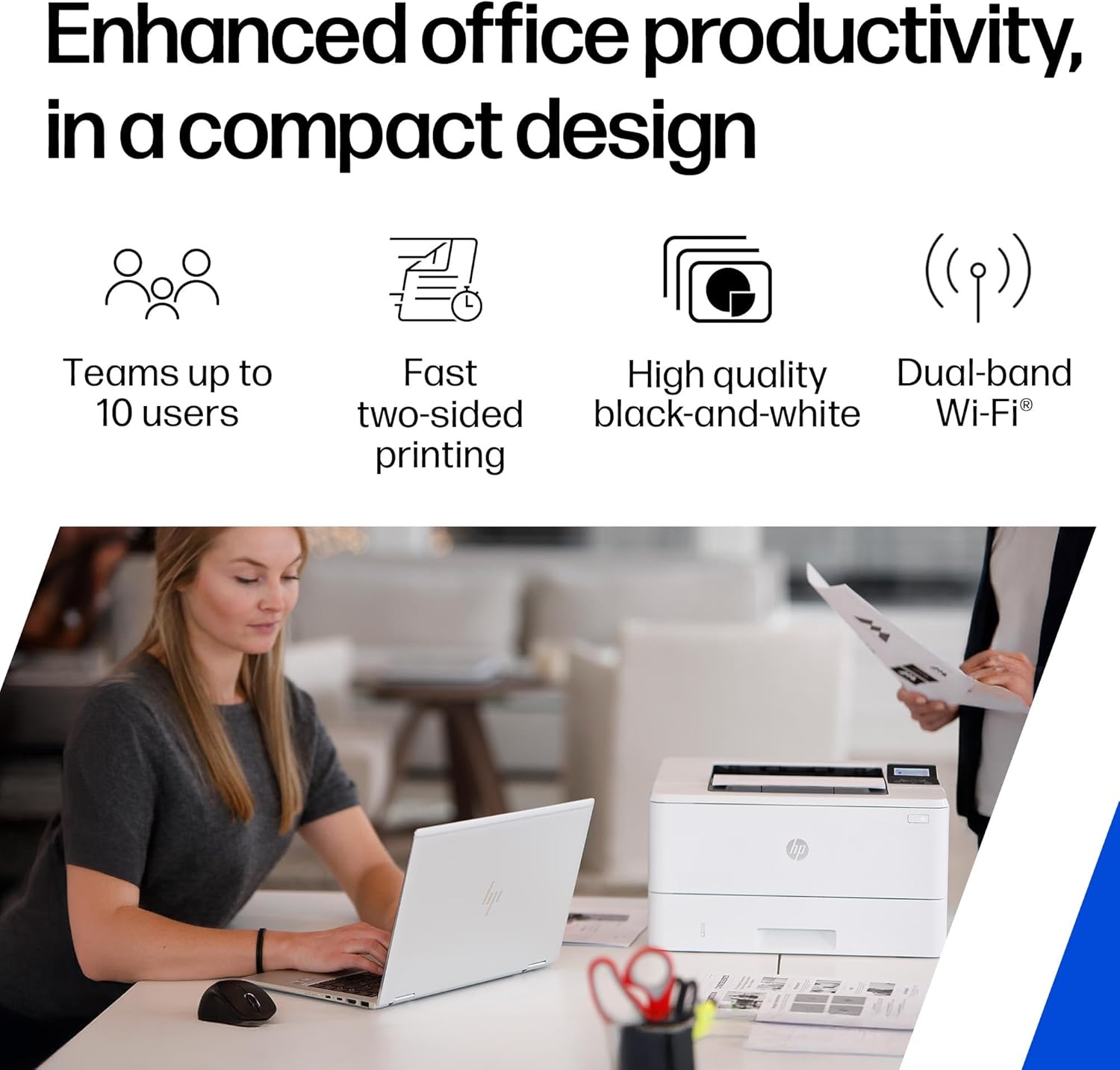
For teams with up to around ten users, this printer aims to keep pace with routine printing tasks—drafts, client reports, invoices, and internal documents—without frequent maintenance or long waits. The model is intended to streamline administration through HP Web Jetadmin, which centralises setup and ongoing management. In practical terms, IT or a tech‑savvy office administrator can push out policies, monitor usage, and keep firmware in check, reducing day‑to‑day friction.
Strengths you’ll notice in use
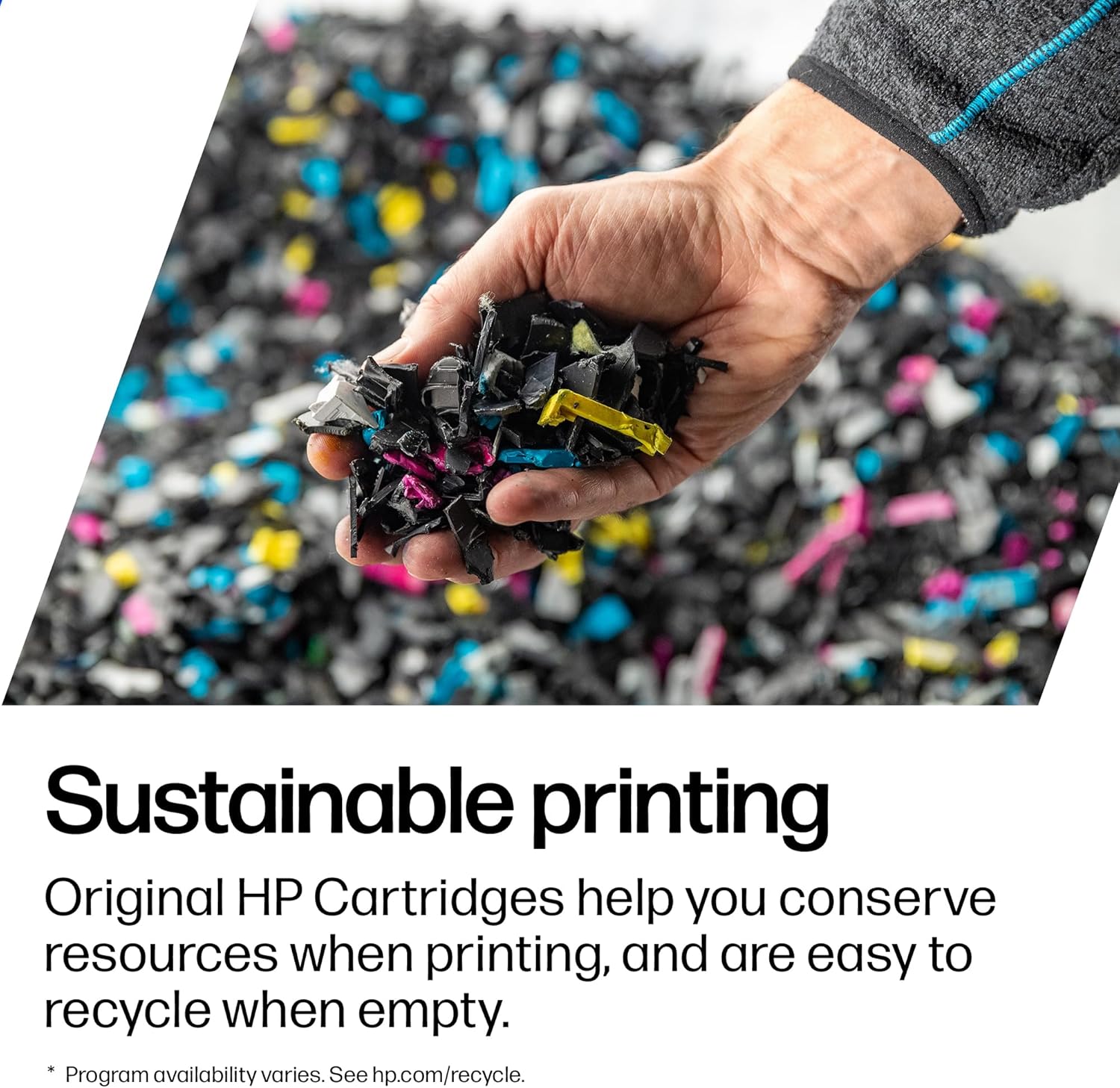
The standout on the page is speed. If you routinely print multi‑page monochrome documents, the 42 ppm capability (Letter) translates to less waiting around between pages. Duplex by default helps reduce paper consumption, a small but meaningful saving when print volumes add up. Security is built in with preconfigured settings and a PIN/pull option to ensure documents aren’t released without authentication. The inclusion of EcoSmart toner and JetIntelligence points towards a balance of quality and responsible consumption.
Areas where it may fall short
What you don’t get is colour printing—the device is explicitly monochrome. If your office requires colour documents or marketing materials with visual impact, this model won’t meet those needs. Some users may want more advanced features or built‑in mobile print options beyond what is described, if your workflow depends on extra features such as large‑format printing, this device would not serve those use cases. Also, initial setup assumes access to the HP management ecosystem, if you prefer stand‑alone devices with minimal software, you might find this approach heavier than necessary.
Who it’s best for and who should look elsewhere
This printer is sensible for small to medium teams prioritising fast monochrome output, decent paper capacity, and centralised management. It suits serviceable day‑to‑day office workloads where security and cost efficiency matter. If your operation relies heavily on colour printing, variable data documents, or heavy graphic work, you’d likely be better off exploring models that offer colour or higher‑end feature sets. If you prize a simple, out‑of‑the‑box security posture with straightforward management, this model delivers a pragmatic package.
What you should check before buying
- Confirm your network setup will leverage dual‑band Wi‑Fi and Ethernet smoothly for multi‑user access.
- Consider your typical monthly print volume against the 350‑sheet base tray, plan for expansion if needed.
- Think about security needs: the PIN/pull option adds a layer of protection, but ensure the surrounding environment supports that workflow.
- Review the box contents to verify you have the necessary cables and starter toner, and assess ongoing replacement cartridge costs.
How it compares to the broader approach to printing
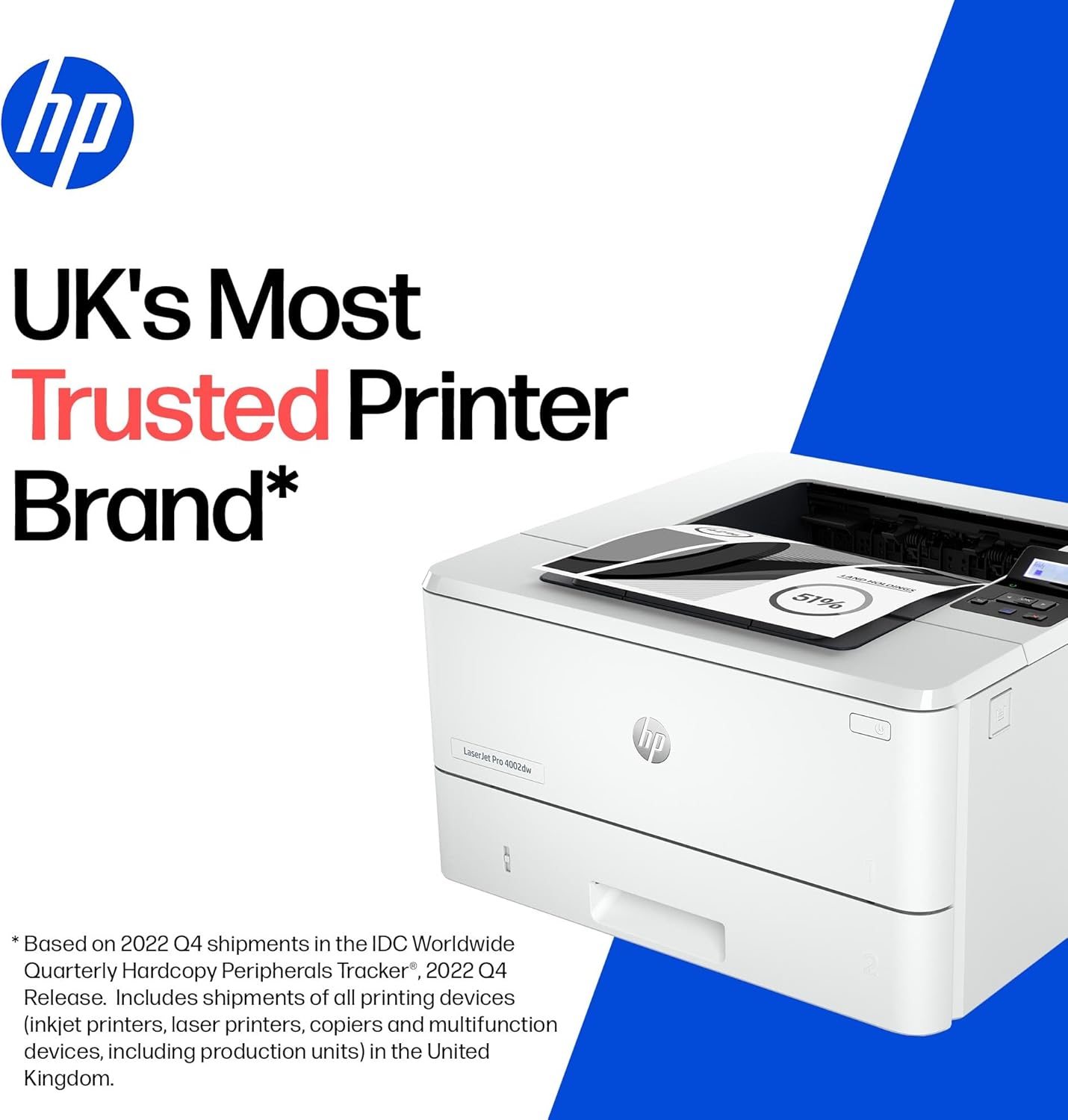
If you’re weighing this against a higher‑capacity, multi‑tray, or colour‑capable unit, the HP LaserJet Pro 4002dw trades versatility for speed and efficiency in mono printing. In other words, it’s a sensible choice when your priority is reliable, fast black‑and‑white output for everyday business documents, not high‑end colour graphics or specialised media handling.
FAQ (practical answers based on available data)
- Is it easy to set up? The description highlights streamlined setup and centralised management via HP Web Jetadmin, suggesting a setup that won’t slow teams down.
- Does it support mobile printing? The data mentions wireless connectivity, but specifics on mobile apps aren’t provided, expect basic network printing capabilities.
- How mature is the security feature set? It includes preconfigured settings and a PIN/pull option, with additional firmware updates to maintain security measures.
Decision time: Is it worth it?
Is it worth it?
Worth considering if you prioritise fast, reliable mono printing with straightforward management for up to around ten users.
Micro‑use example
A small design firm needs to print client proofs in mono for internal review and email‑ready handouts. The Pro 4002dw can churn out drafts quickly, helping the team stay on schedule, while the automatic duplex saves paper on long reports.
Mini verdict
If your needs align with high‑volume, secure mono printing and you value centralised admin tools, this HP model makes sense as a practical office workhorse. It’s not the best option if you require colour output or very high multimedia media support, but for a lean, dependable black‑and‑white print workflow, it ticks important boxes.