


CAKOBLE 2-Pack 3m USB-C 3.2 right-angle cable (90°) for 20Gbps, up to 240W PD 3.1 and 4K/5K video
Product description
What it is and why people buy it
This CAKOBLE 2-pack of 3m USB-C cables is a right-angle (90°) USB-C to USB-C lead built for “do more with one cable” days. The combination on paper is pretty clear: fast USB 3.2 Gen 2 data speeds up to 20Gbps, charging up to 240W via PD 3.1, and USB-C video output up to 5K/4K at specified refresh rates.
The right-angle design is the practical twist. In real setups—laptop on a desk, devices backed up to a wall, monitors with tight cable runs—those 90° heads can reduce bending stress and make cable management a lot less annoying than with straight connectors.
That said, it’s not a universal magic cable. Video output depends on your device supporting USB-C DisplayPort (DP) style video over USB-C, and the exact modes you’ll get can vary by the host and display.

The essentials at a glance
If you’re looking for opinions, this kind of cable is usually chosen by people who want fewer leads: one cable for charging, one for data, and sometimes one for display.
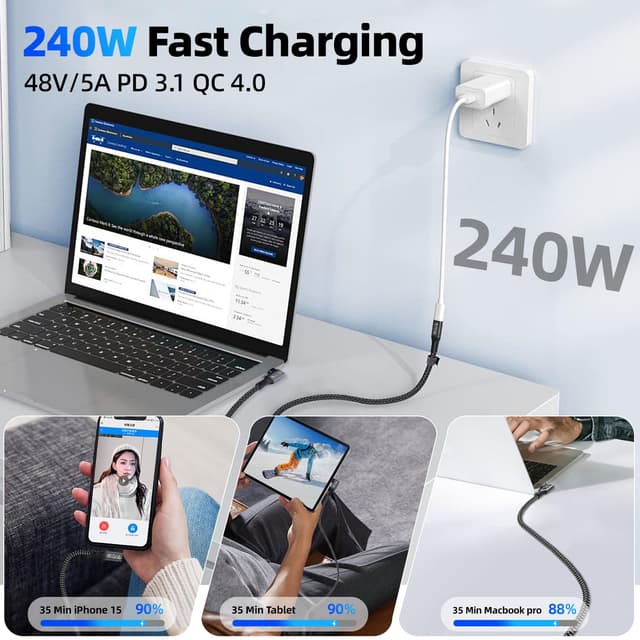
Here’s what the listing claims it covers: - USB 3.2 Gen 2 / “SuperSpeed” transfer up to 20Gbps (USB-IF certification is stated) - USB Power Delivery up to 240W (PD 3.1), listed as 48V/5A, with compatibility across a range of lower wattage profiles - Video output when supported: up to 5K / 4K at up to 60Hz, with additional modes listed (e.g. 2K up to 165Hz) - Audio support is mentioned as part of the USB-C functionality

So, for the typical buyer, the “worth considering” angle is obvious: you’re paying for a cable that tries to cover charging, file transfers, and monitor output—rather than treating those as separate tasks.
Worth noting: the listing positions it as a USB-C monitor cable, but video function is explicitly dependent on the device supporting DP.
Key takeaways for everyday use
A right-angle USB-C cable on its own is often bought for comfort and fit. But in this bundle, you also get the “specs on the tin” features that can matter if you move big files or rely on a dock-like setup.
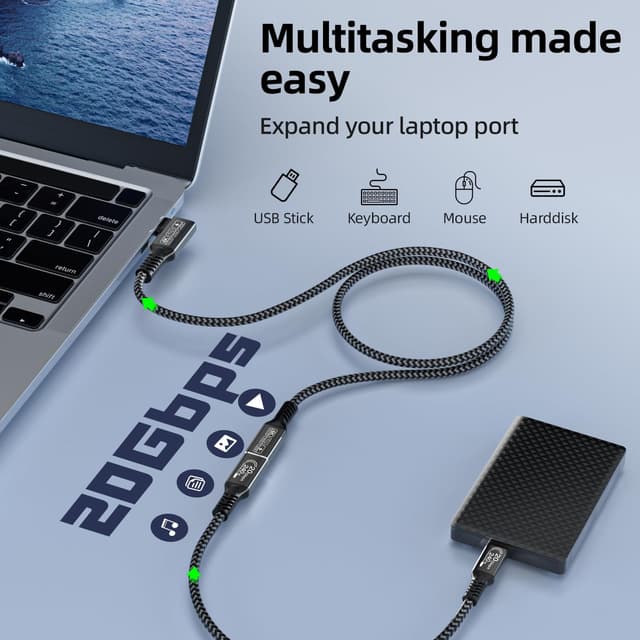
A practical example: imagine you’re transferring a large project folder from an external SSD to your laptop. With the stated 20Gbps USB 3.2 Gen 2 capability, the cable is designed for faster transfers than older USB-C leads—so you’re not waiting around as long when you plug in and copy.
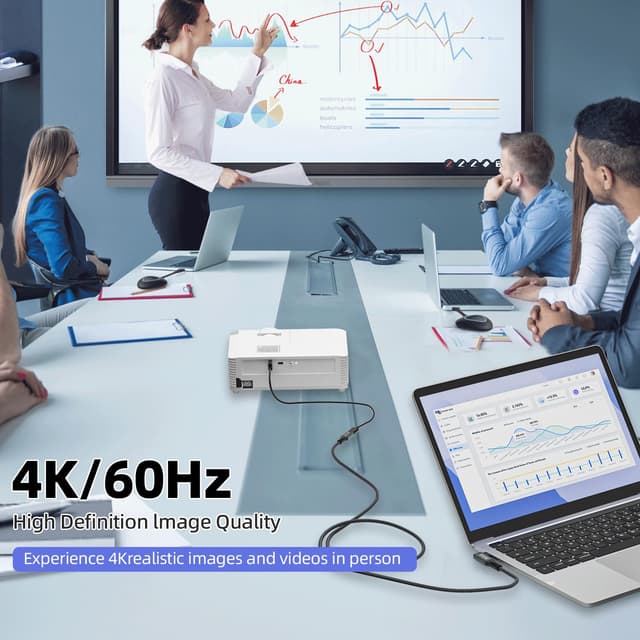
For a second scenario, think of an extended display setup. If your MacBook (USB-C with DP support) or another compatible device supports video over USB-C, this cable is meant to carry the display signal as well—without needing a separate dedicated video cable.
The “depends quite a lot on your devices” limitation is real though. If your phone/laptop/monitor doesn’t support the right video-over-USB-C standard, you may end up with charging and data only.
Tech specs
- Type: USB-C to USB-C cable (90° right-angle)
- Format: USB 3.2 Gen 2
- Data transfer: up to 20Gbps (SuperSpeed)
- Charging: up to 240W PD 3.1 (48V/5A stated)
- Video output: up to 5K / 4K at 60Hz (also lists 2K up to 165Hz)
- Length: 3m (2-pack)
- Materials/finish: nickel-plated connector, aluminium housing, nylon braided jacket
- E-mark chip: included (as stated)
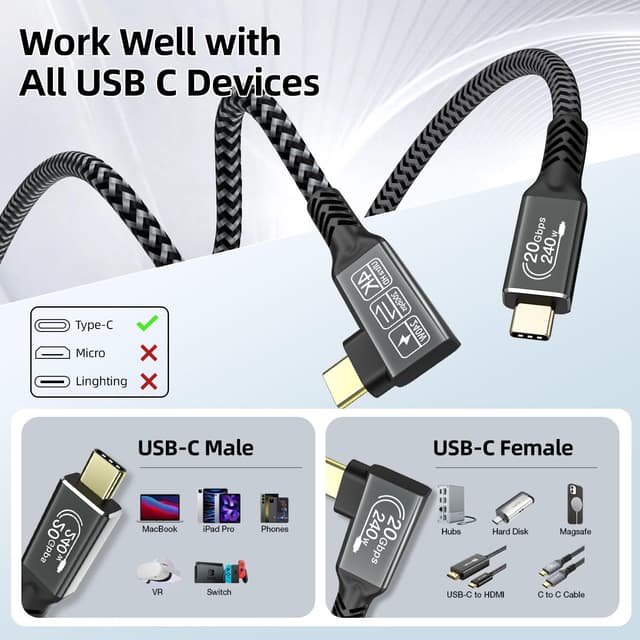
- Compatibility notes: video requires a USB-C device that supports DP, compatibility for Thunderbolt 4/3 and other USB-C devices is claimed in the listing
Where it shines (and where it can fall short)
Where it shines is in tidy, practical desk or travel setups.
- If your ports are awkwardly placed or the device sits close to a wall, the 90° head can make plugging in and cable routing easier.
- If you want one cable that can handle high-speed file transfer and high-watt PD charging, this is aimed at that use.
- If you’re using a USB-C monitor setup and your laptop supports DP over USB-C, the video capability is built into the same cable.
It may not be the best choice if you only ever need a simple charging lead, because then you’re paying for features you won’t use. Also, if your display/device doesn’t support USB-C video with DP, you could be disappointed despite the “monitor cable” positioning.
And one more practical “ten seconds to check” point: the listing mentions a lot of compatibility models, but you’ll still want to confirm your specific device supports video output over USB-C (DP) before assuming the monitor side will work.
Who it’s for, and who should avoid it
It makes sense if you: - have a laptop/phone/charger ecosystem that uses USB-C - want a longer 3m lead for flexible placement (desk, sofa, occasional travel) - care about faster data transfers and high-watt charging on the same cable - are trying to run a USB-C monitor connection using a DP-capable host
You may want to skip it if you: - only need basic charging for low-power devices and don’t care about data/video - rely on USB-C display output from hardware that doesn’t clearly support DP over USB-C (video could be the weak link) - prefer very compact cables and cable thickness isn’t part of your priorities (it’s nylon braided and built for durability, which often means a slightly “substantial” feel)
What to check before you buy
Before committing, check three things:
1) Video over USB-C support (DP): the listing is clear that video needs a device that supports DP. 2) Power needs: the cable is rated for up to 240W PD 3.1, but your charger and device must support the profile you want. 3) Connector fit and workspace: the right-angle head helps in tight spaces, but you’ll still want to ensure 90° routing suits your layout.
If those boxes are ticked, the 2-pack is particularly sensible for keeping one cable at your desk and one at home or in your bag.
Final verdict
It’s a strong “single-cable” concept: right-angle USB-C, aimed at charging up to PD 3.1 levels, fast USB 3.2 Gen 2 data, and optional monitor output when your devices support DP.
Buy it if you want a practical 3m cable pair for desk use, file transfers, and a USB-C display setup, and you’ve confirmed your devices can do video over USB-C. You should look elsewhere if video support isn’t guaranteed on your specific laptop/phone/monitor, because the cable can’t invent DP support where it doesn’t exist.