


Satechi USB4 V2 Pro Cable (USB-C) 1.2m with up to 120Gbps, 240W Power Delivery, and 8K display support
Product description
What it is and why people buy it
The Satechi USB4 V2 Pro Cable is a USB-C cable aimed at setups where you want more than “just charging”. On paper, it’s built for high-speed data (up to 120Gbps unidirectional or 80Gbps bidirectional), serious power delivery (up to 240W via USB Power Delivery 3.1), and video output options that go beyond typical everyday leads.
In real buying terms, this kind of cable tends to appeal to people running a compact desk where one connection needs to do a lot: laptop to display, laptop to storage, and sometimes laptop to dock-like workflows. If your current cable is the weak link—slow transfers, a temperamental display connection, or you’re constantly hunting for a separate charger—this is the sort of upgrade that can make the day-to-day feel smoother.
That said, cables can only do so much. Some display performance limits are dictated by the host device and the way your laptop handles video over HDMI, and the spec here explicitly notes a couple of those constraints.
The essentials: speed, power, and display in one lead
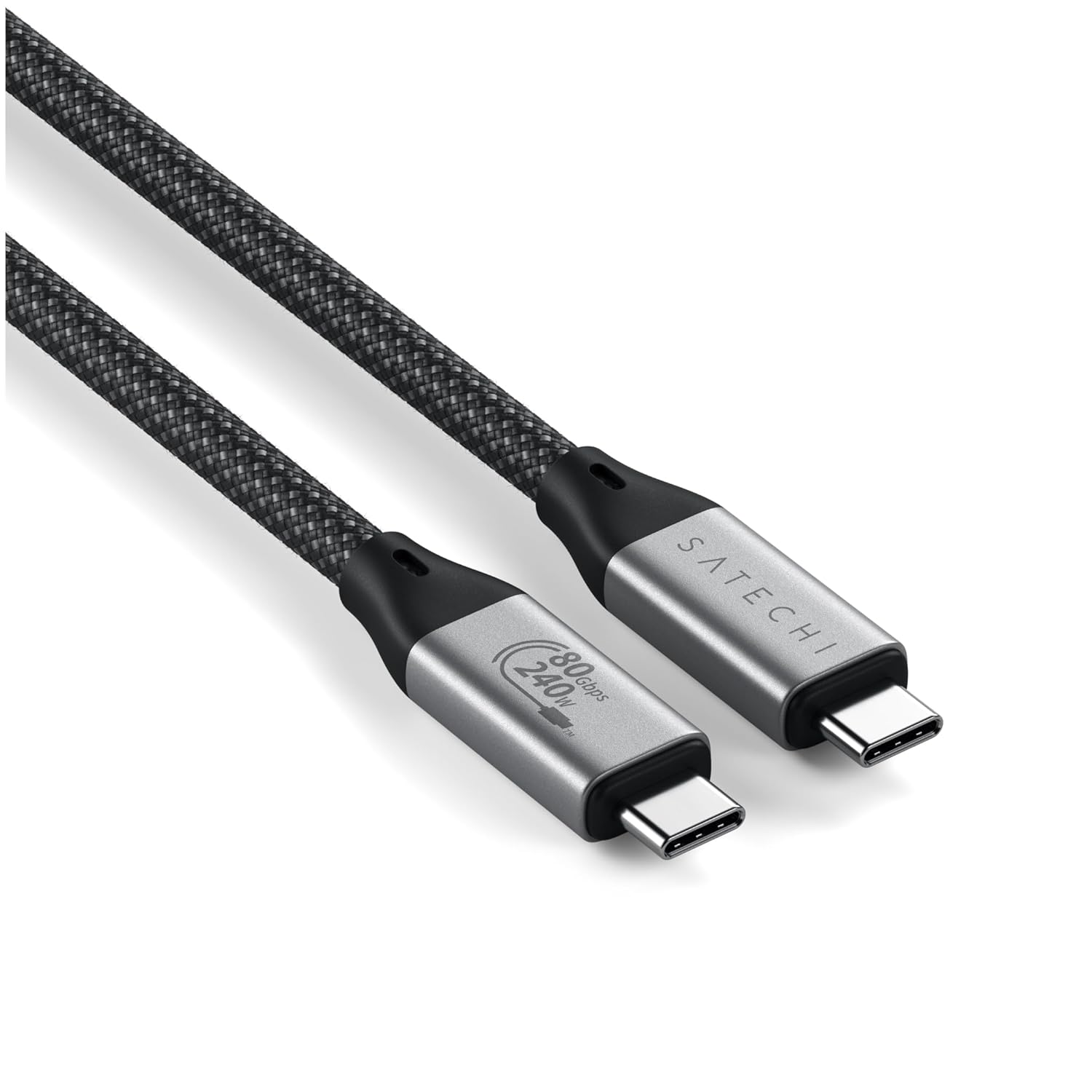
The headline numbers here are what you’d expect for a “single cable” mindset.
- Data transfer support up to 120Gbps unidirectional (or 80Gbps bidirectional). That’s meant for fast copying of large files—video footage, project assets, or big game installs.
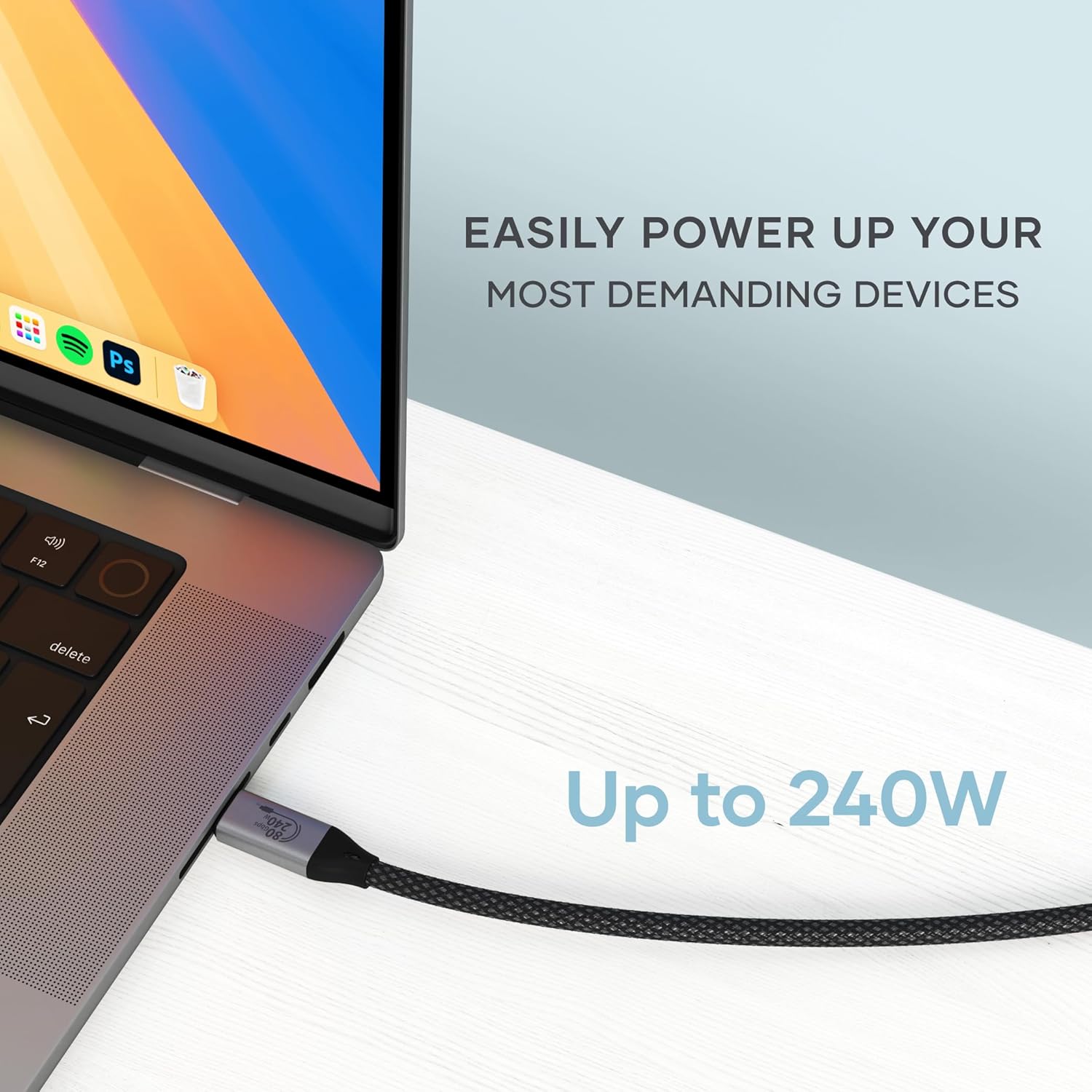
- Power delivery up to 240W using USB PD 3.1. The intent is straightforward: you can keep a power-hungry laptop topped up while you work, without swapping cables.
- Display support up to 8K resolutions, with refresh-rate details that depend on the platform.
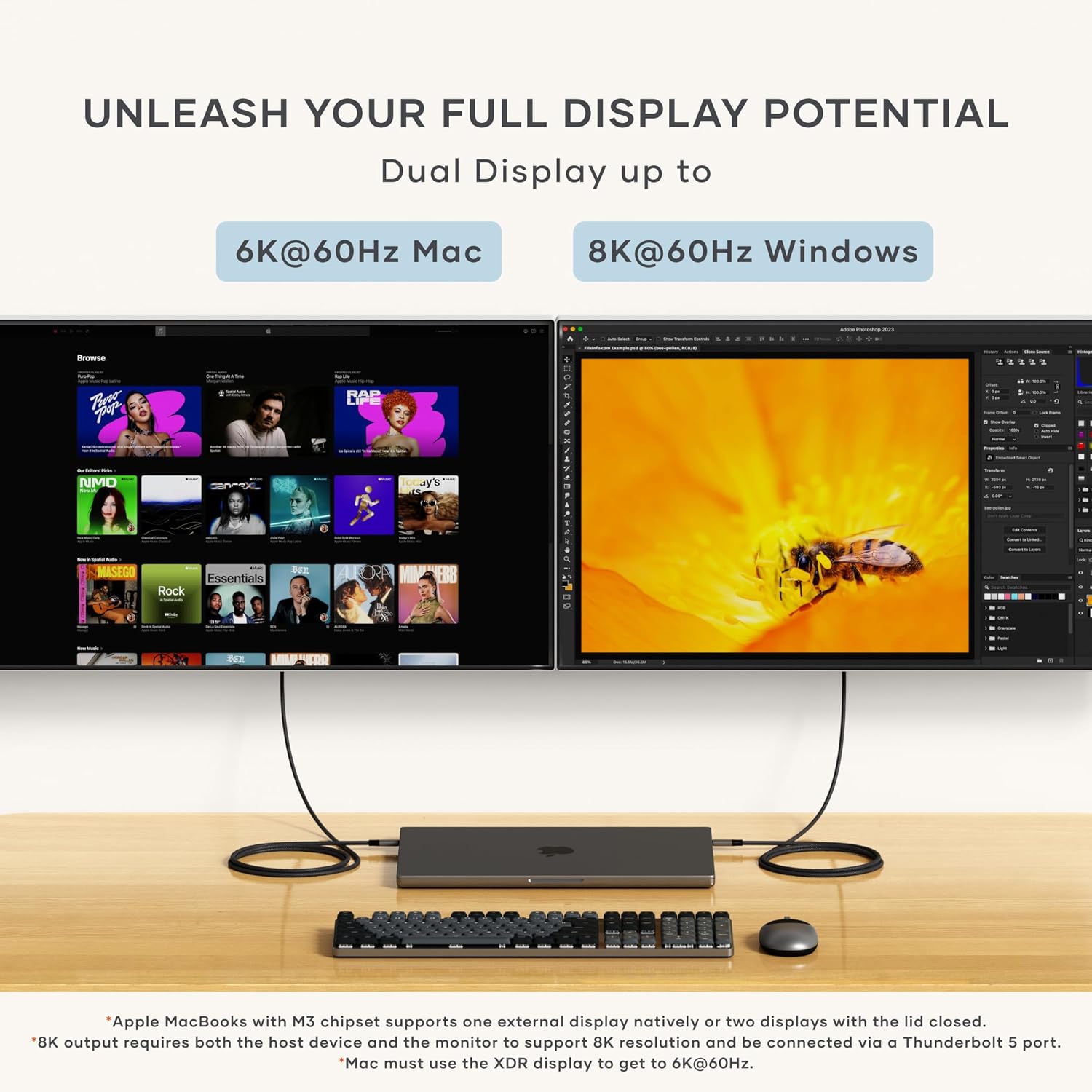
The display side is where you need to be a bit careful with expectations. The product notes an important limitation: Intel-based Macs and certain M1–M3 MacBook models do not support refresh rates above 4K@60Hz over HDMI. The wording is clear that this is a host-device limitation rather than something the cable (or hub/adapter) can override.
If you’re using Windows, the cable is positioned to support higher refresh-rate scenarios (including 8K@120Hz on a single monitor, and dual 8K@60Hz). On MacOS, the refresh-rate and multi-display options differ (for example, dual 6K@60Hz on MacOS, based on the provided details).
What you’ll notice day to day
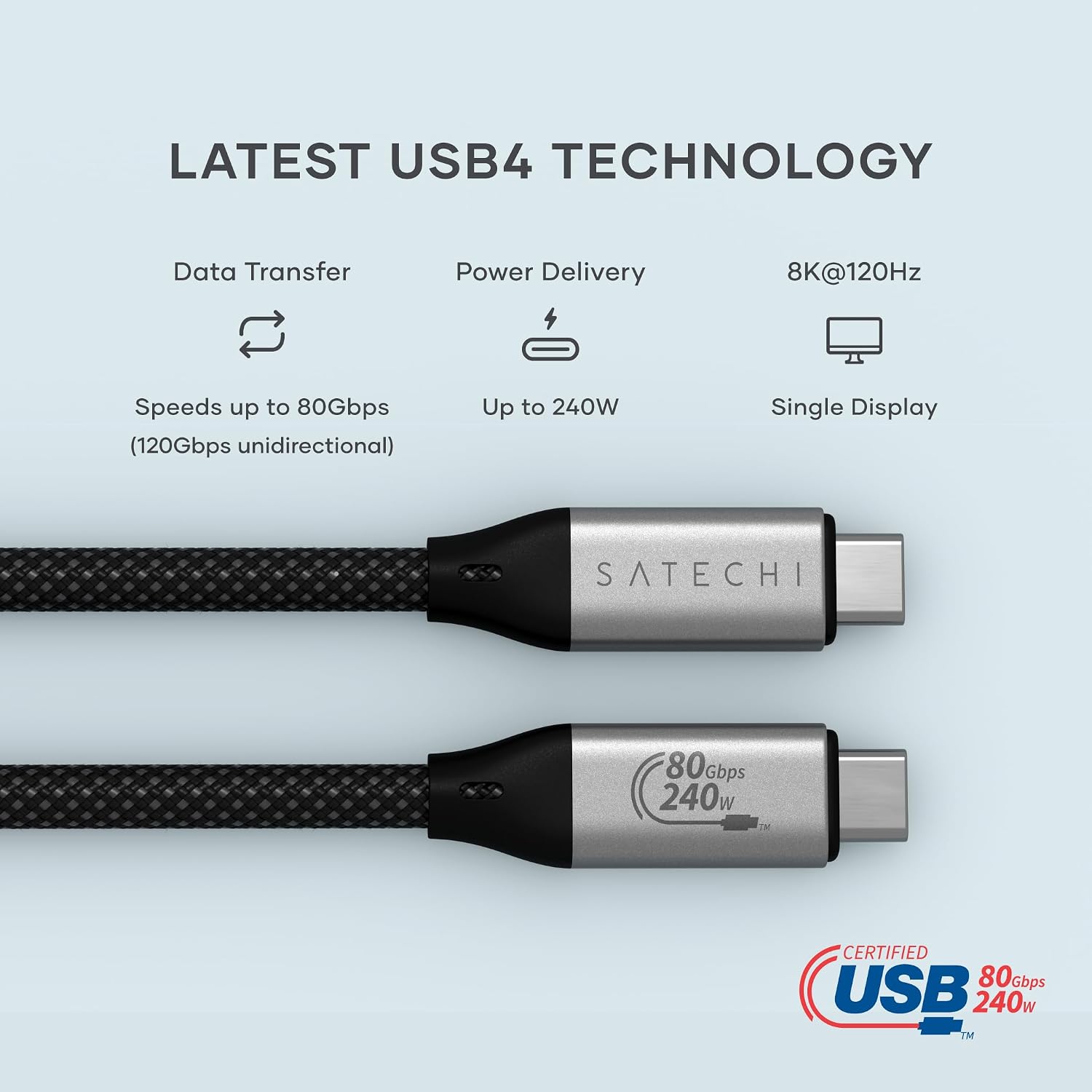
Where this cable can feel “worth it” is when it reduces friction.
Imagine you’re editing a project: you connect the laptop to your display and storage in one go, start moving large media files, and keep power flowing so you’re not planning your session around battery percentages. Over the course of a couple of weeks, that’s the kind of convenience that matters more than a headline spec.
The cable itself is also designed for daily handling: it has an aluminium housing and a braided design intended to resist fraying and tangling. It’s also a practical length at 1.2m (3.9ft), which suits most desk-to-dock or desk-to-display distances without forcing a tight bend.
Compatibility and the limits you should check
Satechi states compatibility with Thunderbolt 5/4/3 and USB4, and it’s marketed for MacBook, Windows, and more. That’s helpful as a broad positioning, but there are two places you’ll want to double-check before buying:
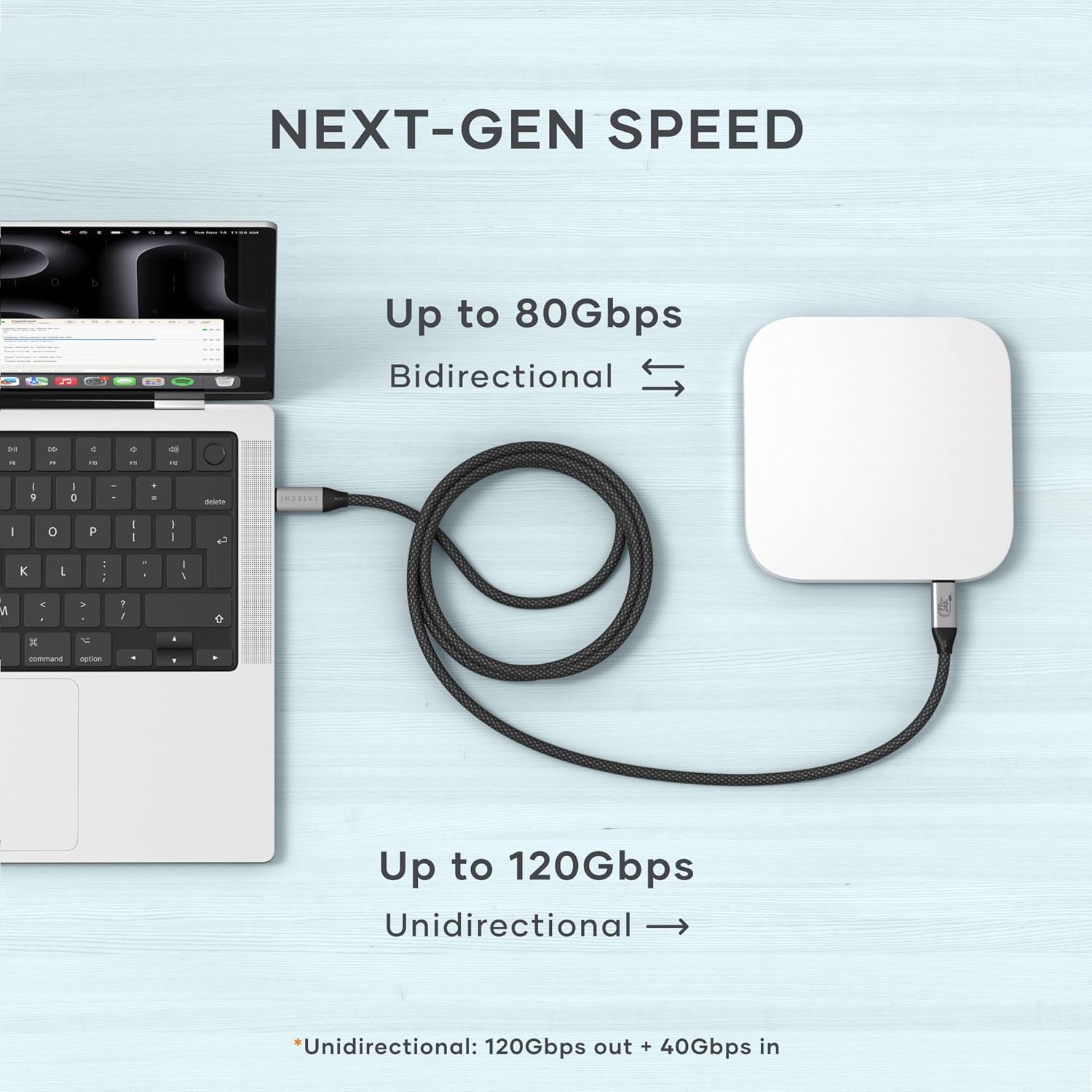
1) Your laptop’s display behaviour (especially on Macs over HDMI). The refresh-rate note above is the big one. If your plan is pushing high refresh rates via HDMI on an Intel Mac or certain M1–M3 MacBook models, you may not get the higher figures regardless of the cable.
2) Your monitor/dock chain. The cable can only be as good as the overall path (laptop → cable → adapter/hub → monitor). The specs suggest strong potential, but the final display result will still depend on the rest of your setup.
If your priority is simply charging and basic display, this may be more capability than you need. If your priority is a high-bandwidth workflow with power and video over a single cable, it makes more sense.
Build, warranty, and what’s included
The packaging includes a detailed user manual, along with access to dedicated customer support. There’s also a 2-year limited warranty covering defects in materials and workmanship under normal use.
It’s a small but important detail: if the cable fails early, you don’t want to be stuck with a non-recoverable “expensive lead” problem. The warranty information here gives some comfort.
On the physical side, the braided build, aluminium housing, and a flexible cable end are all the kind of touches that tend to matter when you’re plugging and unplugging regularly.
Key takeaways for different buyers
It’s a good fit if you want one USB-C cable to handle fast transfers, high-power charging, and serious display support as part of a desk workflow.
It might not be the best choice if you only need a short, simple charge-and-go lead, or if you’re relying on Mac HDMI refresh-rate performance that the product itself warns can be capped by your Mac model.
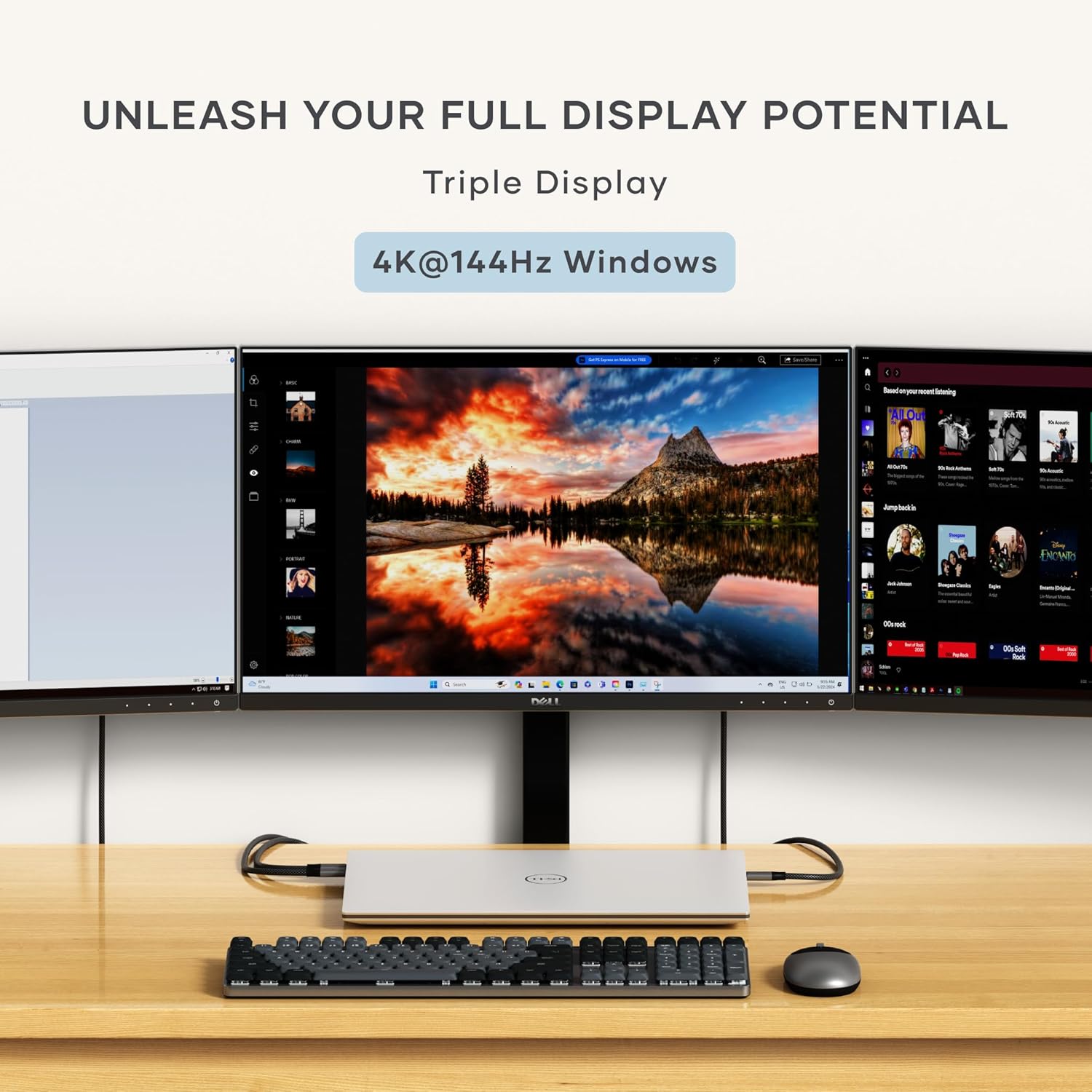
Also worth noting: the very top-end display refresh options are platform-dependent. If you’re buying mainly for “maximum refresh”, make sure your laptop and OS route matches what the cable claims for your setup.
Is it worth it?
Should you buy it? It makes sense if you’ve got a workload that benefits from speed, want to minimise cable clutter, and you’re pairing the cable with a setup that can actually use the higher data and video capabilities. You’ll like it if you’re editing, gaming, or multitasking and you’d rather keep power, storage, and display running through one connection.
It may not suit you if you’re expecting higher-than-host-limited refresh rates on affected Intel Macs and certain M1–M3 MacBook models over HDMI, or if you’re only after basic charging and standard output.
For buyers who already know their desk setup supports USB4/Thunderbolt workflows and who want a durable braided cable that’s built to be used daily, this is the kind of upgrade that can feel practical rather than ornamental.
Quick FAQ
Is the 120Gbps transfer rate one-way or two-way?
The details provided say 120Gbps unidirectional or 80Gbps bidirectional.
Does it support 8K on both Windows and MacOS?
The product describes multiple display modes: 8K@120Hz single monitor and dual 8K@60Hz on Windows, while MacOS is described with different multi-display figures.
What’s the key Mac limitation to be aware of?
The listing notes that Intel-based Macs and certain M1–M3 MacBook models do not support refresh rates above 4K@60Hz over HDMI, and that this is down to the host device.
How long is the cable?
The cable length is 1.2m (3.9ft).
Does it include instructions and support?
Yes. The purchase includes a detailed user manual and access to dedicated customer support, plus a 2-year limited warranty for normal use.