

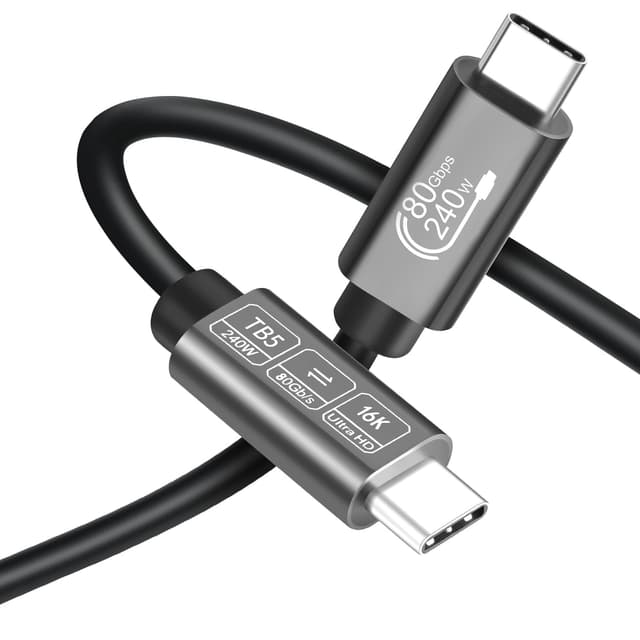
Angusplay Thunderbolt 5 USB-C Cable (80Gbps, 0.5m) with up to 240W Fast Charging
Reviews
Price
Product description
The essentials
Angusplay’s Thunderbolt 5 USB-C cable is built for people who want one tidy connection for fast data transfer, serious display capability, and quick power delivery. On paper, the headline is 80Gbps bandwidth, which is the sort of spec that makes sense if you move large files often, stream high-resolution content, or rely on a busy setup with docks and multiple peripherals.
It’s also a cable aimed at the “one cable does a lot” crowd: video output (including high refresh rate claims), charging power up to 240W, and compatibility across Thunderbolt and USB standards. That combination can be handy for reducing cable clutter behind a desk, especially if you’re juggling a Mac setup, an iPad/iPhone workflow, or a more mixed USB-C device mix.
That said, Thunderbolt-style cables can be pickier than basic USB-C leads. If your devices and ports don’t negotiate the features you’re buying for, you may see less impressive real-world results than the marketing figures.
What’s it for (and what you’ll notice)
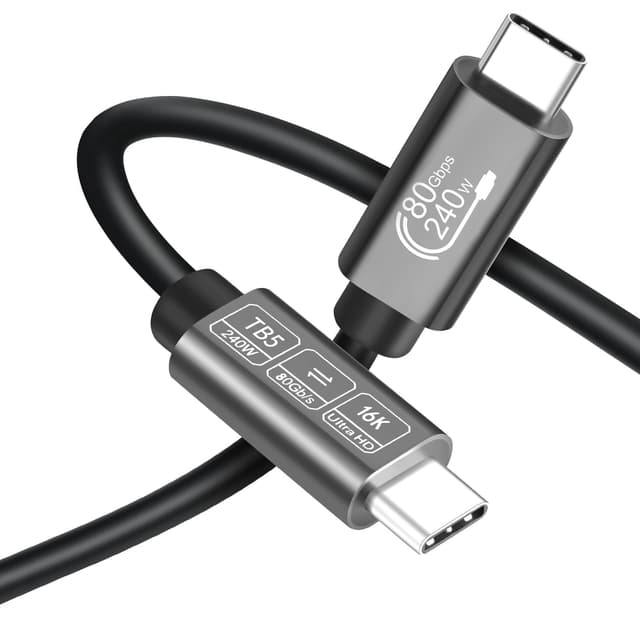
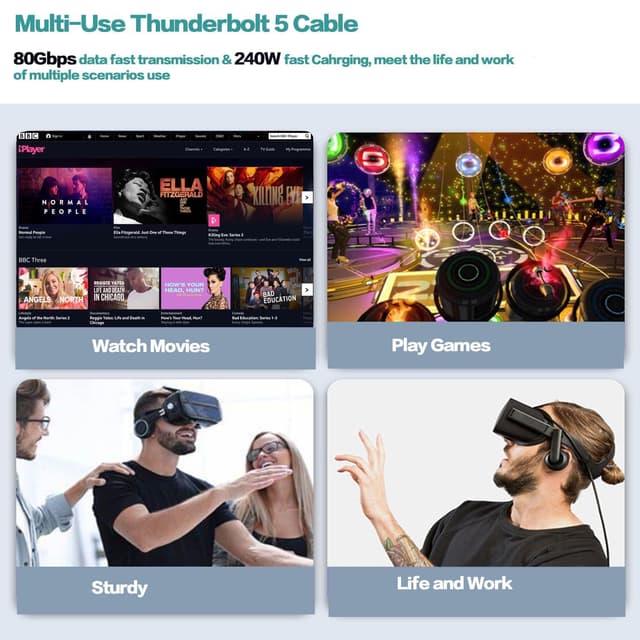
In day-to-day use, this kind of cable typically shines when you’re trying to keep things responsive across multiple tasks at once. For example, you might connect your laptop to a monitor setup (including high resolution / high refresh rate claims) while also running data-heavy peripherals or transferring large folders during a weekend content backlog.
Because the cable is positioned as Thunderbolt 5 compatible and supports high power charging (up to 240W, 48V, 5A is stated), it also targets the “charge + connect” use case. Instead of using a separate charger and a separate data/video lead, you can run a single cable to your dock or directly to the next device in your chain.
If your setup doesn’t need those extras, a simpler USB-C cable might be more than enough. This is more of a “future-friendly and desk-dominant” purchase than a casual replacement.
Key features that matter
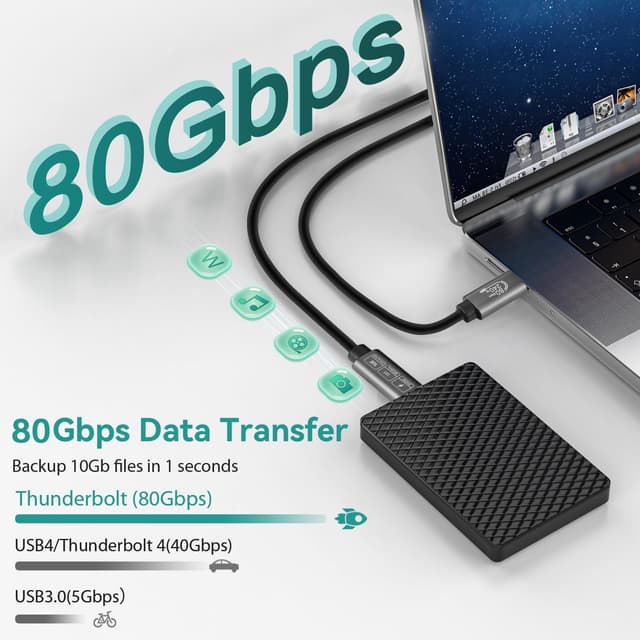
The stand-out elements here are fairly clear from the product information:
- 80Gbps data transfer for shifting large files and high-quality media without waiting around.
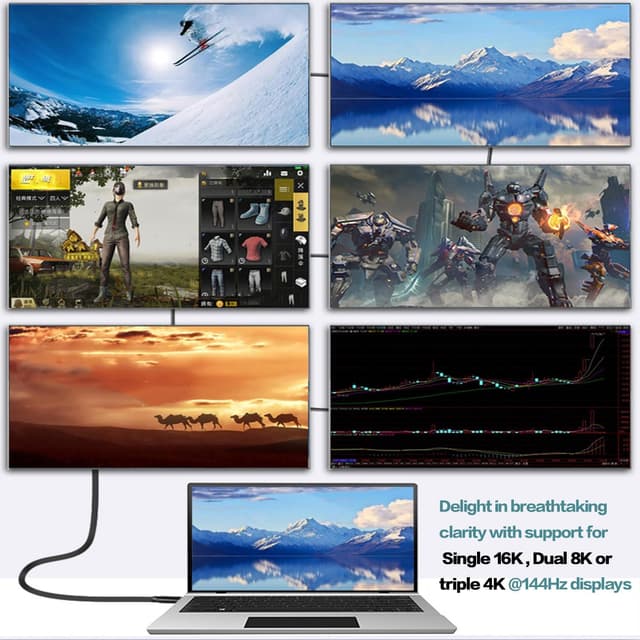
- Display support, including Single 16K, Dual 8K, or Triple 4K up to 144 Hz (as stated).
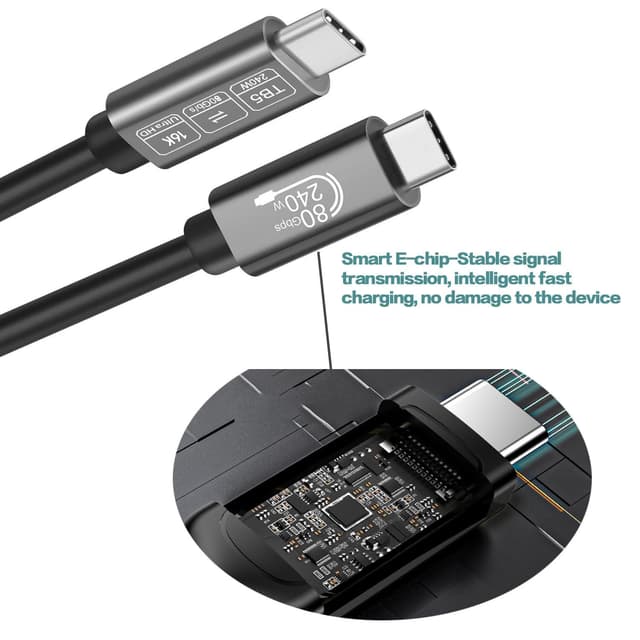
- Fast charging up to 240W (48V, 5A stated), designed to quickly power compatible USB-C devices.
- Durable build approach, described as elegant and resistant with materials chosen for frequent use.
- Broad compatibility, listed across Thunderbolt 5 (as target), Thunderbolt 4/3, USB4.0, and USB-C standards including USB 3.2 and USB 3.1.
Worth noting: the very high display and refresh rate numbers depend on the connected devices and how they negotiate video modes. You’re buying the capability, but your results will still depend quite a lot on what’s on the other side of the cable.
Compatibility & what to check before you buy
The listing mentions compatibility with Mac Mini/M5/M4, and also Thunderbolt 4/3 plus USB4.0 and certain USB-C versions. It also claims a broad “connect and power” role with USB-C devices and accessories, including docks.
Before purchasing, it’s sensible to double-check:
- Whether the device port you’re using is actually Thunderbolt 3/4/5 or USB4-capable, not just “USB-C shaped”.
- Whether your display and dock (if you’re using one) supports the high-end mode you’re aiming for.
- The cable length: you’re looking at 0.5m here, which is great for tight desk layouts and short runs, but may feel short if you need space behind monitors or furniture.
It’s not a cable that you’d typically choose for a long, casual path around a room. For a tidy desk with close-to-port placement, it makes more sense.
Technical details (straight from the listing)

Tech specs
- Type: Thunderbolt 5 USB-C cable (USB-C to USB-C)
- Data transfer speed: 80Gbps (80 Gbit/s stated)
- Charging support: up to 240W (48V, 5A stated)
- Display support (as stated): Single 16K / Dual 8K / Triple 4K at up to 144 Hz
- Compatibility listed: Thunderbolt 4/3, USB4.0, USB-C 3.2 and 3.1
- Cable length: 0.5m
- Durability: described as durable/resistant materials designed for frequent use
What’s included & sizing options
The product information also says there are three sizes available (0.5m, 1m, 1.8m), which is useful if you’re choosing based on your desk layout.
With the 0.5m length, you’ll generally want something close to the source—think laptop-to-dock on the same side of your workspace rather than across a room.
Pros
- Strong “all-in-one” intention: data + video + power.
- High claimed bandwidth (80Gbps) for heavier file movement and media workflows.
- Fast charging support up to 240W for compatible devices.
- Display capability claims for demanding monitor setups.
- Listed as compatible with a range of Thunderbolt/USB-C standards.
Cons / limitations to keep in mind
- The top-end display modes and refresh rate figures are only achievable if your devices and connections support them.
- If you only need basic charging or standard data, this is likely more than what you need.
- Thunderbolt-class cables can be less forgiving if you’re plugging into ports/docks that don’t negotiate the same features.
Buying verdict
It’s a good fit if you have a Thunderbolt 4/3 or USB4-capable setup (especially a Mac Mini/M5/M4 style workflow), and you want one cable to handle fast transfers, serious display output, and high-power charging without constantly swapping leads. The 0.5m length also suits a compact desk and short cable runs.
It may not be a great match if your current hardware is mostly “USB-C only” (not Thunderbolt/USB4 capable), or if you’re not chasing high-resolution/high-refresh display performance. In those cases, you could end up paying for capabilities you can’t actually use.
Mini FAQ
Quick answers
Is this cable compatible with Thunderbolt 4 or 3? The listing states compatibility with Thunderbolt 4/3.
Does it support fast charging? Yes—up to 240W is stated (48V, 5A).
What display modes does it claim? It claims Single 16K, Dual 8K, or Triple 4K at up to 144 Hz (as stated).
Will I get the full 80Gbps speed? In principle, it’s rated for 80Gbps, but actual speeds depend on your connected devices and whether they negotiate that performance.
Is 0.5m long enough? For close desk setups it often is, but if you need more reach, the listing notes other lengths (1m and 1.8m) are available.