

ByteCintia Bluetooth & USB 4x6 Thermal Shipping Label Printer (203 dpi) for small business
Product description
The essentials for shipping labels, without the ink
If you send parcels often, printing labels can start to feel like admin you never quite catch up with. The ByteCintia Bluetooth Thermal Shipping Label Printer is built for that day-to-day workflow: it uses direct thermal printing, so you’re not buying ink or toner just to get labels out of the door. You get a printer that supports both Bluetooth and USB connections, which matters if you run your fulfilment from a phone/tablet one day and a laptop the next.
The big thing here is convenience plus speed on typical shipping labels. On paper, the printer’s 100 mm/s print rate (and its direct thermal approach) suits anyone who wants labels that are clear, scannable, and quick to produce rather than fiddly.
Still, it’s not a “set and forget” miracle. Thermal printing is great for labels, but it does rely on the right label format and your platform/app setup being compatible with your workflow.
What it is, and what it’s good at
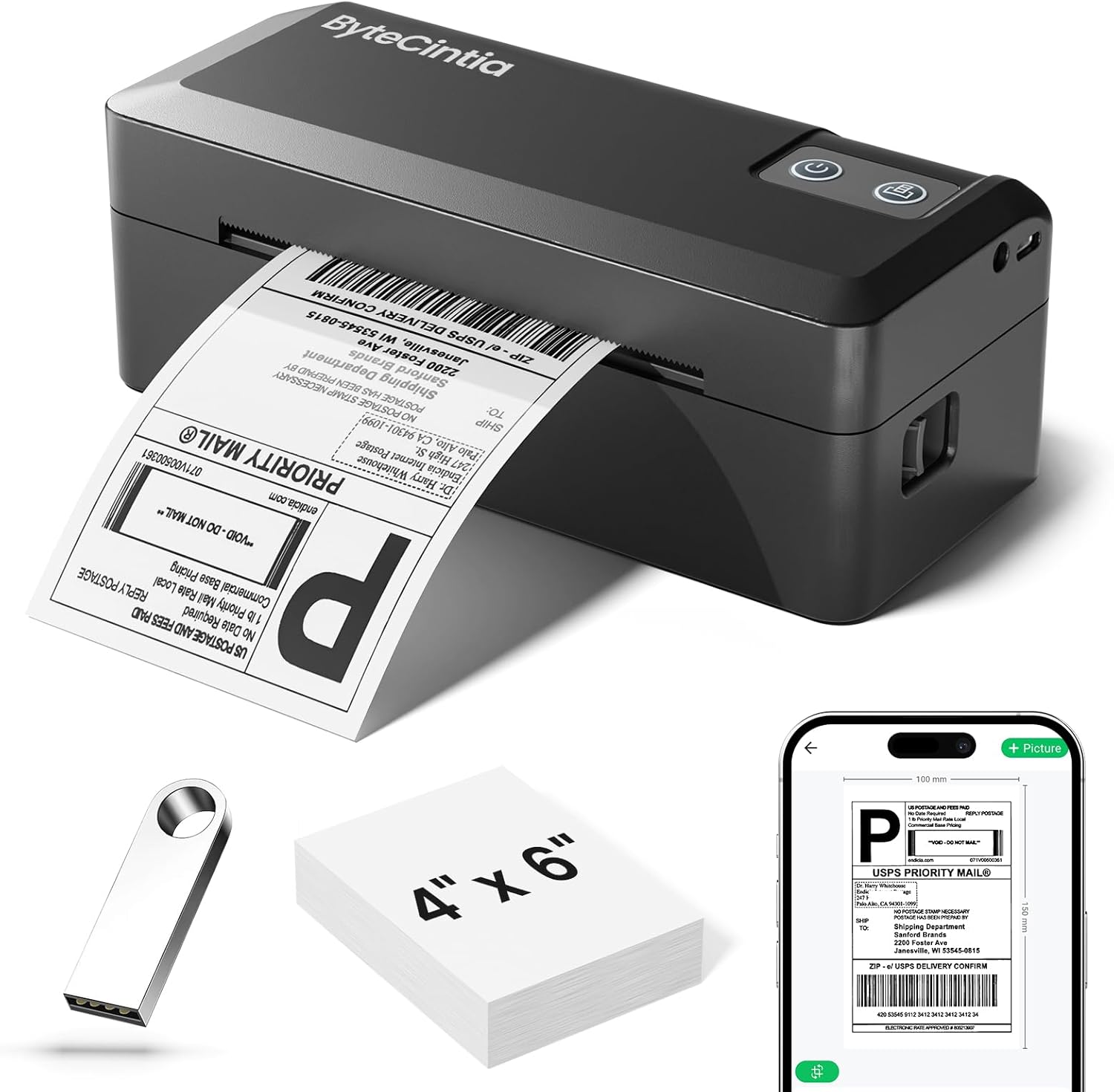
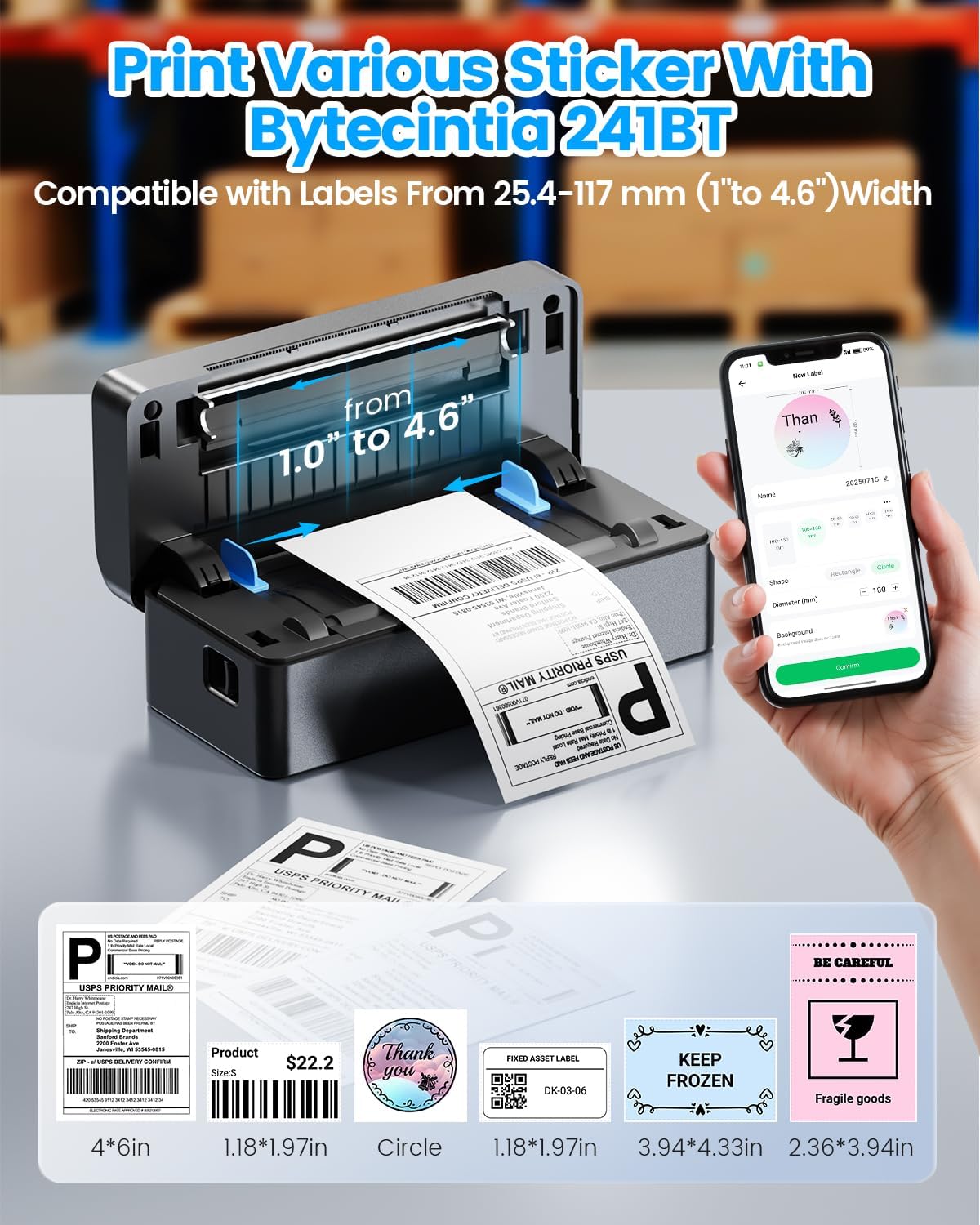
This is a 4x6 thermal label printer designed for shipping use, but it’s positioned as more than a one-trick device. Alongside shipping labels, it’s described as a custom label maker for things like barcodes, product labels, thank-you stickers, QR code stickers, and business/name tags.
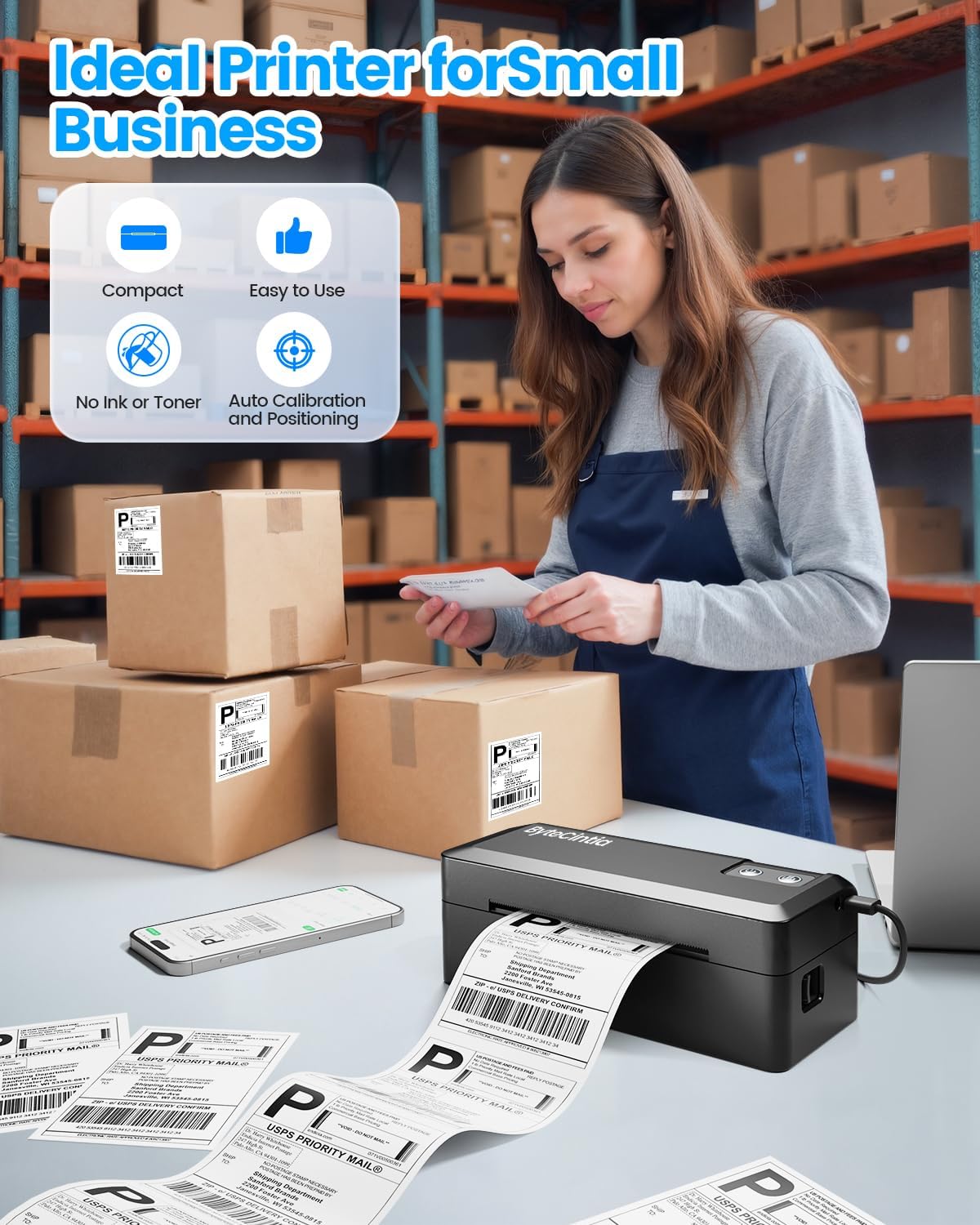
A practical way to think about it: if you’re running an Etsy shop or managing marketplace orders, you can print labels straight from the app/platform side and keep packaging moving. If you’re doing inventory organisation too, creating simple QR or product stickers can reduce repeated manual writing.
Where it really helps in everyday use
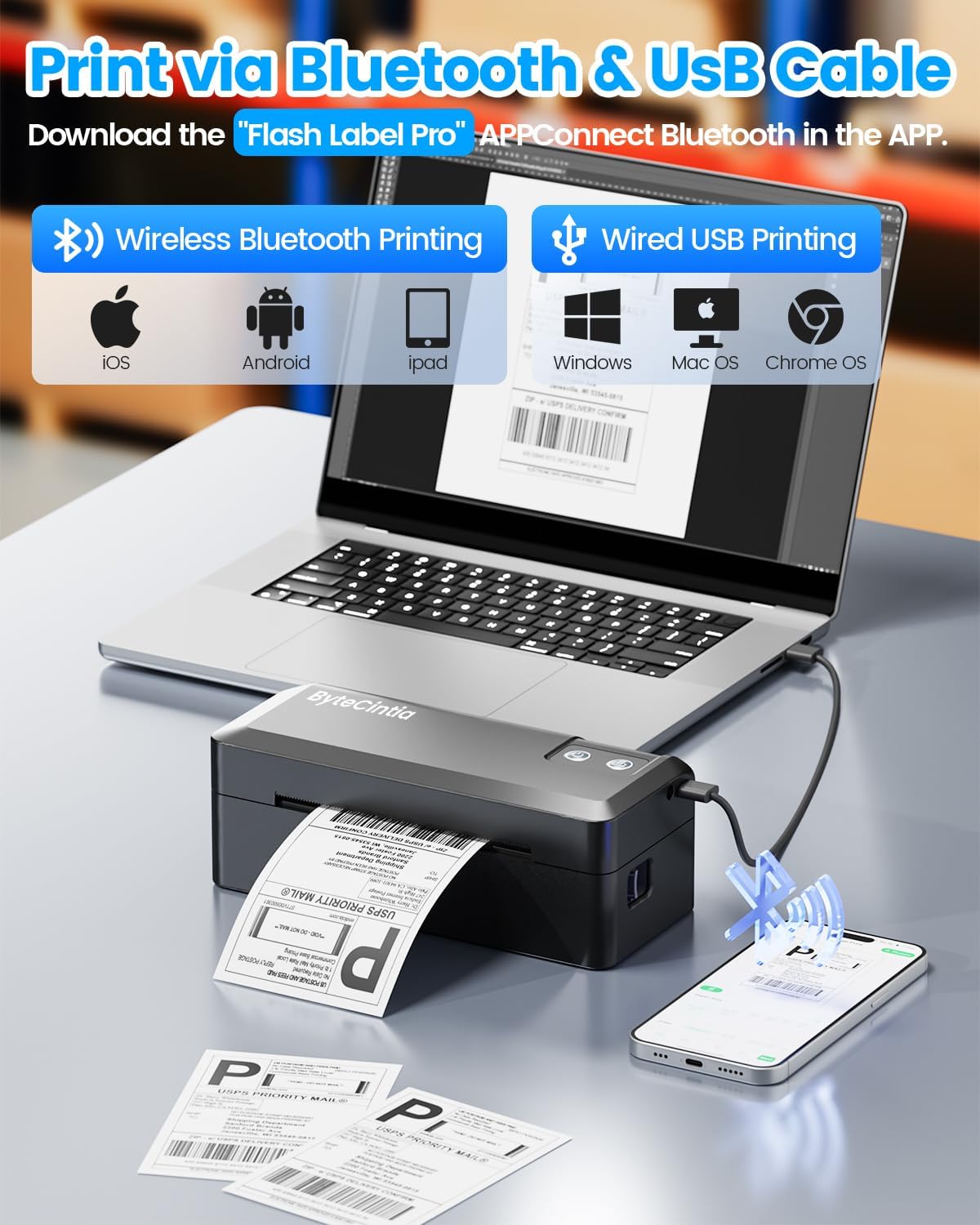
Bluetooth support is one of the more noticeable advantages for small businesses. Being able to connect instantly via Bluetooth (with the download of a compatible print setup) can be handy when you’re packing on the floor or on a desk away from your main computer.
It also aims to reduce common pain points in label printers. The description mentions Auto-Calibration, Smart Paper Return, and Self-Test Diagnostics to help with issues like alignment and paper handling. That doesn’t guarantee zero problems in every setup, but it’s the right direction for anyone who doesn’t want to spend their time troubleshooting paper feeds.
And yes, the portability angle is real here: it weighs 1.0 lb and is described as lightweight enough to fit into a backpack.
Key points to check before you buy
Before committing, it’s worth double-checking the parts that tend to decide whether a label printer is painless or frustrating:
- Label size and width range: it’s aimed at 4x6 shipping labels, and it supports label widths from 1.38 inches to 4.3 inches. If your operation uses different label formats, make sure they fall into that range.
- Connection method in your workflow: the printer supports Bluetooth and USB, and it’s compatible with Android/iOS and Mac/Windows (Win 10 or later is mentioned). If you mainly work from a single device, it’s still worth confirming your setup uses a connection method that feels comfortable.
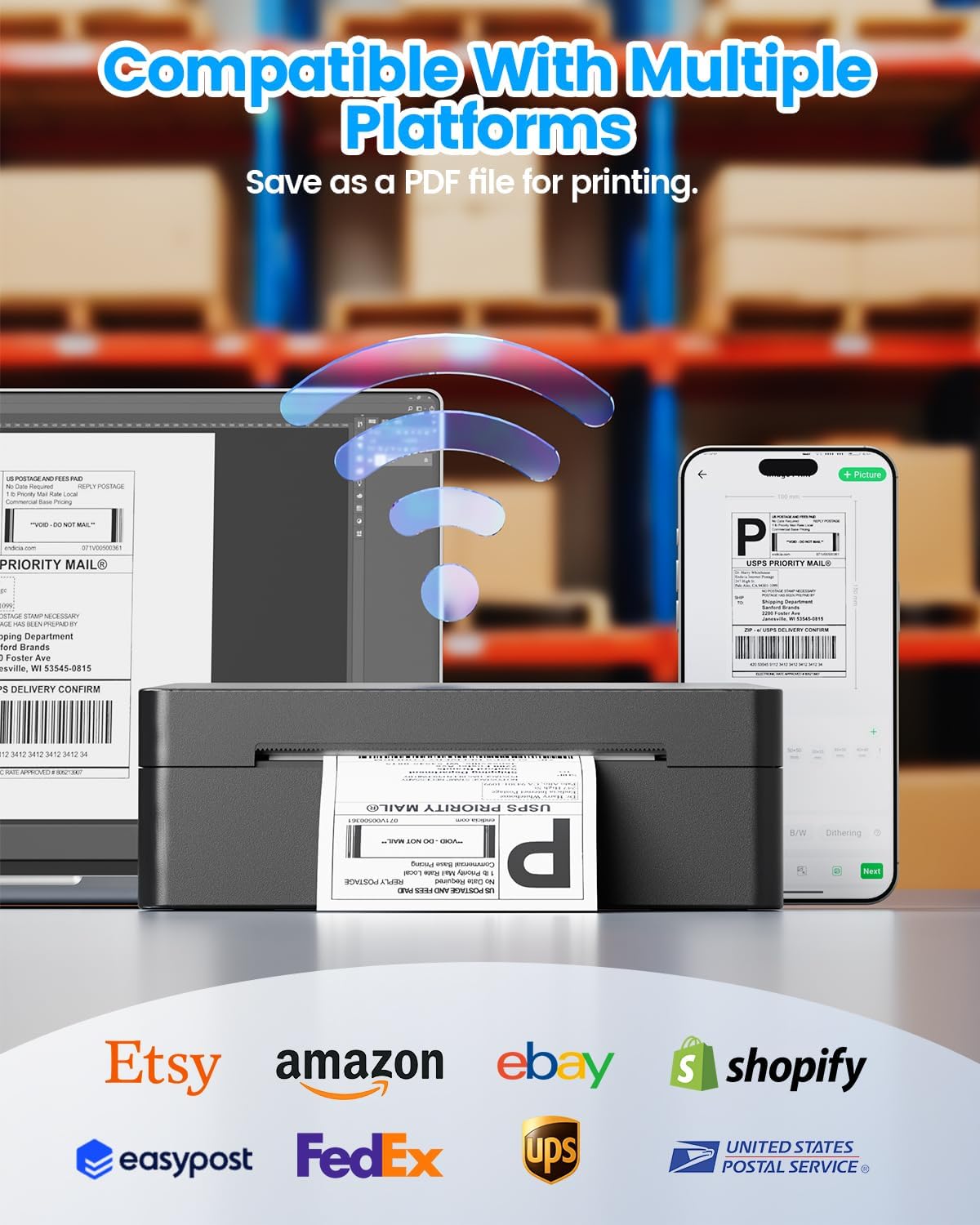
- Platform compatibility: it’s stated to work with major shipping platforms and marketplaces such as FedEx, UPS, USPS, and marketplace services like amazon, Shopify, Etsy, eBay (and more). However, “works with” can still mean different steps in the app/process—so if you have a specific platform workflow, it’s sensible to ensure the label printing is straightforward for that exact use.
What you’ll notice day to day (and the limits)
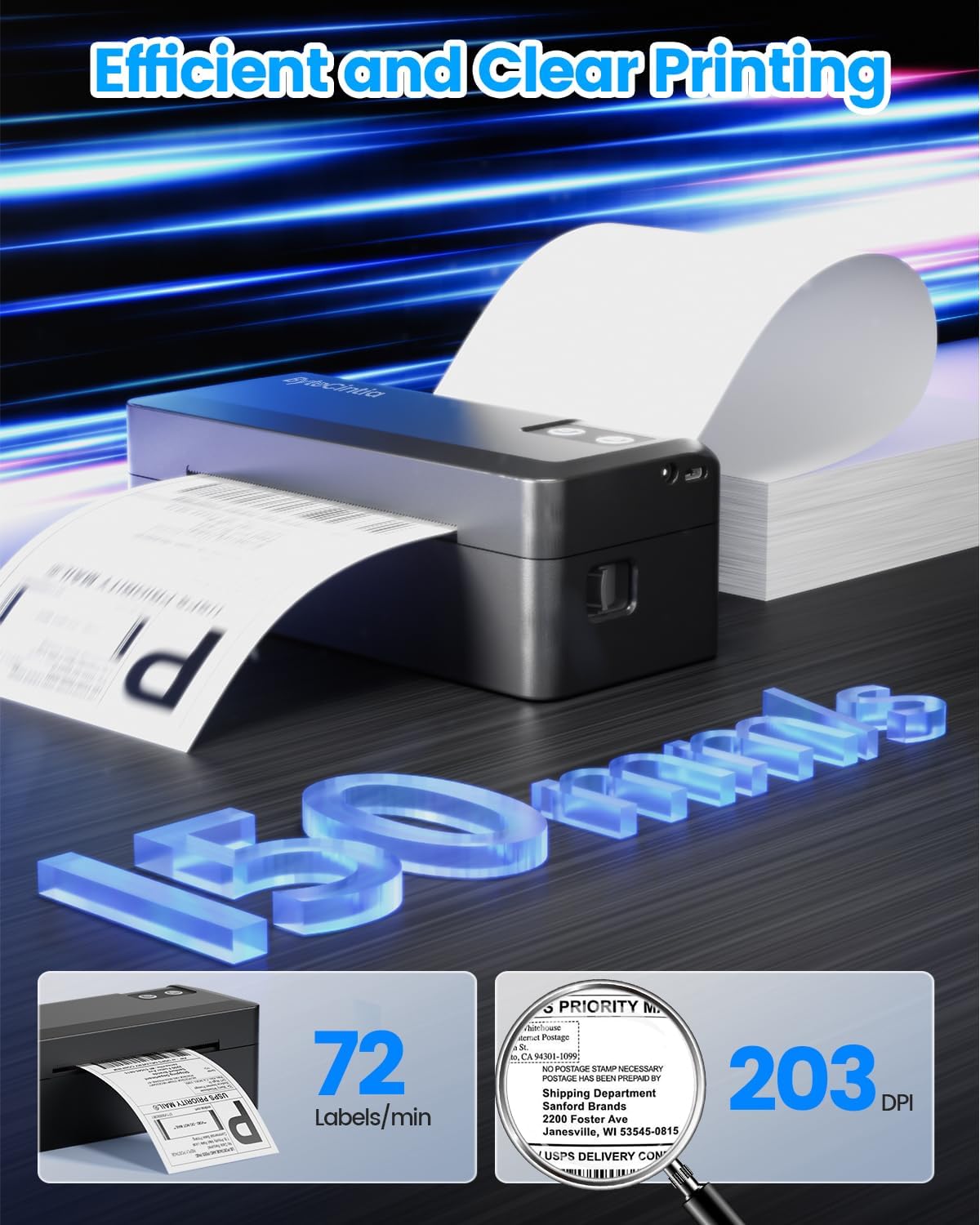
The main experience you’re paying for is direct thermal printing: no ink and no toner, which can be a cost saver for busy senders. The 203 DPI print head is also geared towards legible labels and scannable output, which is the difference between “printed” and “actually usable at the carrier stage”.
Where it may not suit everyone: if you’re expecting a high-end, fully integrated enterprise setup with deep automation, this is more of a small-business tool than a specialised warehouse system. It also depends on thermal label handling and app/platform support—if your label setup is unusual, the printer could end up feeling like extra admin rather than relief.
Tech specs that matter for label output
Tech specs
- Type: Thermal label printer (direct thermal)
- Print speed: 100 mm/s
- Print resolution: 203 dpi
- Label width range: 1.38 inches to 4.3 inches
- Connections: Bluetooth and USB
- Compatibility (mentioned): Android, iOS, Mac, Windows 10 or later
- Printing focus: 4x6 shipping labels
Is it worth it?
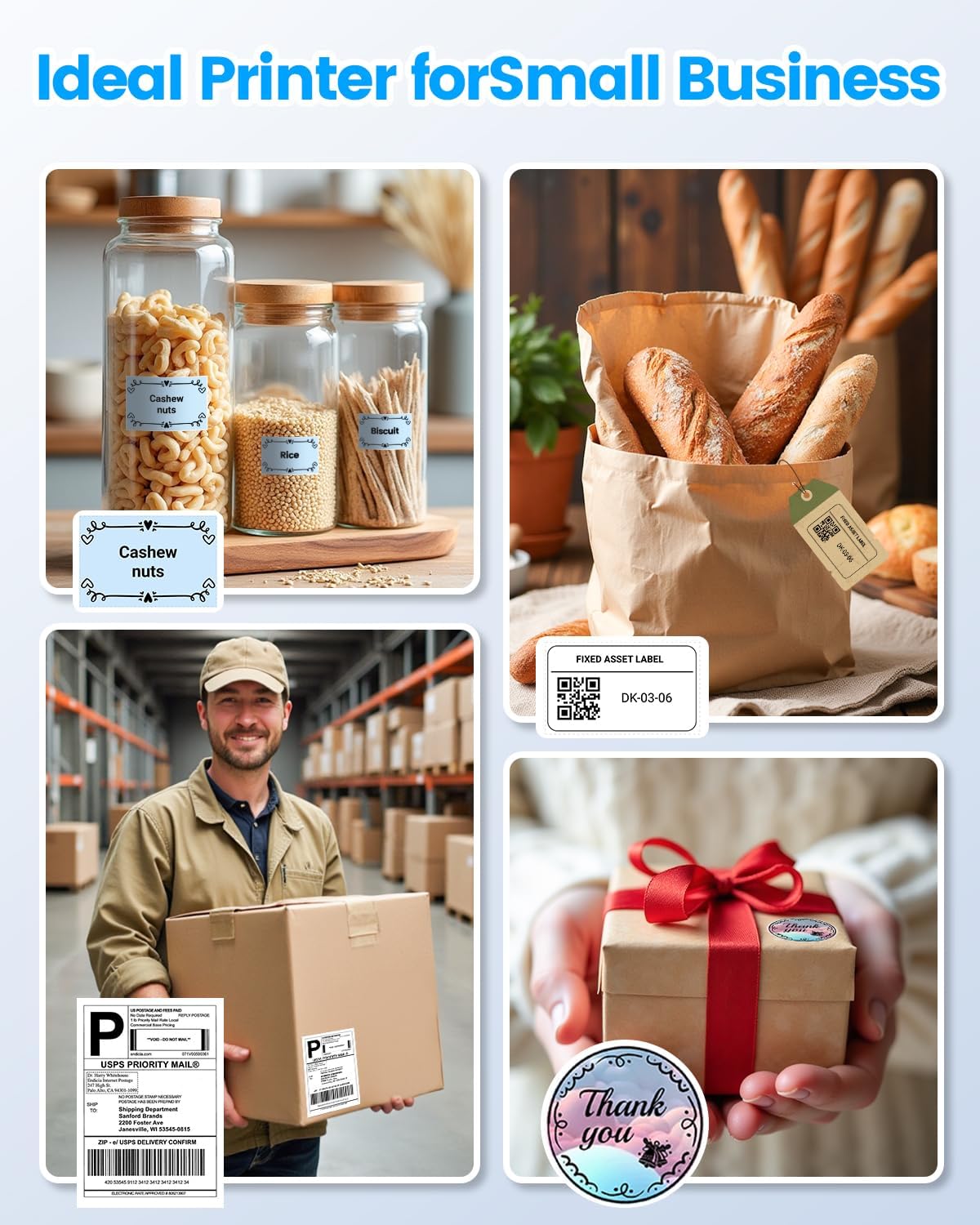
Worth buying if you need a compact Bluetooth and USB thermal label printer for 4x6 shipping labels, you send parcels regularly, and you want to avoid ink/toner running costs. It’s especially sensible for small business use cases like Etsy shop fulfilment, Amazon order packing, or keeping inventory organised with simple QR/barcode stickers.
It may not be the best match if your shipping process depends on a very specific label format outside the stated widths, or if your current setup makes app/download steps awkward. If you’d rather stick with the simplest possible workflow from one device only, it’s also worth ensuring the Bluetooth/USB method fits how you actually work.
Mini FAQ
Mini FAQ
Does it print with ink or toner? No—it's described as direct thermal printing, so it eliminates the need for ink and toner.
Is it only for shipping labels? No. It’s also described as a custom label maker for barcodes, product labels, QR code stickers, and similar items.
What connections does it use? It supports Bluetooth and USB, aiming to cover mobile and computer-based workflows.
Which platforms is it said to work with? It’s stated to work with major shipping platforms like FedEx, UPS, USPS and marketplaces such as Amazon, Shopify, Etsy and eBay.
Is it portable? It’s described as lightweight (1.0 lb) and designed to fit into a backpack.