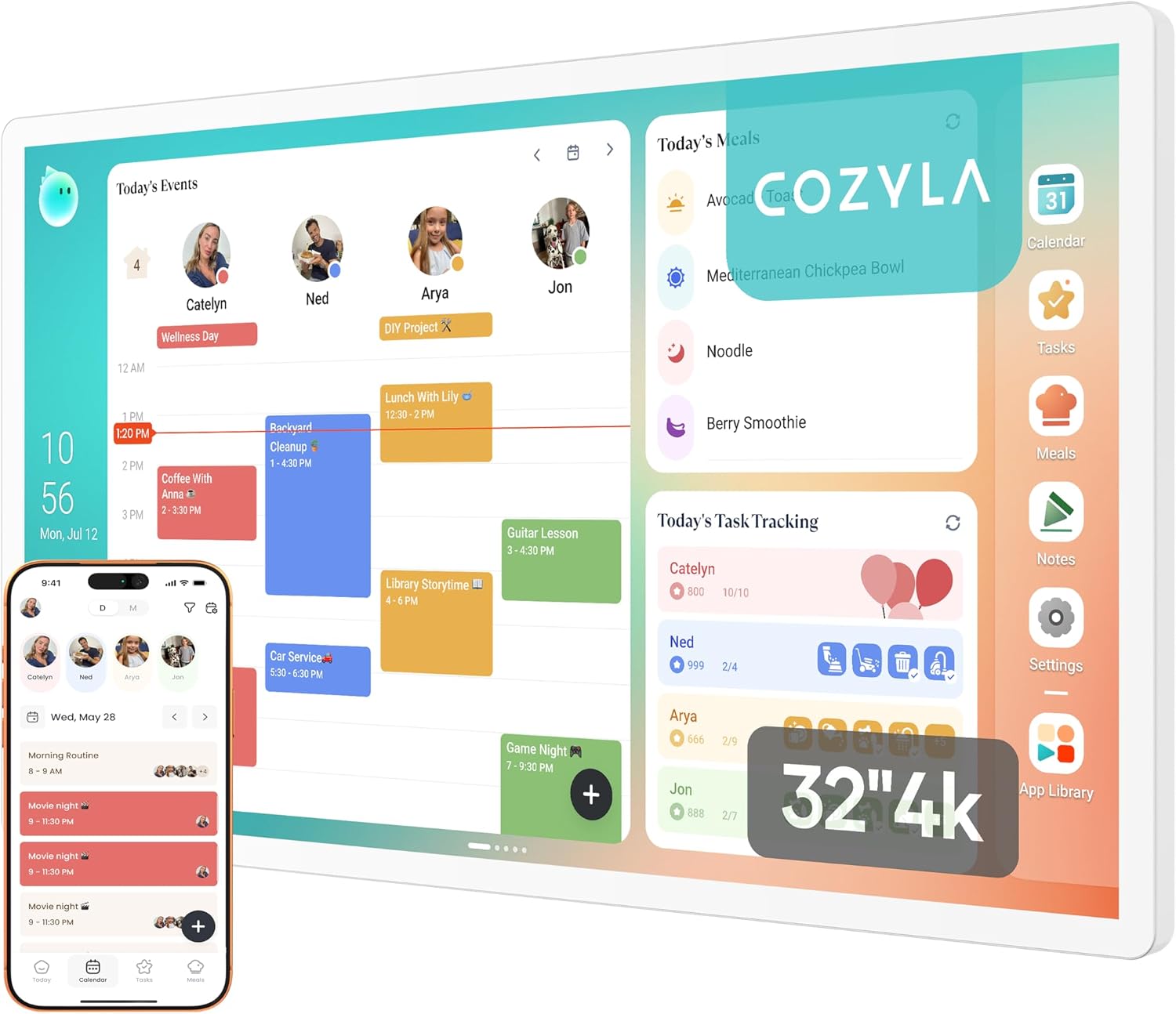
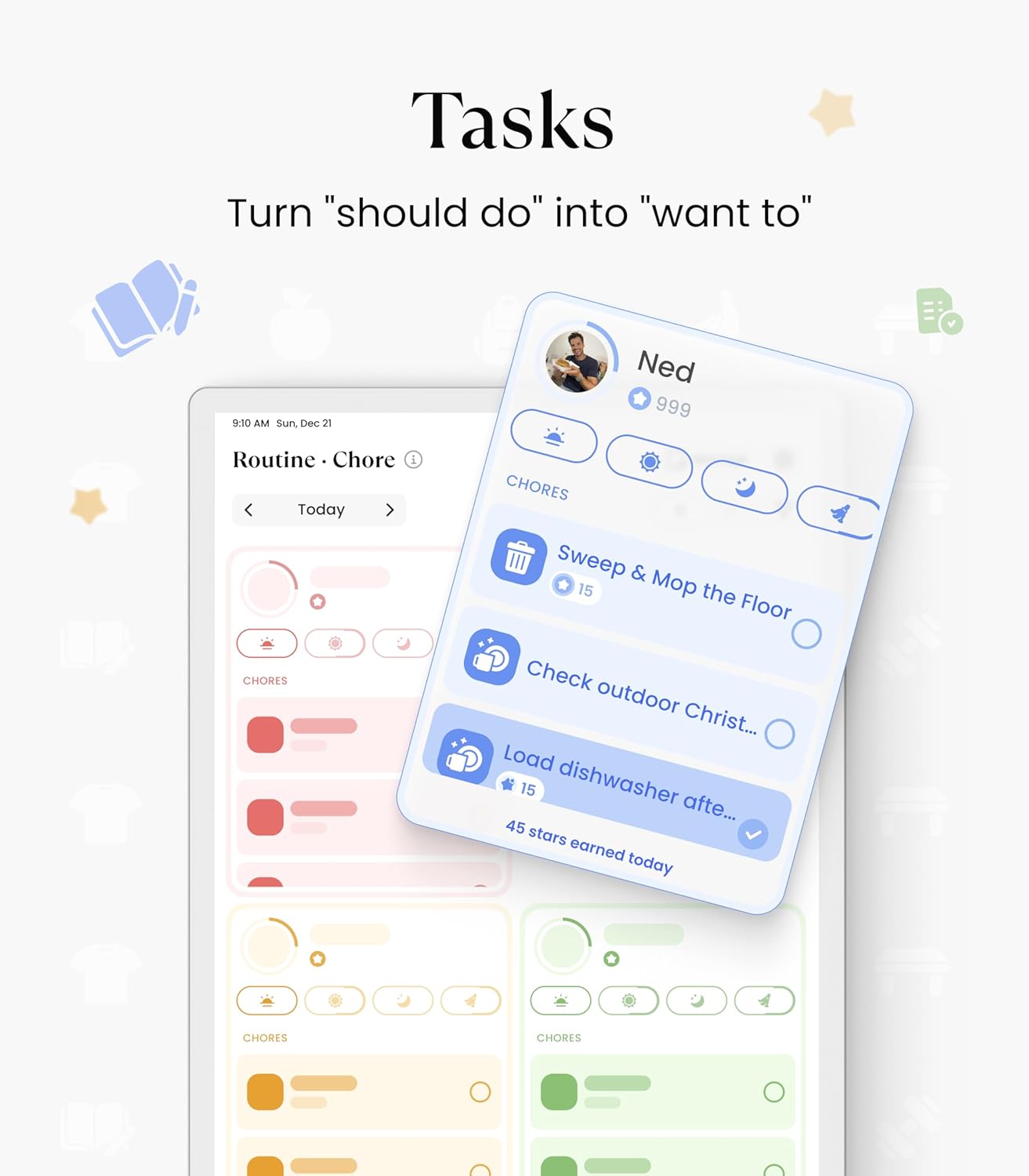
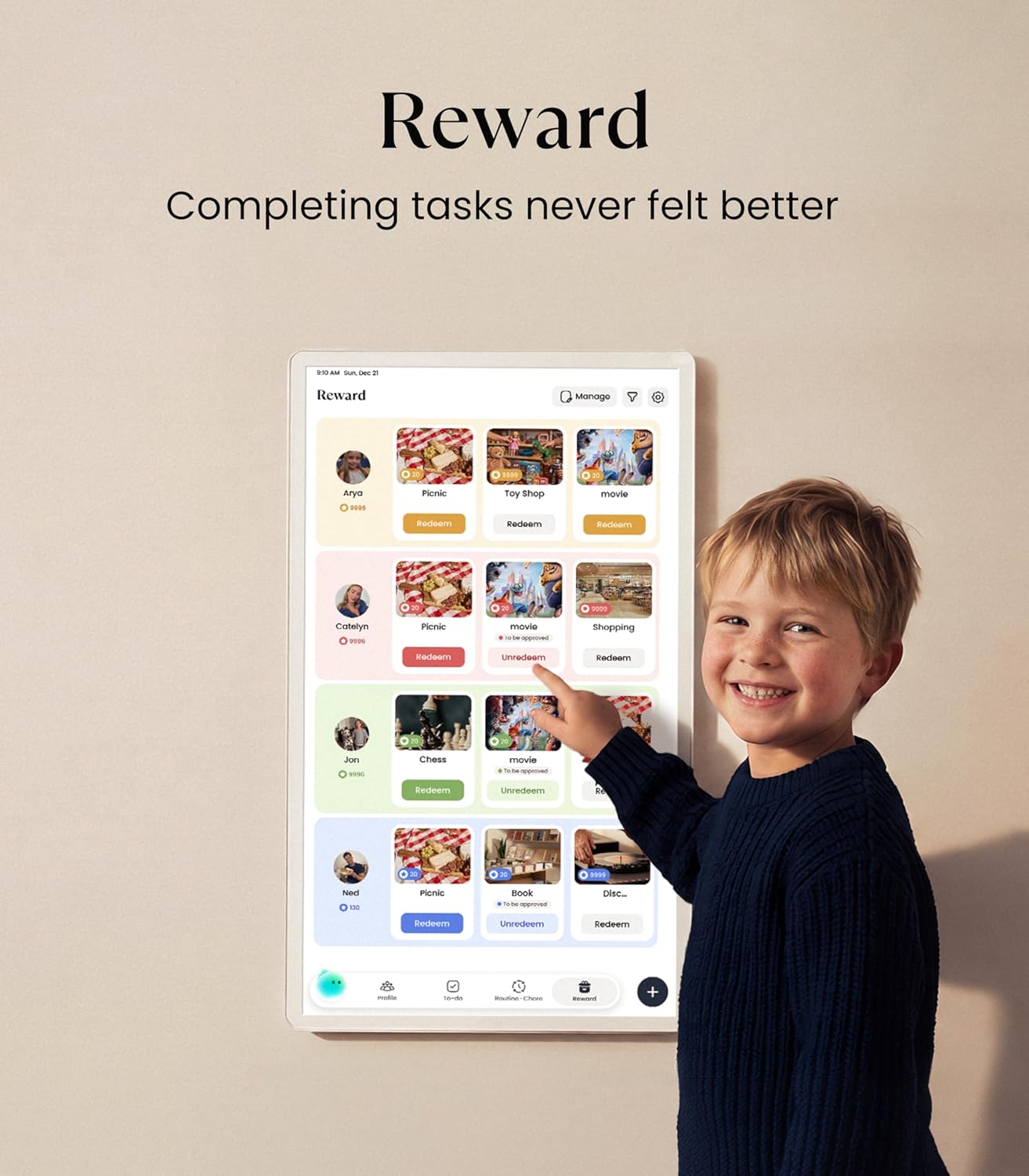
What it is and what it solves\nThe Cozyla Calendar Plus 2 is a 32-inch, 4K UHD digital wall calendar designed for family organisation. It doubles as a family planner, chore chart, meal planner and central hub for smart routines, all displayed on a single touch-enabled screen. It aims to replace paper calendars with a glossy, clutter-free wall display that syncs in real time with popular services.\n\n## How it fits into daily life\nIf you crave a shared schedule without constant app-switching, this calendar offers real-time syncing with Google, Apple, Outlook, Yahoo and more. The Cozyla+ companion app lets you view and edit events from anywhere, so plans don’t get stuck on one device. The wall-mounted display can rotate between portrait and landscape, adapting to how you use it in your home.\n\n## What stands out in use\nThe dashboard is customisable: drag-and-drop widgets let you mix calendars, chore charts, meal planners, to-do lists, media players and weather, all in one place. The inclusion of a digital chore chart and reward system adds a behavioural nudge—each family member can have a colour and an avatar, making chores feel more tangible. For me, that mix of practicality and light gamification is where it shines—especially for households juggling school, work and meals.\n\n## Practical strengths and limitations\nOn the positive side, you get seamless cloud sync without a subscription, a smart assistant via Cozyla AI for converting paper notes and recipes to digital entries, and a tangible upgrade from paper planning to a digital hub. The 32" screen offers generous visibility, which helps the kitchen or living room become a true command centre. However, there are a few caveats: setup and ongoing use assume a degree of comfort with apps and cloud accounts, and the feature set is as broad as it is ambitious, so if you’re after a singular calendar display with minimal features, this might feel overkill.\n\n## Who it’s best for\nThis device suits large families or shared homes where multiple schedules need to be visible at a glance, and where meal planning and chores are regular rituals. It’s also attractive if you want a paperless kitchen or family command hub that can stream recipes or tutorials while you cook.\n\n## Who might want to reconsider\nIf you prefer a smaller, plug‑and‑play calendar with limited apps, or if you’re not ready to manage cloud accounts and app integrations, this may feel more complex than necessary. It’s also worth noting that the full experience hinges on app compatibility and the reliability of cloud syncing across services.\n\n## What to check before buying\nConfirm wall-mount compatibility and ensure the included UK adapter is suitable for your kitchen or study space. Consider your Wi‑Fi stability, since real‑time syncing is a key benefit. If you rely heavily on offline usage, remember that many features orient around online connectivity and app integrations.\n\n## A glance at alternatives and buying context\nIn practice, this device sits between traditional paper calendar setups and high-end smart home hubs. If you want something that replaces a wall calendar with a connected, interactive calendar, you’ll likely value the integrated chore charts and meal planning. If your priority is minimal fuss and offline reliability, a simpler calendar might be preferable.\n\n## Final decision — Is it worth it?\nShould you buy it? It makes sense if you want a central, customisable digital calendar with family‑focused features and an all‑in‑one planning approach. If you prioritise ultra‑simple use or offline work, you may want to explore other options.\n\n## Quick FAQ\n- Does it sync with Google and Apple calendars in real time? Yes, it supports real‑time syncing with Google, Apple, Outlook and Yahoo.\n- Can I use it without the Cozyla app? The app is used to share and edit events remotely, so access to the companion app is part of the everyday workflow.\n- Is the screen orientation fixed? No, it can rotate between portrait and landscape.\n