

Greensky 540XL/541XL Compatible Ink Cartridge Set for Canon (PG540XL Black + CL541XL Colour)
Product description
What it is and what it’s for
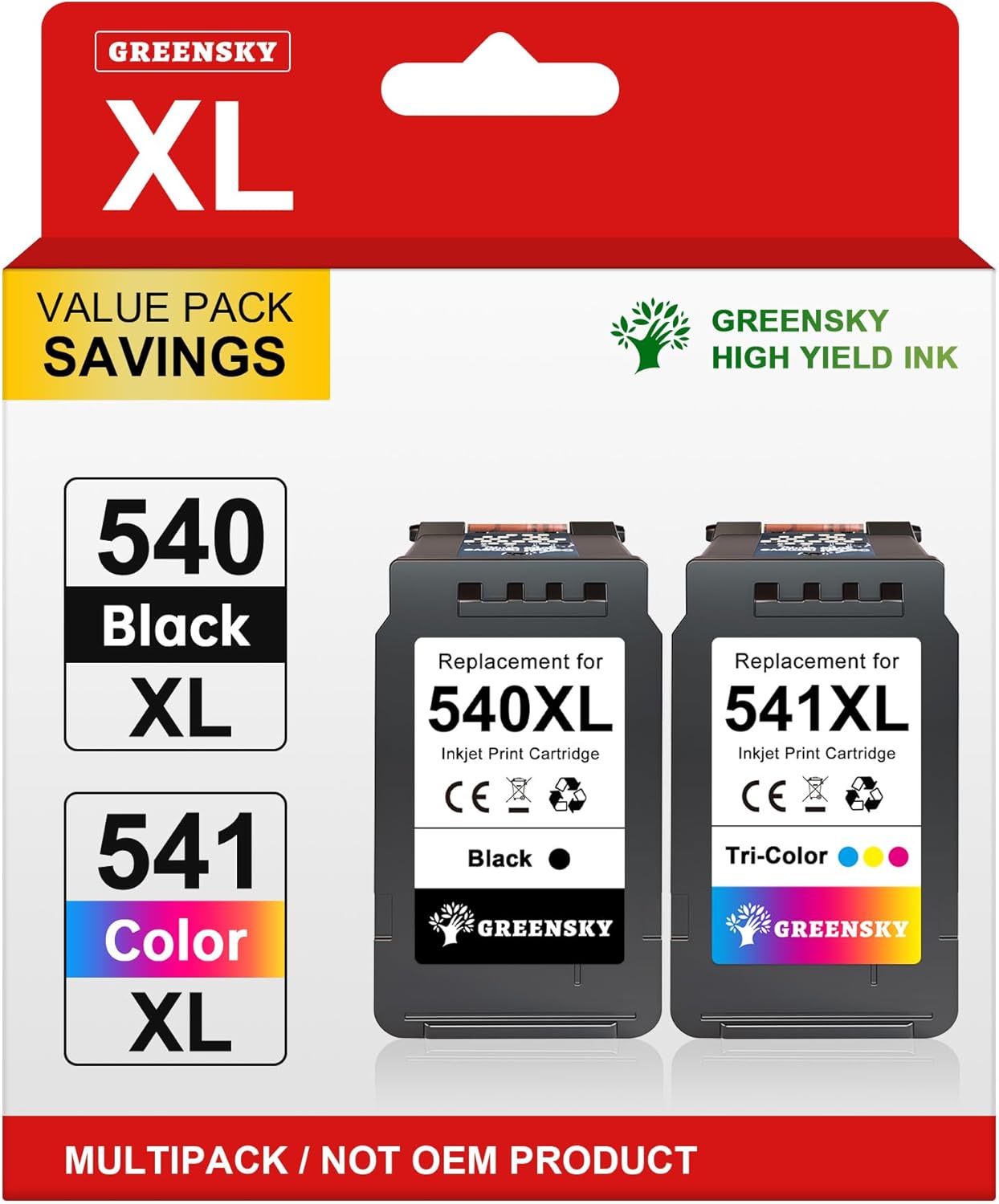
This is a compatible ink cartridge set designed around Canon’s 540 and 541 range, sold as a multipack for TS5150 series and several PIXMA MG models. In practice, you’re looking at a straightforward way to keep an inkjet printer running without buying individual cartridges as often.
The set includes PG540XL black and CL541XL tri-colour (colour) cartridges. If your main use is day-to-day documents, school work, and the occasional photo print, a high-capacity style cartridge like this tends to be the type of buy that makes sense when you print regularly and want fewer swaps.
The essentials (and the one thing to check)
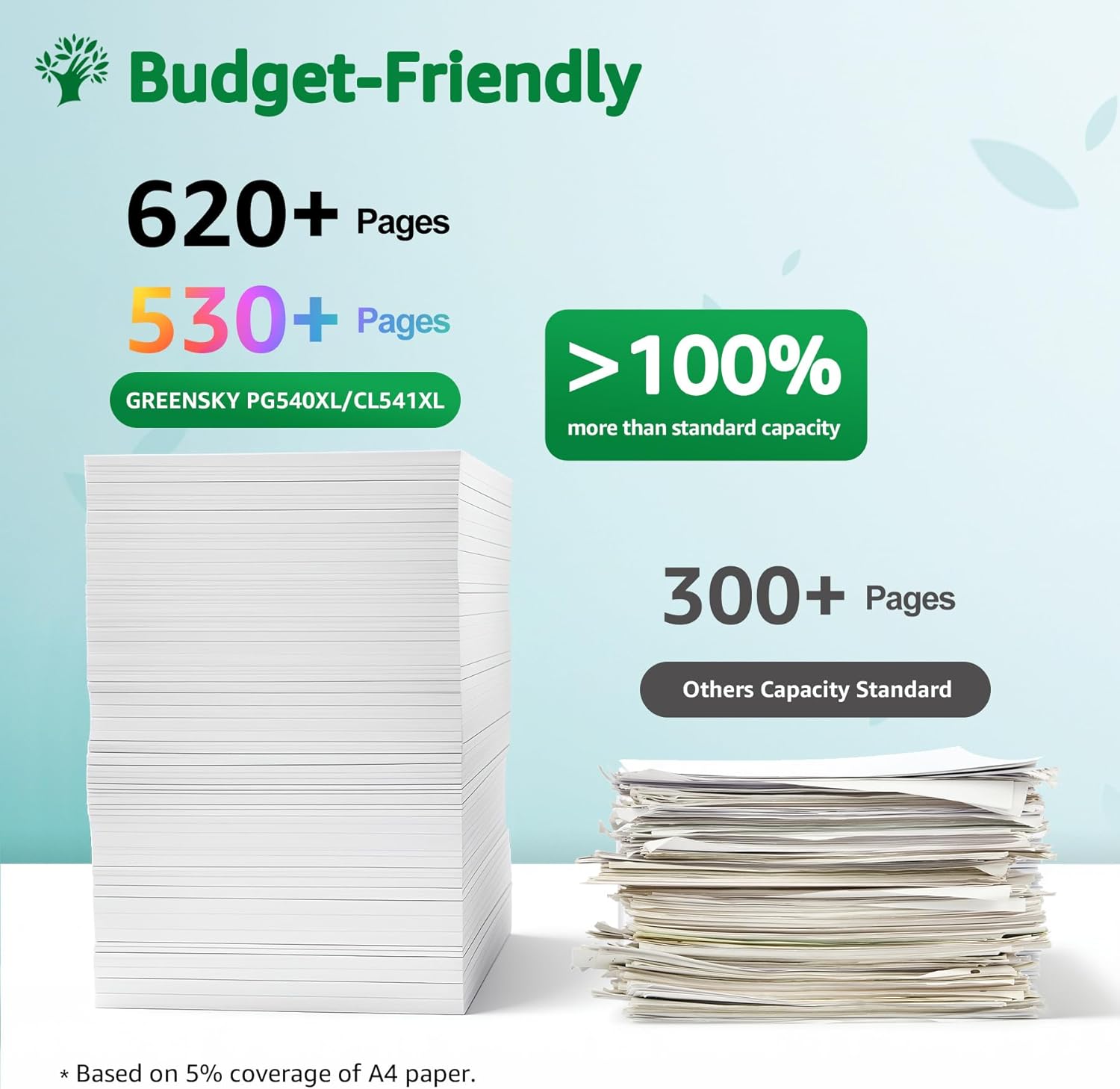
On paper, the headline is capacity: the listing claims the 540XL/541XL high-capacity versions print 110% more pages than standard cartridges, with 620 pages for PG540XL black and 530 pages for 541XL tri-colour (based on 5% coverage of A4 paper). That’s the sort of figure that can help you work out running costs—just bear in mind it’s an estimate that depends on how much ink your own pages use.
The other important point is compatibility. The listing says it’s compatible for various Canon PIXMA MG printers in the TS5100/TS5150/MG3600/MG3650 family, and it mentions there’s a full list of compatible models on the product details page. If you’re considering this for a specific printer you own, it’s worth double-checking your exact model number in that list before ordering.
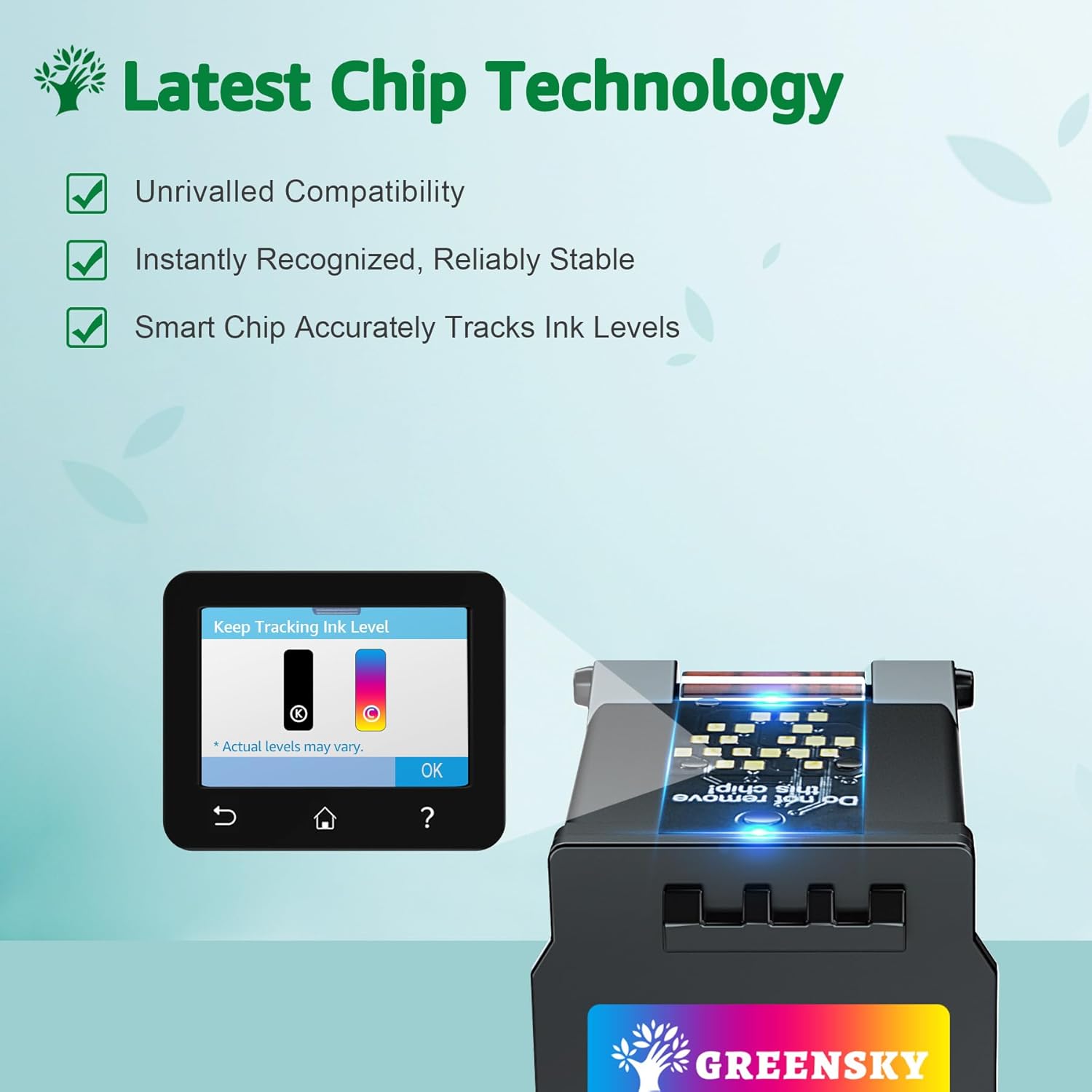
It’s also described as using a smart chip so the printer recognises the cartridge quickly after installation. That’s useful if you’ve ever had cartridges that get “stuck” in a not-recognised state with certain printers.
Key takeaways from the ink and print behaviour
The cartridges use ink described as high quality micron particle ink, meant to dry quickly and reduce smearing, while also helping prevent printhead clogging. The listing also claims the ink is comparable to the original, aiming for clear text and sharp colours.
In everyday terms, what you should expect is sensible output for typical home or office printing—crisp-looking text for documents, and colours that don’t look washed out for family photos. It’s not pitched as a specialist photo cartridge, so if you’re trying to push for gallery-level colour accuracy, you may find dedicated options better suited. For most people, though, this will sit in the “use it, don’t think about it” category.
What’s better about this set (and what may not be)
What stands out: - A matched two-cartridge set (black + tri-colour), so you can replace both when your printer prompts for ink changes. - High-capacity XL style, which should mean fewer cartridge replacements if your usage is consistent. - Smart-chip recognition and protective packaging for delivery.
Worth noting / possible limitation: - The claimed page yields are based on a standard coverage assumption. If you print lots of dense graphics or full-page photos, your real-world yield may be lower. - As with many compatible cartridges, performance can be a bit dependent on your printer’s settings (for example, draft vs standard quality) and the type of media you use.
Also, the packaging description mentions they may ship in different packaging appearances as part of an upgrade. That’s usually cosmetic, but it’s good to be aware if you’re particular about packaging.
Installation and everyday use tips
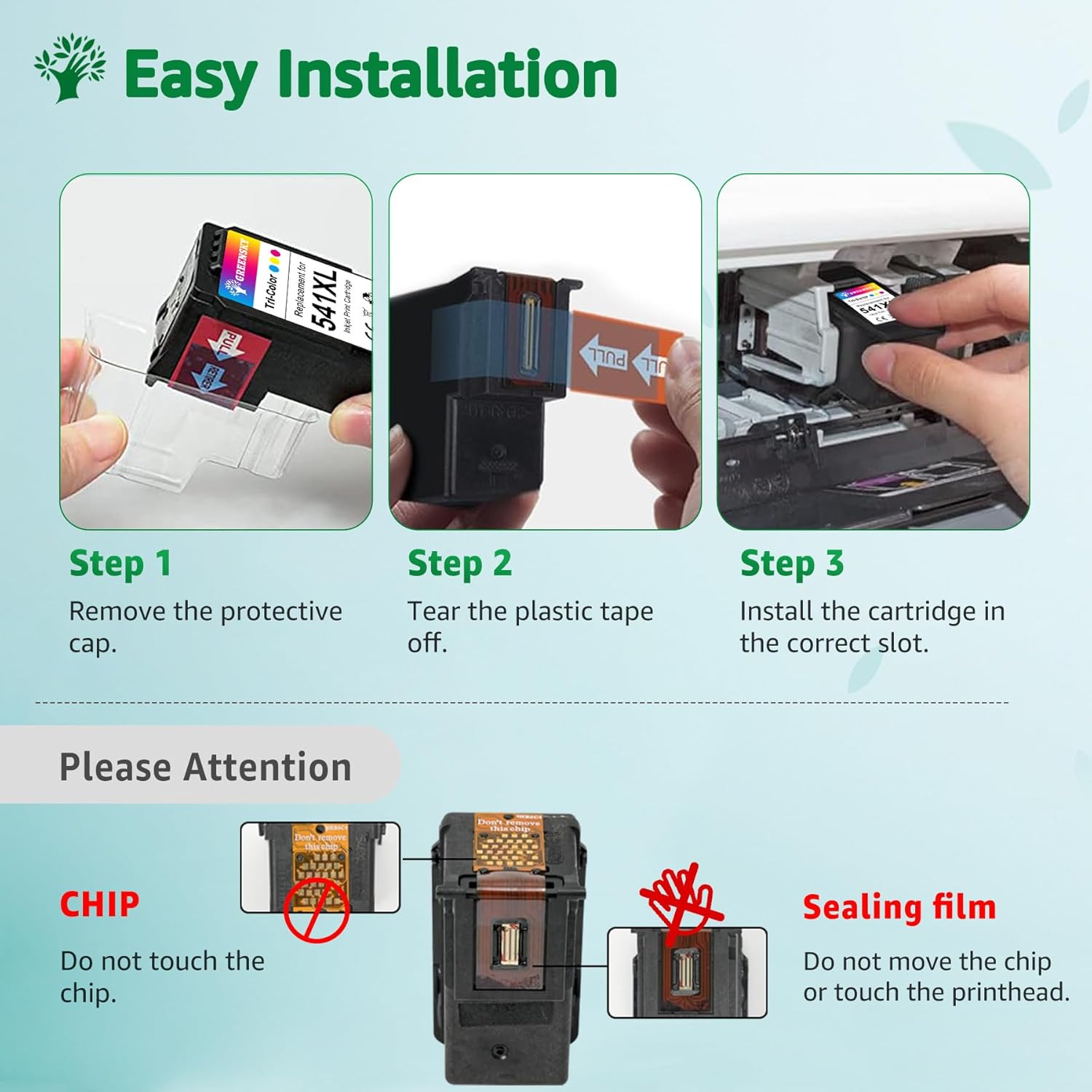
After installing new PG540XL/CL541XL cartridges, run a quick test print to confirm the printer recognises them correctly and that colours are applying as expected. For example, printing a single page with mixed text and colour blocks gives you a fast read on whether everything is feeding cleanly.
Because the listing focuses on quicker drying and reduced smearing, it’s a good fit for tasks where you need prints that don’t immediately feel tacky—think homework packs, letter printing, and forms you plan to handle straight away. If you’re printing on shiny or special paper, results can vary, so it’s worth checking with your printer’s media settings.
What you should compare before buying
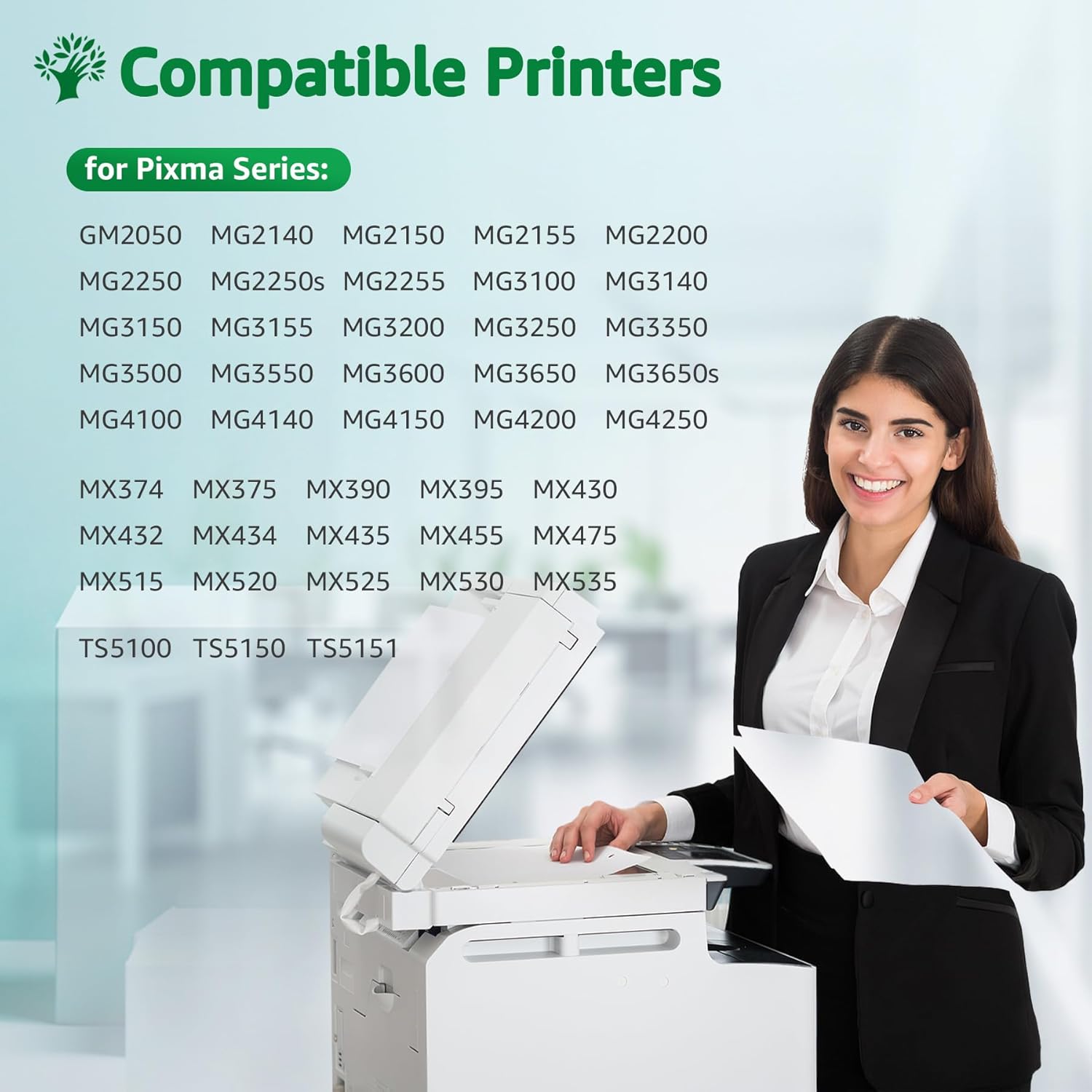
If you’re deciding whether this compatible set is the right purchase, the main things to compare are: - Your printer model against the compatibility list for the exact cartridge range. - Capacity (XL vs standard) versus how often you print. - Whether you need basic reliability and clean output more than you need the absolute best colour accuracy.
Compatible cartridges are often chosen because they offer a practical way to maintain output without paying for every replacement at premium rates. If you tend to print sparingly, the value case for high-capacity cartridges can weaken—sometimes a simpler option can suit better.
In the box
The listing indicates each set contains: - 1 x PG540XL black - 1 x CL541XL colour - 1 x product user guide
Final verdict
It’s a solid pick if you have a compatible Canon PIXMA printer from the TS5150 / TS5100 / MG3600 / MG3650 / MG3550 style range and you want a high-capacity black + tri-colour replacement set that’s designed to be recognised by the printer via a smart chip. The claimed extra page yield is especially relevant if you print often and want fewer replacements.
It might not be the best choice if you print very lightly (so XL capacity doesn’t really pay off), or if you’re strict about achieving the most exact colour reproduction for advanced photo work. In that case, you may want to consider a different approach that prioritises maximum consistency over cost.
Mini FAQ
Will my printer recognise these cartridges?

The listing says the set is equipped with a smart chip intended for quick recognition after installation. Still, it’s sensible to verify your exact printer model against the compatibility list.
Are the page yields accurate?
The page yields are provided as estimates based on 5% coverage on A4. Your results can vary depending on what you print and which print quality settings you use.
Do they smear?
The ink is described as drying quickly and reducing smearing, which should help with everyday documents. However, paper type and settings can affect how much ink transfers and dries.
Why might the packaging look different?
The listing notes packaging may look different due to an upgrade, but the product quality is said to remain the same.
Are they suitable for photos?
The listing claims clear colours for both documents and family photos. For professional photo finishing, though, you may still find specialised options more convincing depending on your standards.