

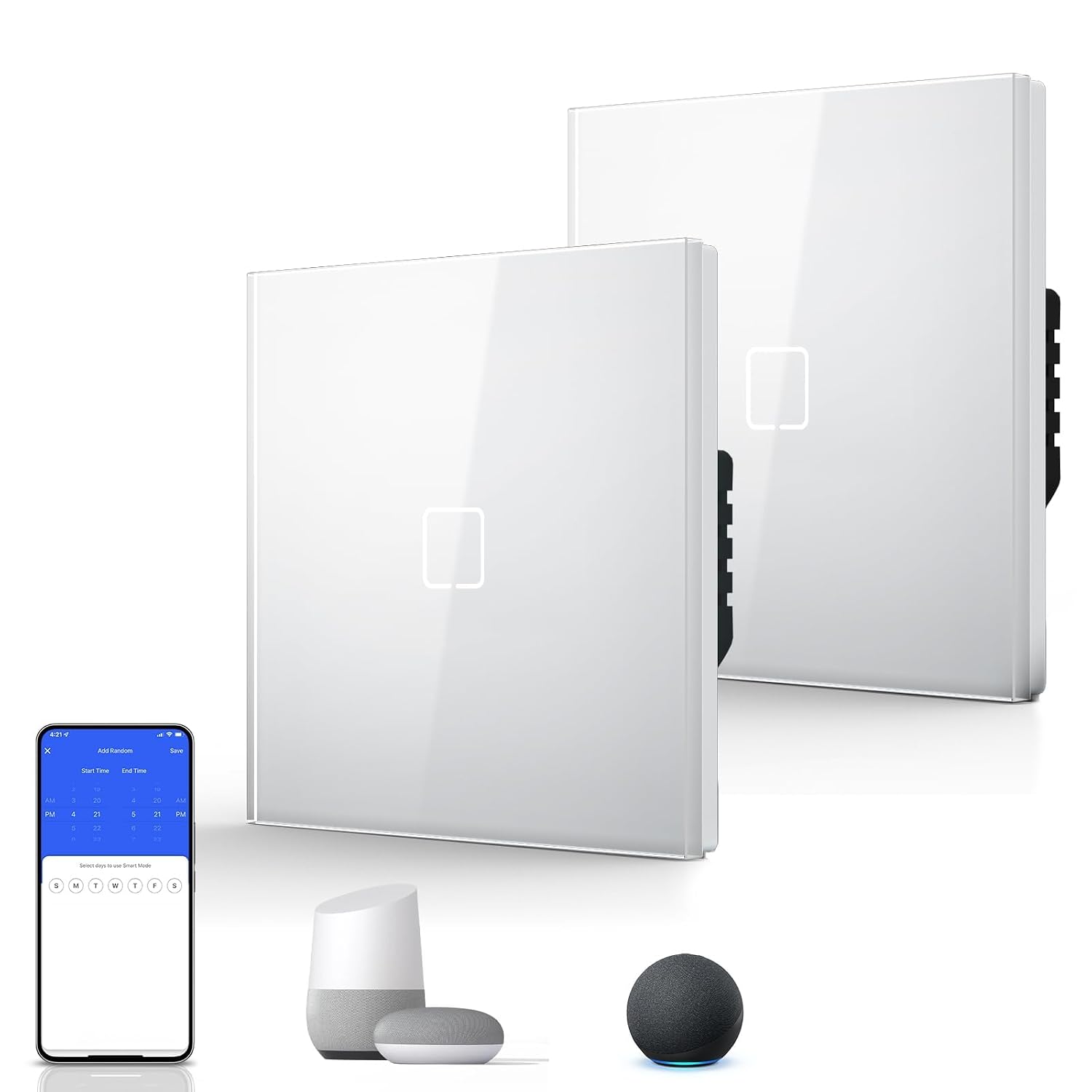
BSEED Smart Light Switch (WiFi touch, glass panel) — no neutral wire, 1-gang 1-way, 2-pack
Product description
If you’re trying to make an older home feel a bit more “smart” without ripping out wiring, the BSEED Smart Light Switch is designed for that exact kind of headache. On paper, its standout feature is that it’s a WiFi smart switch that doesn’t need a neutral wire, which can make installation far less involved than you might fear.
That said, smart switches are always a bit of a fit-and-finish game: depending on your existing setup and how your lighting loads behave, the experience can vary. If you’re happy to double-check compatibility and installation steps, this 2-pack (1-gang, 1-way) is a practical way to add remote control, scheduling and voice control.
The essentials
This is a WiFi touch wall switch with a glass panel for controlling LED lights. The idea is simple: replace a traditional wall switch with one that you can run through the Smart Life app (Tuya) and control hands-free via Alexa. It also supports IFTTT on iOS/Android, so if you’re building routines or tying devices together, there’s room to expand beyond just switching lights.
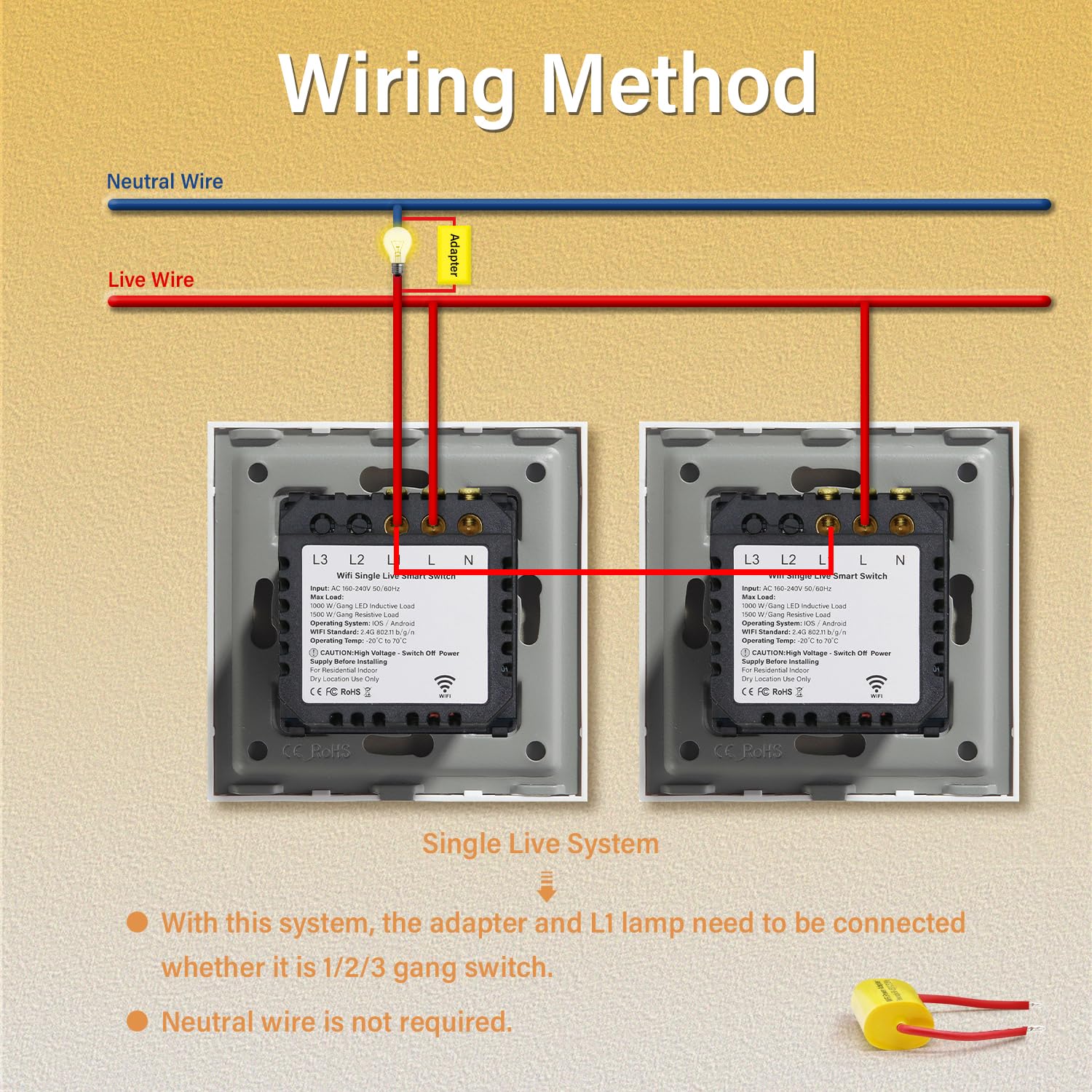
The biggest practical difference versus “standard” smart switches is the single-fire technology and the promise of “without a neutral wire”. In real homes, that can be the difference between a straightforward upgrade and a job that becomes a bigger wiring project than you planned.
Key takeaways
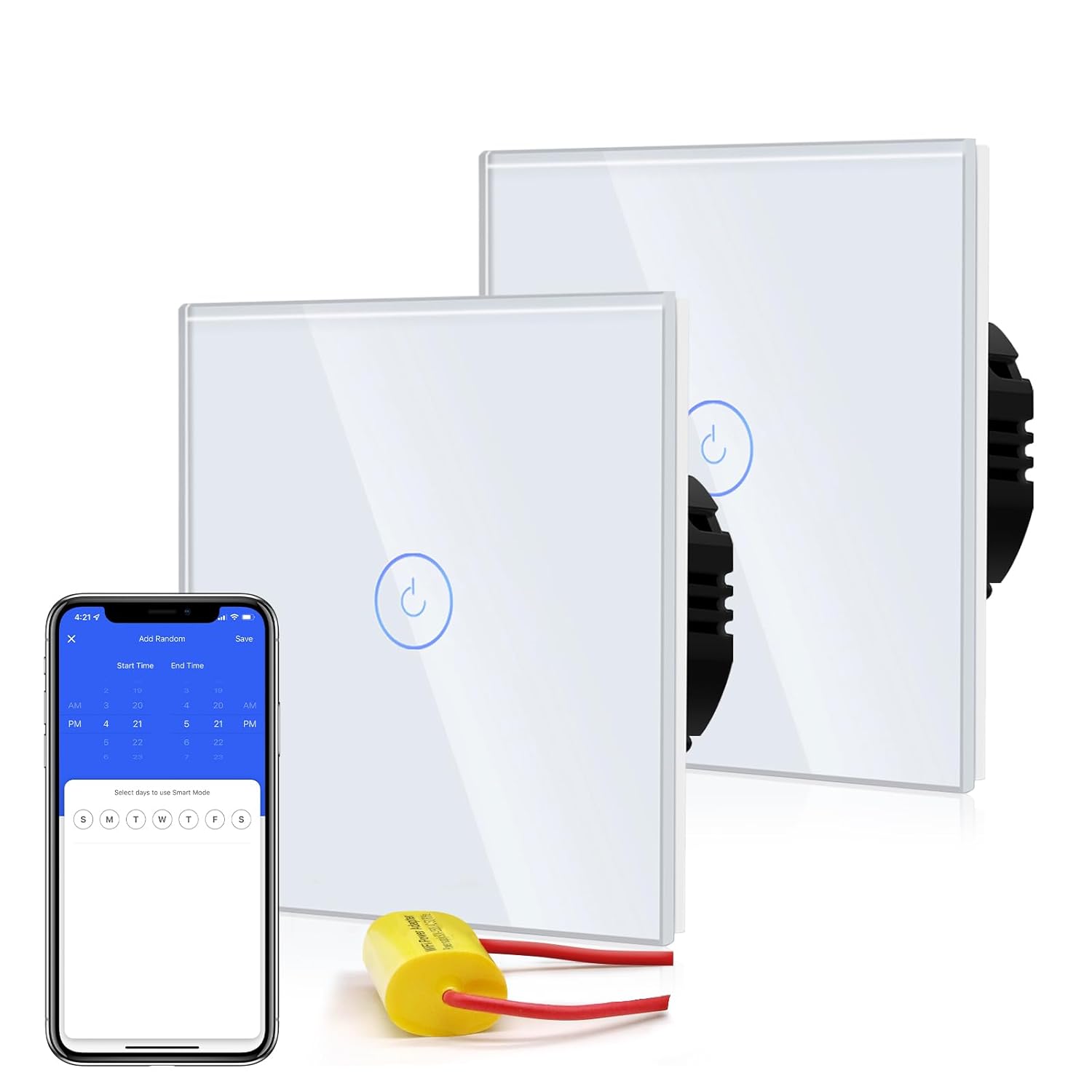
You’ll likely get the most out of this BSEED switch if you want smart control but you’re constrained by neutral-free wiring. Remote control through the Smart Life app means you can turn lights on/off from anywhere, and the timing/scheduling function is meant to help reduce unnecessary standby use.
Where it can fall short is also worth mentioning: “no neutral wire” setups are convenient, but they can still be affected by the type of LED driver/load and your existing circuit design. If you’re expecting it to be plug-in-and-perfect with every light you own, you may be disappointed. It’s not the kind of product to gamble on without checking how your LED lighting is configured.
What stands out
A few things make this switch more than just a basic remote-controlled wall plate.
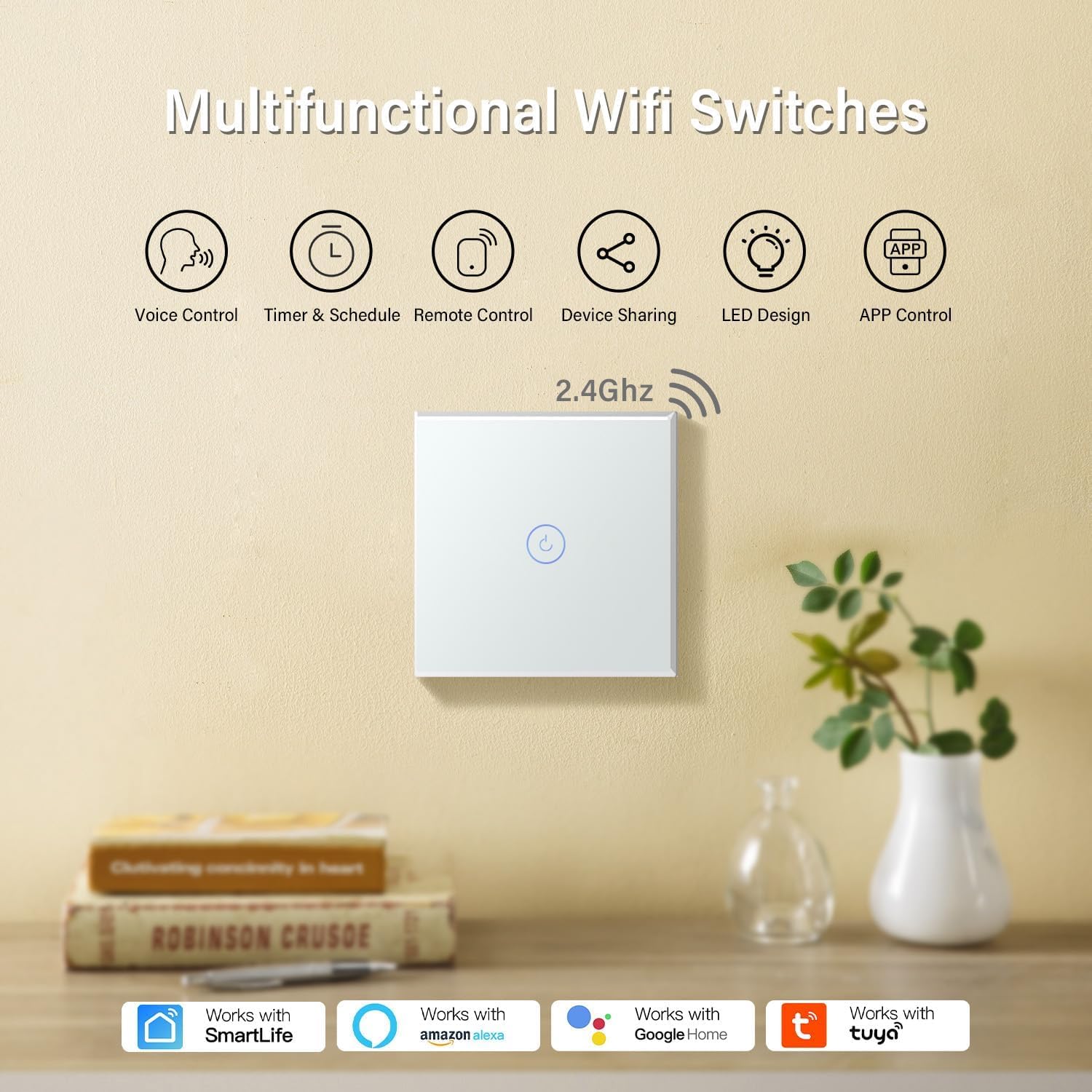
- Neutral-wire-free installation concept: Designed for older homes or neutral-free wiring setups, so you may be able to upgrade without rewiring.
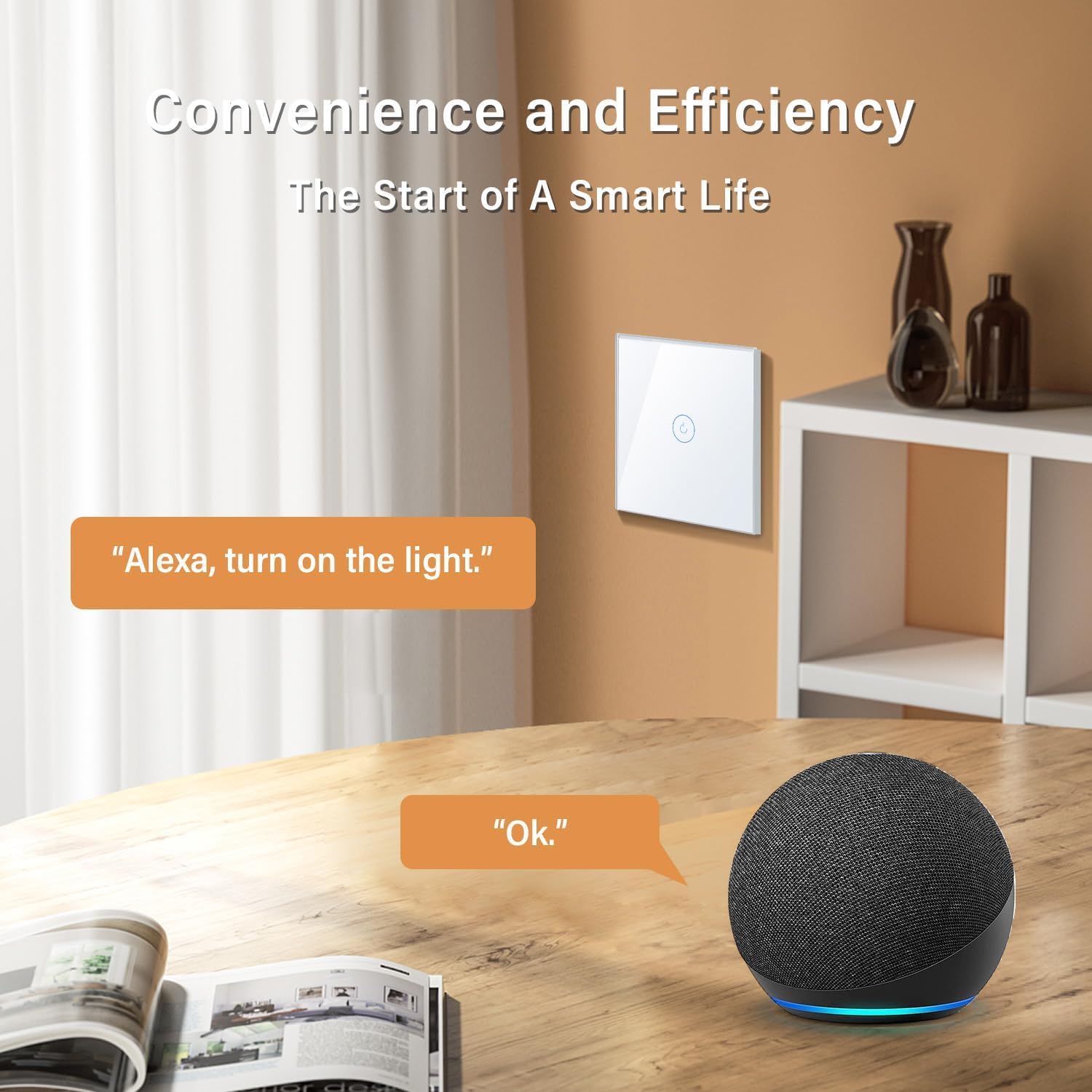
- App and voice control: Works with the Smart Life (Tuya) app and integrates with amazon Alexa for voice commands.
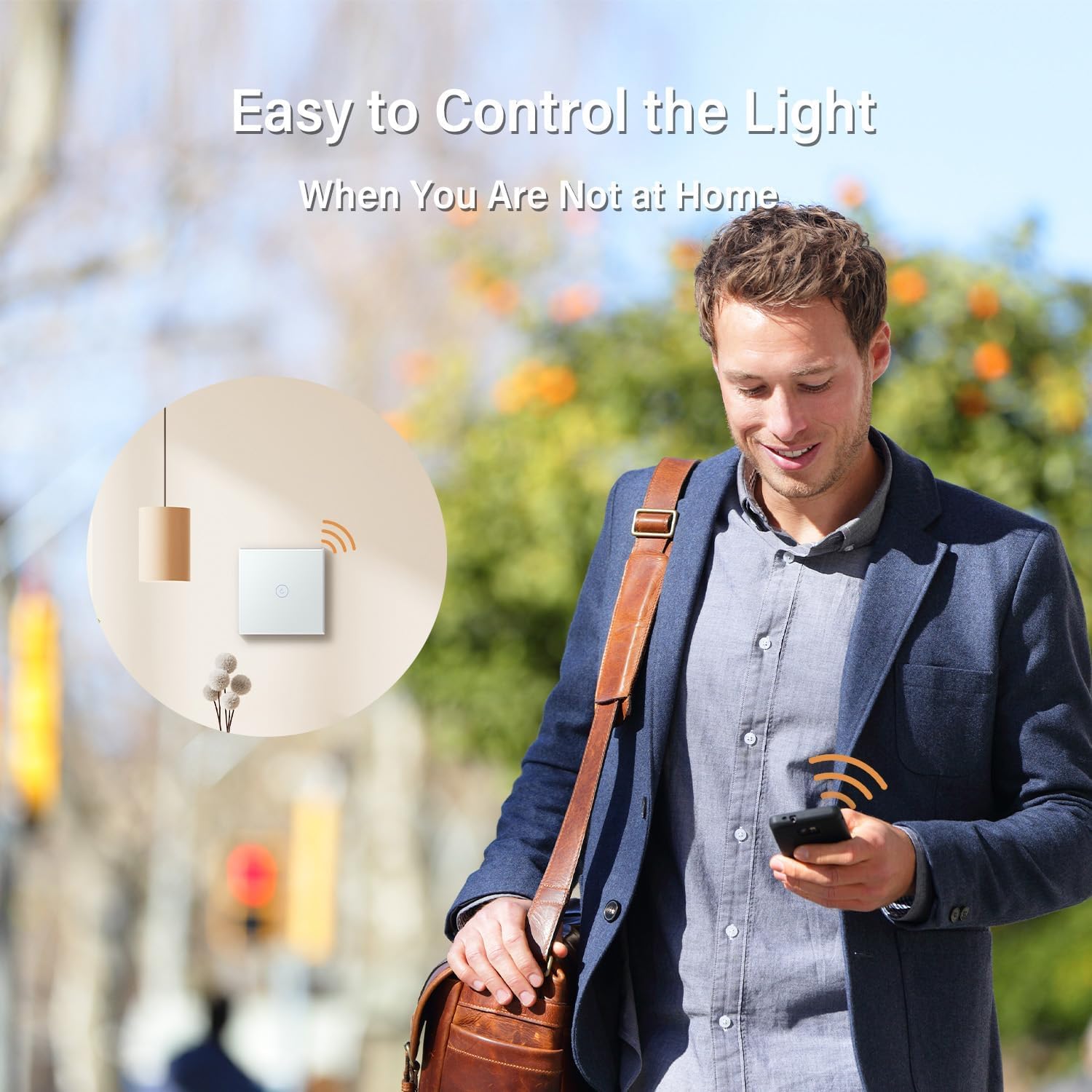
- Remote access: Use the free Smart Life App to control lights and appliances from anywhere.
- Automation and timing: Scheduling is there to automate power on/off, which is aimed at cutting wasted standby energy.
And on the day-to-day level, touch controls paired with a glass panel tend to feel more “modern” than typical toggle switches—small change, but noticeable.
Installation and setup (what to be careful about)
Installation guidance matters a lot with smart switches, especially when the product is built around wiring that many “normal” smart switches assume you have.
The instructions specifically advise turning off the main power during installation. For testing, the guidance says that if you touch the insert directly (without the panel), you should wait 3 minutes after powering off before attaching the panel and restoring power.
That’s a sensible safety step, but it also hints at the kind of process you’ll need to follow carefully: take your time during setup, and don’t rush the moment you re-apply power.
It also helps to plan your WiFi setup and app pairing before you do the final mount, so you’re not stuck mid-install while you hunt through menus.
Who it suits (and who should look elsewhere)
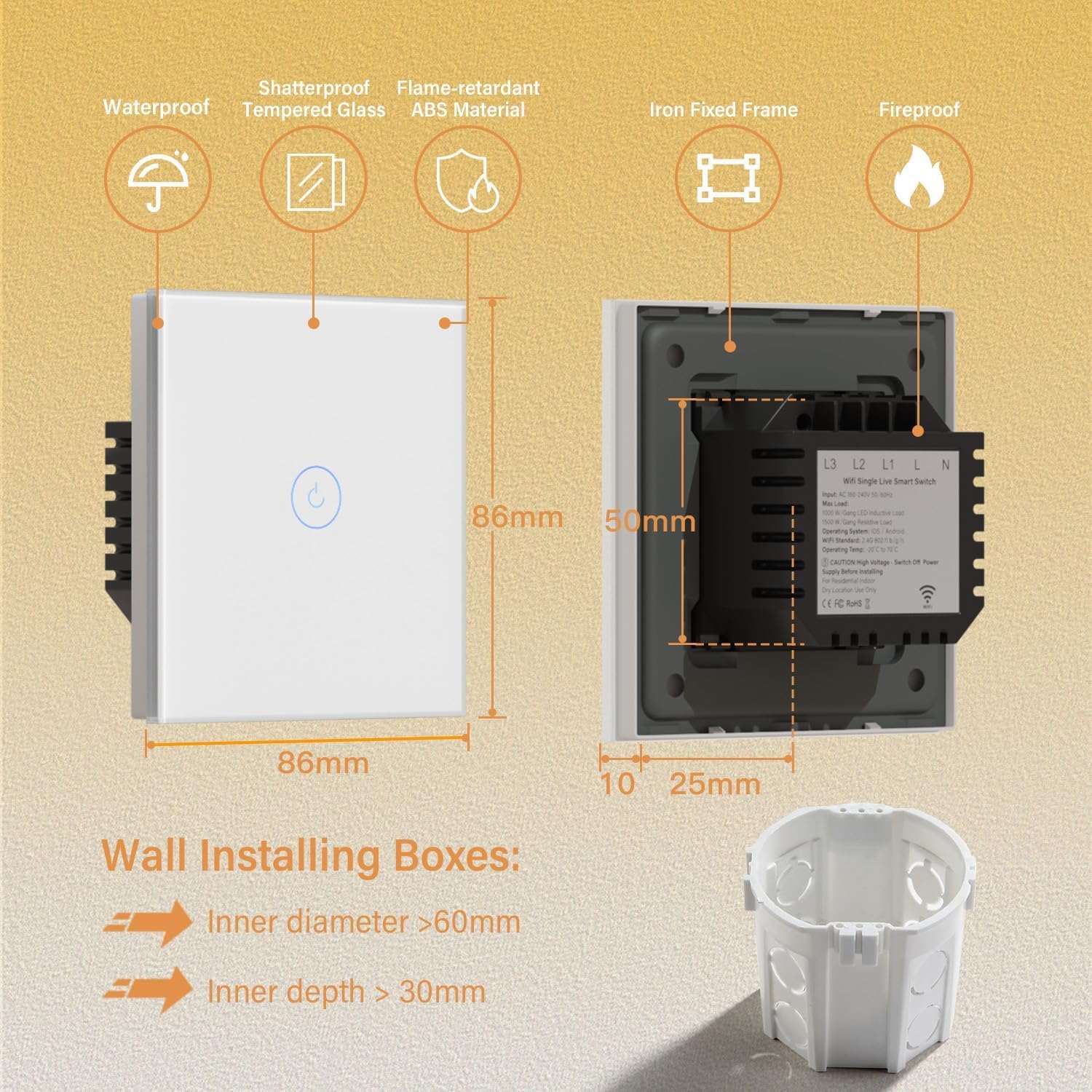
It makes sense if you’re trying to add WiFi smart switching to a home that may not have a neutral wire at the switch position, and you want control via the Smart Life app plus Alexa support.
You may want to skip it if your lighting setup doesn’t align well with neutral-free smart switches, or if you’re expecting broad “works with everything” behaviour without any checking. This kind of device is best when you’re using it for the use case it was designed for: controlling LED lights from a wall switch that also supports remote access and scheduling.
Worth noting: the pack is 2-pack, and the switch is described as 1 gang, 1 way, so it’s aimed at straightforward single-switch control rather than more complex switching arrangements.
Everyday use: a micro example
Imagine you come home late from work. Instead of finding the physical switch in the dark (or leaving lights on all night), you can use the Smart Life app to turn the lights on as you approach. Later, you can set a schedule so the lights go off automatically at a set time—useful for routines like “evening downshift” without remembering to do it manually.
Is it worth it?
This BSEED Smart Light Switch is worth considering if neutral-free wiring is your main constraint and you want WiFi control, Alexa voice control, and scheduling for LED lighting—without rewriting your whole electrical plan. The neutral-wire-free approach is the big selling point, and it’s exactly the sort of feature that can make smart upgrades realistic in older properties.
However, it may not be the best choice if you want maximum reassurance that it’ll behave the same with every LED setup you own. Smart switches can be sensitive to how loads are wired and driven, so if your lighting situation is unusual, do your checks before committing.
FAQ
Does it work with Alexa and the Smart Life app?
Yes. It’s described as compatible with Smart Life (Tuya) and Amazon Alexa, and it also supports IFTTT on iOS/Android.
Do I need a neutral wire?
The product is specifically described as a smart light switch without a neutral wire, using single-fire technology to eliminate the neutral-wire requirement.
Can I control the lights when I’m away from home?
Yes. The Smart Life app is mentioned for remote control “from anywhere”, as long as your WiFi setup is in place.
Can it schedule lights automatically?
It includes a timing function intended to auto-power devices on/off on a schedule.
What should I do during installation?
The guidance says to turn off the main power during installation, and for testing (touching the insert directly without the panel) to wait 3 minutes after powering off before attaching the panel and restoring power.