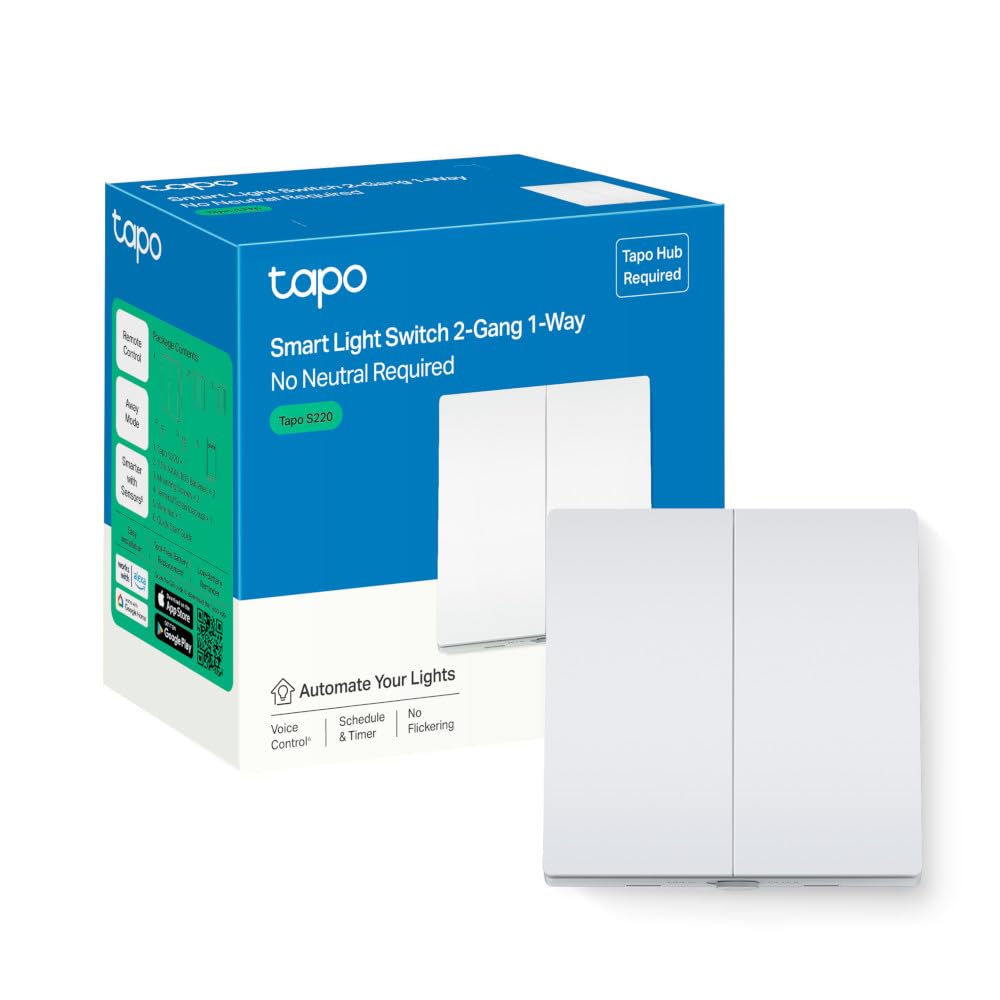
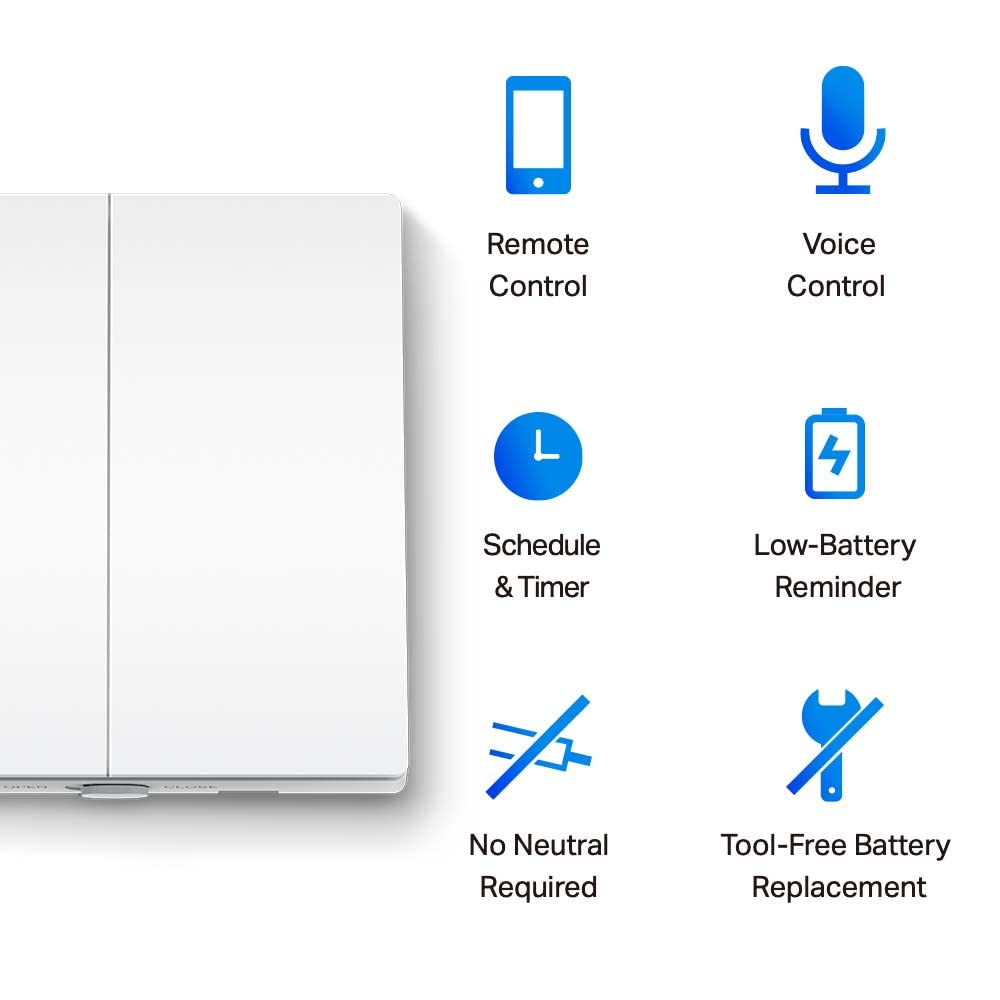
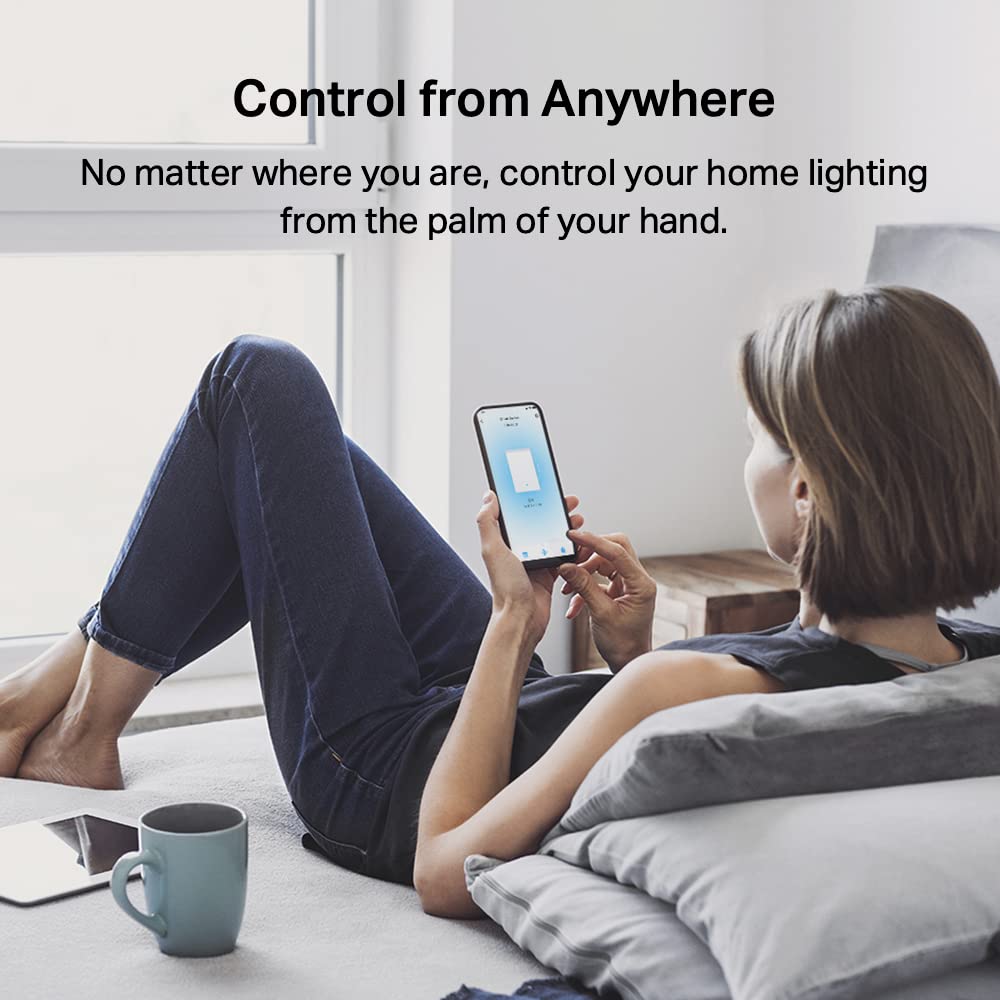
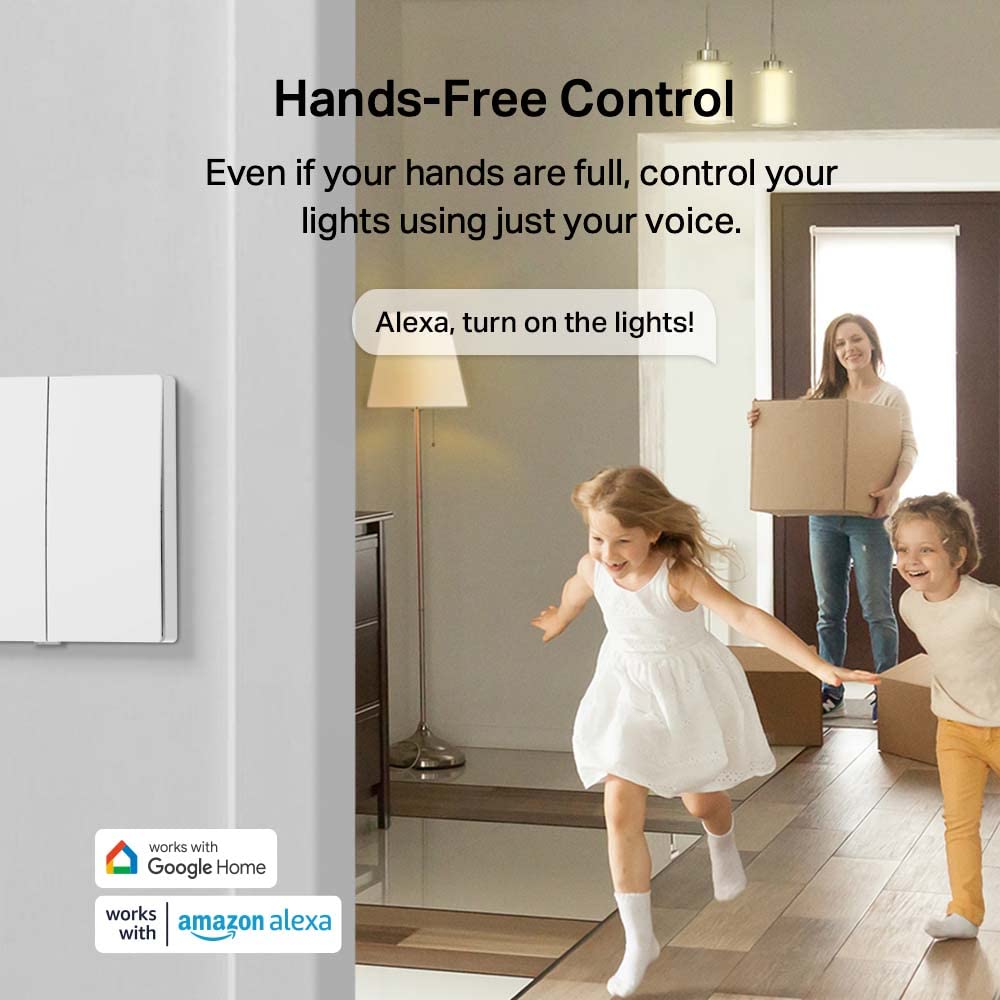
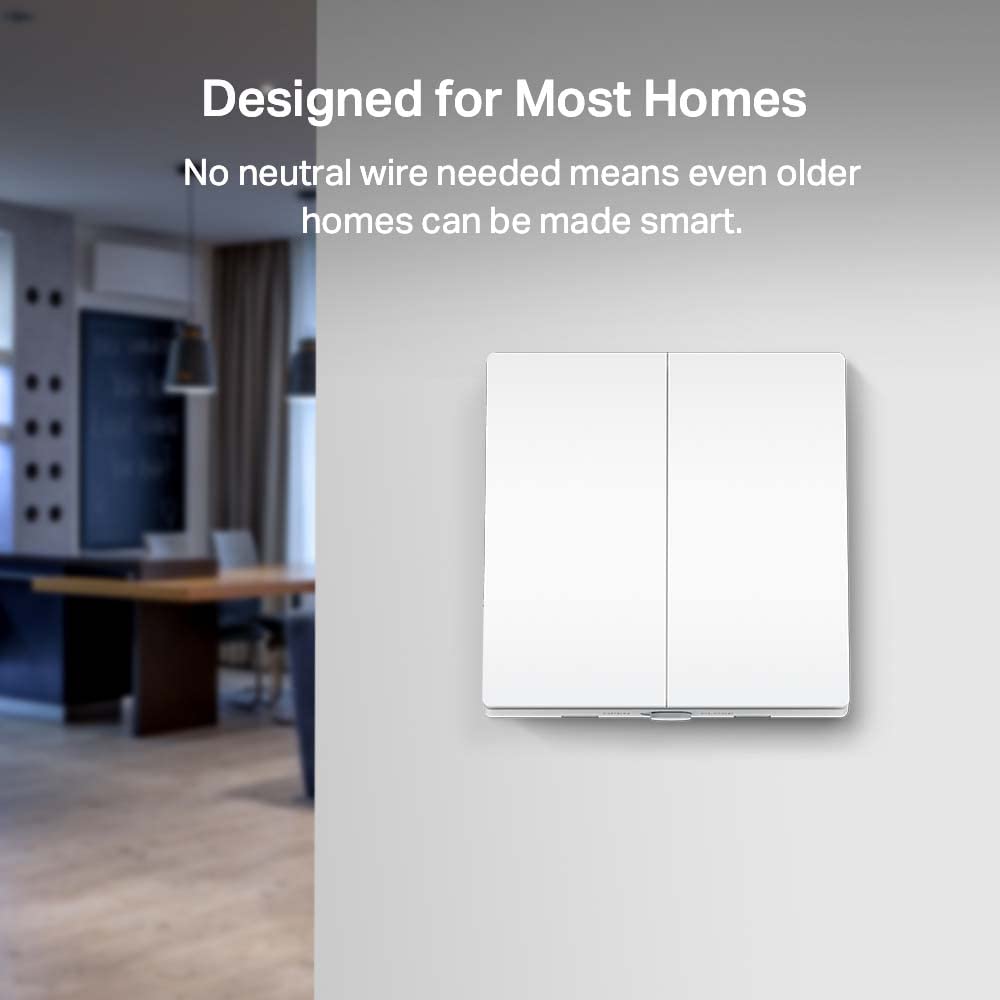
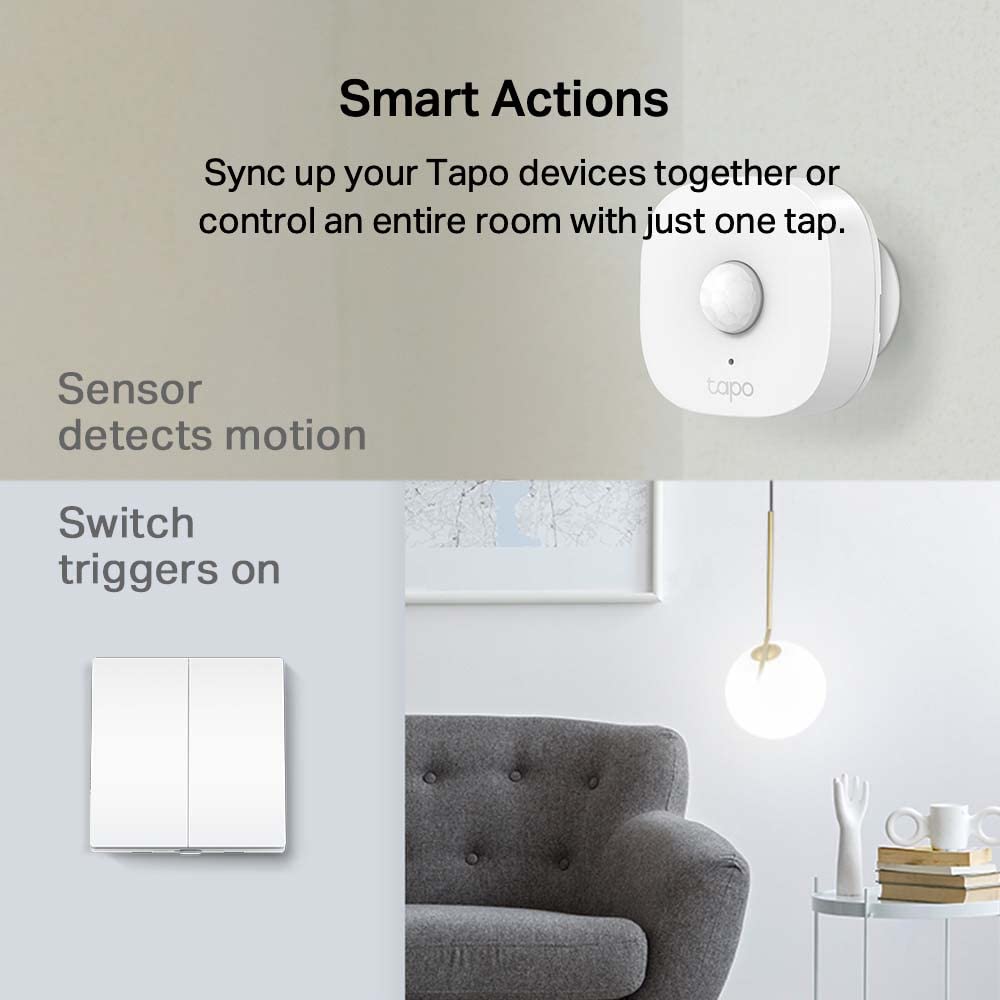
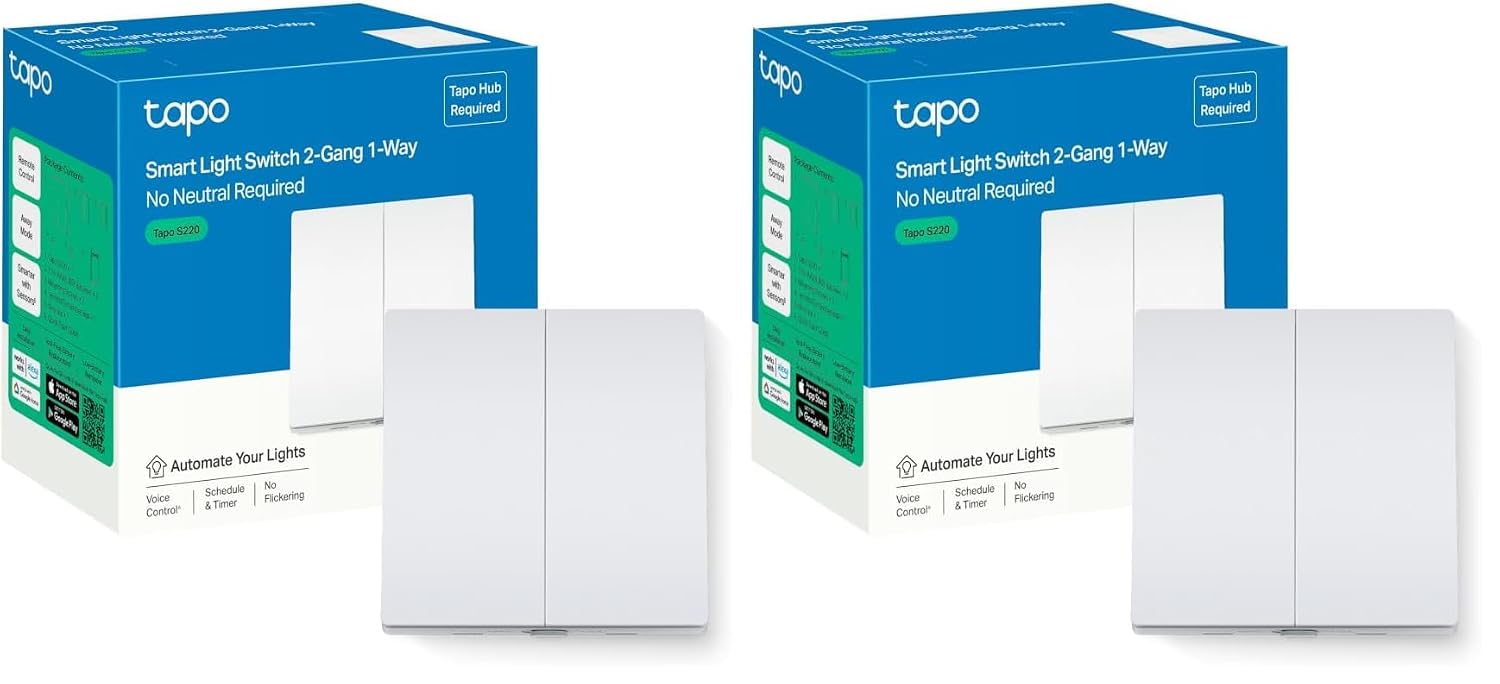
What it is and what problem it solves\nThe Tapo S220 is a two‑gang, one‑way smart light switch designed for homes that want hands‑free control and simple installation. It works without a neutral wire, which can simplify retrofits in older wiring, and relies on the Tapo Hub (sold separately) to connect to your home network and app.\n\n## How it works\nAfter installation, you can control the lights via the Tapo app from anywhere, set schedules, and use voice commands with Alexa or Google Assistant. The switch accepts tool‑free battery replacement, so you won’t need extra tools to keep it powered. The Away Mode feature creates a sense of occupancy by turning lights on and off at different times.\n\n## What stands out in use\nOn a day‑to‑day basis, the S220 offers convenience when you’re away from home, allowing you to turn lights on remotely to deter would‑be intruders or to return to a lit home. The voice control capability makes it easy to operate without reaching for a switch, which is handy when your hands are full or you’re seated away from the wall.\n\n## Potential limitations\nNo neutral wire support can be a boon for simplicity but may not fit every wiring scenario. The system relies on a Tapo Hub (sold separately), if you don’t already use Tapo’s ecosystem, setup involves an extra component and app dependency. Battery replacement is straightforward, yet you’ll need to monitor battery life and swap when needed.\n\n## Who it’s for\nIf you’re installing smart lighting in a two‑gang wall setup and want a straightforward, app‑controlled option with voice commands, the S220 is worth considering. It’s particularly sensible if your current wiring doesn’t include a neutral wire and you already use or plan to use Alexa or Google Assistant.\n\n## Who it isn’t for\nIf you need a neutral‑wire required installation, or you require advanced dimming or multi‑way controls, this model may not meet those needs. It’s primarily a practical, smart on/off solution for two circuits rather than a high‑end lighting control system.\n\n## What to review before buying\nCheck whether your wall wiring supports a no‑neutral installation and confirm you’re prepared to add the Tapo Hub if you don’t already own one. Consider whether you want away mode as a regular feature and how often you’ll rely on remote control vs. local use.\n\n## How it compares to common alternatives\nCompared with traditional wired switches, the S220 adds remote operation and voice control within the same wall space, without needing a neutral. If you prefer a fully standalone option with no hub, you’ll need to explore other ecosystems. If you want more granular control or dimming, you may want to look at higher‑end smart switches or multi‑way setups.\n\n## Purchase decision\n### Is it worth it?\nWorth considering if you prioritise practical smart control, easy installation without a neutral wire, and integration with Alexa or Google Assistant along with Away Mode for a lived‑in appearance when you’re away.\n### Key questions to guide you\n- Do you already use a Tapo Hub or plan to? If yes, the integration is smoother.\n- Is two‑gang, one‑way control enough for your room layout, or do you need more complex wiring options?\n- How important is hands‑free operation and remote control for your daily routine?\n\n## FAQ\n- Does this require the Tapo Hub to work? Yes, the hub is required for full functionality.\n- Can I replace the battery myself? Yes, tool‑free battery replacement is supported.\n- Is there a neutral wire requirement? No neutral is required for installation.\n- Can I use it with Alexa and Google Assistant? Yes, it supports both voice assistants.\n- What happens in Away Mode? It turns lights on and off at different times to simulate occupancy.