

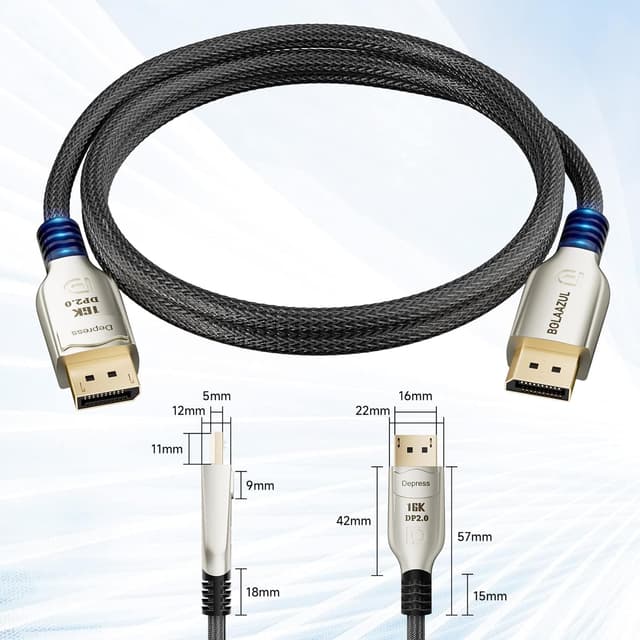
BolAAzuL DisplayPort Cable 4K 144Hz (3m) – DP 2.0 UHBR20, locking DP male to DP male, up to 16K
Product description
If you’re trying to get the most out of a modern DisplayPort monitor—especially for high refresh-rate gaming—this BolAAzuL DisplayPort cable is built around the newer DisplayPort 2.0 approach (with UHBR20 mentioned in the spec). On paper, it’s aiming to carry more bandwidth than older DisplayPort generations, while keeping a practical locking connection so it doesn’t work loose.
That said, it’s worth being a bit careful: a “fast cable” can only deliver what your monitor, GPU and settings can actually support. If any part of your setup is stuck at an older DisplayPort standard or lower capability, you won’t magically unlock the highest figures listed.
The essentials
This is a DisplayPort male-to-male cable, 3m long, with a locking mechanism. It’s described as a high-speed lead (UHBR20 is referenced) and rated for high-bandwidth performance up to 80Gbps. The listing also flags support for a range of resolutions and refresh rates, including 4K at up to 144Hz, plus higher-resolution modes at lower refresh rates (and 8K/16K modes with refresh caps).
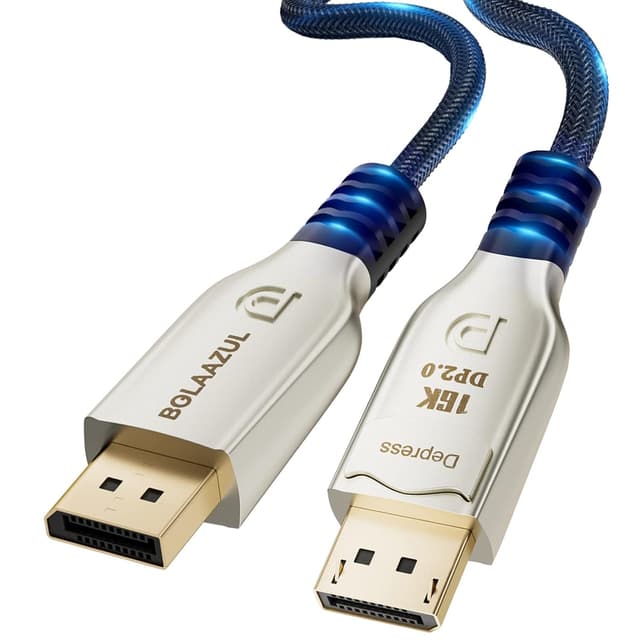
In everyday terms, you’d typically use this to connect a desktop PC or laptop with a DisplayPort output to a DisplayPort monitor—particularly if you want smooth motion and you’re sensitive to stutter, tearing or “laggy” visuals.
What matters most in use
The headline benefit here is the bandwidth headroom and the locking connector. Higher bandwidth is important when you’re pushing lots of pixels plus high refresh rate (for example, gaming at 4K with a high Hz target). The lock also helps with a common annoyance: when cables get tugged slightly, some setups can lose a stable connection or force re-seating.
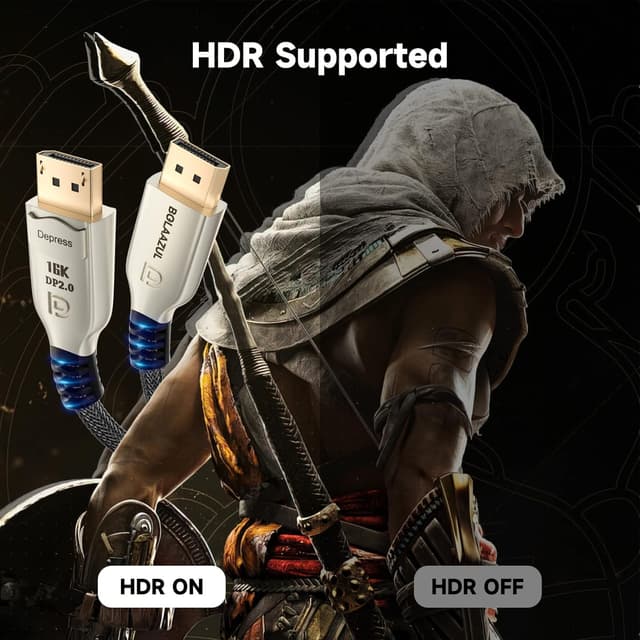
The cable is also described as “flicker/lag-free”, and the listing positions it for smooth viewing for gaming and movies. It also mentions HDR support at higher resolutions due to the increased video bandwidth—so if you’re using HDR on a compatible screen, this cable is designed with that in mind.
Key features worth your attention
A few details stand out beyond the raw numbers:
- Locking DisplayPort connection: meant to stay put once plugged in.
- 80Gbps bandwidth rating: positioned as a step up versus older DisplayPort standards.
- DisplayPort 2.0 with backward compatibility: the listing says it is compatible with DisplayPort 1.4 and DisplayPort 1.2.
- Adaptive sync support: the cable is described as compatible with AMD FreeSync and NVIDIA G-SYNC.
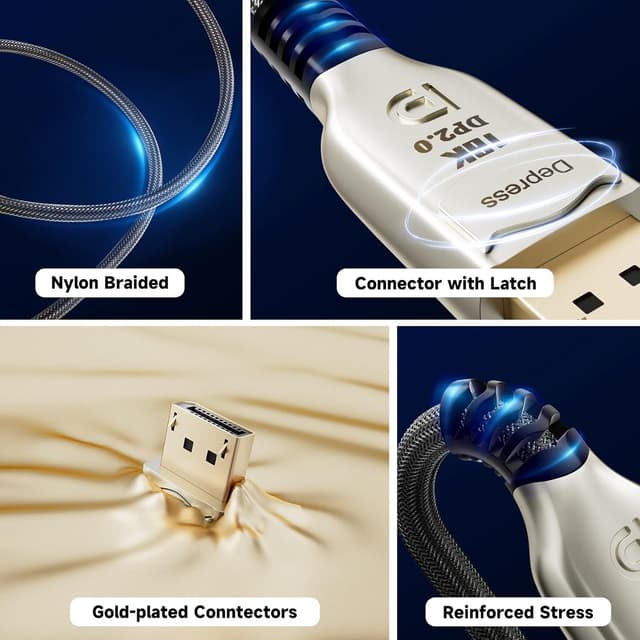
- Premium build approach: 28AWG copper conductors, foil & AL braiding shielding, 24K gold-plated connectors, a metal shell, and a nylon braided jacket.
The braided jacket and shielding are the sort of things you notice over time—less strain on the connector area and a cable that tends to feel more “solid” in the way it’s handled and routed.

Where it shines (and where it can fall short)
It makes sense if you’re specifically trying to run high refresh rates over DisplayPort, or if your setup is already targeting modern resolutions where bandwidth becomes the limiting factor. For example, if your monitor supports 4K at high Hz and you want a clean, locked connection between a GPU and the screen, a cable like this is the type of purchase that usually pays off.
But it may not suit you if: - Your monitor or graphics output is limited by an older DisplayPort capability. Even with a newer cable, you can only reach what your devices support. - You’re only doing basic desktop use where refresh rate and HDR bandwidth aren’t really a factor. In that case, you might not gain much.
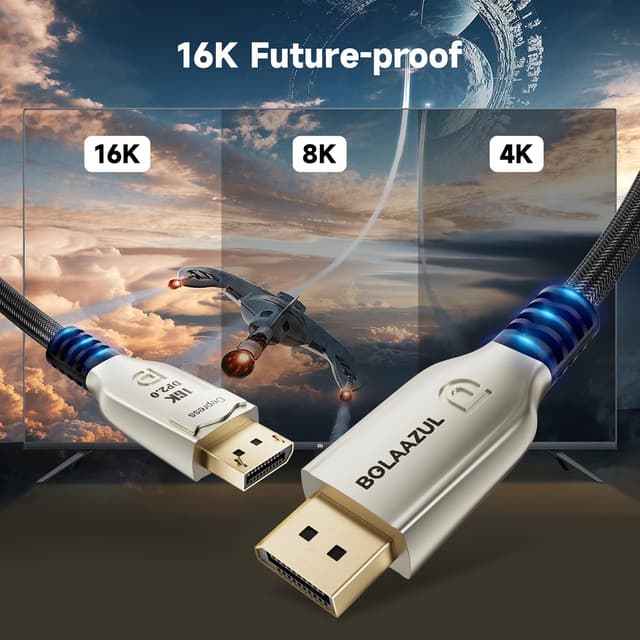
Also, the listing includes very high-end resolution figures (including 16K) with refresh-rate limits. Those are impressive on paper, but your real-world performance will depend heavily on your monitor’s supported modes and your GPU output.
Tech specs
- Type: DisplayPort cable (DP male to DP male)
- Format: UHBR20 / DisplayPort 2.0 (also described as DP 1.4+ compliant)
- Length / Size: 3m
- Bandwidth: 80Gbps (listing also references 77.37 Gbps)
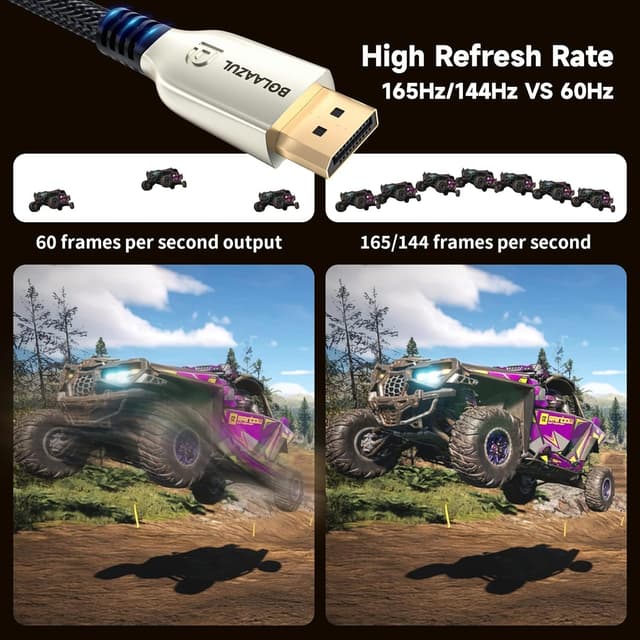
- Refresh-rate & resolution support (as stated): 4K@144Hz, 2K@240Hz, 8K@120Hz, 16K@60Hz
- HDR: supported (as stated)
- Adaptive sync: AMD FreeSync and NVIDIA G-SYNC (as stated)
- Construction: 28AWG copper with foil & AL braiding shielding, 24K gold-plated connectors, metal shell, nylon braided jacket
- Connector feature: locking mechanism
What’s in the box
The listing states: Super Fast 16K Display port 2.0 Cable (1) plus lifetime technical support and 24-hour customer service.
Is it worth it?
Buy this BolAAzuL DisplayPort cable if your priority is pushing higher refresh rates and higher-resolution modes over DisplayPort, and you want the practical reassurance of a locking connection. It’s also a sensible match if you care about smooth adaptive-sync gaming (FreeSync/G-SYNC mentioned) and you’re using HDR on a compatible display.
You may want to skip it if your setup is entry-level (for example, you’re not actually targeting high refresh rates or HDR over DisplayPort), or if you know your monitor/GPU won’t support the higher modes listed. On paper, this cable is built to be “future-friendly”, but it still can’t override device limits.
Quick FAQ
Does it work with older DisplayPort devices?
The listing says it’s backward compatible with DisplayPort 1.4 and DisplayPort 1.2, so it should work with older DP setups. However, the maximum resolution/refresh depends on the devices on both ends.
Is the cable suitable for gaming?
It’s positioned for gaming and movie-watching, and it’s described as supporting AMD FreeSync and NVIDIA G-SYNC adaptive sync. If your monitor supports the higher refresh modes you want, this cable is designed to carry the signal bandwidth.
Does it support HDR?
Yes—HDR support at higher resolutions is mentioned as being enabled by the increased video bandwidth, assuming your monitor supports HDR.
Will a locking DisplayPort connector make a difference?
For desk setups where cables get nudged, a locking connector can be genuinely useful. It’s not a magic fix for compatibility, but it helps keep the connection secure.
How do I know if I’ll hit 144Hz or higher?
Check the monitor’s supported DisplayPort modes and your graphics card’s output settings. The cable supports high-bandwidth modes, but the final Hz number is still determined by the whole system.