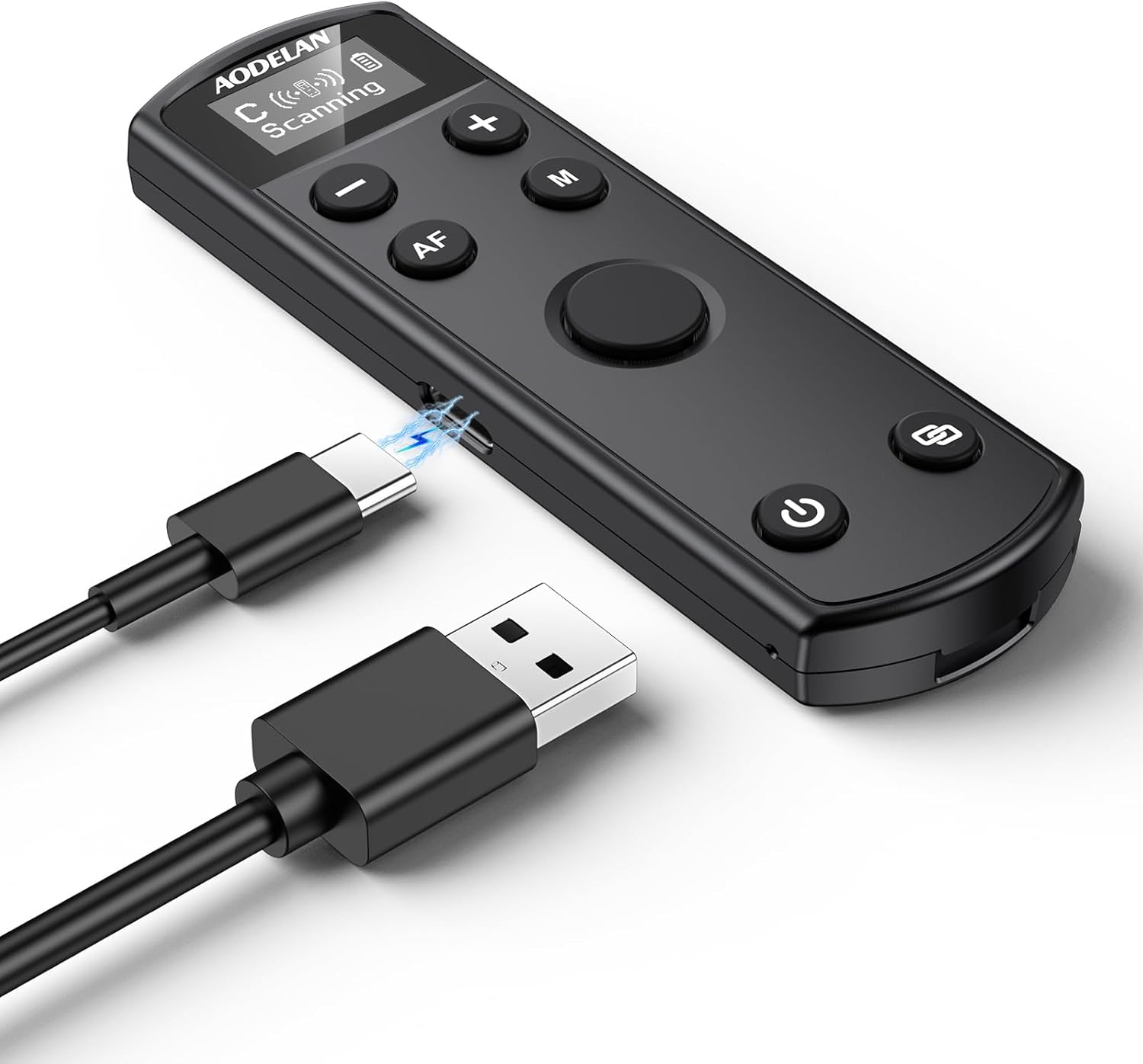
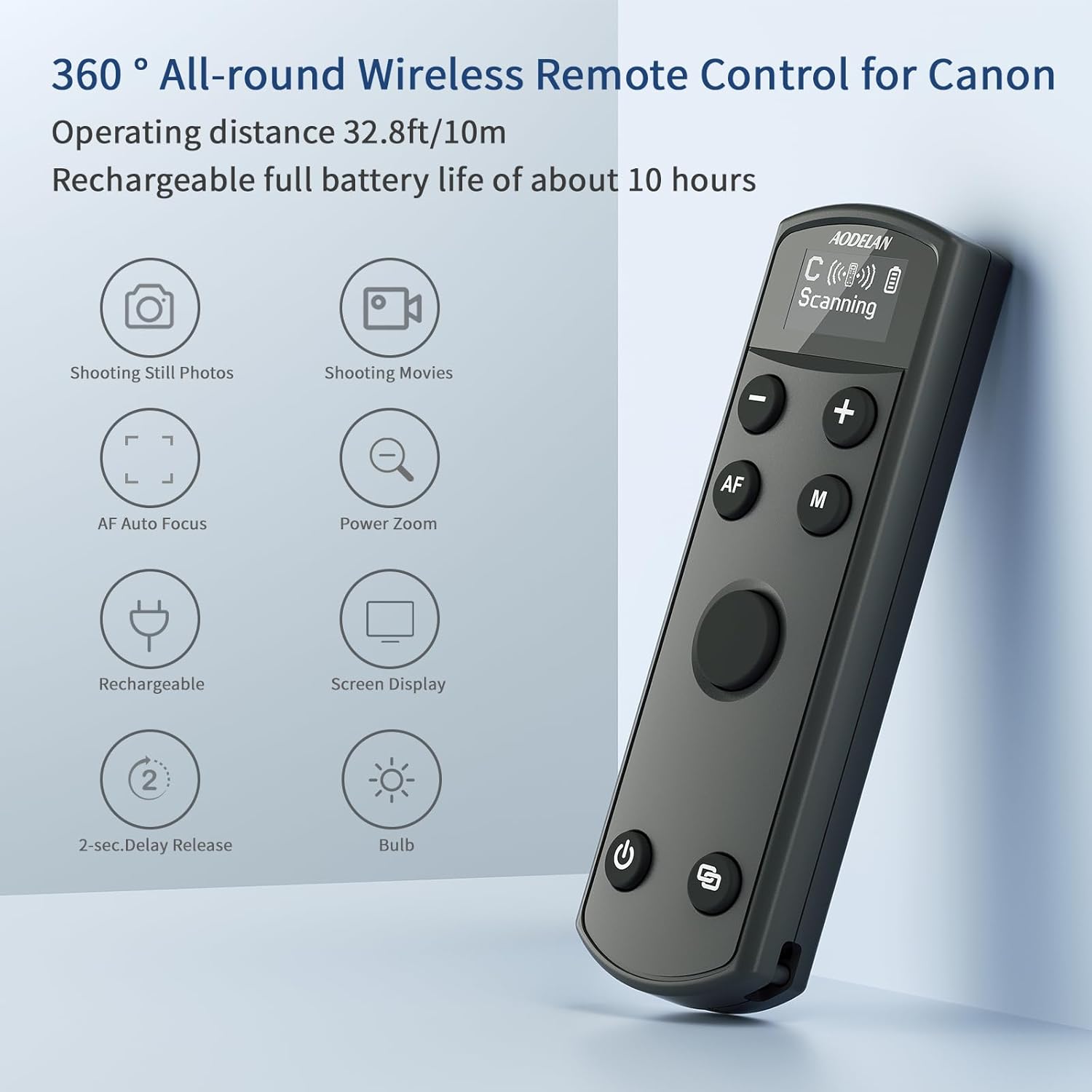
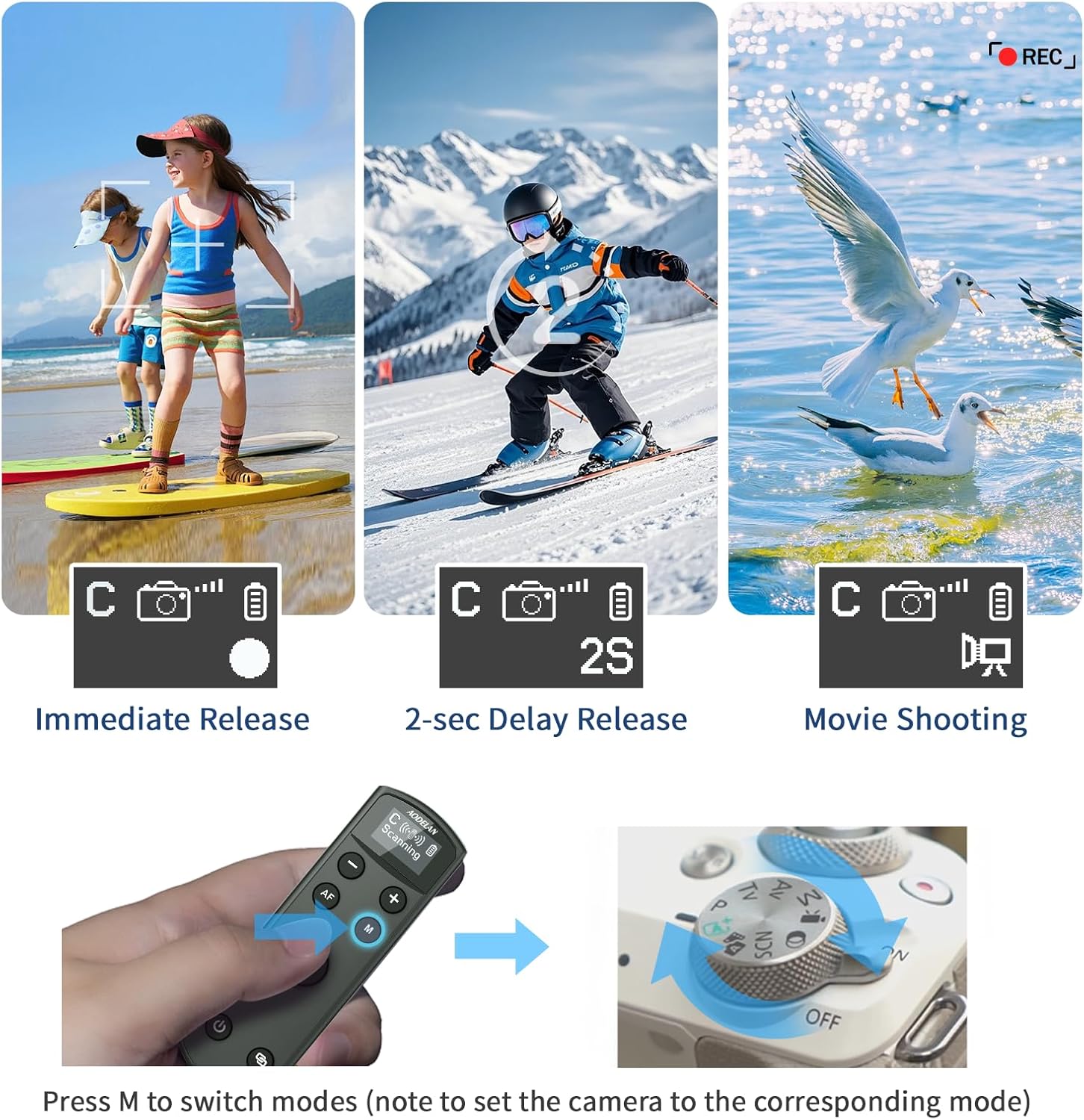
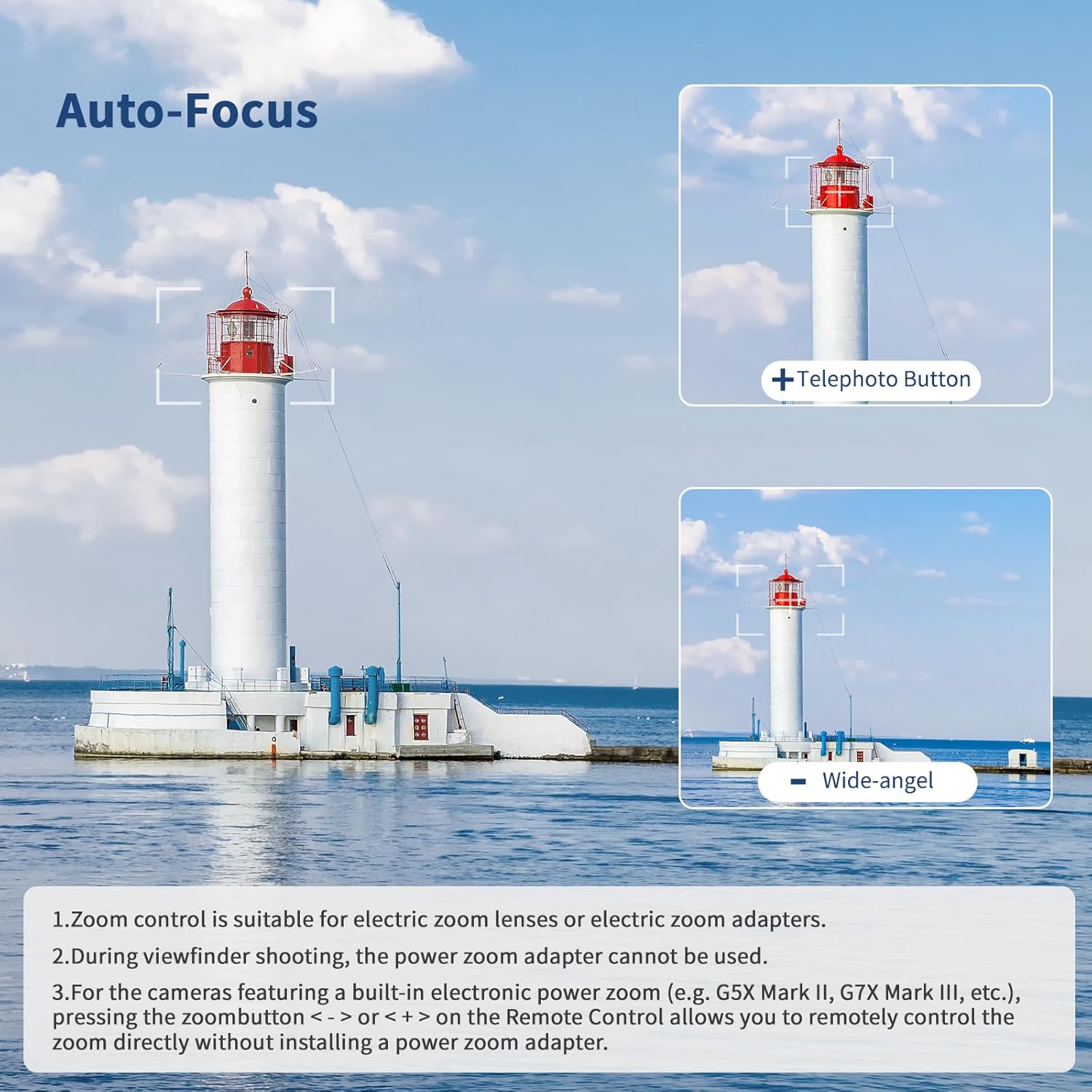
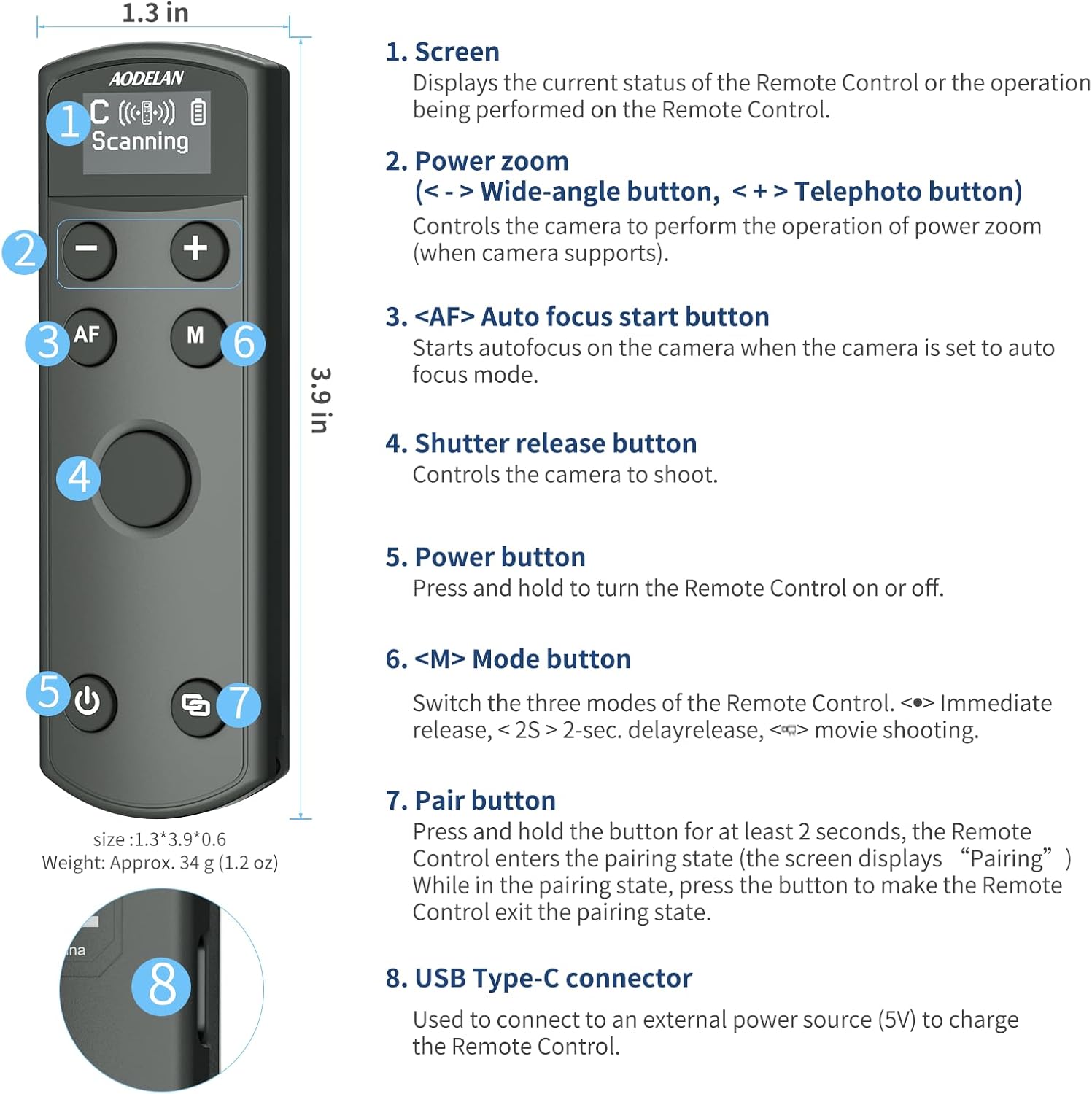
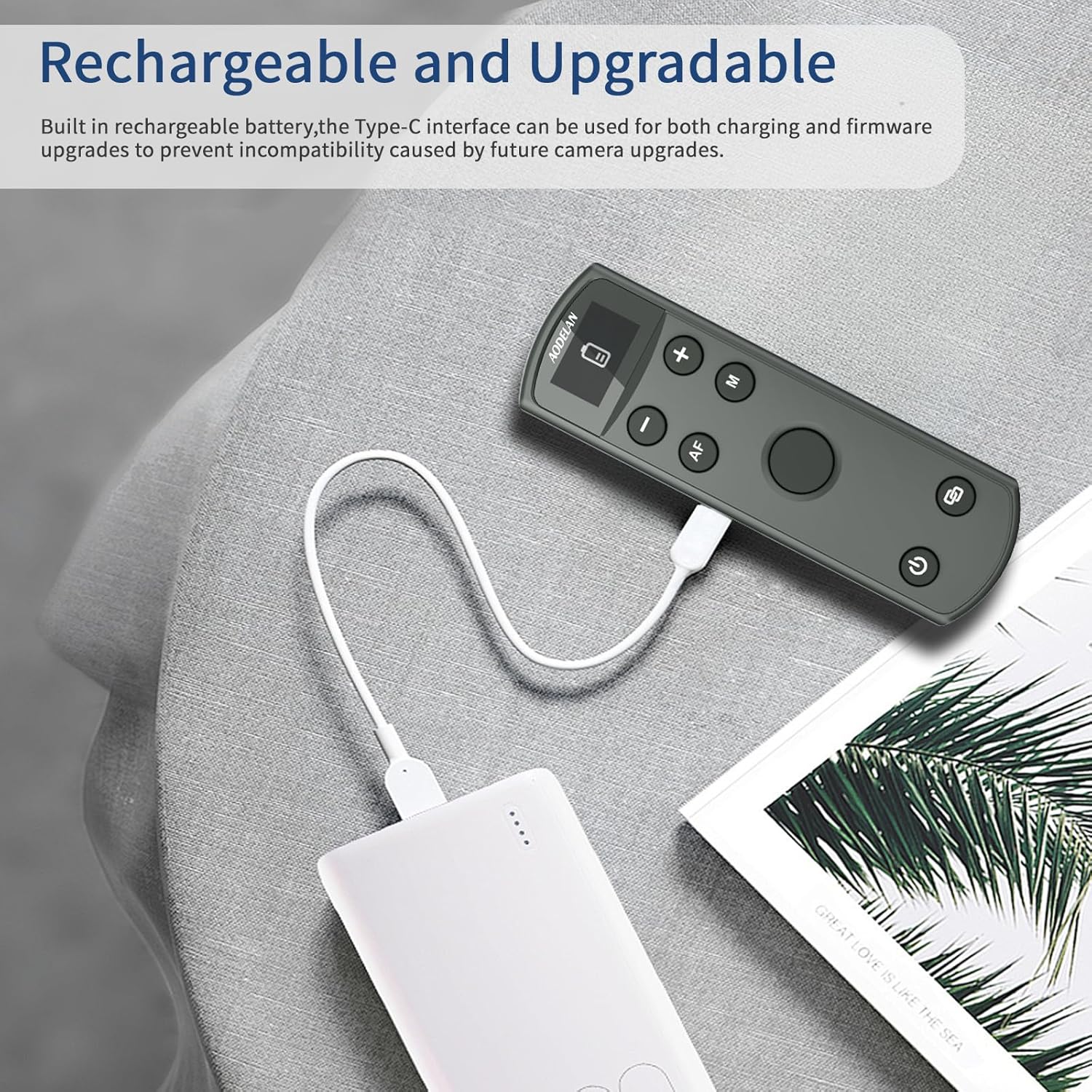
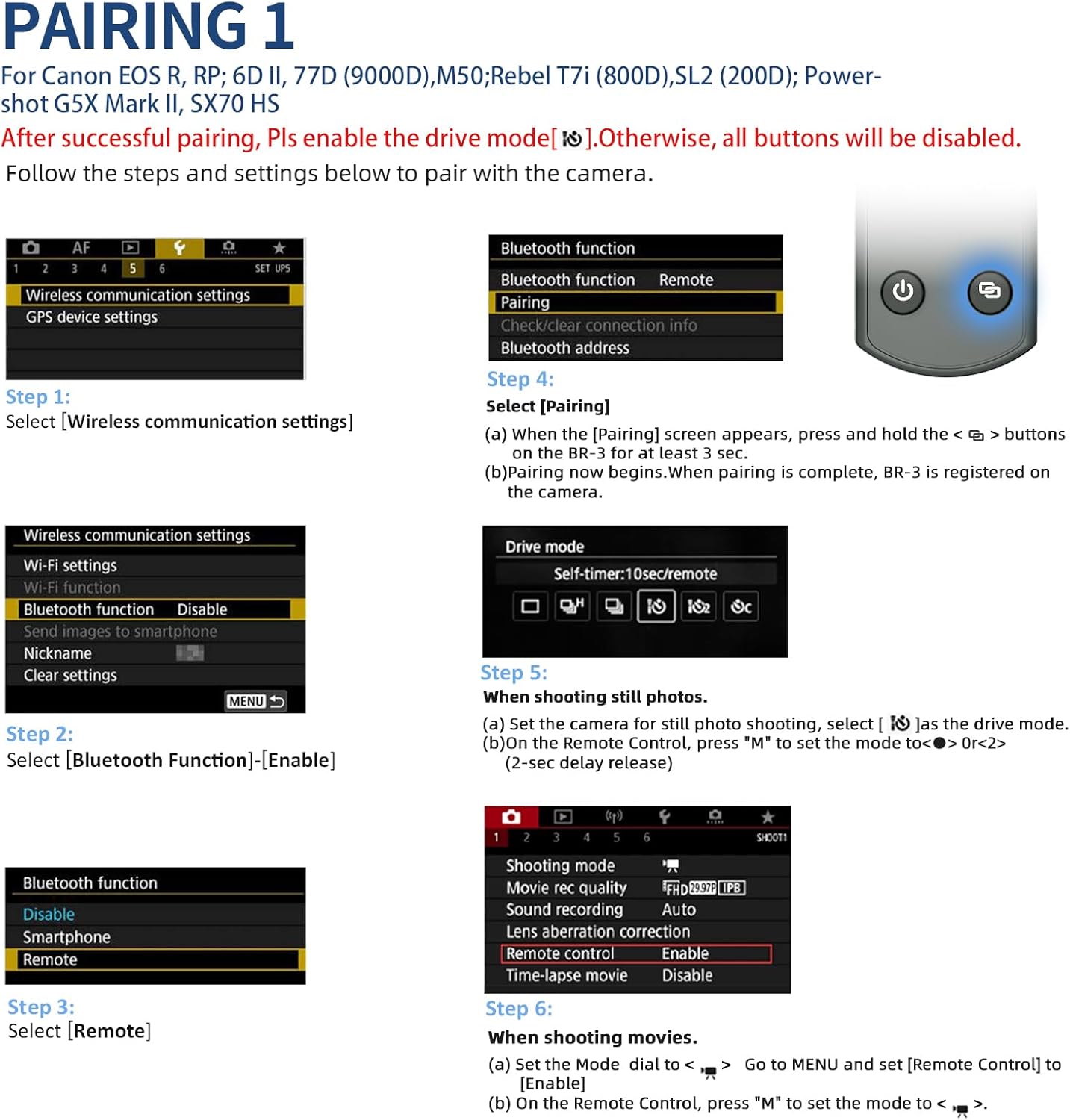
What it is and what it solves\n\nThis AODELAN wireless remote is a rechargeable camera control designed to extend how you shoot with Canon bodies. It adds wireless shutter release capability, plus remote focus and zoom functions on certain setups. On the face of it, it’s aimed at photographers who want flexible, hands-off control for stills or video, without being tethered to the camera body.\n\n## Who it’s for\n\nIt’s most suitable for enthusiasts and semi-professional shooters who routinely work from a distance, shoot long exposures, or require stable framing for video. If you value a cleaner shooting setup, or need to operate the camera from a safe distance, this device can be helpful. However, keep expectations in mind: the zoom function relies on specific gear, and not every Canon model will support every feature.\n\n## How it works and what to check\n\nThe remote is designed to work with a list of Canon models (e.g., R50, G7X Mark III, R6 Mark II, R5, R6, R7, M6 Mark II, M200, M50 and several others). Before you buy, ensure your camera is in remote mode and that it appears in the compatible models list. The unit supports stills, a 2-second delay, and short video, with a maximum wireless range of up to 10m. For autofocus, press the AF button, for zoom, the feature works when used with a Power Zoom Adapter (PZ-E1) which is not included, and only for lenses like EF-S 18-135mm f/3.5-5.6 IS USM. Some cameras with built-in electronic power zoom (like certain G-series models) can zoom via the remote’s controls. The device uses a Type-C interface for charging and firmware upgrades, with a stated battery life of around 10 hours and a shutdown to conserve power. An OLED display shows current status and settings.\n\n## What stands out\n\nThe OLED display is a clear improvement for visibility, giving you at-a-glance status without needing to connect to the camera or a separate screen. The firmware upgrade capability is a sensible precaution for future compatibility as camera firmware evolves. The 10 m range is practical for studio setups or small location shoots, reducing the need to physically touch the camera during a take.\n\n## What it isn’t perfect (and who may want to skip it)\n\nIf you rely on lens zoom without extra adapters, note that zoom control requires the PZ-E1 adapter and a compatible lens setup, which is not included. The compatibility list is model-specific, so some Canon bodies may not realise every feature. If you primarily shoot with older bodies or with lenses outside the supported range, you may not get the full zoom/focus control experience.\n\n## How it fits into your buying decision\n\nIf you prioritise remote operation for stills or video, and your Canon body is among the supported models, this remote offers a cohesive package: rechargeable power, a visible OLED interface, and the ability to upgrade firmware via USB-C. It’s a pragmatic option for users who want controlled operations from a distance, with a clear plan to match the right features to the right model. If, however, you need universal zoom control across a wide range of lenses or you don’t plan to use a separate zoom adapter, you might prefer simpler shutter remotes or built-in options rather than investing in additional accessories.\n\n## Before you buy: quick checks\n\n- Confirm your Canon model is listed among compatible devices.\n- Decide if you need the PZ-E1 Power Zoom Adapter for zoom control, since it isn’t included.\n- Check whether you require the AF autofocus activation via the remote, as this affects workflow.\n- Consider the benefit of on-device OLED status versus relying on camera menus.\n\n## Practical usage example\n\nIn a studio with a tripod, you can set up a short video or time-lapse sequence while keeping the camera steady and out of the shot. With the remote, you trigger stills or short clips from a comfortable distance, then glance at the OLED display to confirm the mode and status before continuing.\n\n## Tech overview (brief)\n\n- Type-C charging and firmware upgrade port for easy maintenance.\n- 10 hours of battery life under typical use.\n- OLED display for status and settings.\n- Remote control distance up to 10m.\n- Focus via AF button, zoom via PZ-E1 compatibility, built for specific Canon models.\n\n## Is it worth it?\n\nIt’s worth considering if you shoot with a compatible Canon camera and you want more ergonomic control over focus, shutter timing and, where applicable, zoom. It may not be the best fit if you require universal large-lens zoom control across many bodies or if your setup relies on lenses or bodies outside the supported range. If you value future-proofing through firmware upgrades and a clear on-device display, this device makes sense as a specialised accessory rather than a general-purpose timer remote.\n\n## FAQ (3–5 questions)\n- Will it work with my exact Canon model? Check the compatibility list and ensure the camera is set to remote mode.\n- Do I get zoom control for all lenses? Zoom control requires the PZ-E1 or built-in electronic zoom on certain models, the PZ-E1 is not included.\n- How long does the battery last? About 10 hours in typical use, with shut-off to conserve power.\n- Can I upgrade the firmware to handle future Canon updates? Yes, via the Type-C port.\n- Is the OLED display essential? It helps you see current status at a glance, especially during long shoots.\n