

Amazon Kindle Kids (newest gen) – 16 GB, glare-free 6" display, includes Kids+ subscription & 2-year worry-free guarantee
Product description
If you’re buying a tablet-like e-reader for a child, the amazon Kindle Kids (newest gen) takes a very specific approach: it’s built around reading, not apps. On paper, that difference matters. It also comes with a 6-month Amazon Kids+ subscription and a 2-year worry-free replacement-style guarantee, which helps if you’re worried about the everyday bumps and drops that come with kid tech.
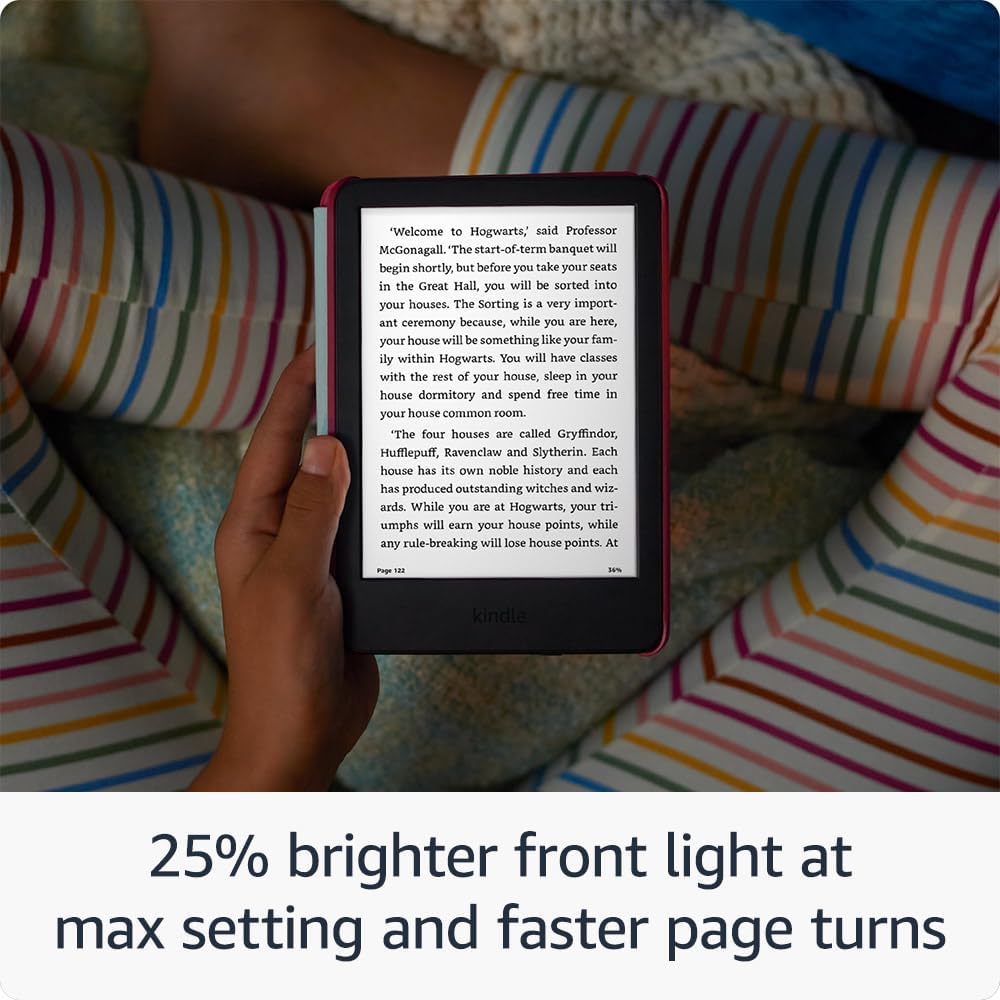
The display and usability tweaks are also aimed at day-to-day comfort. You get a glare-free 6" screen with a front light that can go brighter, plus faster page turns, so reading feels less “work” and more like something a child actually keeps doing.
The essentials
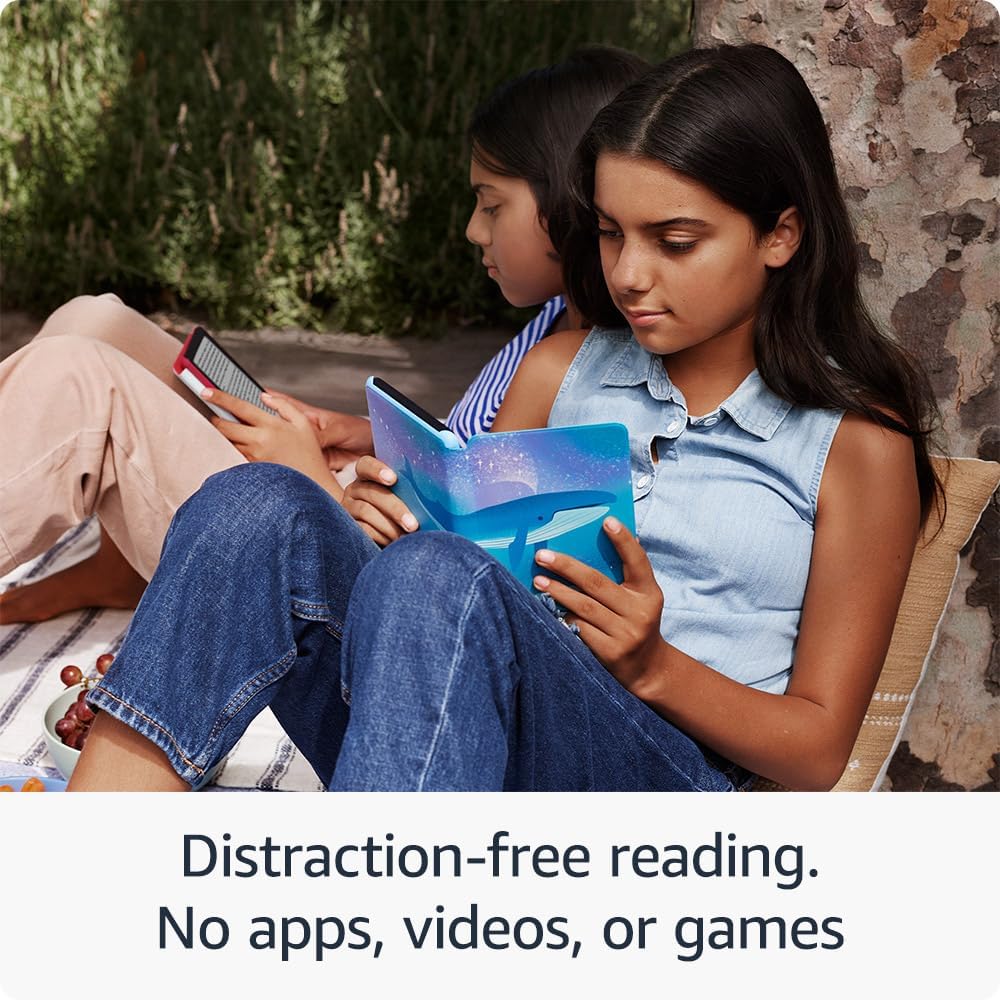
Kindle Kids is a kid-focused e-reader designed for children aged 3–12, with content curated by age range via Amazon Kids+. It’s not a general-purpose device: there are no apps, videos or games on it, so it stays firmly in the reading lane.
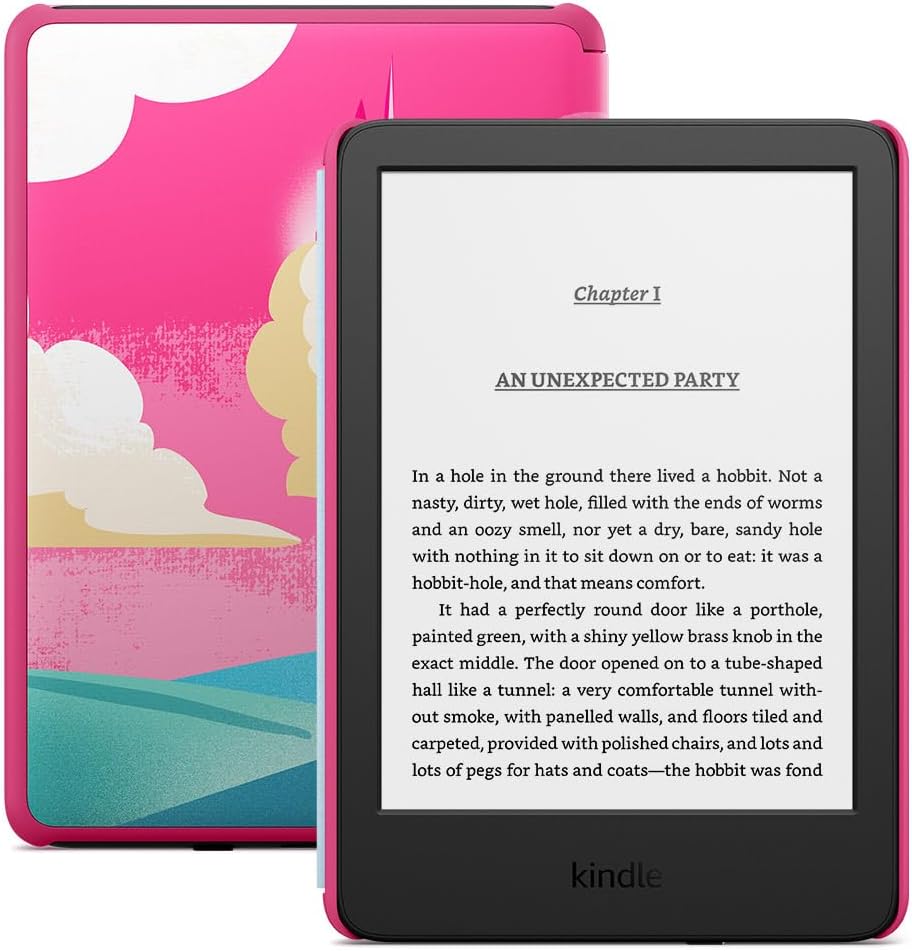
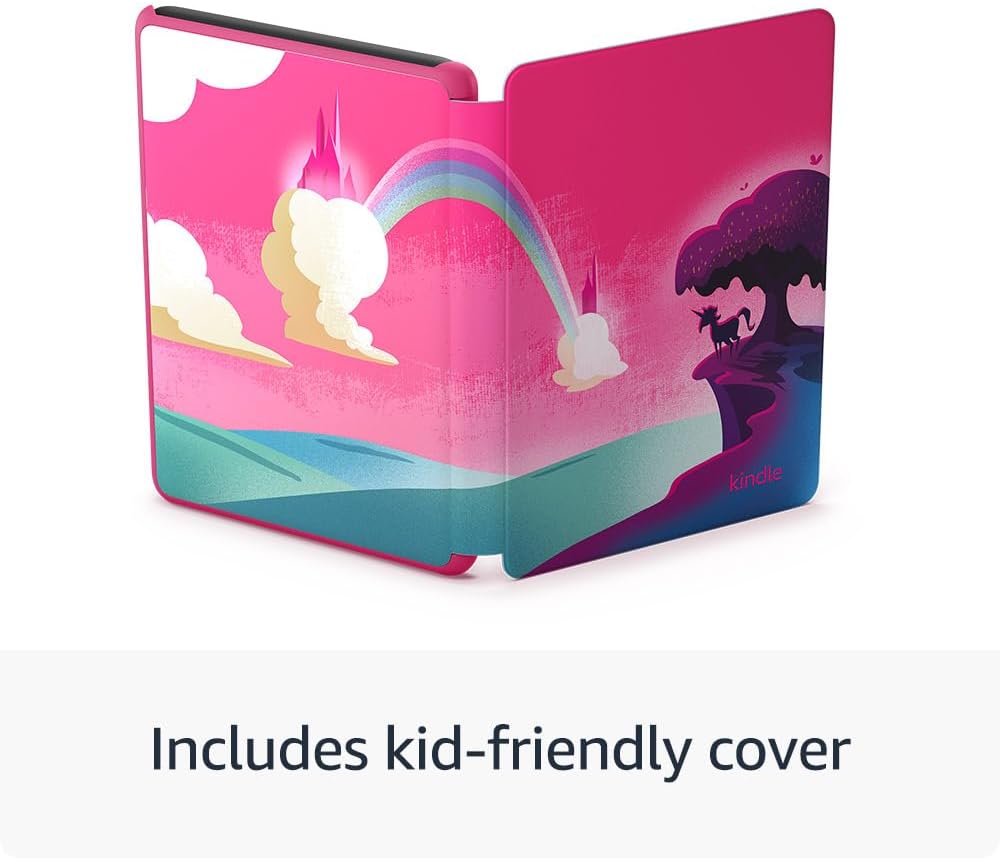
In practical terms, this is the sort of device you hand over for bedtime stories, after-school reading, or long car journeys where you still want something educational and easy on the eyes. You also get a cover included, and the parent-facing controls (Parent Dashboard) let you manage books and some reading boundaries.
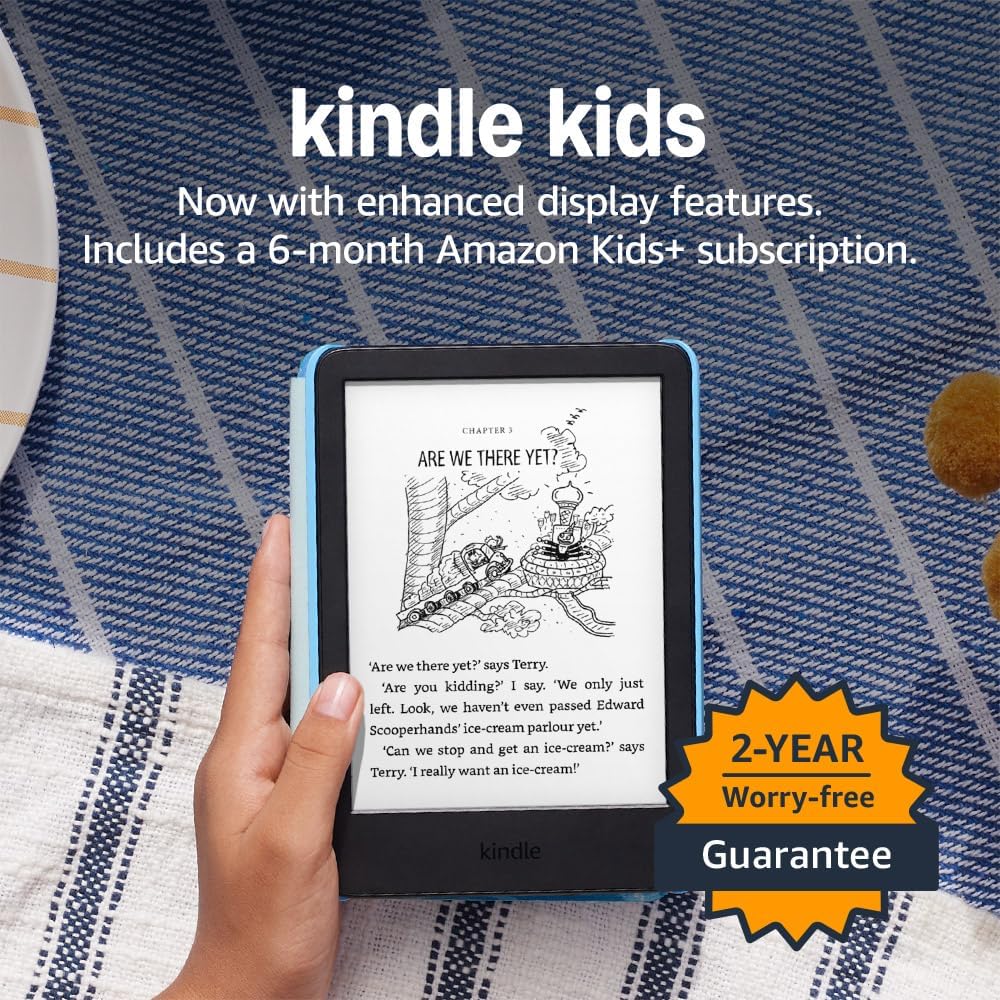
There’s also a bit of behavioural angle here. The description mentions children reading, on average, more than 45 minutes a day when they sit down with their Kindle. That’s not a guarantee for every child, of course, but it does explain why this model exists beyond “a screen for books”.
Where it shines for parents and children
A few elements stand out in the way you’d actually notice them.
First, the 6" glare-free display is meant for reading in different lighting. If you’ve ever had glare make a screen miserable outdoors or near a window, that’s the kind of annoyance parents know too well.
Second, the front light is described as 25% brighter at maximum setting (claimed to be as bright as Kindle Paperwhite) and paired with light and dark mode. Again, on paper that points towards easier reading at different times of day—especially indoors at night.
Third, faster page turns are specifically called out. That may sound minor, but when you’re reading with a child who taps impatiently or wants to “just keep going”, smoother page handling can make the whole experience feel less fiddly.
Finally, the Parent Dashboard is practical rather than gimmicky. You can add books from your account, view reading progress, adjust age filters, and set a device bedtime. If you like clear limits, this fits that style.
What you’ll notice on day-to-day reading
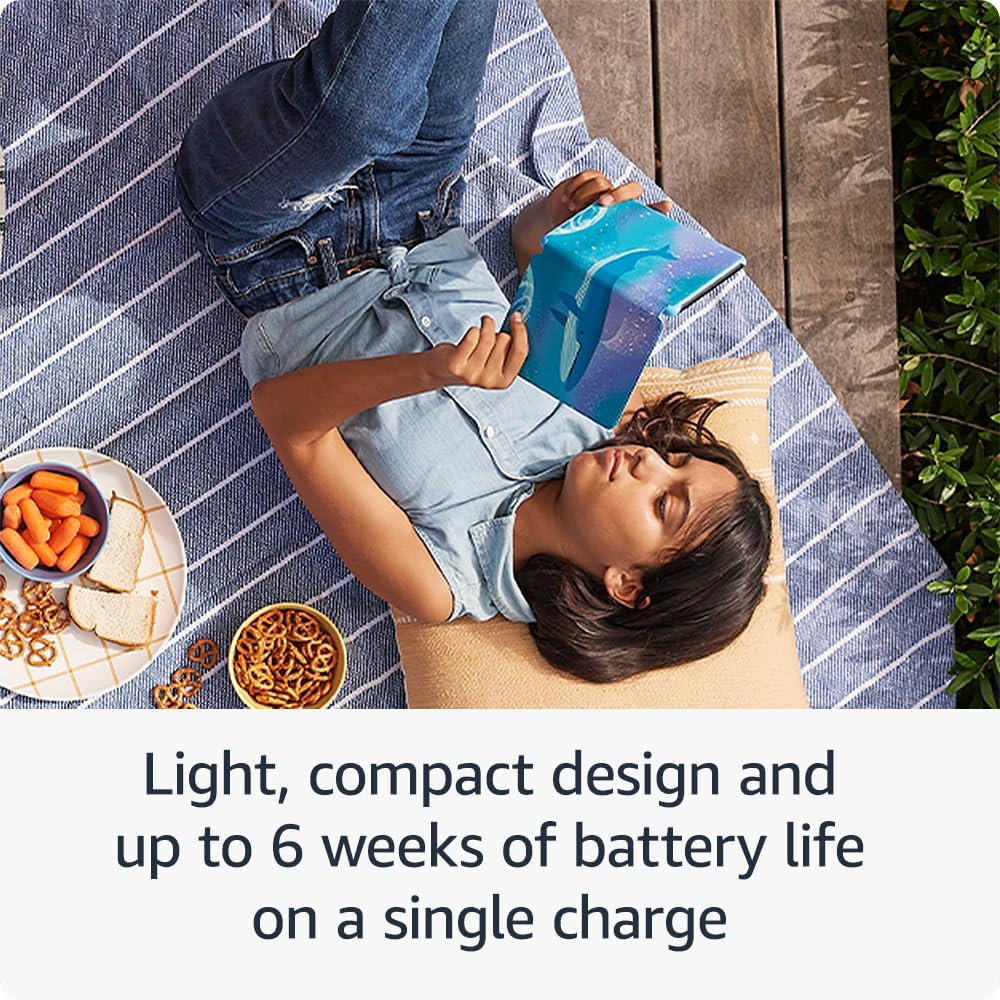
This Kindle Kids is compact and lightweight enough for one-handed reading, which is a big deal for smaller hands. The idea is that a child can carry it more easily and hold it comfortably during stories or quiet time.
Storage is 16 GB, with the expectation that it can hold thousands of books. That’s exactly what you want if you don’t want to manage storage like a chore.

Power-wise, it’s charged via USB-C and the description states a single charge lasts up to 6 weeks. That’s the kind of battery behaviour that reduces “where’s the charger?” moments.
Included content is curated within Kids+ by age range, so it’s designed to evolve as interests and maturity change—rather than dumping every book category onto a child immediately.
The spec-style bits that matter most
Here are the details that influence buying decisions rather than just marketing.
- Display: 6" glare-free display
- Front light: 25% brighter at max setting, light and dark mode
- Performance: faster page turns (as stated in the description)
- Storage: 16 GB
- Charging: USB-C, up to 6 weeks per charge (stated)
- Included: cover
- Subscription included: 6-month Amazon Kids+
- Warranty/guarantee: 2-year worry-free guarantee, if it breaks, you return it and they replace it for free (as described)
Worth noting: the Kids+ subscription is included for 6 months, but the description doesn’t say what happens after that period. If you’re planning long-term, it’s worth checking ongoing subscription requirements before you commit.
Who it suits, and who should think twice
It’s a good fit if you want a child-friendly e-reader that focuses on reading, with lighting designed for comfortable use and parental controls built in. It suits you if you’d rather avoid a device that opens up into apps, videos, or games.
It may not suit you if you’re looking for a single all-in-one device for everything (learning, streaming, gaming, and more). This Kindle Kids is intentionally limited—“purpose-built” is the point, and that can feel restrictive if you expected tablet-style flexibility.
It’s also better for households where you’re happy to curate the reading experience using age filters and the Parent Dashboard. If you prefer a purely hands-off approach where the device fully self-manages content without parent involvement, you may feel the need for more guidance.
Final verdict
Is it worth it?
Worth buying if you want a dedicated reading device for kids aged 3–12, like the idea of a glare-free front light setup, and you value parental controls (age filtering, reading progress, bedtime) alongside an included cover and a 2-year replacement guarantee.
Better to pause before buying if you’re mainly buying for general entertainment, or you don’t want to consider an ongoing subscription after the included 6-month Kids+ period. It’s not a bad thing—it’s just that this device is more “reading-first” than “do-everything”.
When it comes to the questions shoppers usually ask—does it suit real-life lighting, is it easy for kids to handle, and will it keep reading on track—this one leans strongly towards reading habits rather than distracting features.
Mini FAQ
Is Amazon Kindle Kids suitable for children aged 3–12? Yes. The description states the Kids+ content is designed for kids aged 3–12 and curated by age range.
Does it work like a tablet with apps and games? No. The description specifically positions it as purpose-built for reading, with no apps, videos or games.
What’s included out of the box? The device includes a cover, a 6-month Amazon Kids+ subscription, and a 2-year worry-free guarantee.
How long does the battery last? The description says a single charge via USB-C lasts up to 6 weeks.
What do parents control with the Parent Dashboard? You can add books from your account to your kid’s library, view reading progress, adjust age filters, set a device bedtime, and more (details listed in the description).