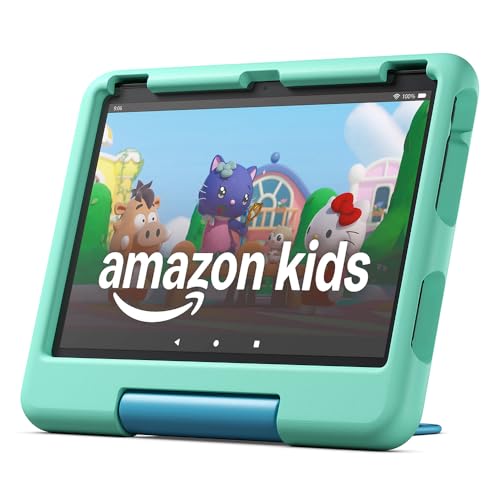
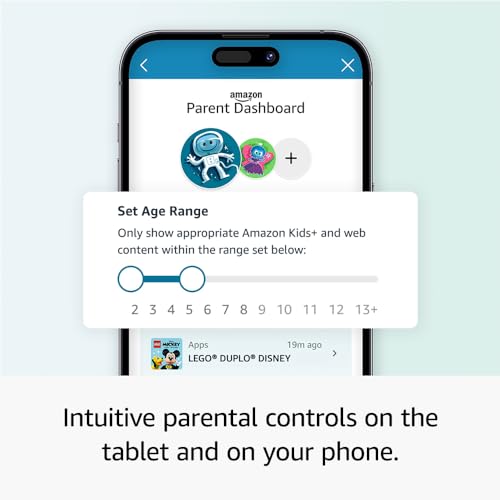
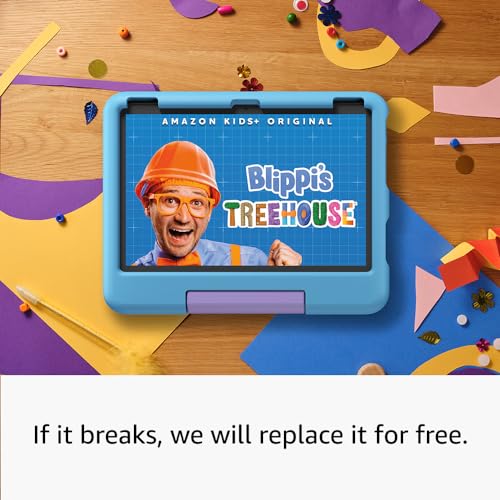
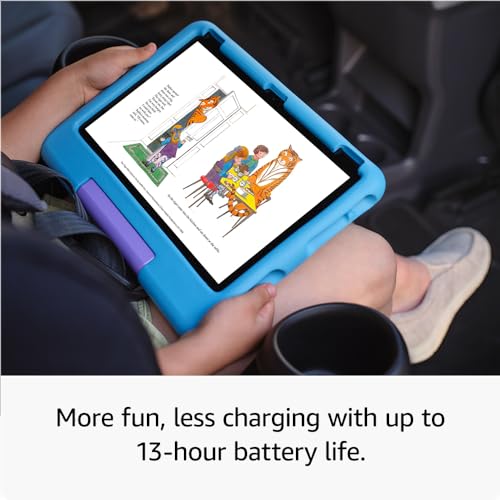
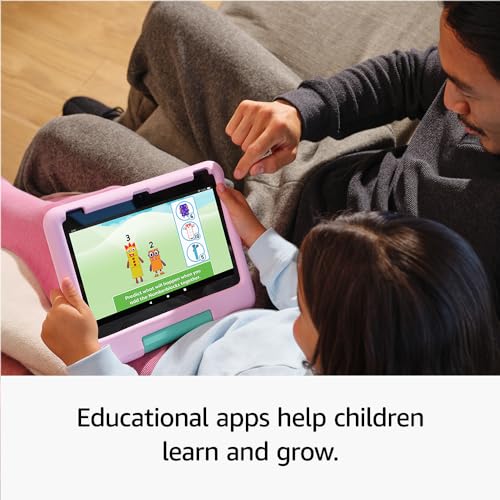
What it is and who it’s for\nThe Amazon Fire HD 10 Kids tablet is a geared-for-children tablet, designed to offer a durable, capable device with parental controls and a kid-friendly content ecosystem. It targets families with children aged 3–7 who want a device that’s fun to use yet manageable from a parent’s phone. On paper it combines a large 10.1" 1080p Full HD display with enough performance to run education apps, stories, games and videos without feeling sluggish.\n\n## Core strengths at a glance\nThe device ships with 32 GB of storage and 3 GB of RAM, and it promises up to 13 hours of battery life for mixed usage. It supports up to 1 TB of expandable storage, letting kids keep a sizeable library of books, videos and apps on the go. A robust feature here is the parental control framework, letting guardians set screen-time limits, approve app downloads, pause or resume use, and manage access from a parent app dashboard. The tablet also includes a 2-year worry-free guarantee and is supplied with a Kid-Proof Case to tolerate the inevitable bumps.\n\n## What stands out in daily use\nYou get a year of Amazon Kids+ included, offering advert-free books, games, videos and apps. After the first year, the subscription renews monthly (from £6.99) unless you cancel. For families already in the Amazon ecosystem, this provides a straightforward content path for education and entertainment. In practice, that means a broad pool of child-friendly content from familiar brands, packaged with a simple way to limit what children can access.\n\n## Limitations and things to consider\nThe value hinges on ongoing content access, after Year 1, the ongoing cost may be a factor for some households. If you prioritise a completely ad-free, fixed-content experience with no recurring fees, you might want to weigh that ongoing subscription against other options. Also, as a 3–7 device, some older children or those with demanding apps could push its performance boundaries sooner than later.\n\n## Who it’s best for\nThis tablet suits families seeking a durable, child-oriented device with strong parental controls, straightforward setup, and a broad content library via Kids+. It’s particularly appealing if you want a simple, managed way for young kids to access stories, games and videos in a contained environment.\n\n## Who might want to skip it\nIf you’re looking for a premium tablet experience with top-end processing or non-stop entertainment beyond a managed kids’ ecosystem, this model may feel limited. If you don’t want a recurring content cost after the first year, consider alternatives or budget around the subscription.\n\n## Before you buy — quick checks\n- Confirm the subscription terms if you rely on Kids+ for ongoing access.\n- Check the parent dashboard accessibility from your phone to ensure it fits your routine.\n- Consider whether 32 GB storage plus the option to expand meets your child’s library needs.\n- Evaluate whether the 3 GB RAM will comfortably handle the apps your child will use day to day.\n\n## How it compares to the broader market (contextual)\nCompared with devices aimed at general use, this model emphasises controlled, age-appropriate content and parental oversight. If you’re choosing between a kids’ tablet and a standard tablet for a child, this option trades some raw performance for a safer, curated environment with a sturdy case and a long warranty. If you prefer a device that grows with the child and integrates easily with a family’s existing content, this approach can be sensible.\n\n## Decision: Is it worth it?\nIt makes sense if you value a tried-and-tested kids’ ecosystem, parent-friendly controls, and the reassurance of a 2-year guarantee, paired with a large screen for learning and entertainment. It may not be perfect if you want to avoid ongoing subscription costs or require higher-end performance for demanding apps.\n\n## FAQ \n- Does it include a year of Kids+ by default? Yes, a 1-year subscription is included.\n- Can I expand storage beyond 32 GB? Yes, up to 1 TB via microSD (sold separately).\n- How easy is the parental control setup? Controls are manageable from the parent’s phone, with options to limit screen time and approve app downloads.