

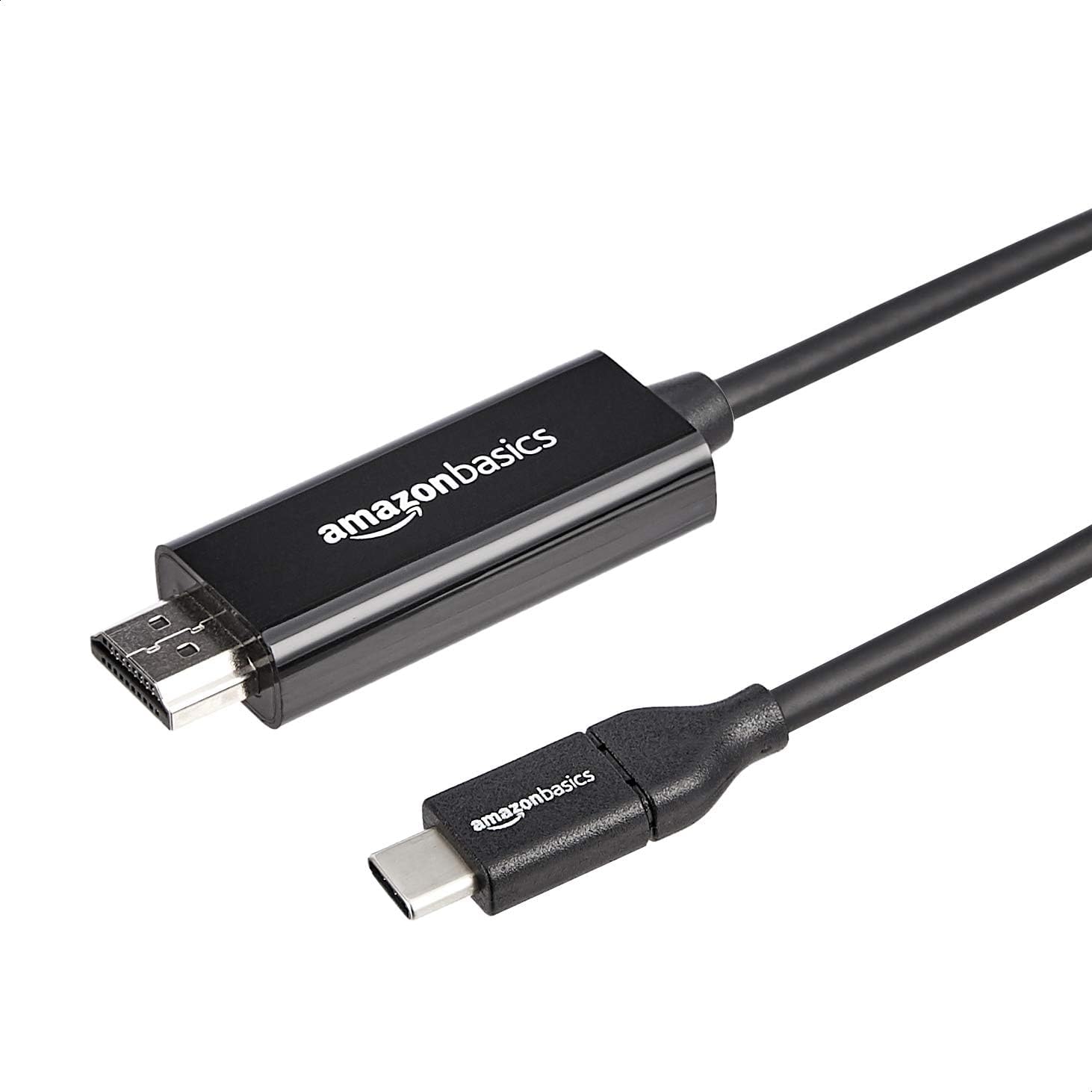
Amazon Basics Uni-Directional USB-C to HDMI Cable Adapter (Thunderbolt 3 Compatible) 4K@30Hz, 3 ft
Product description
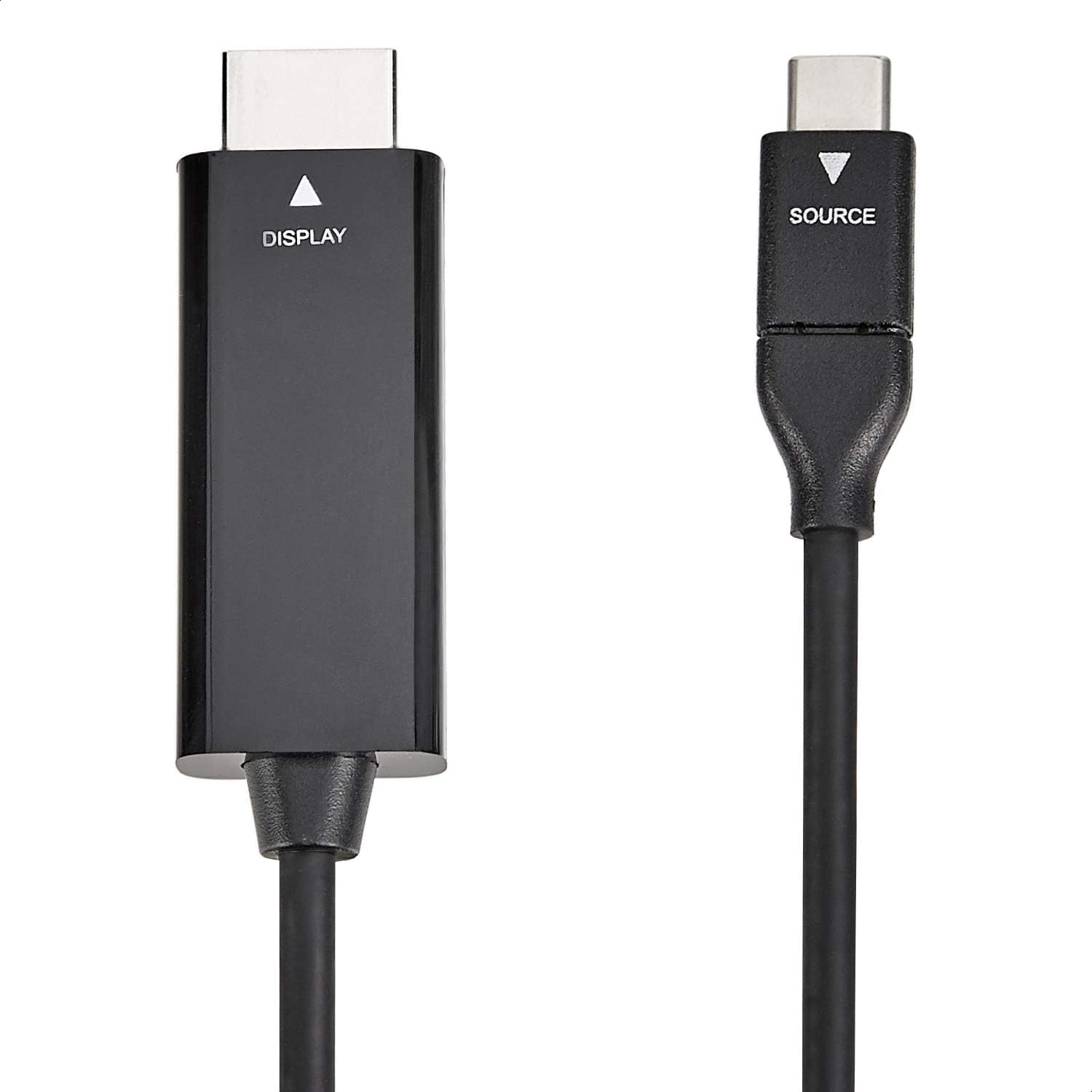
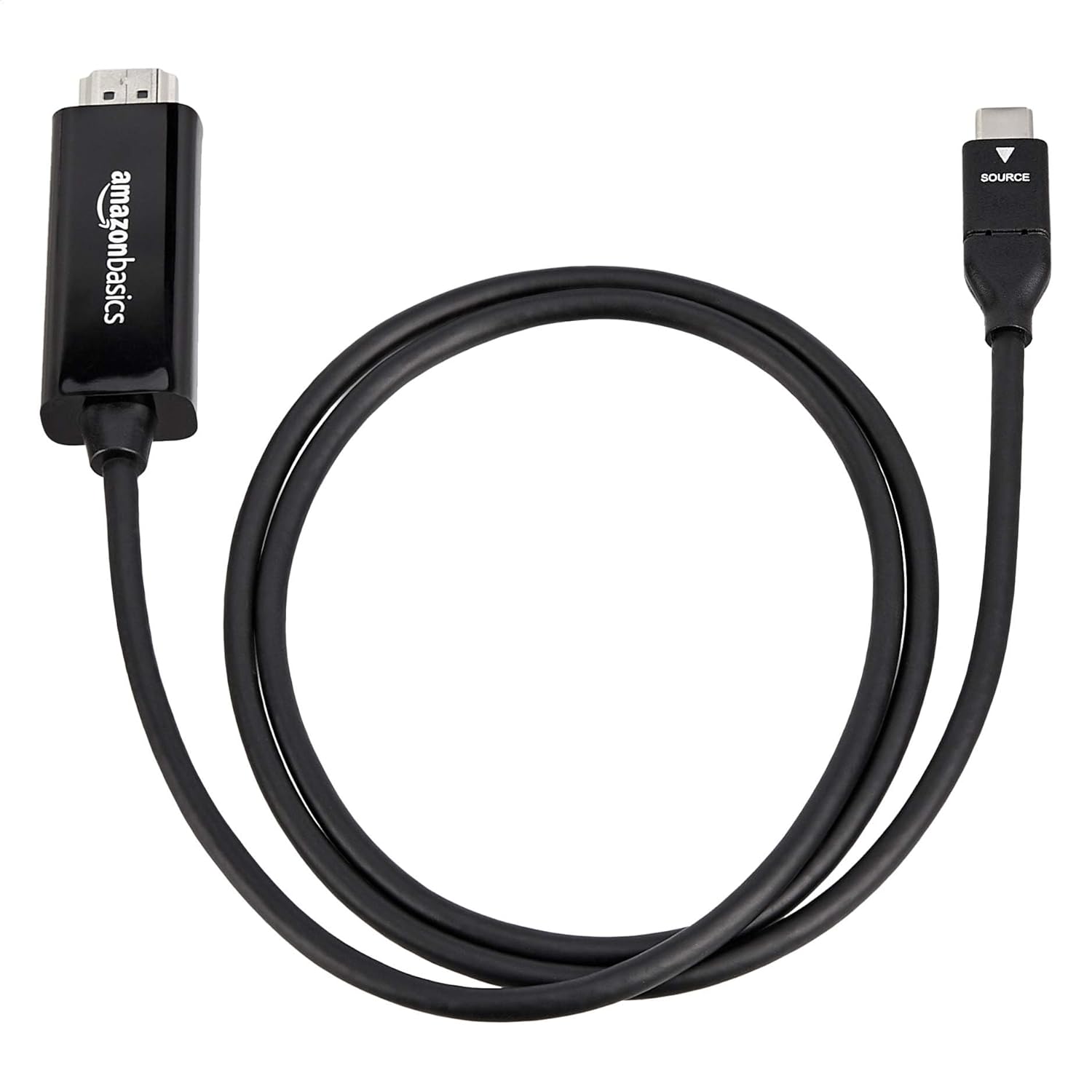
If you’ve got a laptop, tablet or phone with a USB-C port and you just want it on a TV, monitor or projector, a USB-C to HDMI cable adapter can be the simplest path. This amazon Basics uni-directional USB-C (source) to HDMI (display) adapter is built for that job: take the video output from a compatible USB-C/Thunderbolt 3 device and send it to an HDMI display.
That “uni-directional” wording matters more than it sounds. This is designed to work with USB-C devices as the video source (output) going one way to HDMI (display). If you’re hoping to do the reverse, or you’re not confident your device is output-capable over USB-C, you may end up disappointed.
Where it fits in real life
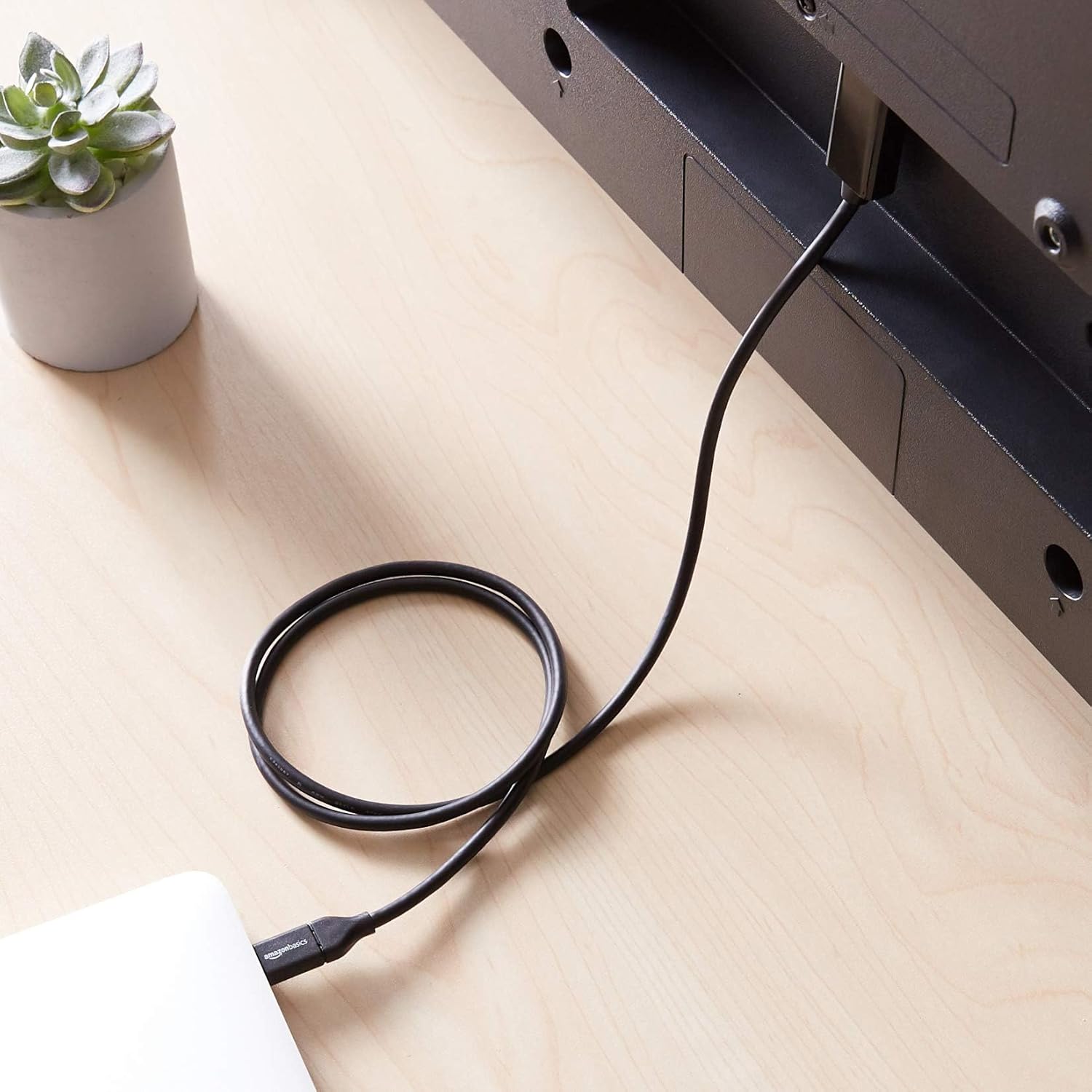
This is the kind of adapter cable you buy for evenings on the sofa, quick office presentations, or for setting up a second screen when you don’t want to faff around. The cable is 3 feet long (so, short-ish). On a desk it should be handy, but in a bigger room it can feel a bit limiting—worth thinking about where your laptop sits compared to your TV/monitor.
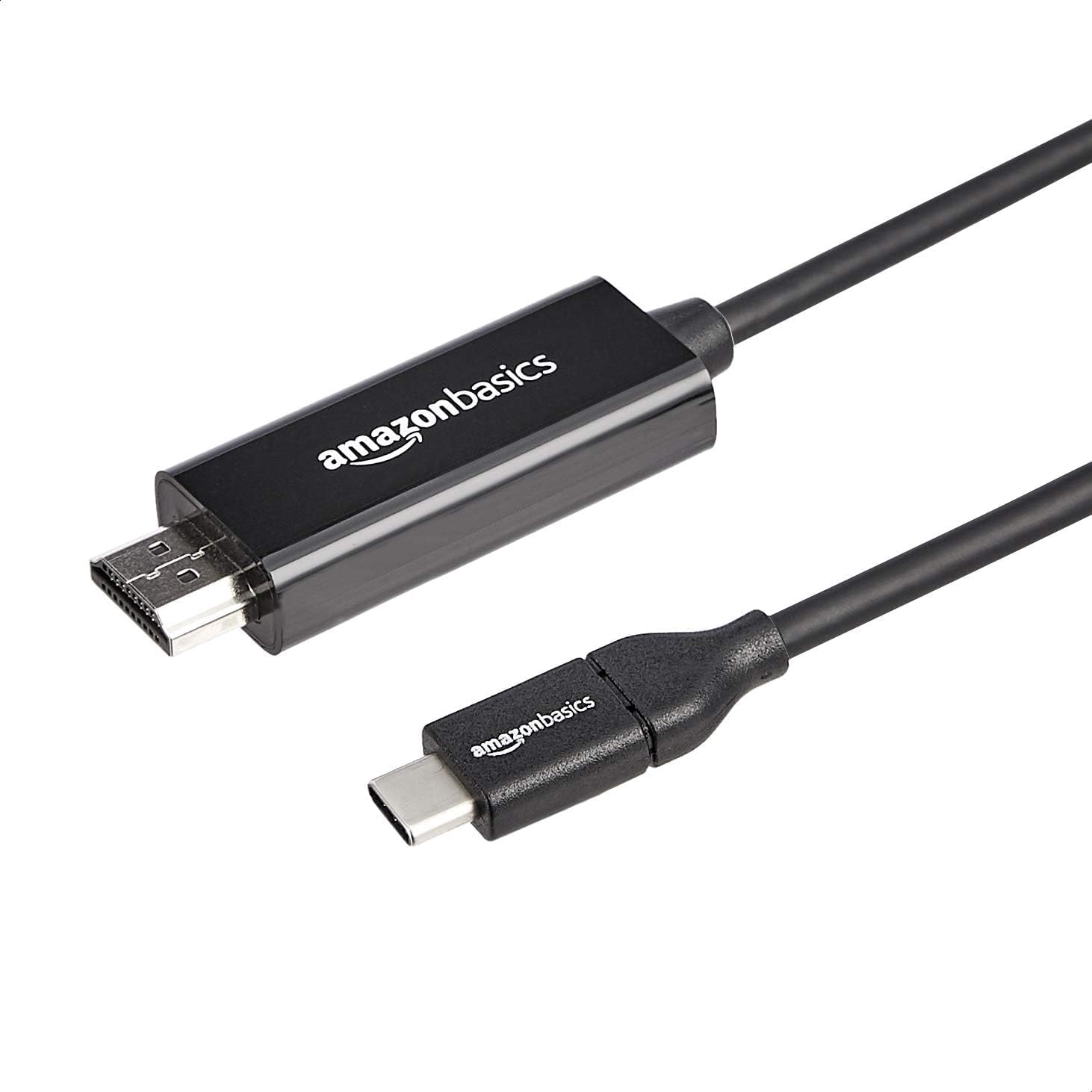
In day-to-day terms, it’s a straightforward “plug in and connect” approach for supported USB-C devices. For example, you could connect your compatible laptop to an HDMI monitor in minutes, open a slide deck, and let the display mirror or extend your content—no extra box required.
The essentials
Amazon Basics positions this as a 4K capable USB-C to HDMI option with a specified 30 Hz frequency and an emphasis on smooth data transfer. It also states the cable is heavily shielded, uses high-performance conductors, and is flexible—so it’s aimed at reliability rather than just convenience.
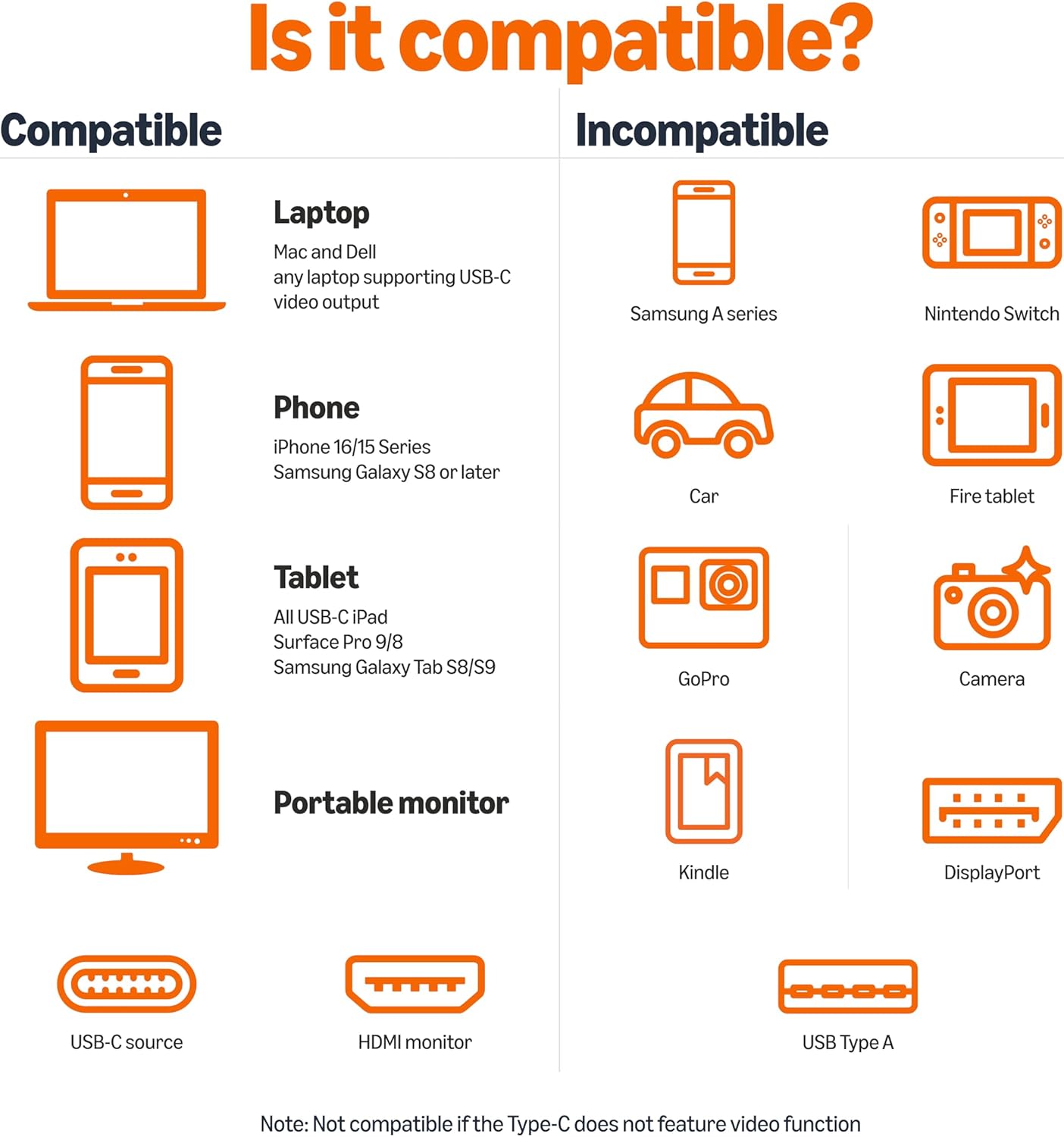
There’s also an explicit limitation: it’s not compatible with an iPhone Lightning connector. That won’t be relevant for everyone, but if you’re cross-shopping adapters for an Apple iPhone setup, you’ll want to look elsewhere.
Key specifications (as stated by the listing)
- Name: Amazon Basics Uni-Directional USB-C (Source) to HDMI (Display)
- Type: USB-C to HDMI cable adapter
- Format: Cable adapter (uni-directional)
- Display output: HDMI
- Video support: 4K@30Hz
- Compatibility note: Thunderbolt 3 compatible (as stated)
- Cable length: 3 feet
- Colour: Black
What to check before you buy
This adapter is designed for “most” Thunderbolt 3/Type C devices according to the listing, and it calls out it’s suitable for certain iPad Pro/MacBook/Air models and other named devices. That helps, but it also means you should still verify your own device supports video output over USB-C/Thunderbolt 3.
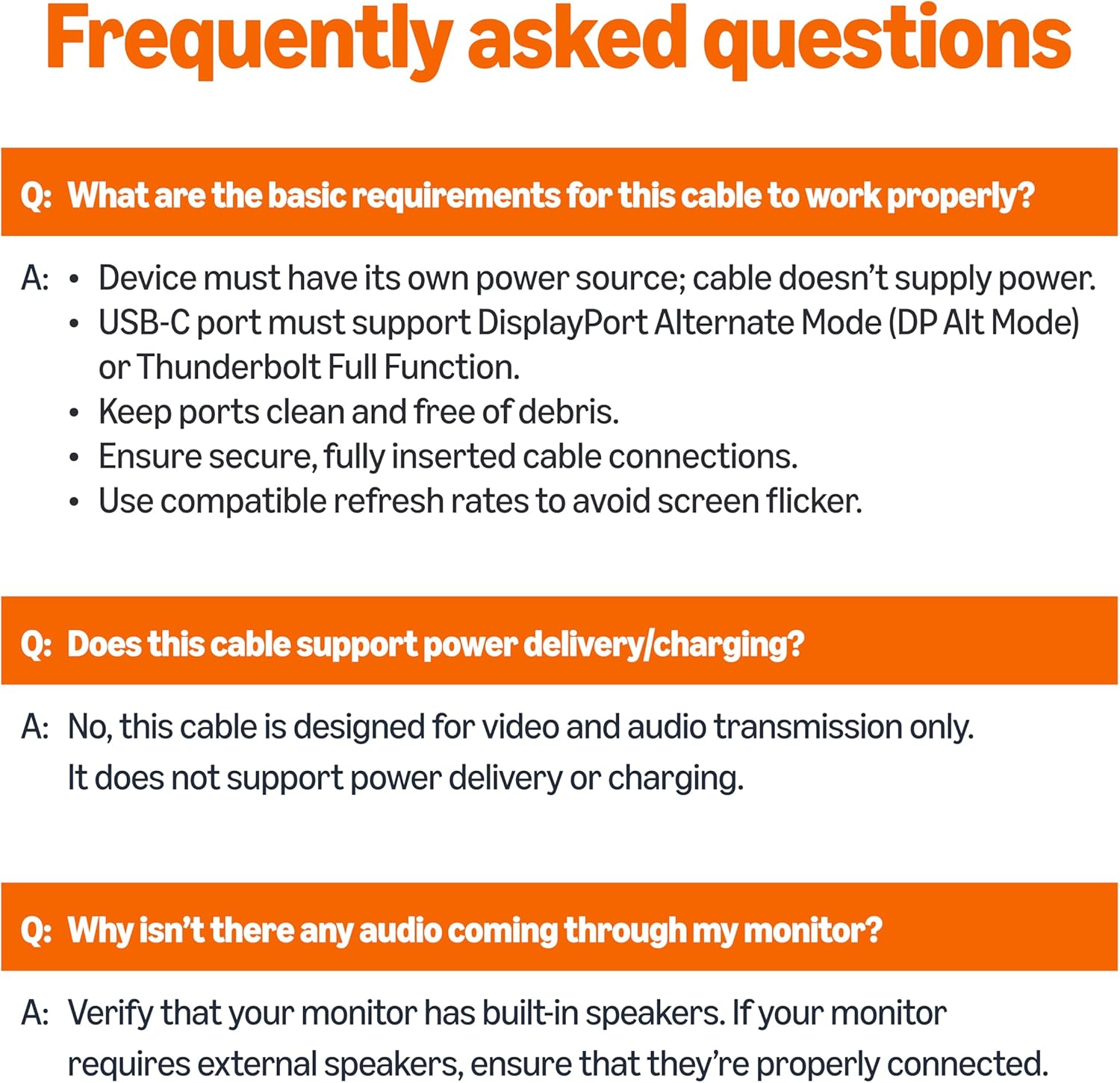
The uni-directional design is the other thing to sanity-check. If your setup expects HDMI to drive USB-C, or if you’re using a port that only supports charging and not video output, this cable won’t behave the way you want.
Also, since the length is 3 feet, measure your room/desk layout if cables often get stretched or you prefer a bit of breathing space.
Where it shines (and where it can fall short)
Where it makes sense is when you need a simple, no-nonsense bridge between a USB-C source device and an HDMI display. The listed emphasis on 30 Hz for 4K and on heavy shielding suggests it’s tuned for stable everyday video output rather than experimental setups.
However, it may not be the best fit if you’re chasing higher refresh rates for fast gaming or you’re using it in a situation where you need longer cable reach. The listing only mentions 4K@30Hz, so if that doesn’t align with your expectations, you may want to consider alternatives with different performance claims.
It’s also not ideal if your device isn’t in the compatible category the listing points to, even if it has a USB-C port. USB-C comes in different flavours, and not all of them act as a video source.
Is it worth it?
Worth considering if you have a compatible USB-C (Thunderbolt 3 compatible as stated) laptop or tablet and you mainly want reliable HDMI output for TVs, monitors or projectors, at up to 4K@30Hz. It’s also a good pick if you prefer a cable-style adapter rather than a bulky docking setup.
You may want to skip it if you need bidirectional HDMI/USB-C use, you’re connecting via an iPhone Lightning setup, or you require video output from a USB-C port that doesn’t support display output. It might not be a great match if your cable needs to reach across a larger space—3 feet can feel short.
Mini FAQ
Quick FAQ
Is this adapter one-way or can it send HDMI back to USB-C? The listing describes it as uni-directional, with USB-C as the source and HDMI as the display.
Does it support iPhone Lightning? No—the listing explicitly says it’s not compatible with an iPhone Lightning connector.
What resolution and refresh rate does it mention? It’s specified as 4K@30Hz.
How long is the cable? The cable length is 3 feet.
Will it work with any USB-C device? It’s intended for most Thunderbolt 3/Type C devices, but you should still confirm your specific device supports video output over USB-C/Thunderbolt 3.