

Amazon Basics DVI to DVI Cable, 2 m / 6.5 Feet, Black
Product description
What it is
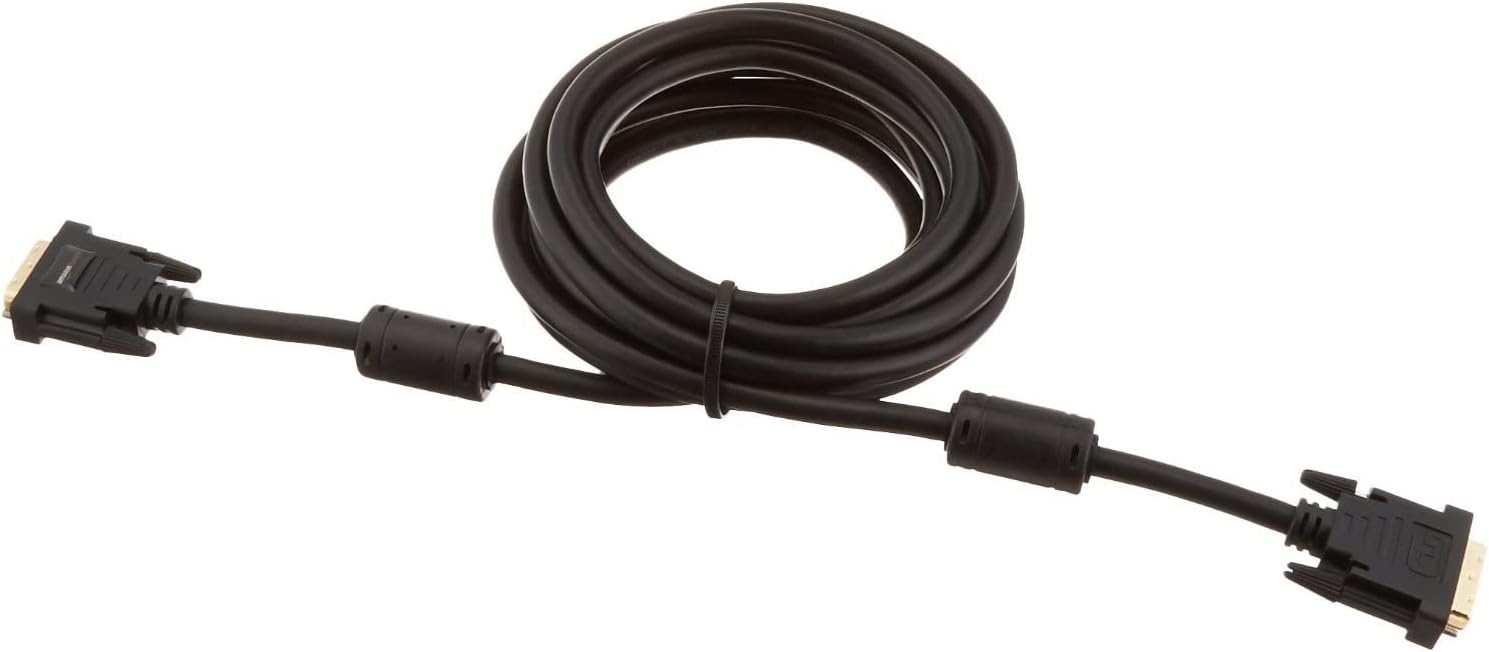
The amazon Basics DVI to DVI Cable is a straightforward, wired solution for connecting DVI-equipped devices to flat panel displays, digital CRT displays, projectors and HDTV/video projectors. It uses a standard DVI (24+1) connector on both ends and arrives with ferrite beads to help minimise signal loss in typical setups. The cable is finished in black and is designed to be a practical, value-focused choice for everyday use.
How it’s made for reliability
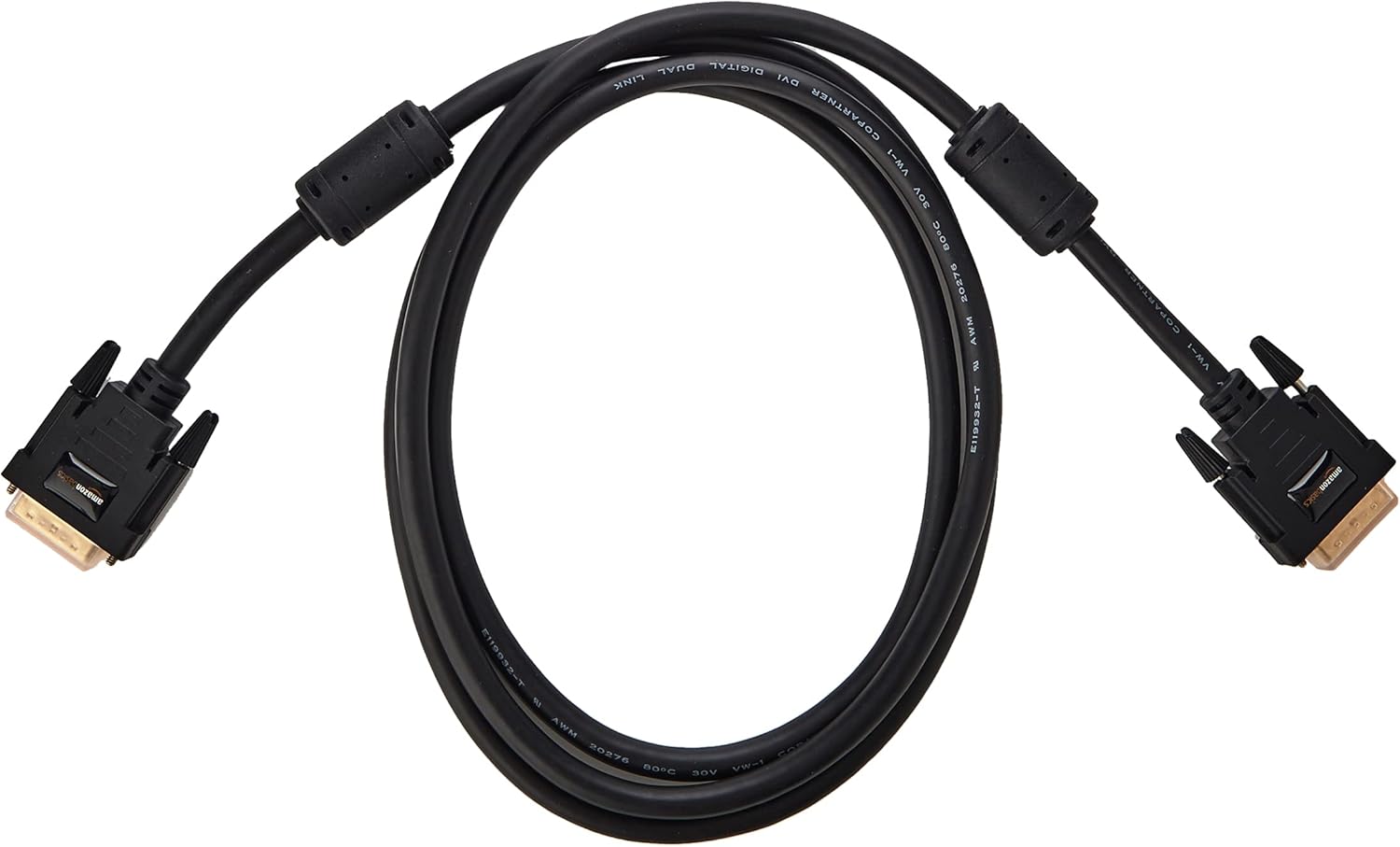
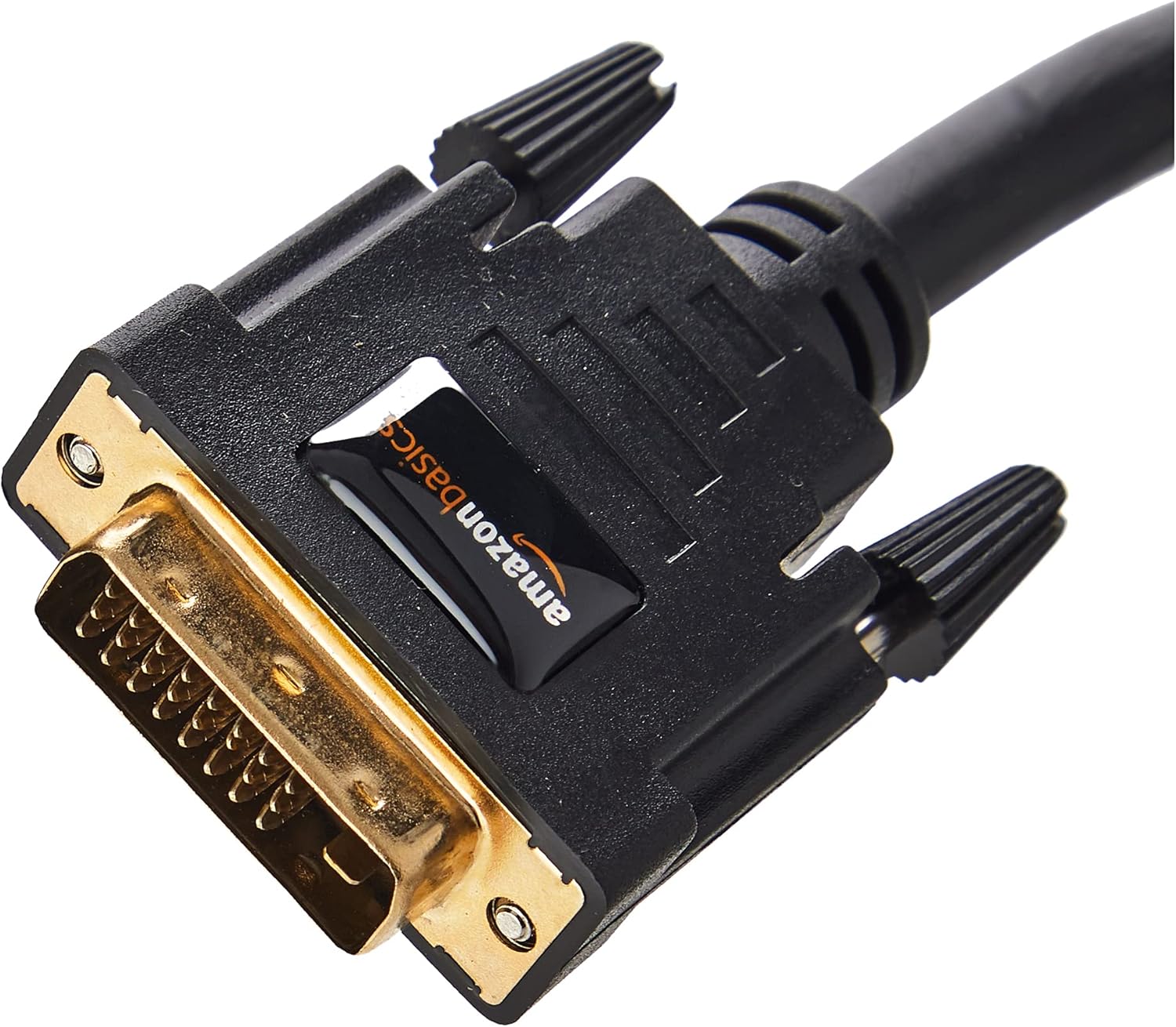
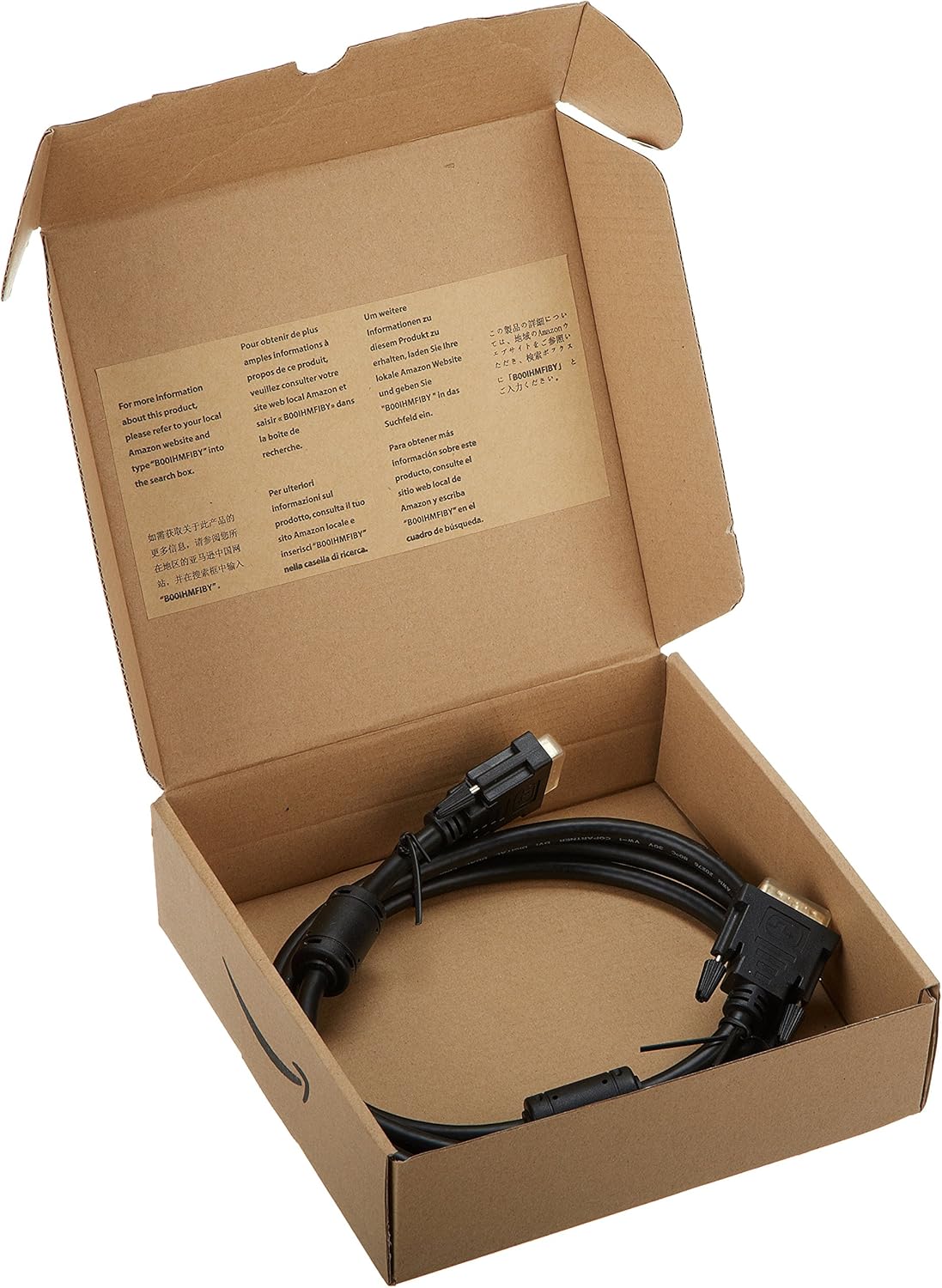
On paper, you’re getting a basic, purpose-built connection cable. The gold-plated DVI-to-DVI connectors are chosen to promote good conductivity and corrosion resistance, while ferrites are included to reduce high-frequency interference that can occur when the cable runs near power lines or other electronics. The length at 2 m (6.5 feet) offers flexibility in typical living rooms or offices without excessive slack, and the build is housed in packaging that emphasises easy transit and storage.
What it’s best for
This cable suits users who need a dependable, no-fuss link between a DVI-enabled source and a display or projector that accepts DVI. It’s ideal for older monitors and projectors where HDMI isn’t available or when you’re aiming to preserve a DVI signal path without converting to another format. If your setup relies on standard-definition or higher, the DVI path remains straightforward and free of the complexities that can come with adapters.
Strengths and what to watch
- Strengths: straightforward 2 m reach, robust connectors, ferrite cores to limit interference, gold plating for conductivity, affordable. It’s a practical option for those prioritising simplicity and durability over extra features.
- Limitations: it’s a basic cable, there are no active components or advanced shielding beyond ferrites. If your environment has substantial interference from multiple devices, or you require advanced features (like high-refresh gaming or HDCP handling beyond basic compatibility), a higher-end or active cable might be worth considering.
Who it’s for
If you’re after a dependable DVI-to-DVI link for everyday tasks—web browsing, document editing, video playback on compatible displays—this cable fits the bill. It may appeal to users with older displays or projectors that still rely on DVI and who want a straightforward replacement without extra cost or complexity.
Who it isn’t for
Not ideal if you’re seeking HDMI, DisplayPort, or USB-C alternatives, or if you need a cable designed for peak gaming performance with very high refresh rates or advanced content protection schemes beyond standard DVI use. If your system already employs newer interface types, you might not gain much from sticking with DVI wiring alone.
When it makes sense to buy
Consider this cable when: you have a DVI source and a DVI display or projector and want a dependable, economical connection that simply works. It’s also sensible if you’re stocking a spare, or you’re setting up a secondary display in a budget-conscious way.
What to check before buying
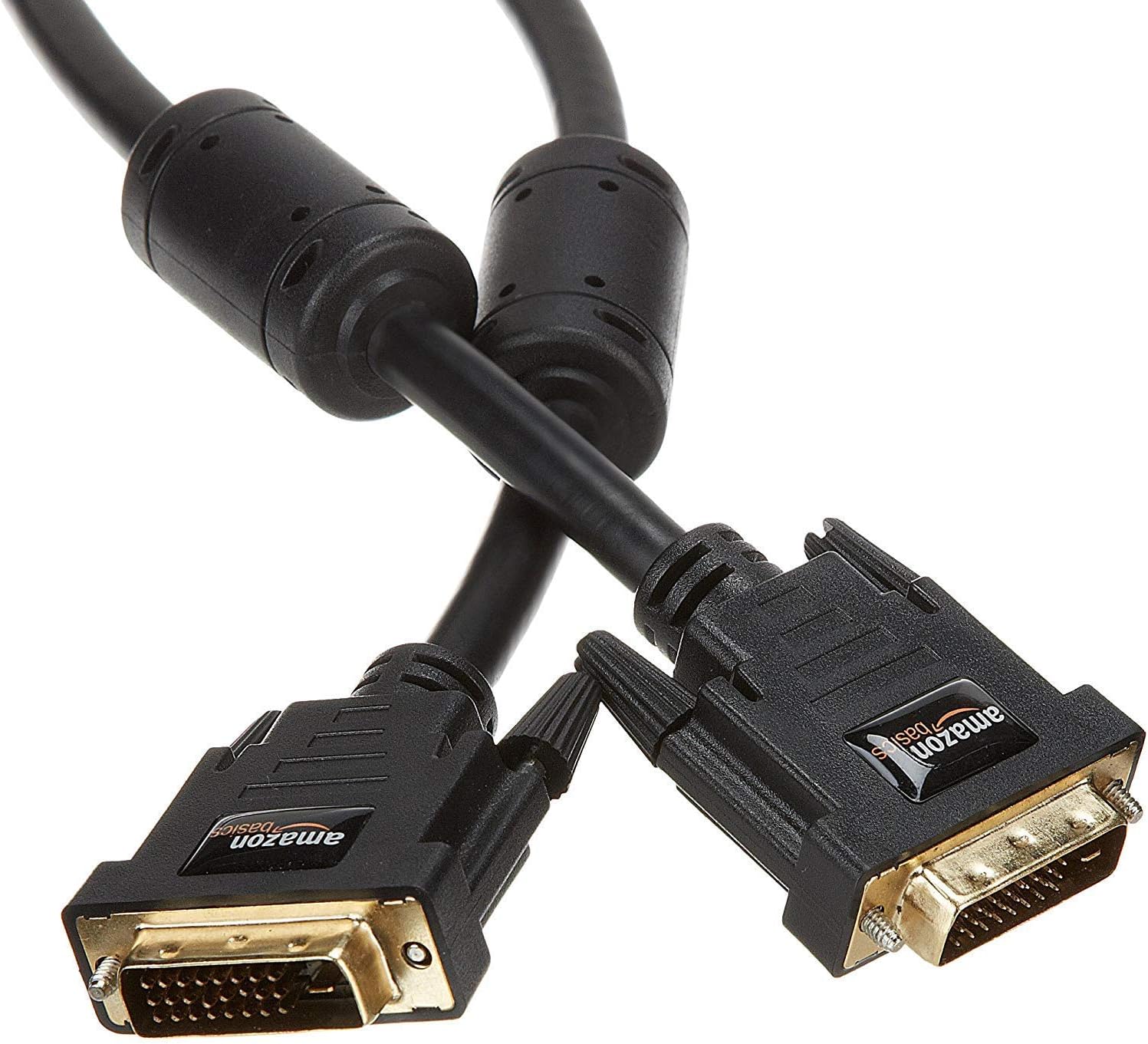
- Confirm both your source and display use DVI (24+1) connectors.
- Measure the distance between devices to ensure 2 m is sufficient without excessive tension.
- Consider the environment, ferrite cores help with interference, but the cable is otherwise a passive conduit.
- If you anticipate frequent disconnections or need greater flexibility, assess cable length options beyond 2 m.
Practical usage example
You connect a desktop PC to a projector for a weekend presentation. The 2 m cable lets you position the PC on a desk without stretching the connection to the projector, while the gold-plated connectors help maintain a clean signal as you switch between slides and embedded video.
The decision in practice
Should you buy it?
You’ll like it if you want a simple, reliable DVI-to-DVI link with decent build quality at a sensible price. It’s not the best choice if your setup demands modern interfaces or high-end gaming performance. For most standard digital display tasks, it offers straightforward value and dependable connectivity.
FAQs
- Do both ends have DVI connectors? Yes, the cable features DVI on both ends (24+1).
- Is it suitable for high-definition video? It supports standard DVI connections commonly used with displays and projectors, for advanced HDCP or higher-end gaming, consider other options.
- Does it come with any special warranty? The base information doesn’t specify warranty details, check the product page for current terms.