

Acer USB4 USB-C Cable 1m (40Gbps, 240W PD, 8K HDR to 60Hz, Thunderbolt compatible)
Product description
The essentials: what this Acer USB4 cable is for
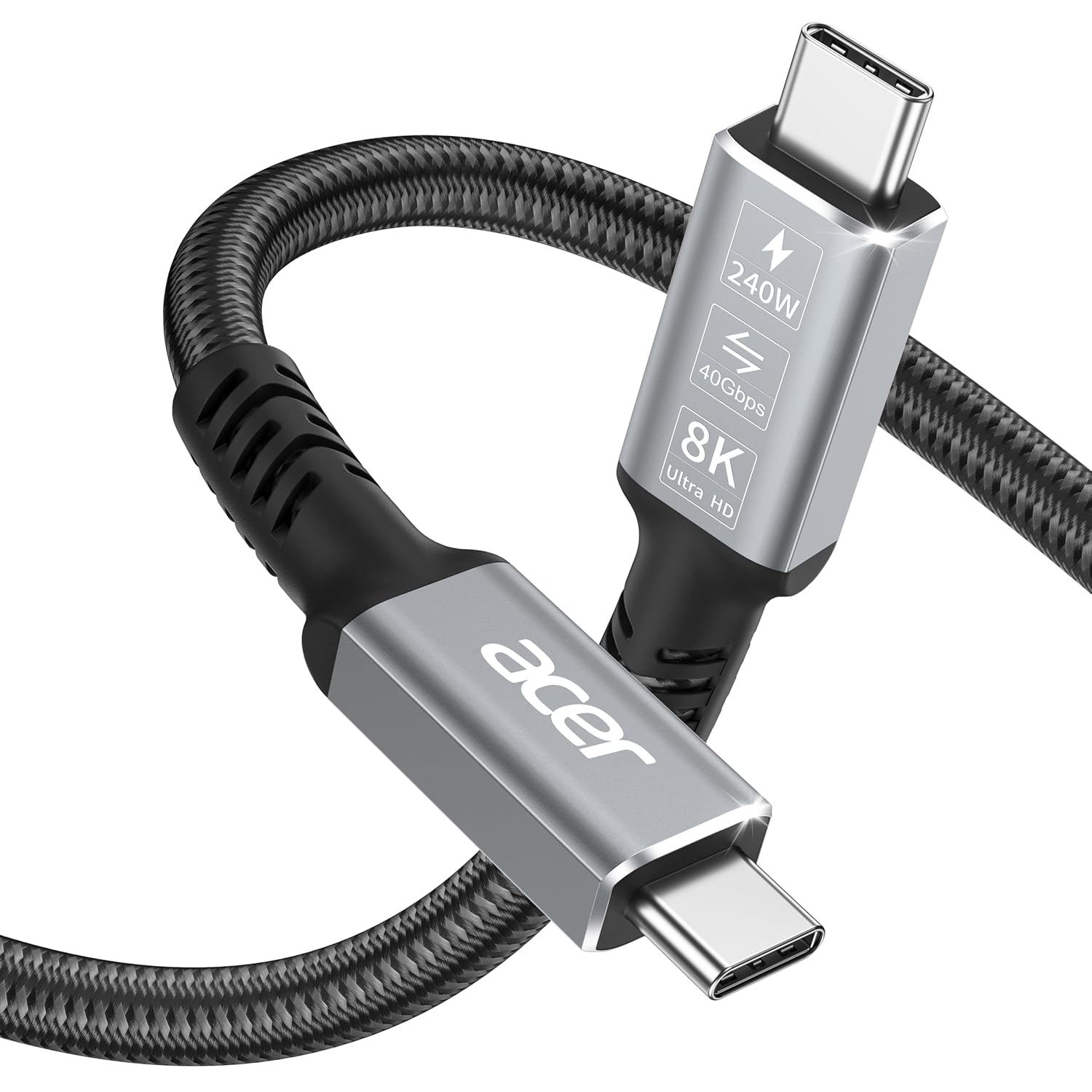
If you’re juggling displays, fast data transfers and USB-C charging from a single lead, the Acer USB4 USB-C Cable (1m) is designed to be that “all-in-one” link. On paper, it’s the sort of cable that can cover your everyday setup: connecting a USB-C or Thunderbolt 3/4 device to a monitor, moving files to an SSD, and delivering Power Delivery for charging.
The big selling point here is the combination of high-end video capability, strong data throughput and high-wattage charging. That’s useful if you don’t want one cable for your screen, another for your storage, and a third just to keep your laptop topped up.
That said, it’s worth bearing in mind that the headline speeds and resolutions depend on what your laptop and the other end device can actually support. With USB4, the cable can be “capable” and still not reach the maximum figure in a mixed setup.
What you’ll notice day to day
In practical use, this cable is most appealing for desk setups where you want fewer things to think about. Plug it into a compatible device and you’re not only charging, you’re also set up for video output and high-speed data when your system supports it.
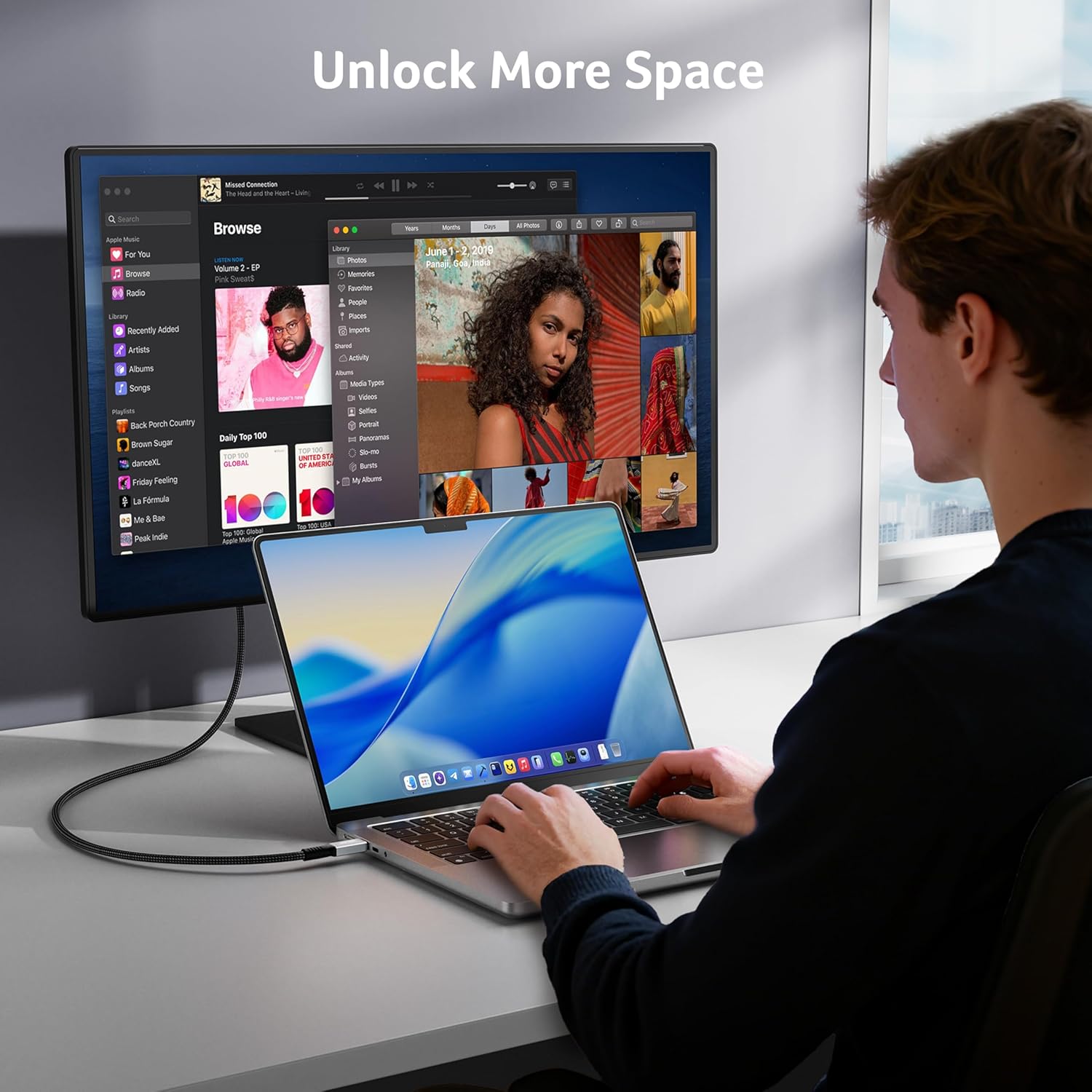
A concrete example: imagine you’re working at a dock or hub. You connect your MacBook/iPad/iMac (or similar Thunderbolt/USB-C device) to a display and an external SSD. The USB4 connection is meant to handle both the screen signal and fast transfers without swapping leads.
For multi-monitor arrangements, the cable claims MST (Multi-Display Connectivity). That’s the kind of feature that can make life easier if your workstation supports it, rather than forcing you into more basic single-stream display approaches.
Key takeaways on performance (and the limits)
Acer positions this as a cable that spans three lanes:
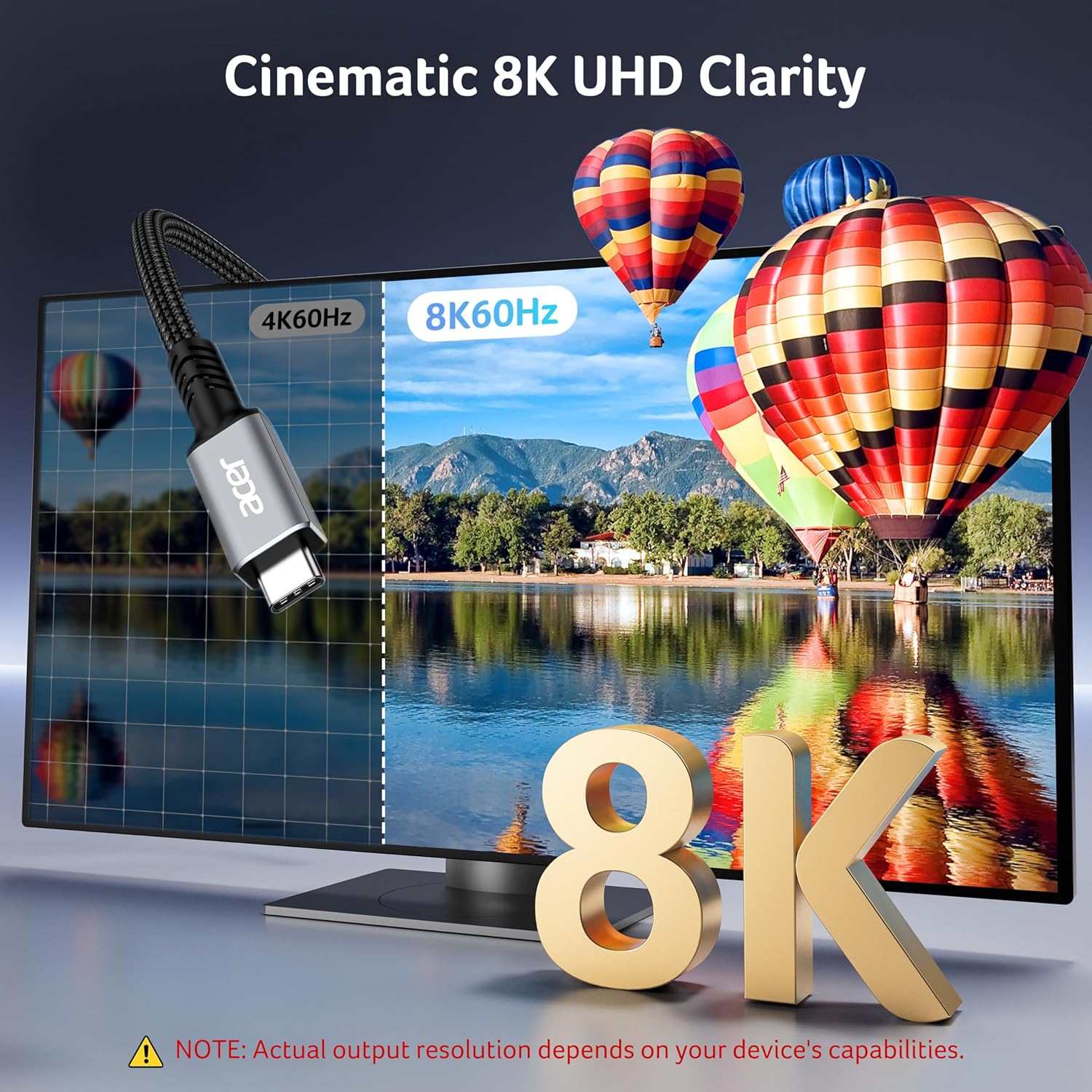
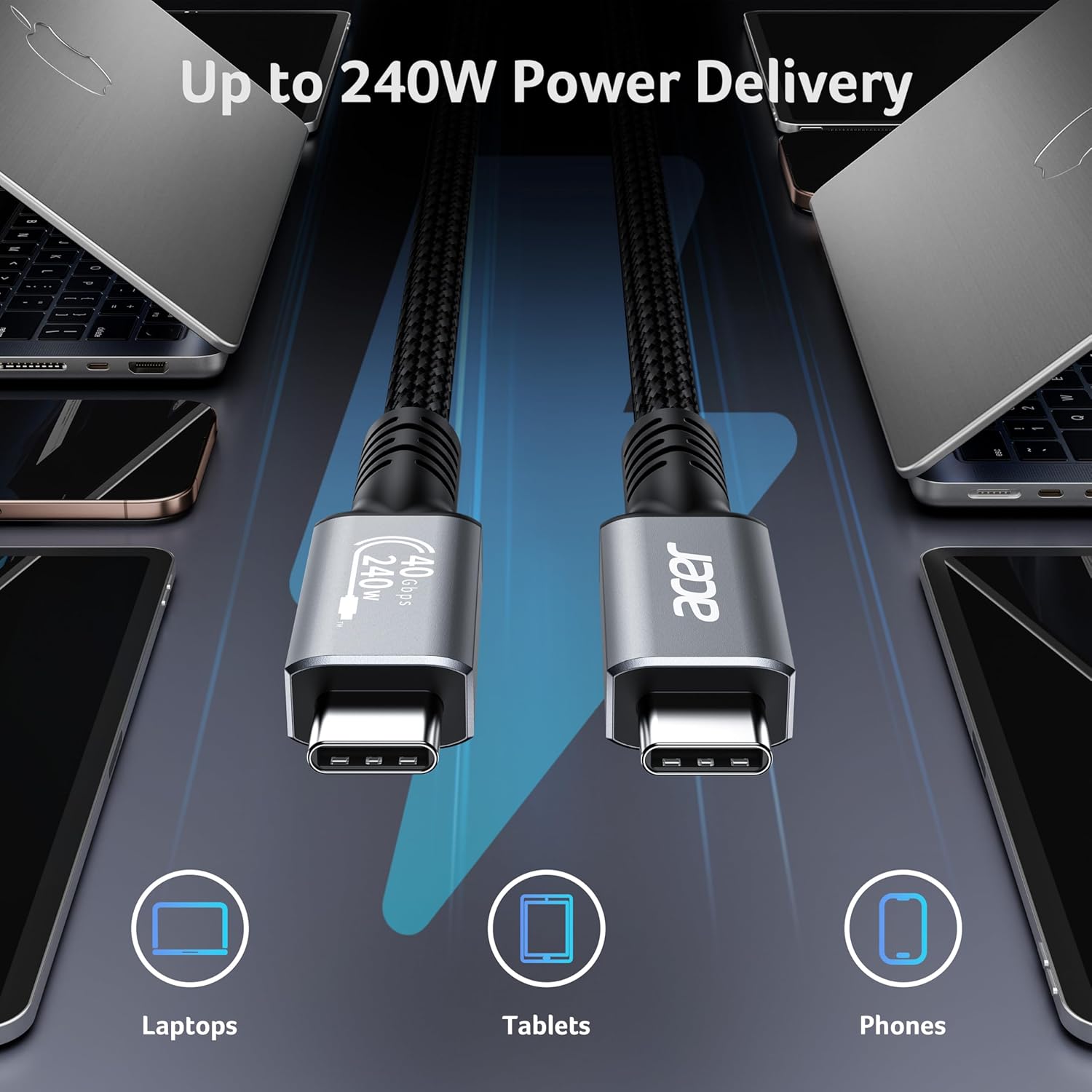
- Video: It’s described as supporting up to 8K/5K at 60Hz with one monitor, and 4K at 60Hz with two monitors, plus HDR.
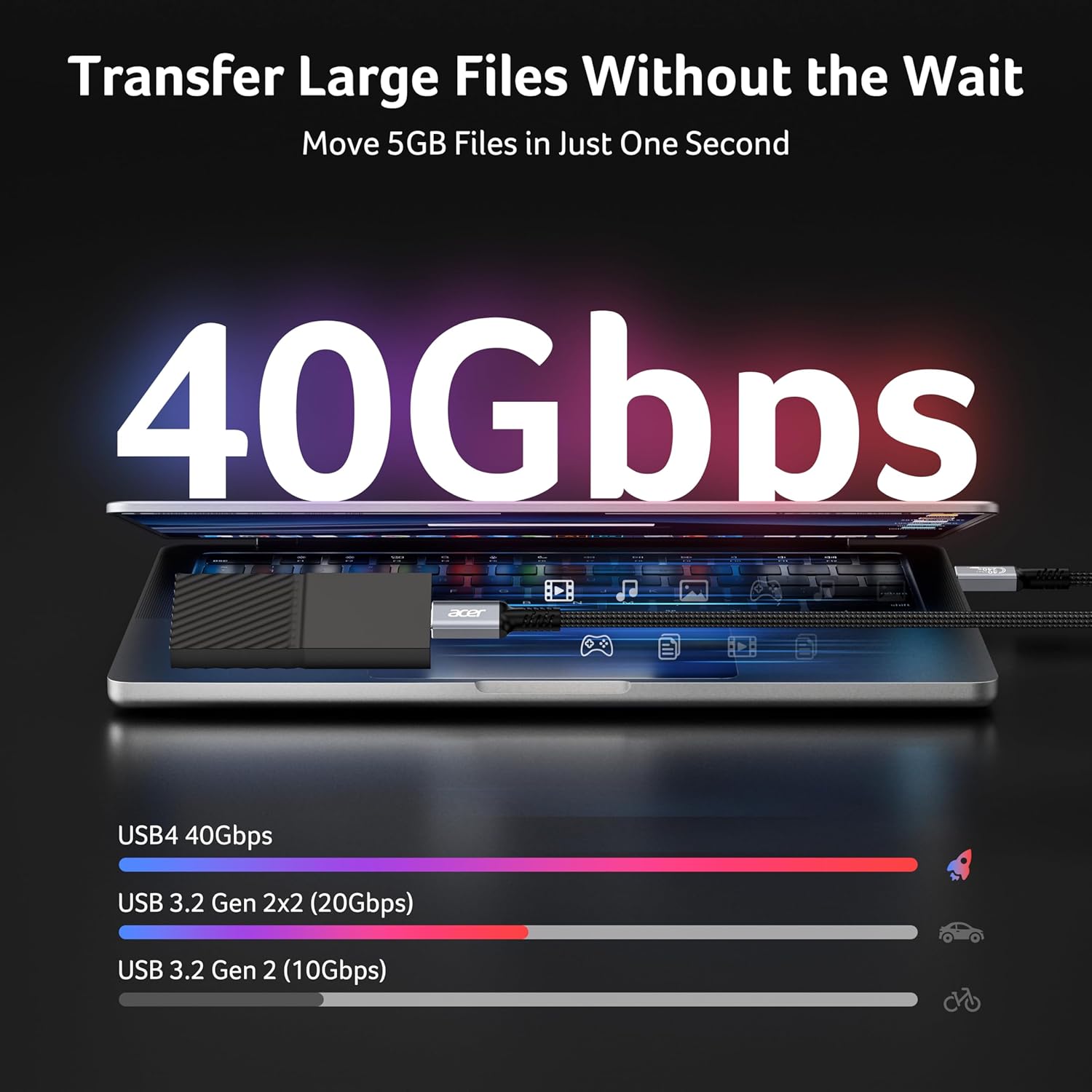
- Data: It’s rated up to 40Gbps data transfer, with a note that only USB4 devices can reach that maximum.
- Charging: It supports Power Delivery up to 240W, alongside various fast-charging compatibility mentions (QC-related and some vendor protocols).
You’ll want to take the “depends on host and device support” note seriously. If the laptop, display or dock on either side can’t negotiate the top modes, you may end up below the headline figures even though the cable is the right spec on paper.
Why it makes sense for USB-C desk setups
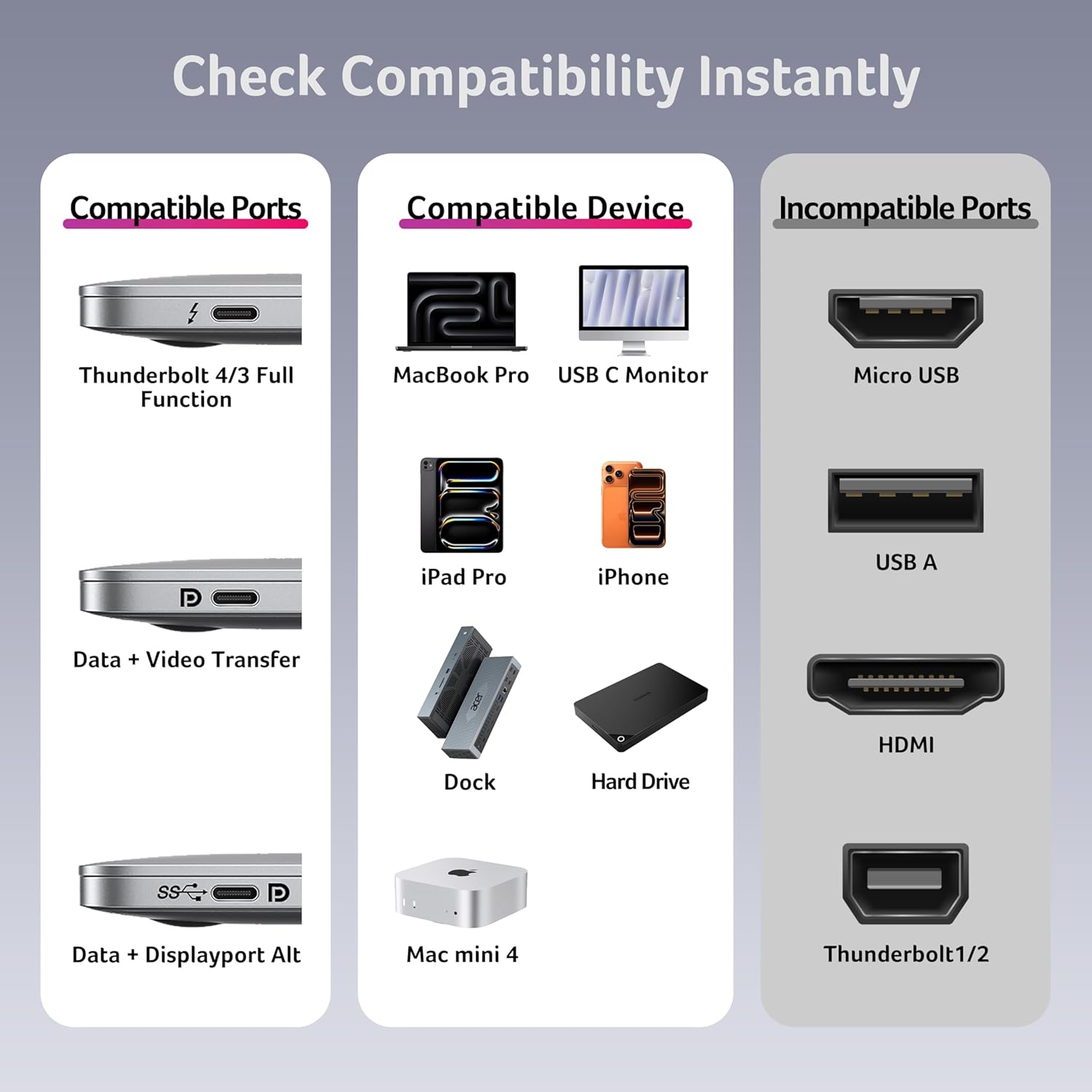
Where this cable looks particularly sensible is in households or offices where devices get mixed together: MacBook and iPhone/iPad, a dock, a monitor, an eGPU, or even storage like an external SSD. The listing frames it as compatible with USB-C and Thunderbolt 4/3 devices, with backward compatibility for older USB standards (USB 3.2/3.1/3.0/2.0).
So if you’re building a “one cable to rule them all” routine for a small ecosystem, it can reduce cable clutter and make setup changes quicker.
Design and build: the bit that matters more than people think
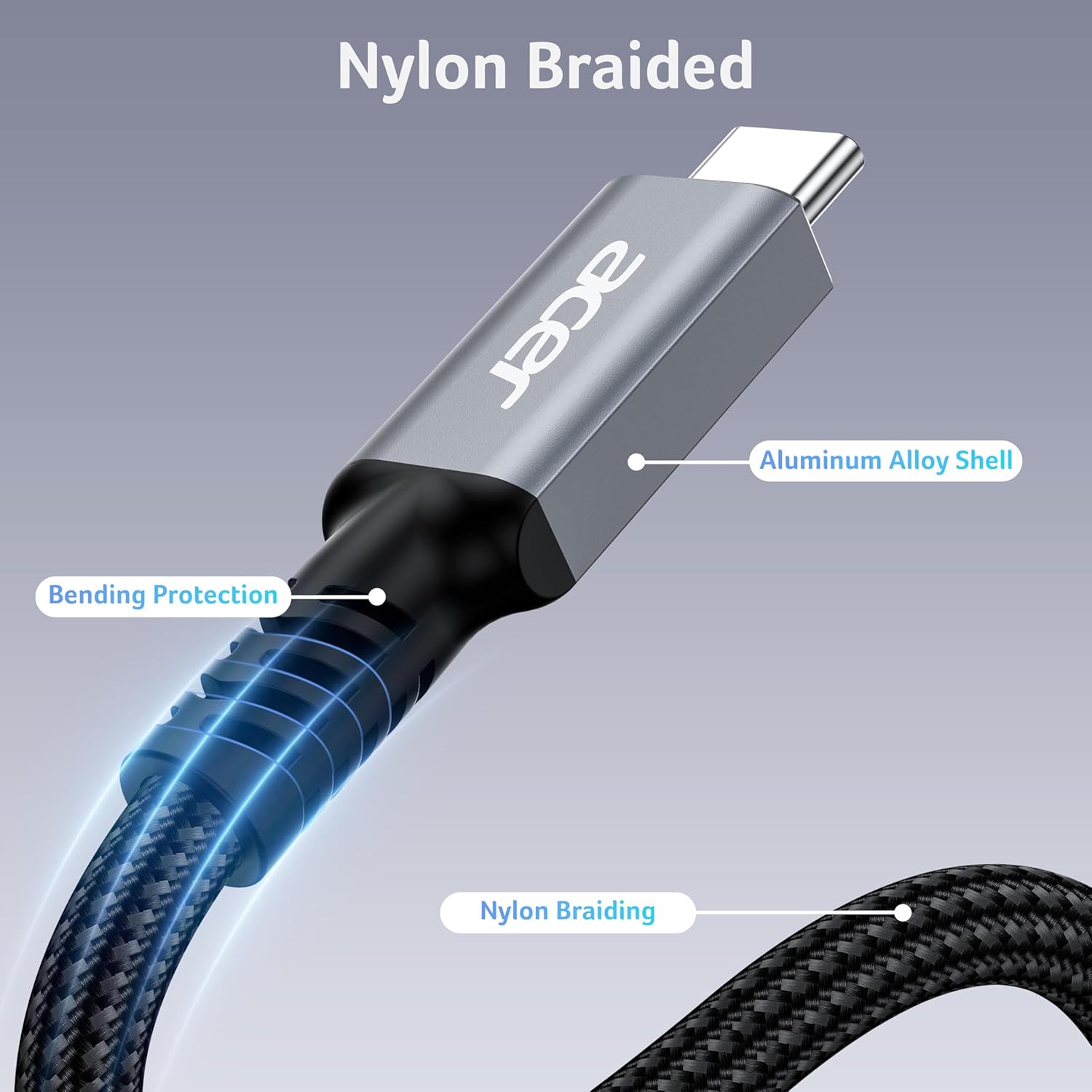
This lead uses a braided nylon cable design and is described as passing 30,000+ bend tests. For a short 1m cable that you’ll plug in and out often, durability matters more than flashy specs.
There’s also mention of an aluminium housing with interference resistance, which is aimed at improving durability and cooling compared with cheaper plastic housings. It’s not a guarantee against wear forever, but it suggests Acer has at least thought about how cables actually age in real use.
Is it the best choice for everyone?
It might not be the right buy if you only need basic charging or slow transfers, because you may not benefit from the higher-end USB4 and display capabilities.
It also may not be a great match if your setup includes devices that don’t support USB4 / Thunderbolt 3 or 4, or if your monitor/dock doesn’t support the higher video modes and MST. In those cases, a simpler USB-C cable could do the job without paying for capability you can’t use.
On the other hand, you’ll like it if you want a single USB-C cable that’s positioned to cover charging (up to 240W PD), fast data (up to 40Gbps with compatible USB4 devices), and higher-spec display output including HDR.
Tech specs
- Type: USB4 (USB-C to USB-C)
- Length: 1m
- Video support: up to 8K/5K @ 60Hz (single monitor) or 4K @ 60Hz (two monitors), HDR
- Data transfer rate: up to 40Gbps (only USB4 devices can achieve 40Gbps)
- Charging: Power Delivery up to 240W
- Compatibility mentioned: Thunderbolt 4/Thunderbolt 3, backward compatible with USB 3.2, USB 3.1, USB 3.0 and USB 2.0
- Construction: braided nylon cable, premium aluminium housing
- Cable endurance claim: passed 30,000+ bend tests
What’s included / warranty
The listing highlights a 12-month warranty and customer service support. It doesn’t specify what else comes in the box, so if you care about included extras (like ties or adapters), it’s worth checking the listing details before ordering.
Buying verdict
Acer’s USB4 USB-C Cable looks like a sensible “capability-first” pick for anyone building a modern desk setup with a mix of charging, display output and fast data transfer in mind. The 240W PD plus the USB4-focused video and 40Gbps data headline figures make it stand out compared with basic USB-C cables, especially if you have (or plan) USB4/Thunderbolt 3/4 equipment.
You should consider buying it if you want one cable to connect compatible laptops/phones/tablets through docks or direct to displays and storage, and you’re aiming for higher-spec video and charging rather than just day-to-day charging.
Better avoided if your devices don’t support USB4/Thunderbolt 3/4, or you only need simple charging/data where maximum performance won’t realistically be reached.
Mini FAQ
Does the cable guarantee 40Gbps and 8K?
No. The listing states that actual performance depends on host and device support, and that only USB4 devices can achieve the top 40Gbps figure.
Can it run two monitors?
It’s described as supporting 4K @ 60Hz with two monitors, and it mentions MST (Multi-Display Connectivity). Whether you get that outcome depends on your connected devices.
Is it suitable for charging laptops?
It’s positioned as a Power Delivery cable up to 240W, and compatibility with fast-charging protocols is mentioned, but charging speed will still depend on the connected devices.
How long is the cable?
It’s 1m, which is handy for desks but may feel short if your power and display locations are far apart.
Is it durable enough for frequent use?
Acer mentions braided nylon and a 30,000+ bend test claim, plus an aluminium housing, which points in the right direction for day-to-day plugging and unplugging.