

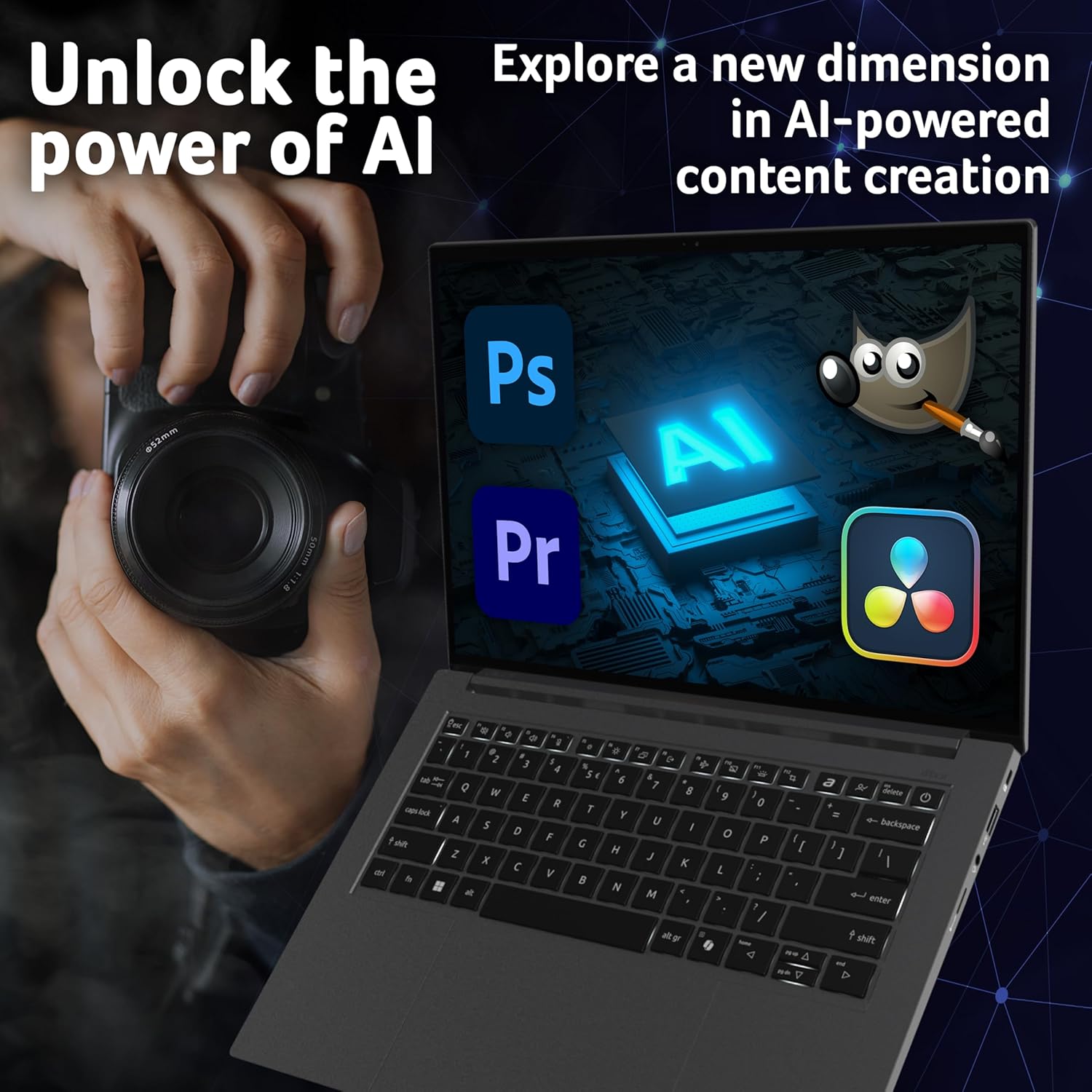
Acer Swift X 14 AI SFX14-61G Co-Pilot+ Laptop
Reviews
Price
Product description
What it is
The Acer Swift X 14 AI SFX14-61G Co-Pilot+ is a portable creator-focused laptop designed to blend mobility with computational muscle. It combines an AMD Ryzen AI CPU, a discrete RTX 5060 GPU and a bright, high‑refresh OLED display, all encased in a slim aluminium chassis that weighs about 1.57kg. The machine targets creators and AI workflows on the go, offering a touch-ready 14.5-inch 2.8K OLED panel and a secure operating system footprint through Windows 11.
Key features
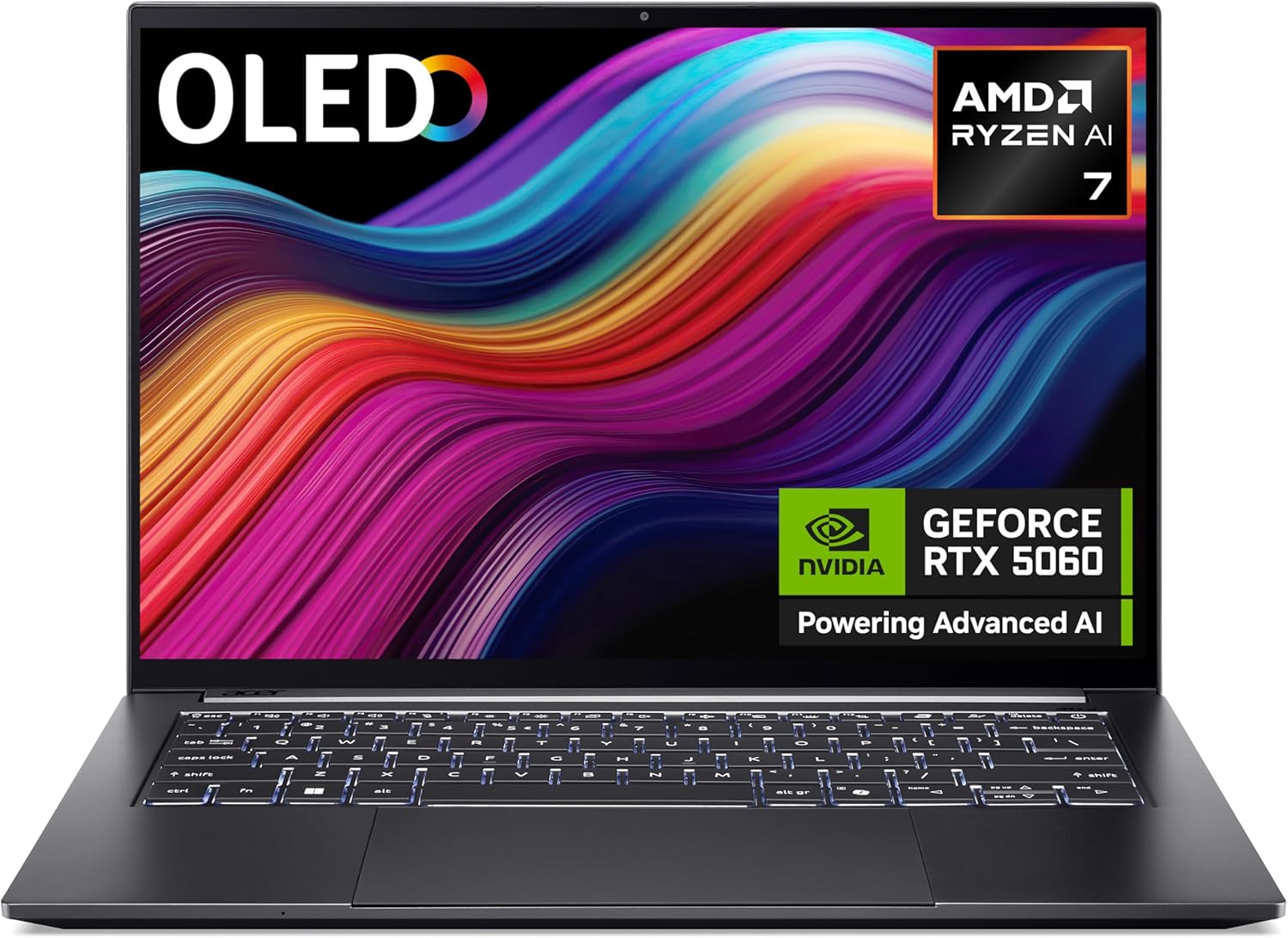
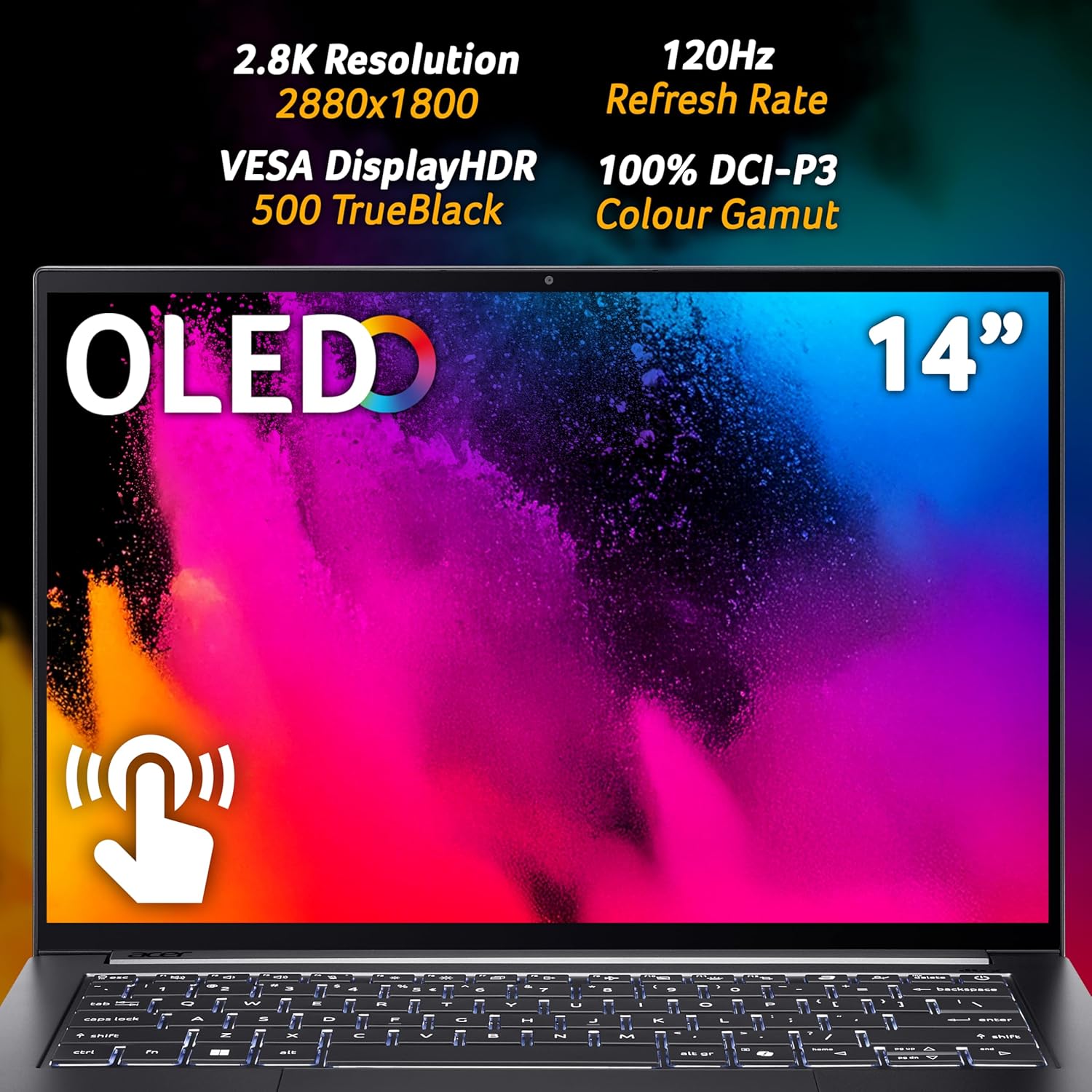
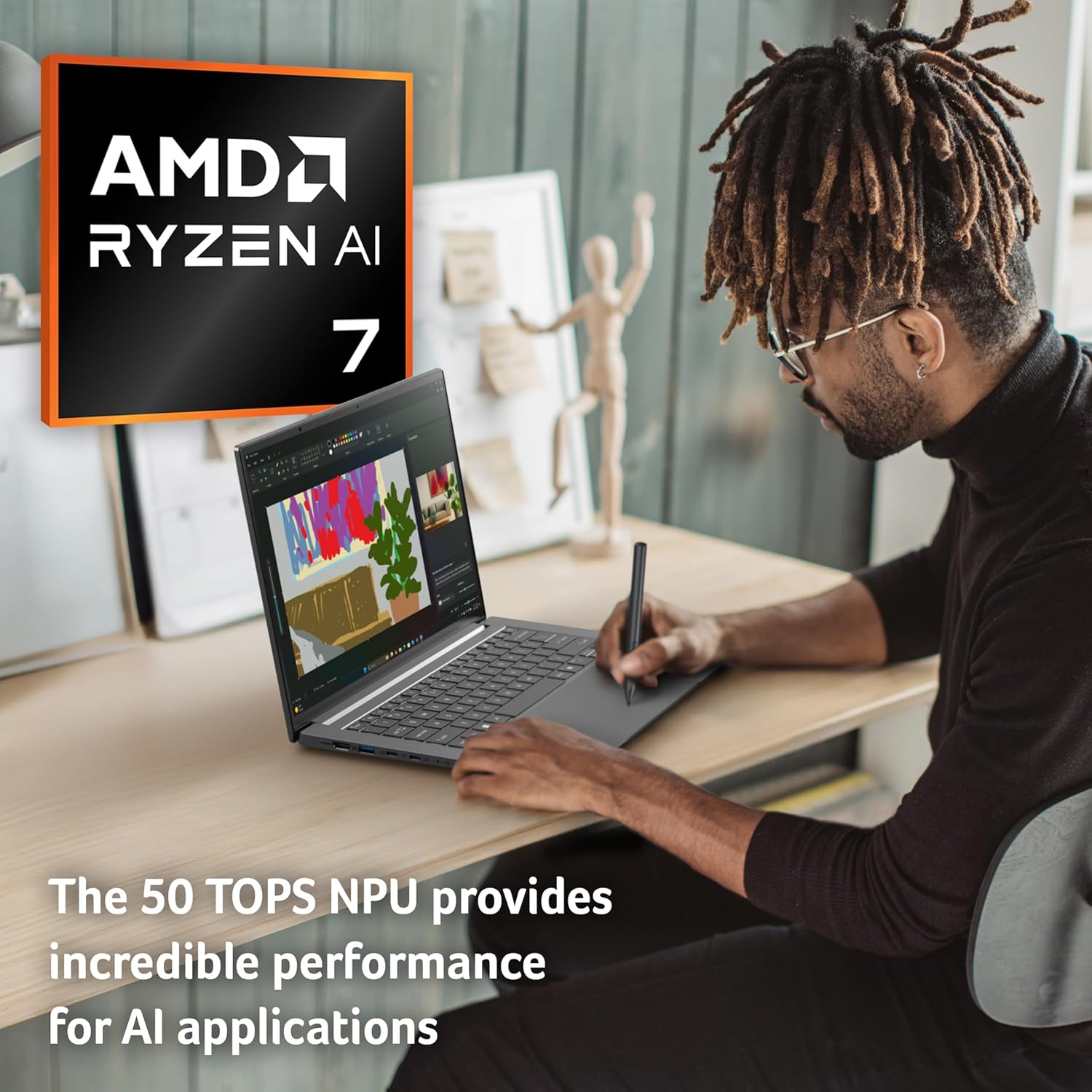
On paper, the standout elements are clear: a Ryzen AI processor with a 50 TOPS NPU for AI workloads, Nvidia RTX 5060 with Studio Drivers for professional graphics work, and a 14.5" OLED touchscreen at 2.8K with 120Hz refresh. The screen supports 100% DCI-P3 colour and is HDR certified, which matters if you’re editing photos or video and want accurate, vibrant previews. The Co-Pilot+ branding implies access to AI-powered features tied into the Copilot ecosystem, which could streamline certain creative tasks.
Tech specs
- CPU: AMD Ryzen AI (with integrated Radeon graphics and a 50 TOPS NPU)
- GPU: NVIDIA GeForce RTX 5060, driver support geared towards professional graphics software
- Display: 14.5-inch OLED, 2.8K (2880x1800), 120Hz, touch-enabled, 100% DCI-P3, DisplayHDR True Black 500
- Memory/Storage: 16GB RAM, 1TB SSD
- OS: Windows 11
- Build: Aluminium chassis, weight around 1.57kg, thickness under 18mm

Pros
If you prioritise a compact creator setup, the 14.5" OLED panel offers excellent colour and detail for on-site work. The Ryzen AI platform plus RTX 5060 provides a reasonable balance for light to mid‑weight 3D work, video editing, and AI‑assisted tasks. The Copilot+ integration could offer a smoother workflow for AI apps, subject to the depth of access and features available. The machine remains portable enough to carry in a bag without feeling cumbersome.
Cons
No model is perfect: the battery life will depend heavily on workload, especially with OLED brightness and AI features engaged, and the 16GB RAM may feel tight for heavy multi‑task editing with large datasets or multiple memory-intensive apps. The RTX 5060 is capable, but it’s not a high‑end mobile GPU, so expect limits in more demanding real‑time rendering or 4K timelines on very large projects. Also, as with many premium laptops, the real-world value hinges on how well Copilot+ features align with your workflow.
Usage tips
This device suits on‑the‑go creators who need a capable system without carrying a traditional workstation. It’s well placed for photo/video editing, 3D roughing, AI prototyping, or mobile development, especially when you want accurate visuals on the OLED screen. If you rely on multiple GPU‑heavy tasks, consider augmenting with light external storage or RAM management strategies, as 16GB may constrain extreme projects. If you prioritise battery longevity, keep brightness reasonable and leverage AI features selectively to extend runtime.
Who it’s for
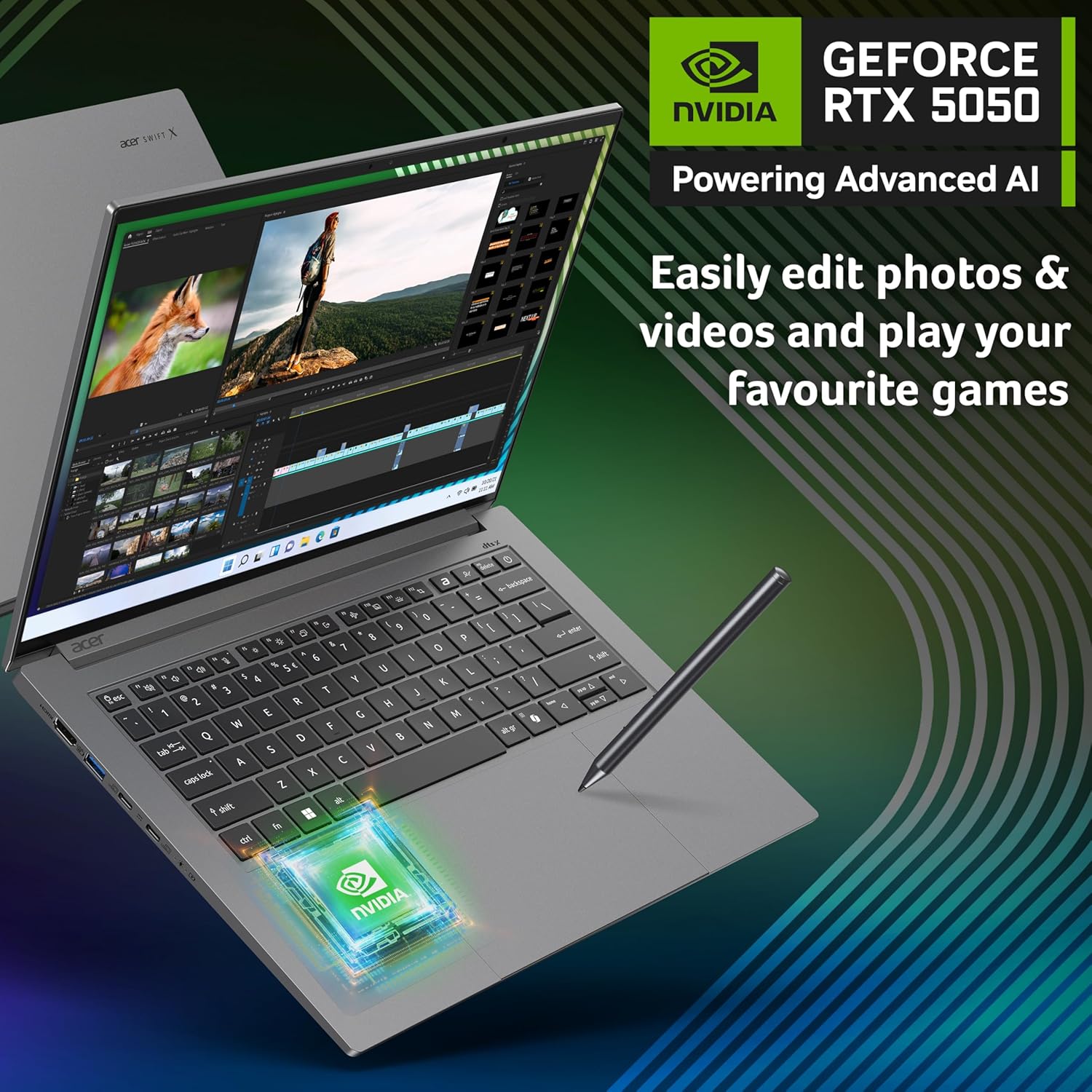
Photographers, video editors, graphic designers, and AI developers who travel or work in varied environments and need a compact, stylish machine with a vivid screen. It’s also a viable option for students or professionals who want a flagship feel in a portable form.
Who it’s not for
If your work revolves around heavy, sustained 4K rendering, large-scale VFX, or datasets that routinely push RAM beyond 16GB, this model might feel limited. Those who prioritise the longest possible battery life over on‑screen brightness might also prefer other configurations.
What to check before you buy
- Screen: OLED is stunning but ensure you’re comfortable with OLED burn‑in considerations over long life cycles.
- RAM/Storage: 16GB is workable, but for some workflows, you may notice benefits from higher RAM or faster storage when editing large projects.
- Software: Copilot+ access can vary in depth, verify which AI features you’ll actually use and how they integrate with your typical apps.
Practical comparison
Compared to entry‑level creator laptops, this model leans into a premium, portable form with top‑tier display quality. It sits between a compact ultrabook and a mobile creator workstation: lighter and brighter than many gaming‑bocussed alternatives, but not a substitute for a high‑end workstation when heavy, sustained GPU tasks are the norm. If you want a balance of mobility and AI acceleration, this could be a sensible middle ground, for sheer processing power, you may explore models with more RAM and a faster GPU.
Is it worth it?
Is it worth it?
It makes sense if you want a compact, creator‑focused laptop with a superb OLED screen, AI capabilities, and portable design, and you’re comfortable with 16GB RAM for your workloads. It may not be the best match if your work routinely demands very large memory footprints or the longest possible battery life. Consider your typical project sizes and software needs before committing, for travel‑ready editing and AI tasks, it offers a compelling mix.
FAQ
- How does the Ryzen AI CPU affect performance in demanding apps? It adds AI acceleration capabilities that can speed up certain tasks, but real benefits depend on the software you use.
- Will 16GB RAM be enough for video editing at 2.8K? It can be workable for smaller projects or stitching, but larger timelines may benefit from more RAM.
- Is the screen suitable for professional colour work? Yes, 2.8K OLED with 100% DCI-P3 is well suited for colour‑critical tasks, assuming you calibrate the display for accuracy.