

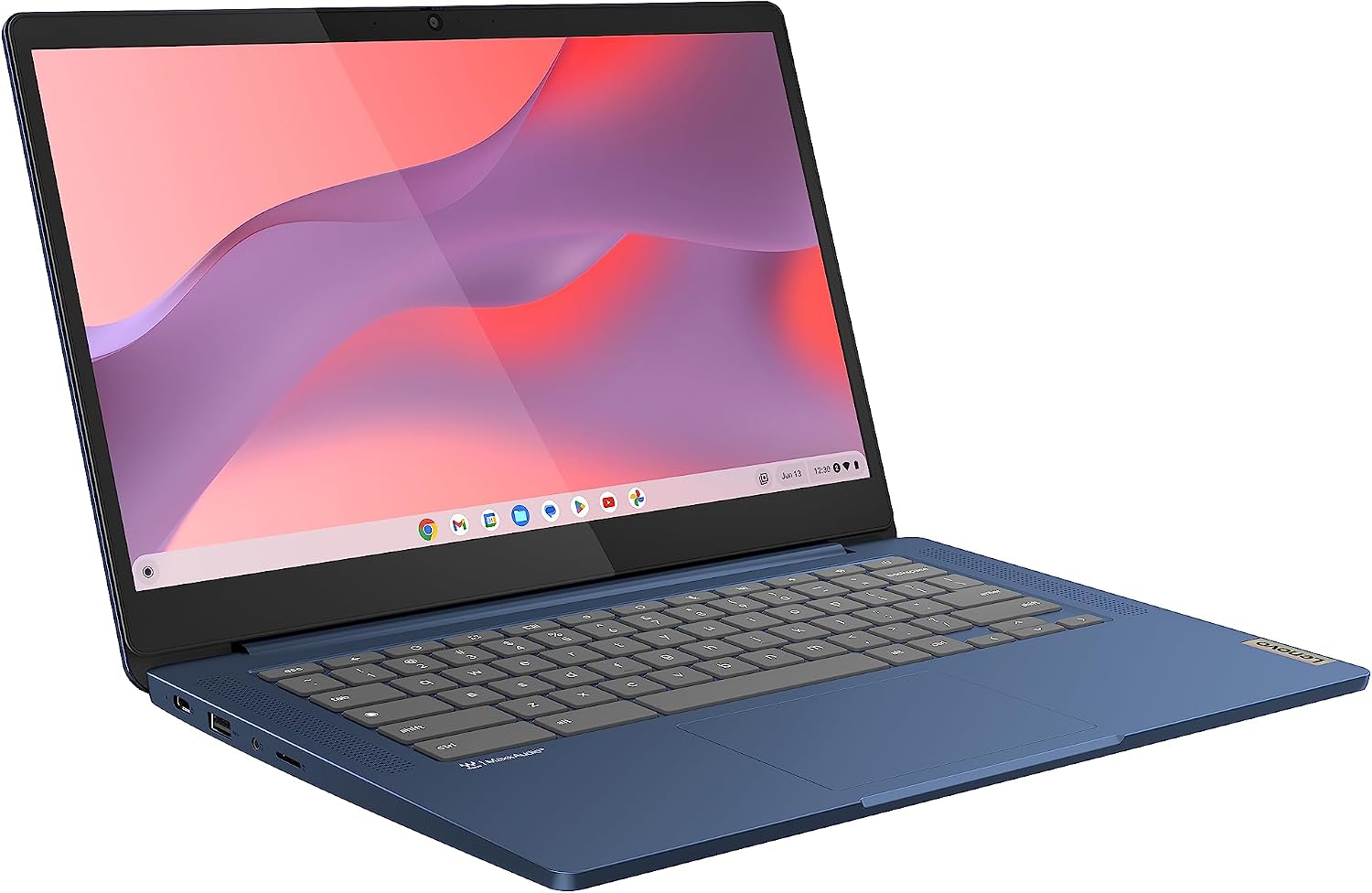
Lenovo IdeaPad Slim 3 Chromebook 14-inch FHD (MediaTek Kompanio 520, 8GB RAM, 128GB eMMC) in Abyss Blue
Reviews
Price
Product description
The essentials (and what it’s for)
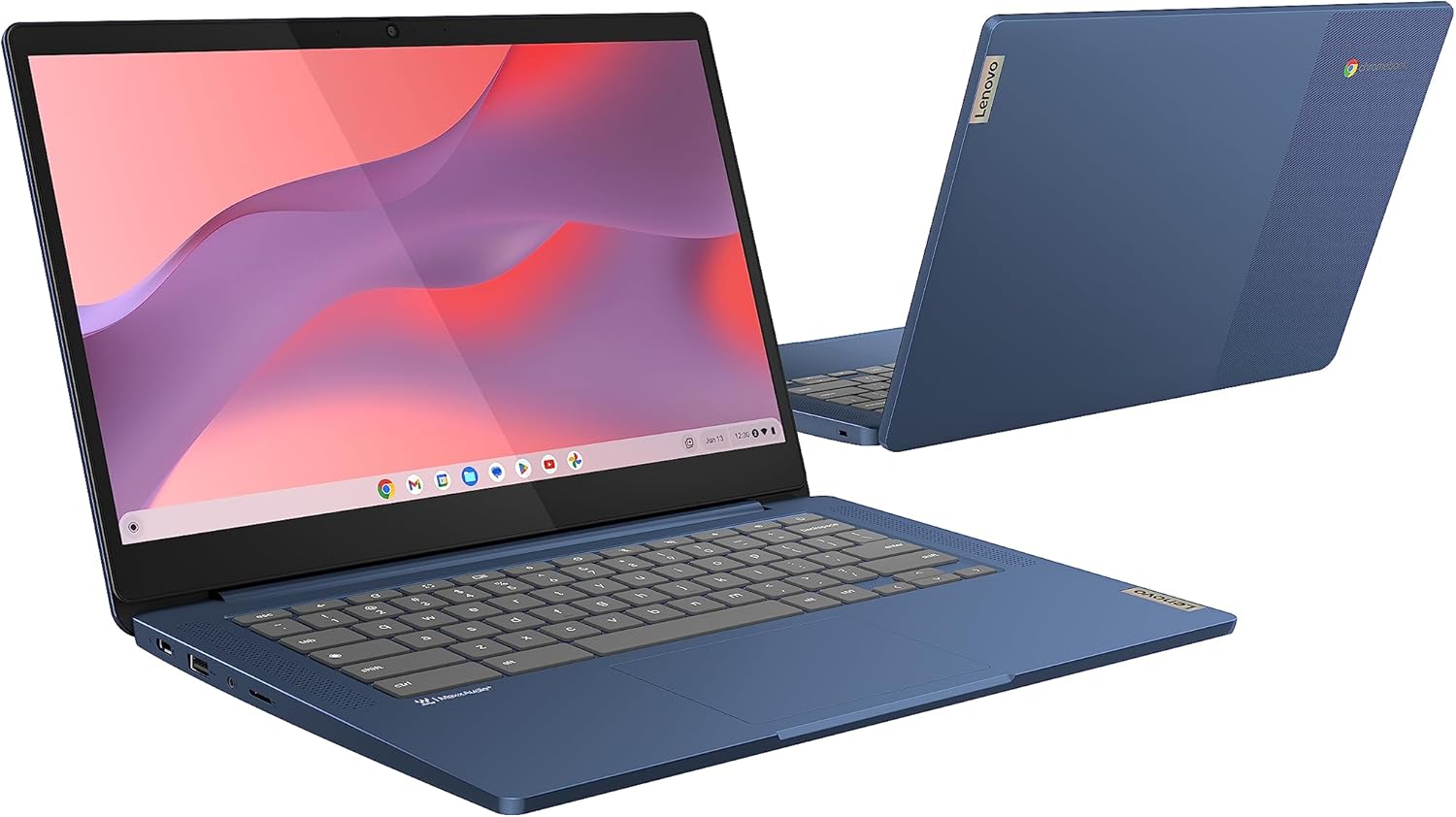
The Lenovo IdeaPad Slim 3 Chromebook is a 14-inch FHD Chromebook built around ChromeOS, designed for everyday web use, documents and streaming rather than heavy desktop workloads. The pitch here is straightforward: a thin, light laptop-style shell for carrying around, with a screen you can comfortably use for long sessions and enough connectivity to stay productive on the move.
On paper, it sits in the “good value for normal life” category: studying, admin, emailing, light spreadsheet work and watching YouTube. It also leans into security and privacy basics that come with the ChromeOS approach, including a camera privacy shutter and a mic mute key.
Key features in plain English
A few things stand out because they affect daily comfort.
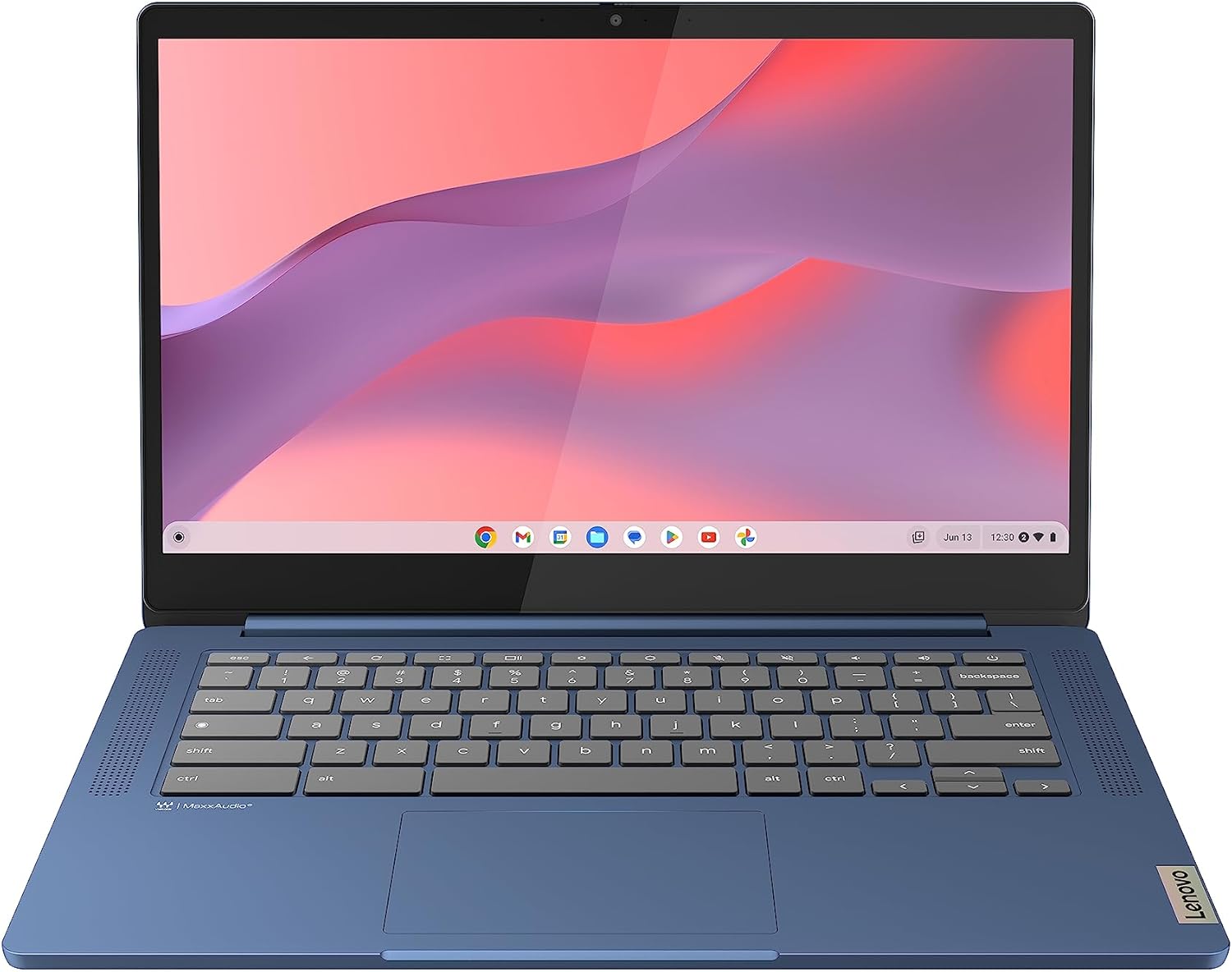
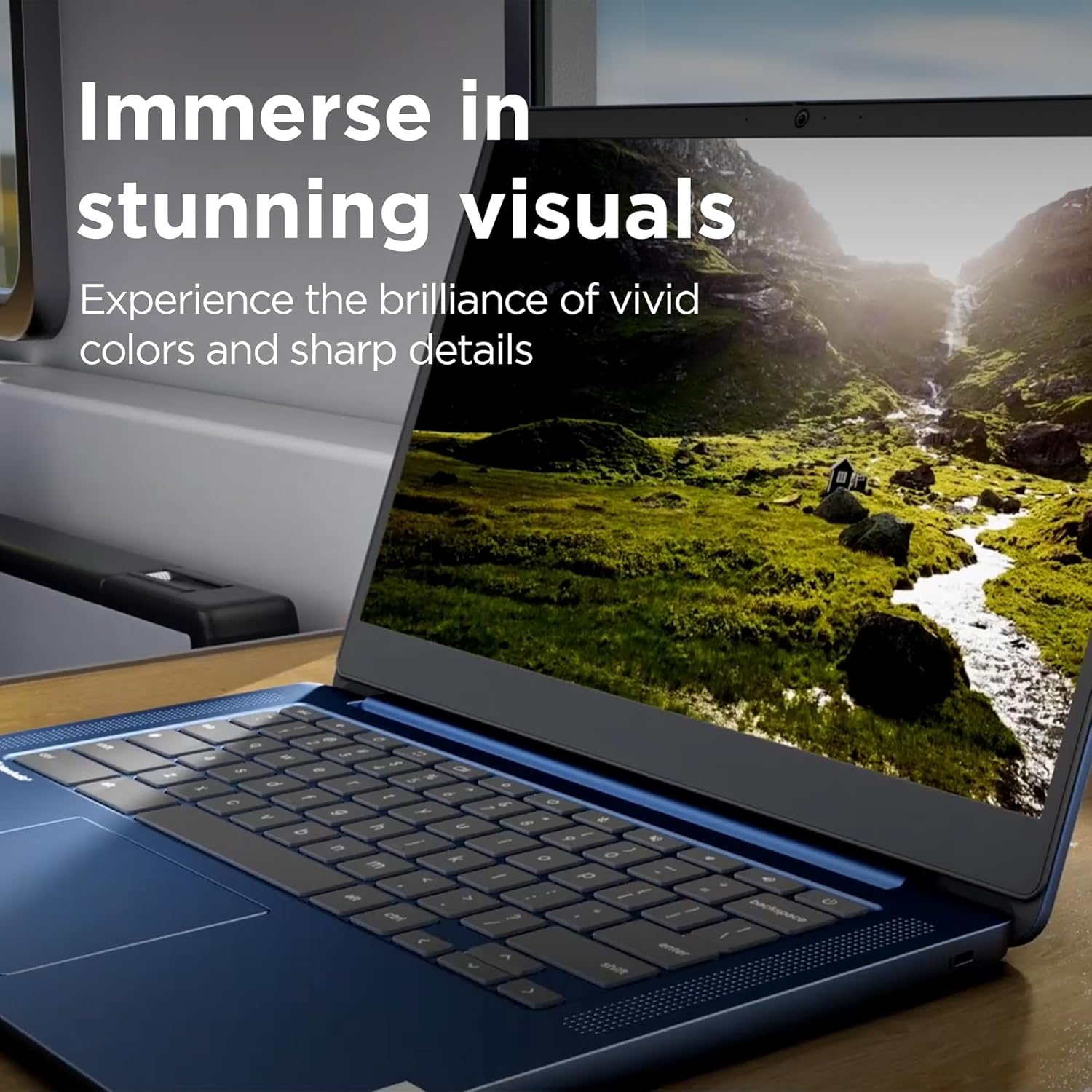
First is the display: a 14-inch FHD TN panel at 250 nits. It’s bright enough for typical indoor use and “normal” viewing, but TN isn’t usually chosen for anyone who cares a lot about viewing angles or colour nuance—so if you’re very sensitive to screen performance, it may feel a bit limiting compared with other panels.
Second is the sound and media angle. There are front-facing speakers tuned by Waves Audio. That’s not the same as a dedicated hi-fi setup, but for watching videos and casual music, it’s the kind of detail that can make a Chromebook feel more comfortable without needing headphones.
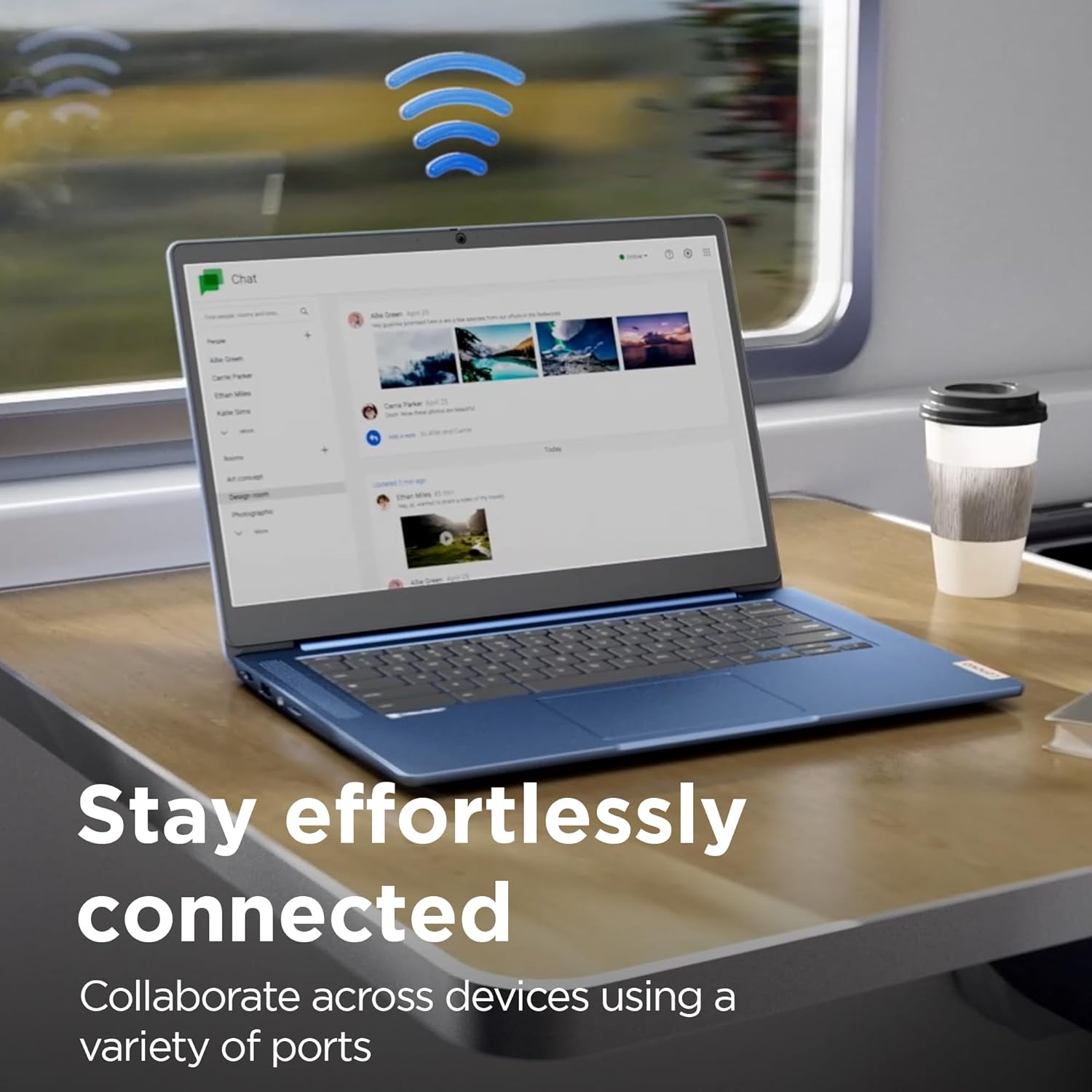
Then there’s the connectivity and ports. You get WiFi 6 and Bluetooth, plus USB 3.2 Gen 1 and USB-C 3.2 Gen 1 with support for Power Delivery 3.0 and DisplayPort 1.1a. There’s also a microSD card reader and a 3.5mm audio jack—useful if you still move files with cards or want a wired headset.
Performance and storage: where to set expectations
This model is listed with a MediaTek Kompanio 520 processor, 8GB RAM and 128GB eMMC storage. For a Chromebook, that combination is often “fine for the job” because ChromeOS is lightweight compared with full desktop operating systems.
Still, it’s worth being realistic: 128GB eMMC is adequate for web apps and documents, but if you plan to download lots of offline files or media, you may find yourself managing storage sooner than you’d like. If your workflow is heavily file-based (big downloads, large media libraries), you’ll need to be more deliberate.
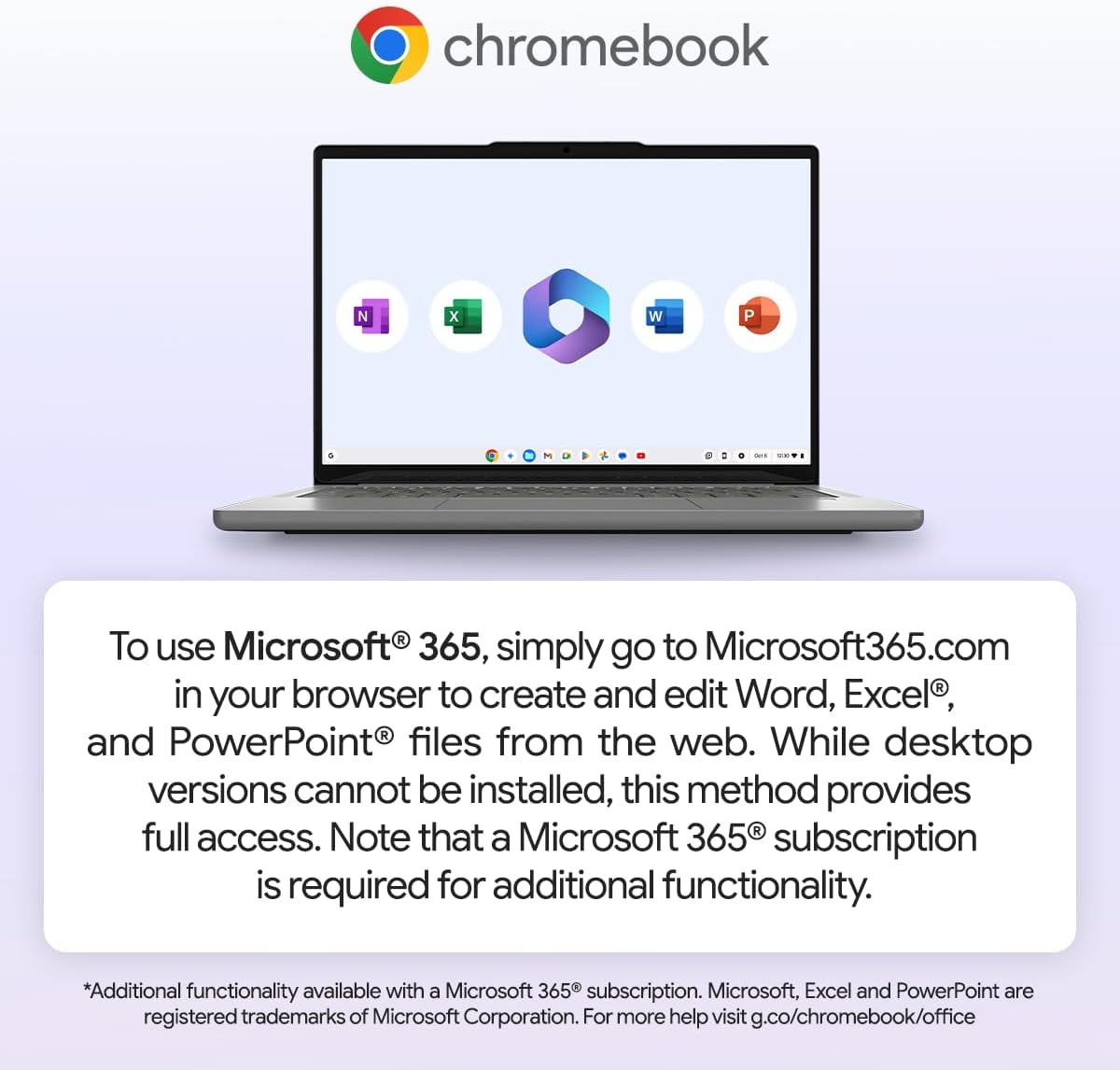
It also runs ChromeOS optimised for the system, which is where it tends to make sense: quick sign-in, Google-based productivity and browser-first work. For Microsoft 365 usage, the described approach is browser-based via Microsoft365.com. The key limitation is that desktop versions can’t be installed, and a Microsoft 365 subscription is required for additional functionality.
And the battery? The listing quotes up to 13.5-hour battery life. Real-world results can vary by brightness, network use and how much you stream, but the headline suggests it’s made for day-long browsing rather than frequent charging.
What you’ll notice day to day
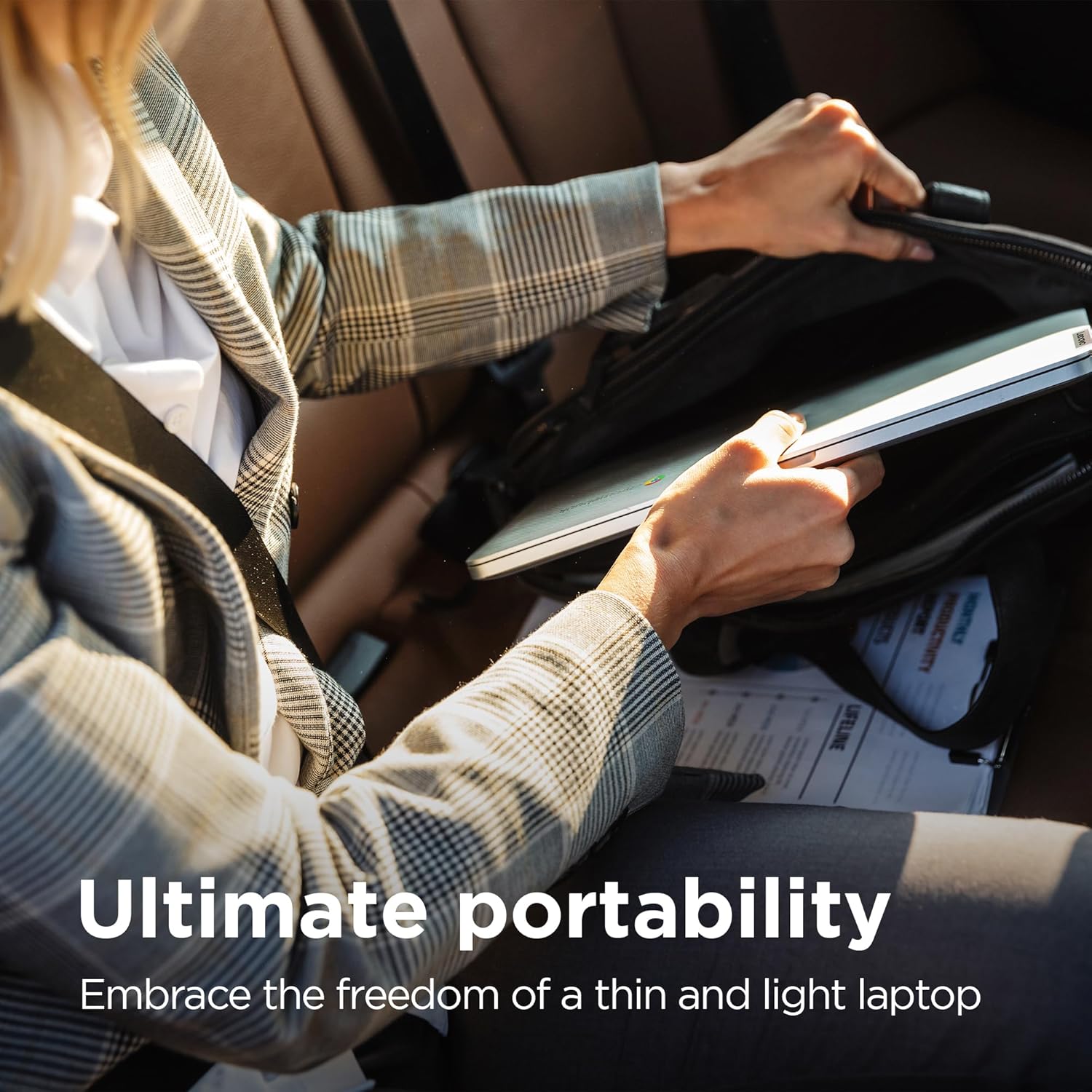
The physical design is a big part of the appeal: it’s described as thin (18.6 mm) and around 1.3 kg, which matters if you commute or carry it between home and work.
You also get the privacy and control touches: a camera privacy shutter, a mute mic key, and the Google Security Chip H1. It’s not a replacement for good habits, but it’s the sort of “set it and forget it” protection that makes everyday use less stressful.
Example of use: imagine working on a document in Google Docs on the train, then switching to a spreadsheet in Sheets later. With the microSD reader, you could also quickly pull in a presentation file from a card at your desk without hunting for cables.
There’s a sensible question to ask mid-way through: do you actually need the offline, desktop-app experience? If not, this approach fits well, if yes, it may feel constrained.
Tech specs
- Name: Lenovo IdeaPad Slim 3 Chromebook 14 Inch FHD Laptop
- Type: Chromebook
- Display: 14 Inch FHD TN 250nits
- Processor: MediaTek Kompanio 520
- Memory: 8GB RAM
- Capacity: 128GB eMMC
- Operating system: ChromeOS
- Connectivity: WiFi 6 and Bluetooth
- Battery life: up to 13.5-hour battery life
- Ports: USB 3.2 Gen 1, USB-C 3.2 Gen 1 (Power Delivery 3.0, DisplayPort 1.1a)
- Card reader: microSD card reader
- Audio: audio jack (3.5mm)
Who it suits (and who should skip it)
It’s a good fit if you want a light 14-inch Chromebook for everyday tasks where a browser-first workflow is the norm—school, general admin, study notes, email, streaming and document work. The combination of WiFi 6, front-facing speakers and a quoted all-day battery life is aligned with “carry it around and use it constantly”.
It makes sense if you’re comfortable living in ChromeOS and using Google Workspace apps after sign-in. You might also like this route if you prefer privacy controls like the camera shutter and mic mute.
It’s not the best choice if you rely on desktop Microsoft Office apps installed locally, or if you need lots of offline storage for large files and media. Better avoided if your priority is strong screen viewing angles or premium display quality, as TN panels can be a compromise. And note that if you want Microsoft 365 beyond basic web editing, you’ll need an active Microsoft 365 subscription.
Is it worth it?
A solid pick if your goal is a portable 14-inch Chromebook that handles web apps and Google Workspace comfortably, with sensible daily extras like WiFi 6, decent connectivity and privacy controls. It’s more “practical and efficient” than “power user”, and that’s the point.
You may want to skip it if your workload is desktop-application heavy, you need to install Microsoft desktop apps, or you’re expecting lots of offline storage headroom. For anyone who mostly works in the browser and streams occasionally, this Lenovo Chromebook’s layout and Chromebook-first setup should feel like it matches the way people actually use laptops.
Mini FAQ
Can I use Microsoft 365 on this Chromebook?
Yes, the listing describes using Microsoft 365 through a browser at Microsoft365.com. Desktop versions can’t be installed, and a Microsoft 365 subscription is required for additional functionality.
How good is the screen for everyday use?
It’s a 14-inch FHD TN panel at 250 nits. For typical indoor tasks and browsing it should do the job, but TN isn’t usually picked when someone cares most about viewing angles and colour depth.
Does it support extra storage?
It includes a microSD card reader, which can help if you need to move files around or store certain content externally.
How portable is it?
It’s described as thin (18.6 mm) and around 1.3 kg, which should make it manageable for commuting and regular carrying.