

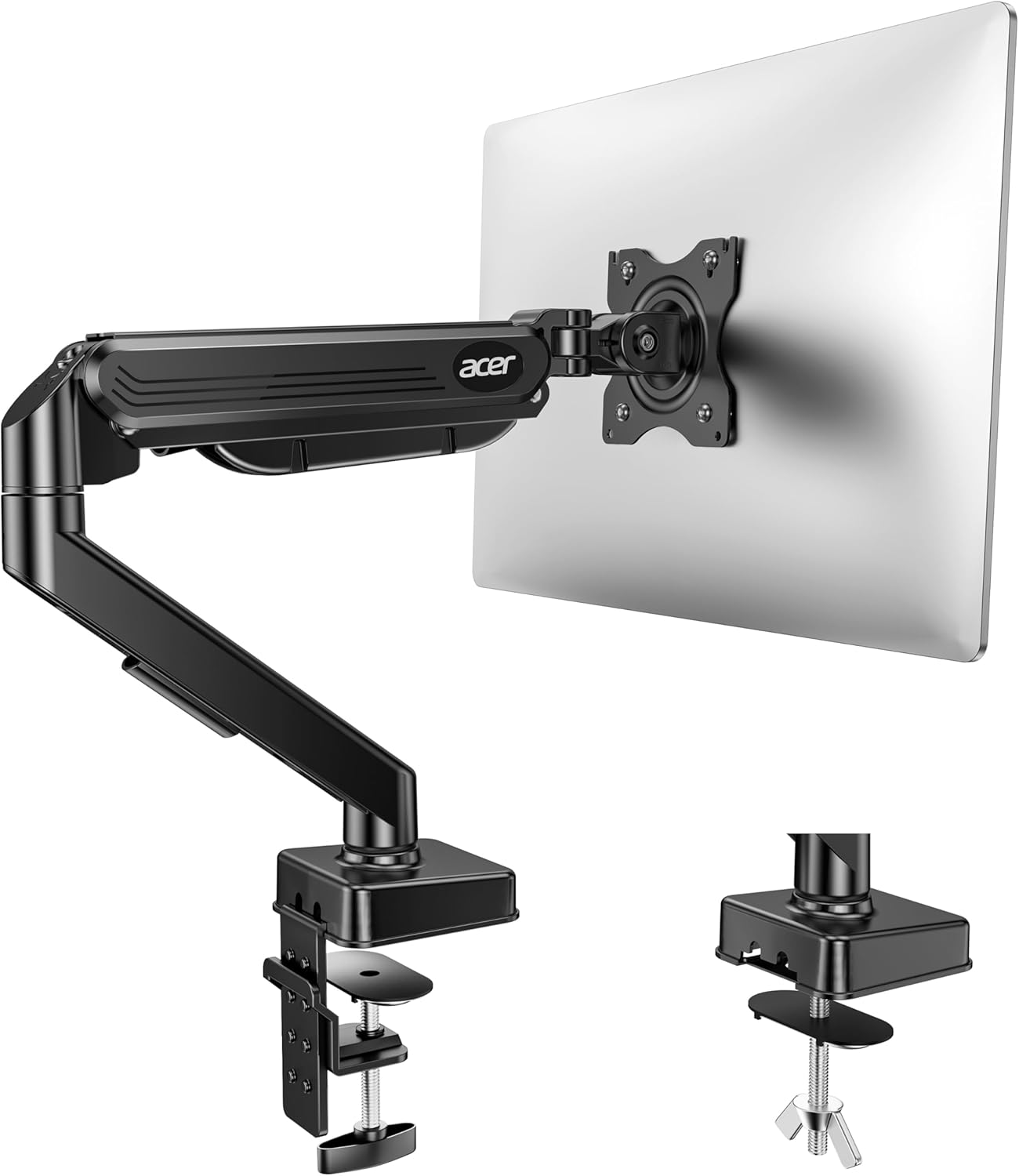
Acer single monitor arm desk mount (17–34 inch) with gas spring, tilt/swivel/rotate, VESA 75/100
Product description
The essentials
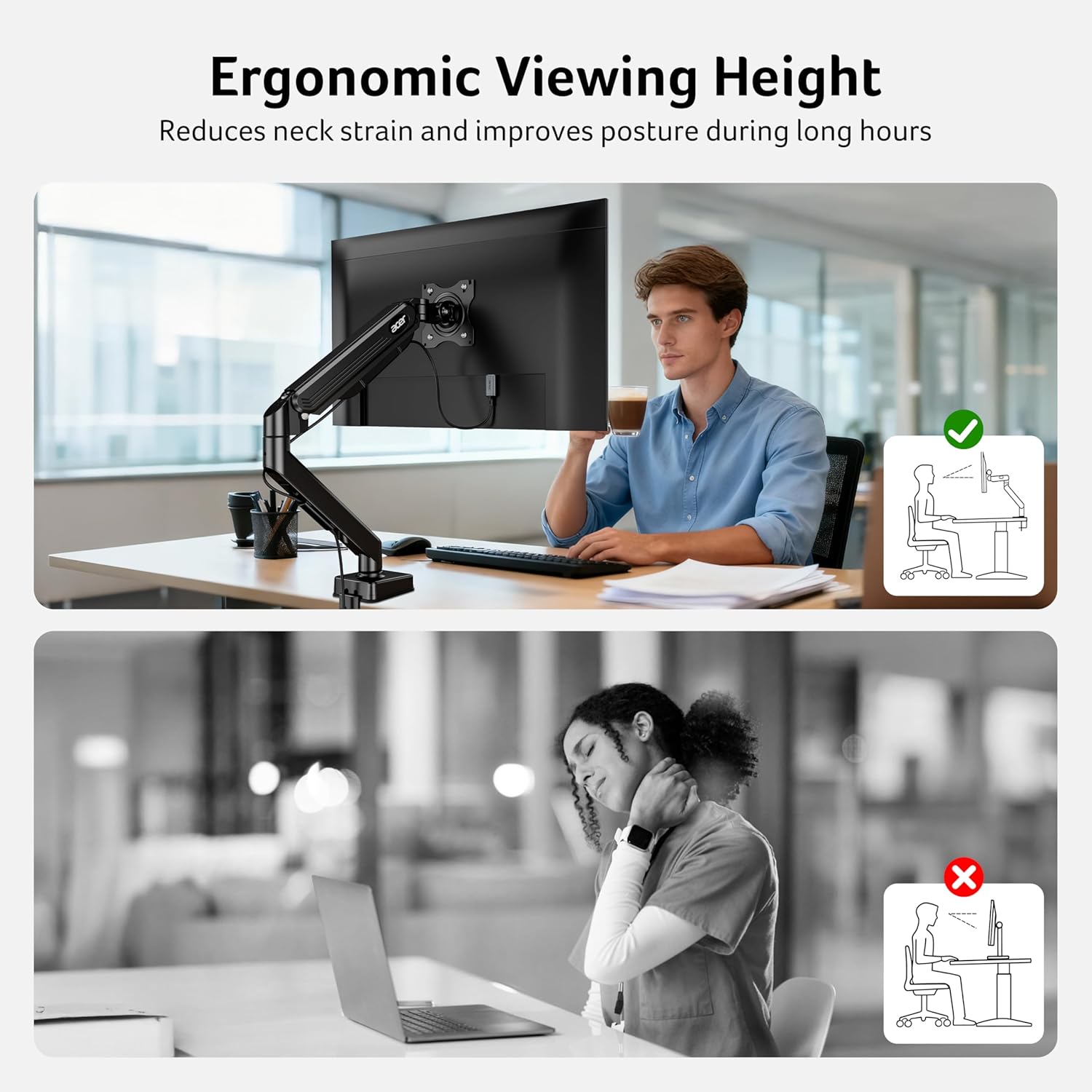
If your desk still feels like a “screen-on-a-stand” setup, this Acer single monitor arm aims to fix the everyday issues: posture drift, neck strain, and that annoying need to keep looking down. On paper, it’s built for one monitor in the 17–34 inch range and up to 4.4–19.8 lbs (2–9 kg), with a fully adjustable motion range so you can set the screen where your eyes naturally want it.
It also leans practical: you get C-clamp or grommet base mounting, and the company’s pitch is that installation is quick (they mention a one-piece design and roughly 3 minutes) with hardware included. That’s the sort of setup many people want for home offices and multi-use gaming/working desks—though do keep expectations realistic about what an arm can and can’t do (more on that below).
What stands out in daily use
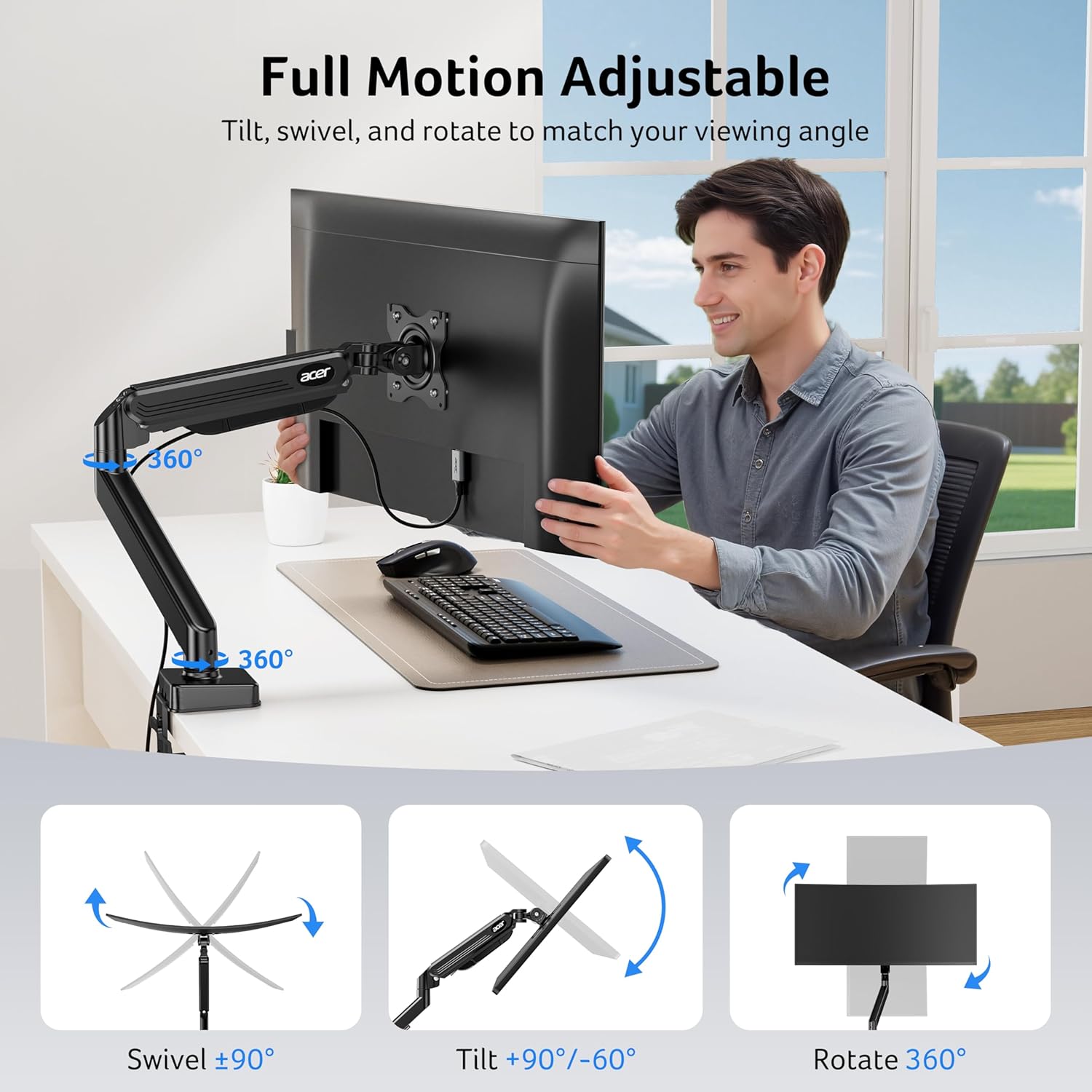
The big selling point here is adjustability. The arm supports tilt from -60° to +90°, swivel of ±90°, and 360° rotation, which should give you plenty of flexibility whether you’re working straight on, sharing your screen to one side, or switching between seated and more upright viewing.
Another detail worth mentioning is height adjustment: the monitor can be raised up to 18.1" from the desk (per the description). In practice, that can make a noticeable difference if your current monitor sits too low, or if you’re moving between tasks throughout the day.
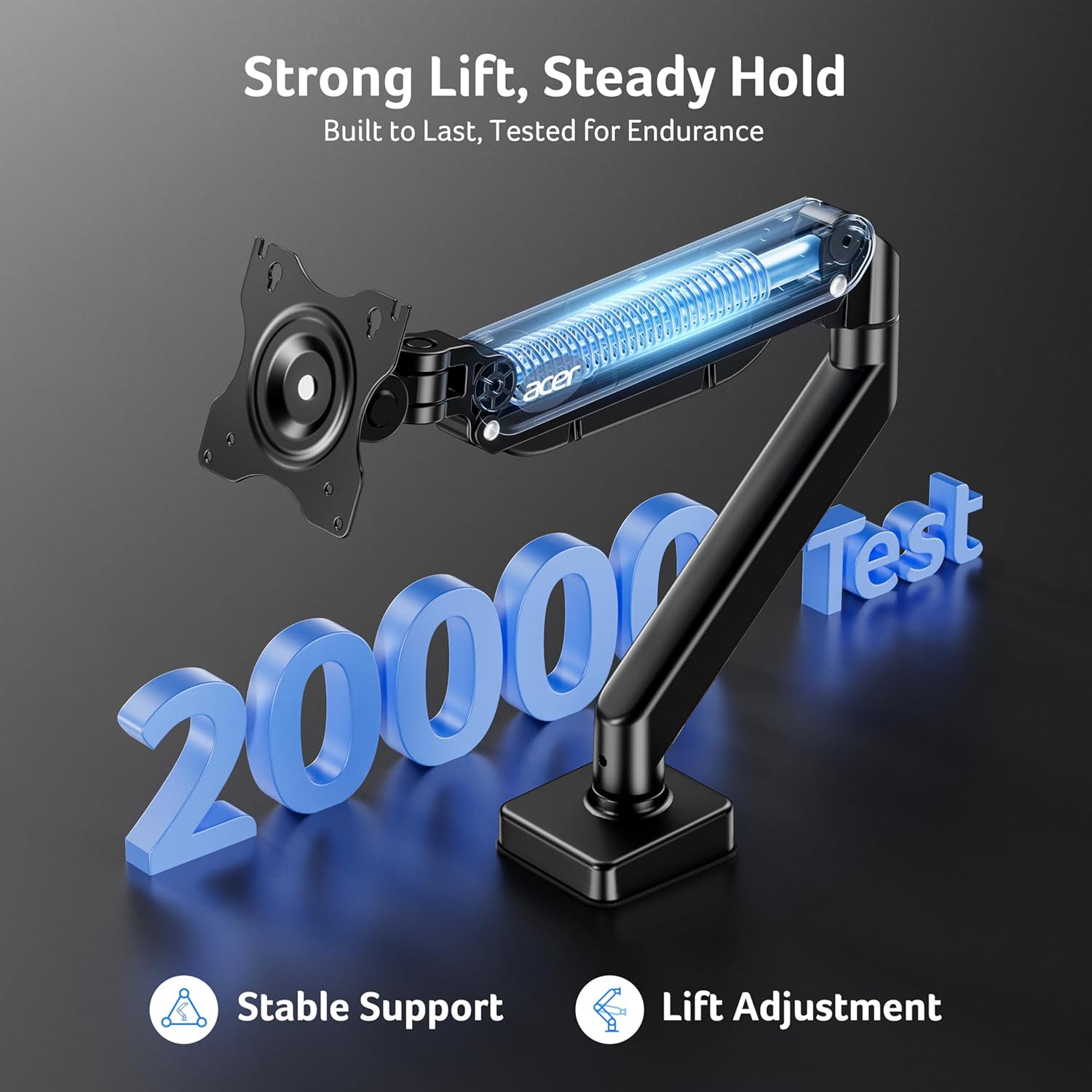
There’s also a claim about stability and longevity: automotive-grade pneumatic spring cores, plus “20,000 motion tests” and an 80% sturdier statement versus typical arms. You should treat claims with a bit of common sense, but the overall design intent is clear—reduce sagging and wobble, even with larger monitors.
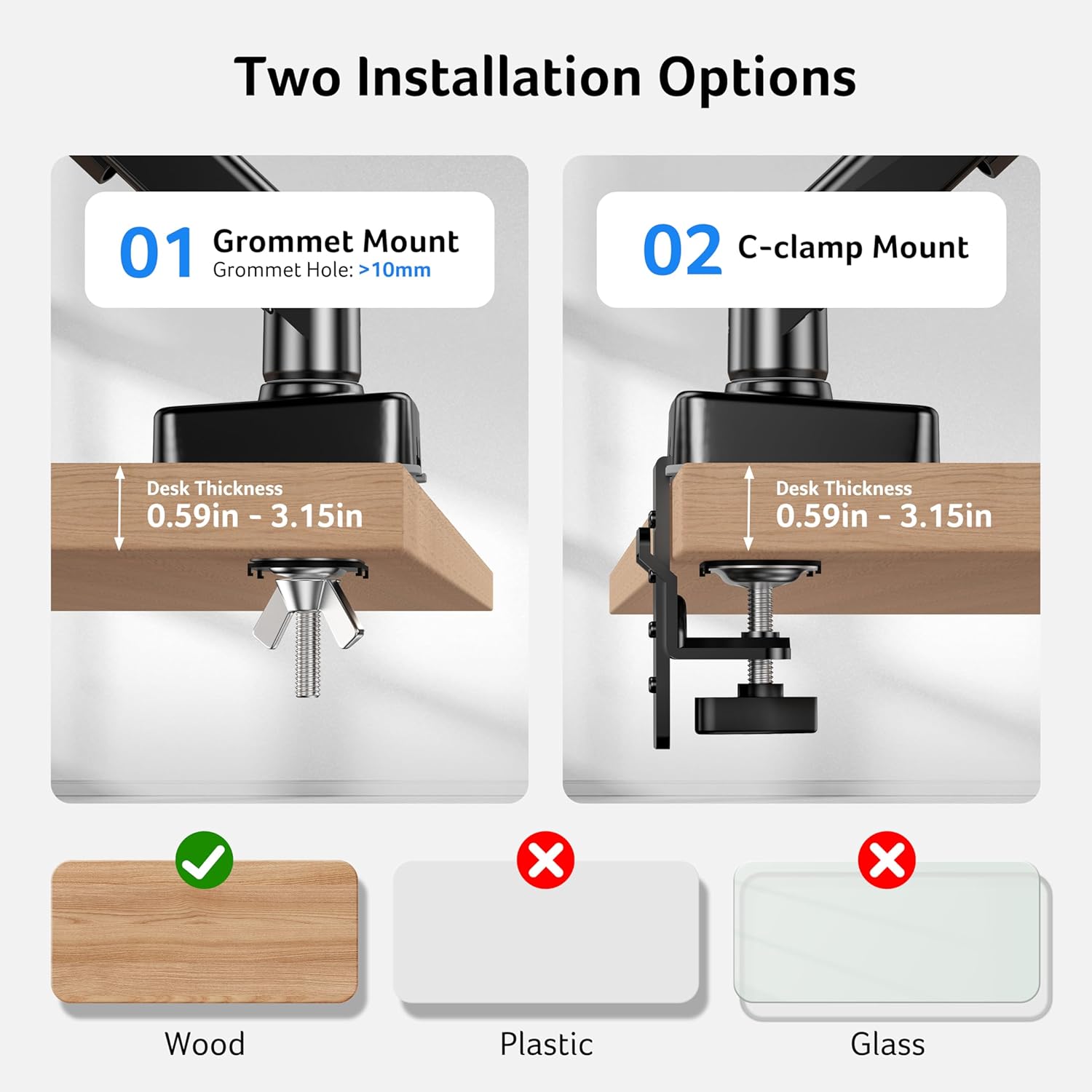
One small caveat, though: the mounting guidance notes that wood desktops are recommended and that the underside should be free of beams or panels. If your desk has a tricky underside layout, installation could take longer than planned.
Key points for buying decision
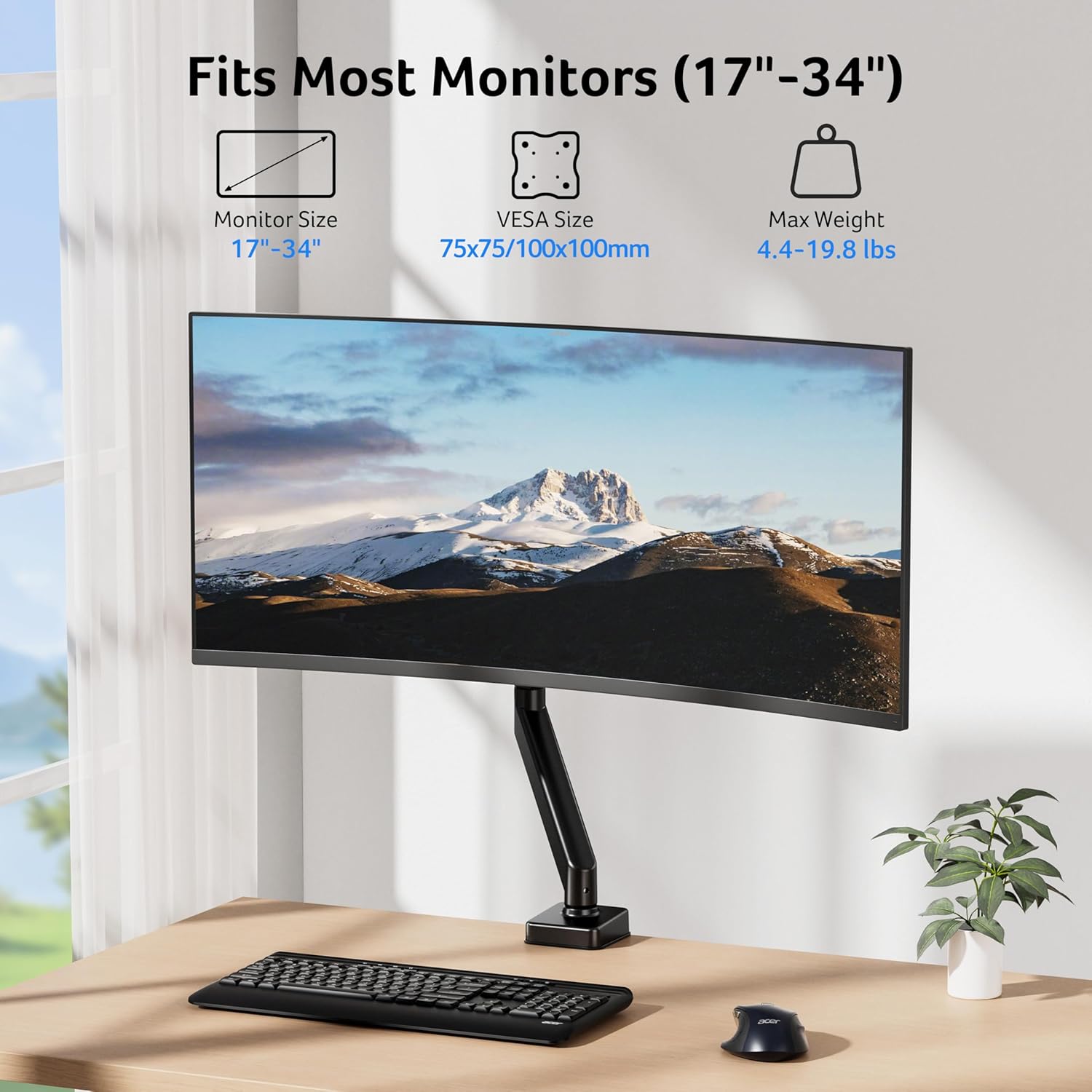
It makes sense if you want a single-arm upgrade for one monitor and you’re within the stated size and weight window (17–34 inch, 4.4–19.8 lbs / 2–9 kg). It also fits well if you care about flexible viewing angles—tilt/swivel/rotation is exactly what you want when multiple people share a setup, or when you frequently change your workstation posture.
You may want to skip it if your monitor sits outside that range, or if you know your desk thickness/underside won’t play nicely. The desk mounting options cover desks 15–80 mm thick, but you still need the underside clear enough for a smooth install.
Worth considering if your VESA mount is 75×75mm or 100×100mm, because the arm is compatible with those VESA patterns. If your monitor uses a different VESA size, this arm won’t be a straightforward match.
Tech specs
- Name: Acer Single Monitor Arm Desk Mount with gas spring
- Type: Desk mount monitor arm
- Size: For 17–34 inch screens
- Capacity: Supports 4.4–19.8 lbs (2–9 kg)
- VESA: 75×75mm and 100×100mm
- Tilt: -60° to +90°
- Swivel: ±90°
- Rotation: 360°
- Height adjustment: up to 18.1" from the desk
- Load/strength claim: passed 20,000 motion tests, “80% sturdier than typical arms” (as stated)
- Base mounting options: C-clamp or grommet base
- Desk thickness supported: 15–80mm
What to check before you buy
Before committing, double-check the three things that typically make or break monitor arm compatibility:
- Monitor weight and screen size: stay within 17–34 inch and 4.4–19.8 lbs (2–9 kg).
- VESA pattern: confirm your monitor is 75×75mm or 100×100mm.
- Desk setup: verify your desk thickness is within 15–80mm and that the underside isn’t blocked by beams or panels.
Also consider how you use your desk. If you mainly want a fixed screen position and don’t care about changing angles, a simpler stand might be enough. But if you regularly adjust your posture, or you want to quickly move between sitting and a higher viewing position, the arm’s motion range and height lift are the point.
Should you buy it?
It’s a solid pick if you’re setting up a home or office workstation and you want a single monitor arm that can adjust height and angles meaningfully, especially if your desk can accommodate the C-clamp or grommet base. The tilt/swivel/rotation range and the stated height lift should help you dial in more comfortable viewing, which is exactly where these products justify their cost.
This might not be the best choice if your monitor falls outside the stated size/weight range, your VESA mount isn’t 75×75mm or 100×100mm, or your desk underside isn’t suitable for the mounting approach. And if your main goal is just “lift the screen a bit”, you may find yourself paying for flexibility you won’t use.
Mini FAQ
Is this monitor arm only for one screen?
Yes, it’s described as a single monitor arm (desk mount for one monitor).
What monitors does it fit?
It’s listed for 17–34 inch screens and 4.4–19.8 lbs (2–9 kg), with VESA 75×75mm or 100×100mm.
How is it attached to the desk?
You can mount it using either a C-clamp or grommet base, and it supports desks 15–80mm thick.
Does it come with installation hardware?
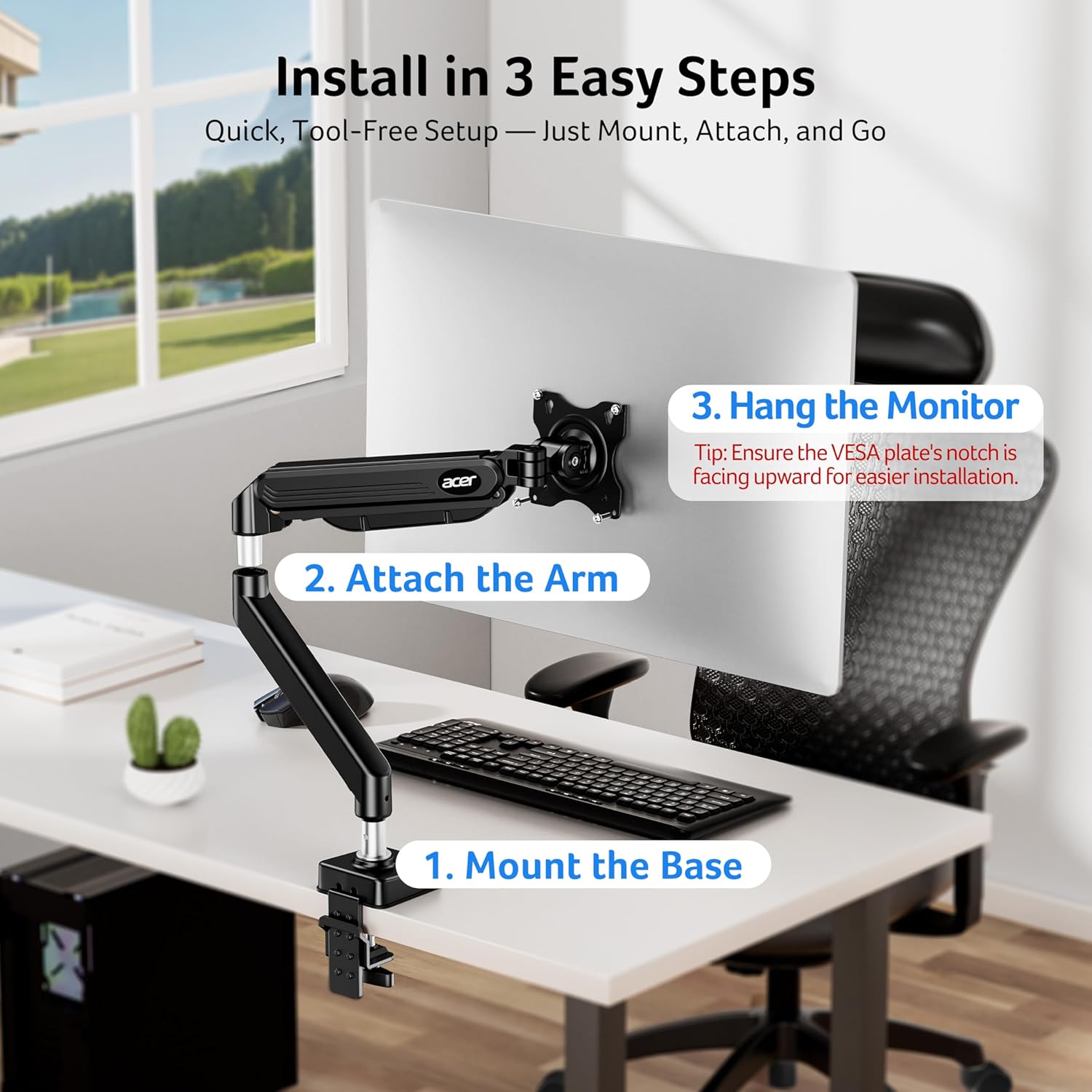
The description says hardware is included and outlines an installation sequence: fit the base to the desk, assemble the arm segments, attach the monitor to the VESA plate, then adjust tension according to monitor weight.
Can it be used in both sitting and standing setups?
It’s designed to work across positions, with height adjustment and one-hand adjustments mentioned in the description.