

Acer Chromebook Plus 514 CB514-5H (Intel Core i3, 8GB RAM, 256GB SSD) laptop with Chrome OS
Reviews
Price
Product description
What it is and what you’re really buying
The Acer Chromebook Plus 514 CB514-5H is a Chrome OS laptop built around the idea that most of your work happens in the browser and with Google-style apps. On paper, it leans into two things: day-to-day productivity and an “AI + creativity” angle aimed at people who edit photos and want offline file access when Wi‑Fi isn’t around.
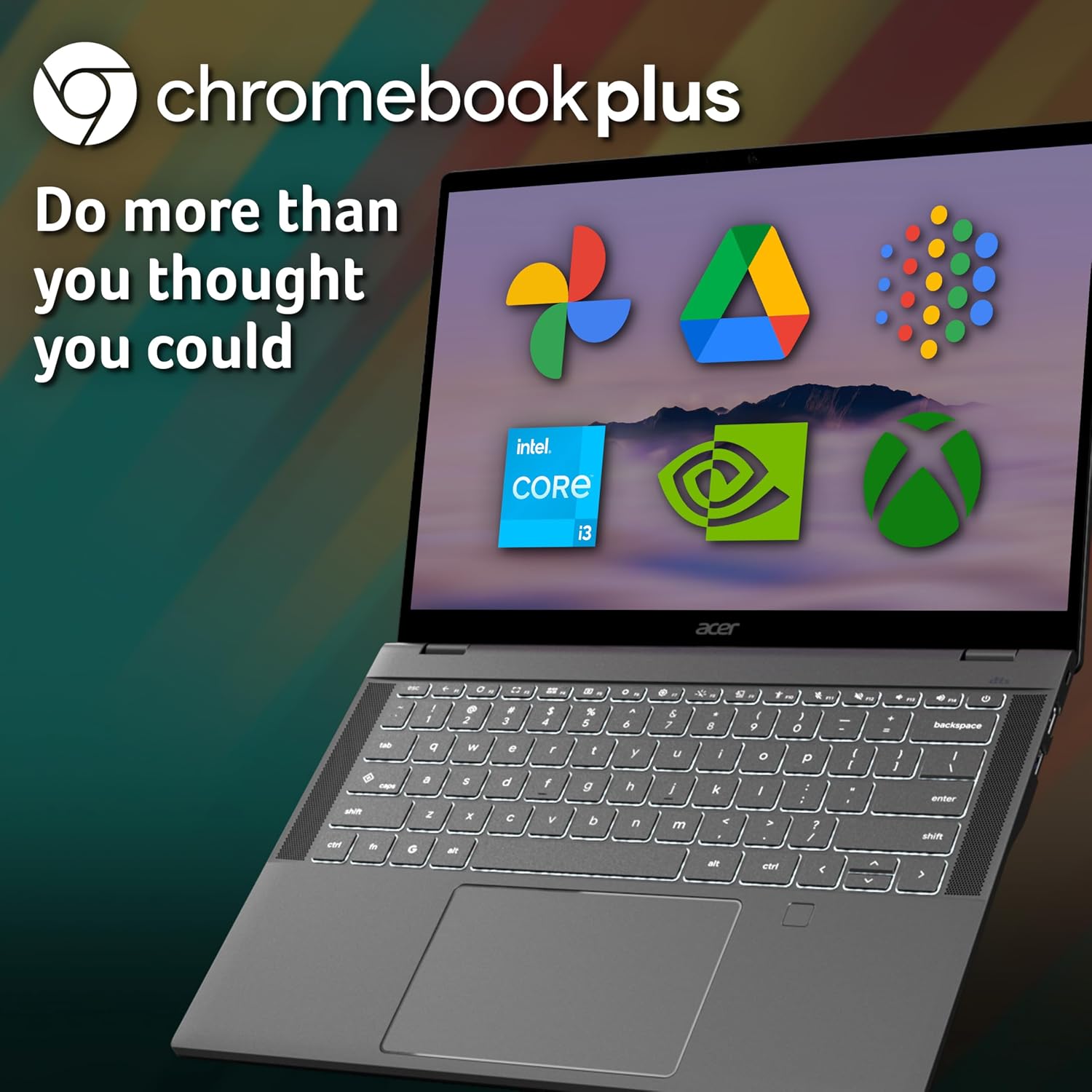
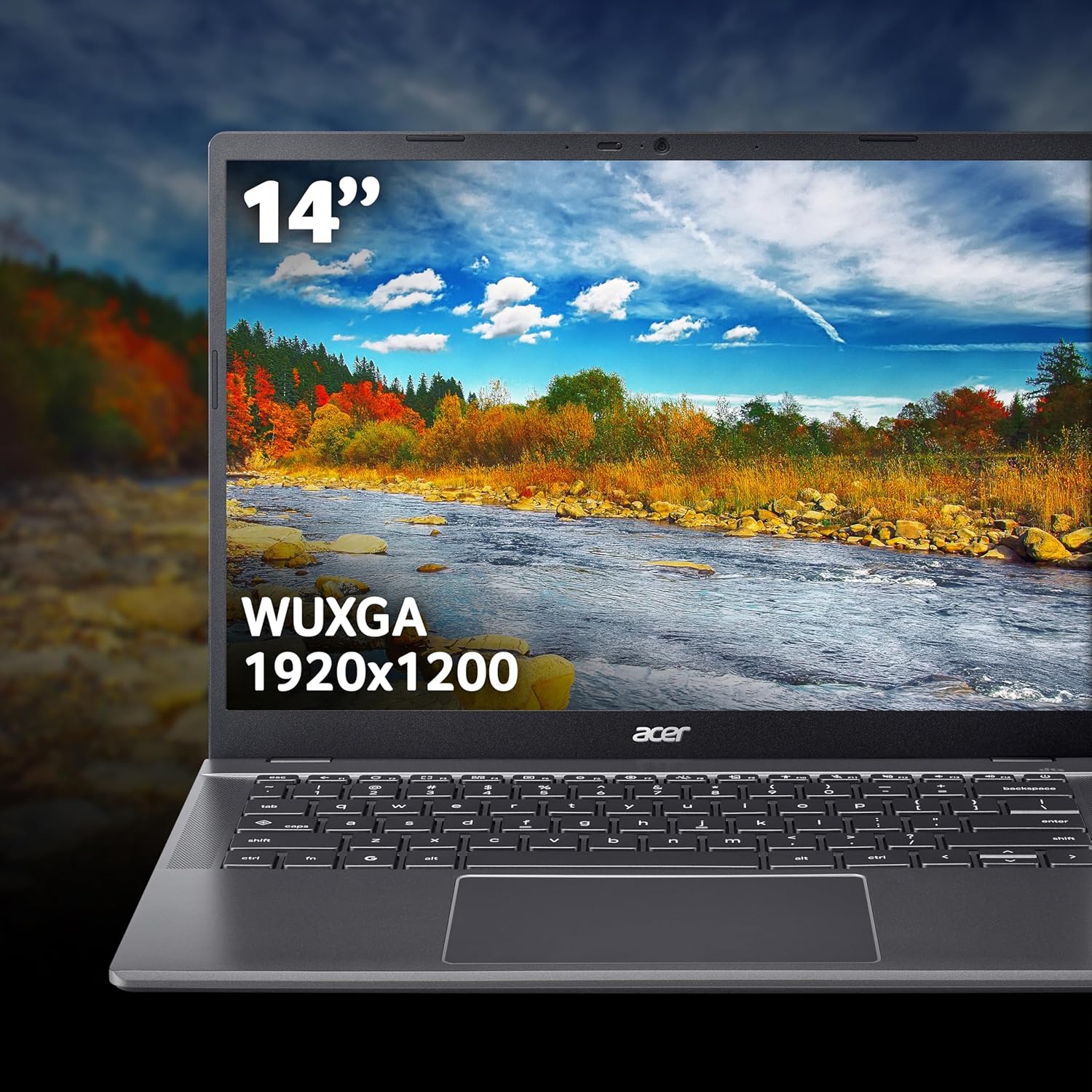
It’s powered by an Intel Core i3 CPU, comes with 8GB of RAM and a 256GB SSD, and uses integrated graphics. The screen is 14" WUXGA, which should suit typical office tasks, study, and content creation work where you’d like more usable screen space than a basic HD panel.
If you’re coming from a traditional Windows laptop, it won’t feel identical—Chromebooks are more about cloud-first workflows. That can be a good thing if you want simplicity and quick sign-in, but it can be frustrating if your routine depends on desktop apps.
Key points
You sign in with your Google account for quick access to built-in Google Workspace apps such as Docs and Sheets, and the system is positioned around performance and security optimised for Chrome OS.
For Microsoft 365 work, the base approach is browser-based: you can go to Microsoft365.com to create and edit Word, Excel and PowerPoint files online. The important caveat is that desktop versions cannot be installed, and a Microsoft 365 subscription is required for full functionality.
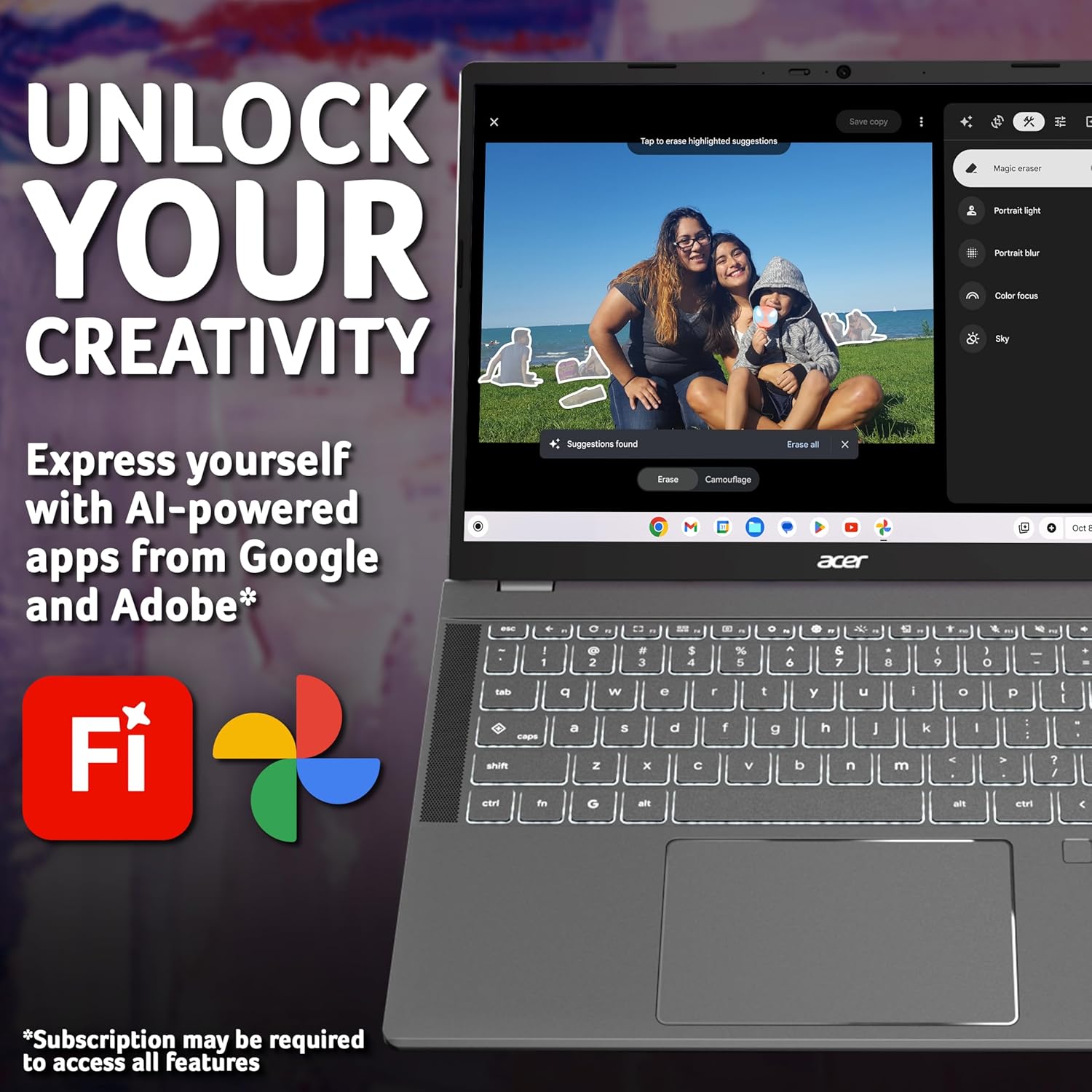
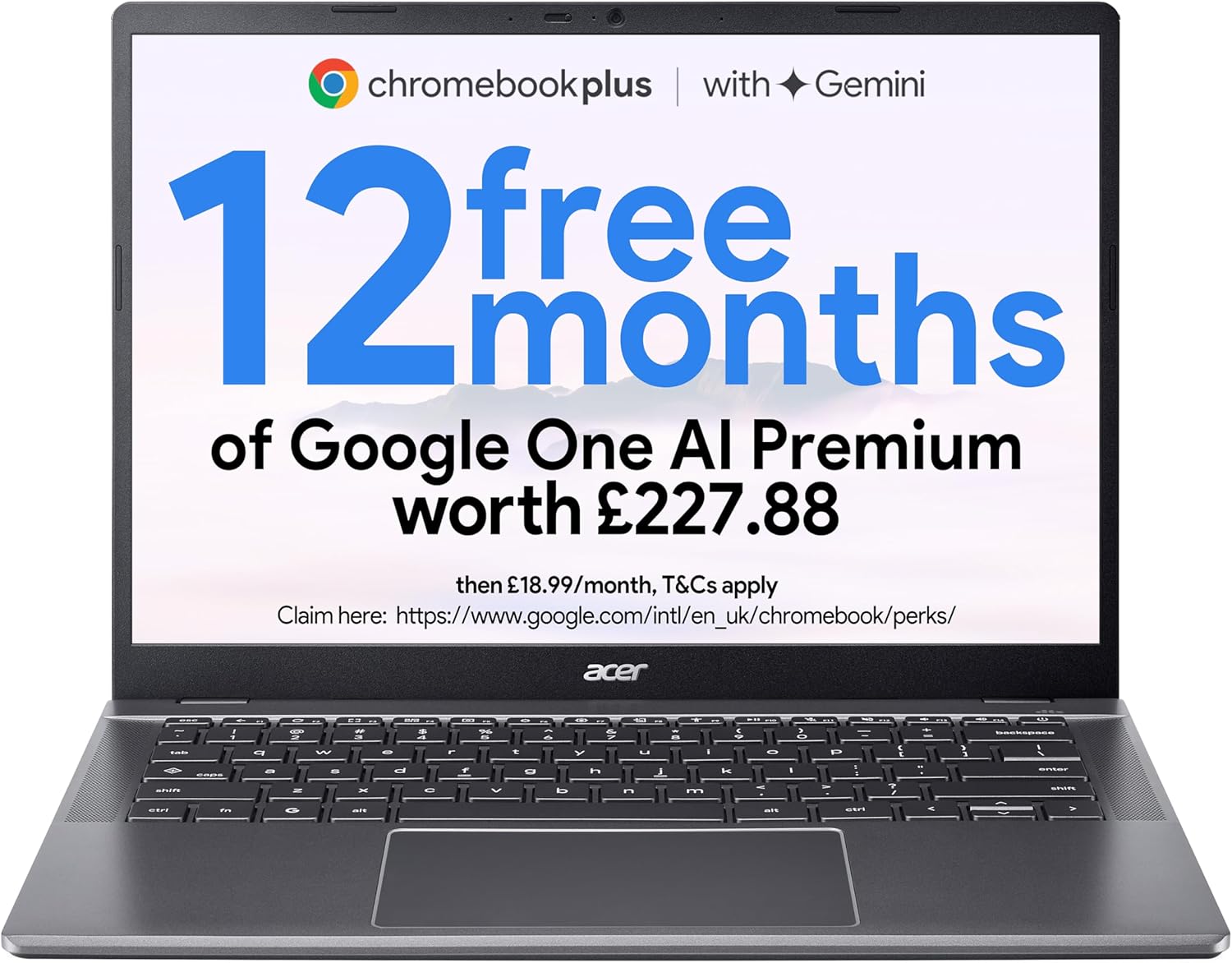
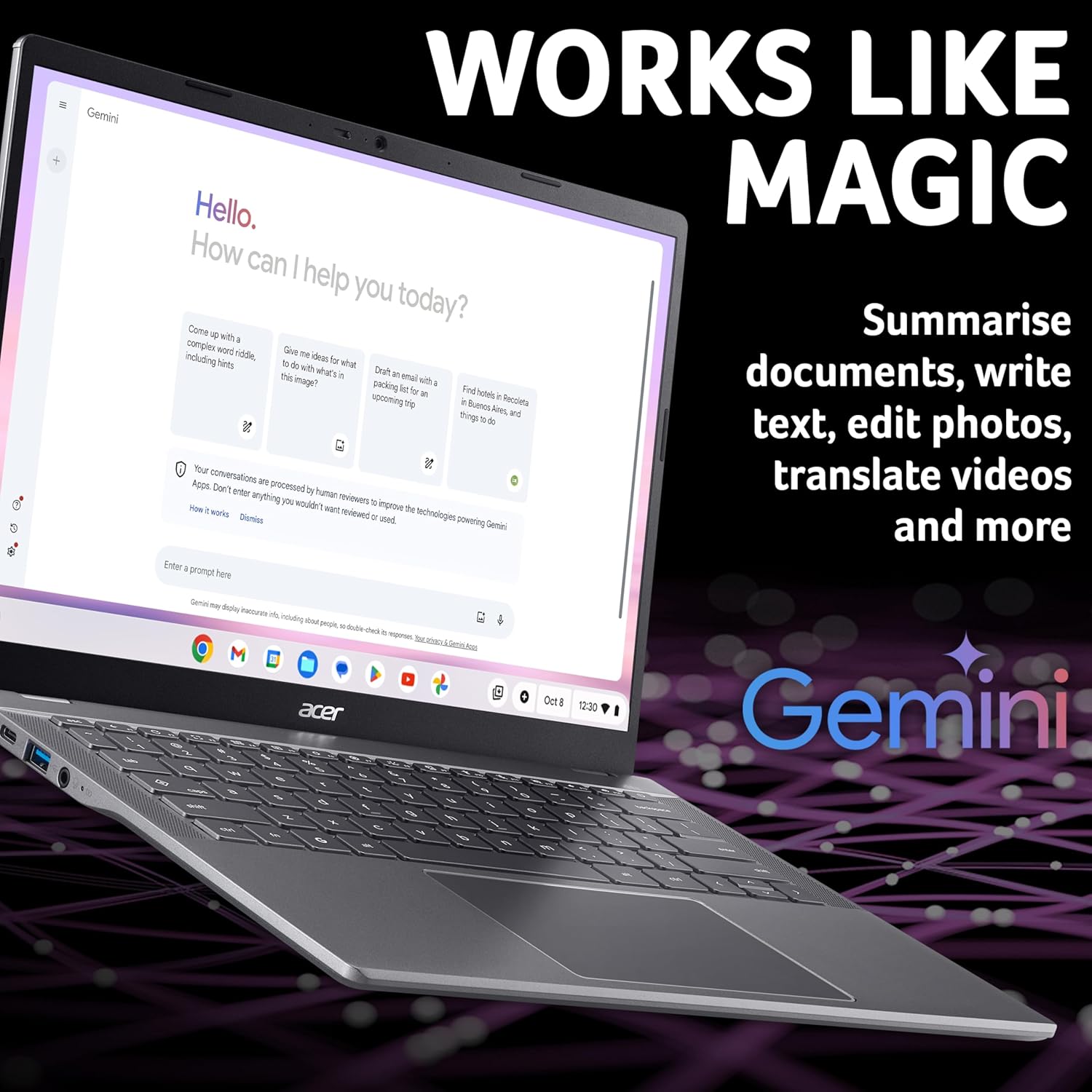
There’s also an “AI included” promise on the Chromebook Plus line: 12 months of Google AI included for free (the input mentions a value figure, but you’ll want to check the offer terms). On top of that, Google Photos’ AI editing tools like Magic Eraser and Portrait Blur are highlighted as a way to lean into creative edits.
And if you ever lose internet, offline mode is mentioned so you can manage files and still have access even without being online.
Where it stands out in everyday use
This is the sort of Chromebook that makes sense if your typical day looks like: documents, spreadsheets, emails, web research, and occasional photo editing.
For example, you could sign into your Google account, open Docs to draft a report, and use Sheets to track numbers, then take a break and do some light photo cleanup. With the AI photo editing tools mentioned (Magic Eraser, Portrait Blur), it’s built for quick “fix it now” edits rather than deep, pro-grade editing workflows.
The included offline mode also matters more than people expect. It helps for commutes, travel, or places with patchy Wi‑Fi—so you’re not completely stalled just because the connection drops.
What matters most about the tech choices
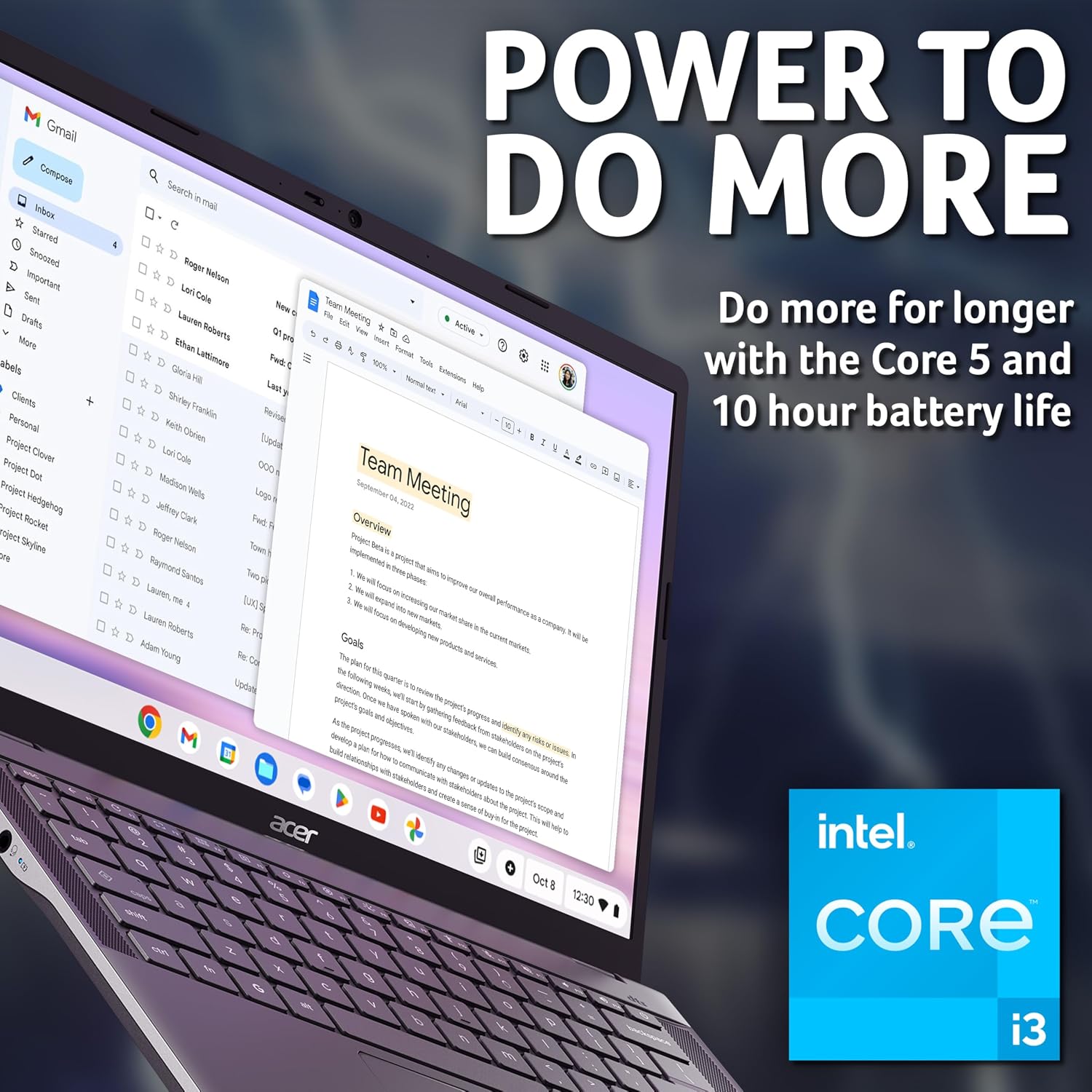
A few specs here point to an intentionally practical experience. The Intel Core i3 pairing with 8GB RAM suggests it’s aiming to stay responsive across multiple browser tabs and everyday tasks, rather than pushing heavy creative software (which is also consistent with the Chrome OS approach).
Storage-wise, the 256GB SSD gives you more room than entry-level Chromebooks that feel tight quickly—useful for local files you want to keep on the device, downloaded documents, and offline work.
The 14" WUXGA screen is a strong fit for daily productivity, study notes, and editing tasks where you benefit from a sharper, more spacious display.
That said, integrated graphics and the Chromebook ecosystem mean it’s not designed to “replace everything” in a typical laptop-heavy setup—especially if you rely on desktop-only applications.
Who it suits (and who may want to skip it)
It makes sense if you want a Chrome OS laptop that’s focused on Google Workspace, web-based Microsoft Office editing via the browser, and offline file access. If you like the idea of signing in and getting going quickly, this kind of setup tends to feel effortless.
It may not suit you if your workflow requires installing desktop versions of Microsoft 365 apps (the input explicitly says desktop versions cannot be installed). Also, if you regularly run heavier desktop software that isn’t designed for the browser/Chrome OS environment, you could find the limitations show up sooner than you’d like.
Keep in mind that “Chromebook Plus” features are partly tied to the Google AI and Google Photos tools mentioned—so if photo AI edits and AI assistance don’t interest you, you may be paying for features you won’t use much.
Final verdict
Worth considering if you want a sensible Chrome OS laptop for everyday productivity, Google Workspace work, and web-based editing of Word/Excel/PowerPoint through Microsoft365.com, with the added reassurance of offline mode.
Not the best choice if you need desktop Microsoft 365 apps installed, or you’re expecting a Chromebook to act like a full Windows desktop replacement for every application.
For most buyers looking for a dependable Chromebook-style machine—documents, browsing, spreadsheets, and occasional photo edits—this Acer model looks like it should meet the brief. If your expectations are broader than that, it’s worth double-checking how your key apps will run in a Chrome OS and browser-first setup before committing.
Mini FAQ
Can I use Microsoft 365 on this Chromebook?
You can create and edit Word, Excel and PowerPoint files from the web by going to Microsoft365.com. Desktop versions cannot be installed, and a Microsoft 365 subscription is required for additional functionality.
Does it work without Wi‑Fi?
Yes, offline mode is mentioned so you can manage your files and access them even when you can’t get online.
What’s the “Chromebook Plus” AI angle?
The Chromebook Plus line is described as including 12 months of Google AI for free (based on the input). Google Photos AI editing tools such as Magic Eraser and Portrait Blur are also highlighted.
Is it aimed at gaming or heavy desktop software?
The input focuses on Chrome OS, browser-based productivity and photo AI tools rather than desktop-heavy use. With integrated graphics and the Chromebook approach, it’s better viewed as a mainstream productivity device than a power-user workstation.