

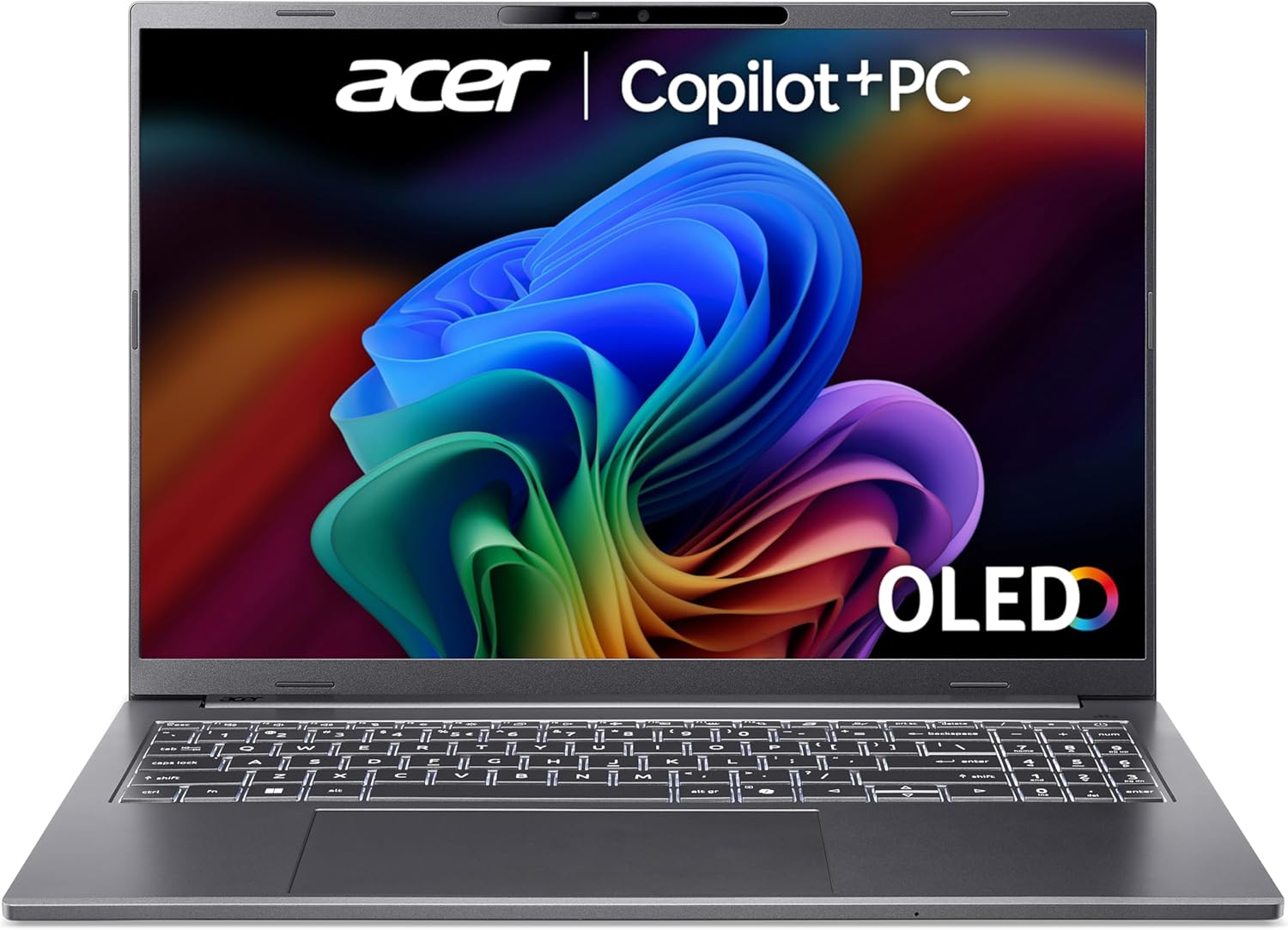
Acer Aspire 16 AI A16-52M Copilot+ laptop (Core Ultra 7, 16GB RAM, 1TB SSD) with 16in WUXGA+ OLED
Reviews
Price
Product description
Quick overview
If you’re shopping for a laptop that’s meant to feel “future-ready” for AI features, the Acer Aspire 16 AI A16-52M is built around Intel’s latest Core Ultra platform and a Copilot+ PC positioning. On paper, it also leans into a premium display experience with a 16in WUXGA+ OLED panel and a 120Hz refresh rate.
The big question is whether you’ll actually use the Copilot+ side of things, or whether you’d be better served by a more traditional performance-and-screen-focused purchase. This model looks like it’s aiming for that middle ground: capable enough for everyday productivity and content work, while adding an AI bent and a display that’s hard to ignore.
What to know before you buy
This is a 16in laptop, described as “Copilot+ PC certified”, so the expectation is that you’ll have access to Copilot features designed around that ecosystem. It runs Windows 11, which matters if you’re buying for familiar desktop workflows and want a mainstream setup rather than an alternative OS.
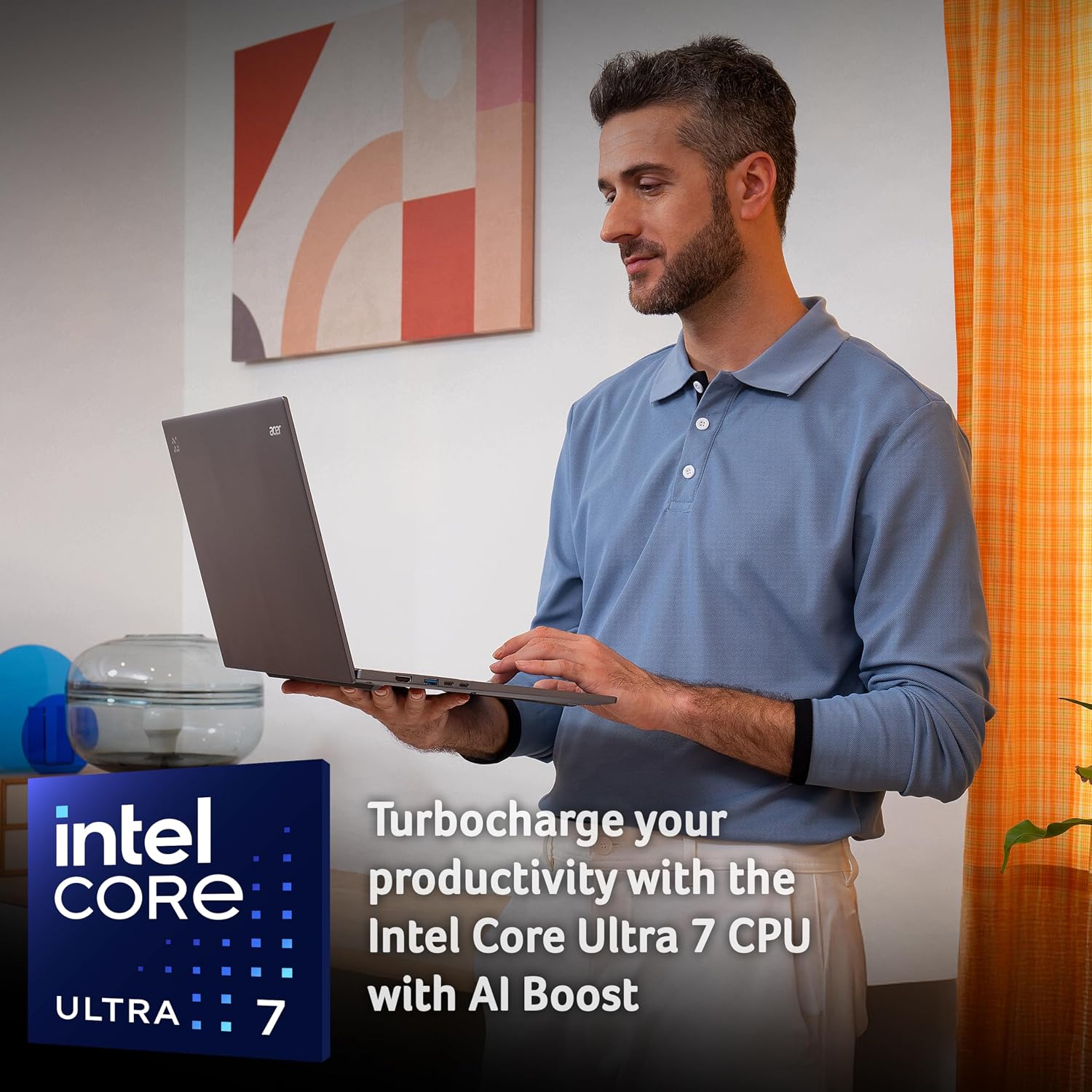
The processor is an Intel Core Ultra 7 (the listing also mentions a 47 TOPS NPU). In practical terms, that suggests the machine has been tuned for AI workloads rather than only relying on the CPU and integrated graphics. Still, it’s worth being realistic: not every app you use day to day will benefit from that extra AI hardware in a way you can feel instantly.
Storage is 1TB SSD and RAM is 16GB, which is a comfortable baseline for multitasking. If your “normal day” involves lots of browser tabs, Office-style work, a few parallel apps, and occasional photo/video work, 16GB plus a 1TB drive is likely to feel sensible.
Key features you’ll notice day to day
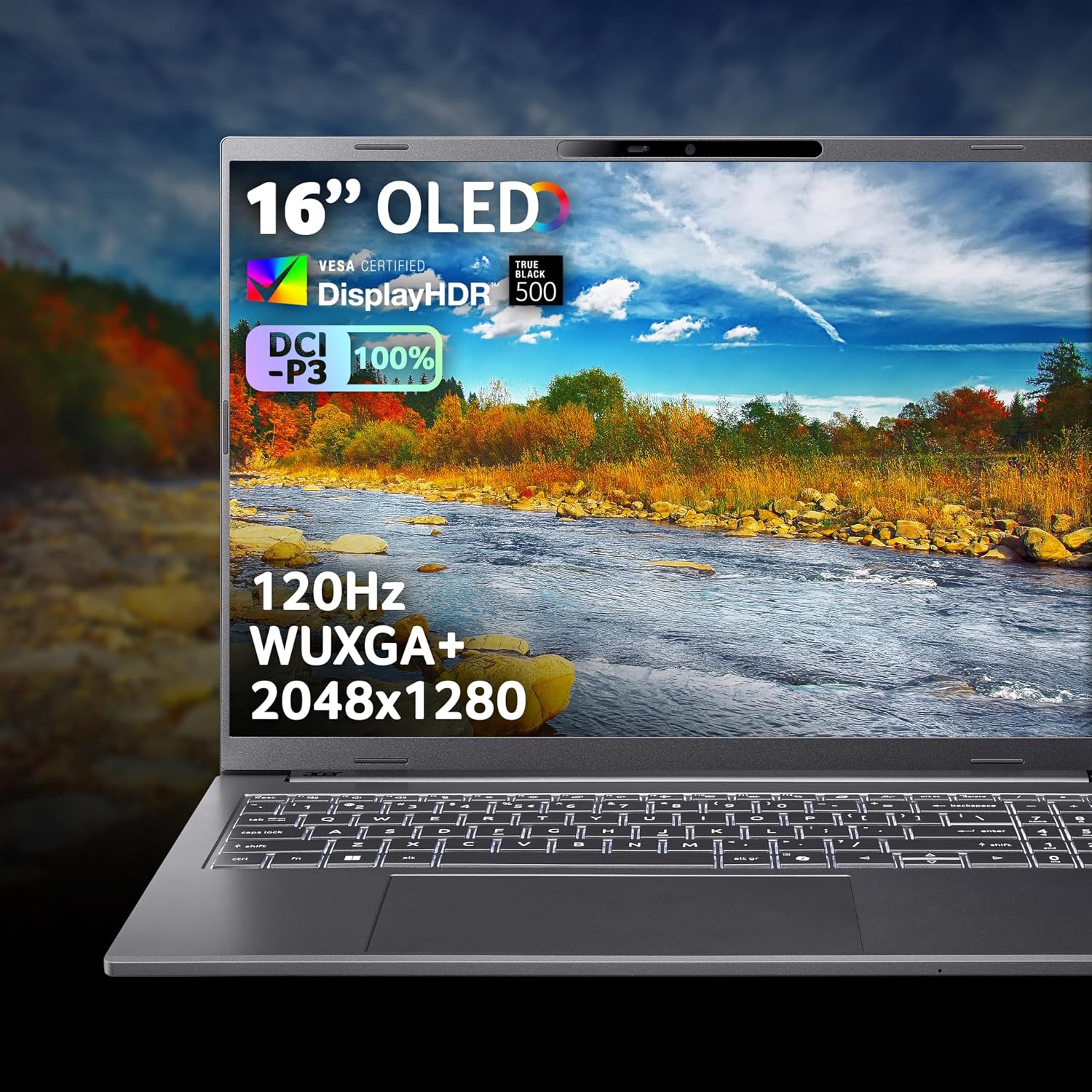
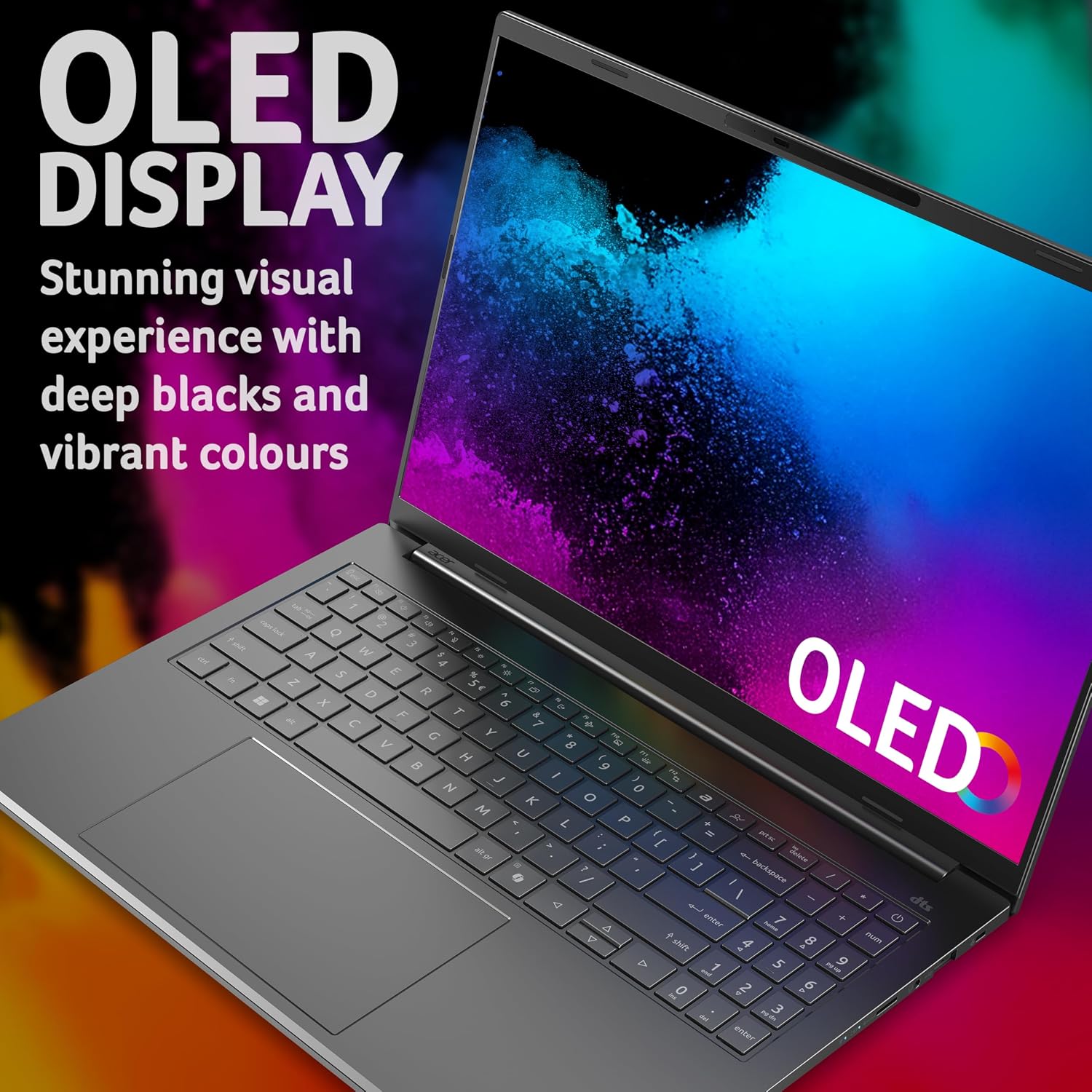
The OLED screen is the headline for many buyers. A 16in WUXGA+ panel with vivid colour, strong contrast, and a 120Hz refresh rate should make scrolling, UI motion, and media look notably smoother and richer than standard 60Hz LCD options.
It’s also pitched as a premium design: a sleek aluminium body, with a stated weight of 1.49kg and a thickness under 16mm. For a 16in machine, that’s a meaningful portability point if you move between desk and desk (or take it to a café/commute).
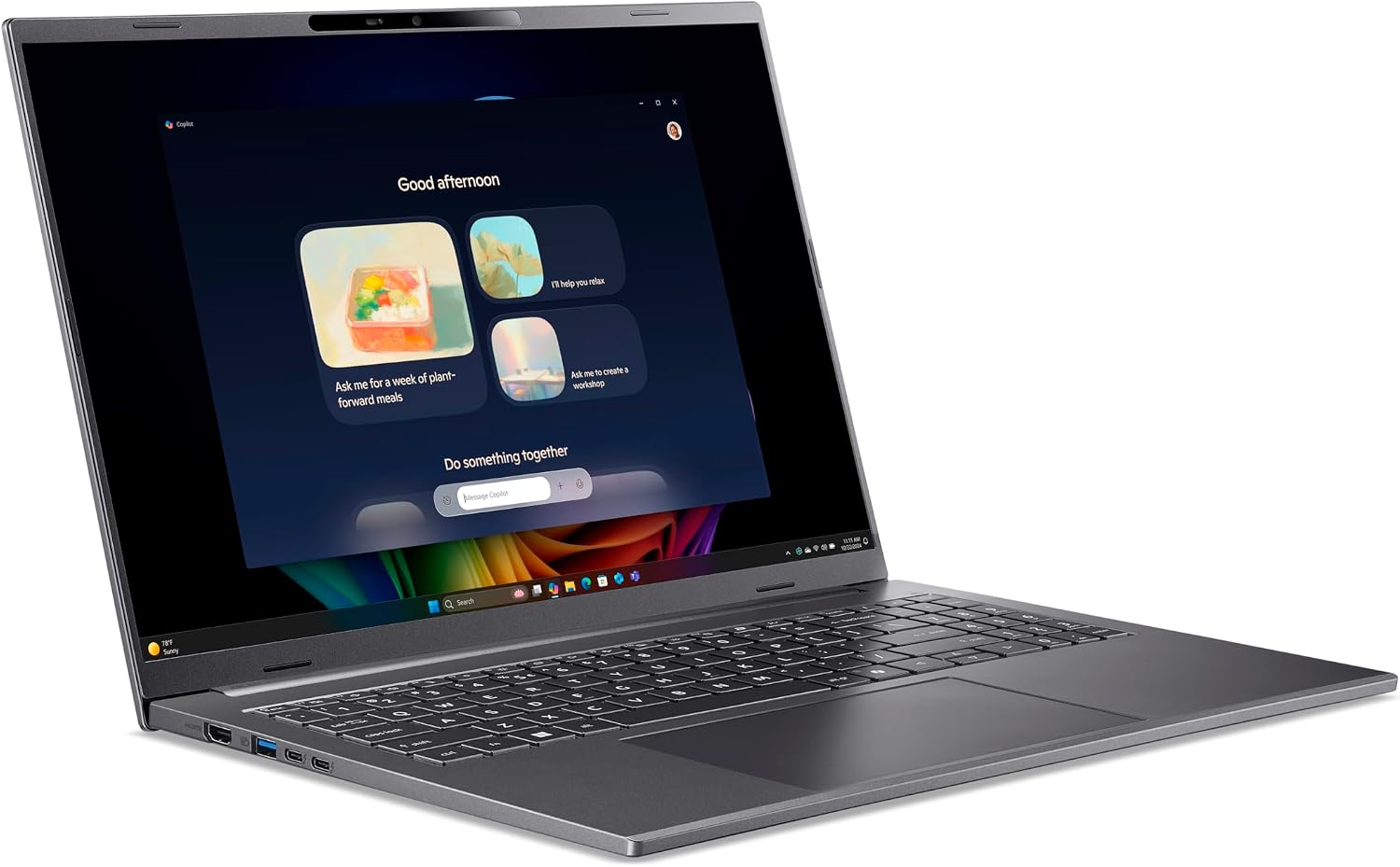
On the performance side, the integrated graphics are listed, so this won’t be a “dedicated GPU” gaming or heavy rendering workstation by default. If you’re mainly interested in everyday productivity and AI-app experimentation, that’s a more aligned use case. If you’re aiming for high-end 3D work or demanding creative workloads, you may find yourself comparing against options that include more graphics muscle.
And yes, there’s the multi-tasking angle: 16GB RAM should help you run several applications without the system feeling like it’s constantly swapping.
Where it shines (and where it can’t quite match everything)
Where the Acer Aspire 16 AI A16-52M makes the most sense is when you want a laptop that combines a premium screen experience with an AI-leaning platform. If you care about the display (colour/contrast) and you also want the option to use modern AI features supported by Copilot+ PCs, this feels like a coherent package.
The design also has a practical advantage: the aluminium build and relatively light weight for its class suggests it’s meant to be lived with, not just kept on a desk. That matters if you’re doing hybrid working or constantly moving your laptop.

But it may not be the perfect match if your priorities are very specific, like running GPU-heavy applications or pushing performance in graphics-demanding tasks. The listing points to integrated graphics, so you’re relying on the platform’s general capability rather than a dedicated graphics card. In that scenario, it’s the kind of purchase that can leave you wishing you’d chosen something more graphics-focused.
Also, keep expectations grounded with AI hardware: having an NPU and Copilot+ certification doesn’t automatically mean every task you do will feel “dramatically faster”. It’s more about readiness and capability than guaranteed noticeable gains for all workloads.
How to decide if it’s a good fit for you
Worth considering if you want a Windows 11 laptop with a modern AI-oriented setup (Copilot+ PC certified, Core Ultra 7 with an NPU), plus a 16in OLED display that’s actually smooth thanks to 120Hz.
It makes sense if your work mixes typical office productivity with browsing-heavy multitasking, media consumption, and occasional creative tasks where an OLED panel and 16GB RAM are helpful.

It might not suit you if you’re shopping purely for the lowest cost, or if you expect integrated graphics to cover demanding GPU workloads. And if you don’t care about the Copilot+ angle at all, the AI positioning becomes less of an advantage and more of a question: are you paying for features you won’t use?
A simple “day in the life” example: imagine you’re writing documents in multiple tabs, running a video call, then switching to watching something in the evening. The combination of 16GB RAM for multitasking and an OLED 120Hz display should make that switching experience feel smoother and visually richer than a more basic screen.
Tech specs (as listed)
- Name: Acer Aspire 16 AI A16-52M Copilot+ laptop
- Type: Laptop
- Processor: Intel Core Ultra 7
- Memory: 16GB RAM
- Capacity: 1TB SSD
- Graphics: Integrated Graphics
- Display: 16in WUXGA+ OLED
- Refresh rate: 120Hz
- Resolution: 2048x1280
- NPU: 47 TOPS
- Weight: 1.49kg
- Colour: Iron
Final verdict
Is it worth it?
Buy it if you’re looking for a 16in Windows 11 laptop that prioritises a premium OLED screen experience (WUXGA+ at 120Hz), carries a light aluminium design (1.49kg, under 16mm thick), and you want a Copilot+ PC setup with an Intel Core Ultra 7 platform for AI-capable apps.
Skip it if your main goal is graphics-heavy performance, because the listing states integrated graphics. And if you don’t plan to use Copilot+ features or AI apps, you may want to compare against a more straightforward productivity laptop where you’re not paying for capabilities you won’t tap.
In short: it feels like a well-aimed “modern everyday” laptop with an OLED advantage, but it’s not designed to replace a dedicated-GPU workstation.
Mini FAQ
Does it come with Windows 11?
Yes. The listing states Windows 11.
Is it definitely suited for AI apps?
It’s positioned as a Copilot+ PC and includes a Core Ultra 7 CPU with a 47 TOPS NPU, so it’s built for that kind of use. That said, real-world benefit will depend on which AI apps you actually run.
What’s the display like?
It has a 16in WUXGA+ OLED display with vivid colour and strong contrast, plus a 120Hz refresh rate.
How much RAM and storage does it have?
It’s listed with 16GB RAM and a 1TB SSD.
Is integrated graphics a deal-breaker?
Not if your use is mainly office work, web, media, and lighter creative tasks. It could feel limiting if you’re expecting heavy GPU workloads.