

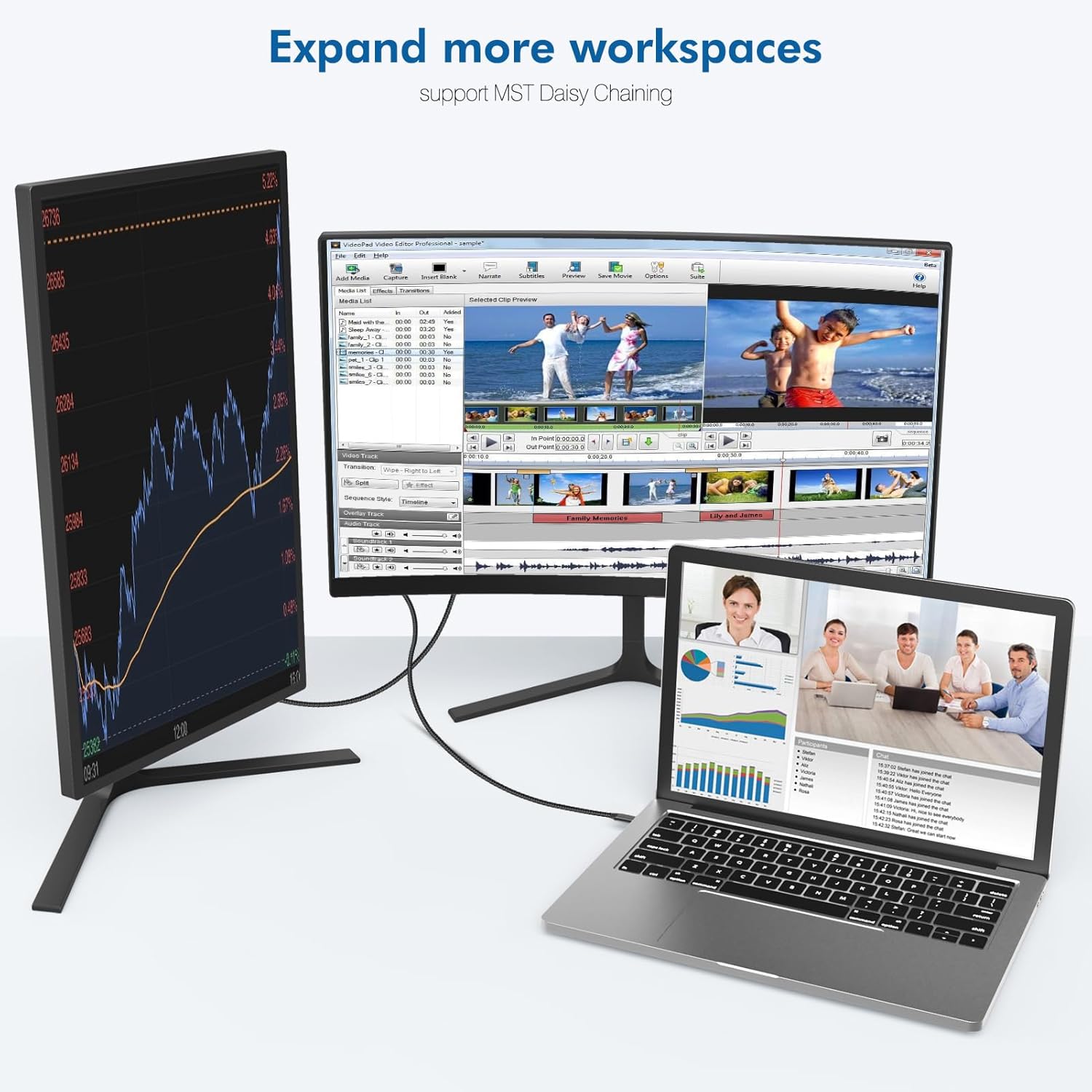
Ablink USB C to DisplayPort 1.4 Cable 2M — 8K@60Hz / 4K@240Hz, HDR10+
Product description
What it is and what it solves
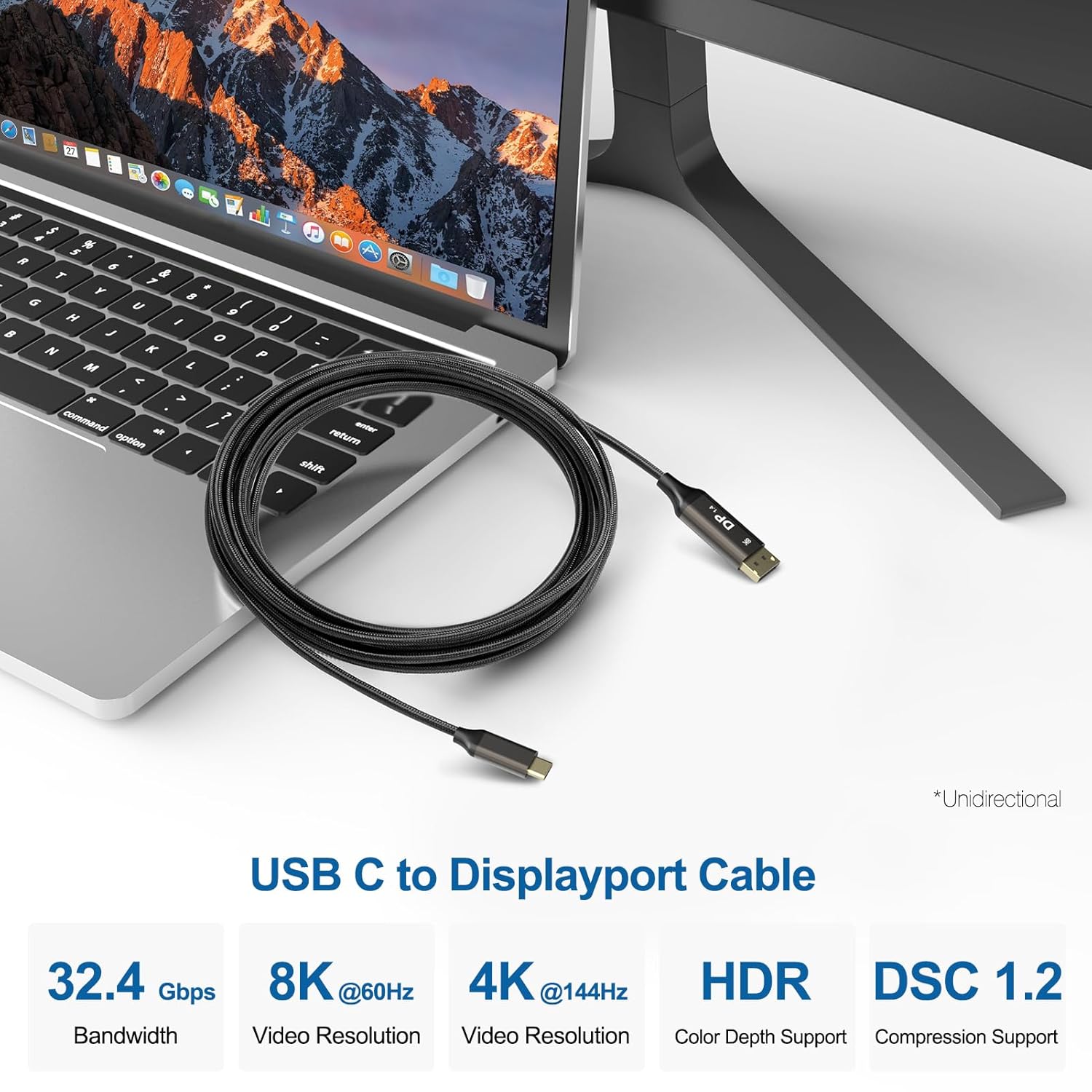
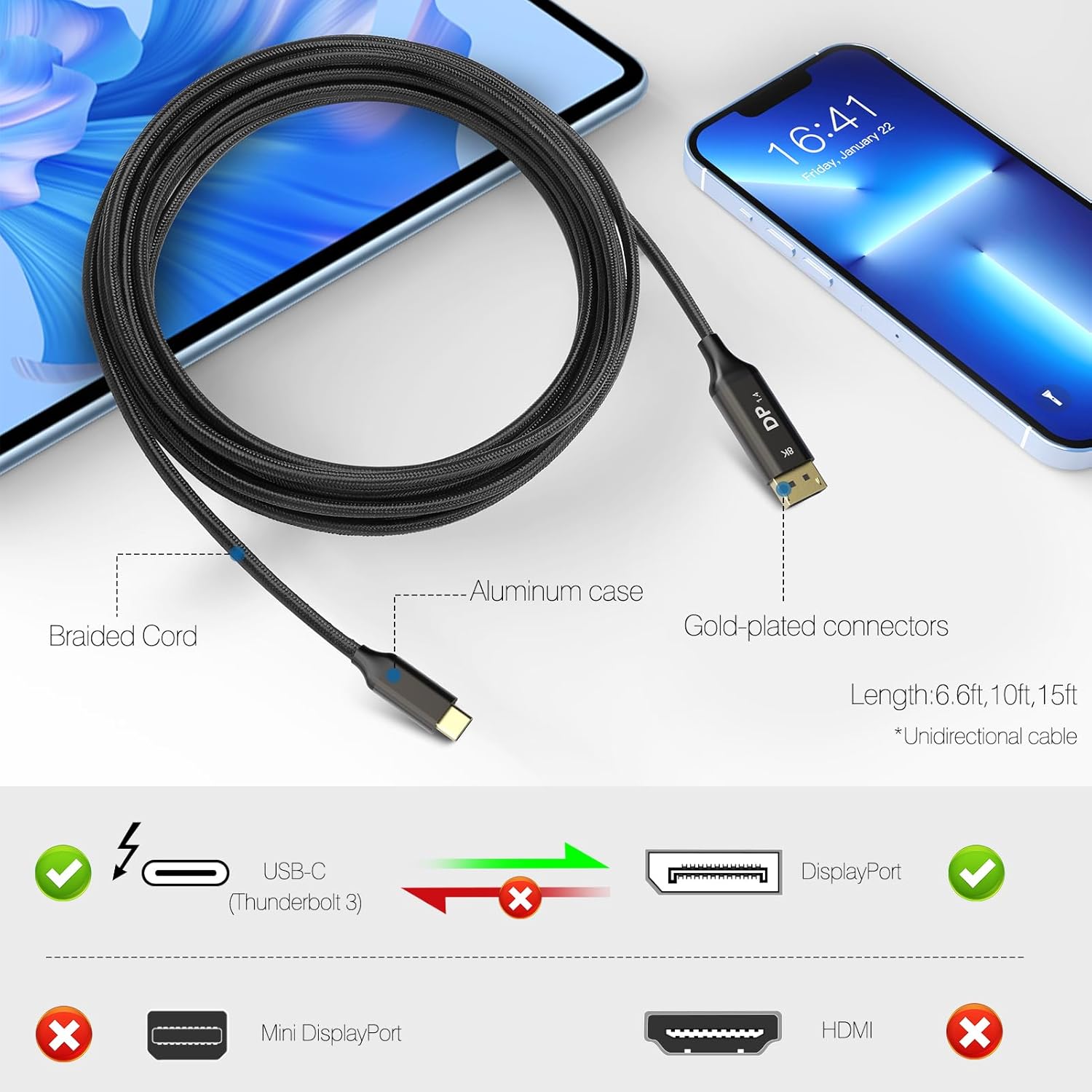
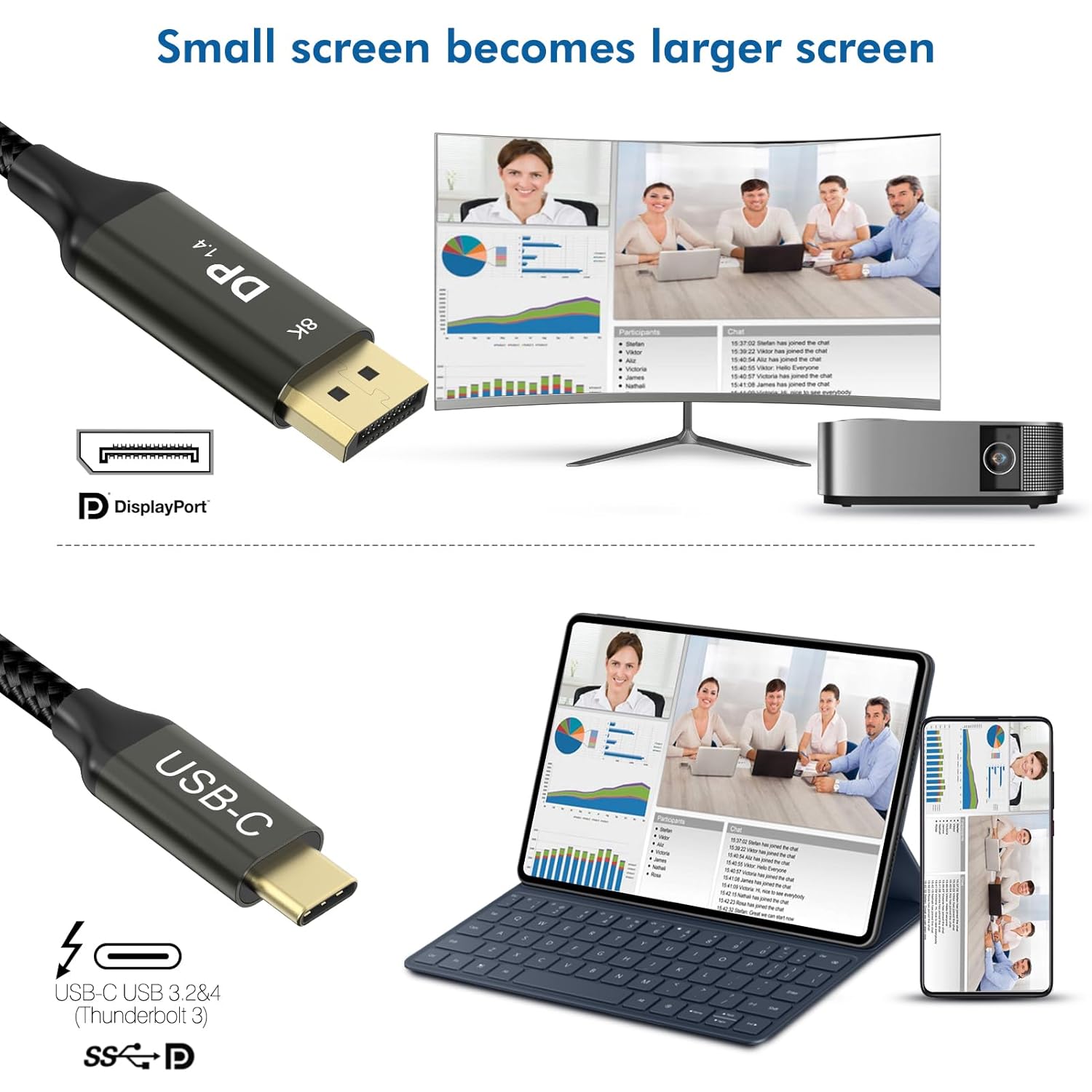
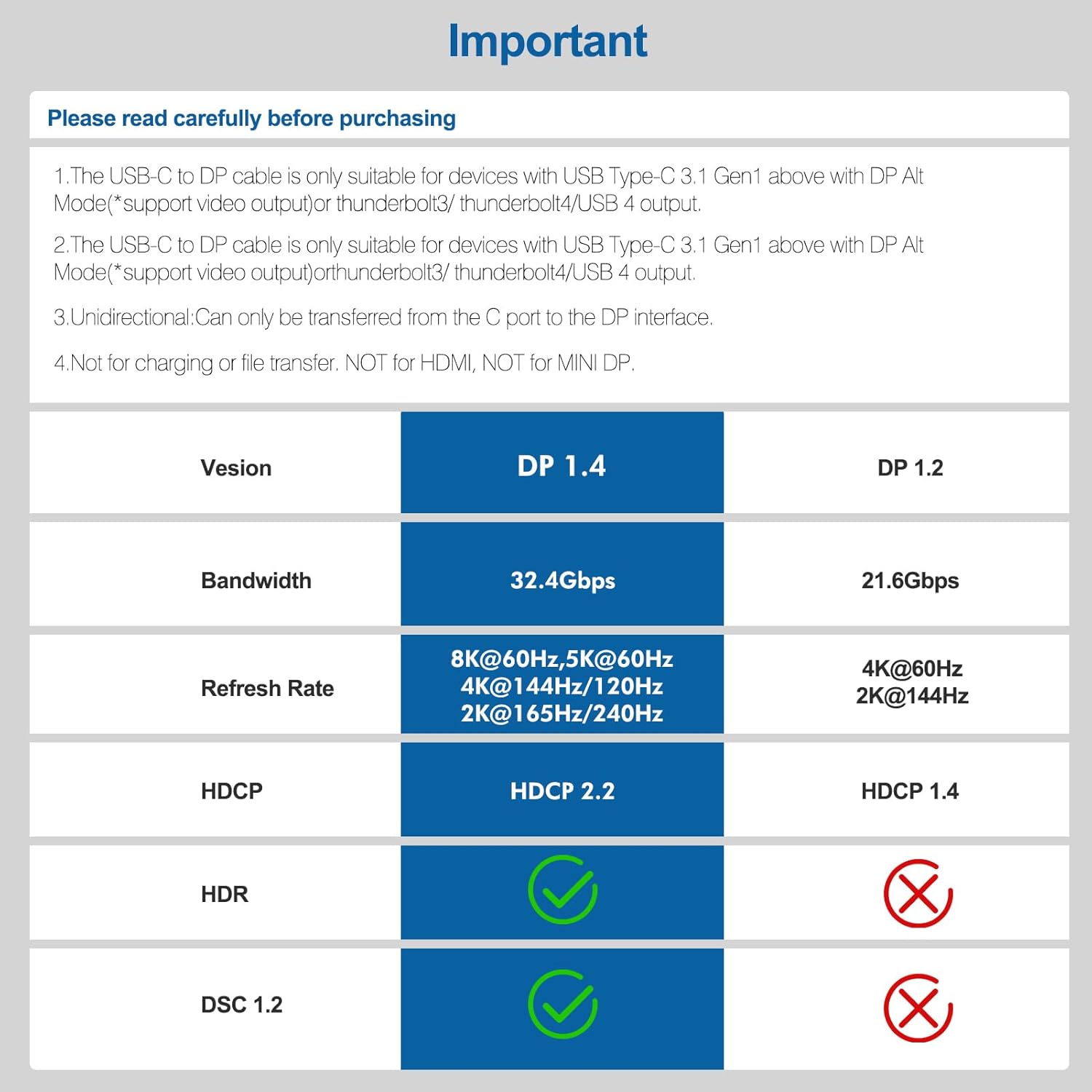
The Ablink USB C to DisplayPort 1.4 cable is a 2-metre, USB-C to DP lead designed to carry high-resolution video from a USB-C/Thunderbolt 3/4 host to a DisplayPort display. On paper it supports lossless 8K@60Hz output and esports-grade 4K@240Hz/144Hz, leveraging DisplayPort 1.4 with DSC 1.2, HDR10+ and Dolby Vision support. It’s targeted at users who want a single cable solution for a compatible monitor or TV, especially for gaming or home theatre setups where jitter-free frames matter. It’s worth noting that the cable is unidirectional (USB-C to DP), so you can’t use it to drive a USB-C display from a DP source.
How it performs in practice
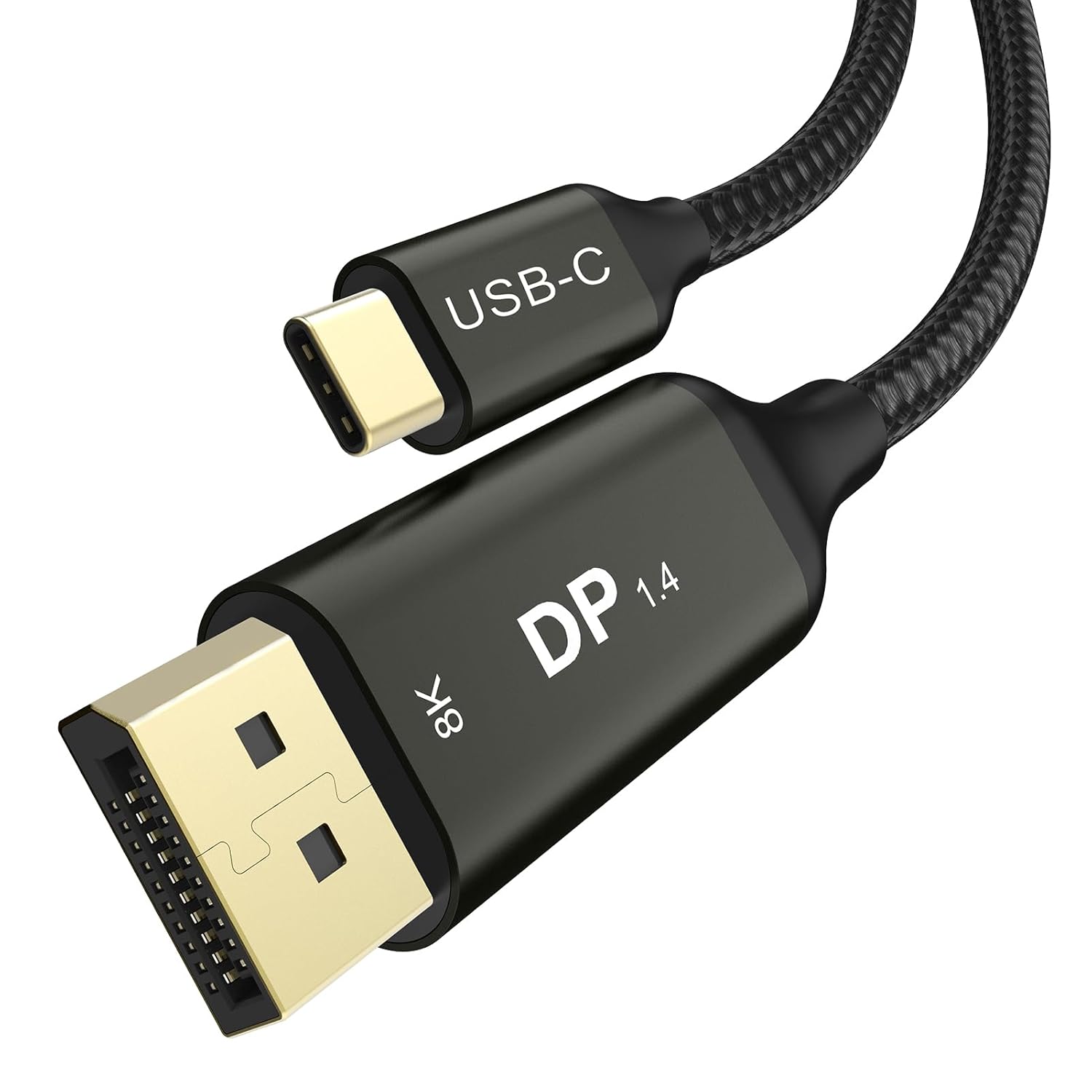
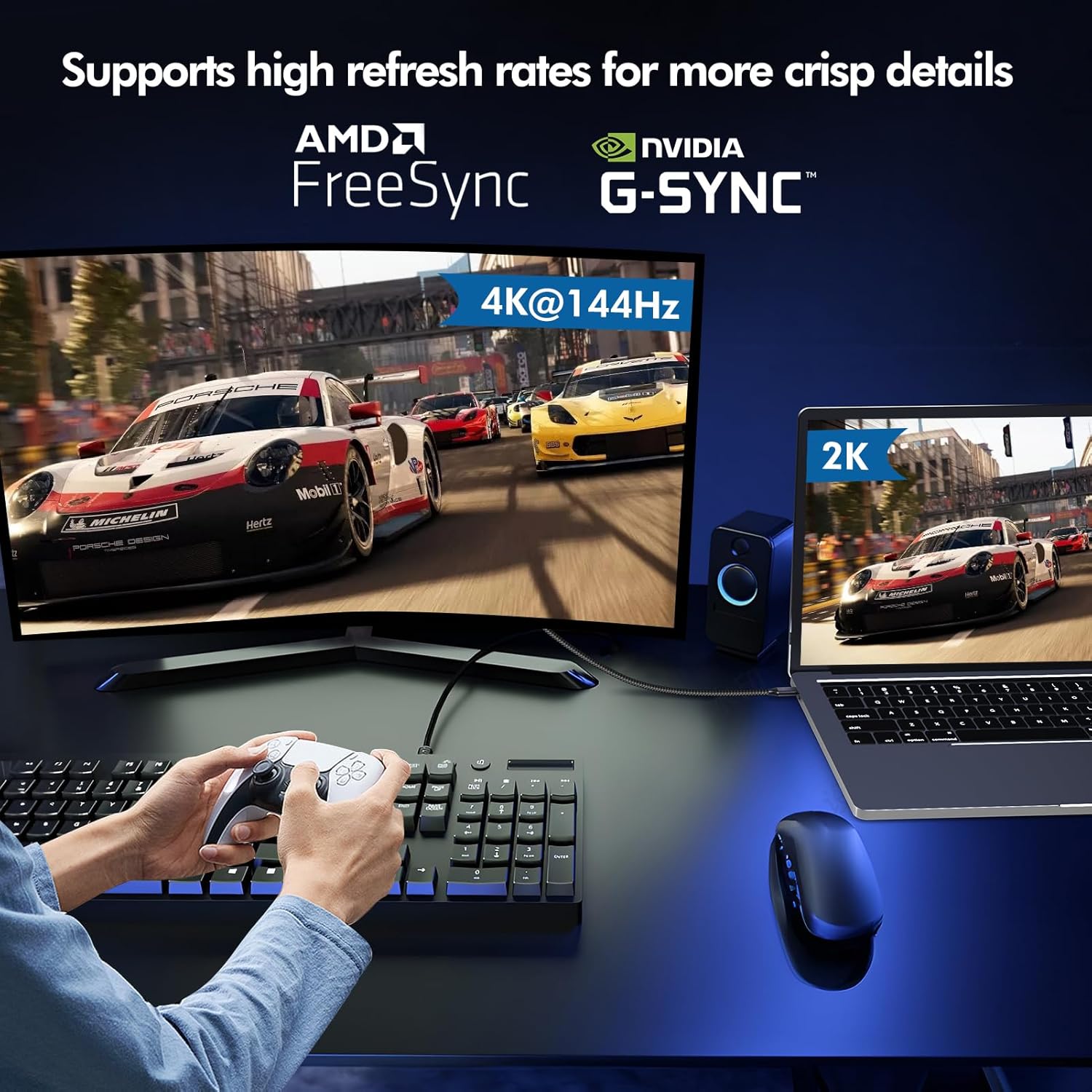
The combination of high bandwidth (up to 32.4 Gbps) and DSC compression means the signal can maintain high detail with reduced banding when pushing 8K or very high refresh rates at 4K. For gaming, the product explicitly mentions G-SYNC/FreeSync Premium compatibility, which helps minimise tearing in fast-paced titles. For everyday use, you can expect straightforward plug-and-play connectivity in compatible setups, including the option to daisy-chain via MST if your devices and DP version support it. If you’re using a laptop, it enables closed-lid operation for some models when connected to a display, effectively turning your portable setup into a desk-based one.
What stands out
Durability is a clear focus: a high-density nylon braid and 24K gold-plated connectors paired with a zinc alloy housing suggest resilience against wear and corrosion. The cable’s bandwidth is claimed to support large file transfers and complex visual content, which is beneficial for creators moving big datasets or media professionals checking 8K/4K workflows. The package includes practical extras—a cable tie and protective caps—along with a two-year warranty, which adds peace of mind if you’re investing in gear that’s set to see regular use.
Limitations and caveats
Because the cable is unidirectional, you must match the source and display the right way round (USB-C to DP). It also depends on your device’s DP Alt Mode support and DP1.2 capabilities for multi-monitor setups. Some users may need to confirm their external display supports the high refresh rates they expect, not every monitor or GPU will actually push 8K@60Hz or 4K@240Hz in real-world use. Finally, while it advertises compatibility with a broad range of devices, you should verify that your particular model supports DP Alt Mode and that the port is not gated behind additional software or firmware requirements.
Who it’s for
This cable suits power users who want a single, reliable USB-C to DisplayPort connection for high-end displays, gamers who crave smooth, tear-free visuals, and home theatre enthusiasts aiming for high-resolution output from laptops or desktops. It’s also a reasonable choice for creators who frequently move between devices and need dependable, fast display connectivity.
Who it isn’t ideal for
If your device does not support DP Alt Mode over USB-C, this cable won’t work. It also isn’t the best pick if you require a bidirectional USB-C to DP path or if you’re primarily connecting to a USB-C monitor, it’s specifically targeted at DP displays from a USB-C/Thunderbolt source. Additionally, those after an entry-level, low-cost option may find it pricier than basic cables.
When it makes sense to buy
Consider this cable if you need high-resolution, high-refresh output from a USB-C/Thunderbolt source to a DP monitor or TV, and you value robust build quality and a warranty. It’s well-suited for gaming setups, multi‑monitor workstations (where DP MST is supported), and dedicated home theatre rigs where HDR10+ and high colour fidelity are desirable.
What to check before buying
- Confirm your source device supports DP Alt Mode and, if you plan multi-monitor output, DP1.2 or higher capabilities.
- Verify your display can actually run at the highest claimed rates (8K@60Hz, 4K@240Hz/144Hz) because real-world performance can hinge on GPU, driver settings, and monitor capabilities.
- Ensure you’re purchasing the USB-C to DP direction (not the reverse) to match your source and display.
Practical use case
Imagine streaming a high‑resolution video edit from a MacBook Pro to a studio-grade 8K reference monitor. The signal stays clear with rich HDR and stable frame delivery, reducing the need for extra adapters and minimising clutter on the desk. For a gamer, you can expect tear-free gameplay at high refresh rates when both system and monitor support the intended settings, letting you focus on the action rather than the cables.
What you get and aftercare
The package includes the 2 m USB-C to DisplayPort cable, a cable tie, and two connector caps. Ablink offers a 24-month warranty, which is a sensible cushion for a cable expected to handle frequent movement and multi-device setups. If you encounter compatibility questions, the support team is your first port of call.
FAQ (based on available data)
- Is the cable bidirectional? No. It is USB-C to DisplayPort in one direction only.
- Does it support 8K@60Hz? Yes, according to the spec, via DP 1.4 with DSC 1.2 and HDR10+ support.
- Do I need MST to run dual monitors at 4K? Multi-screen output requires DP1.2 protocol support on your device.
Final decision
Should you buy it? If you prioritise a durable USB-C to DP link capable of high-res output and you know your devices support DP Alt Mode and DP1.2 or higher for multi-monitor use, this Ablink cable represents a solid, purpose-built option for demanding setups. It isn’t a universal fix for every scenario, and if you’re after a budget, purely plug‑and‑play option without high refresh expectations, there may be simpler alternatives. Consider your device compatibility and whether you’ll benefit from the higher-end features in your typical workflow.