

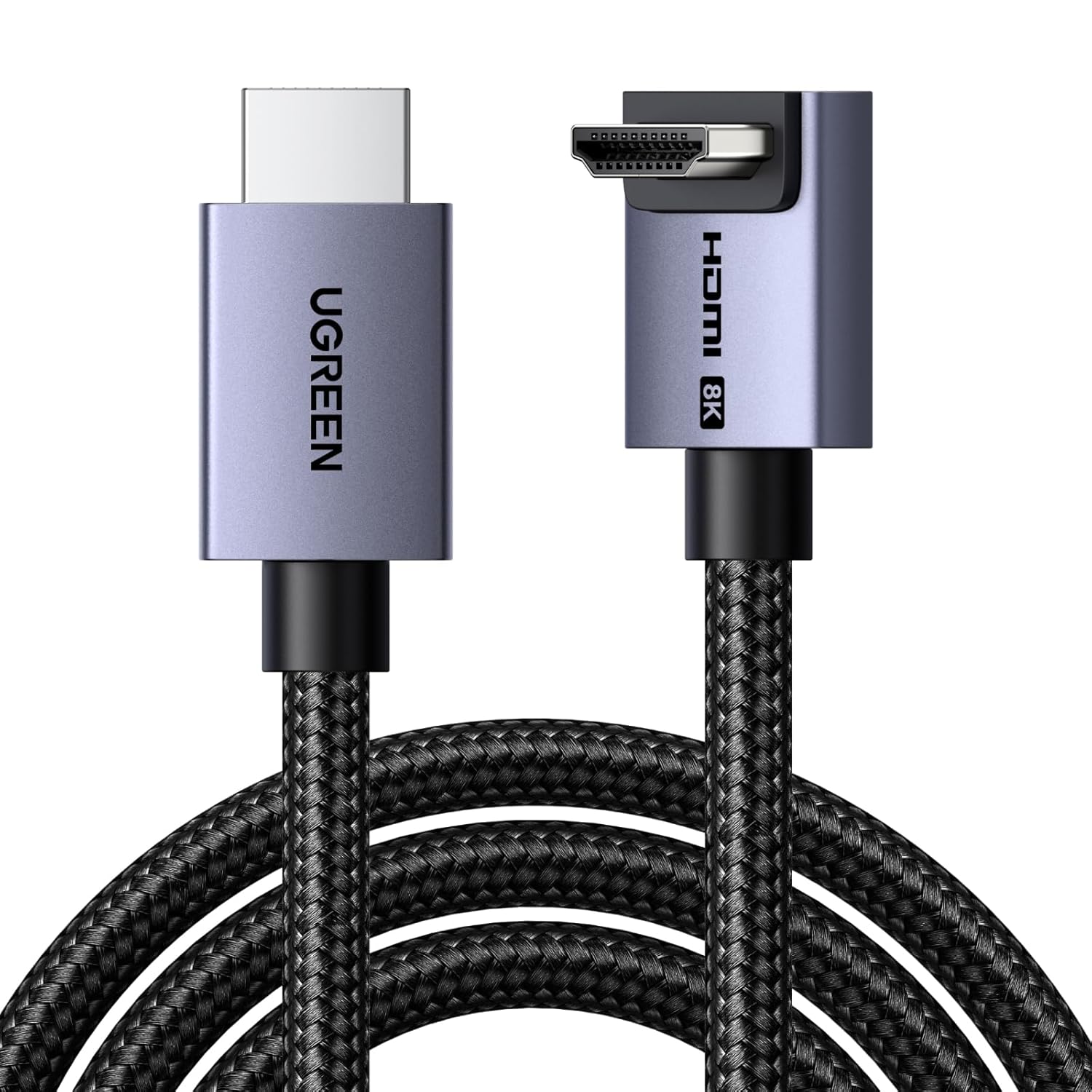
UGREEN HDMI 2.1 90-Degree Right Angled Cable (48Gbps) for 8K/4K gaming, eARC & Dolby Vision
Product description
If you’re trying to keep high-spec gaming and home-cinema connections neat, a right-angled HDMI can be a surprisingly practical fix. The UGREEN HDMI 2.1 cable is built around an ultra-high-speed approach (up to 48Gbps), with features aimed at smoother motion and lower-latency setups, plus eARC for soundbar/AV receiver links.
That said, it’s worth being clear on one thing: the big benefits only show up if your devices and content actually make use of HDMI 2.1 features like VRR, ALLM and high refresh rates. In the real world, that means it’s a smart buy for modern consoles/PCs and newer TVs/soundbars, but it won’t magically improve a basic or older setup.
The essentials
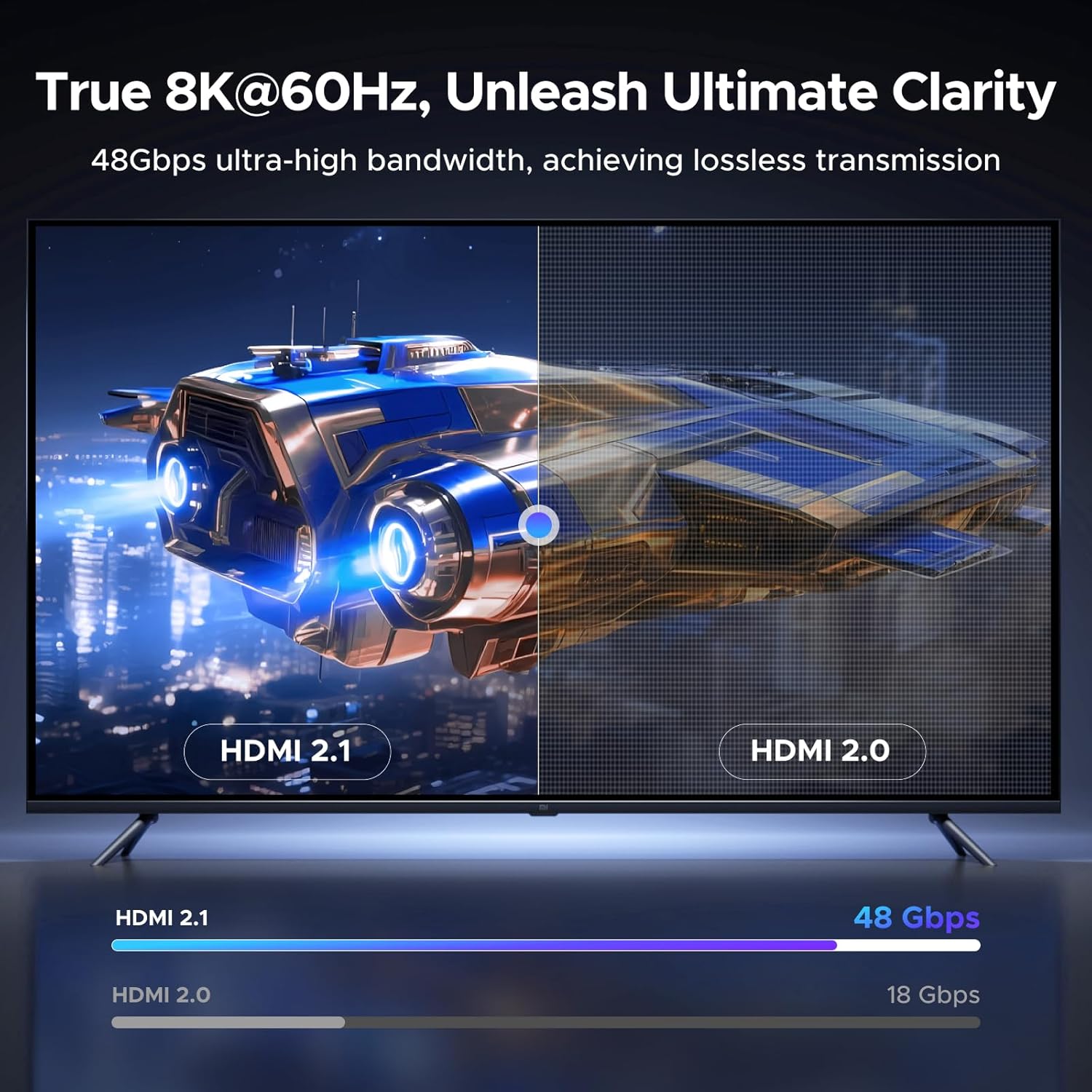
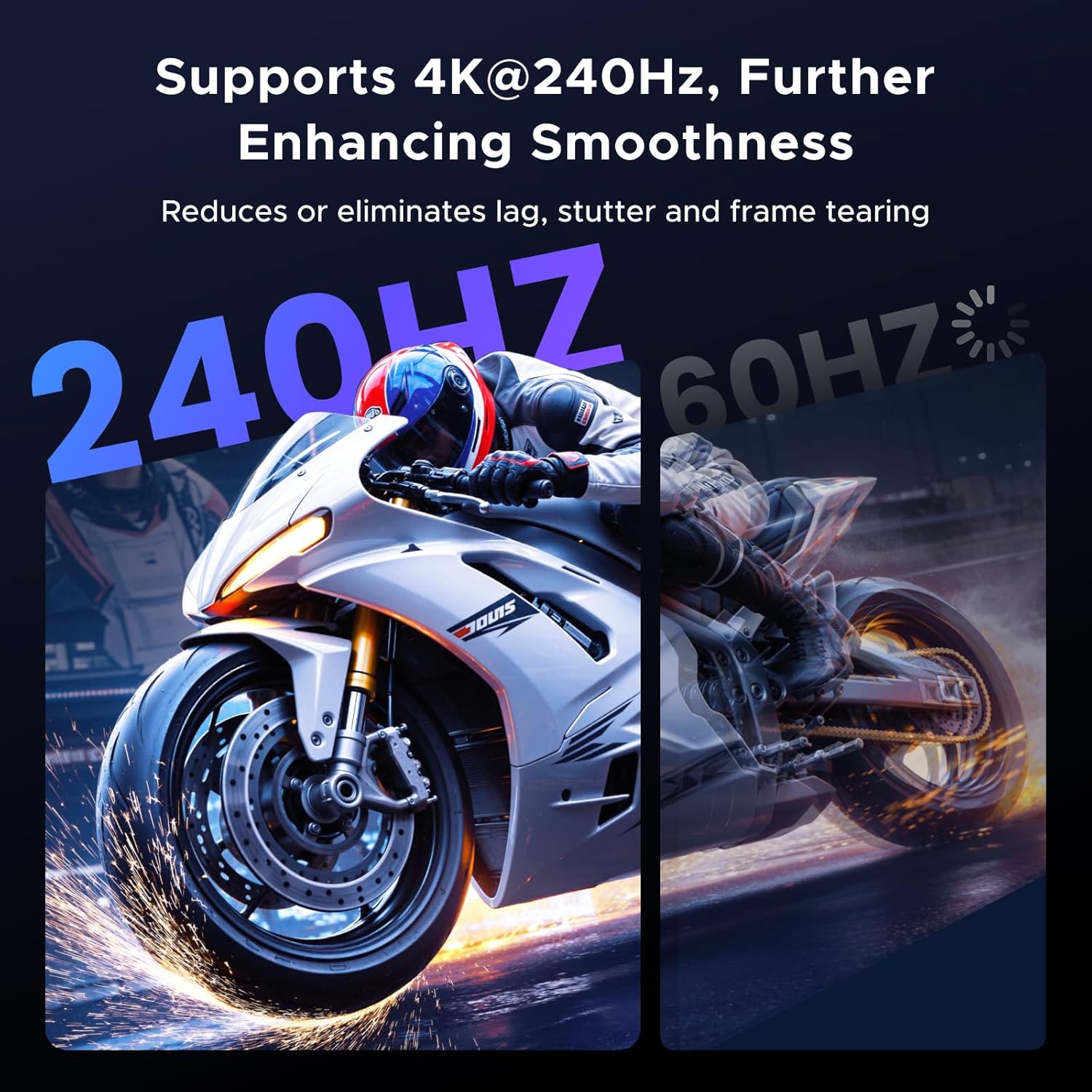
This is a Standard HDMI 2.1 cable designed for high-bandwidth video and audio. On paper, it supports up to 10K/8K at 60Hz, and 4K/1440p at higher refresh rates (with the listed figures including 240Hz/165Hz/144Hz/120Hz depending on resolution). It also includes VRR (Variable Refresh Rate) plus ALLM (Auto Low Latency Mode), and media-switching helps reduce disruptions when you change sources.
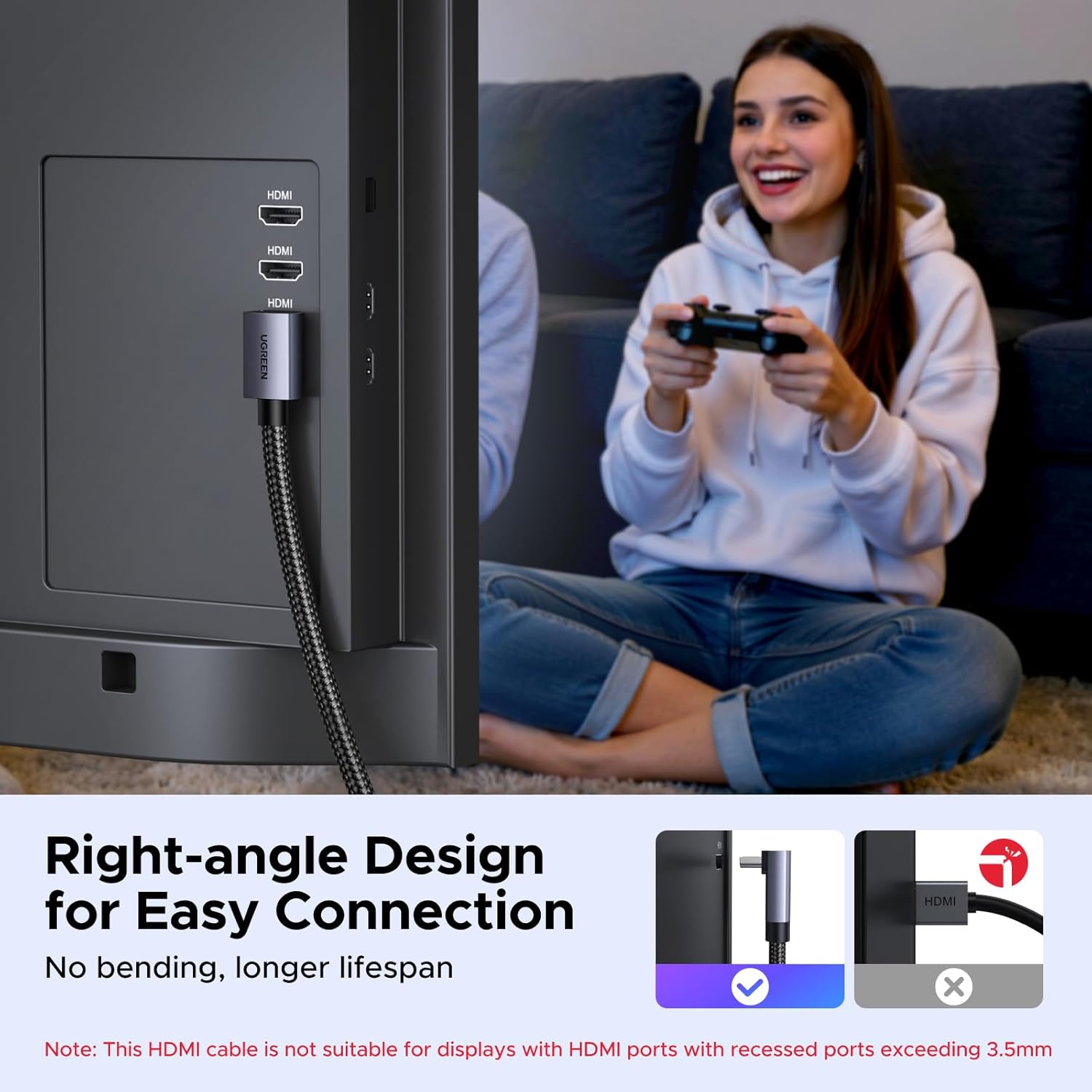
The ‘90-degree right-angled’ connector is the other major selling point. Instead of forcing the cable to bend awkwardly behind a wall-mounted TV or in a crowded media unit, it aims to keep routing tidier and reduce strain on the port.
What you’ll notice day to day
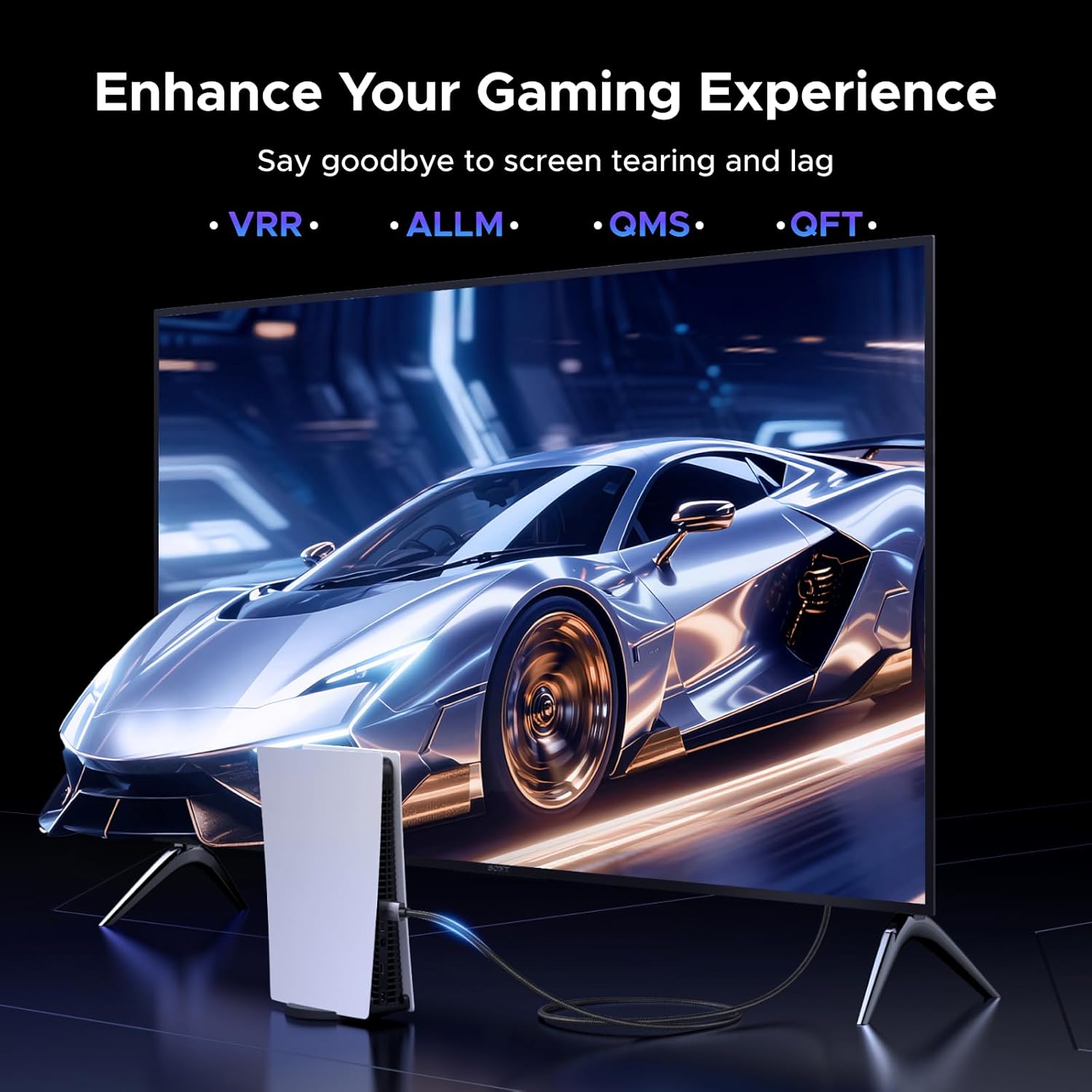
For gaming and fast motion, VRR and ALLM are the kind of features you tend to appreciate once you’re the one switching settings and testing different modes. VRR is meant to help reduce tearing, while ALLM is there to kick your display into a low-latency game mode automatically.
A simple example: if you’ve got a console plugged into a TV and you use sound switching between a game and streaming, QMS/QFT-style media switching is intended to make those transitions feel less jarring. It’s not guaranteed to make every source swap perfect (that depends on the TV and the rest of your chain), but the intent is to reduce laggy or glitchy handovers.
eARC and Dolby audio/video support
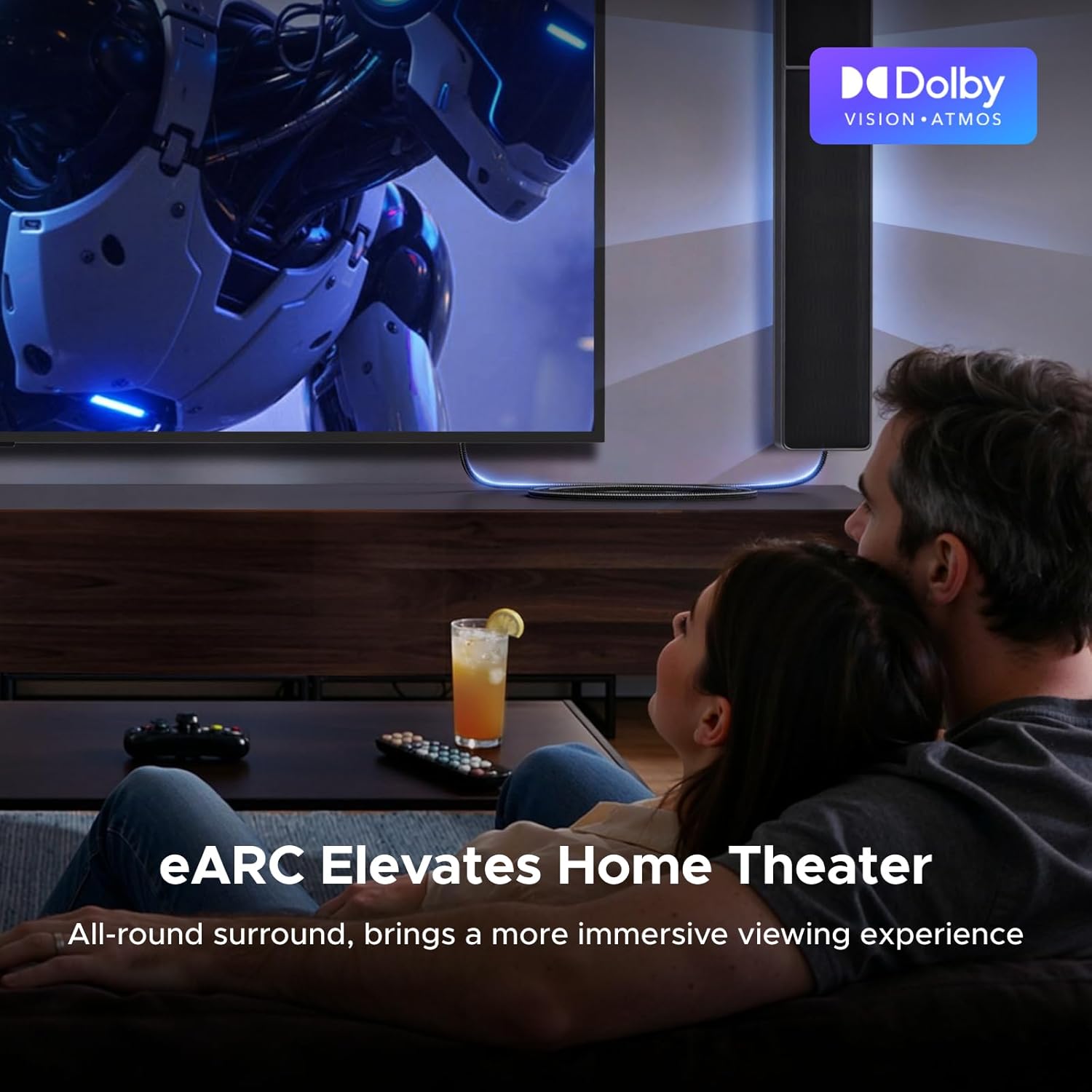
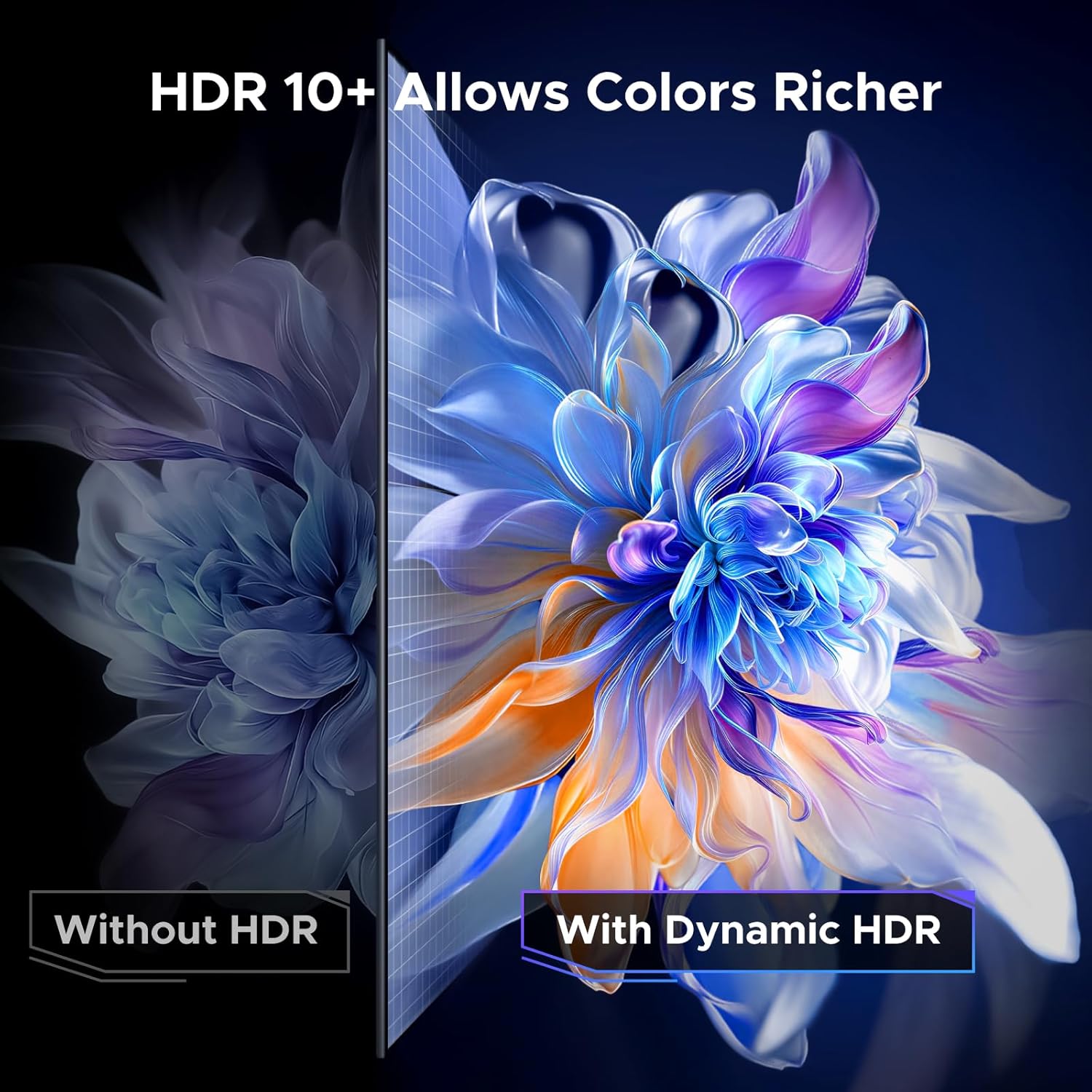
If your audio setup involves a soundbar or an AV receiver, eARC is one of the reasons to look at HDMI 2.1 cables in the first place. The cable is described as an eARC HDMI 2.1 option compatible with surround formats including Dolby Atmos, and it also references HDR support (including Dolby Vision and HDR10+ / Dynamic HDR as part of the listed features).
In practical terms, eARC is useful because it’s meant to simplify connecting the TV to audio equipment and support higher-quality audio formats without you having to do awkward extra cabling. If your soundbar already relies on ARC/eARC, this is the type of cable you’d want so you’re not relying on an older HDMI spec to carry the signal.
Where the right-angle design helps (and where it doesn’t)
The 90-degree connector on one side is made for tight spaces and cleaner cable management—especially behind wall-mounted TVs and soundbars, or anywhere you’d otherwise risk stressing the HDMI port.
Do keep expectations realistic: a right-angle plug helps with physical routing, but it can’t fix issues like poor port clearance caused by cases, bulky brackets, or incompatible connector layouts. Before you buy, it’s worth checking the clearance around the HDMI ports on your TV/soundbar/console so the angled plug has room.
Tech specs that matter for buying decisions
Here’s what’s explicitly stated in the listing and why it matters for the kinds of users who tend to buy HDMI 2.1 cables:
- Type: HDMI 2.1 cable
- Format: Standard HDMI cable with 90-degree right-angled connector
- Capacity: up to 48Gbps bandwidth (listed)
- Resolution/refresh support (listed): 10K/8K at 60Hz, plus 4K/1440P at up to 240Hz (figures depend on resolution)
- Refresh/refresh-tech: VRR (Variable Refresh Rate), ALLM (Auto Low Latency Mode)
- Media switching: QMS (Quick Media Switching), QFT (Quick Frame Transport)
- Audio feature: eARC support
- Copy protection/handshake support: HDCP 2.3 (listed)
Durability and signal protection, in plain terms
This cable is described as being built for day-to-day longevity: braided jacket, aluminium shell, and a nickel-plated plug, plus multi-layer solid shielding for signal protection.
That matters if you’re routing it behind a TV, repeatedly connecting/disconnecting equipment, or you simply want a cable that doesn’t feel fragile around the plug. It’s not a guarantee against wear (everything eventually ages), but the materials and shielding approach is a sensible choice for a connection you’ll probably use often.
Who it’s for, and who should think twice
It makes sense if you’re using a modern gaming console or PC setup, aiming for smoother gameplay with VRR/ALLM, and you also want eARC-style audio for a soundbar/AV receiver without downgrading your HDMI link.
It may not be a great match if your devices are older and don’t support the HDMI 2.1 features mentioned, or if you’re only sending standard 1080p video at basic refresh rates—at that point, a simpler HDMI cable can do the job and you might not see much difference.
Is it worth it?
Buy the UGREEN HDMI 2.1 90-degree right-angled cable if you want a high-bandwidth HDMI link for modern gaming and you care about tidy cabling around wall-mounted screens or compact entertainment setups. The combination of VRR/ALLM-style gaming features and eARC support is the core reason it earns a place in a contemporary lounge or desk setup.
Skip it if your TV, console/PC, and soundbar/receiver aren’t actually geared toward the capabilities listed. In that situation, you’re paying for headroom you may not use. If you do have compatible gear, though, this is the sort of cable that tends to be a sensible ‘set it up and forget it’ purchase.
Mini FAQ
Does a right-angled HDMI cable improve signal quality?
The listing focuses on shielding for protection, while the right-angle design is mainly about physical routing and reducing strain. Signal quality gains depend on your devices and how the cable is used in your setup.
What do VRR and ALLM help with?
They’re meant to support smoother gameplay and lower latency. How noticeable they are depends on whether your TV/monitor and console/PC both use those features.
Is eARC relevant if I use a soundbar?
Yes, if your soundbar supports ARC/eARC and you want audio from the TV through that connection, eARC support is the feature to look for.
Is this HDMI 2.1 cable compatible with different HDMI port types?
The listing says it fits snugly to full-size HDMI 2.1/2.0/1.4/1.3 ports. It’s still best to check you’re working with a full-size HDMI port (not a different connector type).