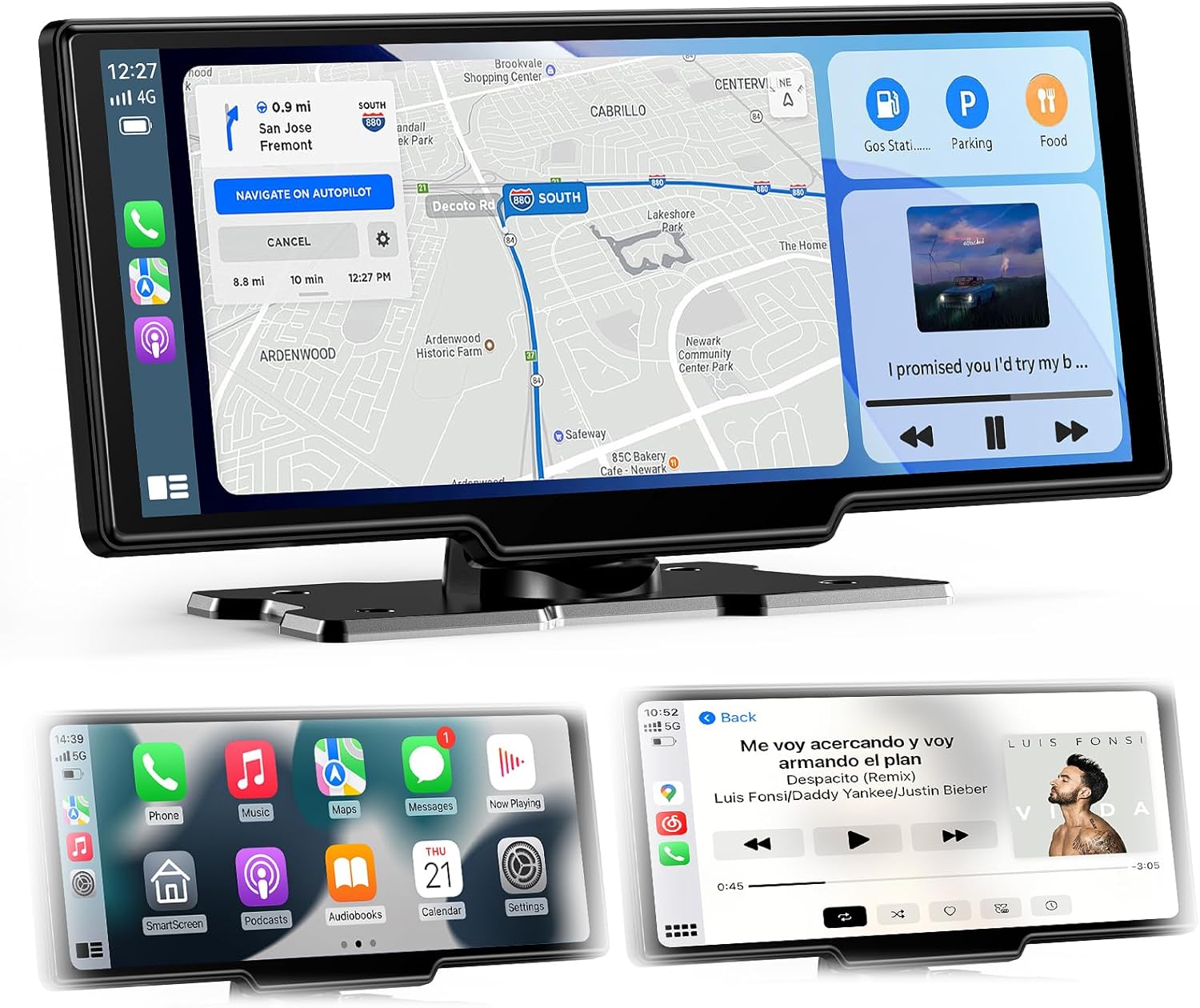
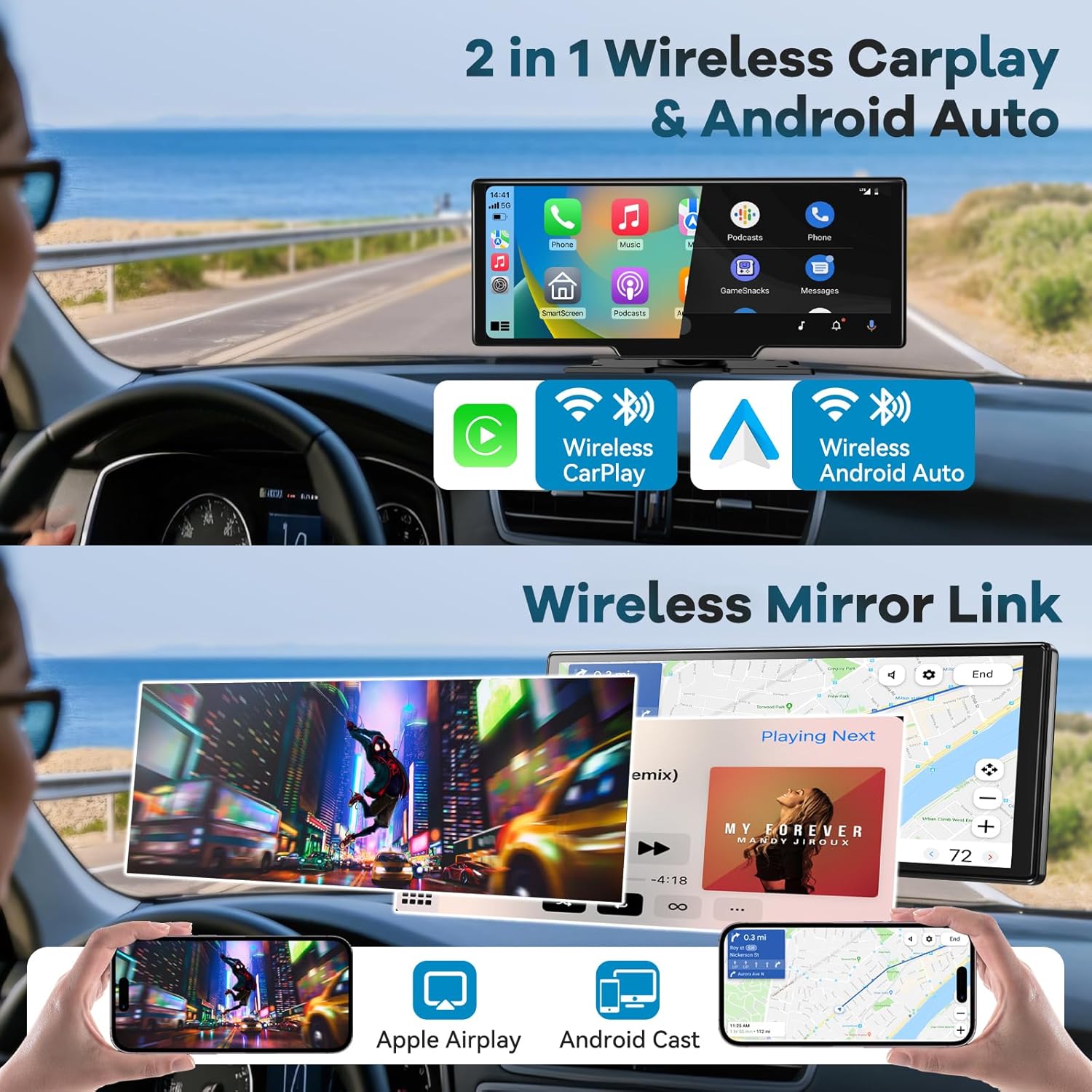
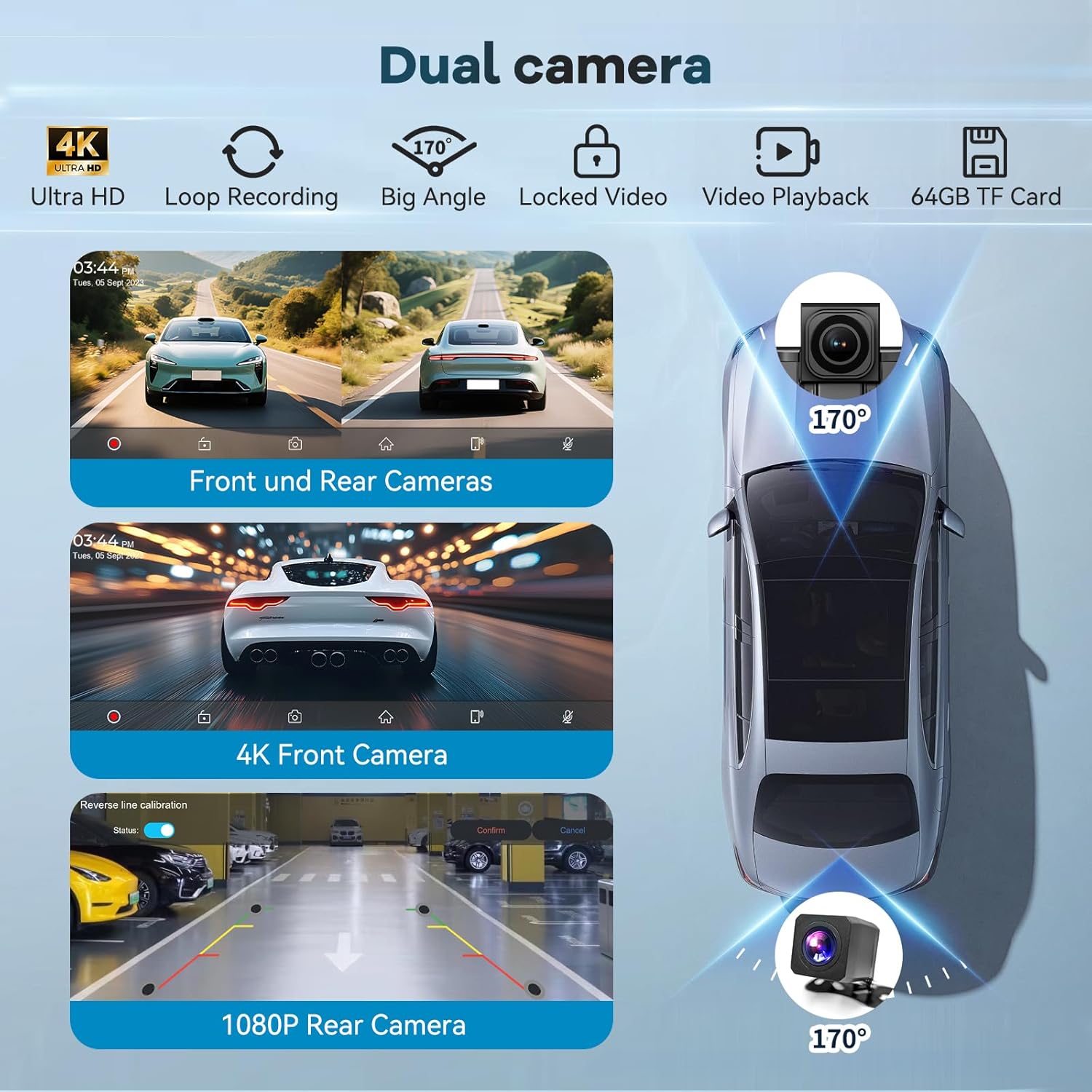
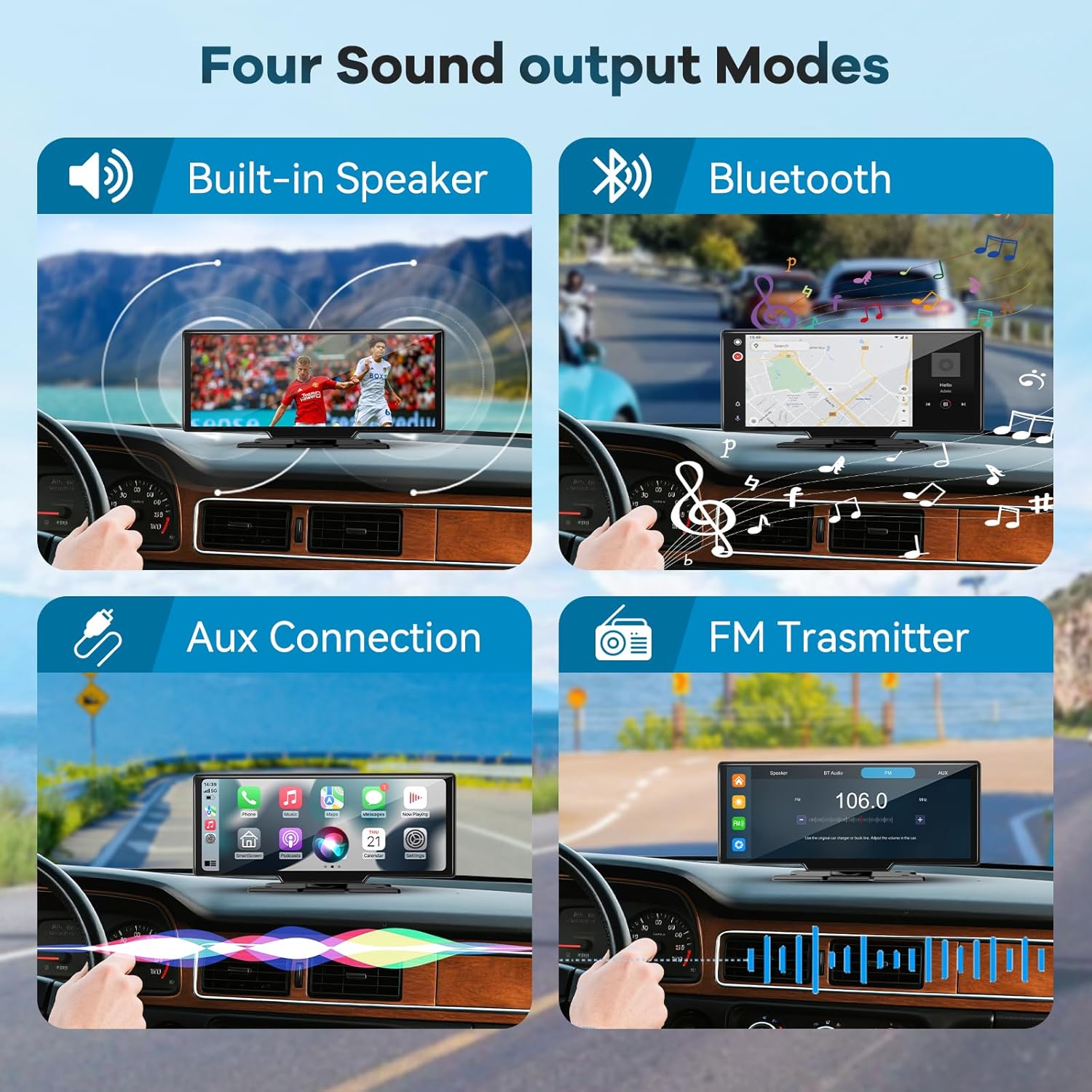
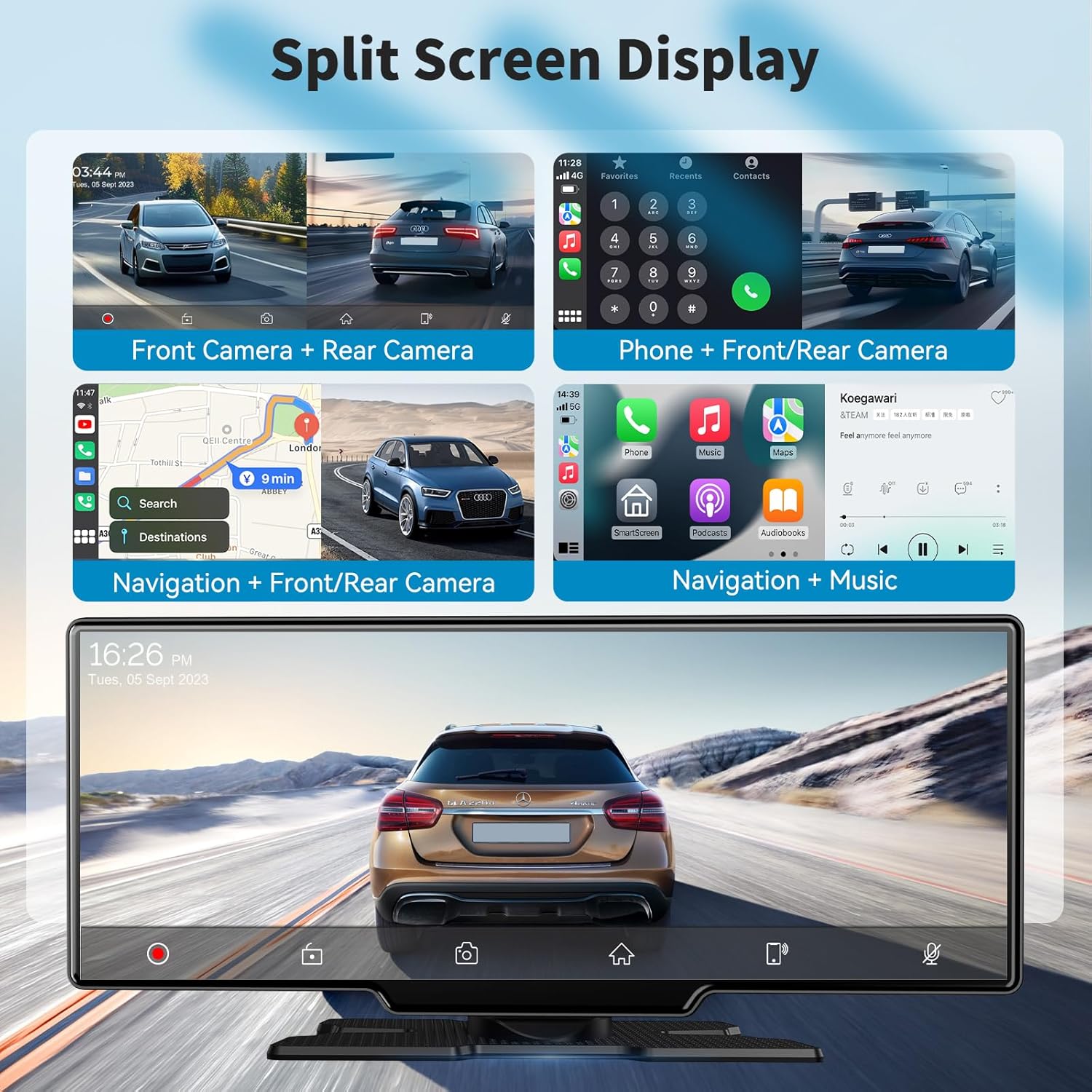
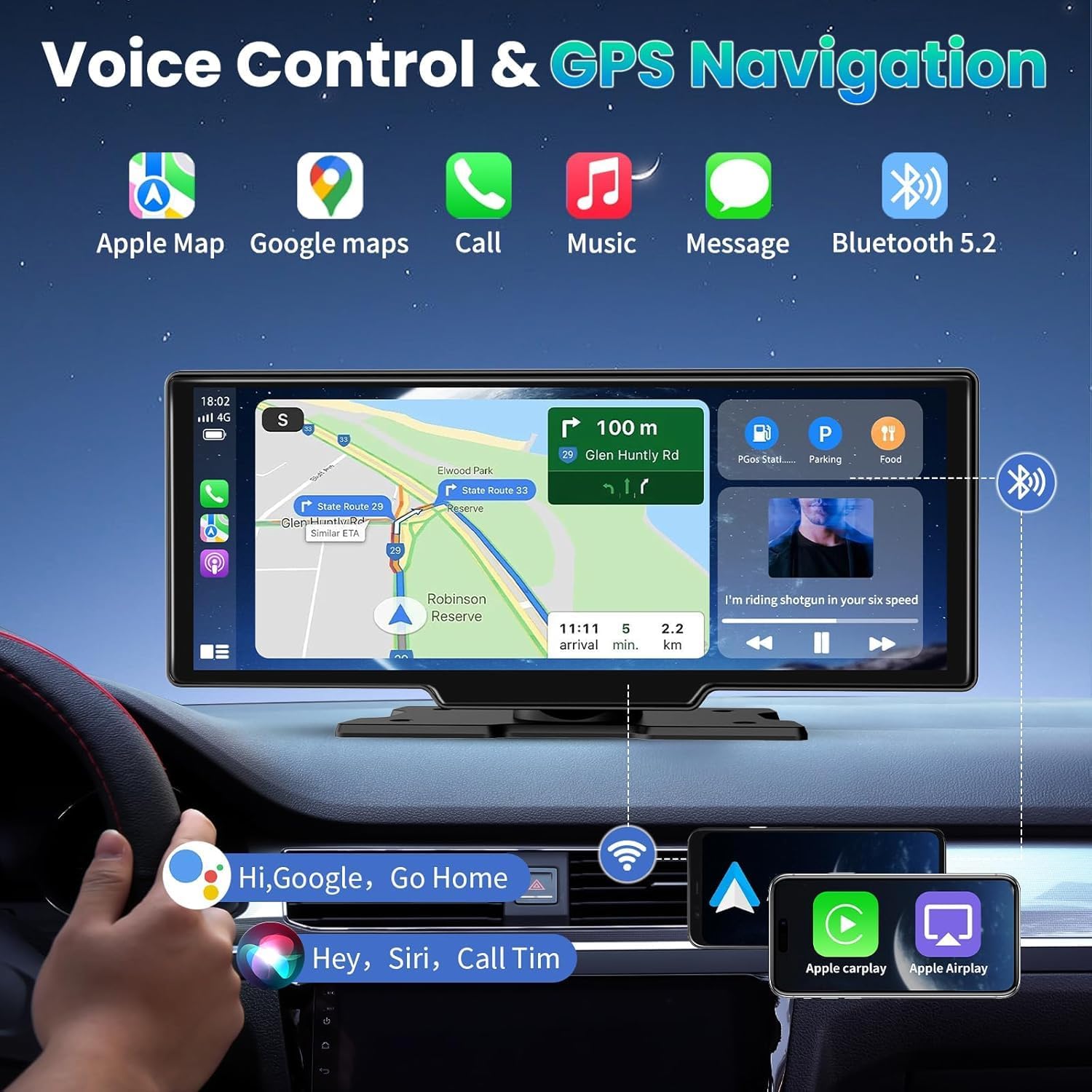
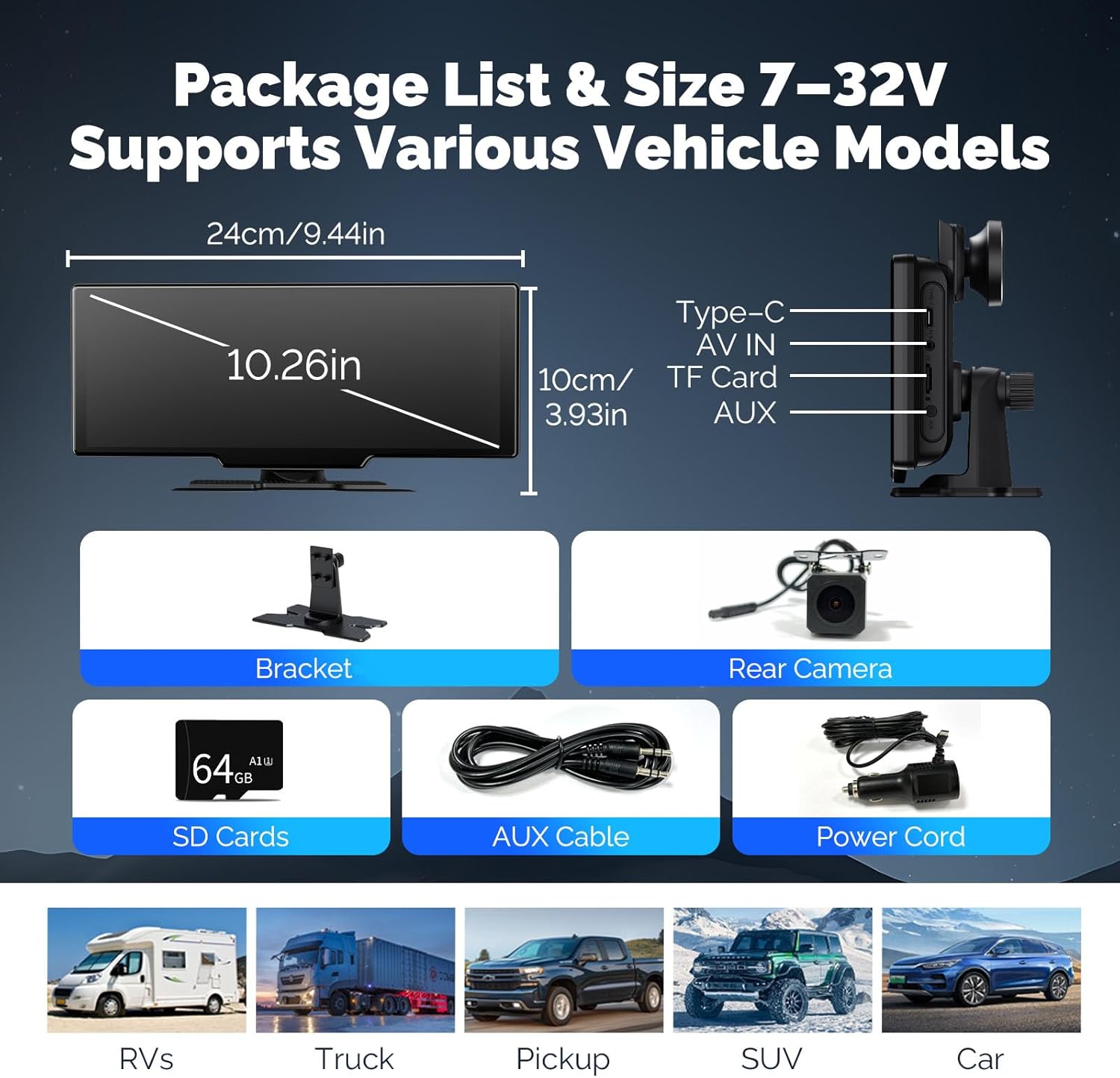
What it is and what problem it solves\nThis 10.26-inch car tablet combines wireless CarPlay and Android Auto with an IPS touchscreen to offer a larger, responsive in-car smart display. It aims to simplify navigation, media, calls and voice control by mirroring your phone’s capabilities on a dedicated screen, reducing the need to fumble with a phone while driving. On paper, the kit also includes a 4K front camera and 1080P rear camera, plus a 64GB SD card for loop recording, which can be useful for parking or dashcam-style footage. If you prioritise a single, wireless screen that can be used for navigation, media and vehicle recording, this device is positioned as a practical, all-in-one solution.\n\n## Design and display in daily use\nThe display is 10.26 inches with 1600x600 resolution and touch input that claims speedy response. The IPS panel should give decent viewing angles, which helps when passengers want to check directions or video playback without crowding the driver. The upside is a bigger, clearer layout for maps, music and apps, the downside could be a longer reach to the top of the screen for some dash setups. Consider your car’s mounting and your line of sight before committing.\n\n## Connectivity and ecosystem options\nWireless CarPlay and Android Auto support means you can connect via Bluetooth for navigation, voice control and hands‑free calling without a cable tug. Real-world use varies by phone model and OS version, but the promise is a smoother, less distracting experience than plugging in cables. The option to mirror from iOS or Android devices via Wi‑Fi adds flexibility for streaming apps and content to the screen.\n\n## Camera capabilities and recording loops\nThe dual-camera setup includes a 4K front camera and 1080P rear camera with wide angles (front 170°, rear 140°). Recording uses a 64GB SD card with looping functionality, automatically overwriting older clips unless a video is locked after a collision. In practice, this can provide a useful visual log of journeys and incidents, but the reliability and video quality in poor weather will depend on lighting and installation quality.\n\n## Audio and app access\nThe device offers four audio output routes—AUX, Bluetooth, FM, or built‑in speaker—letting you tailor sound to your car’s system. After installing the accompanying app, you can view and download footage on your phone, which is convenient for quick sharing or reviewing trips. The setup relies on both the tablet and your phone staying connected and supported by compatible software, so expect some minor quirks during initial pairing.\n\n## Fit and versatility in the car\nYou can switch between full-screen and split-screen modes while using CarPlay or Android Auto, which helps when you want navigation alongside media or messages. An ambient light sensor offers auto brightness, which improves readability in changing daylight but may occasionally misread very bright dash conditions. This makes the screen usable in a range of lighting environments, but not perfectly automatic in every context.\n\n## Who it suits best and who should think twice\nThis is sensible for drivers seeking a larger, wireless CarPlay/Android Auto experience with built‑in dashcam capabilities. It’s likely best for users who want a consolidated display and easy app access, rather than a screen that must be integrated into a high‑end infotainment ecosystem. If you rely on a very bright daytime display or require the utmost in camera image quality, you may notice the limits of any aftermarket kit in extreme conditions.\n\n## What to check before buying\nEnsure your mounting position gives comfortable reach to the device and that the vehicle’s Wi‑Fi or Bluetooth setup can maintain reliable pairing. Check the rear camera installation to ensure the IP65 protection meets your environment (dust, rain, storage location). Consider how often you’ll use the app view on the phone—if you expect frequent transfers between devices, the wireless connection should be robust enough for everyday use.\n\n## Practical use case\nImagine navigating with a larger map while a passenger streams music and you review a recorded dash cam clip at the end of the day. You can also switch to a rear‑camera view when reversing into a tight space, aided by the wide field of view. It’s a pragmatic setup for daily driving, moderate trips and fleet use where a single screen is preferred over multiple devices.\n\n## FAQ (based on available information)\n- Does it support both wireless CarPlay and Android Auto? Yes, it supports wireless CarPlay and Android Auto via phone connection.\n- What about footage security? Clips are saved on a 64GB SD card with loop recording and automated lock on collision, subject to belt-and-suspenders security like card access.\n- Can I use it purely as a mirror for my phone? Yes, you can enable wireless mirror link via AirPlay/Android Cast.\n\n## Is it worth it?\nWorth considering if you want a dedicated, wireless screen that integrates maps, media and dashcam features without extensive cable setup. It may not be perfect in every lighting condition, and you should factor in installation effort and how well the camera angles meet your daily needs. A balanced choice for reasonable value in a mid‑range dash upgrade.\n