

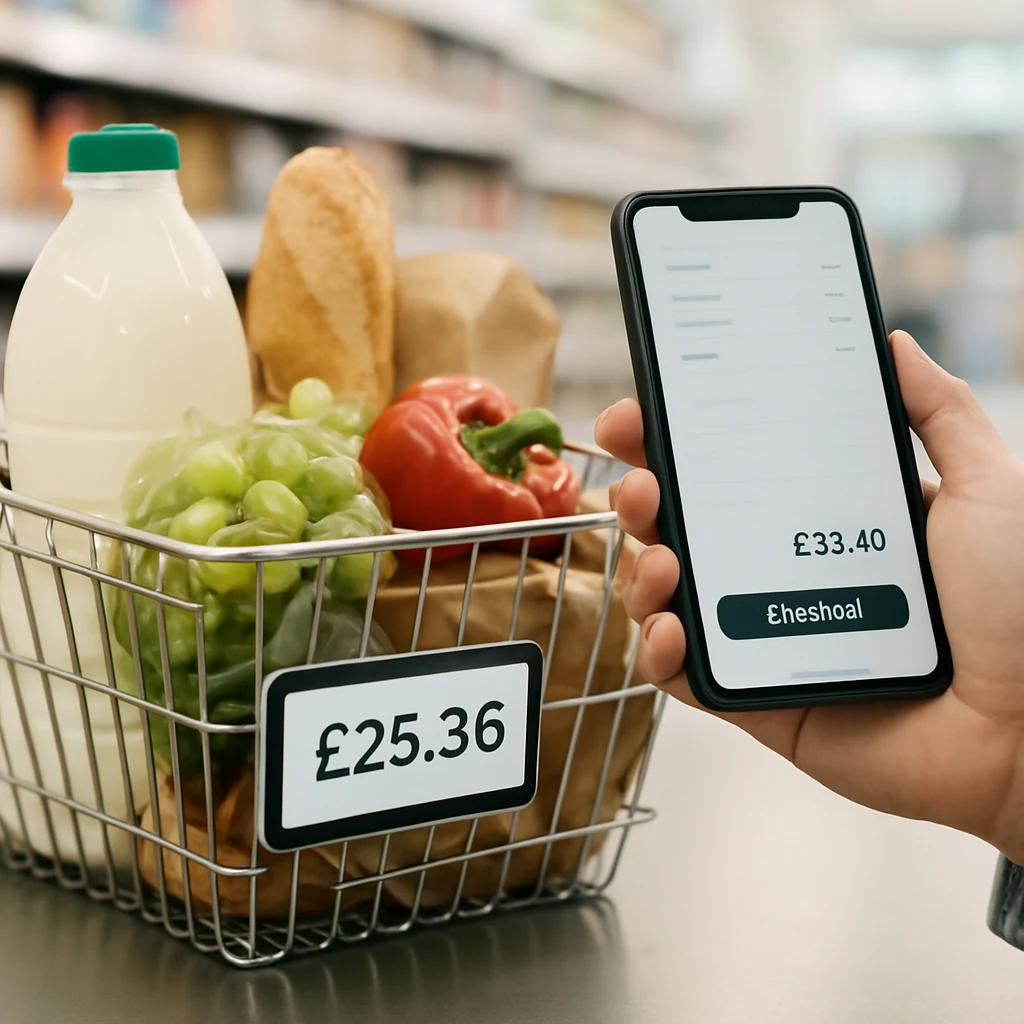
The UK “Clean Checkout” Method: Stop Paying More Online
A practical UK guide to reduce surprise costs online: control cookies, compare fairly, avoid sneaky add-ons, and lock in the real price in GBP.
Online deals can look brilliant right up until checkout — then delivery jumps, the “discount” vanishes, or you’re nudged into extras you didn’t want. The fix isn’t chasing more promo codes. It’s running a cleaner, calmer checkout routine that helps you compare like-for-like and pay the price you actually intended.
This mini-guide is built for UK online shopping (GBP pricing, VAT-inclusive listings, UK delivery options) and it works any time of year — but it’s especially handy during busy periods like Black Friday/Cyber Monday, Boxing Day, January sales and bank holiday weekends, when sites are noisy and you’re more likely to rush.
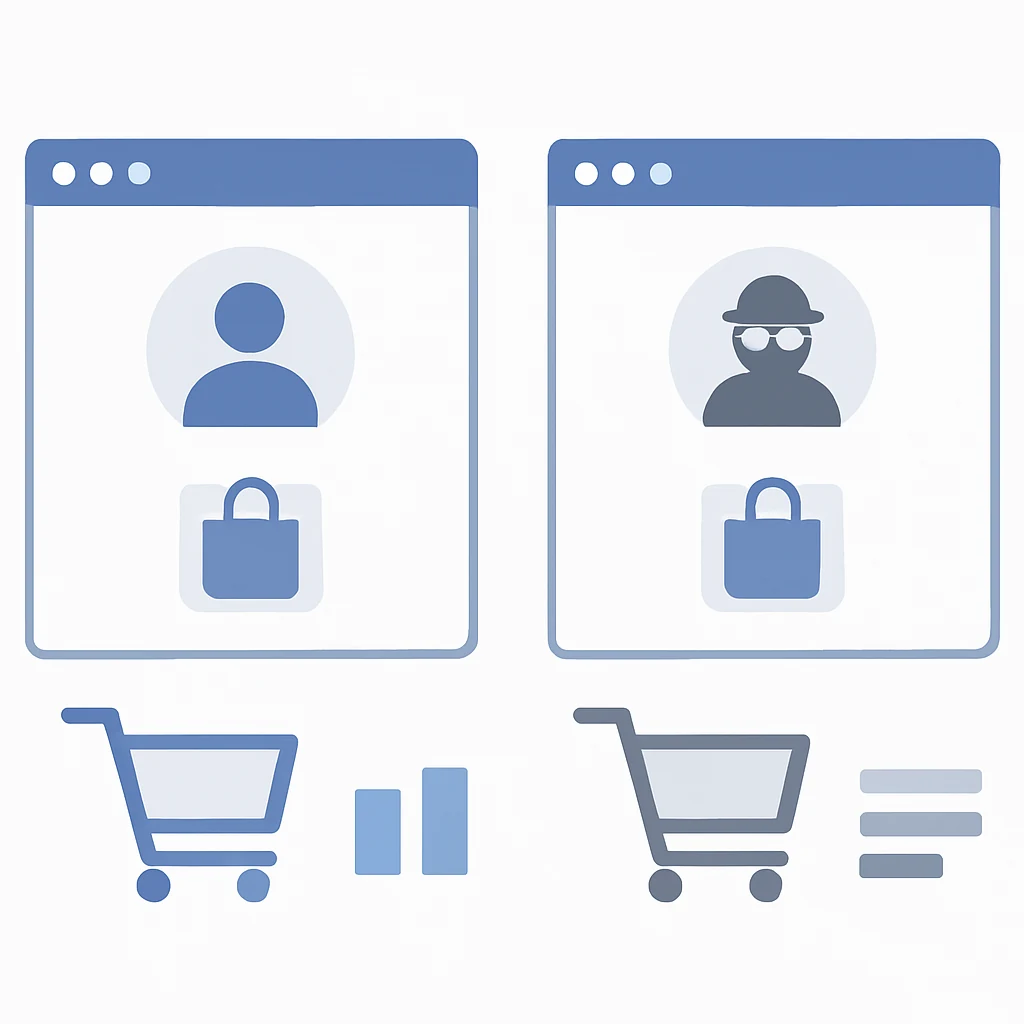
Step 1: Create a “deal-ready” browser profile (5 minutes)
If you do most of your shopping in the same browser you use for everything else, your experience is shaped by saved logins, old baskets, cookies and endless pop-ups. That can make it harder to compare fairly.
Set up a separate browser profile (or a second browser) just for shopping. Keep it boring and clean. The goal is simple: reduce distractions and make prices easier to verify.
In that shopping profile:
- Don’t stay logged into every retailer by default.
- Keep extensions to a minimum (price tracker and voucher tool only if you truly use them).
- Turn off noisy permissions (like website notifications).
Why this helps: you get fewer “You left something in your basket” prompts, fewer last-minute upsells, and a clearer view of the real, payable total.

Step 2: Do a quick “fair compare” check (guest vs logged-in)
Retailers legitimately show different experiences depending on whether you’re logged in: member pricing, student discounts, free delivery thresholds, or loyalty benefits. Sometimes the logged-out experience is actually better because it triggers a first-order offer or a new-customer code.
Before you commit, check the same item in two states:
- Logged in (if you have a loyalty account)
- Guest Ofertas private window (no account, no history)
You’re not hunting for conspiracy-level “secret pricing”. You’re simply verifying you’re not accidentally missing a visible discount, free delivery perk, or sign-up incentive.
Tip: don’t just compare the product page. Compare the basket total with delivery.
Step 3: Freeze the “real price” by going to checkout early
A deal is only a deal once you’ve seen the final total in GBP with delivery and any fees included.
So instead of browsing for 20 minutes, do this:
- Add the item to your basket.
- Go straight to checkout.
- Enter your postcode (or choose Click & Collect if available).
- Stop at the payment step.
You’re not buying yet — you’re collecting the full cost.
This matters because delivery in the UK varies massively by location and speed. Standard delivery can be perfectly fine, but “next day” or specific time slots can quietly add a chunk. Click & Collect can be cheaper or faster, but not always.
Also watch for extras that get added by default (gift wrap, “premium” delivery, donation add-ons). None of these are inherently bad — they’re just easy to accept without noticing.
Step 4: Make voucher codes work for you (without the chaos)
Voucher hunting can save money, but it can also burn time and push you into impulse buys. The trick is to treat codes as a quick validation step, not a treasure hunt.
A practical routine:
- Try one trusted code source (or your go-to extension) and stop.
- Check whether the code applies to your category (sale items are often excluded).
- If a code fails, don’t keep reworking your basket for 30 minutes — that’s how “savings” turn into overspending.
One UK-specific thing to keep in mind: many retailers already display prices including VAT, so a voucher should reduce the VAT-inclusive price you see in your basket. If the “discount” looks odd, re-check the summary before paying.
Step 5: Guard against the “free delivery trap”
This one catches almost everyone. You’re £6 away from free delivery, so you add a random item you don’t need. You’ve “saved” £3.99 on delivery and spent £10.
Use a simple rule: only add an extra item if it’s something you would have bought within the next month anyway (for example, toiletries, printer ink, a replacement charger). Otherwise, pay the delivery fee and stay in control.
If free delivery is important, look for options that don’t inflate your basket:
- Click & Collect (if it genuinely suits your location)
- Delivery passes (only if you place enough orders to justify it)
- Buying from a retailer with a realistic free delivery threshold rather than forcing one basket to fit
Step 6: Check returns cost before you buy (especially for clothing)
Returns are a hidden cost in the UK right now because policies vary so much. “Free returns” isn’t universal, and some items are excluded.
Before paying, click the returns link and answer two questions:
- Do I pay return postage?
- How long is the returns window?
If you’re ordering multiple sizes with the expectation of returning one, return fees can quickly eat the savings. Sometimes the better “deal” is the retailer with simpler, cheaper returns — even if the headline price is a bit higher.
This is also where buying during peak seasons matters. Around Black Friday, Christmas and January, delivery networks are busy and return processing can be slower. That doesn’t mean “don’t buy”, it means factor in time and potential admin.
Step 7: Take a 30‑second screenshot before you pay
It’s not glamorous, but it’s one of the best habits you can build.
Before you click “Place order”, capture:
- the basket page showing the total in GBP
- delivery option selected
- expected delivery date (if shown)
- applied voucher code (if any)
If something goes wrong (wrong delivery tier, discount not applied, item swapped in the basket), you’ve got a clear record to refer to when contacting customer services.
Step 8: Use seasonal timing without getting played by it
UK retail has predictable moments where discounts are more likely — but the best move isn’t “buy everything on one day”. It’s knowing what’s worth waiting for and what isn’t.
A realistic approach:
- If it’s a planned purchase (e.g., a vacuum, headphones, winter coat), it can be worth watching the big moments like Black Friday/Cyber Monday, Boxing Day, and the January sales.
- If it’s a needed-now purchase (replacement kettle, last-minute school shoes), use the Clean Checkout method and focus on total cost rather than timing.
If you want a simple place to start building better habits, keep your shopping routine consistent and use your own comparisons rather than relying on banner discounts. You can also browse more saving guides from our homepage: /.
Quick tips (keep these in your head at checkout)
- If a “deal” only appears after adding lots of extras, it’s not a deal.
- Always compare totals with delivery to your postcode.
- Don’t let a countdown timer rush you; take 60 seconds to re-check the order summary.
- If a voucher fails, stop after a couple of attempts and decide based on the real total.
FAQs
Does using a private window really change prices?
Sometimes it can change what you see — like new-customer offers, prompts to sign up, or member pricing when you’re logged in. The point isn’t to assume every site changes prices; it’s to make sure you’re not missing an obvious discount or benefit in one view versus another.
Should I accept “subscribe & save” or recurring deliveries for a discount?
Only if you genuinely want ongoing deliveries and you’ve checked how easy it is to cancel or adjust. A small discount isn’t worth it if you forget and end up paying for items you don’t need.
Are voucher extensions safe to use in the UK?
Some are fine, but don’t treat them as harmless by default. Use well-known tools, keep permissions sensible, and avoid anything that asks for excessive access. If you’re unsure, try codes manually and keep your browser profile tidy.
What’s the quickest way to compare two retailers properly?
Open two tabs and take both to the payment step (without paying). Compare: item price, delivery cost, delivery speed, and returns cost. The cheapest product page often isn’t the cheapest order.
One simple action to do today
Create that separate shopping browser profile and use it for your next purchase — then do one guest vs logged-in comparison before you pay. It’s a small habit, but it removes a lot of the “checkout surprises” that quietly drain your budget.
You may also be interested

The UK Wishlist Method: Plan Your Next Online Deal (No Panic Buying)
A practical UK step-by-step guide to saving online by setting target prices, tracking drops, and buying at the right moment—without falling for “was/now” hype.
Marketplace vs Retailer: How UK Shoppers Pick the Real Deal
A practical UK guide to choosing between marketplaces and direct retailers—price, delivery, returns, warranty and hidden costs—so the ‘deal’ stays a deal.
After You Buy: UK Tricks to Save with Price Drops & Returns
A practical UK guide to saving after checkout: price-drop checks, delivery refunds, returns timing and safe ways to re-order for less.