

UGREEN 4K DisplayPort to HDMI Cable, 1m, Unidirectional and Braided
Product description
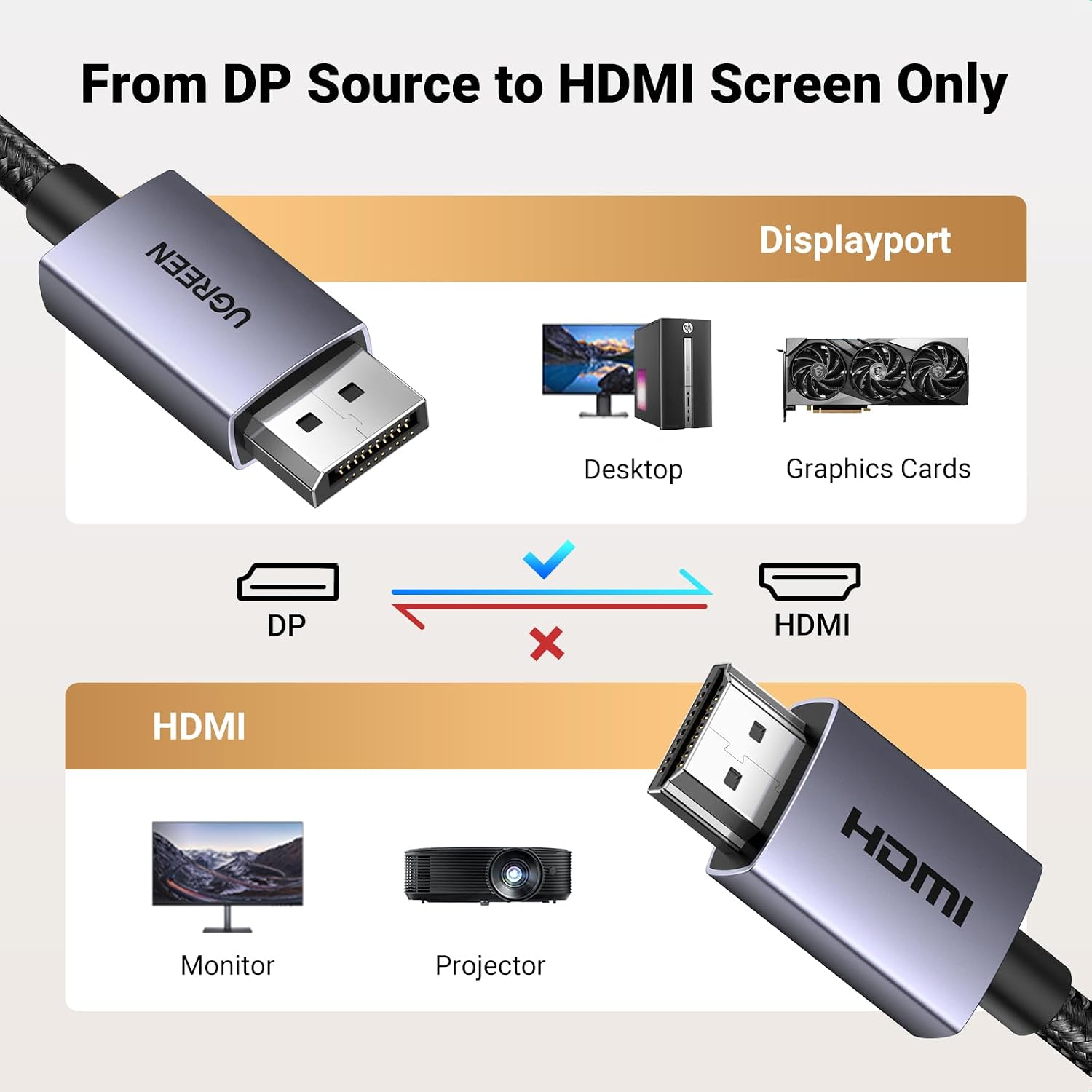
Its one-way DisplayPort-to-HDMI design gives a desktop or laptop with a DisplayPort output a straightforward route to an HDMI monitor, TV or projector. The cable supports up to 4K at 30Hz, with 1080p available at 60Hz. At 1m, it suits a nearby screen connection rather than a long run. It will not carry a signal in the reverse direction, from HDMI to DisplayPort.
Key specifications
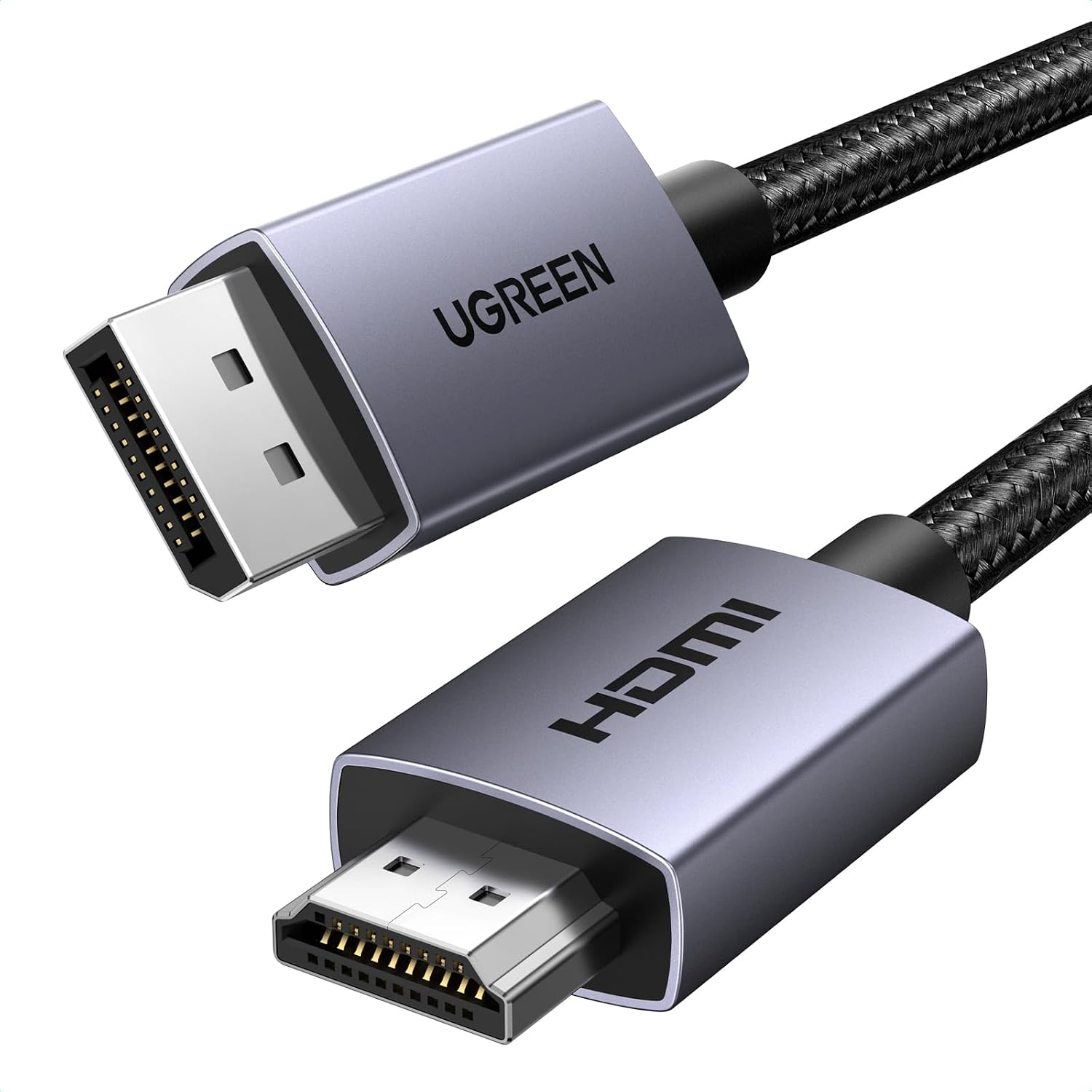
- Type: DisplayPort to HDMI cable
- Length: 1m (3.3FT)
- Connectors: Male-to-male
- Maximum stated resolution: 3840x2160 at 30Hz
- Other stated resolution: 1920x1080 at 60Hz
- Construction: Aluminium housing and braided jacket
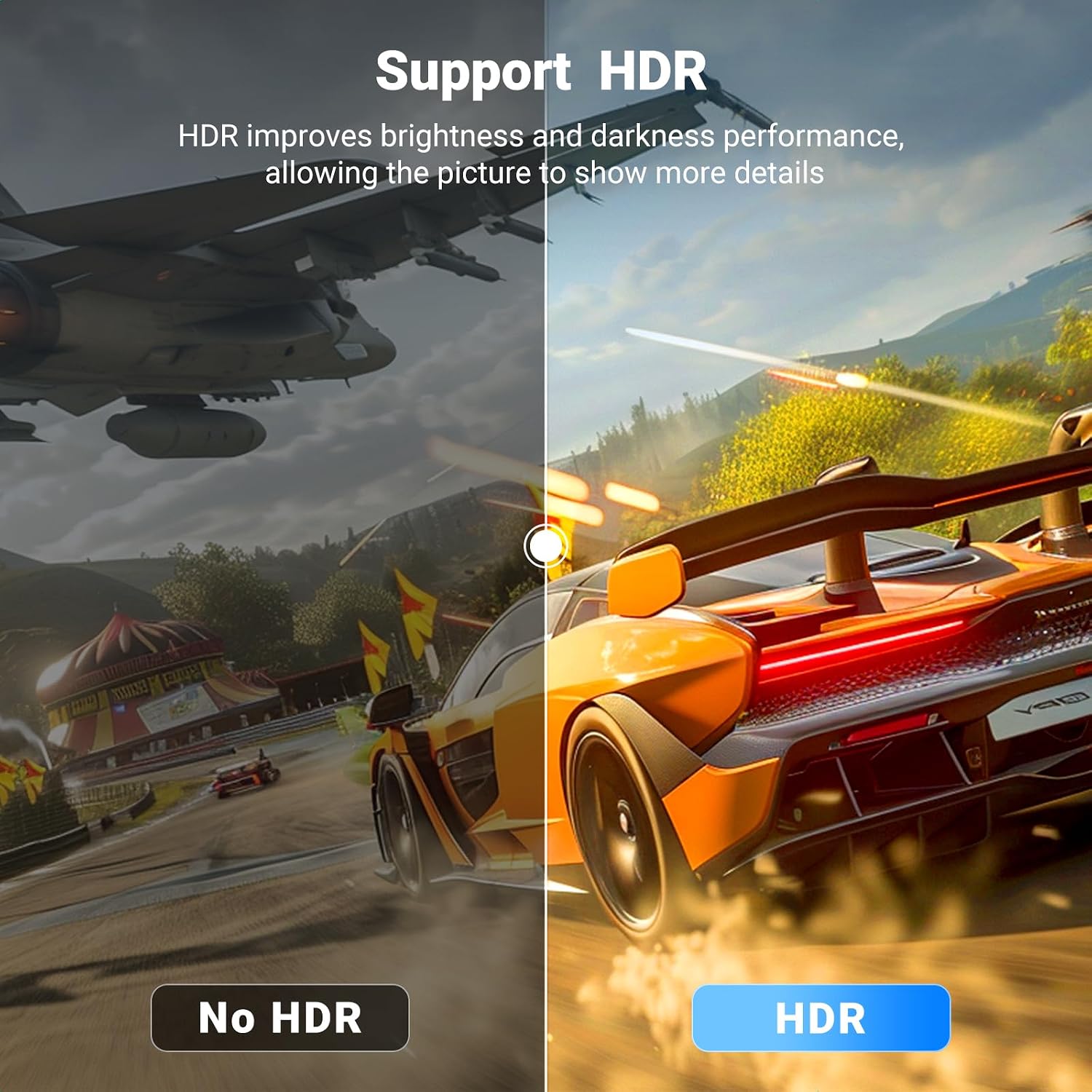
- Features: HDR support, HDCP and EDID support
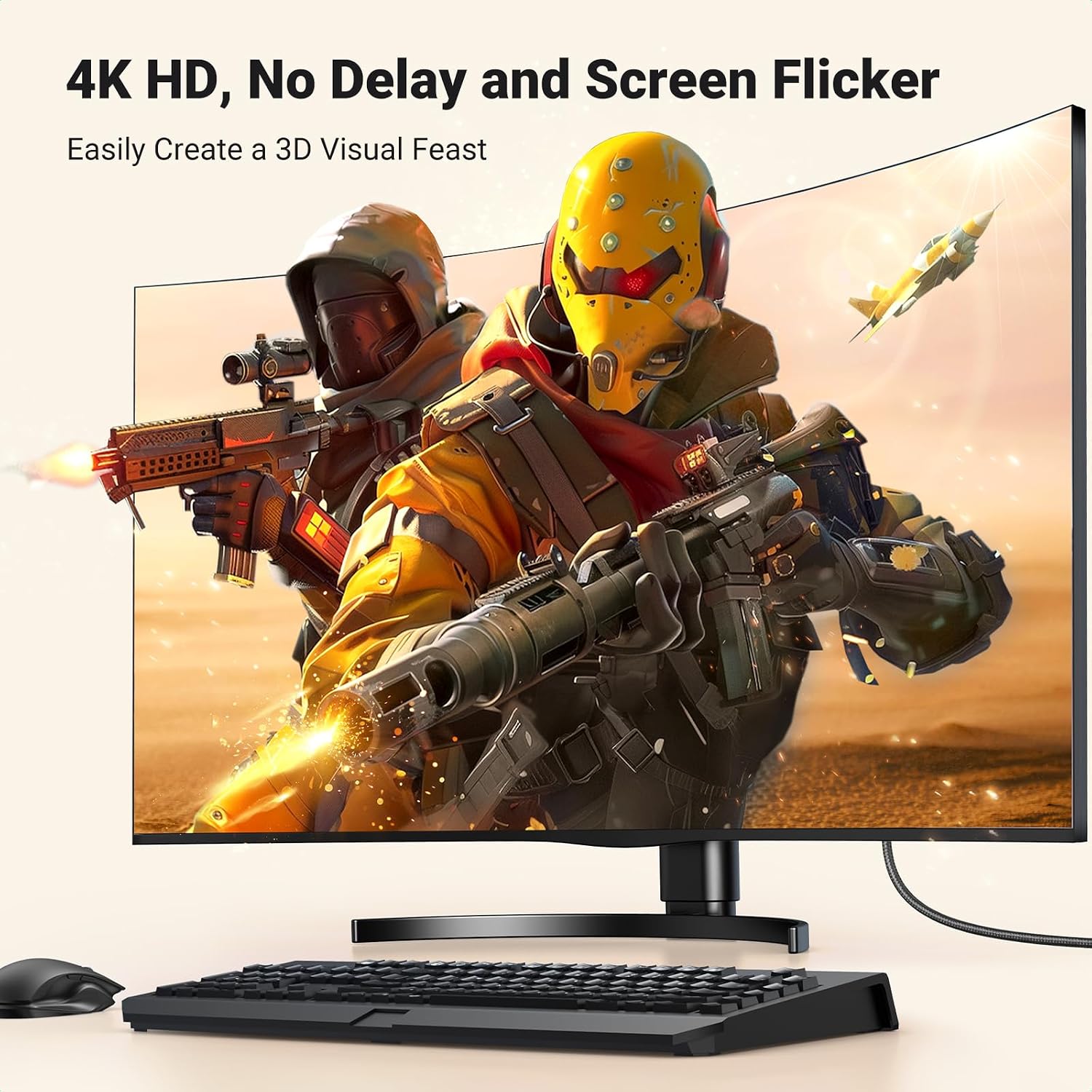
The main buying detail is the direction of travel: connect a DisplayPort source to an HDMI display. The cable is described as plug and play, with no drivers or software required. Its stated 4K mode is limited to 30Hz, while the listed 1080p mode runs at 60Hz, if your setup depends on a different resolution and refresh-rate combination, check that it is supported before choosing this cable. The listing also gives conflicting data-rate figures, so it is more useful to focus on the clearly stated display modes than to rely on a bandwidth claim.
Everyday compatibility
This cable is intended for a DisplayPort-equipped laptop, desktop or graphics card connected to an HDMI-equipped display. The listed examples include HP and Dell computers and AMD or NVIDIA graphics cards, as well as HDMI monitors, TVs and projectors. It may suit a home-office arrangement where a computer needs to feed a larger screen, or a simple gaming setup using a compatible DisplayPort output.
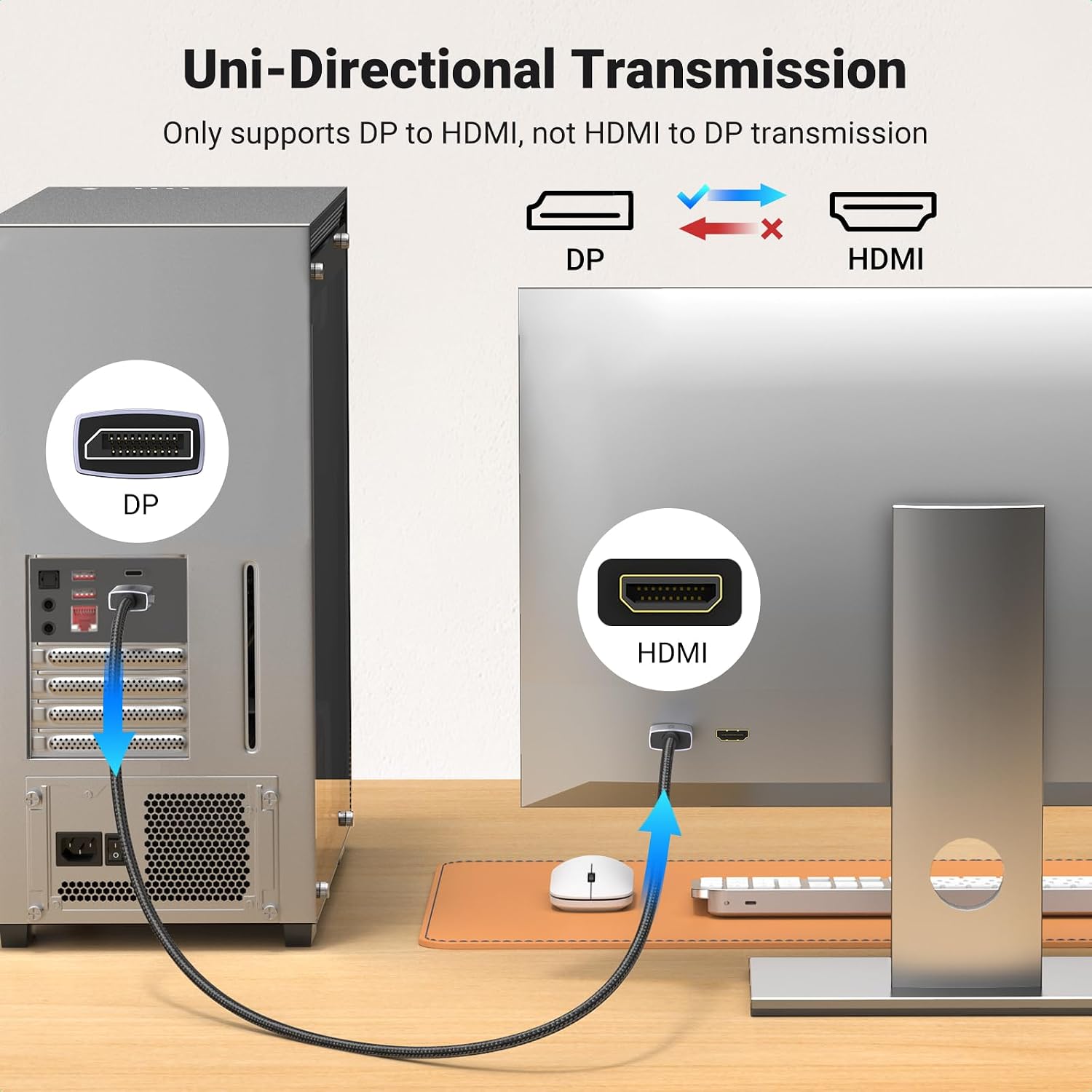
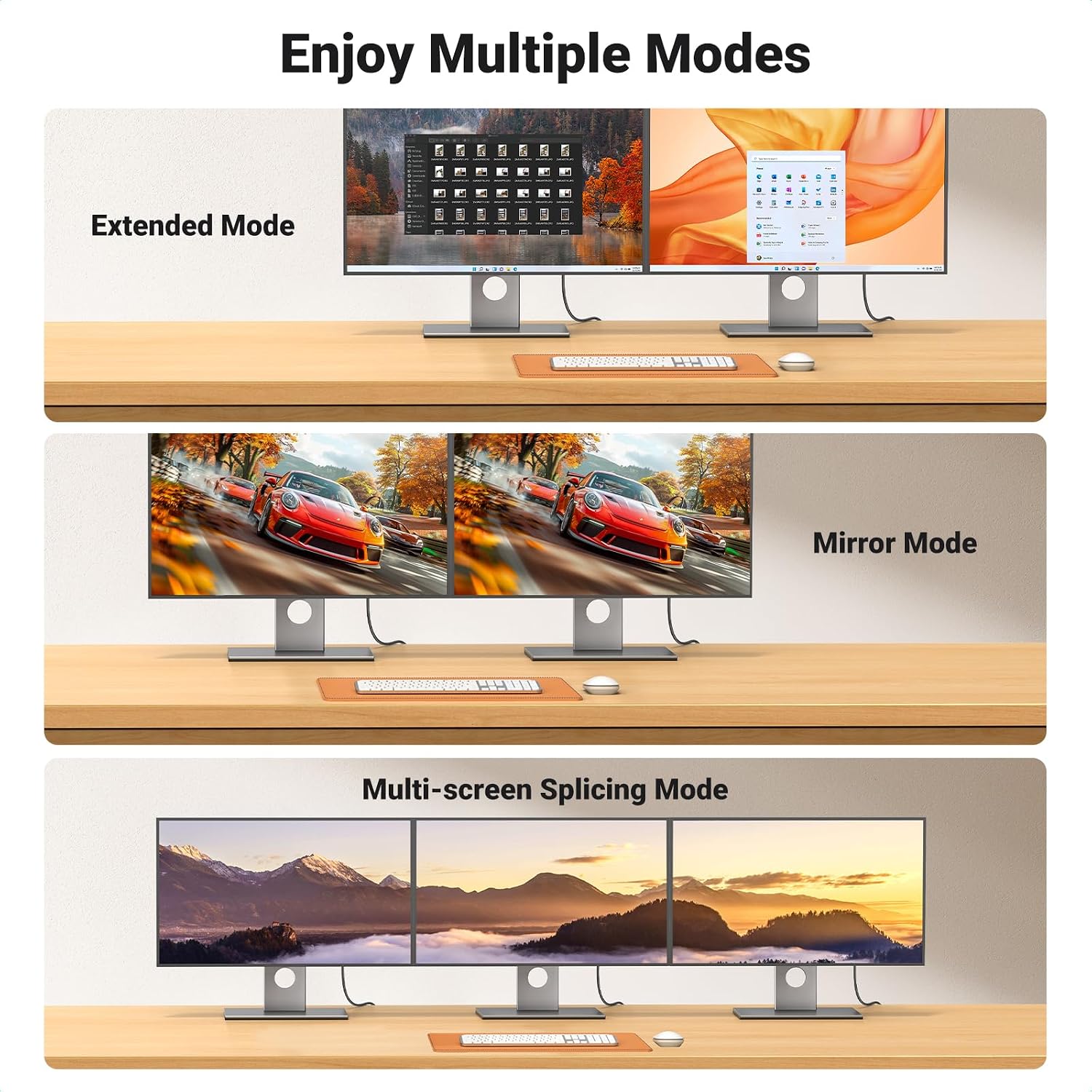
It is not a general-purpose video adapter: an HDMI output cannot be connected to a DisplayPort screen through this lead. The listing also names HDMI-source devices such as MacBook, PlayStation, Switch and Xbox as incompatible. So, unlike an adapter chosen by the display port alone, this cable only makes sense when the source end is DisplayPort and the screen end is HDMI. It should not be assumed to create a dual-monitor output by itself, the computer and graphics hardware also need to support the intended display arrangement.
Usage tips
Before connecting, identify the output on the computer or graphics card and the input on the screen. Use the DisplayPort end at the source and the HDMI end at the display, then select the relevant HDMI input on the screen if needed. For a crisp 4K picture, bear in mind the stated 30Hz limit, for the listed 60Hz mode, choose 1920x1080. These details matter more than the broad “4K” label when matching a cable to a monitor or gaming setup.
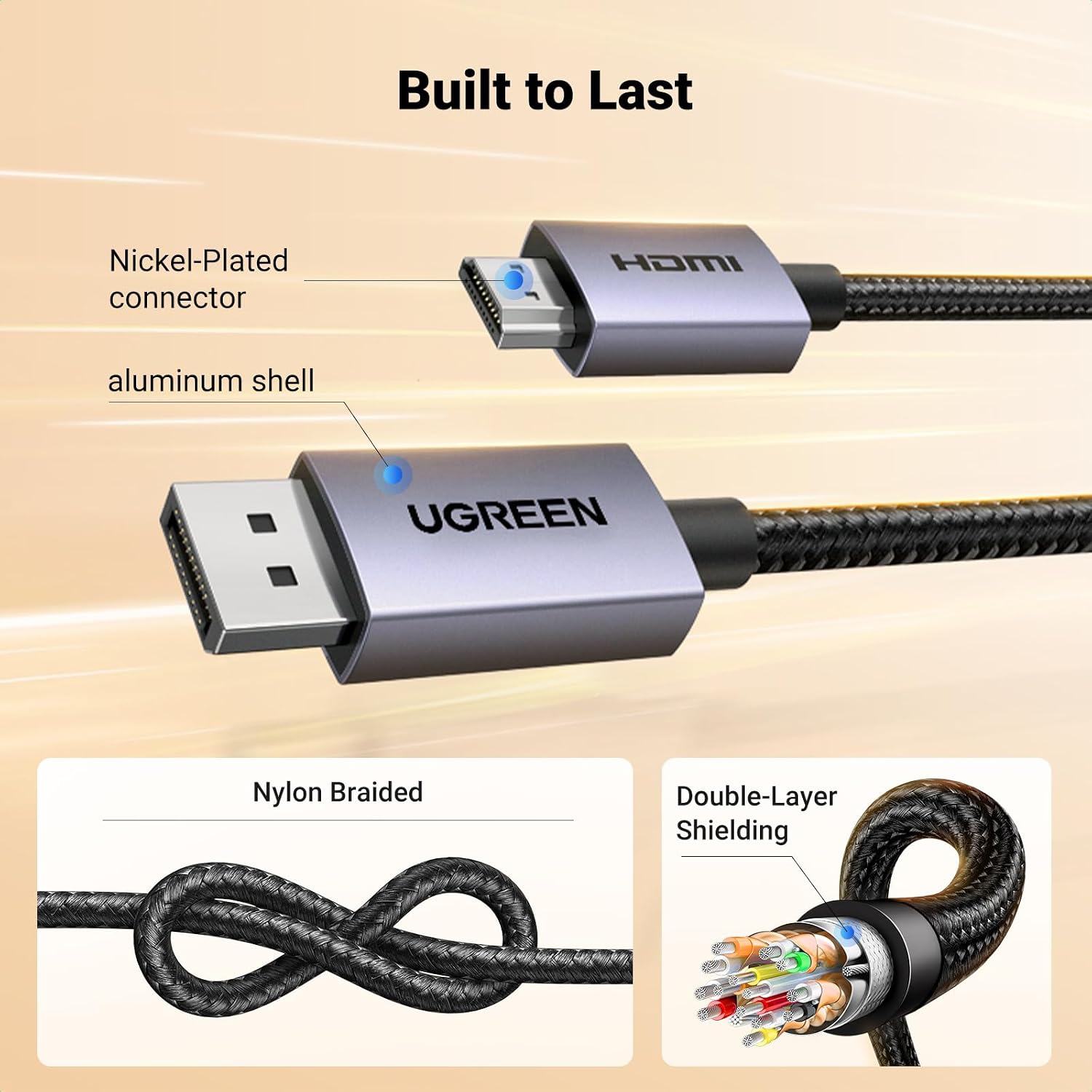
The aluminium connector housing and braided outer jacket are practical construction details for a cable that may be plugged in and moved around. Buyers’ feedback on build quality and everyday operation is positive in some accounts, while reports on picture signal, connection stability and compatibility are mixed. Some also disagree about whether it represents good value. These are user impressions rather than a guarantee of how it will behave with a particular computer and display, so matching the port direction and supported display mode remains important.
Is it worth it?
You’ll like it if you need a short, direct connection from a DisplayPort computer to an HDMI screen and its stated resolution modes suit your setup. It offers a simpler alternative to assembling separate adapters and cables, with a braided jacket and aluminium connectors. Better avoided if you need HDMI-to-DisplayPort conversion, a longer cable, or 4K at a refresh rate higher than the stated 30Hz. For a straightforward, nearby display connection, it is a sensible fit within these limits, for mixed-port equipment or more demanding display settings, a cable specified for that exact direction and mode is the safer choice.