

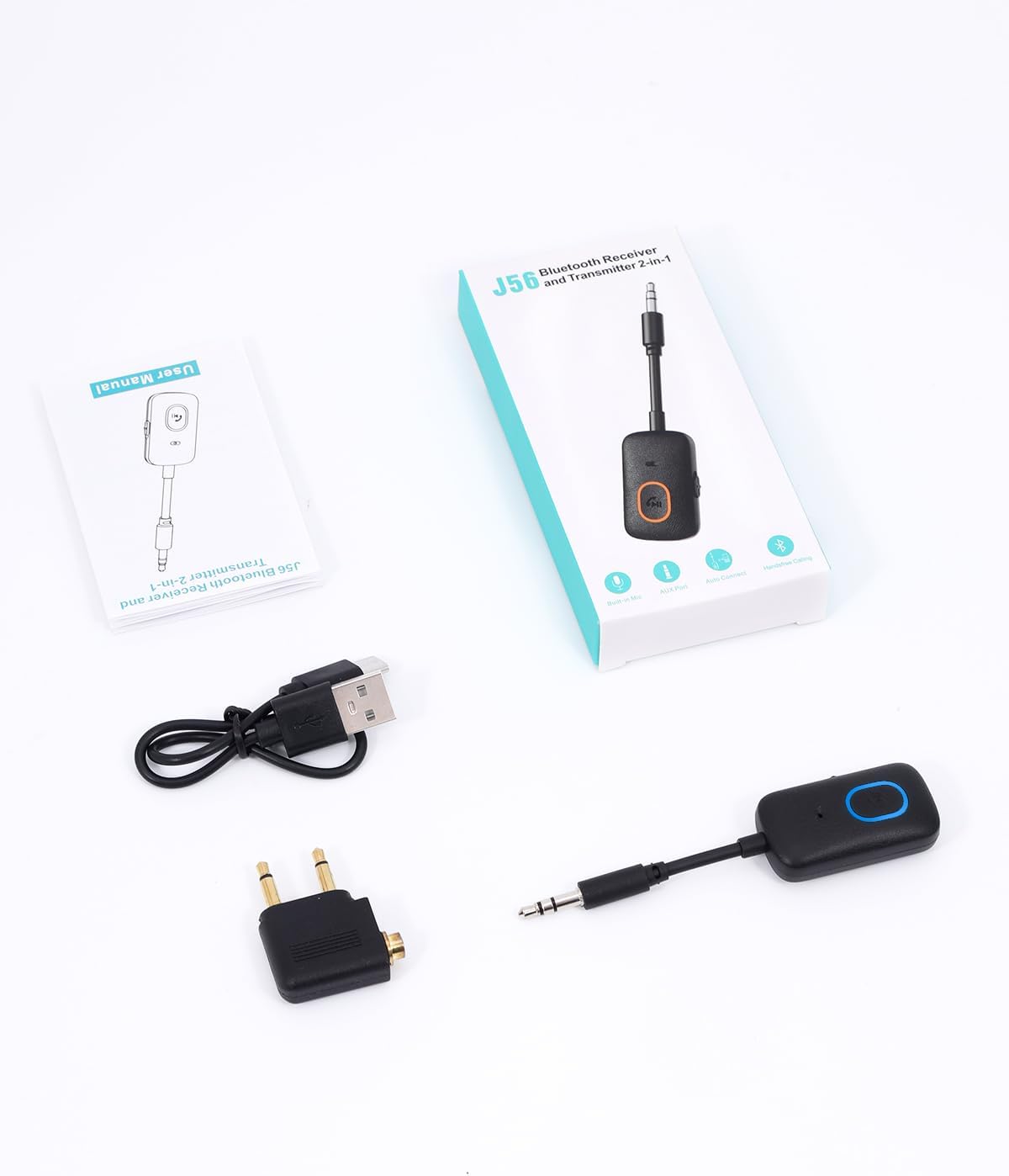
OQIMAX J56 Bluetooth 5.4 Transmitter Receiver with 3.5 mm AUX
Product description
If you want to send audio from a TV or aircraft system to Bluetooth headphones, a transmitter is the practical choice, if you want to play phone audio through a car stereo or wired speakers, you need a receiver. The OQIMAX J56 combines both modes in one portable Bluetooth adapter, so it can handle either setup through a 3.5 mm AUX connection.
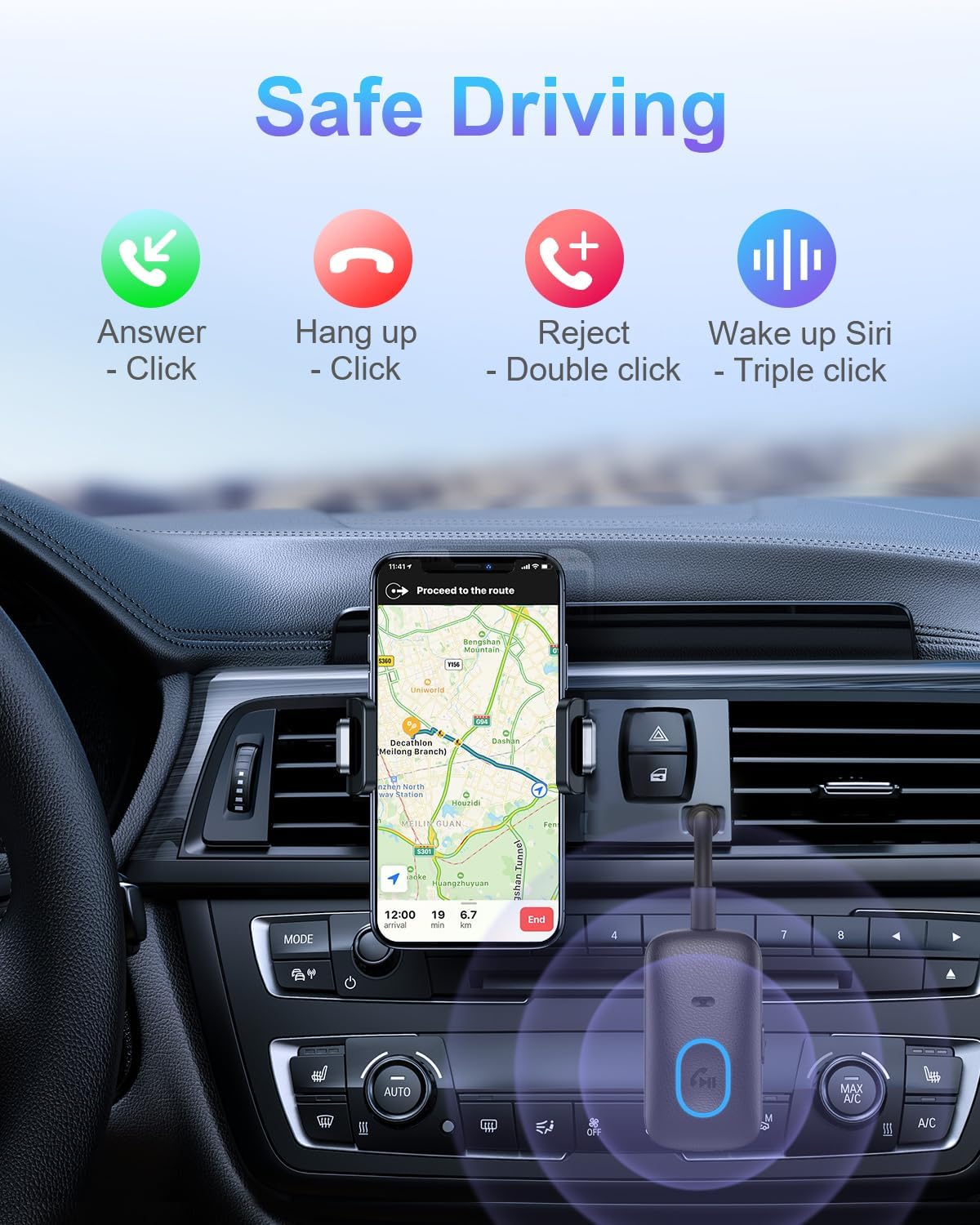
Use it for a single audio source at home, in the car or while travelling. Its built-in microphone also supports hands-free calls when the connected device and calling function allow it.
What matters most
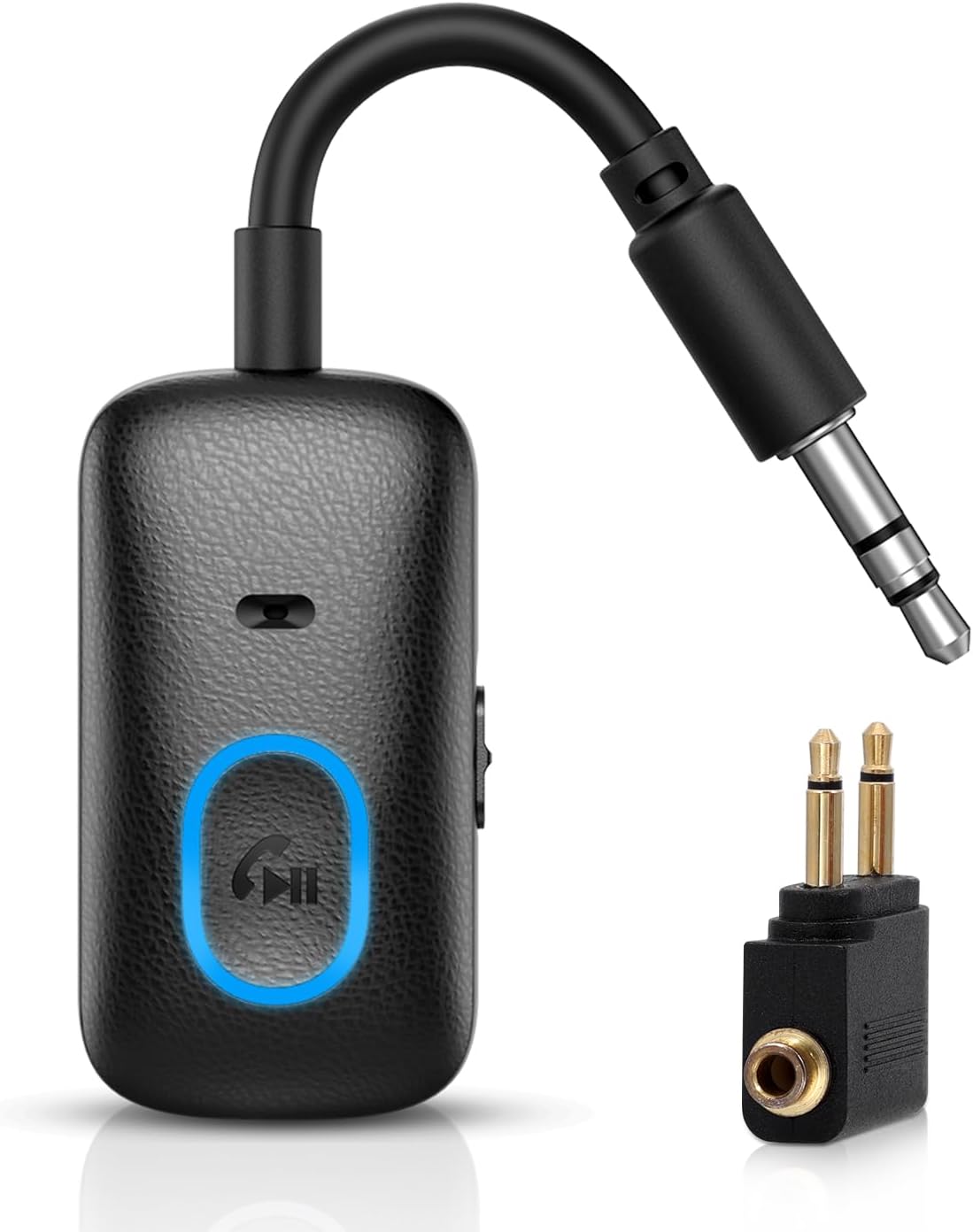
In TX mode, the J56 sends audio from a TV, PC or aircraft audio system to Bluetooth headphones or speakers. In RX mode, it receives audio from a mobile phone or tablet and passes it to an AUX-equipped car stereo, speaker or other audio device. That two-way design is useful if your everyday listening switches between older wired equipment and Bluetooth headphones: rather than choosing an adapter for just one direction, you can use the same unit for both.
Bluetooth 5.4 supports wireless connections, with a stated range of up to 10 m in clear view. The adapter saves the last connected Bluetooth device and attempts to reconnect when switched on, provided that device is in range and ready to connect. A built-in battery provides up to 7 hours in RX mode or up to 5 hours in TX mode, actual use varies with volume, mode and the connected device. USB-C charging keeps the power connection straightforward.
Who it’s for
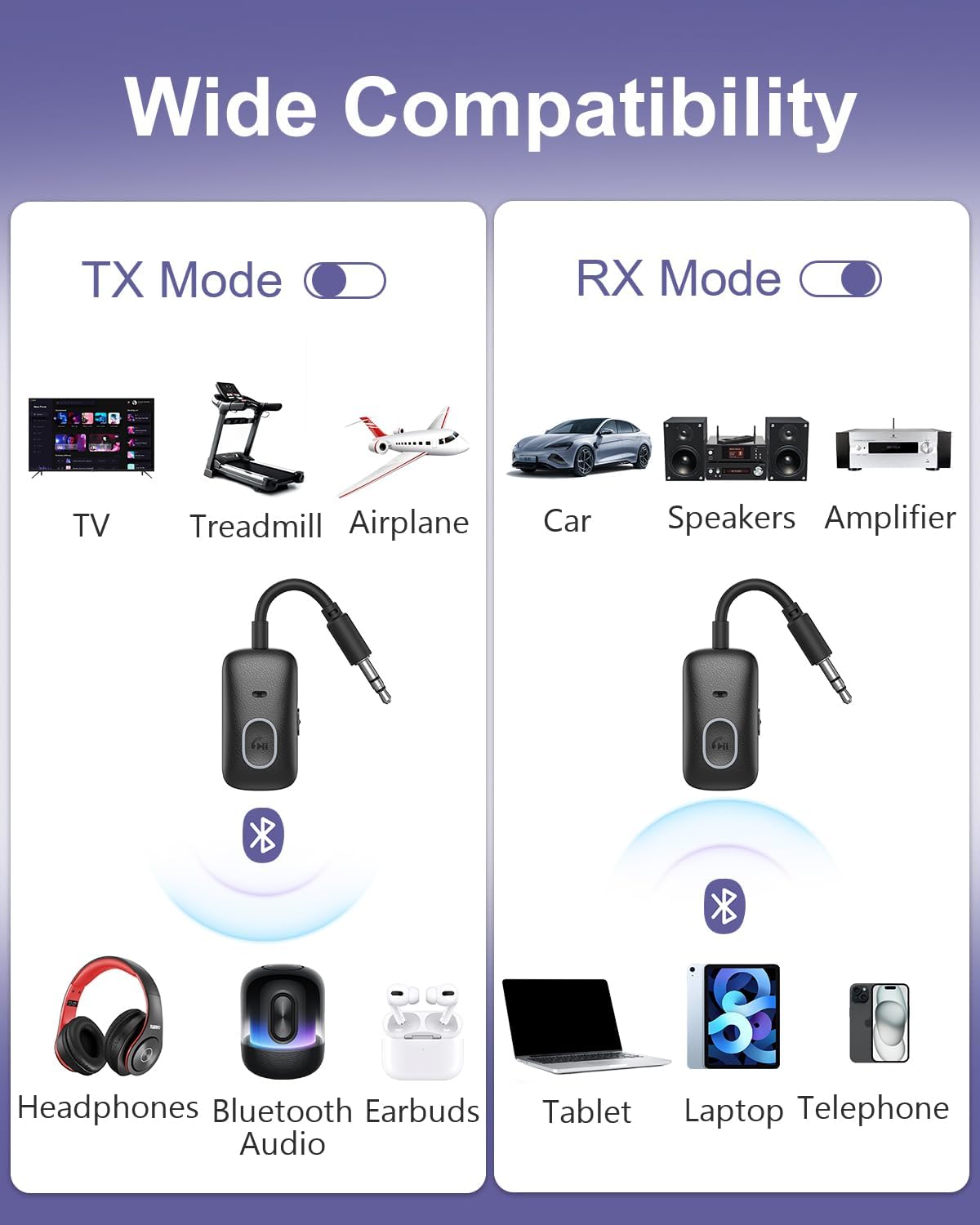
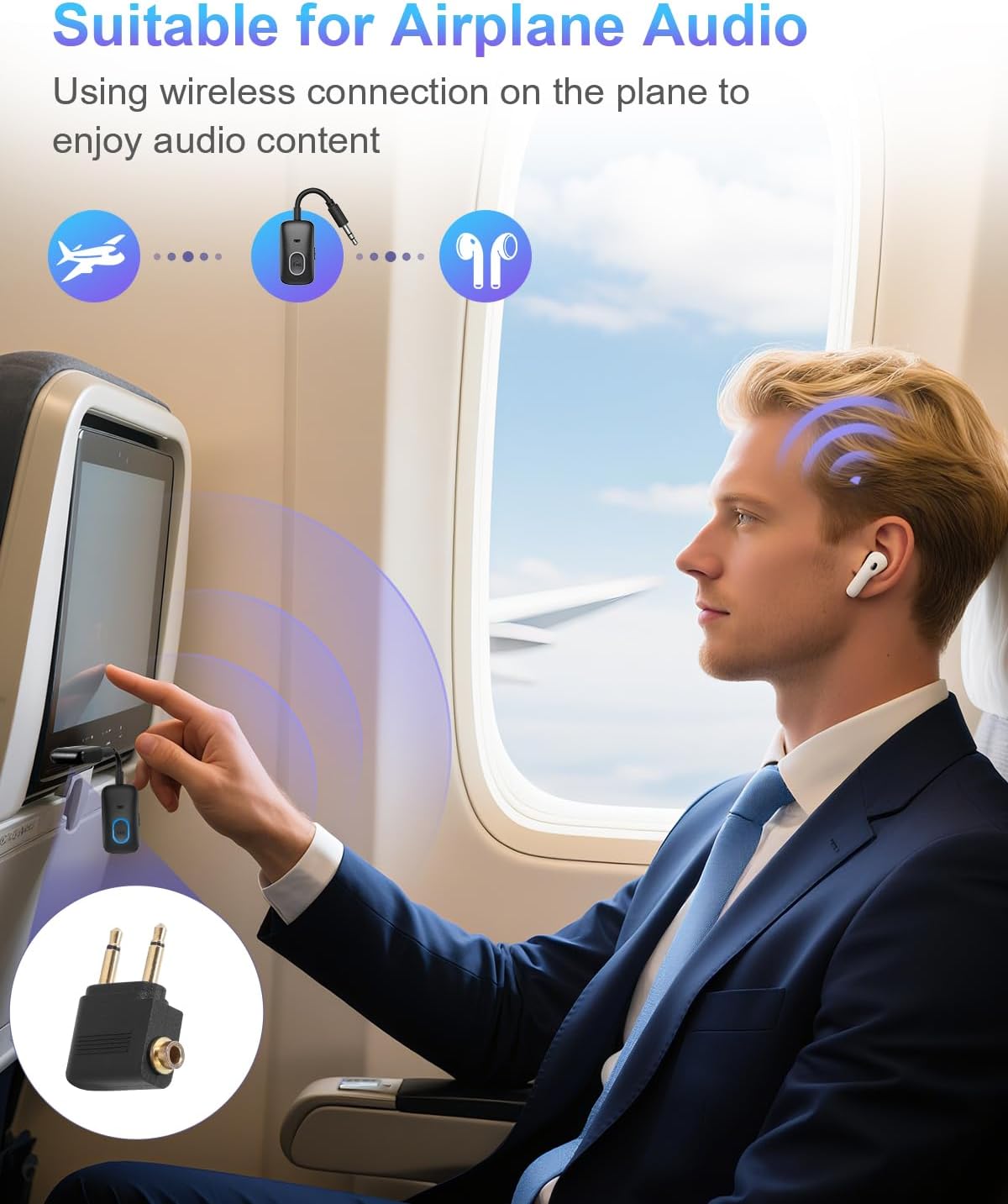
The J56 is suited to anyone who wants Bluetooth listening from an audio source with a standard 3.5 mm output, or wants to add wireless audio reception to existing AUX equipment. For example, use TX mode to listen to a compatible TV through Bluetooth headphones, then switch to RX mode to stream from a phone to a car stereo. It also works with aircraft systems that use two 3.5 mm audio ports, using the supplied dual 3.5 mm adapter. The audio source or receiving equipment needs a standard 3.5 mm AUX connection, the adapter is not intended for hearing aids, guitars or microphones.
Everyday use
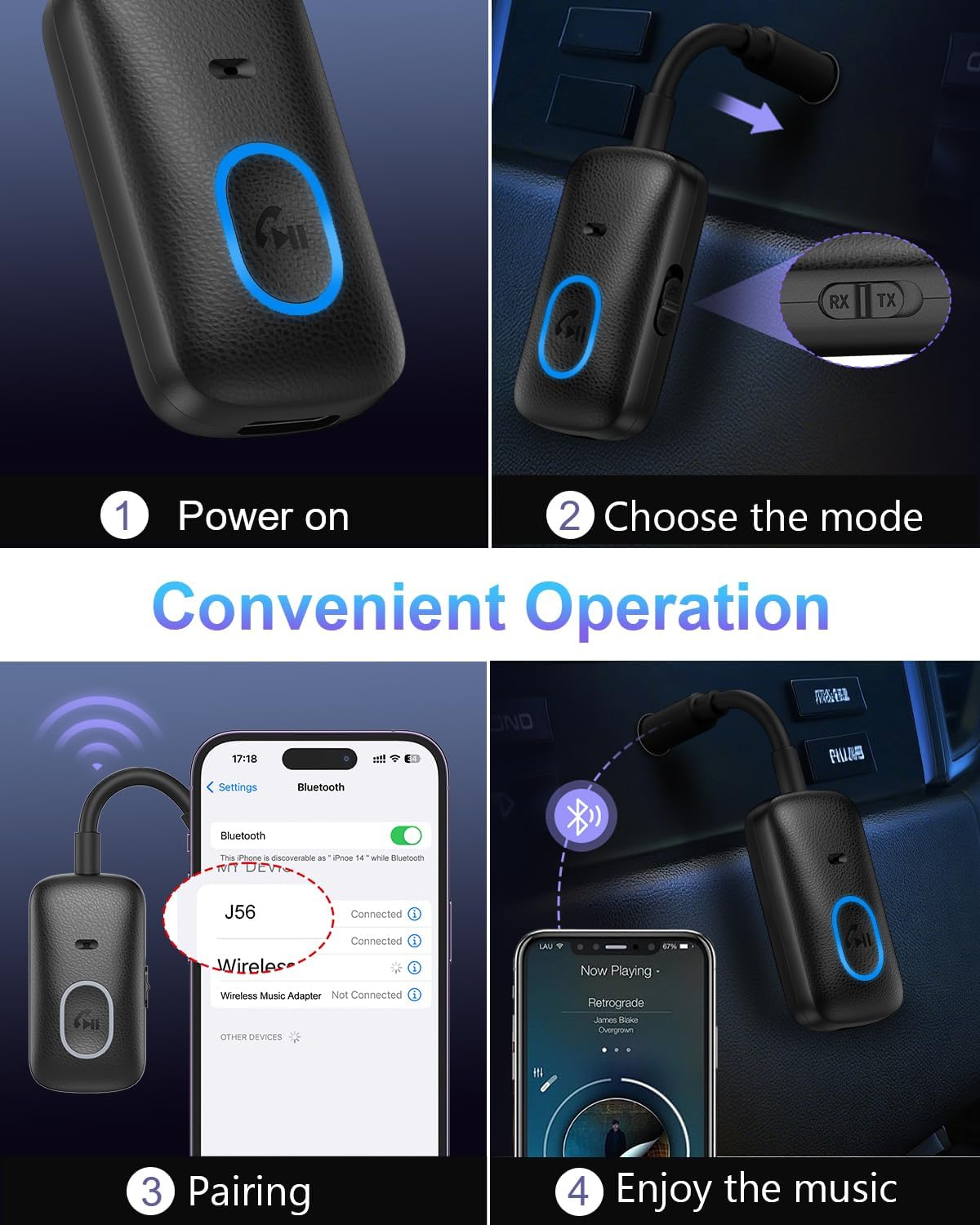
Connect the 3.5 mm plug to the audio device, select TX or RX, then pair with the relevant Bluetooth device. When connecting a TV, select its external audio output in the TV settings if needed. Turn the adapter off before changing between TX and RX modes. For calls, its built-in microphone supports hands-free use when the paired device and calling function support it.
Buyer feedback on everyday performance is varied. Some customers say the adapter works well, while others describe difficulty pairing or mixed results with audio, battery life and lag. Pairing the intended devices correctly and using the appropriate TX or RX mode are important steps in setting it up.
Before you decide
How do I pair it with Bluetooth headphones? Select TX mode, connect the 3.5 mm plug to the audio source, then pair the adapter with the headphones or speaker. The audio source should be playing, and the Bluetooth device should be in pairing mode.
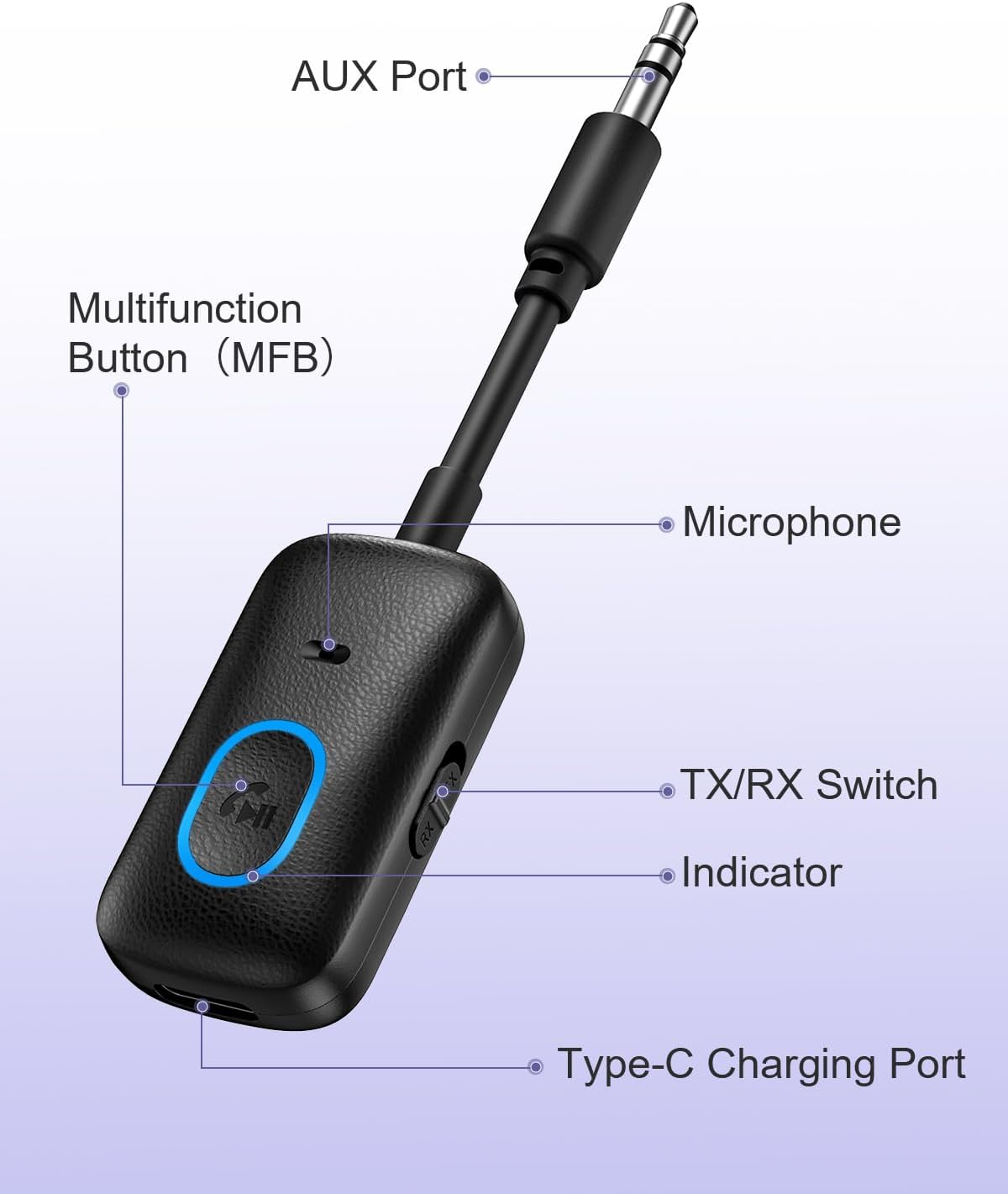
Can I use it with a car stereo? Yes. In RX mode, connect it to the stereo’s 3.5 mm AUX input and pair it with a phone or tablet to send audio to the car system.
Can I use it with an aircraft audio socket? The supplied dual 3.5 mm adapter allows connection to aircraft systems with two 3.5 mm audio ports. In TX mode, the J56 can then send the audio to Bluetooth headphones or speakers.
Buying verdict
Choose the OQIMAX J56 if you want one portable adapter for both sending and receiving audio, rather than a device dedicated to only one direction. Its TX/RX modes, 3.5 mm AUX connection, hands-free calling support and supplied aircraft adapter make it a practical fit for switching between home listening, car audio and compatible in-flight systems.