

TONOR TD520S+ Dynamic USB/XLR Microphone with RGB and Low-Profile Arm
Product description
Quick overview
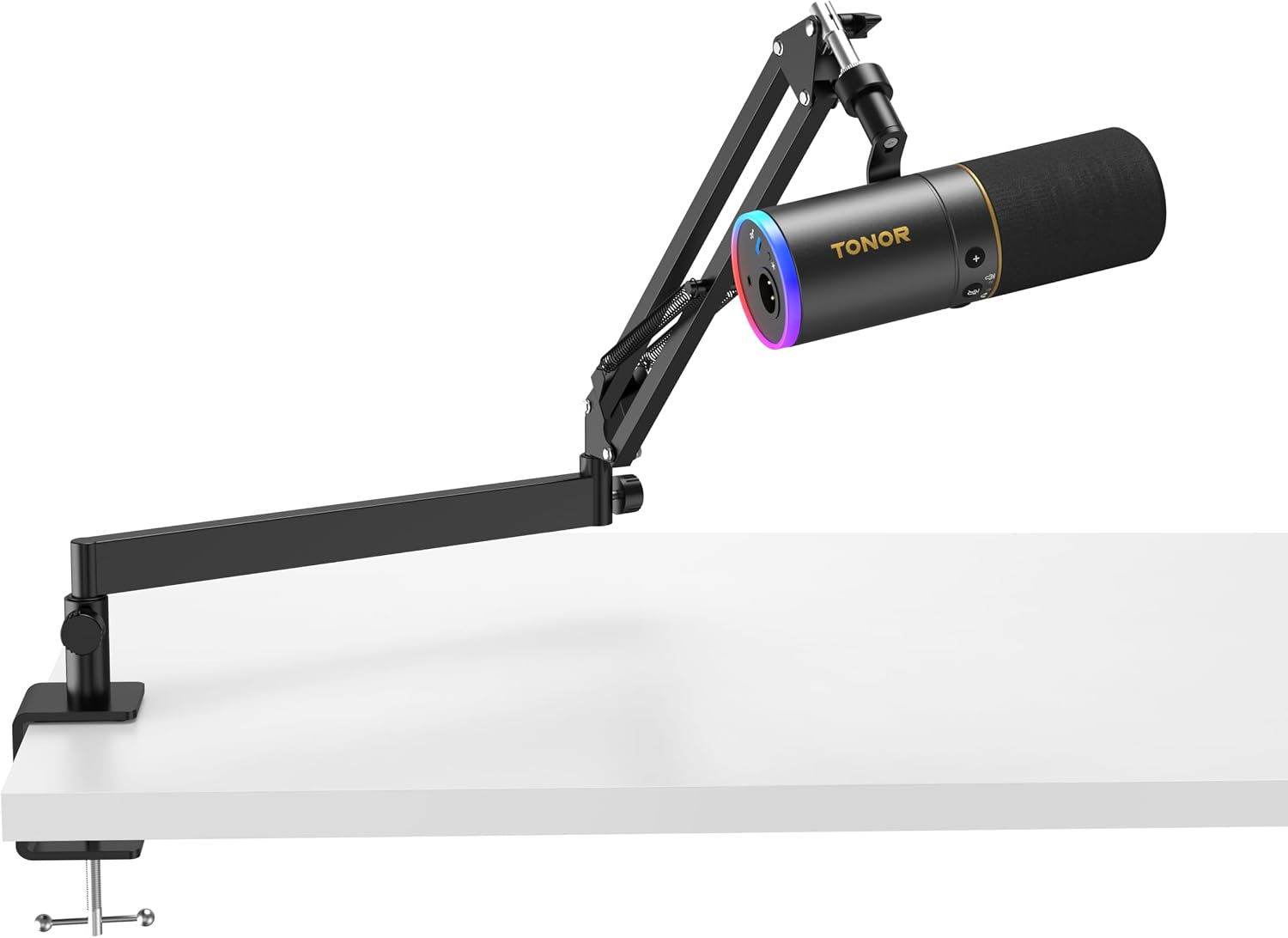
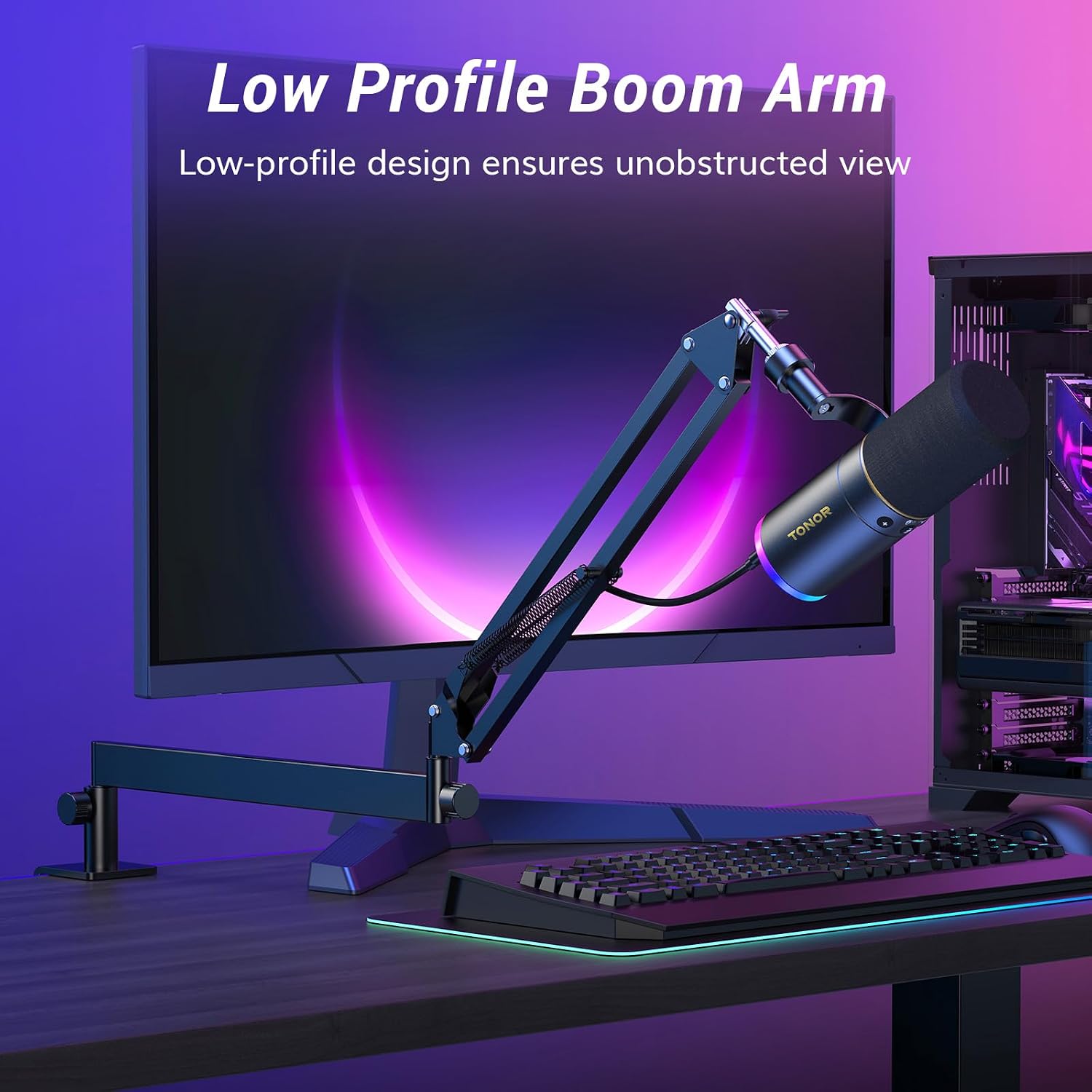
For podcasters, streamers and gamers who want focused voice capture while keeping their screen clear, the TONOR TD520S+ combines a cardioid dynamic microphone with a low-profile boom arm. Its arm adjusts horizontally and vertically, and can be tucked beneath the display when recording is finished, helping keep a desk organised.
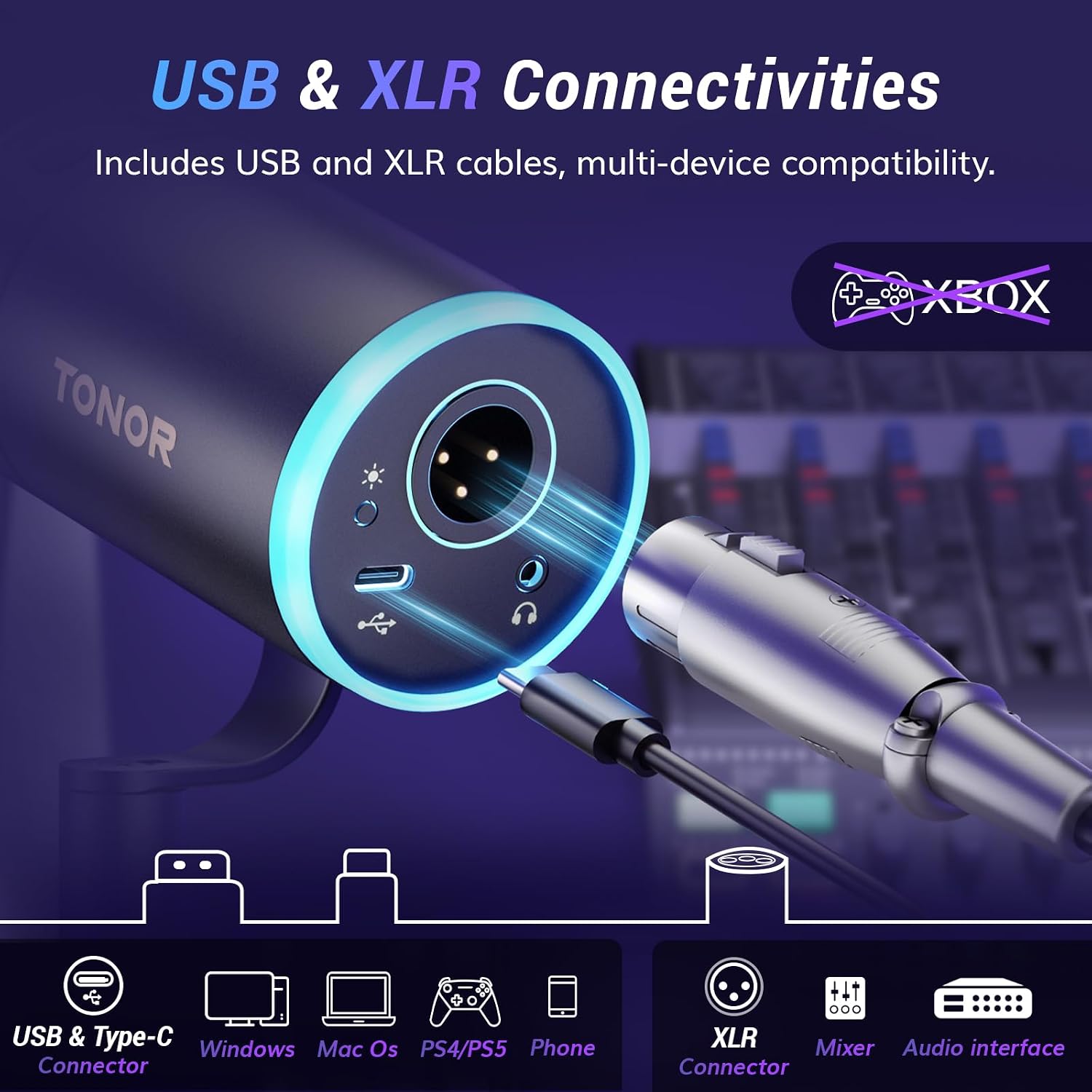
Choose USB for plug-and-play recording on a computer or laptop, or XLR to connect to an audio interface or mixer. The microphone also has controllable RGB lighting, a mute button and a headphone output for monitoring.
Buyer feedback often highlights the sound, ease of setup and choice of USB and XLR connections. Some customers also appreciate how the microphone handles background noise, these are individual impressions rather than a substitute for choosing a suitable recording setup.
Practical tips
For voice recording, the recommended microphone distance is 2–4 inches. Position the arm horizontally or vertically to suit your screen and speaking position, then tuck it beneath the display when you need the desk space. The clamp fits desks up to 2.76 inches (7 cm) thick and has rubber pads on the contact surface.
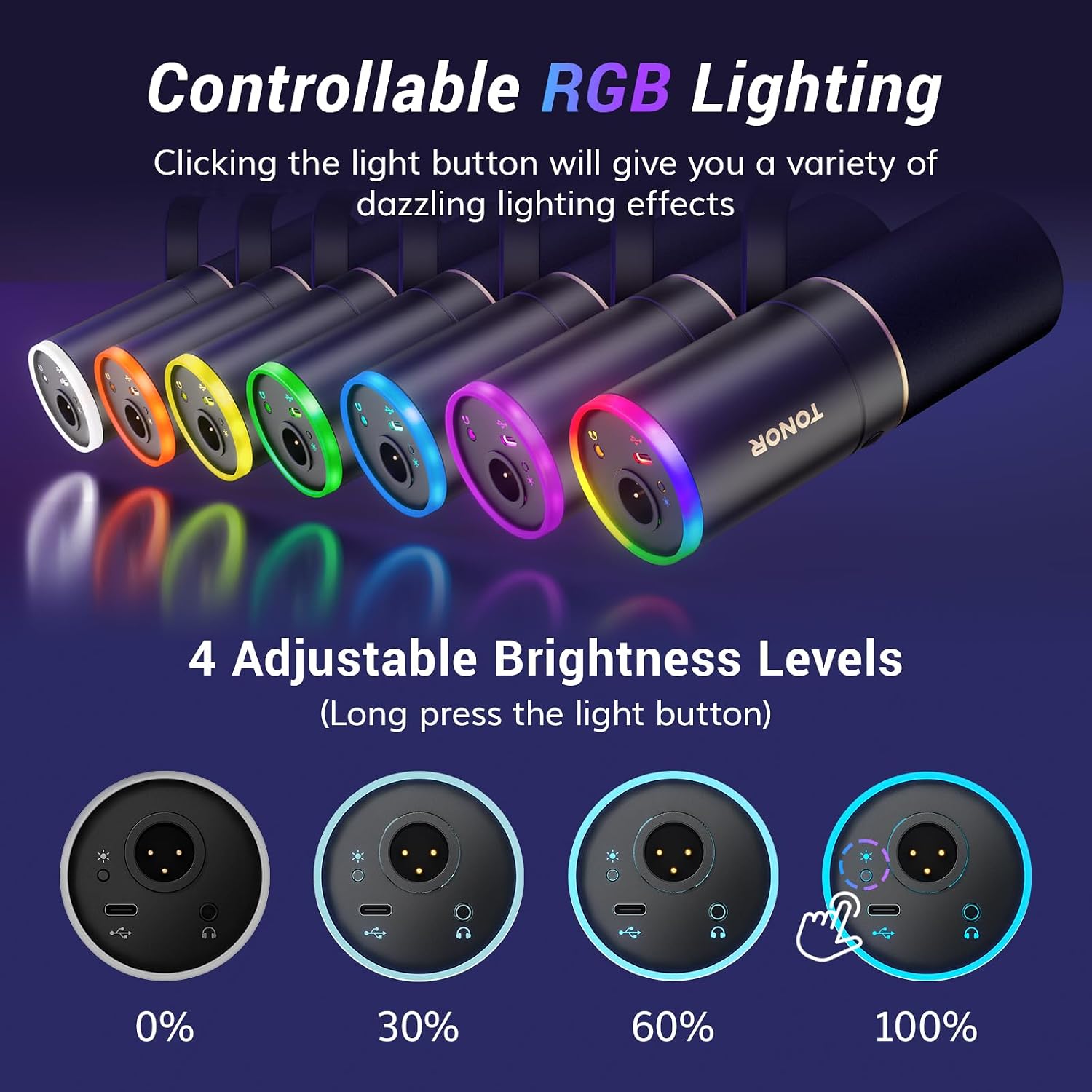
In USB mode, the microphone offers plug-and-play connection, headphone monitoring and on-mic controls for microphone gain and headphone volume. The mute button gives you a quick way to silence the mic. RGB lighting has four modes and over 11 colour combinations, with brightness adjustable to 0%, 30%, 60% or 100%.
Who it’s for
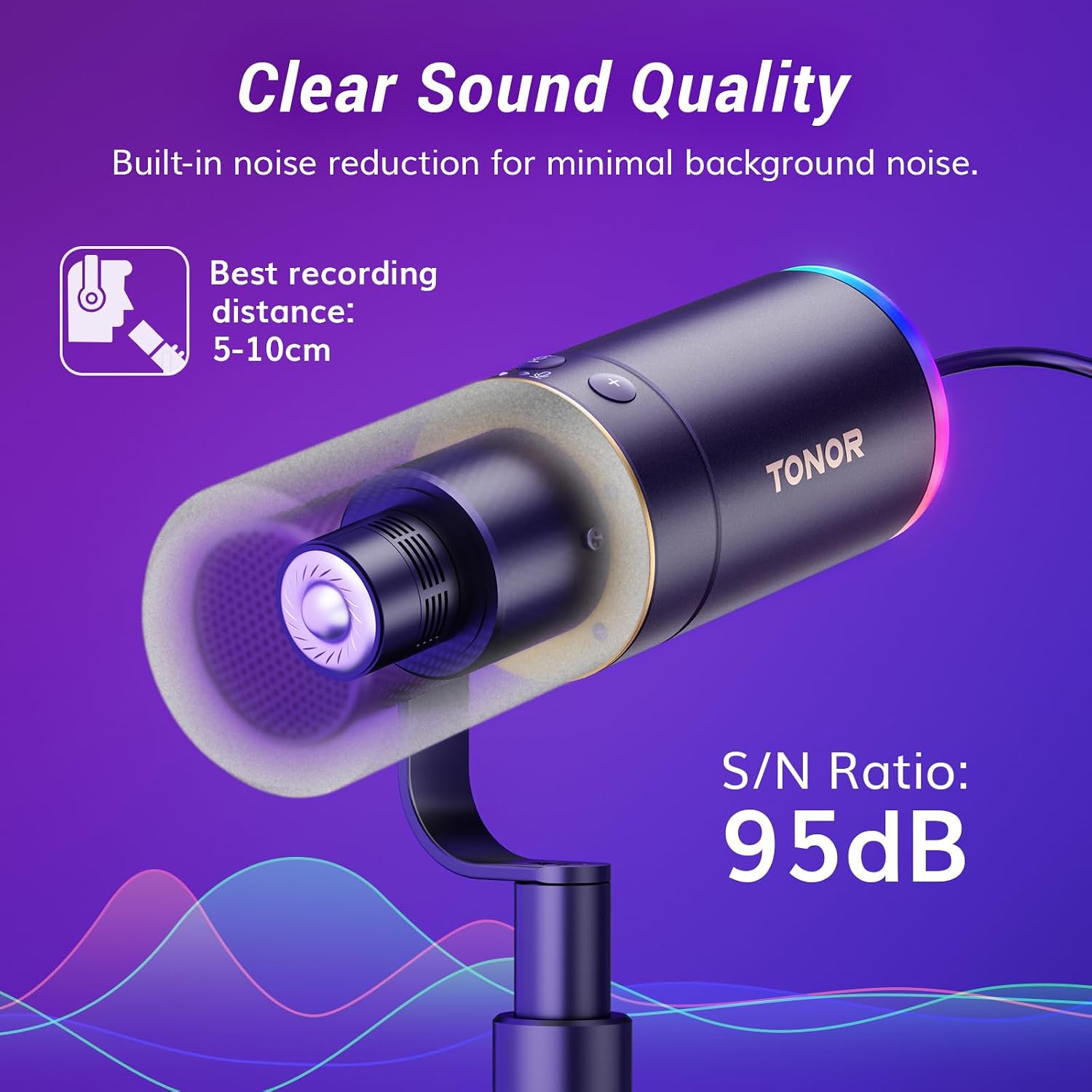
This setup suits anyone recording podcasts, singing, streaming or gaming who wants the microphone positioned close without a high boom arm crossing the screen. The cardioid pickup pattern and built-in noise-cancelling technology are designed for focused voice capture, while the dynamic core covers a 60Hz–17kHz frequency range and supports sound pressure levels up to 120dB.
If a simple computer connection is the priority, USB keeps setup straightforward. For a recording chain built around an audio interface or mixer, XLR provides an analogue connection. The included components are a microphone, desktop stand, XLR cable, USB cable and manual. The microphone is listed as compatible with computers, laptops, PS4 and PS5.
Practical questions
Can I connect the microphone directly to a computer? Yes. Use USB for plug-and-play connection to a desktop or laptop. The supplied USB cable and USB-A to Type-C adapter support the connection options described by the manufacturer.
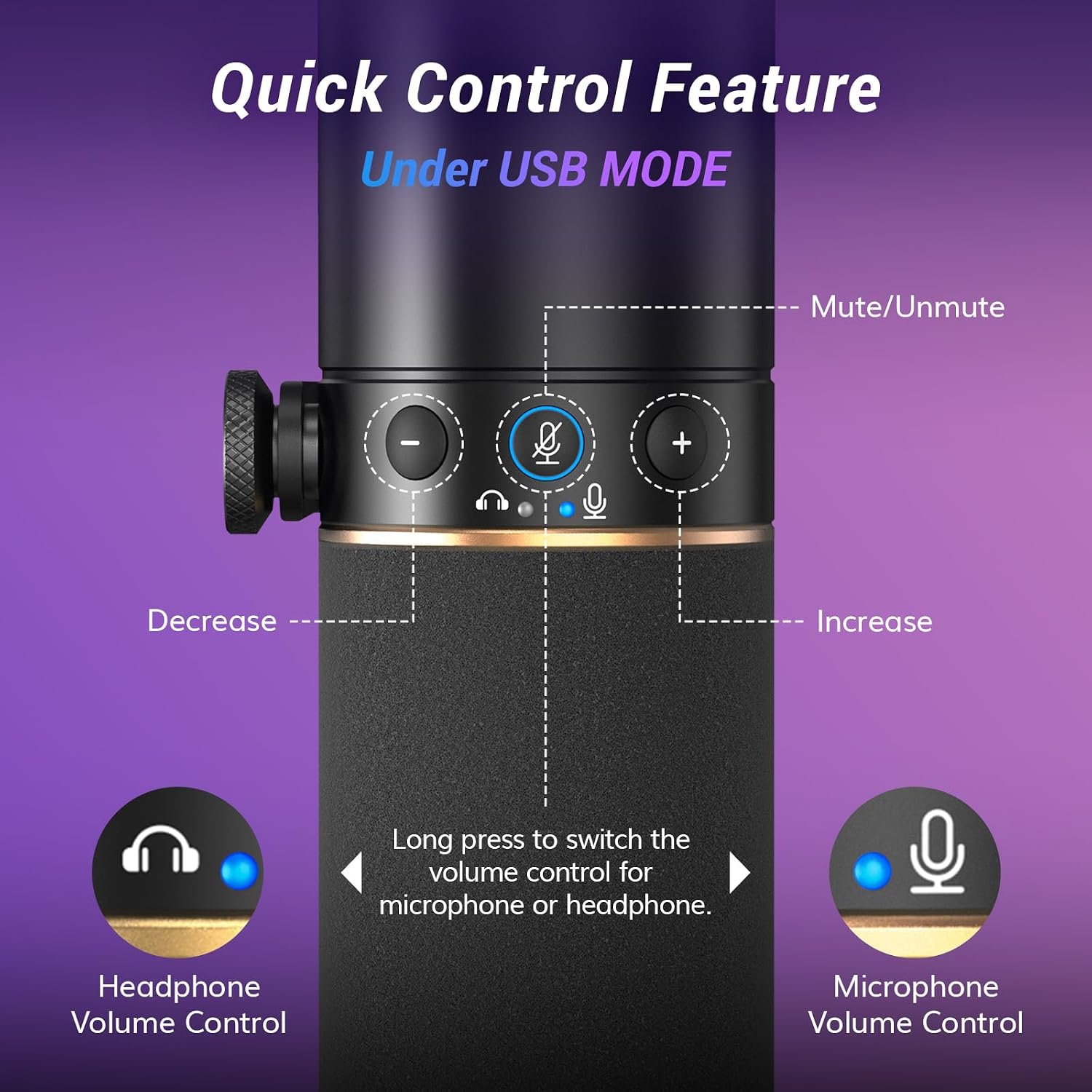
What do I need to use XLR? Connect the XLR output to an audio interface or mixer. In XLR mode, use the interface for volume control, the microphone’s gain and headphone-volume controls apply in USB mode.
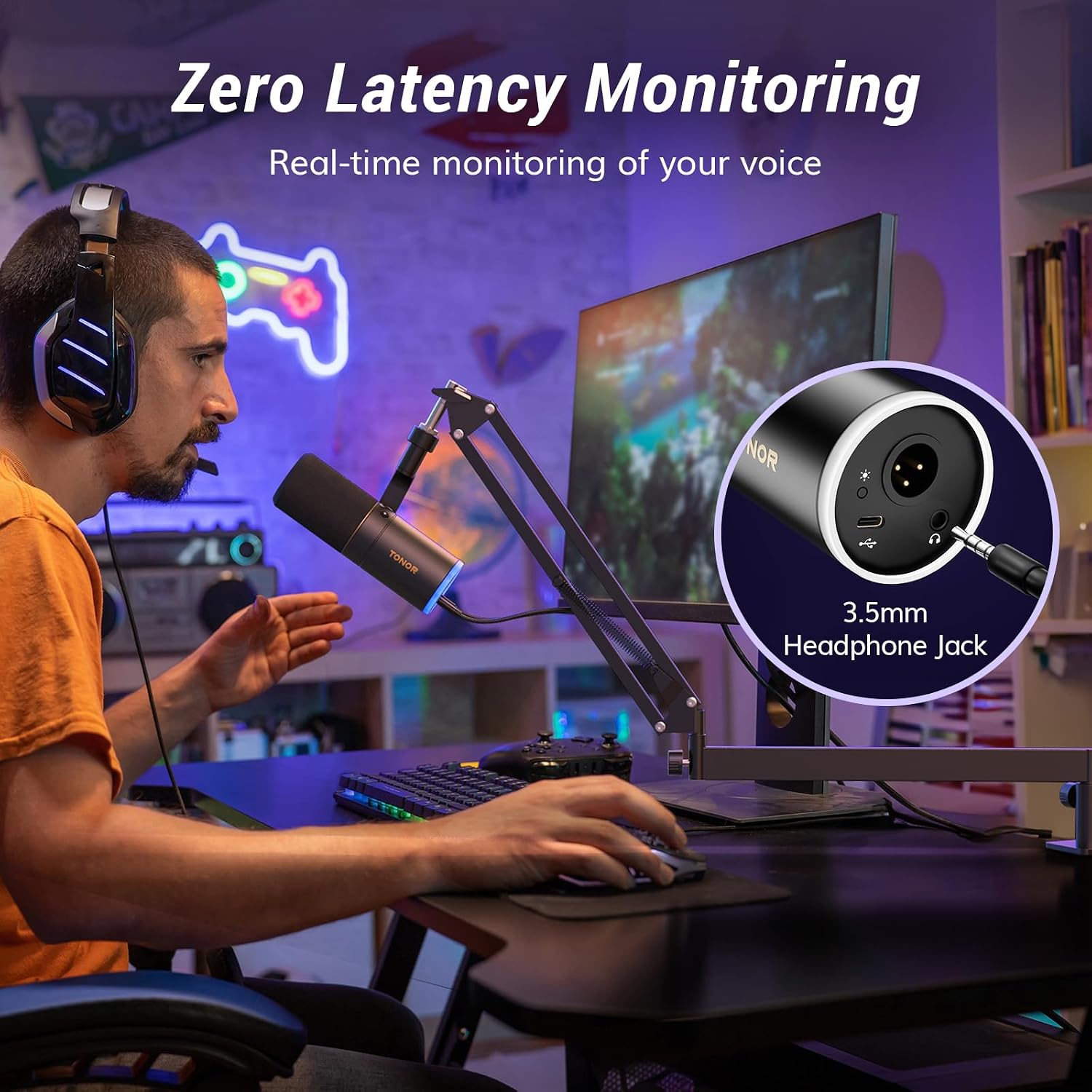
Can I hear audio while recording? Yes. Connect headphones to the 3.5mm jack to monitor audio in real time. In USB mode, the microphone’s controls let you adjust headphone volume independently.
Buying verdict
The TD520S+ brings the key parts of a desk recording setup together: USB or XLR connectivity, headphone monitoring, adjustable RGB and a low-profile arm that clears the viewing area. It’s a practical fit for regular podcasting, streaming and gaming where clear voice capture and a tidy desk both matter.