

ULTIMEA TV soundbar Poseidon M20 Pro
Product description
If TV dialogue and everyday audio feel thin, adding a compact soundbar can be a straightforward way to build out the sound without setting up separate speakers. The ULTIMEA Poseidon M20 Pro combines a 2.1-channel layout with a built-in subwoofer, app-based sound adjustments and a 16-inch form factor.
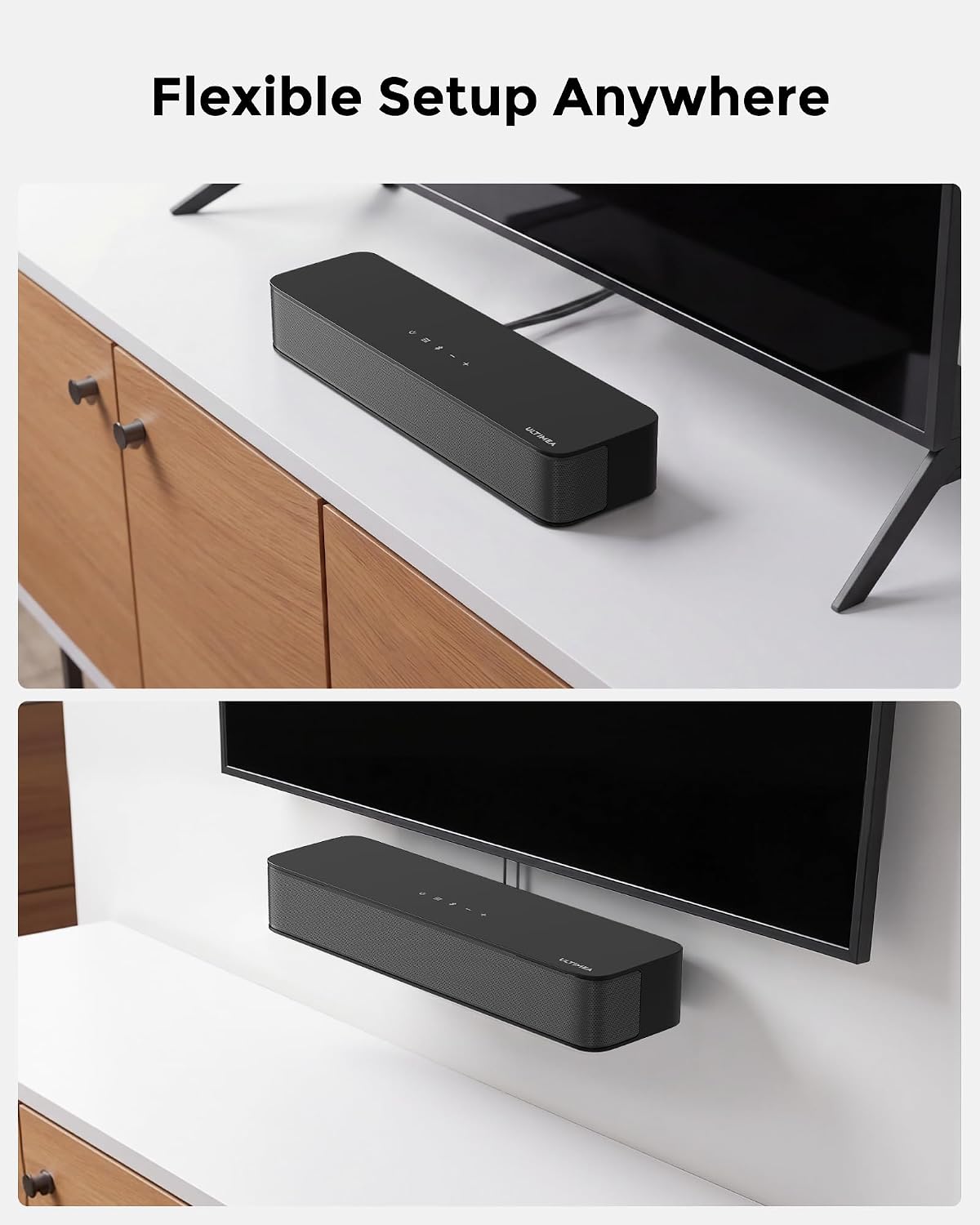
It’s designed for TV, music and gaming, and can sit on a stand or cabinet, go under the TV, or be wall-mounted. What matters more to you: a small setup, or more room for separate audio components?
How to use it
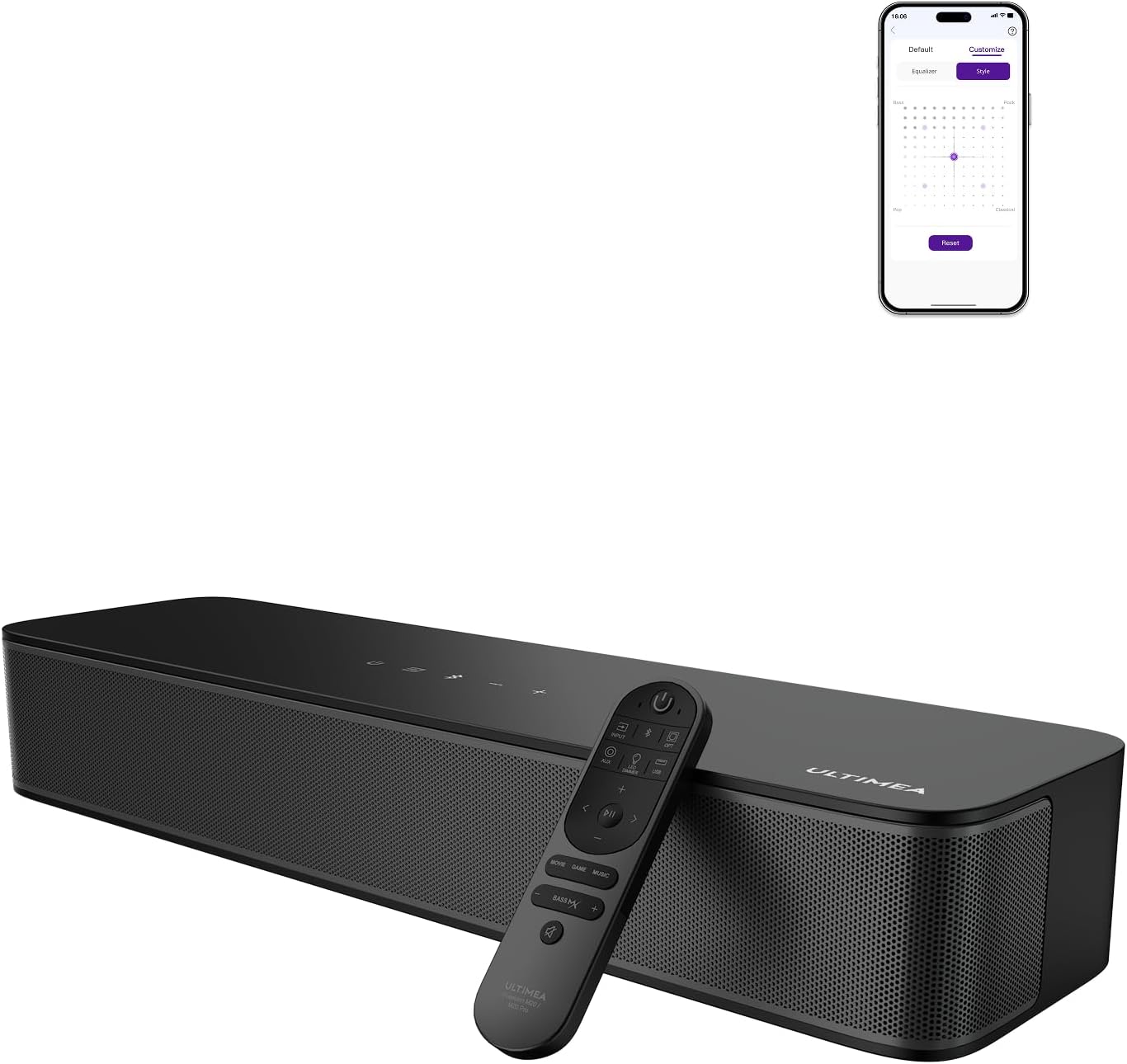
Connect a source using optical, AUX, USB or Bluetooth 5.4, then choose an EQ mode to suit what’s playing. For example, you could switch to Voice when following dialogue, then choose Game for a console session or Night for quieter listening. The app adds further adjustment through its 10-band equalizer and 121 preset EQ matrices across Bass, Pop, Classical and Rock preferences.
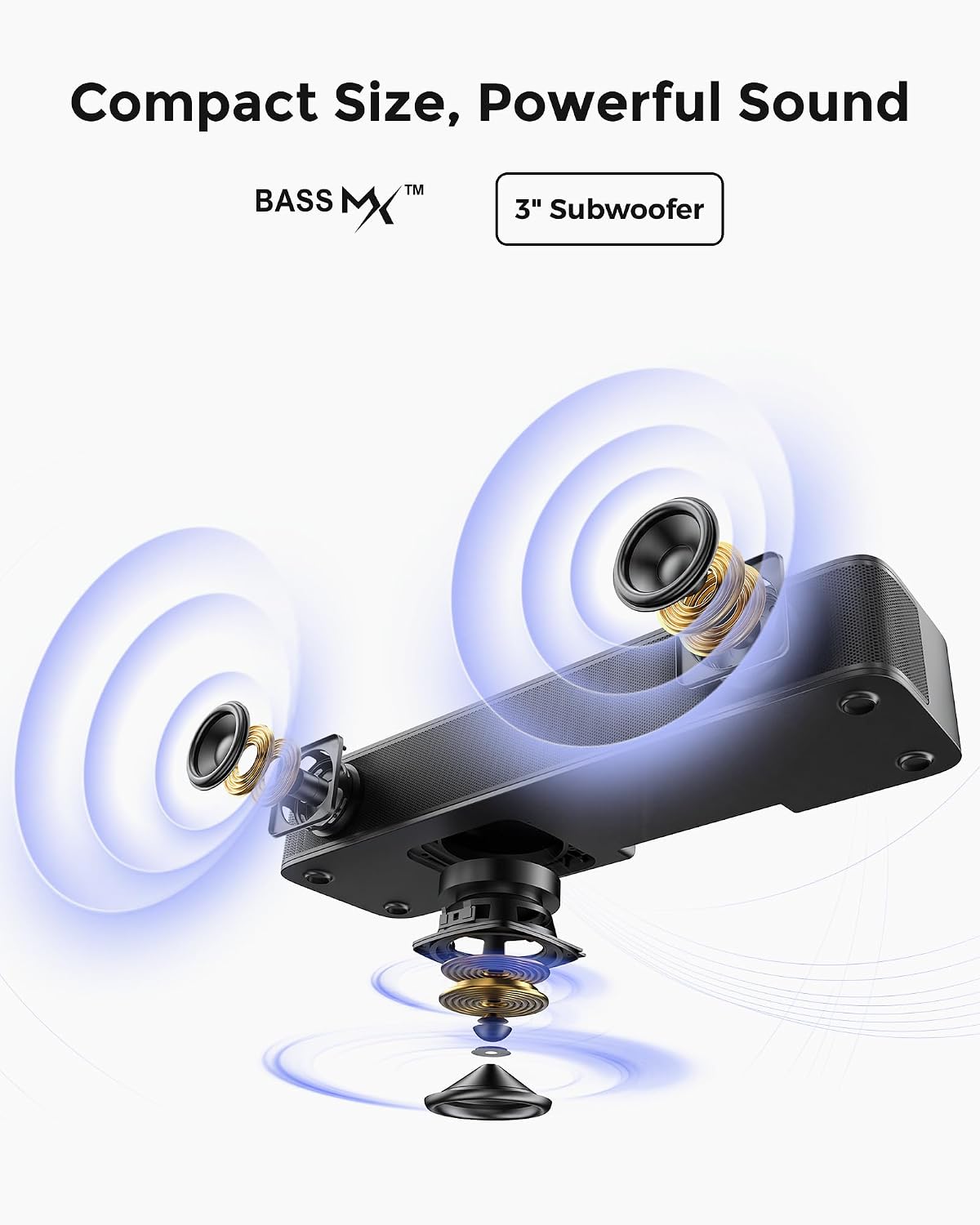
The built-in subwoofer and side-firing bass ports are intended to add weight to low frequencies without requiring a separate subwoofer in the initial setup. If you later want more bass, the soundbar has a SUB OUT port for connecting an active subwoofer. It’s a different approach from a system built around separate speakers: fewer components to place, but less flexibility in speaker positioning.
Pros
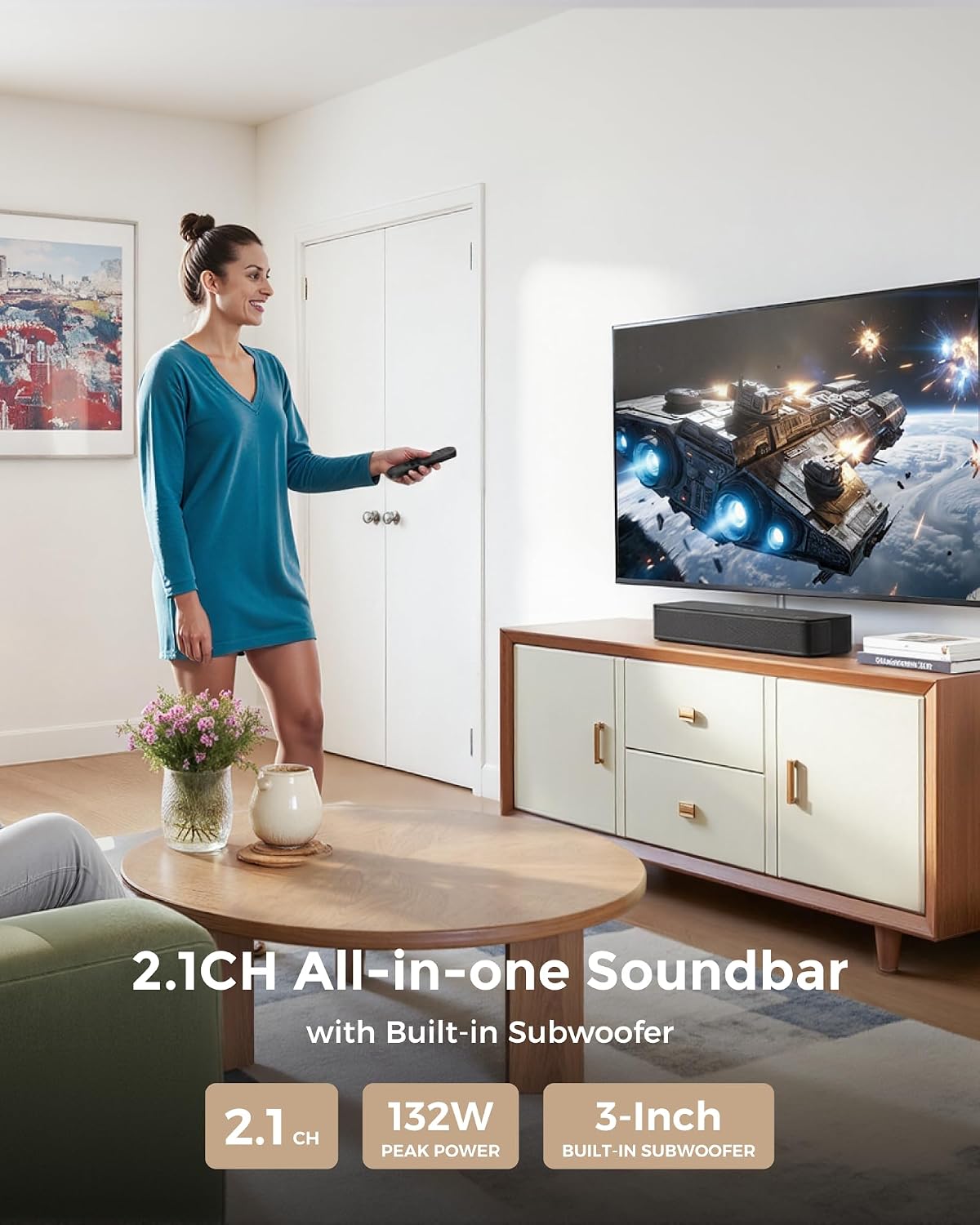

The all-in-one design brings dual speakers and a 3-inch subwoofer into a compact unit, with BassMX bass adjustment and six named EQ modes: Movie, Music, Voice, Sport, Game and Night. App control lets you change modes, adjust bands and use the Customize feature for finer tuning. The product also lists regular over-the-air updates, Bluetooth 5.4, and the option to wall-mount it.
It suits you if you want a simple TV sound upgrade with more control than a basic, fixed-mode speaker. Better to avoid it if you specifically need HDMI connectivity: HDMI isn’t among the listed inputs, which are optical, AUX, Bluetooth and USB.
Spec sheet


- Type: 2.1-channel TV soundbar
- Model: Poseidon M20 Pro
- Size: 16 inches
- Built-in subwoofer: 3 inches
- Peak power: 132W
- Connections: Optical, AUX, Bluetooth 5.4 and USB
- Additional output: SUB OUT for an active subwoofer
- Sound controls: Six EQ modes, 10-band equalizer and 121 preset EQ matrices
- Placement: Stand, cabinet, under-TV placement or wall mount
What I’d decide
Based on the supplied details, this is aimed at people who want a compact, contained setup with bass adjustment and several ways to tailor the sound. Its app controls give it more tuning options than a soundbar with only basic presets, while its built-in subwoofer avoids starting with a separate bass unit. The trade-off is that an all-in-one bar cannot offer the same freedom to position individual speakers, and the listed connection options may not suit every TV setup.
Choose it if its 16-inch size, app controls and optical, AUX, Bluetooth or USB connections match the space and devices you use. Look elsewhere if HDMI is essential or if your priority is a more expandable system with separate speakers from the outset.