

UJS ROCCOPRO-CA Rocco Pro OBD2 Bluetooth Scanner with Full-System Diagnostics
Product description
Choosing a scanner for occasional check-engine readings is different from wanting a broader view of a vehicle’s systems. The UJS Rocco Pro brings several diagnostic functions together in a Bluetooth tool for use with a phone.
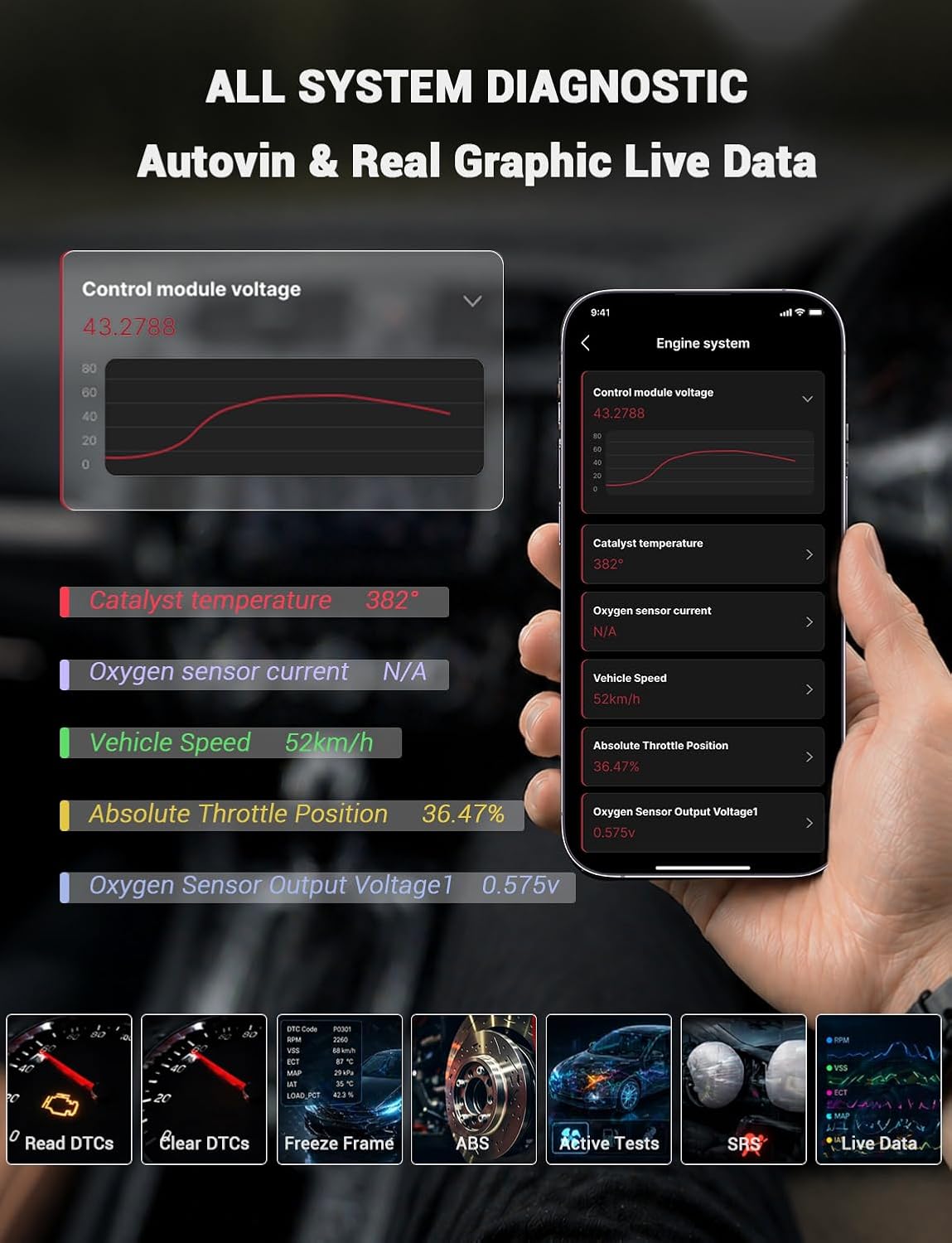
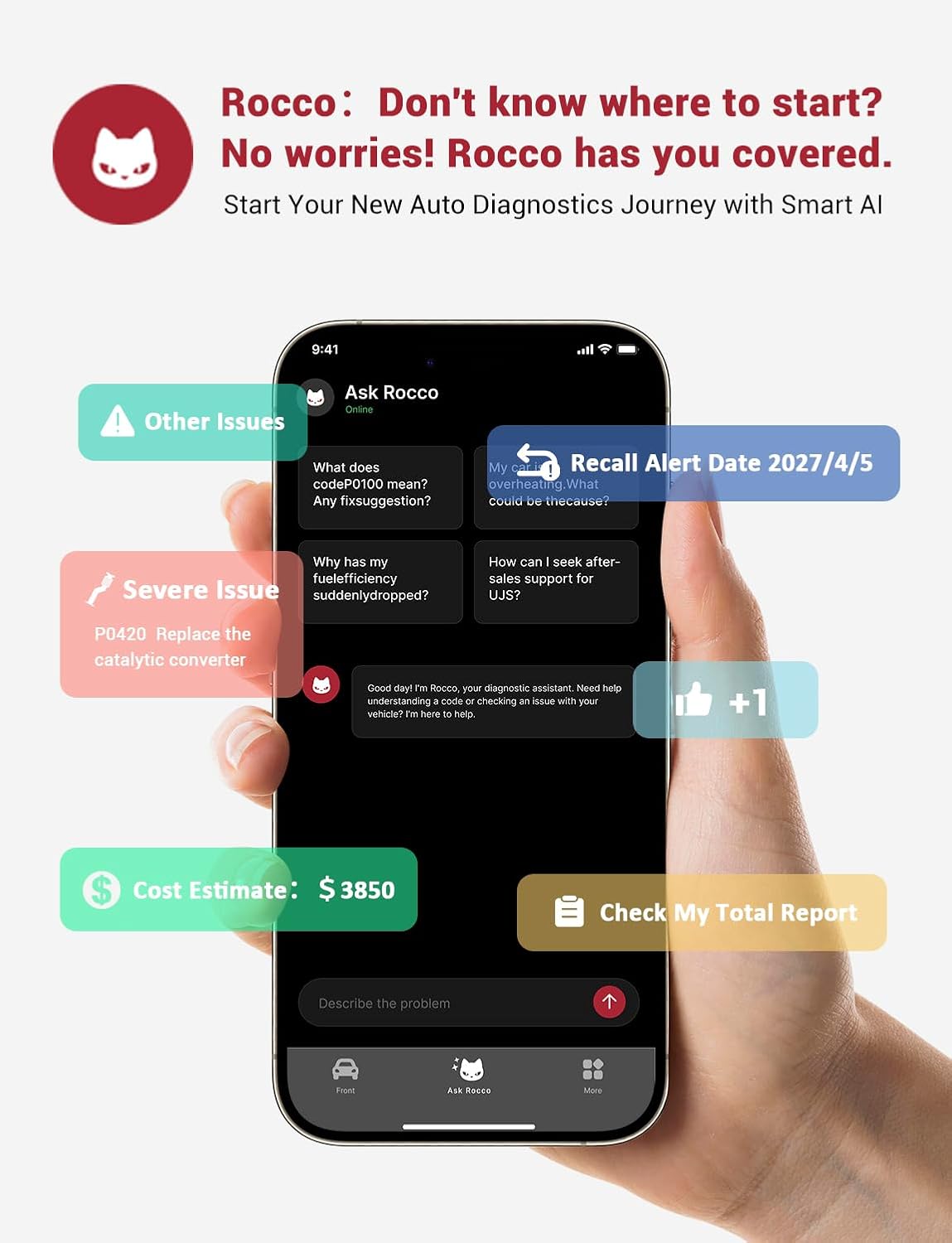
Its full-system diagnostics cover the engine, ABS, airbag (SRS) and transmission (TCM). A free companion app and AI repair guidance help make fault codes easier to interpret and give you a practical starting point for understanding what to investigate.
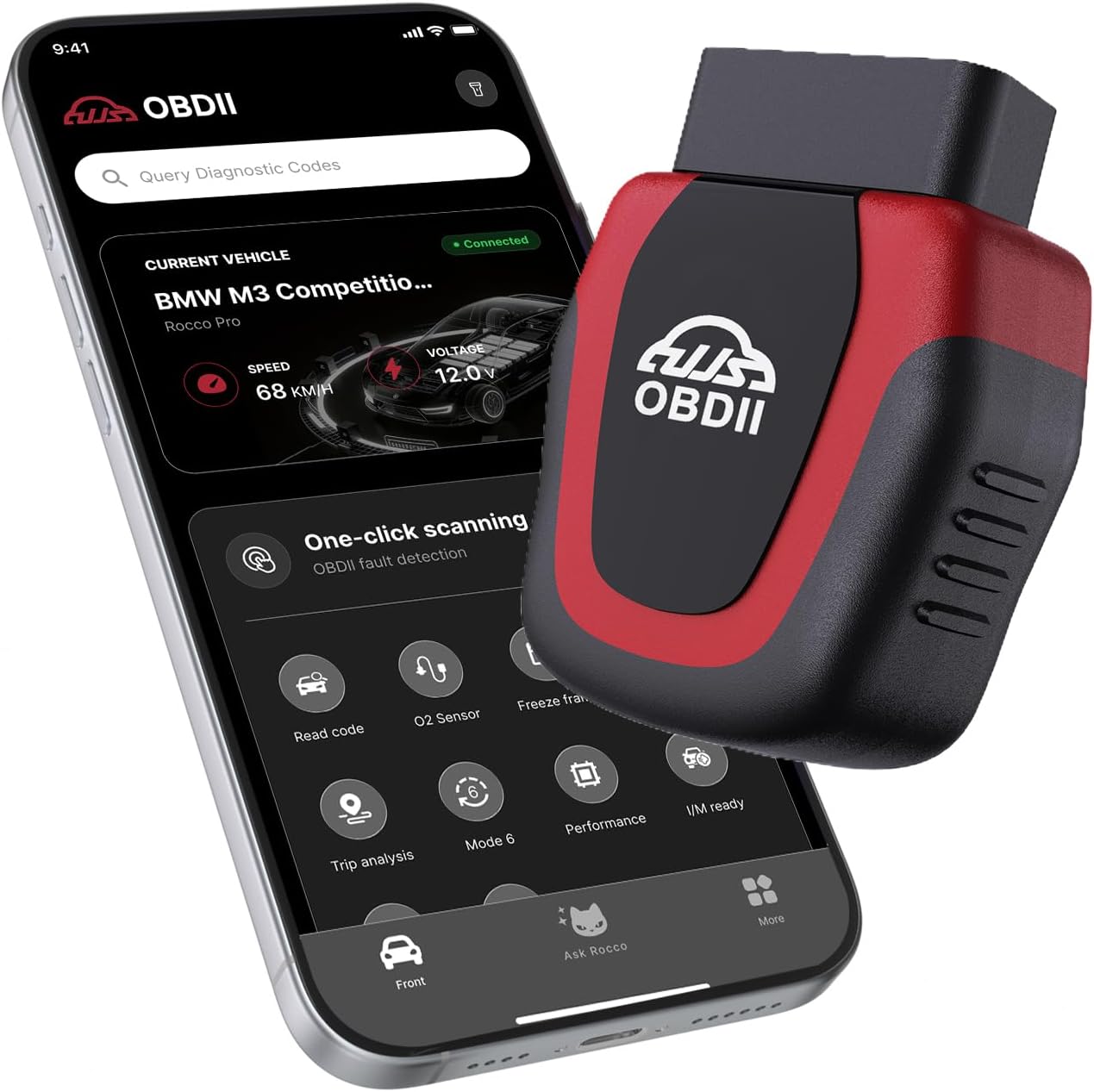
For a used-car check or regular maintenance, live data, battery voltage testing and vehicle profiles add useful context beyond a basic engine-code reader. The scanner supports OBDII/EOBD-compliant vehicles from 1996 onward, confirm your vehicle’s compliance before use.
At a glance
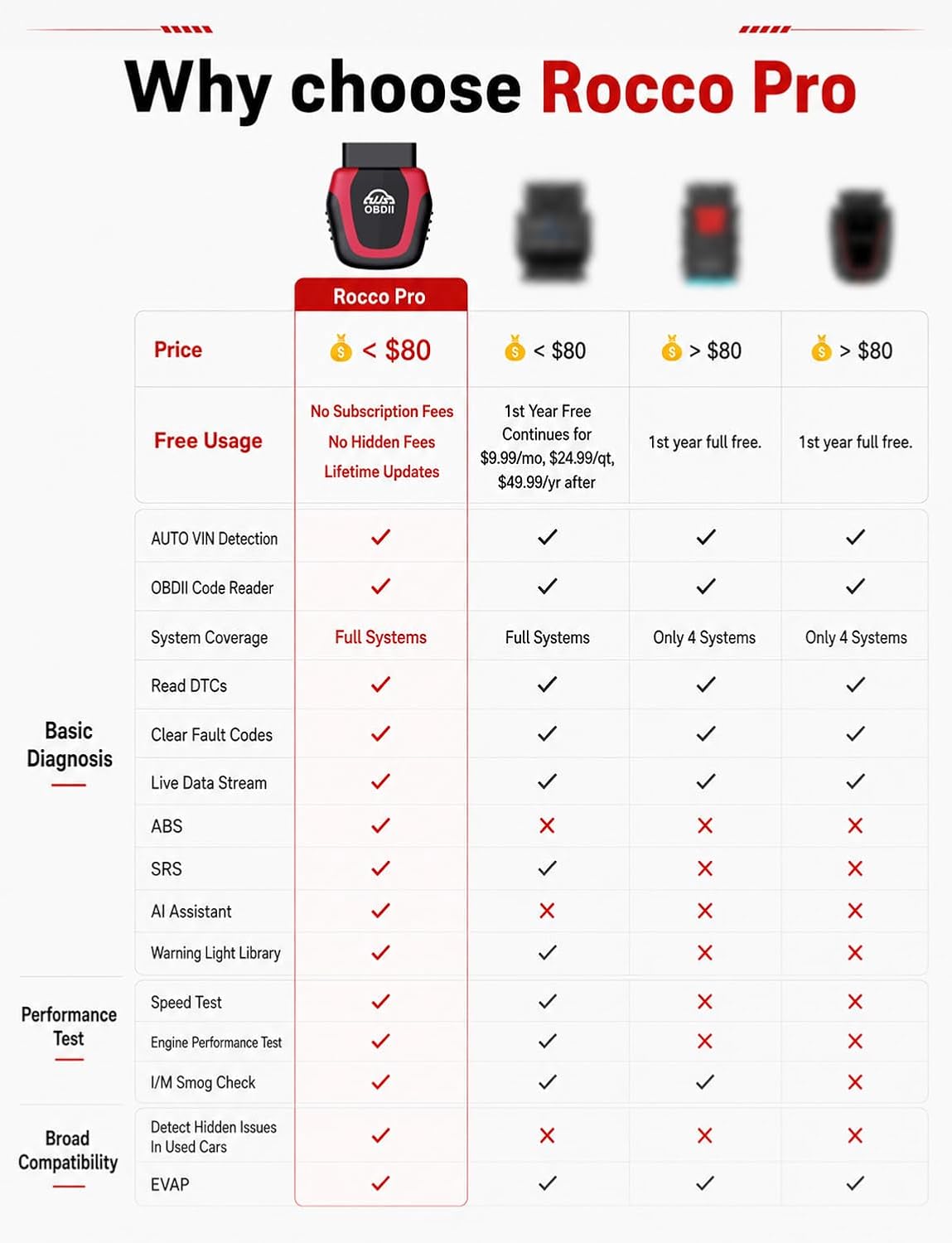
The Rocco Pro reads and clears diagnostic trouble codes across supported systems, including the engine, ABS, SRS and transmission. Its AI feature offers repair guidance, severity information and interactive question-and-answer support, while diagnostic reports can be shared through the app. This can help you organize what the scanner finds before deciding on a next step or discussing an issue with a mechanic.
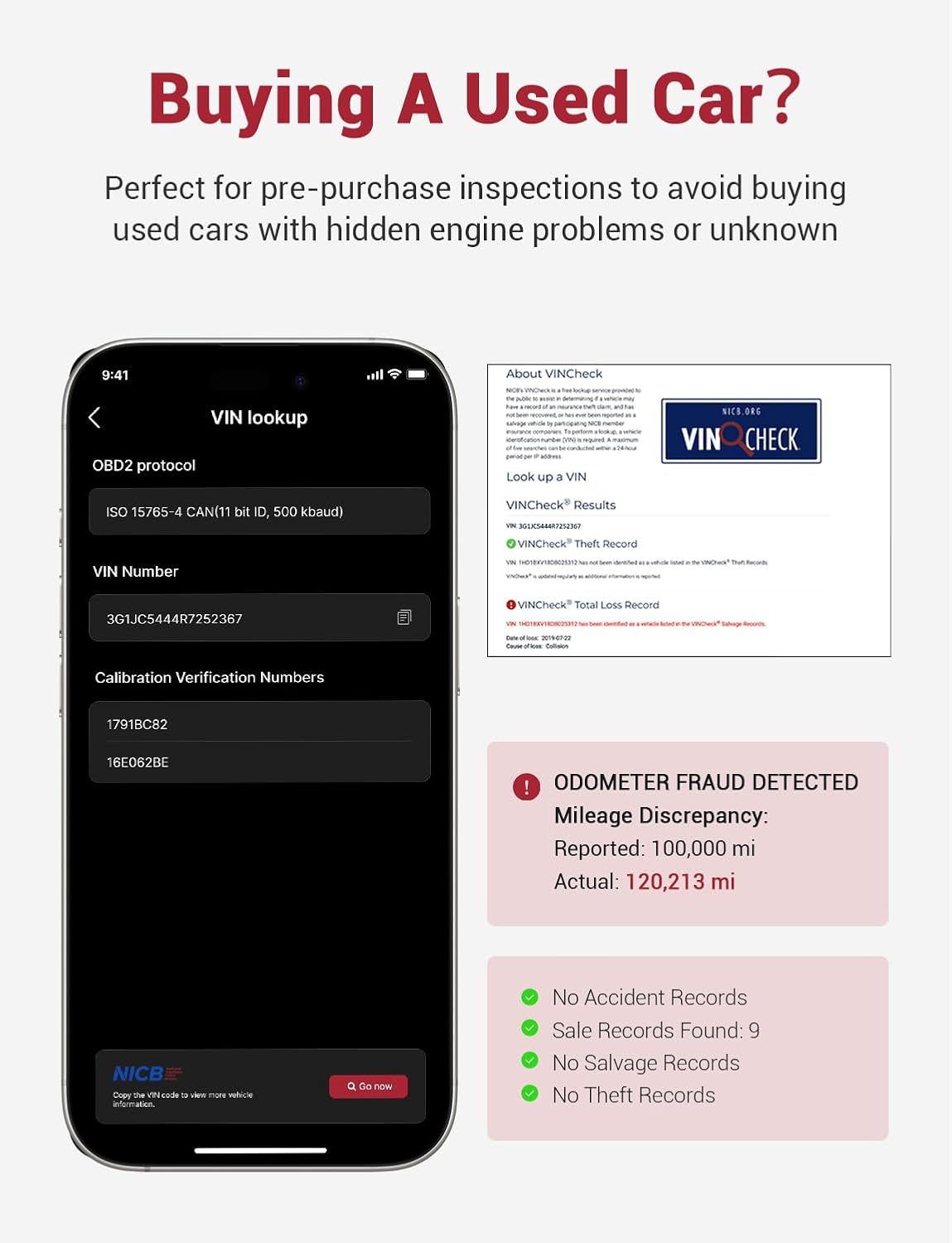
For a used-vehicle inspection, AutoVIN identifies the vehicle, and live-data graphing lets you view readings as they change. Battery voltage testing and more than 20 OBD2 modes round out its maintenance tools, including I/M readiness for emissions checks, an EVAP system test (Mode 8) and O2 sensor monitoring. The app can store up to 8 vehicle profiles locally, which is useful when keeping track of more than one car.
Compared with a reader focused only on engine codes, this tool is suited to buyers or owners who want access to additional systems and maintenance modes in one app. Buyers also describe the app as easy to use and appreciate the Bluetooth connection, those impressions reflect individual experiences, while actual diagnostic coverage depends on vehicle compatibility.
Practical tips
Check that the vehicle is OBDII/EOBD-compliant and that the phone meets the app’s operating-system requirements: Android 7.0 or iOS 13.0. Connect the scanner to the vehicle and pair it with the phone through Bluetooth, then use the app to select the diagnostic function you need. For a pre-purchase check, scan the available systems and review the results alongside the vehicle’s other inspection information.
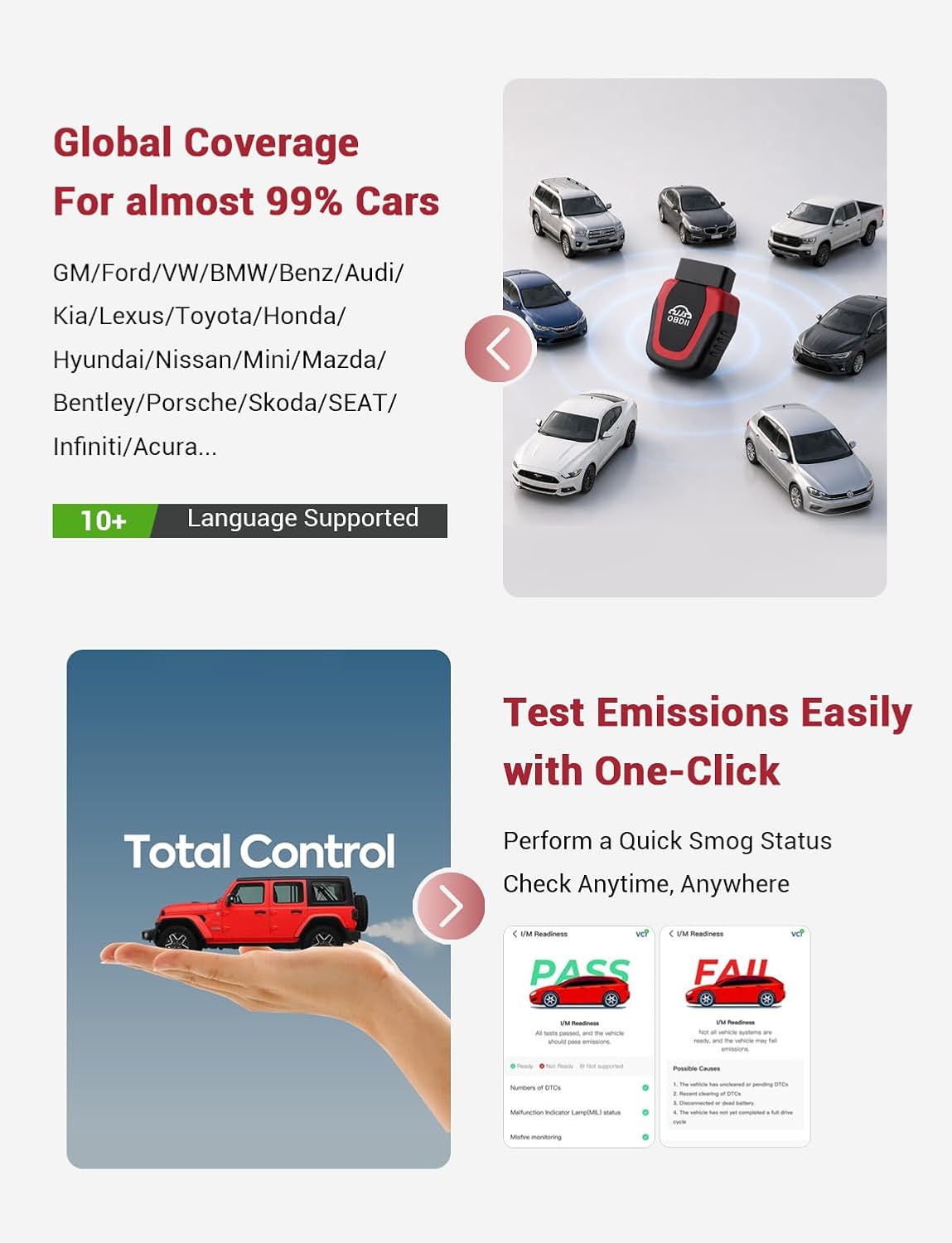
During routine maintenance, I/M readiness, EVAP testing and O2 sensor monitoring can help you review specific emissions-related data. Live-data graphs are useful when you want to observe readings rather than rely on a single code screen. Save the vehicle profile to keep diagnostic information organized for later reference.
How to use it
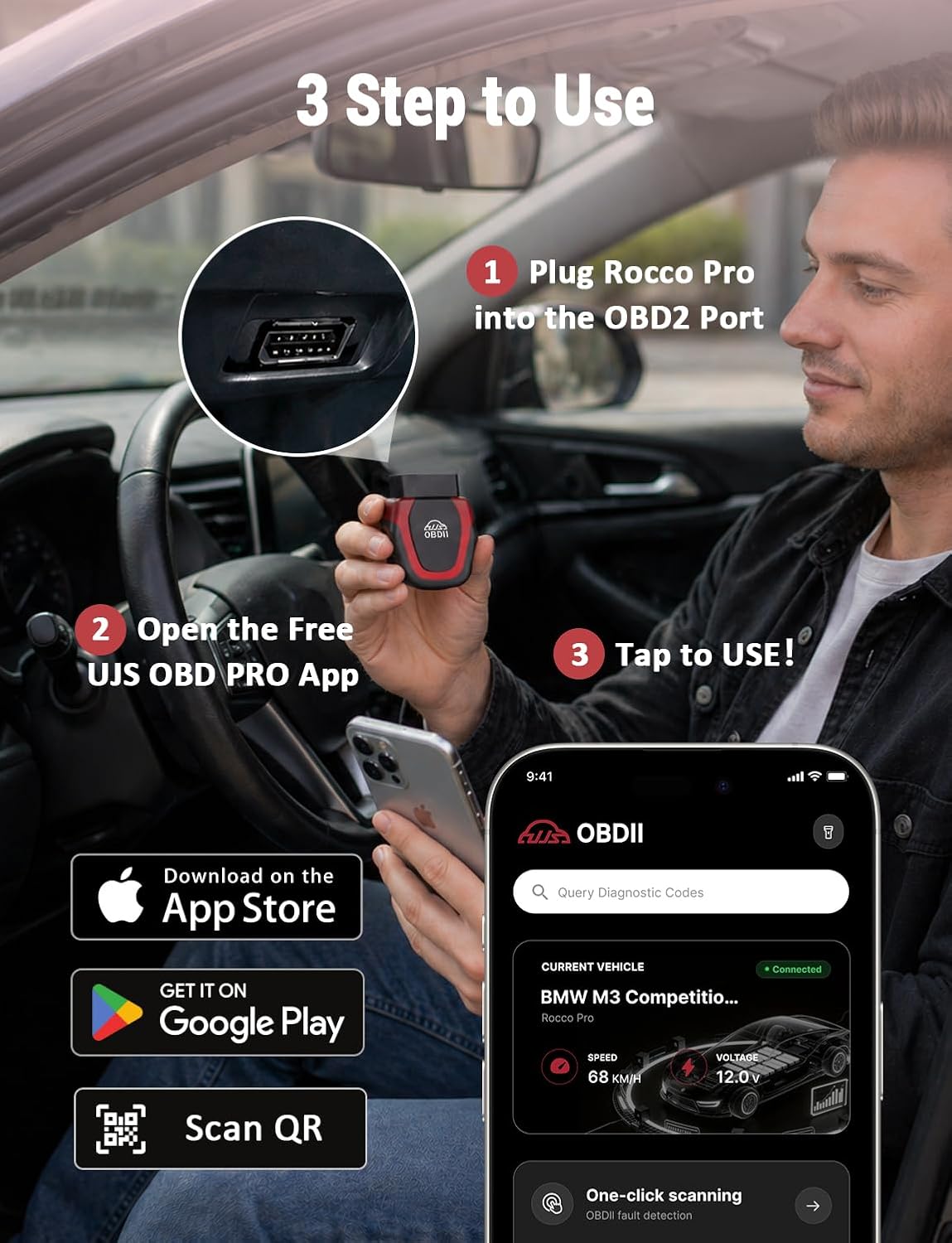
Start by connecting the scanner to the vehicle’s OBDII port, then pair it with the companion app on a compatible phone. Choose a system to scan, such as the engine, ABS, SRS or transmission, and read the available codes and data. The app’s AI guidance can help explain fault information and suggest areas to investigate, it is a reference for interpreting results, not a substitute for a professional repair assessment.
For a used-car viewing, a scan can provide additional information to consider before purchase. For an issue that appears during everyday driving, code reading and live data can help you describe the symptoms and findings more clearly when arranging service. The free app, Bluetooth connection and lack of subscription fees keep these functions accessible for ongoing use, while free lifetime updates support continued app and scanner updates.
Buying verdict
The UJS Rocco Pro is a practical choice for drivers who want more than basic engine-code readings: it combines access to key vehicle systems with AI-assisted explanations, live data and common maintenance modes. Its phone-based Bluetooth setup also suits people who prefer to review scan results on a familiar screen. For multi-car households, locally stored profiles help keep vehicle information separate, making the scanner useful for routine checks as well as a more informed look at a used vehicle.