

LAUNCH X431 PROS V 5.0 Bidirectional Scan Tool with CAN FD
Reviews
Price
Product description
A basic code readout suits quick fault checks. For work that also calls for active tests, service resets and coding, the LAUNCH X431 PROS V 5.0 brings those diagnostic tasks together in one tablet-based tool.
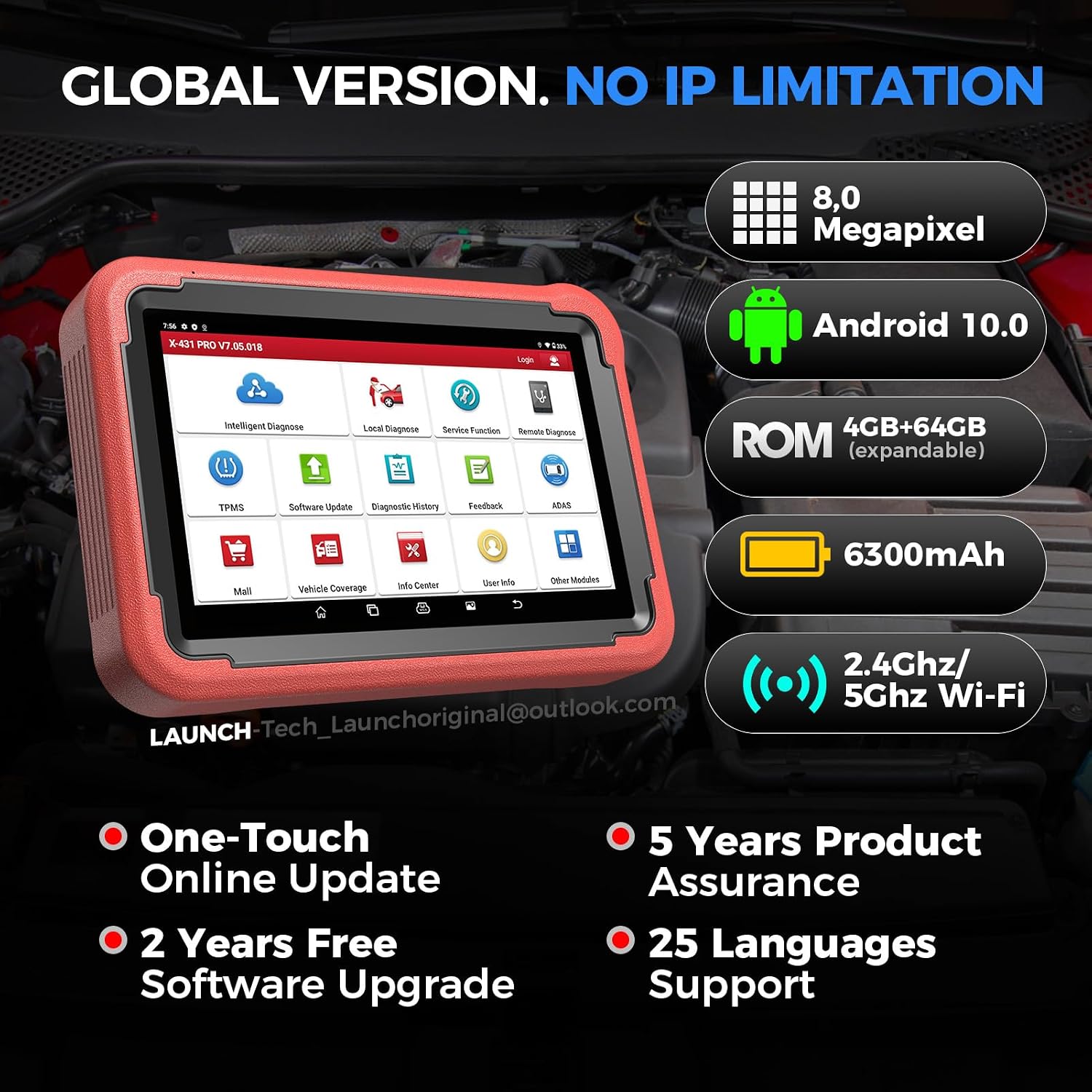
Its 8-inch touchscreen runs Android 10, with a wireless DBScar VII VCI connector for communication with the vehicle. The tablet format gives you room to navigate diagnostic menus and review information at the vehicle.
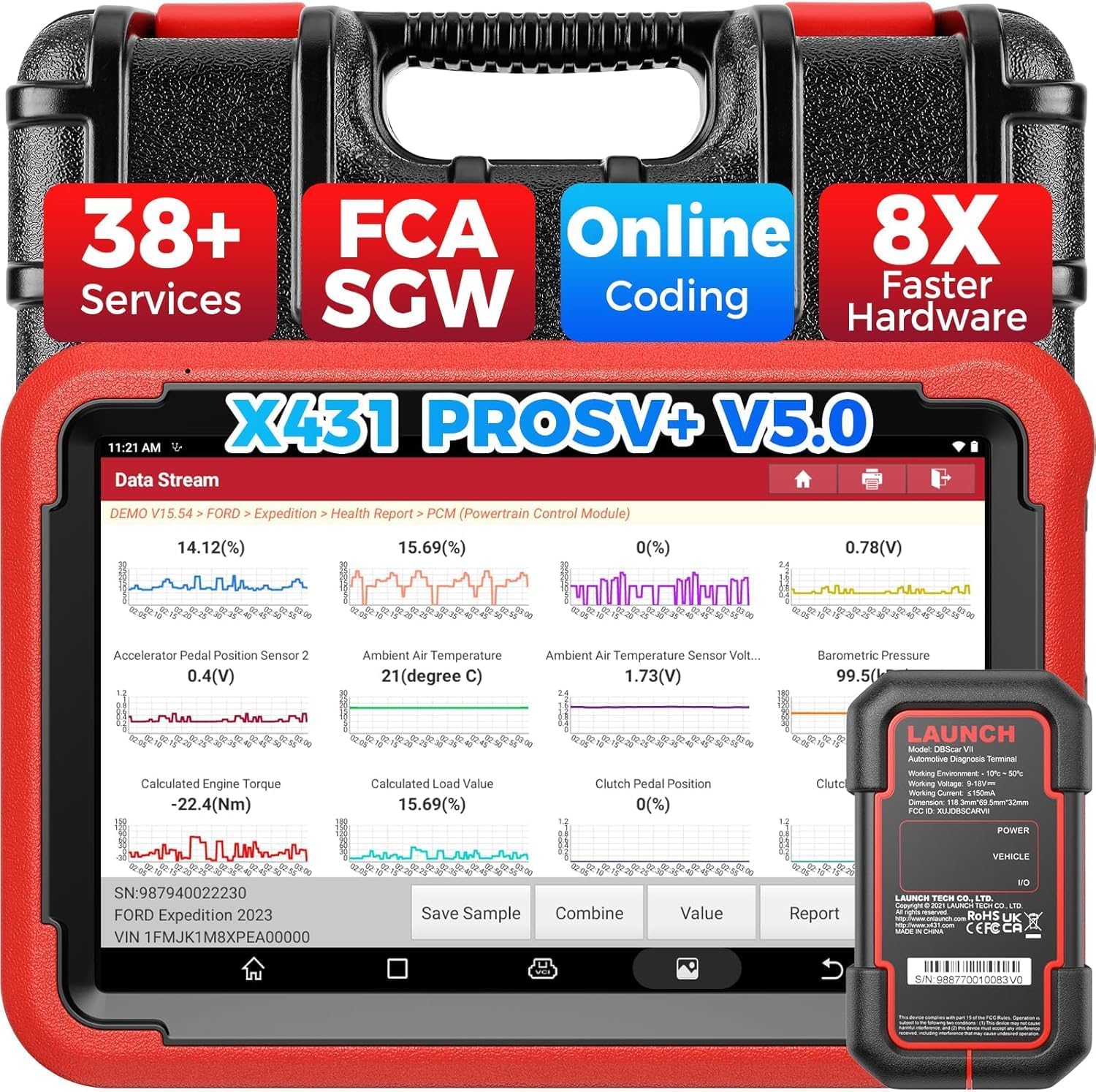
CAN FD support, FCA AutoAuth and more than 38 reset services broaden its usefulness across supported vehicles. Check the supported vehicle and function information for your specific model before starting a procedure.
Technical details
- Type: Bidirectional vehicle diagnostic scan tool
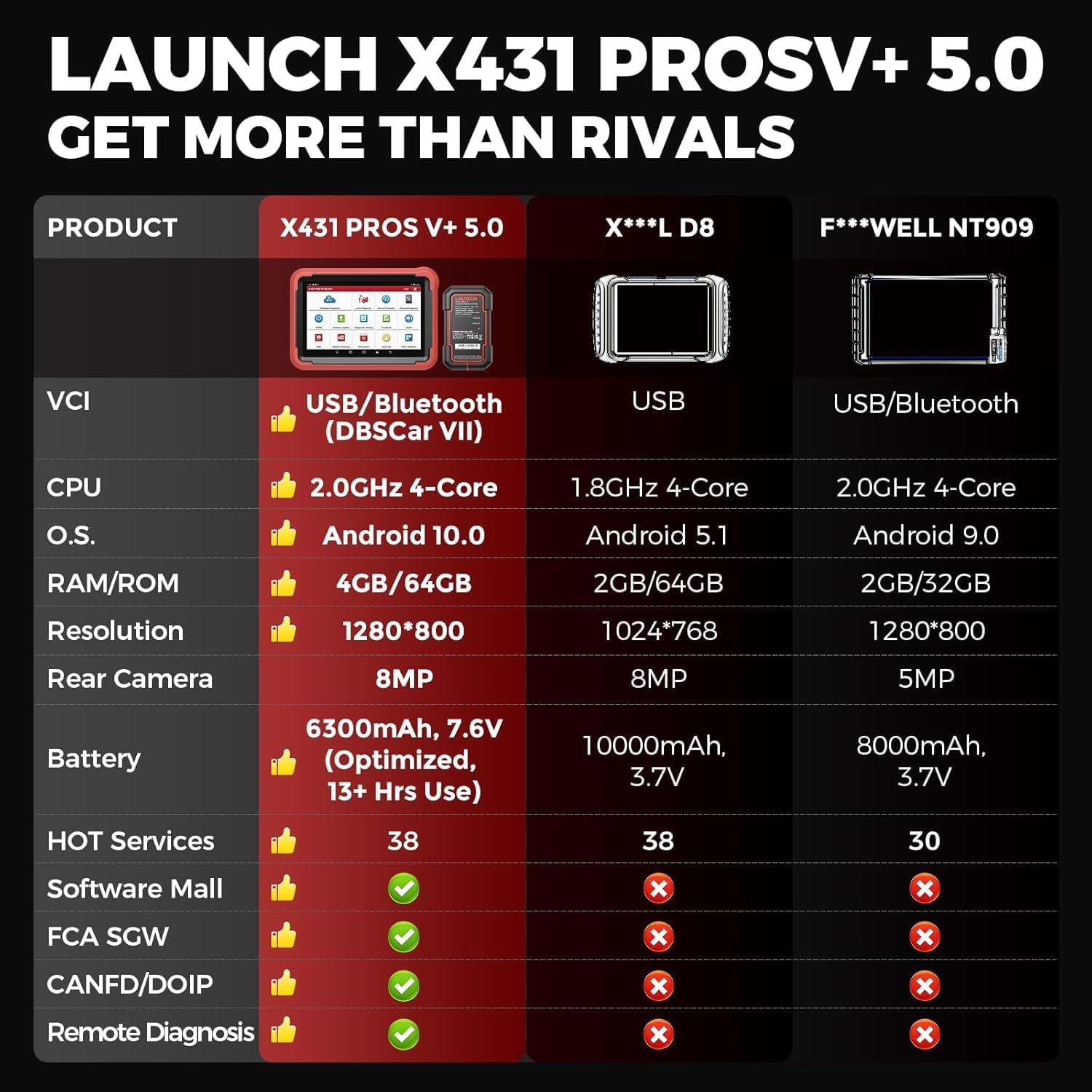
- Display: 8-inch screen, 1280 × 800 resolution
- Operating system: Android 10
- Memory: 4 GB RAM
- Storage: 64 GB, expandable
- Connectivity: Wi-Fi and Bluetooth VCI connection
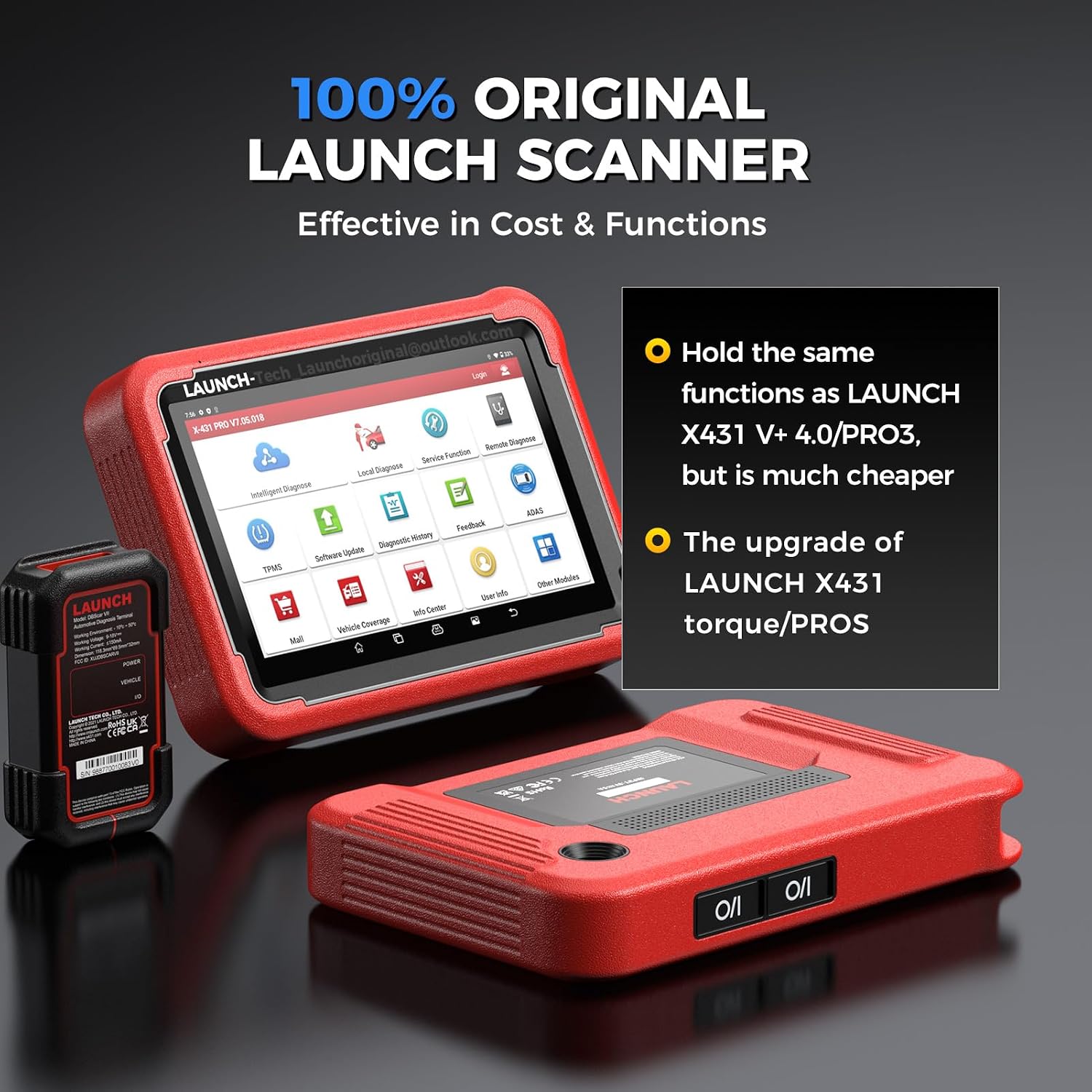
- VCI connector: Wireless DBScar VII
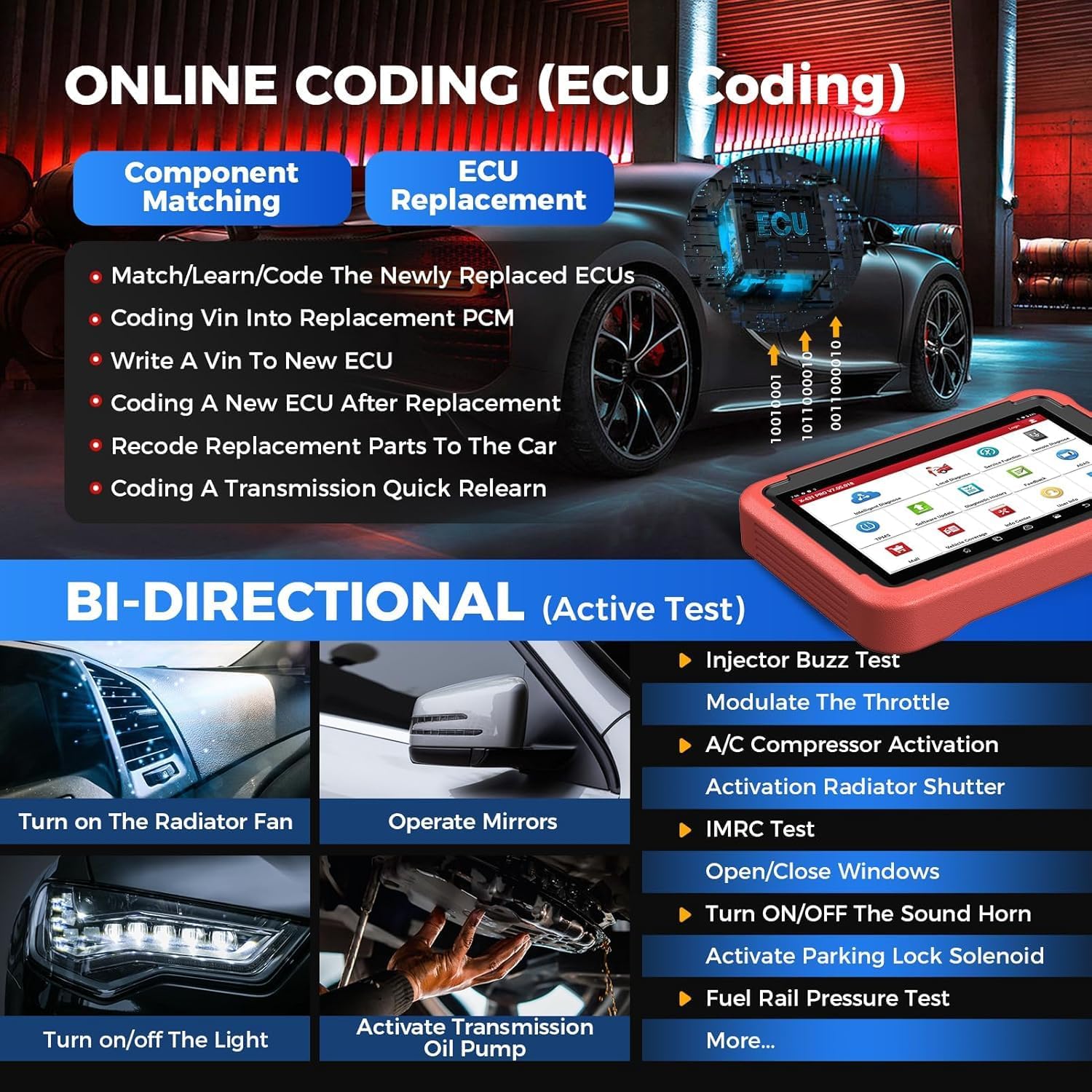
- Diagnostic features: CAN FD, FCA AutoAuth, online ECU coding and more than 38 reset services
- Updates: Two years of free updates
How to use it
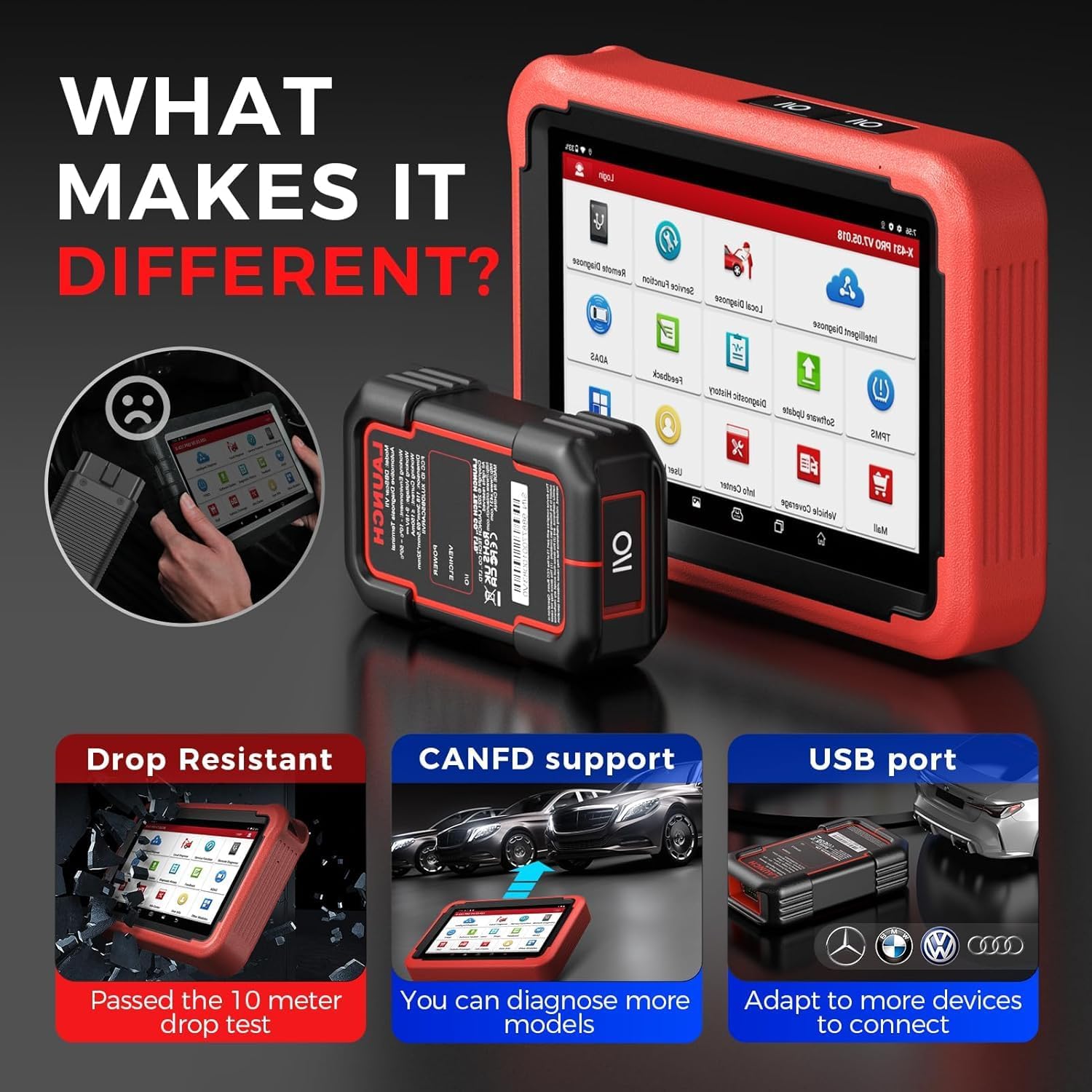
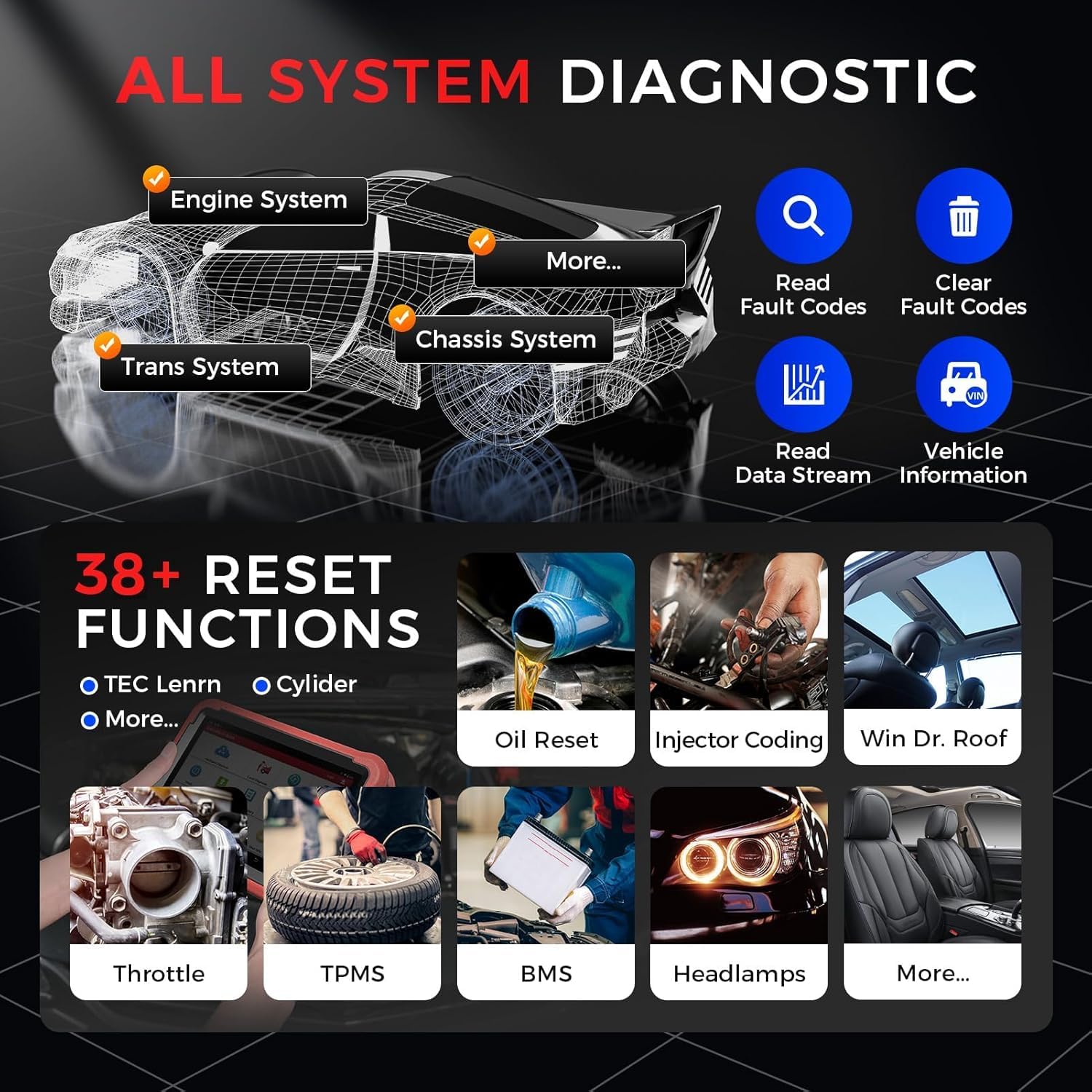
Connect the DBScar VII VCI to the vehicle’s diagnostic connection, then use the tablet to select the vehicle and access available systems. For a fault check, read the relevant diagnostic information, for supported procedures, the tool can also run bidirectional active tests by sending commands to vehicle systems and components. Examples include operating a radiator fan, testing a window or mirror actuator, and checking lights or the horn. These tests help assess component operation without relying solely on the vehicle’s usual controls.
Available functions depend on the vehicle and system selected. The scanner also provides service procedures such as ABS bleeding, injector coding and resets for systems including oil, brake, battery and transmission. Use the matching procedure for the vehicle and follow its on-screen prompts. For newer vehicles using CAN FD, this protocol support helps extend diagnostics to compatible models, FCA AutoAuth is also supported for FCA security gateway access.
A simpler code reader may suit someone who only wants to retrieve basic fault information. The X431 PROS V 5.0 is aimed at a wider workflow, combining code reading with active tests, coding and service functions. Buyers describe it as useful and straightforward to set up, and appreciate having a broad range of functions available in one tool.
What’s included
The scanner is paired with a wireless DBScar VII VCI connector. The connector links the tablet to the vehicle for diagnostic communication, while the tablet provides the screen and menus for selecting functions. The product information also identifies two years of free updates, supporting access to updates during that period.
When it makes sense
Worth considering if your repair or maintenance work regularly moves beyond reading fault codes and calls for component checks, ECU coding or reset procedures. A practical example is diagnosing a warning, using an active test to check a related component, then carrying out an available service procedure from the same tablet. CAN FD support and FCA AutoAuth add useful diagnostic options for supported vehicles, making this a capable fit for workshops and experienced DIY users who need a broader set of scan-tool functions.