

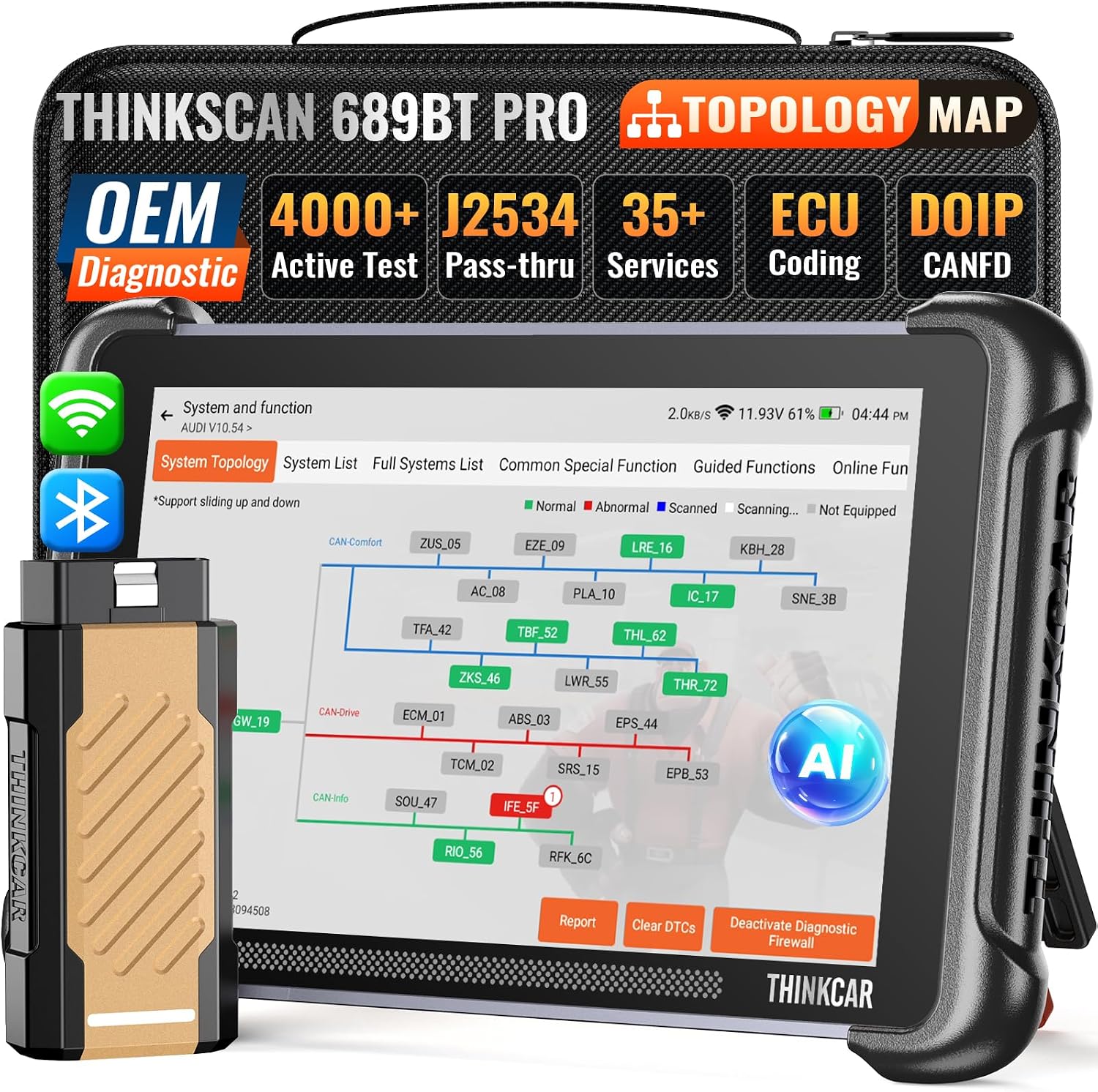
thinkcar THINKSCAN 689BT PRO Bidirectional Scan Tool with Topology Map & J2534
Reviews
Price
Product description
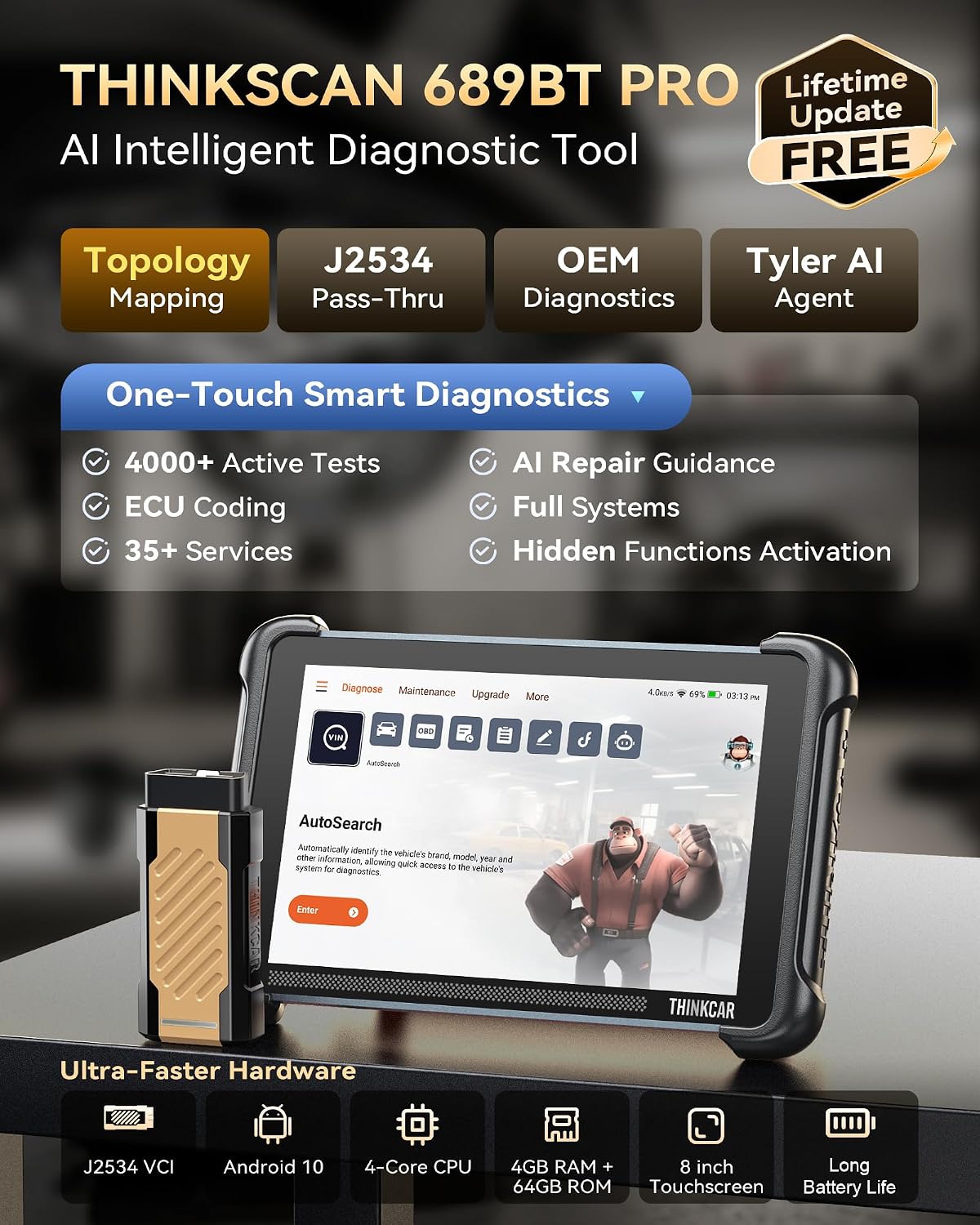
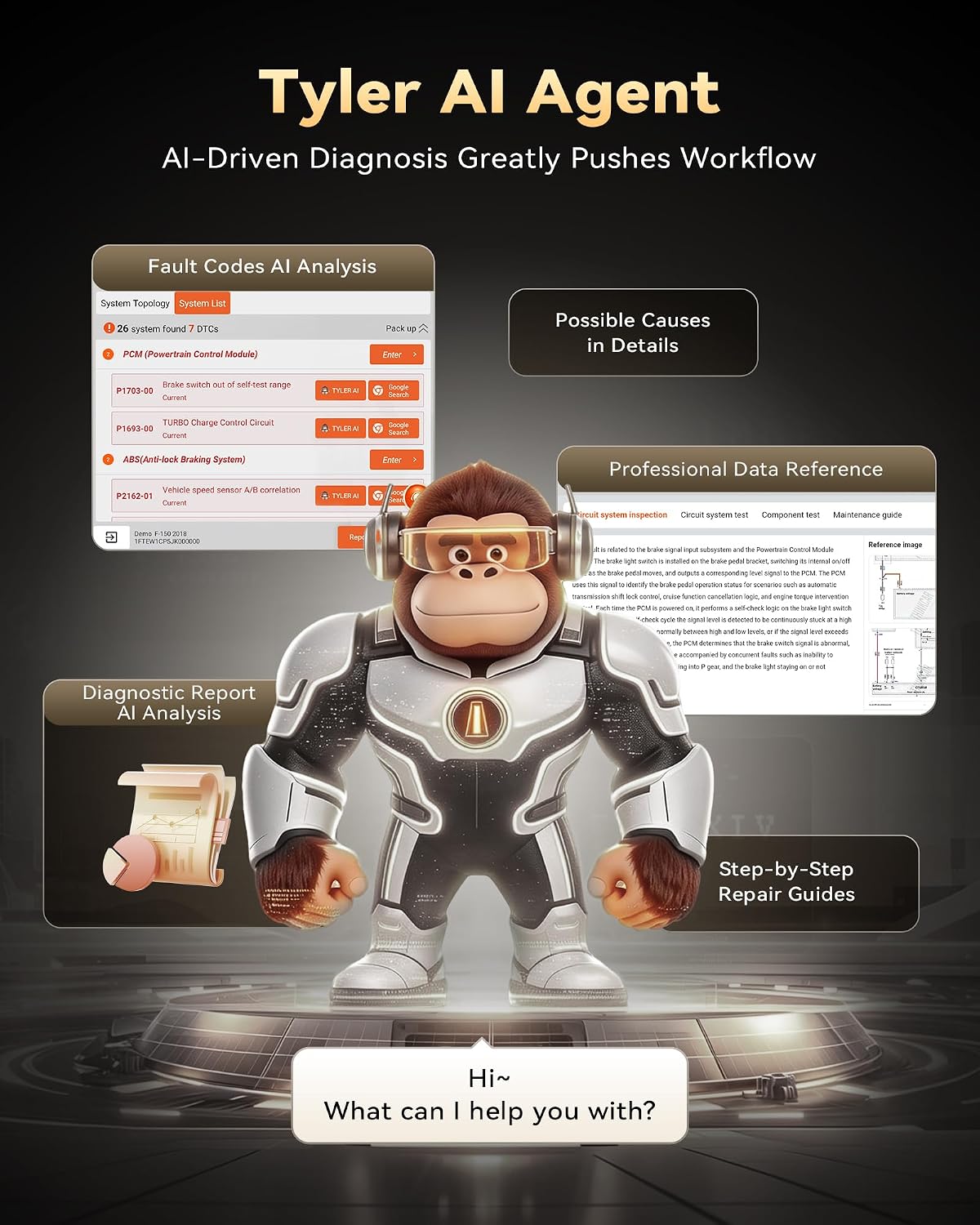
When a vehicle fault needs more than a basic code read, the thinkcar THINKSCAN 689BT PRO brings system scans, topology mapping and bidirectional tests together in one diagnostic tool. Its 8-inch screen presents vehicle modules in a colour-coded map, making it easier to see the systems involved. Need to move from a scan to a practical next step? Tyler AI can analyse faults and provide troubleshooting guidance.
Highlights
Topology mapping gives a visual overview of accessible control modules, scanned systems and diagnostic results. You can zoom, pan and highlight modules to focus on a specific area rather than navigating a series of menus. For technicians working through connected vehicle systems, that view can help organize diagnostic steps and see where to investigate.
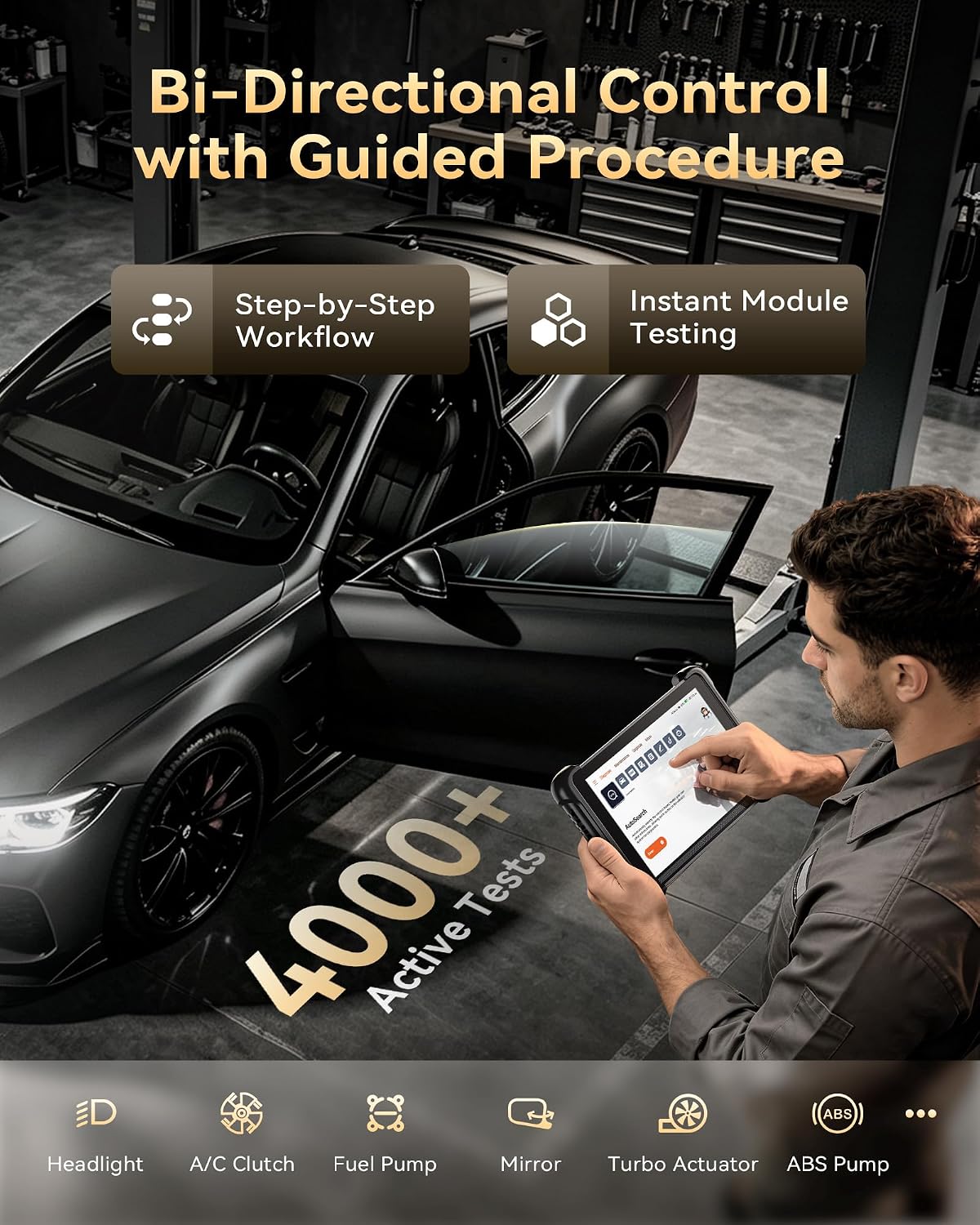
The tool supports full-system diagnostics and more than 4,000 active tests, allowing supported vehicle actuators to be commanded for operational checks. This bidirectional approach can help when a fault code alone does not show whether a component responds as expected. Tyler AI can retrieve fault codes, generate reports, capture scan data for later review and analyse vehicle issues. Its built-in chatbot also offers troubleshooting guidance and technical resources.
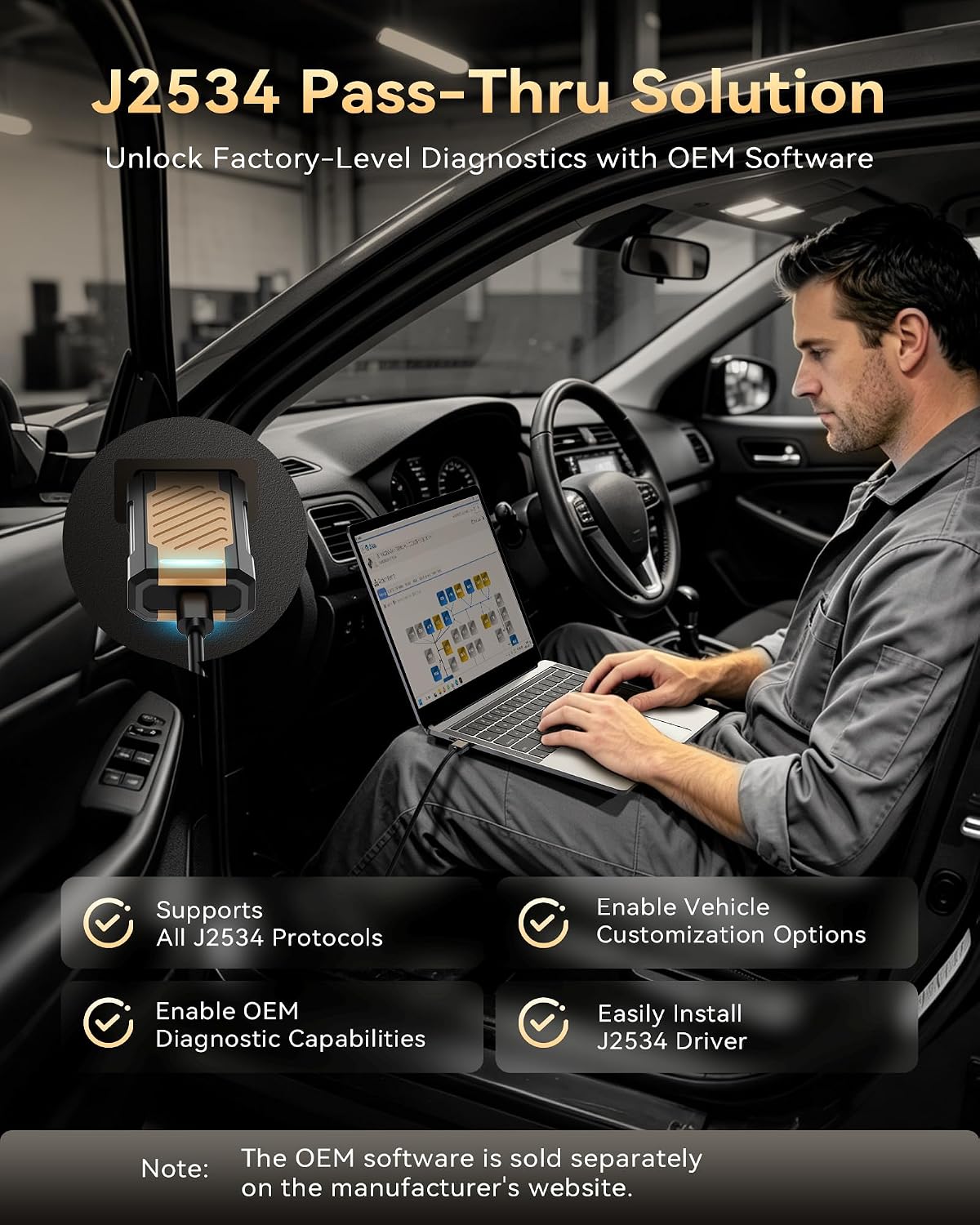
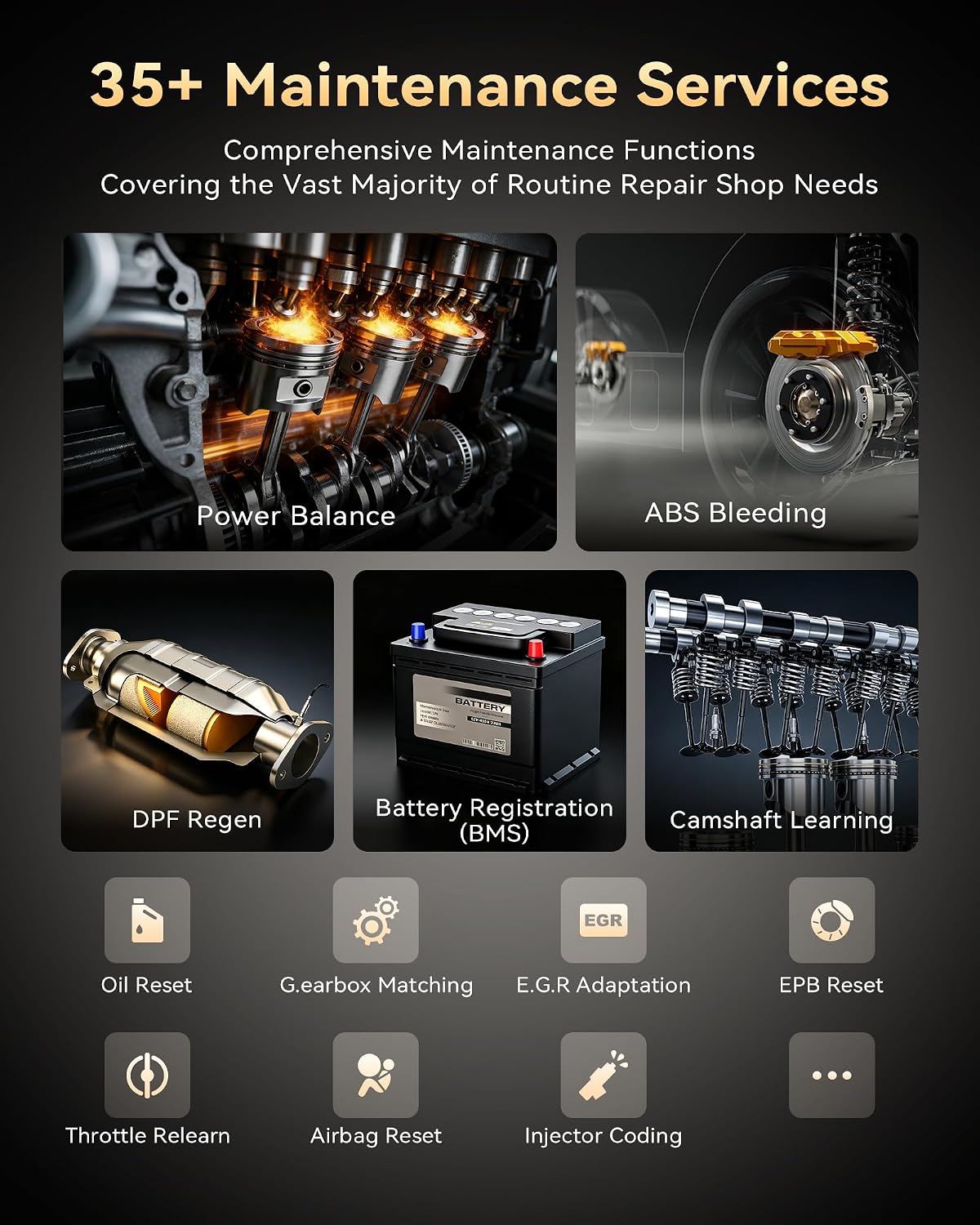
J2534 pass-thru support provides a connection route to mainstream OEM software, including GDS2, FORScan, wiTECH 2.0, ODIS and Techstream. The THINKSCAN 689BT PRO also offers ECU coding, PMI, CAN FD, DoIP and FCA gateway support. Its 35+ reset and service functions cover tasks such as oil, ABS, DPF, SAS, brake, airbag and battery management services, available functions depend on the vehicle.
Usage tips
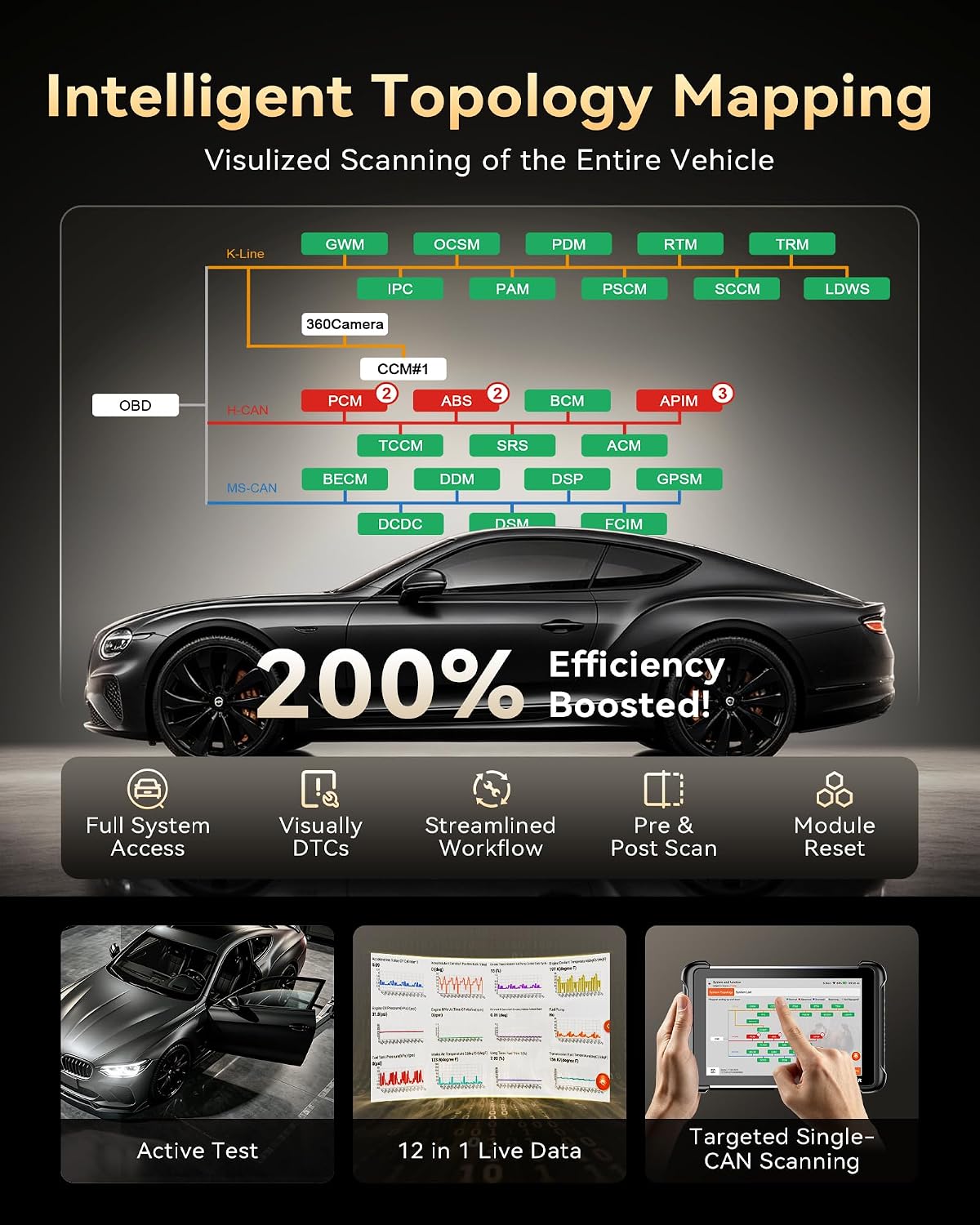
Start by scanning the vehicle’s accessible systems, then use the topology map to select a module and review its results. When further checking is needed, an active test can help assess the operation of a supported component, such as a wiper, window, mirror, coolant pump or fuel injector. AI repair guidance provides step-by-step reference material for diagnostic, service and active-test procedures.
For programming or maintenance tasks that use manufacturer software, the J2534 pass-thru function connects the tool with supported OEM applications. This is a different approach from using a simple code reader for fault-code checks: the 689BT PRO combines system visibility, component tests and software connectivity in a single diagnostic workflow.
Everyday use
The Android 10 platform, 4-core processor, 4 GB RAM and 64 GB storage support the tool’s diagnostic and AI features, while the 8-inch display gives room to review maps, reports and scan information. In a workshop, a technician could scan a vehicle, use the map to locate a relevant module, run an available active test and save captured data for follow-up. For maintenance work, the range of reset services brings several common service tasks into the same tool.
Vehicle coverage and available functions vary by model, so choose the scan, test or service based on the vehicle being worked on. Lifetime updates are listed for the tool, supporting continued access to its software updates.
Questions before you buy
What does the topology map show? It displays accessible control modules, scanned systems and diagnostic results in a visual layout. Zoom, pan and highlighting help you select a module for closer review.
Can it test vehicle components? Yes. Its bidirectional control supports more than 4,000 active tests, including checks involving components such as wipers, windows, mirrors, coolant pumps and fuel injectors, where supported by the vehicle.
Can it connect with manufacturer software? J2534 pass-thru support provides connectivity with mainstream OEM software, including GDS2, FORScan, wiTECH 2.0, ODIS and Techstream.
Is it worth it?
The THINKSCAN 689BT PRO is suited to technicians and hands-on vehicle owners who want more than code reading: topology mapping helps organize system-level diagnosis, active tests add a way to check component response, and AI tools bring reports and troubleshooting guidance into the workflow. Its J2534 support and broad service functions make it a practical fit for users handling varied diagnostic and maintenance tasks across supported vehicles.