

OBDResource FORD327 ELM327 USB OBD2 Scanner with MS-CAN/HS-CAN Switch
Reviews
Price
Product description
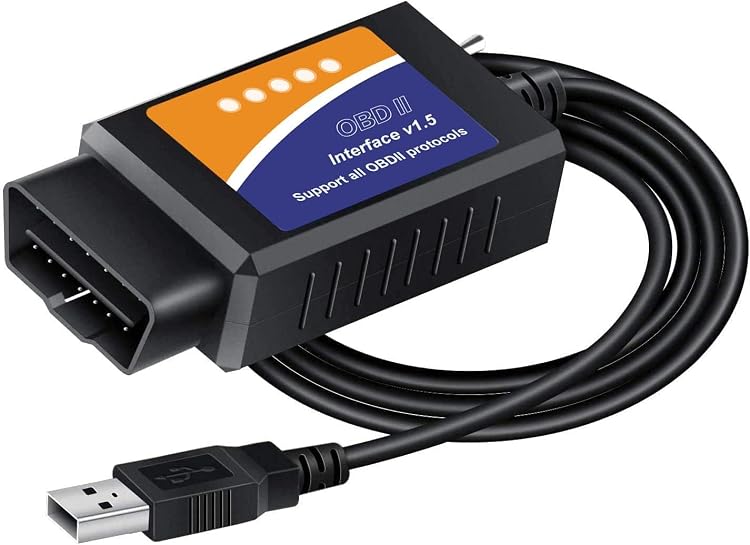
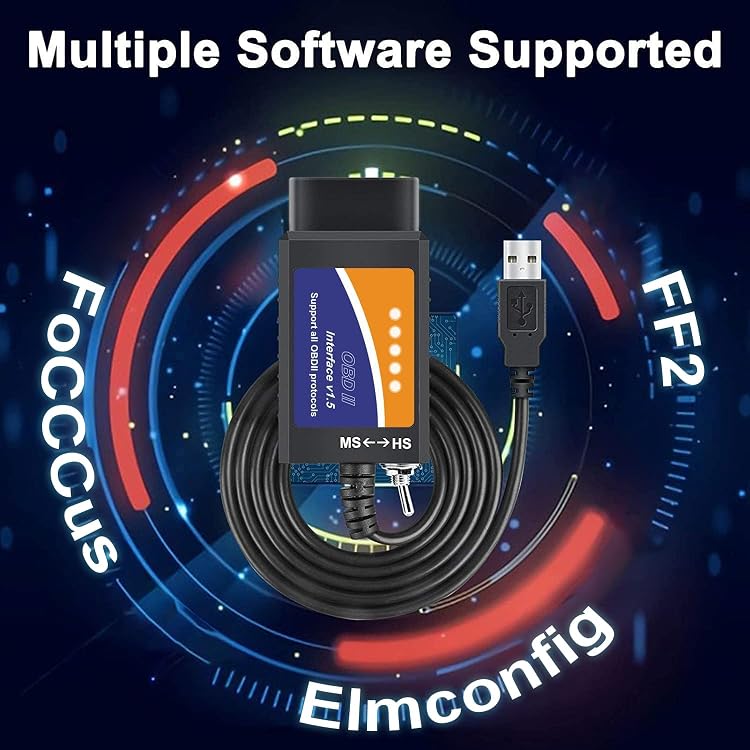
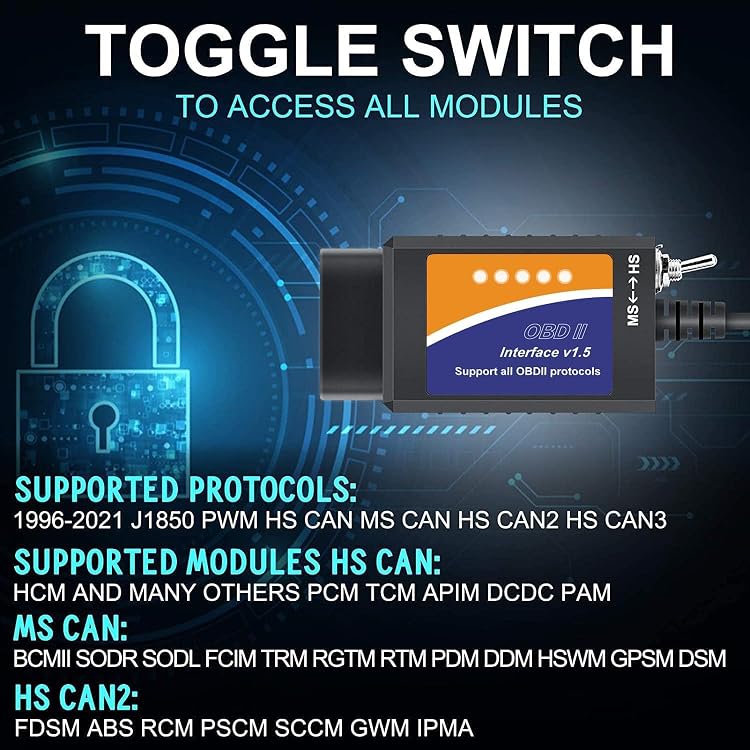
The MS-CAN/HS-CAN switch gives the OBDResource FORD327 access to both network types, helping you reach vehicle modules for diagnostics and configuration. Connect it to a Windows computer to work with compatible software such as FORScan, ELMconfig and FoCCCus.
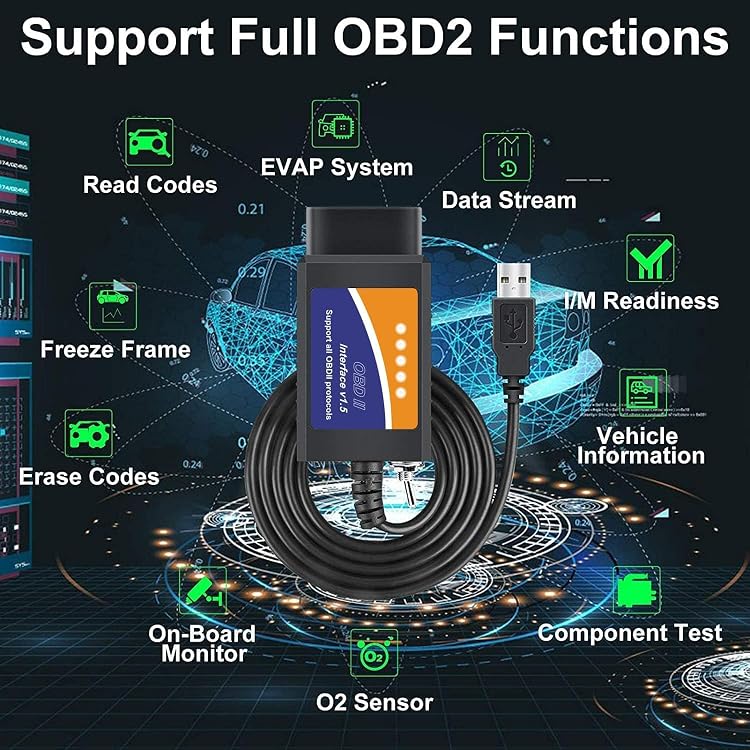
As well as reading and erasing fault codes, the adapter can display live data, run actuator tests and support service procedures. That makes it useful for investigating warning lights and exploring functions beyond a basic code reader.
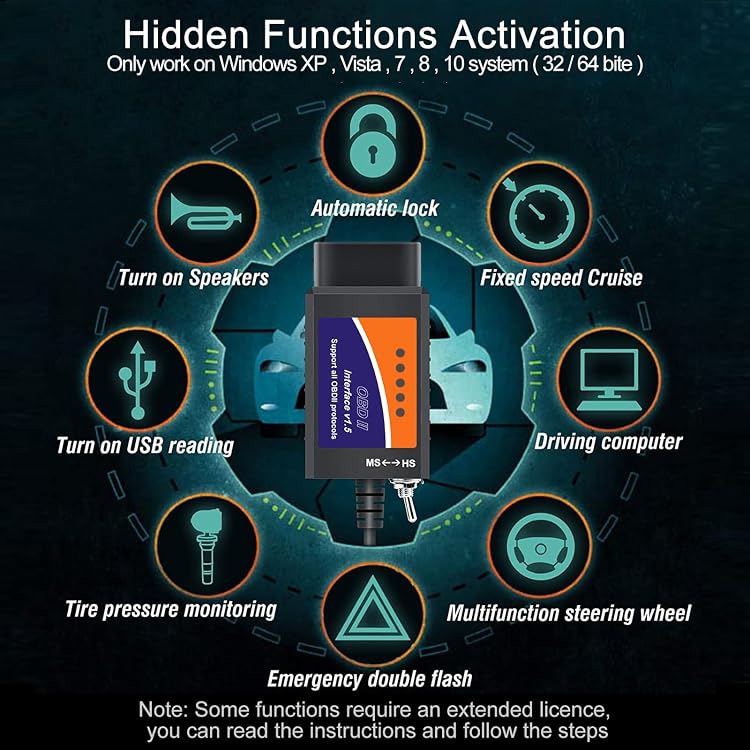
For supported Ford, Lincoln, Mazda and Mercury vehicles, it can also provide access to configuration options such as Global Window and reverse-tilt mirrors. What can you check when a warning light appears or a vehicle setting needs attention?

Key points
The FORD327 uses a USB cable connection between a Windows computer and the vehicle’s 16-pin OBD2 port. Its switch selects between MS-CAN and HS-CAN, while the interface supports protocols including J1850 PWM and HS-CAN. For compatible vehicles, diagnostic functions include reading and clearing fault codes across modules, viewing data such as engine RPM, vehicle speed and air flow rate, and carrying out actuator tests and service procedures. The listed functions also include forced DPF regeneration.
This gives you more to work with than a reader focused only on basic engine codes: module access and live data can help narrow down what to investigate, while configuration tools offer a way to manage certain vehicle settings. Available features depend on the vehicle and the software being used. Some special functions require an extended licence, the manufacturer describes a free two-month trial through the official website.
Buyers highlight ease of use and access to additional features. Feedback is mixed on vehicle compatibility, driver-free operation and reliability, so it’s worth matching the adapter and software to your specific vehicle before starting a job.
How it fits
The tool is intended for Ford, Lincoln, Mazda and Mercury vehicles, including many Ford cars and light pickup trucks from 1996 onward. It is also described as a standard OBDII/EOBD/CAN code reader for most supported vehicles from that model year onward. Listed Ford applications include the F-150, Ranger, Mustang, Explorer, Focus, Fusion, Transit and Kuga, among others, the exact functions available depend on the vehicle.
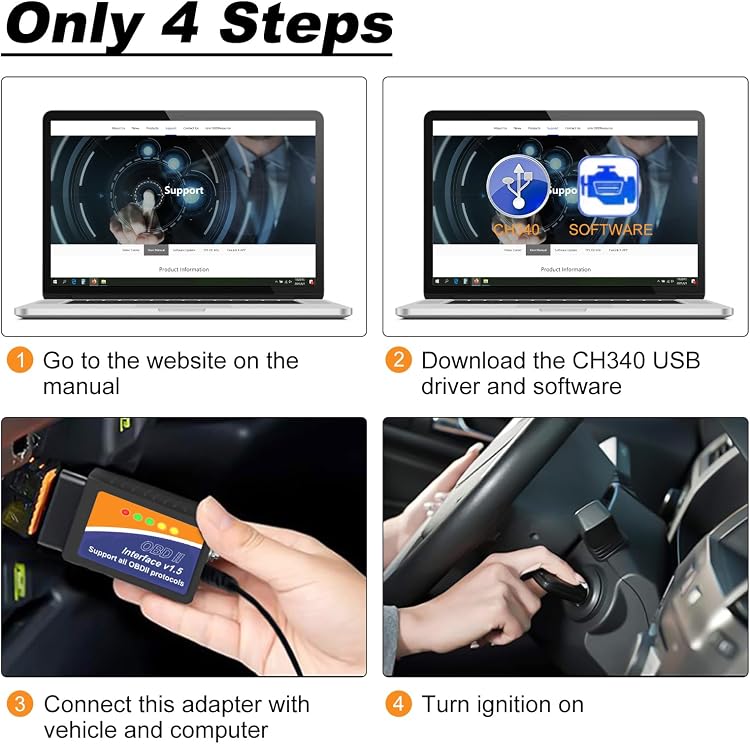
For a typical session, install the CH340 USB driver and chosen PC software first, then connect the adapter to the vehicle’s OBD2 port and the computer. This Windows-and-cable setup suits someone who wants to work from a laptop, a basic handheld reader may be a simpler fit if the task is limited to checking engine codes.
Tips for day-to-day use
Start by selecting software that supports the job you have in mind, then follow its instructions to connect and read the vehicle. Use the switch to select the required CAN network when accessing modules. For routine diagnosis, reading fault codes and live data can help you decide what to investigate, configuration changes and service procedures are available for supported combinations of vehicle and software.
Keep the vehicle identification and intended task in mind when checking compatibility, particularly before using module-specific functions. The manufacturer recommends installing the driver and software before connecting the adapter to the car. This sequence helps prepare the Windows computer for a diagnostic session and keeps the setup clear and repeatable.
Final verdict
The OBDResource FORD327 is suited to Windows users who want a USB-connected OBD2 tool with more than basic code reading. Its CAN switching, module access, live data and supported configuration functions make it a practical choice for diagnosing compatible Ford-family vehicles and working with selected settings through dedicated software.