

UGREEN USB hub, 7 ports
Product description
Seven USB 3.0 ports, with individual switches and four charging ports, give this UGREEN hub a more hands-on setup than a basic splitter. It’s designed to connect accessories such as a keyboard, mouse, webcam or external drive while keeping selected ports easy to turn off without unplugging devices. The aluminium body is compact, and the included 12V/2A power adapter is intended to help keep connected, higher-power devices running steadily. If your computer’s ports are already occupied, could one hub make the desk easier to manage? That’s the practical appeal here, with a few limits worth weighing before you choose it.
How to use it
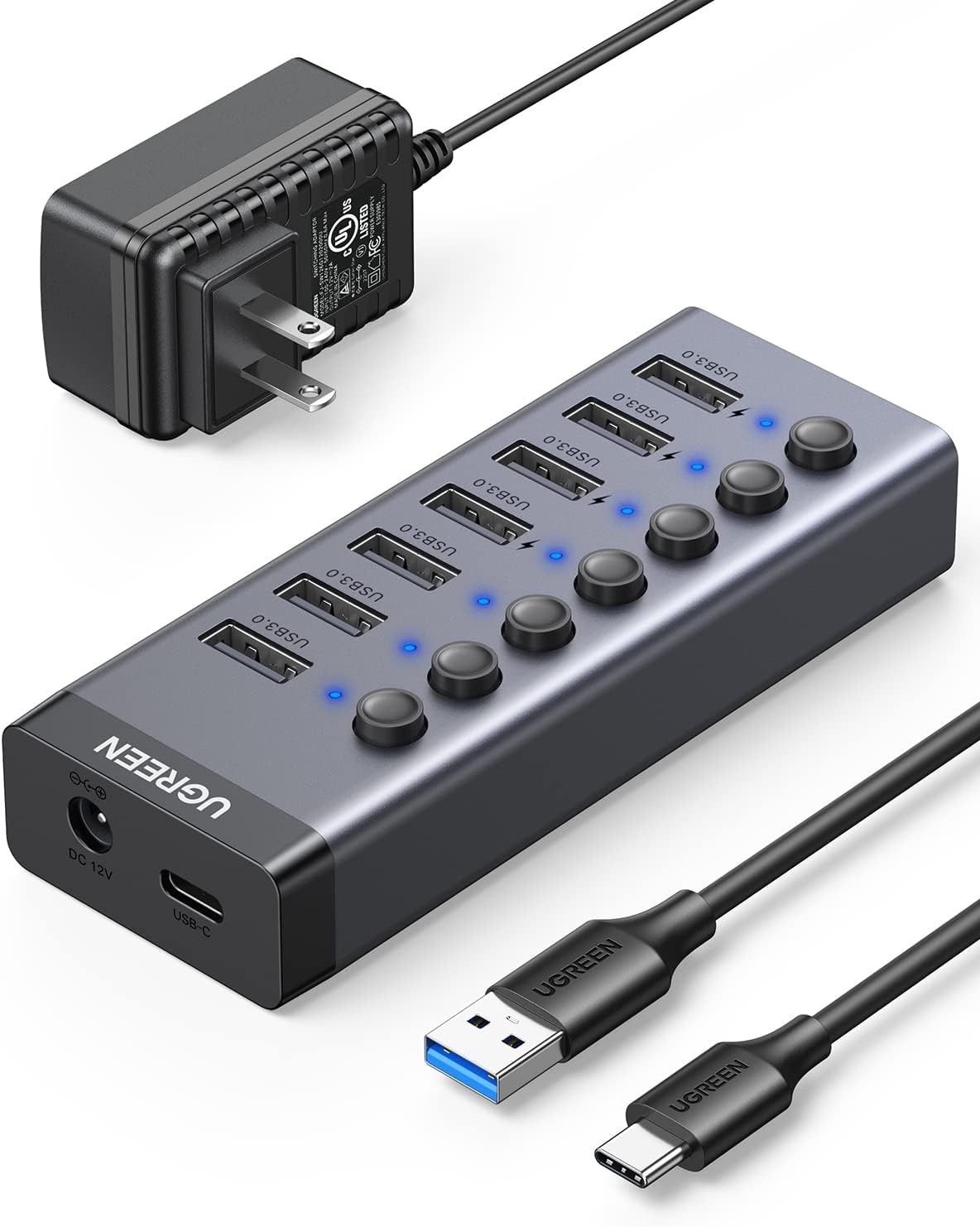
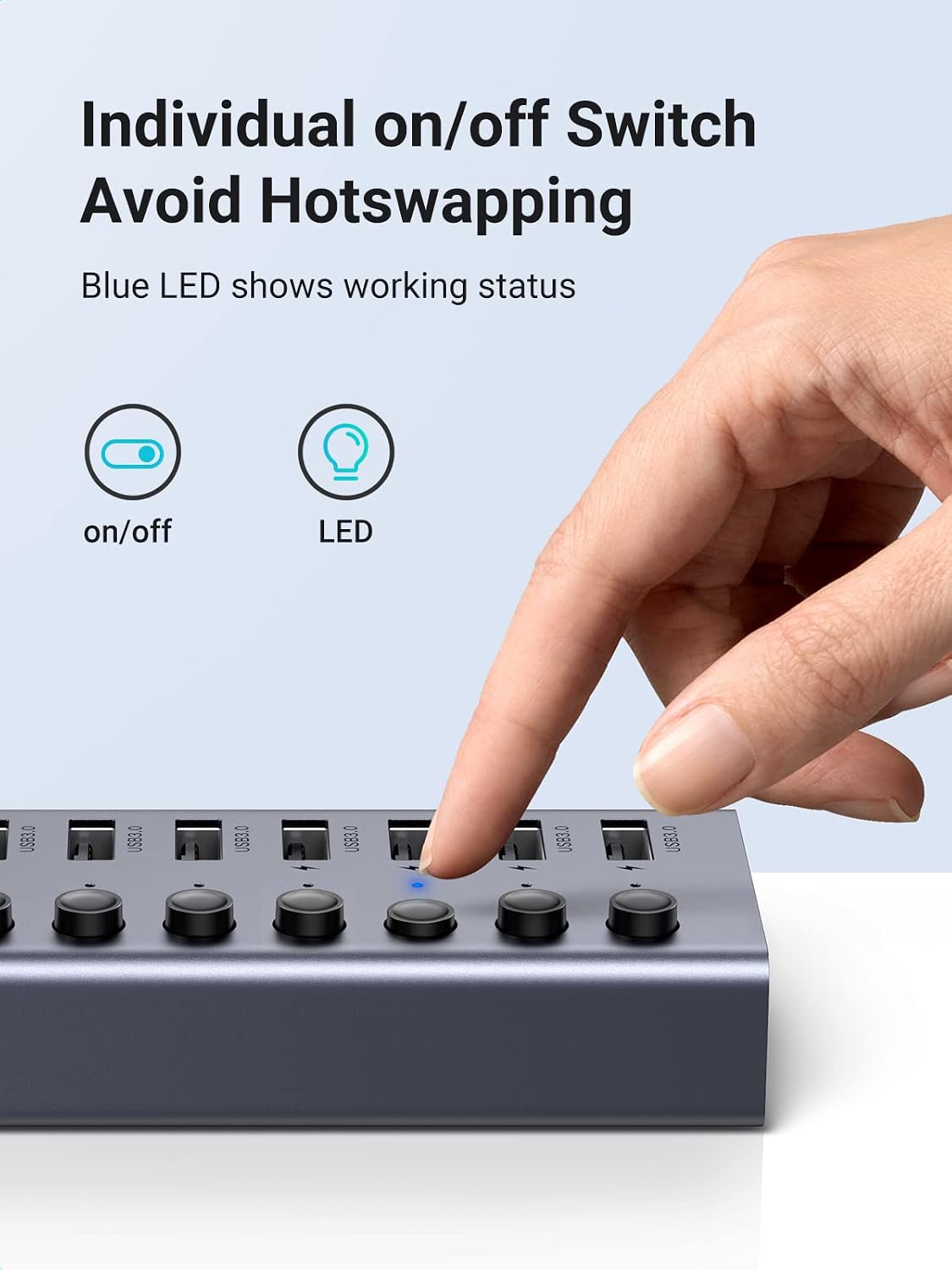
Connect the hub to a computer, then attach USB devices to the available ports. Its 3ft cable can help reach ports at the back of a host computer, which is useful when the hub sits on a desk within easier reach. Each port has its own on/off switch and blue LED indicator, so you can shut off a connected device without pulling its cable. The switches also remember their on/off settings, which may save a small bit of fiddling when you return to your usual setup.
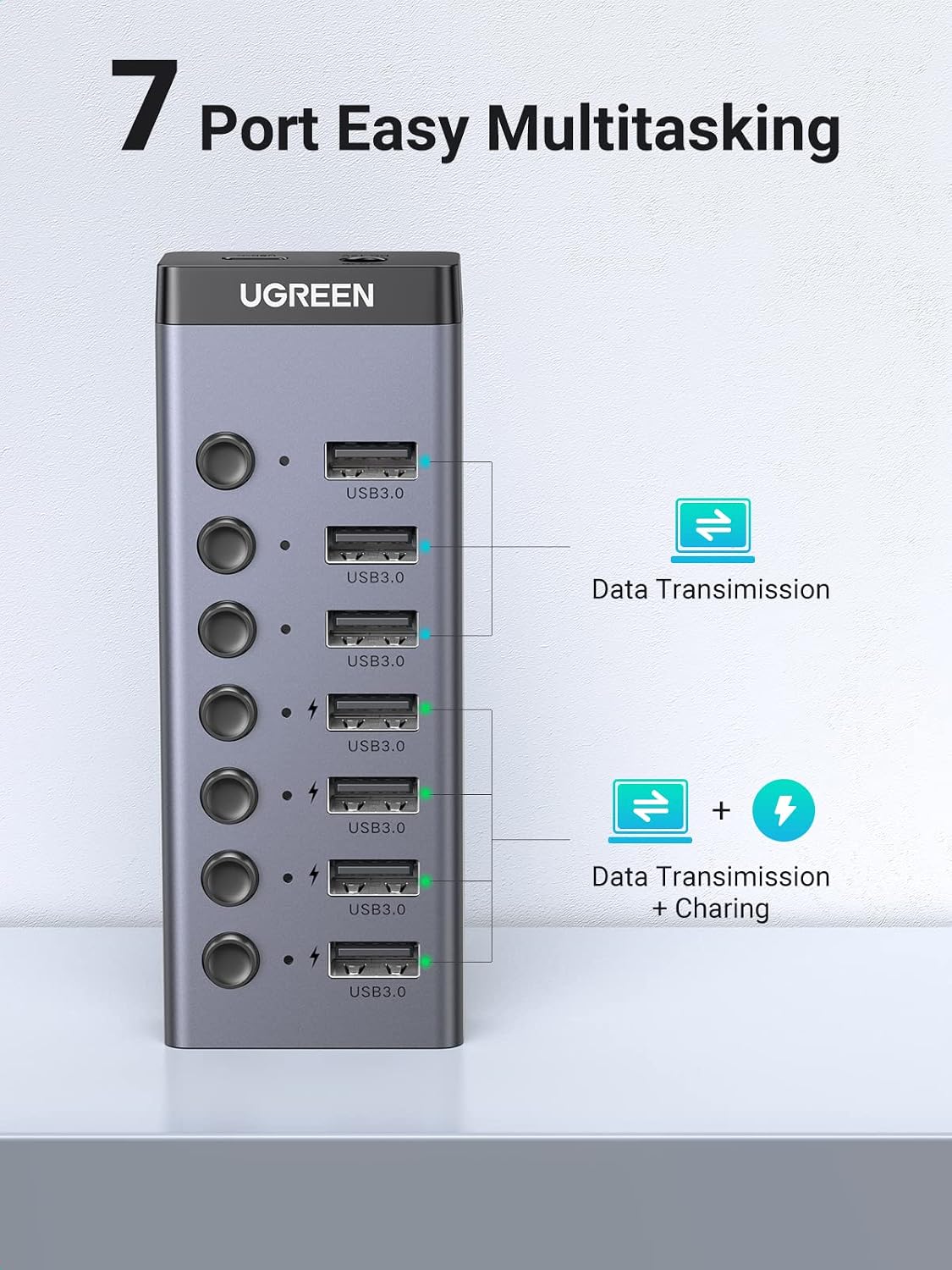
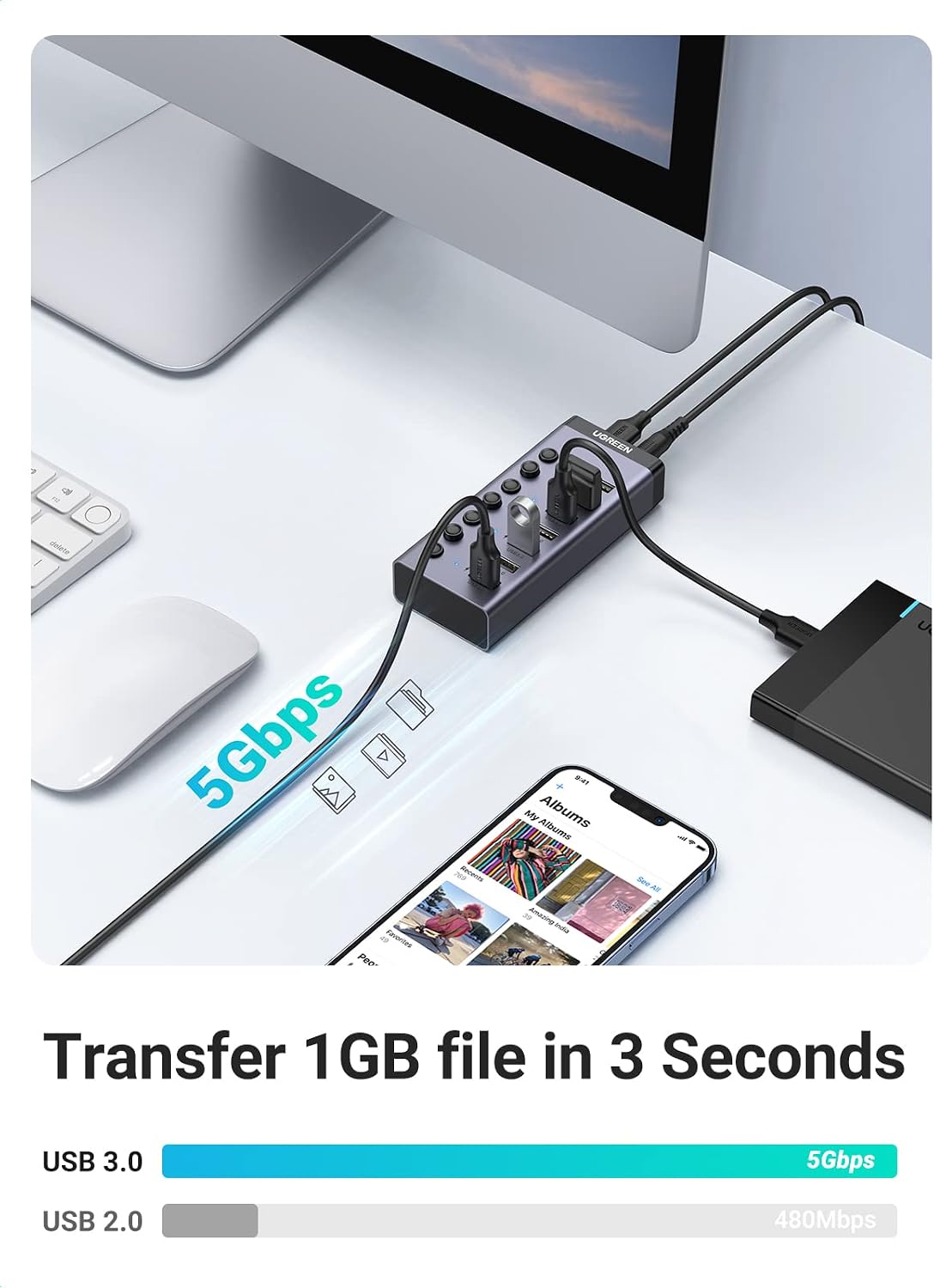
For a typical desk, that might mean leaving a mouse and keyboard connected while switching off a flash drive or webcam when it’s not needed. The hub supports data transfer up to 5Gbps, and four ports are described as charging ports, with charging speeds up to 2A per port. That makes it useful for a mix of peripherals and charging needs, though the stated limit matters if you’re choosing it specifically to charge devices that call for more power.
It suits you if you want one powered hub for several USB accessories and like having control at each port. It’s not for you if you need more than seven ports, or if a particular device requires charging beyond the stated per-port limit.
Pros
- Seven USB 3.0 ports help reduce repeated swapping between connected accessories.
- Four charging ports provide a separate charging use alongside data connections.
- Individual switches and LED indicators make port status visible and easy to control.
- The included 12V/2A adapter supports the powered design, the aluminium housing keeps the format compact.
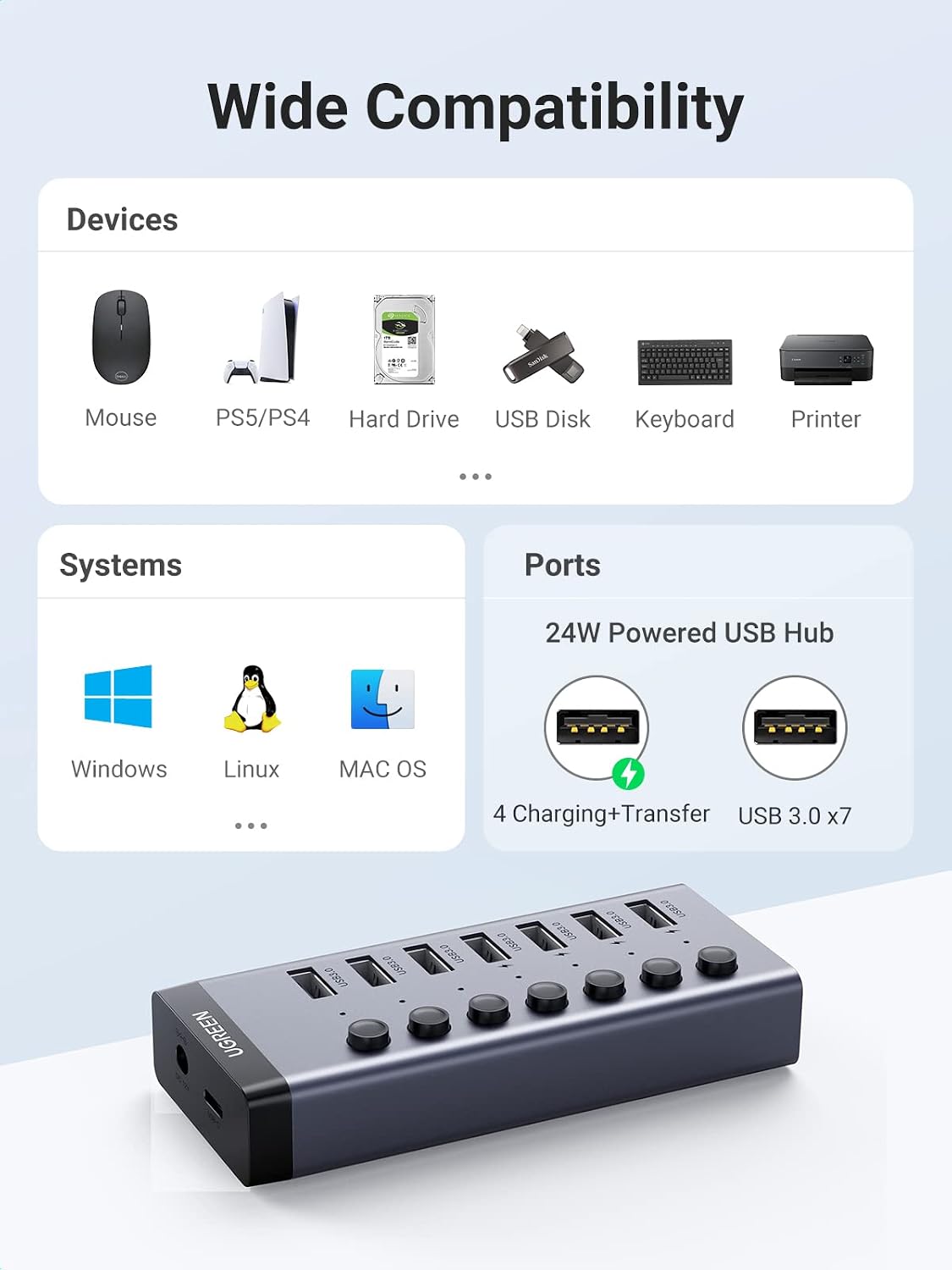
- The listing names Windows, macOS, UNIX and Linux support, with plug-and-play installation.
One trade-off is that this is still a USB hub, not a replacement for a larger docking station with additional connection types. Its stated data speed is up to 5Gbps, so buyers looking for a broader workstation setup should compare the ports they need rather than focusing only on the number of USB connections. The adapter also means there’s an extra power component to place alongside the hub.
Spec sheet
- Type: Powered USB 3.0 hub
- Ports: Seven USB ports, including four charging ports
- Data transfer: Up to 5Gbps
- Charging: Up to 2A per port
- Power adapter: 12V/2A
- Material: Aluminium
- Cable: 3ft
- Controls: Individual on/off switches with blue LED indicators, switches remember their settings
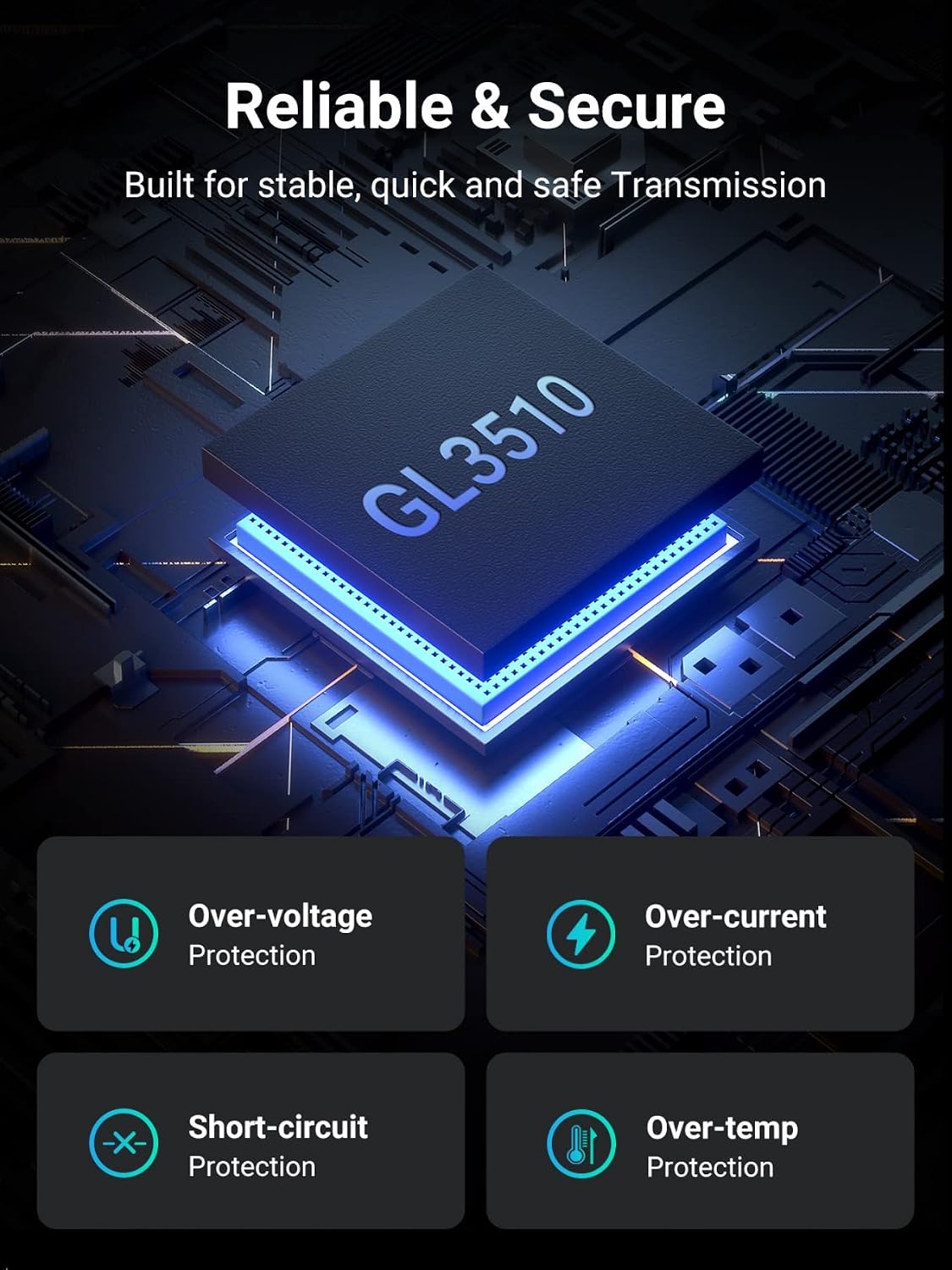
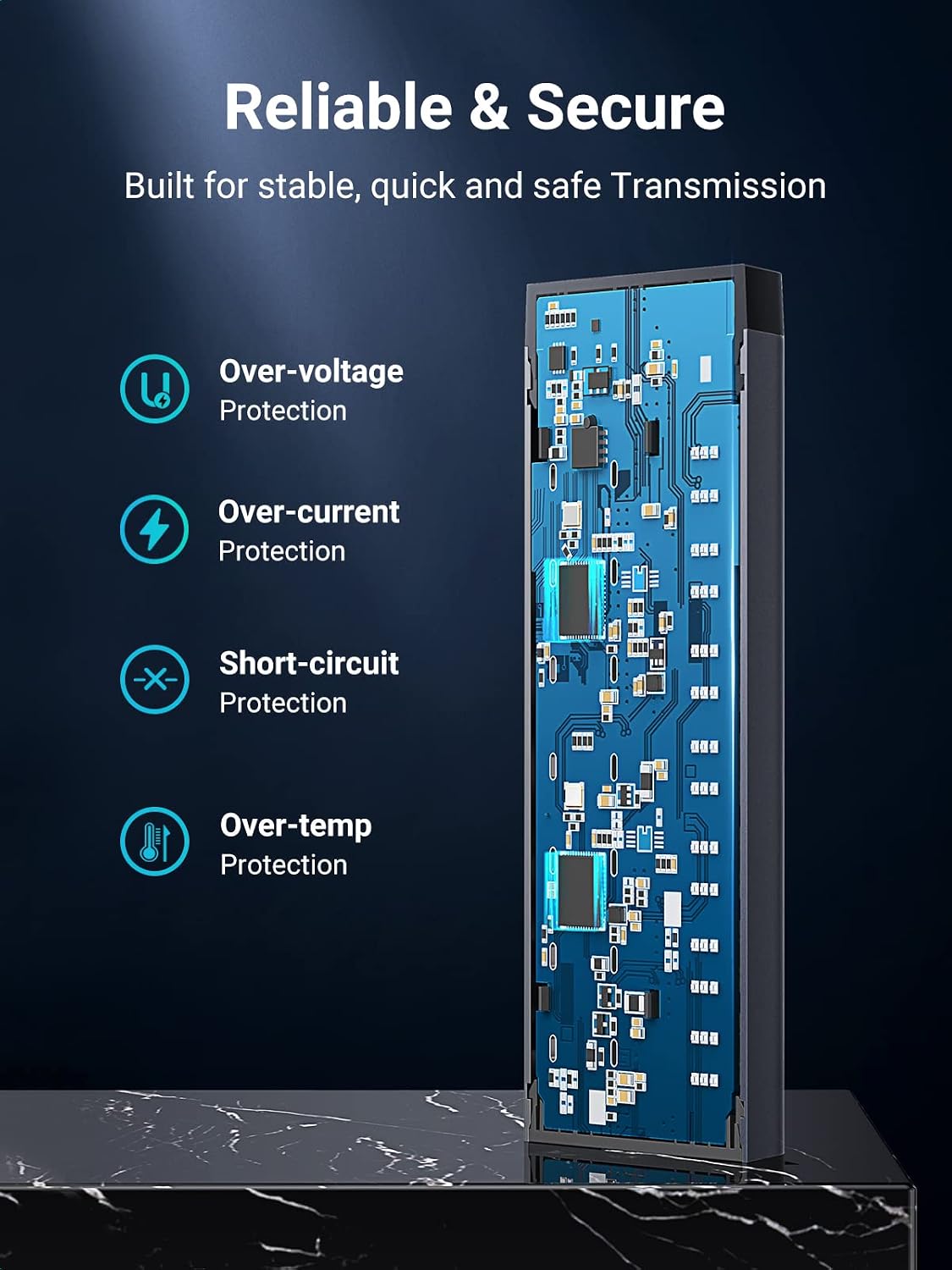
- Protection: Over-current, over-voltage, over-temperature and short-circuit protection
What I’d decide
Without having tested it, the combination of individual switches, a supplied power adapter and a compact aluminium body looks well suited to a desk with several USB accessories that stay connected day to day. It’s a more controlled choice than a simple unpowered splitter if you want port-level switching and the added power supply, for a setup with only a mouse and keyboard, a smaller, simpler hub may be enough. I’d choose this one when seven USB connections and its four charging ports match the devices you actually use. Skip it if you need a different connection type, more ports, or a higher stated charging limit.