

TP-Link TL-WR841N N300 Wi-Fi Router, 2.4 GHz, Two 5 dBi Antennas
Reviews
Product description
For a home or small office that needs dependable everyday Wi-Fi, the TP-Link TL-WR841N provides a straightforward N300 connection on the 2.4 GHz band. Its two external 5 dBi antennas support wireless coverage, while Ethernet ports offer a wired connection option. Choose it for essential browsing and connected devices, a dual-band router is a different fit when access to both 2.4 GHz and 5 GHz bands is the priority.
What you’ll notice day to day
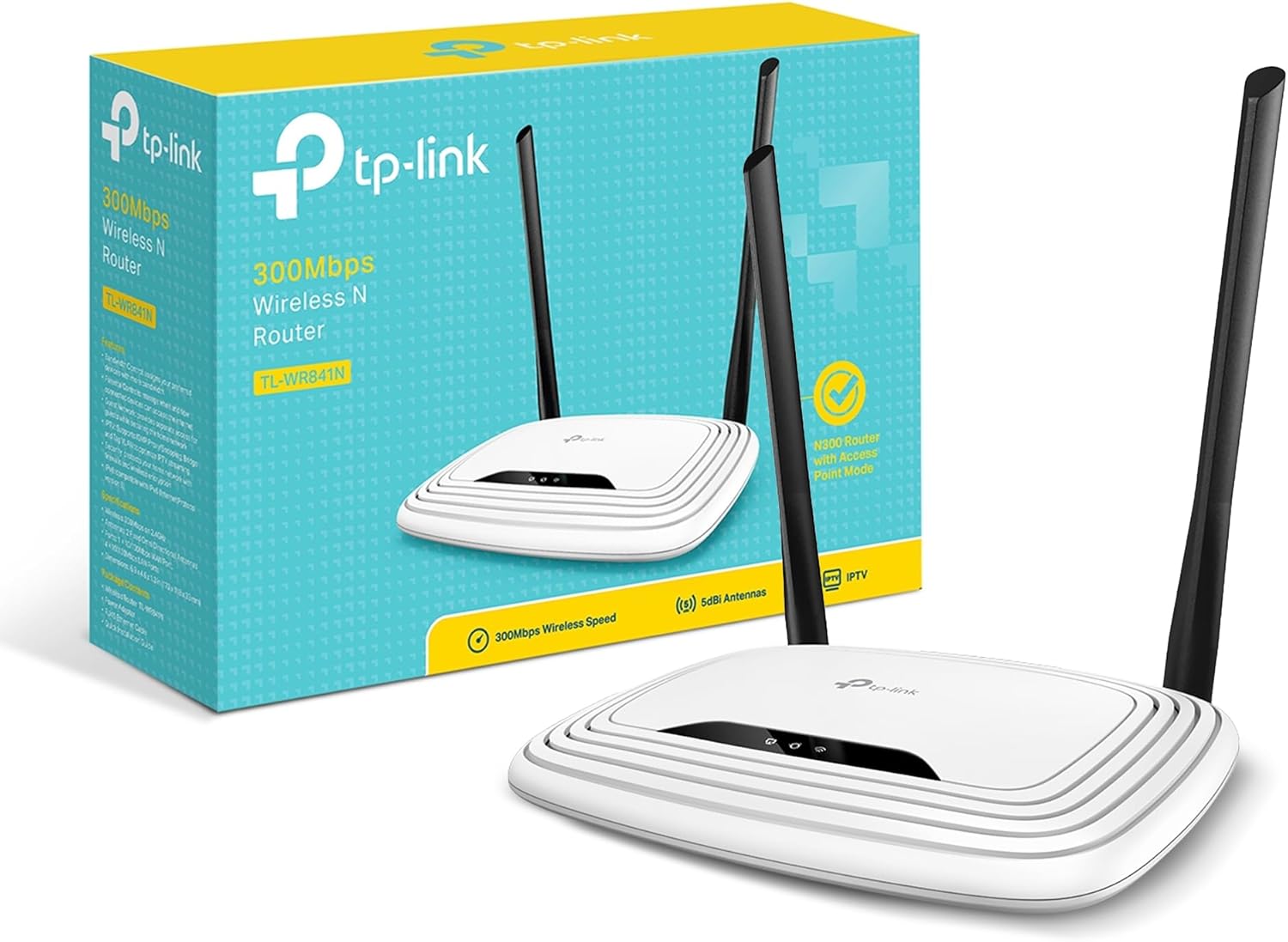
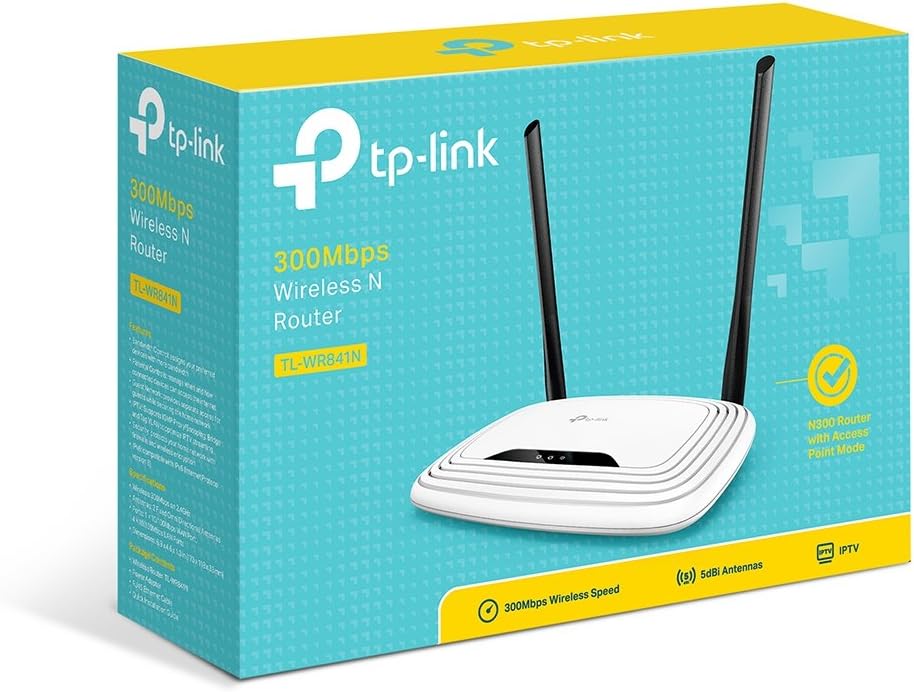
The TL-WR841N supports wireless speeds up to 300 Mbps and the 802.11b/g/n standards, bringing older Wi-Fi devices into the same network alongside compatible computers. Its single-band 2.4 GHz Wi-Fi suits everyday tasks such as browsing, streaming and online gaming. Actual wireless speed depends on the connection and network conditions, but the headline figure describes the router’s maximum wireless rate.
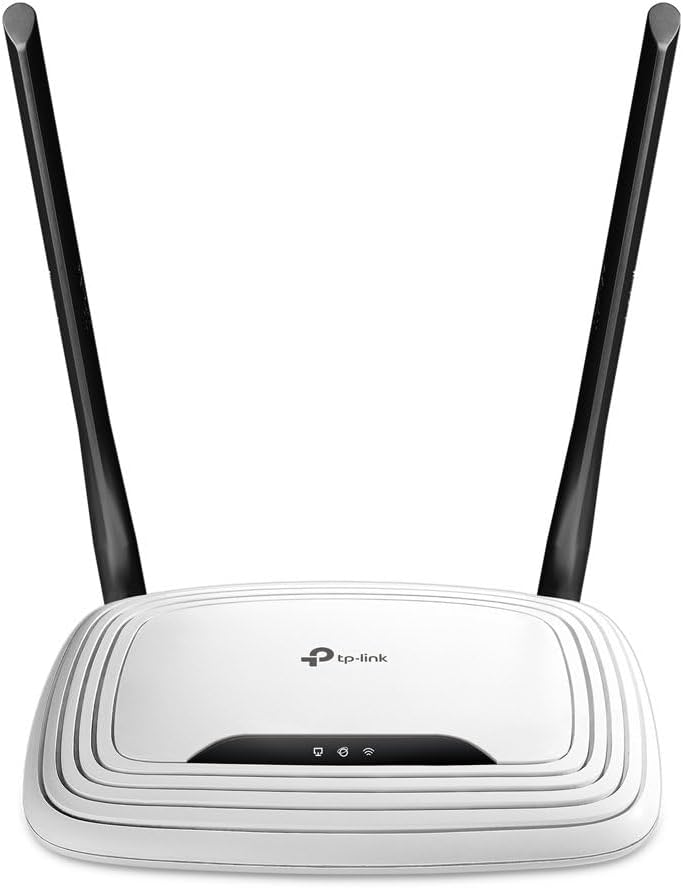
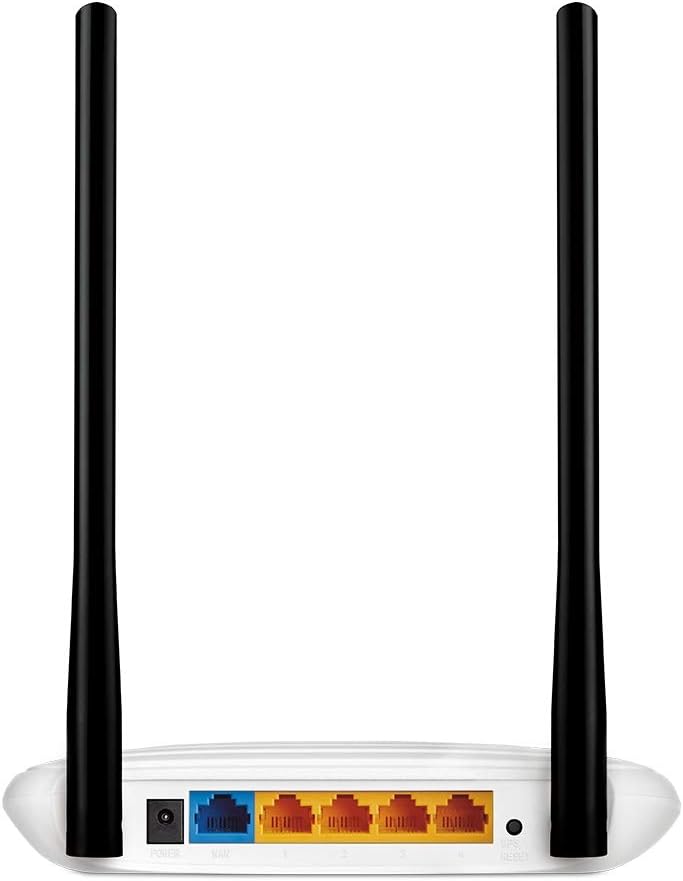
Two external 5 dBi antennas help maintain a stable wireless signal around a home or small office. For devices that benefit from a direct connection, four 10/100 Mbps LAN ports provide a wired alternative, a separate 10/100 Mbps WAN port connects the router to the internet source. This combination is practical when some devices use Wi-Fi and a desktop computer or smart TV is better placed on Ethernet.
WPS makes it easier to connect compatible devices, and WPA2-PSK is listed as the security protocol. Buyer feedback often notes easy setup and dependable basic operation. Opinions on speed, signal strength and connectivity are more varied, so the router’s clearest fit is a straightforward 2.4 GHz network rather than a feature set centred on dual-band Wi-Fi.
What matters most
This router offers more than one way to fit into a network: it supports Access Point and WISP modes as well as standard router use. Access Point mode can be useful when you want to add Wi-Fi to an existing wired network, while WISP support provides another network configuration option. These modes make the TL-WR841N relevant for setups where a simple router-only arrangement is not the goal.
For a shared connection, parental controls help manage when and how children or employees access the internet. IP-based bandwidth control lets an administrator allocate bandwidth by device, helping prioritize network use when several devices are active. These controls are especially useful in a home office or family setting where connected devices have different needs.
Practical tips
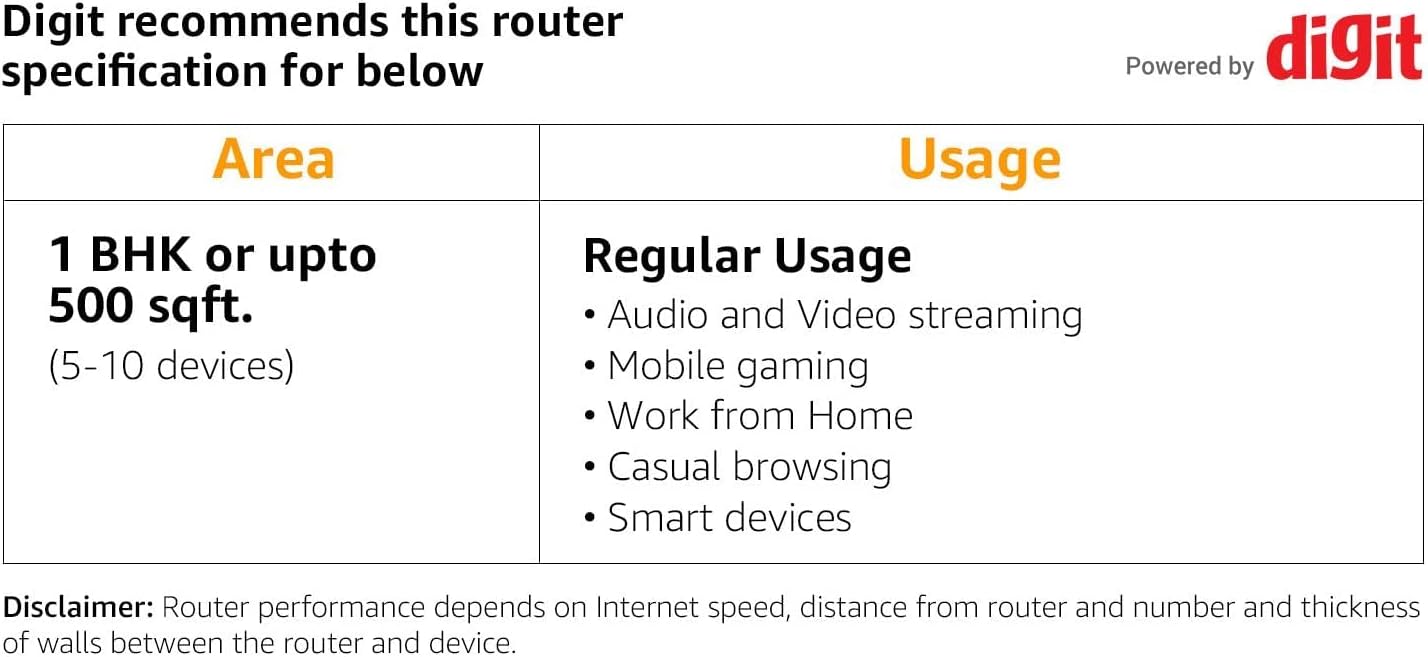
Place the router where its Wi-Fi can serve the devices that need it, and use Ethernet for devices that are close enough for a wired connection. When connecting a device through WPS, use the router’s WPS feature to set up the wireless connection. For network management, parental controls and IP-based bandwidth settings provide ways to shape access and allocate bandwidth to connected devices.
When it makes sense
The TL-WR841N is a practical choice for a home or small office looking for 2.4 GHz Wi-Fi, basic wired connections and useful access controls in one router. Its two antennas, support for legacy 802.11b/g devices, WPS and alternative operating modes address everyday networking needs without making the setup about advanced dual-band features. If your priority is connecting common devices, managing shared access and keeping a few key devices on Ethernet, this N300 router brings those functions together in a compact home-networking setup.