

TP-Link travel router TL-WR902AC
Product description
Key points
When a hotel room or other stop offers Ethernet but you want Wi-Fi for your devices, a small travel router can bridge that gap. The TP-Link TL-WR902AC is designed to create a wireless network from an Ethernet connection.
Its pocket-sized design makes it easier to pack than a conventional home router. Dual-band AC750 Wi-Fi and several operating modes give it more flexibility than a basic travel access point.
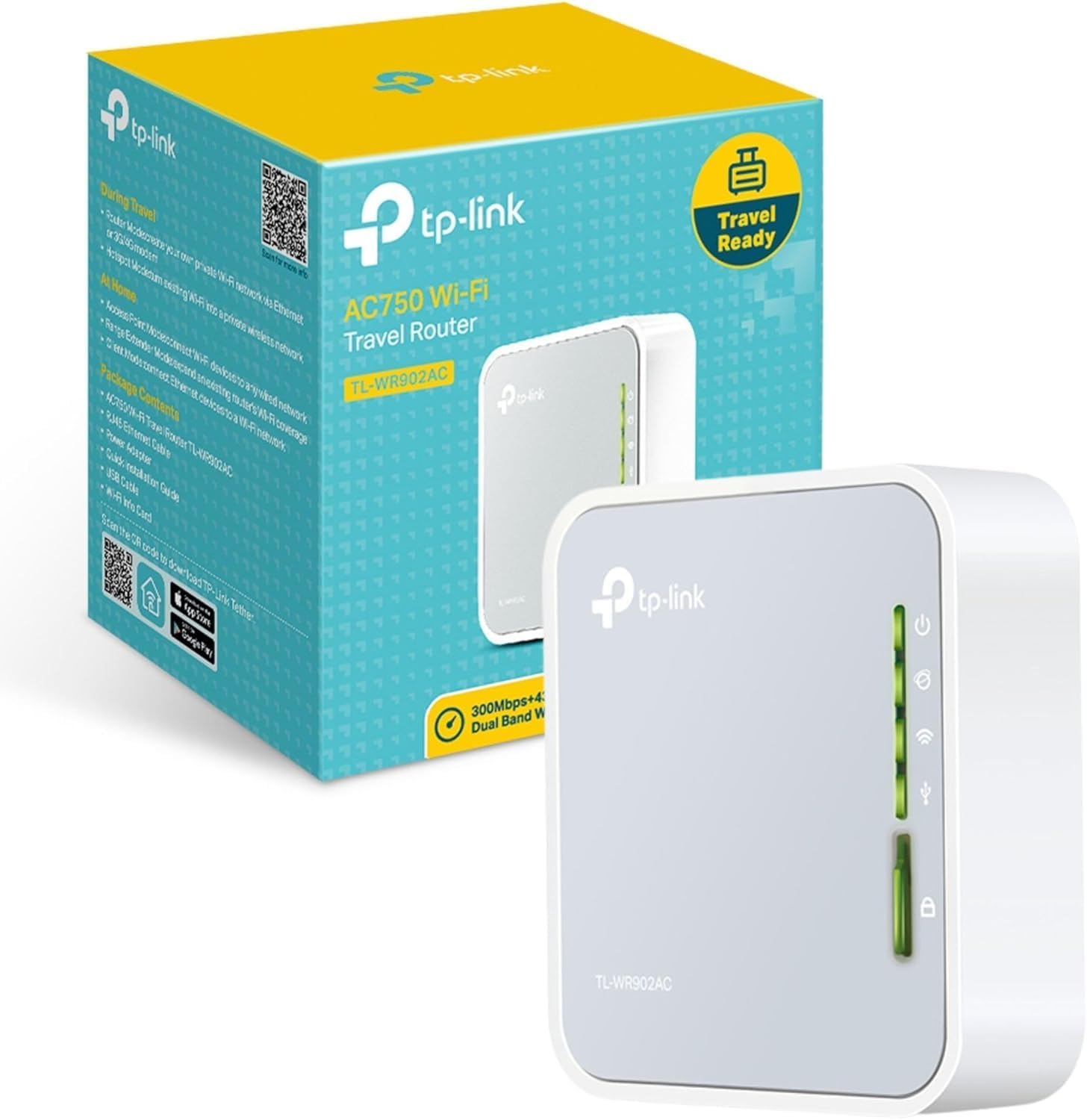
Power comes through Micro-USB, so you can use a wall adapter, power bank or laptop USB port. That is handy when you want to keep your setup compact, though it does mean carrying a suitable cable and power source.
Best use cases
The physical switch selects Router, Hotspot, Range Extender, Client or Access Point mode. That range is useful when the connection available changes: for example, you could use Router mode with Ethernet in a hotel, or Range Extender mode where you want to extend an existing Wi-Fi network. The product information also lists a Hotspot mode, but does not explain its setup requirements, so check the instructions for the connection you plan to use.
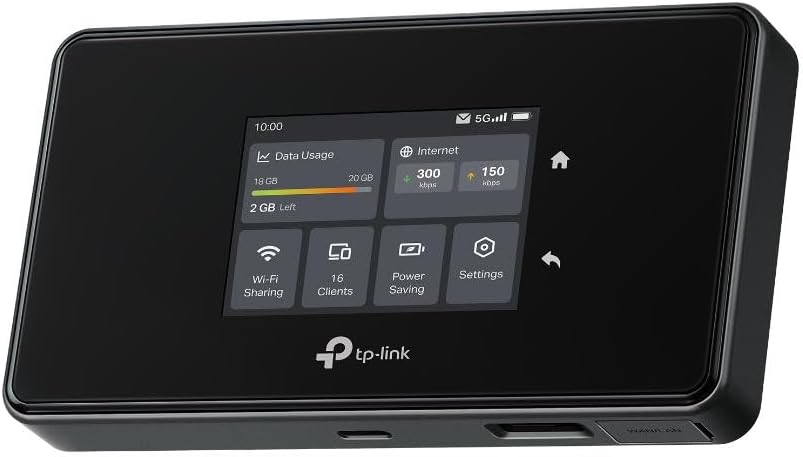
There is one USB 2.0 port for sharing files across a private network or getting internet access through a compatible 3G/4G USB modem. Ten... keep in mind that a USB modem must be compatible, the router is not described as having cellular service built in. If you mainly need a standalone mobile internet connection, this is not the same as buying a device with its own cellular connection.
Tips for day-to-day use
Think through the connection you expect to use before travelling. Ethernet access points, existing Wi-Fi and compatible USB modems call for different modes, and the switch lets you select among them. For a simple hotel setup, the useful distinction is that Router mode is intended for Ethernet, while the other modes address different network arrangements.
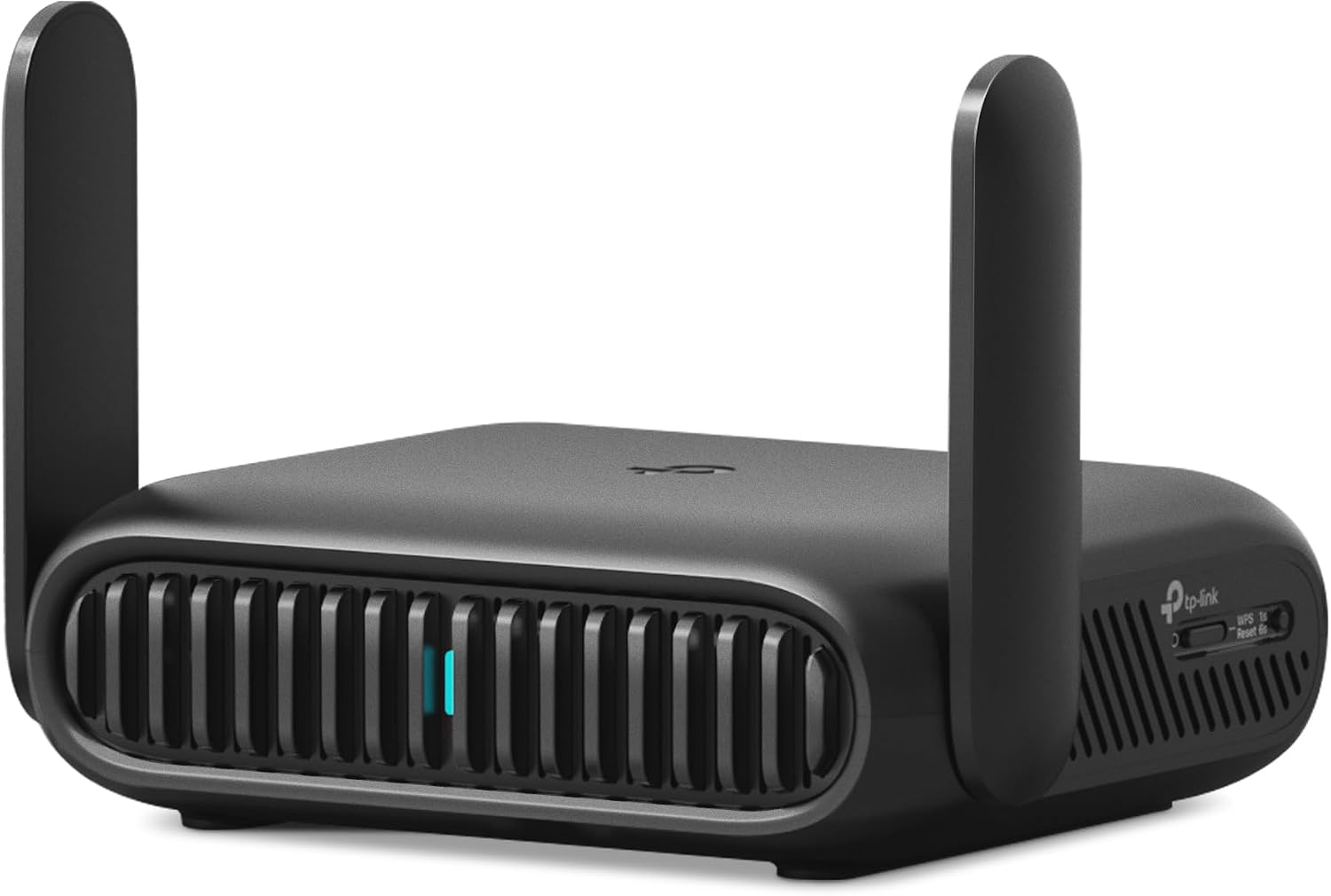
A practical example: at a desk with an Ethernet socket, you can connect the router, power it from a laptop USB port and use the resulting Wi-Fi for your devices. For a shared-file setup, the USB port may also be useful on the private network. The available details do not specify transfer speeds or which modems are supported, so those needs deserve particular attention before relying on either function.
The stated operating temperature is 0°C–40°C, and the power input is 5V ⎓ 2A. It is ISED certified (HVIN: TL-WR902AC V3), and the product information lists a two-year warranty and 24/7 technical support. Those are useful details for a travel device, but they do not replace checking whether a particular network or modem will work with it.
It suits you if you want a compact router with several ways to handle hotel, home or travel connections. It won't suit you if you need a cellular connection without a separate compatible USB modem, or if you want detailed compatibility and performance figures before choosing.
Before you decide
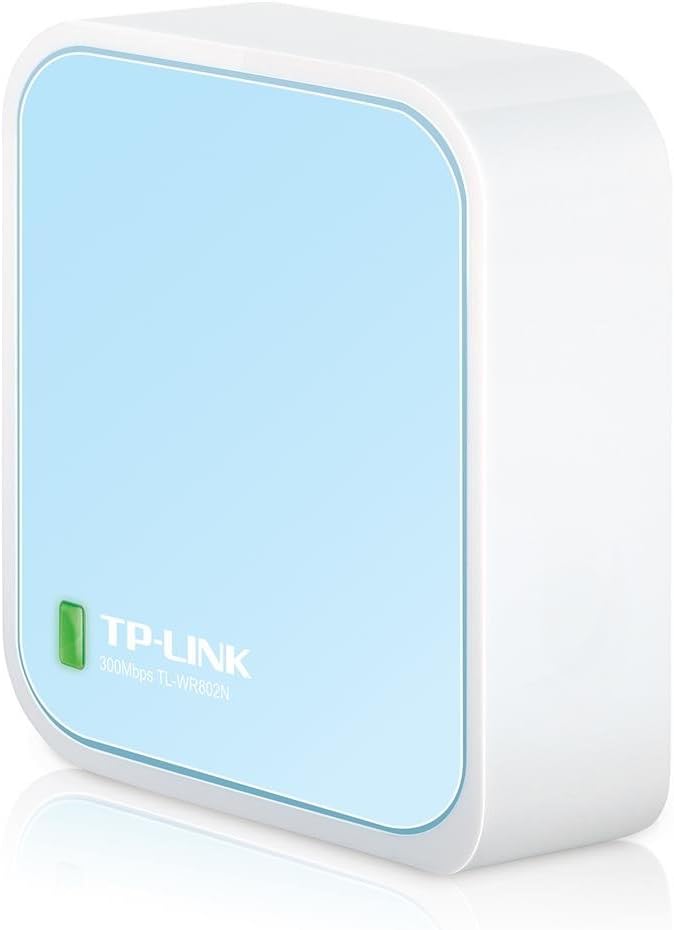
Does it need Ethernet to provide Wi-Fi? Router mode is described as creating Wi-Fi via Ethernet. Other modes cover different connection setups, so the right choice depends on what network is available.
Can it use a 3G/4G USB modem? The USB port supports internet access through a compatible modem. Compatibility is not specified for individual modem models.
How can it be powered? It uses Micro-USB and can draw power from a wall adapter, power bank or laptop USB port. The listed input is 5V ⎓ 2A.
Is it worth it?
The TL-WR902AC is worth considering if your priority is one small device that can adapt to several network situations, rather than a basic single-purpose router. Its switchable modes, Micro-USB power and USB functions give it a practical travel focus. The trade-off is that the product details do not name supported modems or provide performance figures, so it is a more comfortable fit when your connection needs are straightforward and you can confirm compatibility in advance.