

TP-Link TL-SX105 5-Port 10G Unmanaged Ethernet Switch, Fanless Metal Design
Product description
Five 10G RJ45 ports with automatic speed negotiation make it easier to connect multi-gig devices without manually matching port speeds. The TL-SX105 adjusts to each device’s supported rate, from 100 Mbps through 10 Gbps.
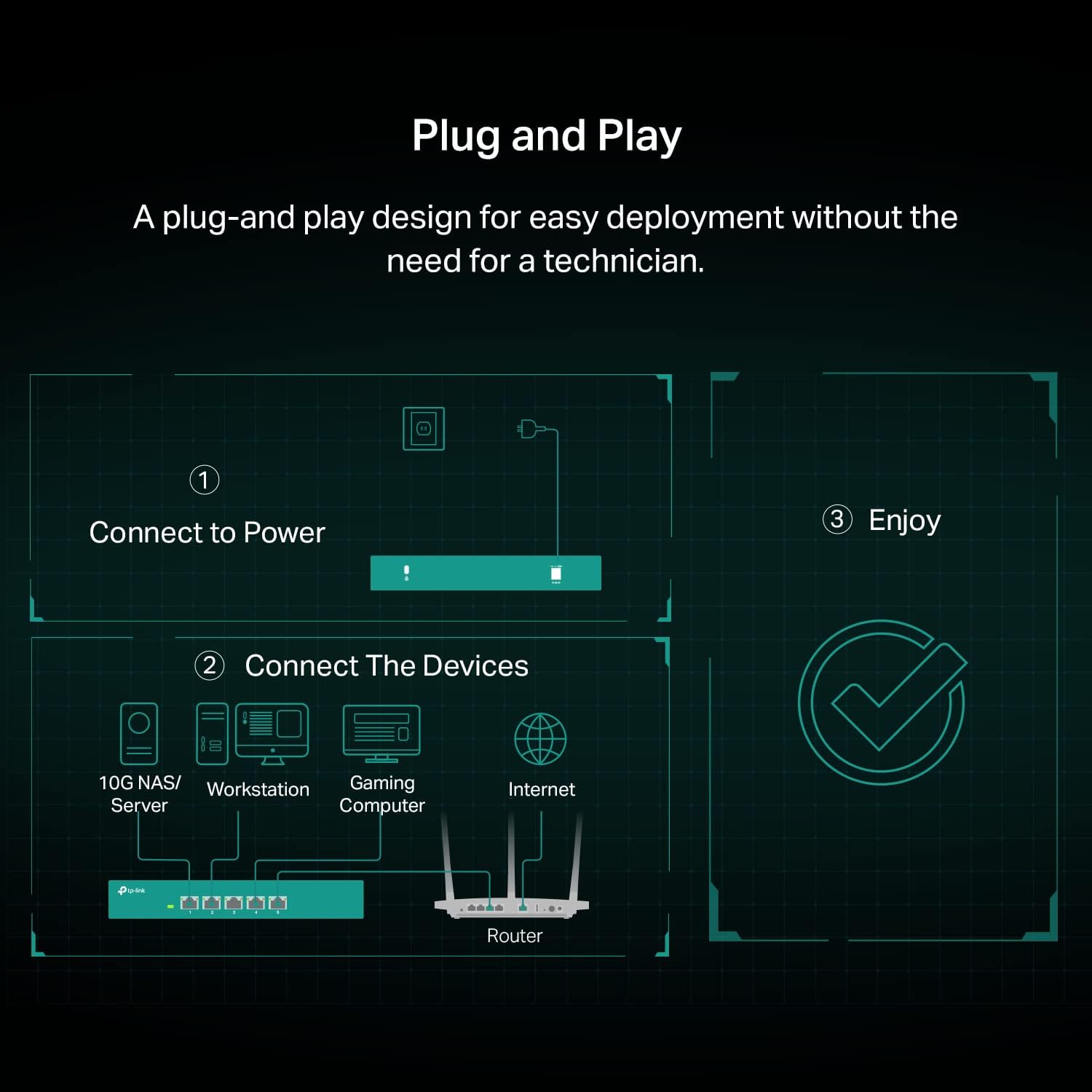
Its unmanaged, plug-and-play design keeps setup straightforward: connect the switch to your wired network and attach compatible devices. There’s no software installation or configuration required.
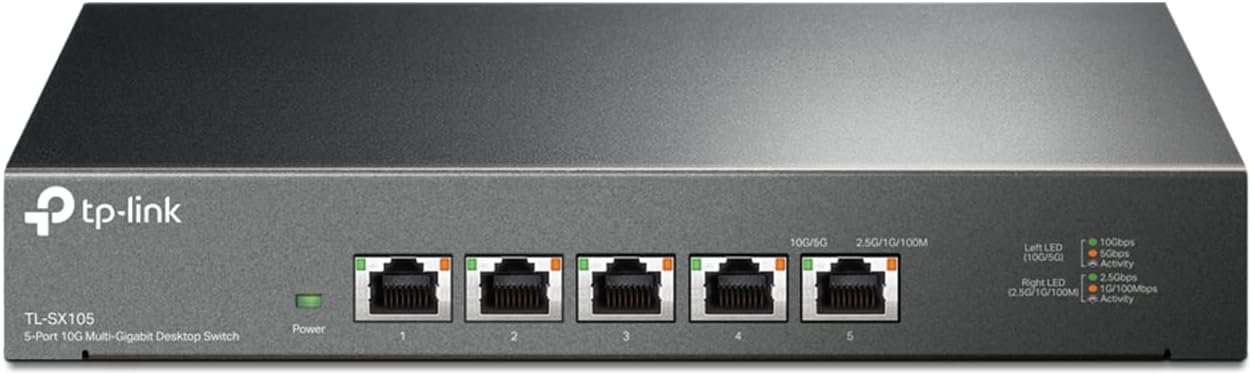
Choose it for quiet, high-speed wired expansion at home or in an office. It suits a simple plug-in setup, while a managed switch is the better fit when you need configurable network controls.
Spec sheet

- Type: Unmanaged Ethernet switch
- Ports: 5 × 10G multi-gigabit RJ45
- Auto-negotiation: 100 Mbps, 1 Gbps, 2.5 Gbps, 5 Gbps and 10 Gbps
- Switching capacity: Up to 100 Gbps
- Design: Fanless metal casing, desktop or wall mounting
- What’s included: TL-SX105 switch, installation guide and power cord
Compatibility
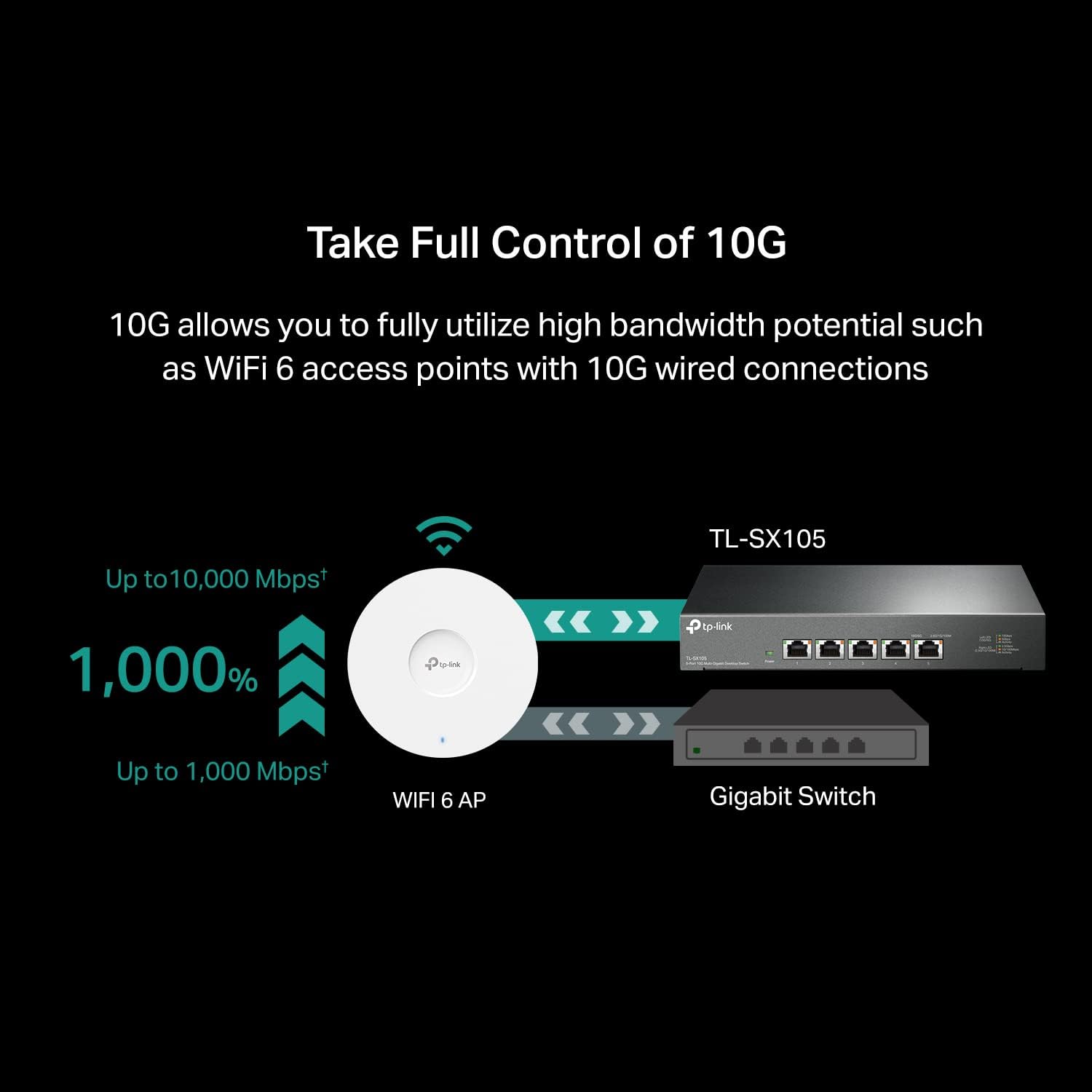
Connect devices with 100 Mbps, 1G, 2.5G, 5G or 10G Ethernet ports. Examples include Wi-Fi 6 access points, NAS devices, servers, gaming computers and 8K video equipment. Automatic negotiation selects a supported link speed for each connection, making it practical to bring devices with different Ethernet capabilities together on the same switch.
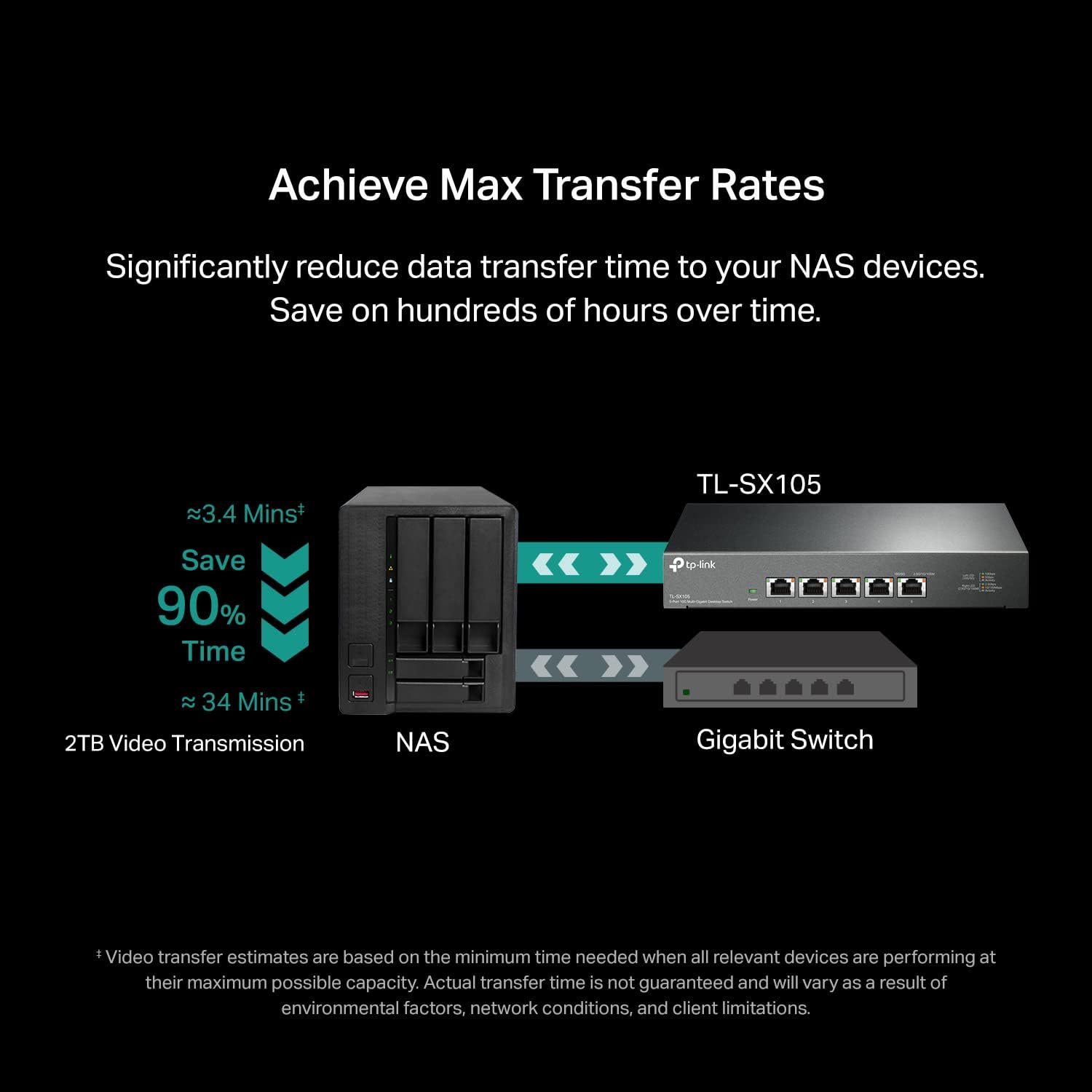
For example, a home office can use the ports to connect a NAS and workstation for large file transfers while also linking an access point and other wired equipment. The switch provides a straightforward way to expand a wired setup around multi-gig devices, without requiring every connected device to use the same Ethernet speed.
How to use it
Place the switch on a desktop or mount it on a wall, then connect its power cord and Ethernet cables to your network devices. As an unmanaged switch, it works without software installation or manual configuration. Its fanless design avoids fan noise, and the metal casing is designed to help dissipate heat. IEEE 802.3X flow control supports data transfer across connected devices.
Buyer feedback often highlights the plug-and-play setup and faster local network transfers. Experiences with connectivity are mixed, and some buyers mention that the switch can run very warm. These are useful points to keep in mind when choosing a location, leave the unit accessible as part of your network setup.
Questions before you buy
Which Ethernet speeds does it support? Each port can negotiate at 100 Mbps, 1 Gbps, 2.5 Gbps, 5 Gbps or 10 Gbps, according to the connected device’s Ethernet capability.
Can it connect a NAS and a Wi-Fi 6 access point? Yes. NAS devices and Wi-Fi 6 access points are among the compatible device types, provided they have an Ethernet port at a supported speed.
Does setup require software or network configuration? No. It is a plug-and-play unmanaged switch, connect the power and Ethernet cables to get started.
Should you buy it?
The TL-SX105 is a practical fit for home and office networks that need several wired connections, including multi-gig devices, in one compact desktop or wall-mounted setup. Its five RJ45 ports, automatic speed negotiation and fanless operation make it especially useful for connecting equipment such as a NAS, workstation and access point without adding a software setup step.