

SZHAIYIJIN OL+TerraCotta SD Card Reader with USB-C and Lightning
Reviews
Product description
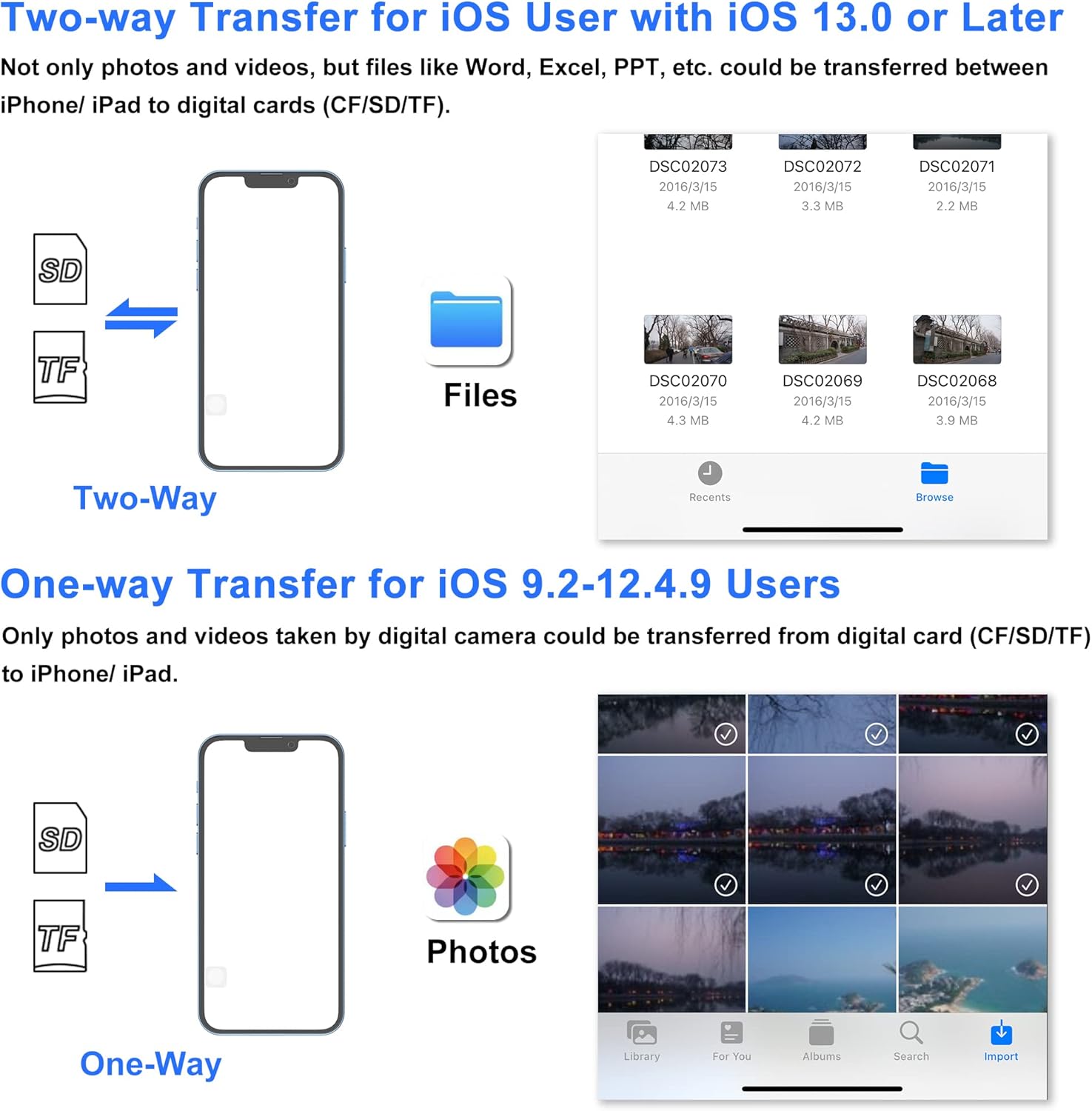
A quick card-to-phone transfer is useful when you want to share camera photos away from your desk. The SZHAIYIJIN OL+TerraCotta reader connects through USB-C or Lightning, with a detachable adapter for switching between the two. It reads SD and microSD (TF) cards and works without a dedicated app. Need to move files in both directions? The transfer method depends on your iOS version.
Pros
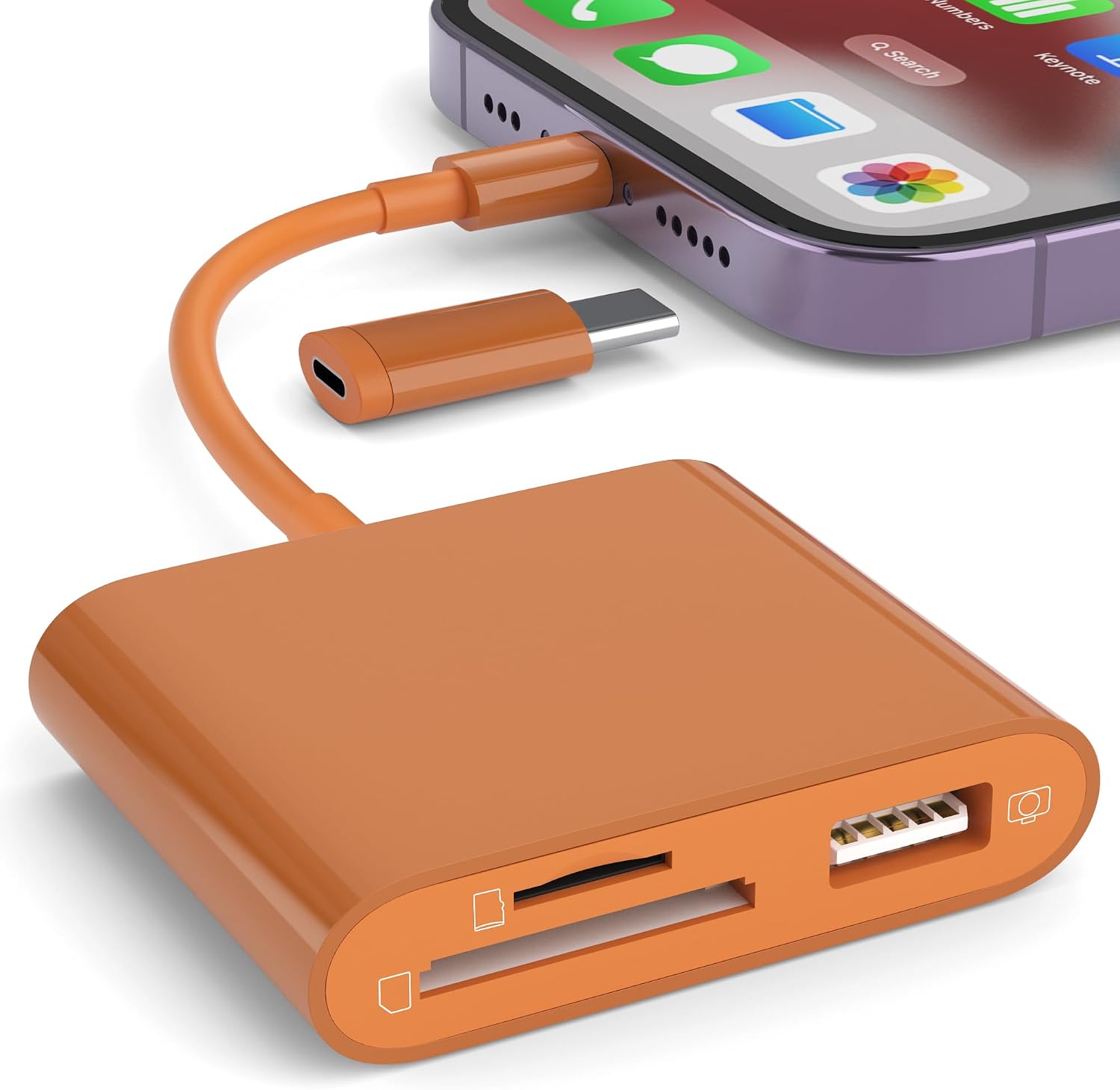
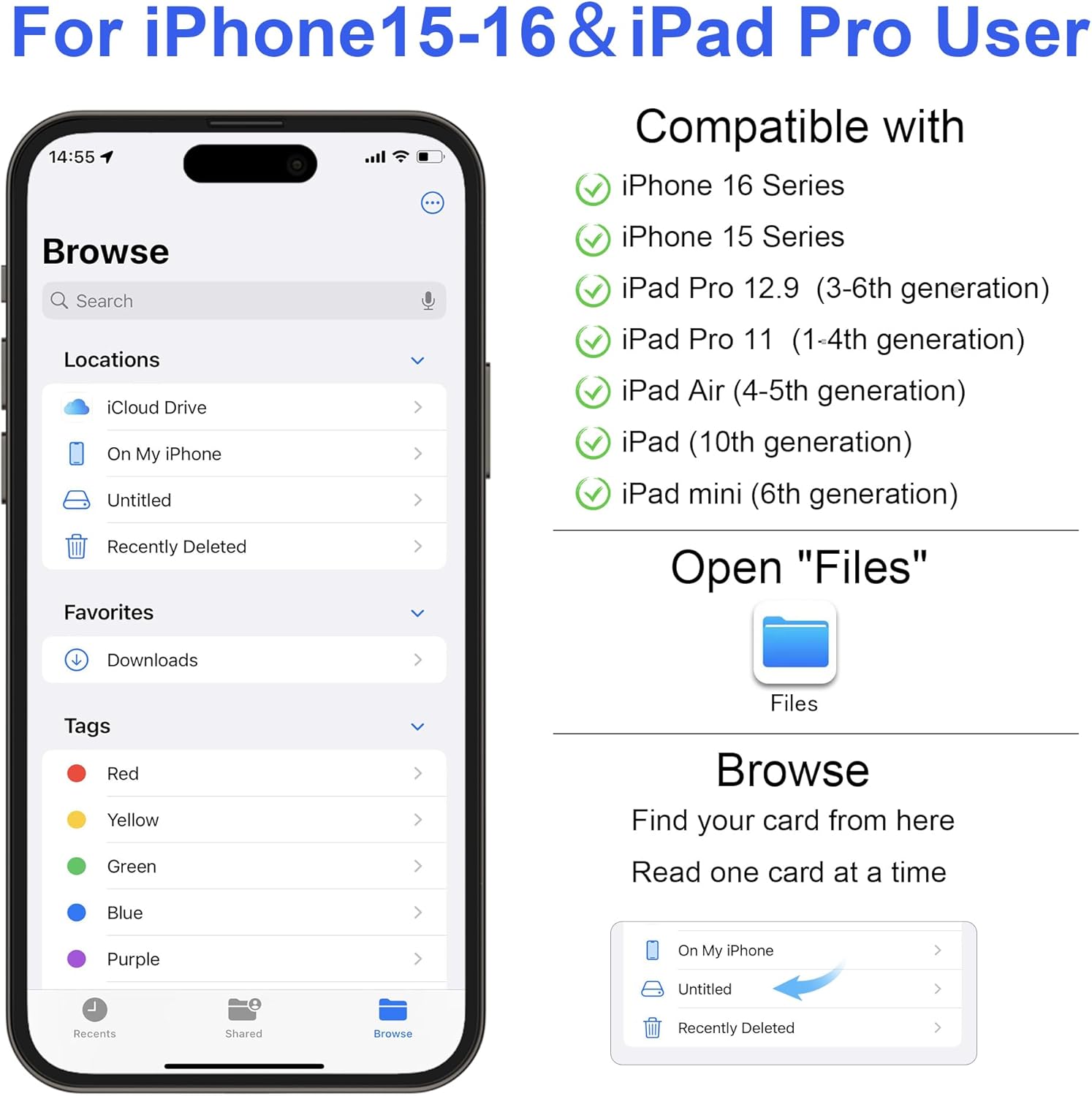
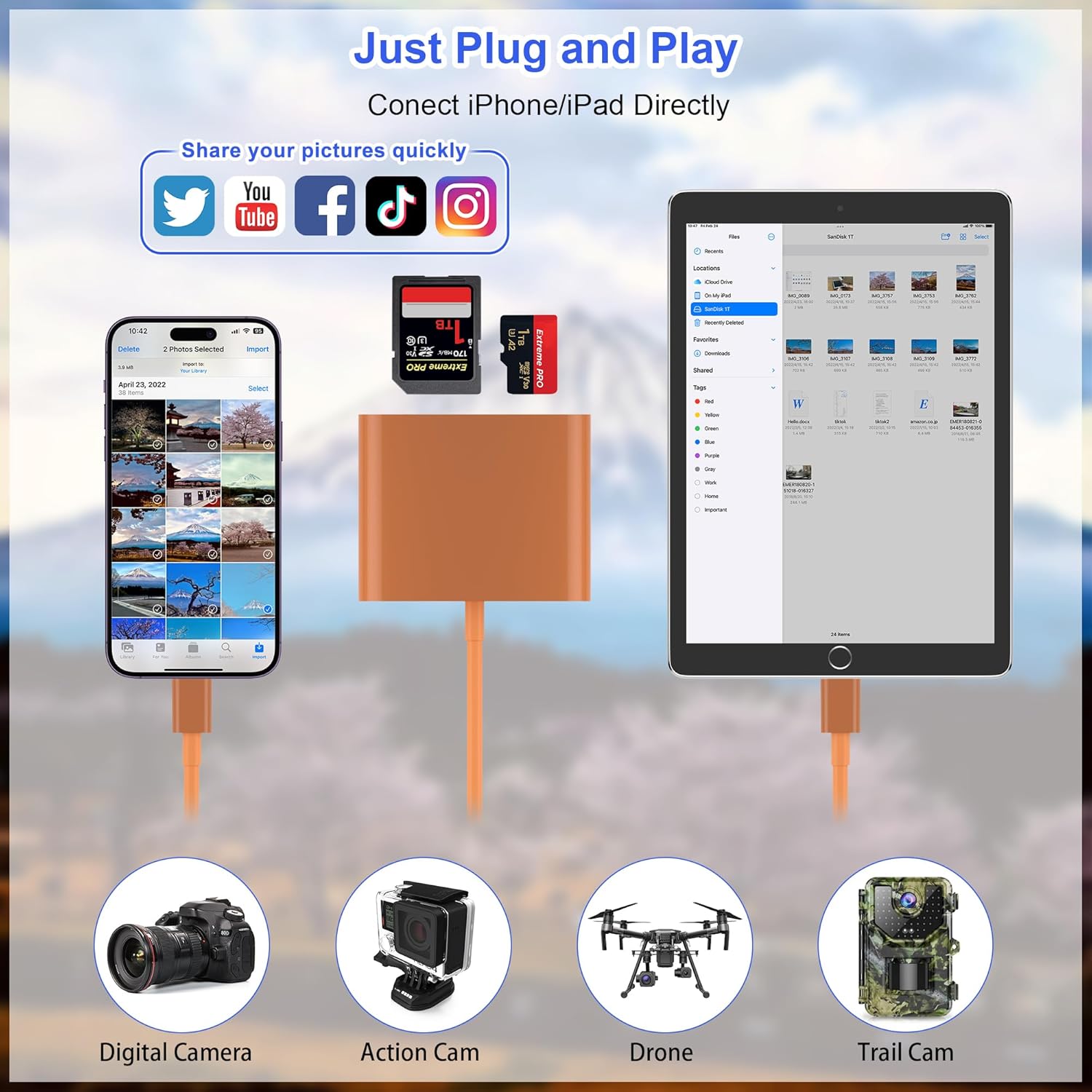
This compact reader brings card access to iPhone and iPad, making it easier to view and transfer photos or videos while travelling, at an event, or out checking a trail camera. Its three-slot design supports SD and microSD (TF) cards, including SD and SDHC formats. For compatible Apple devices, connect the reader and use Photos to import camera images, on iOS 13 or later, Files also supports browsing and transferring a wider range of files, including documents and music.
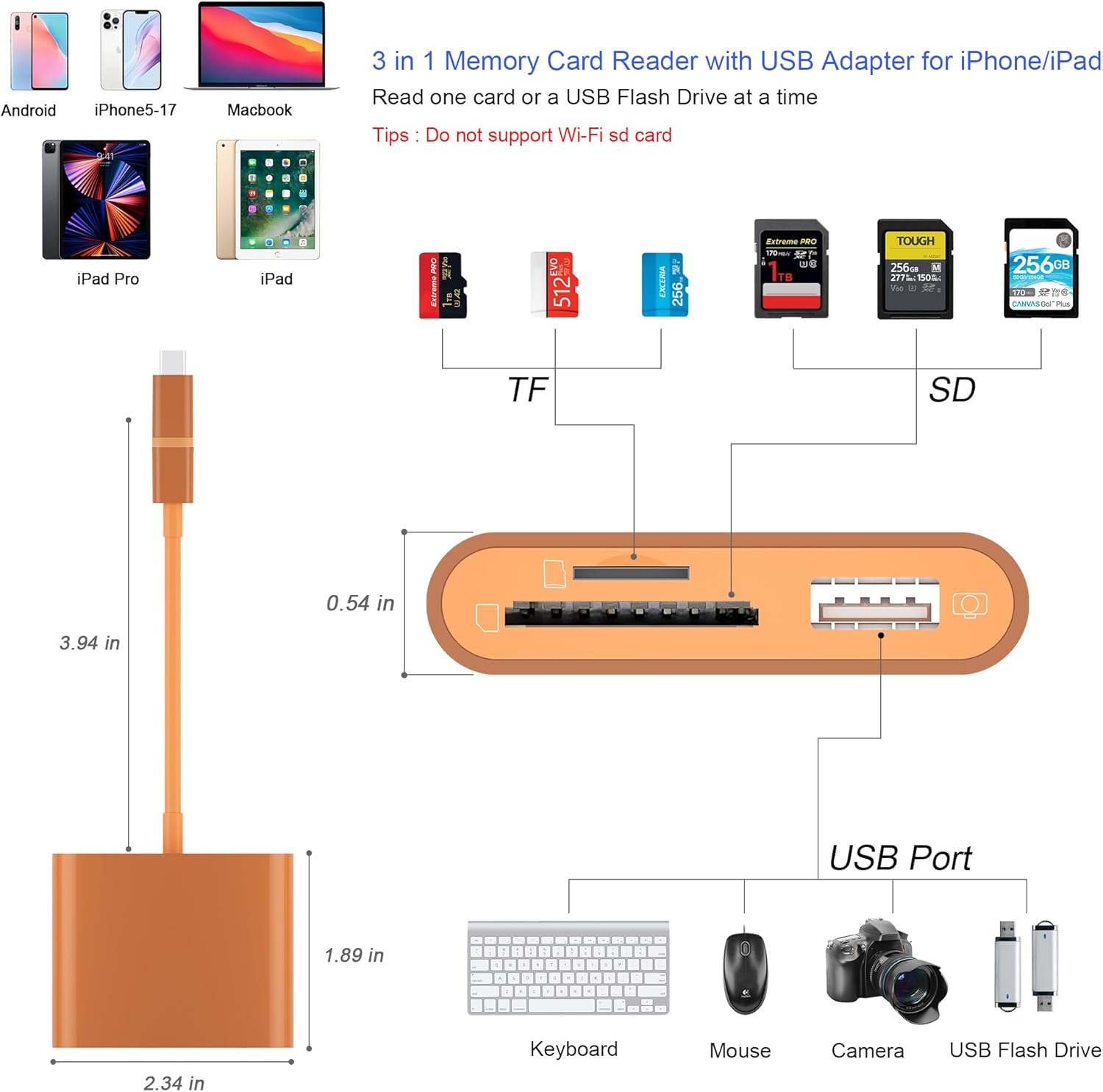
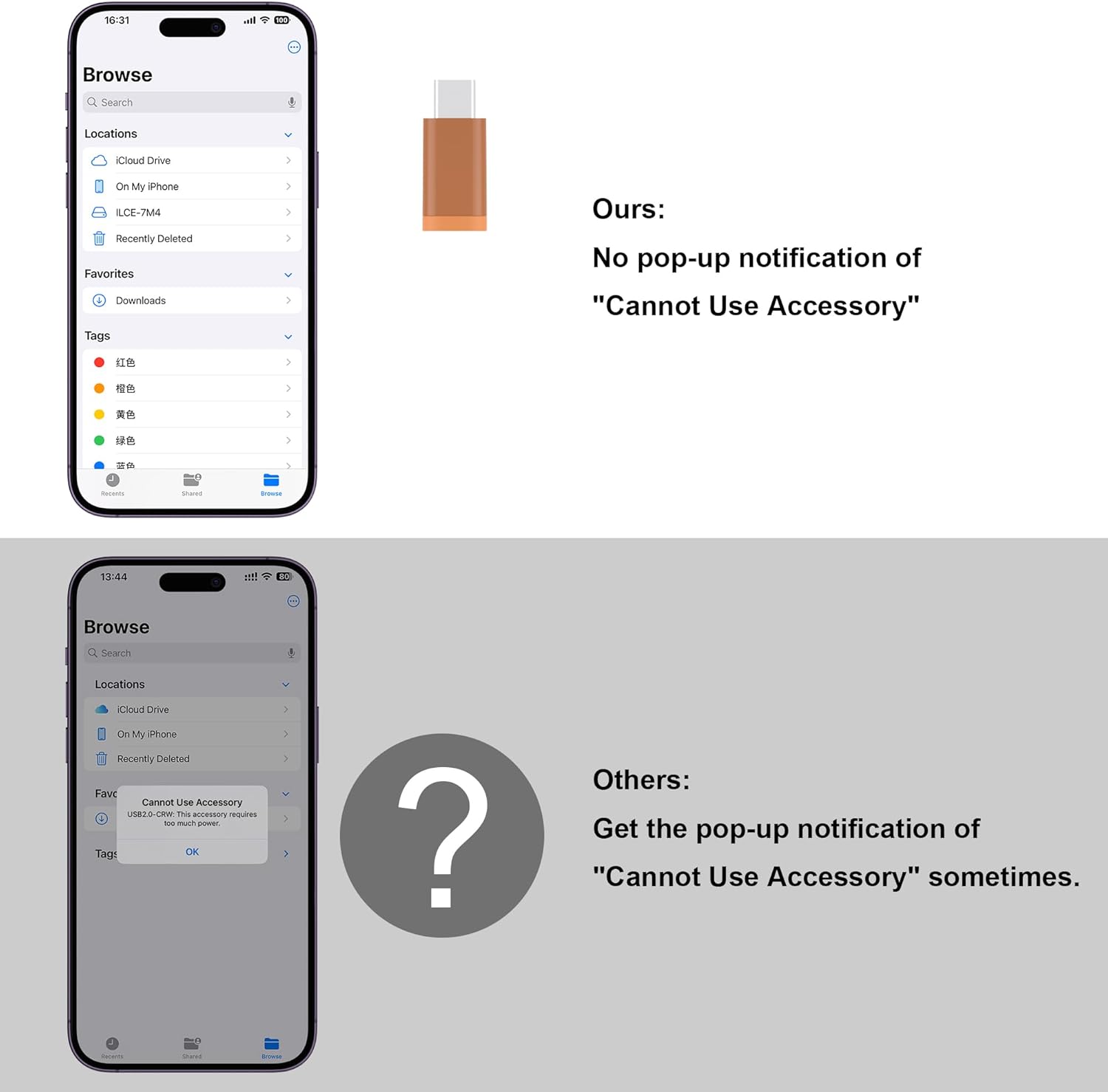
The dual-connector design is a practical advantage if you use devices with different ports. Connect via USB-C, or attach the included USB-C-to-Lightning adapter for a Lightning port. The female USB interface can also connect supported peripherals such as a USB flash drive, camera or keyboard, with peripheral current capped at 500 mA. Buyer feedback often highlights convenient setup and photo transfers, though some users report that their iPhone does not recognize the reader, experiences with functionality are mixed.
What to know
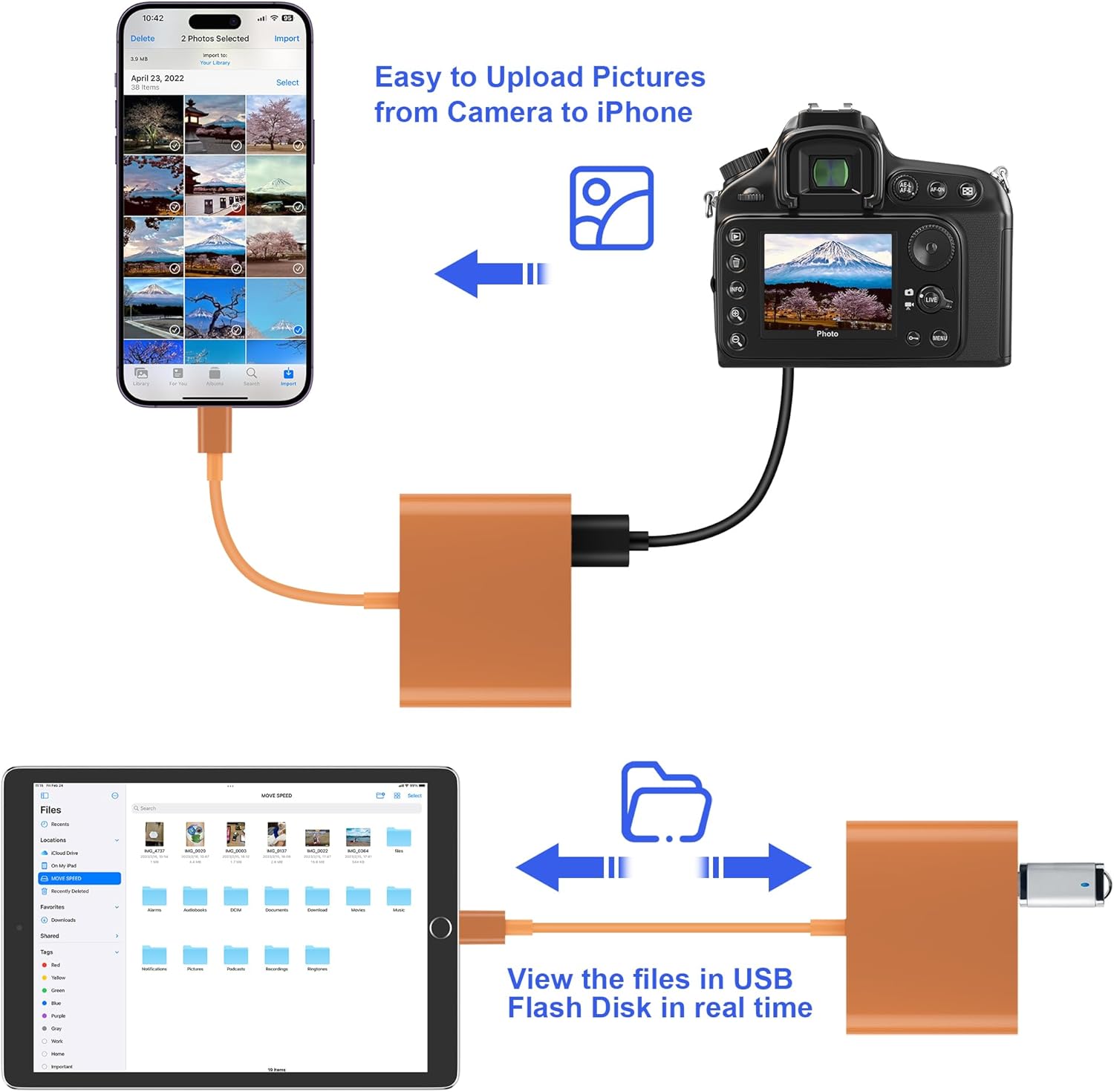
For iOS 13 or later, use the Files app to browse card contents and copy files between the card and your iPhone or iPad. This can include photos, videos, music and common document formats. On iOS 9.2 to 12.5.7, the described workflow uses Photos for one-way imports of photos and videos. No separate reader app is required for these workflows, a third-party app may be needed to open certain file types.
Choose the connector that matches your device: Lightning or USB-C. USB-C phones and devices need OTG support for the reader to work. The supported card formats include standard SD/SDHC and microSD/TF, Wi-Fi SD cards are not supported. The USB interface is intended for supported peripherals, rather than printers or hard drives.
Best use cases
This reader suits photographers who want to check camera images on a phone or tablet without first transferring them through a computer. It is also handy for viewing trail-camera or dash-camera files on the go, then moving selected photos or videos to a mobile device for sharing. For example, after returning from a walk, insert the camera’s card, connect the matching plug and open Photos or Files according to your iOS version. If your setup includes both Lightning and USB-C devices, the detachable adapter makes one reader useful across those connector types.
Is it worth it?
For anyone who regularly moves photos from an SD or microSD card to an iPhone or iPad, this reader combines card access, two connector options and app-free file browsing in one compact accessory. Its added USB interface can also serve compatible peripherals, while the iOS version determines whether transfers use Photos or the broader Files workflow. It is a practical choice for taking camera and trail-camera images straight to a mobile device for viewing, organizing or sharing.