

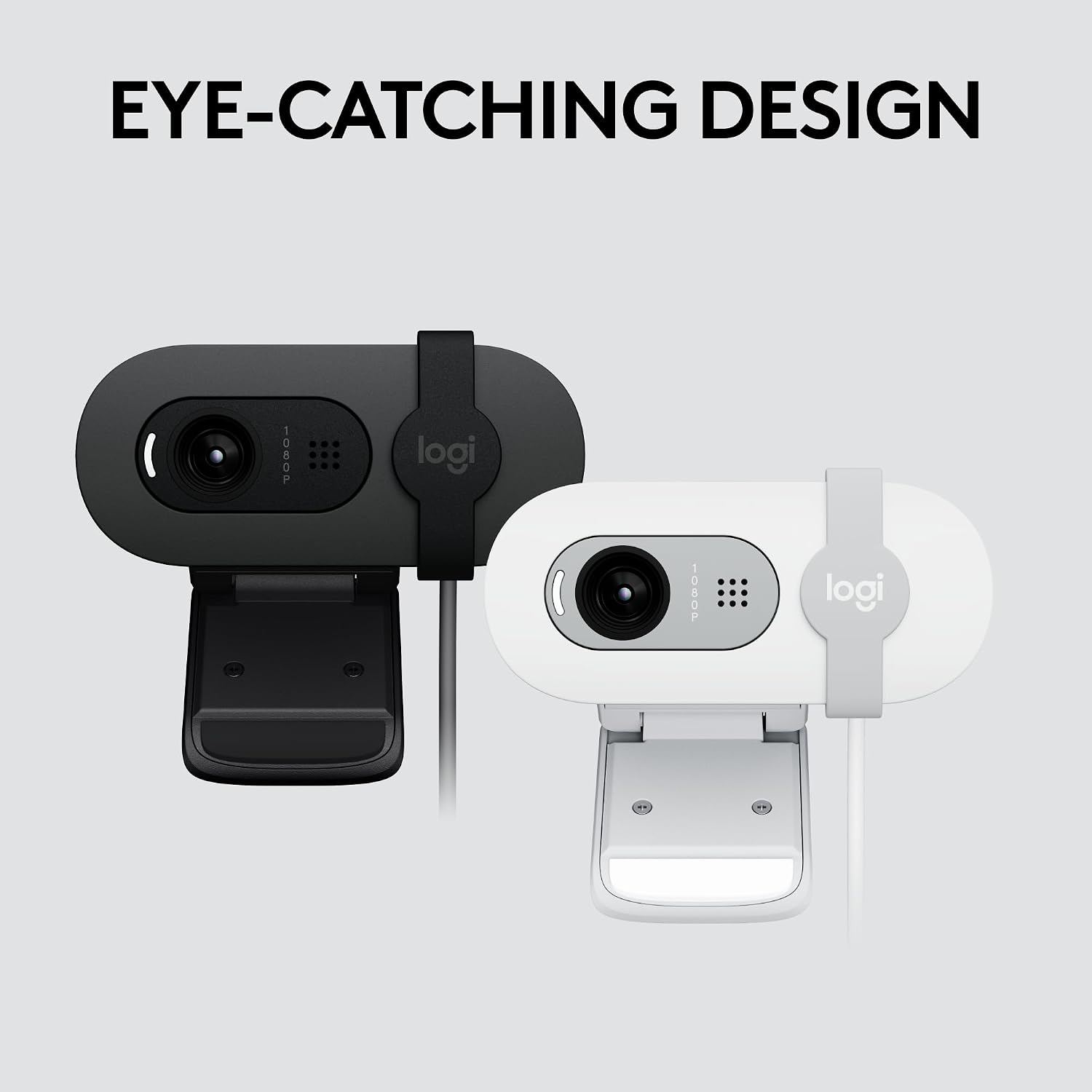
Logitech Brio 101 Full HD 1080p Webcam with Auto-Light Correction and Privacy Shutter
Product description
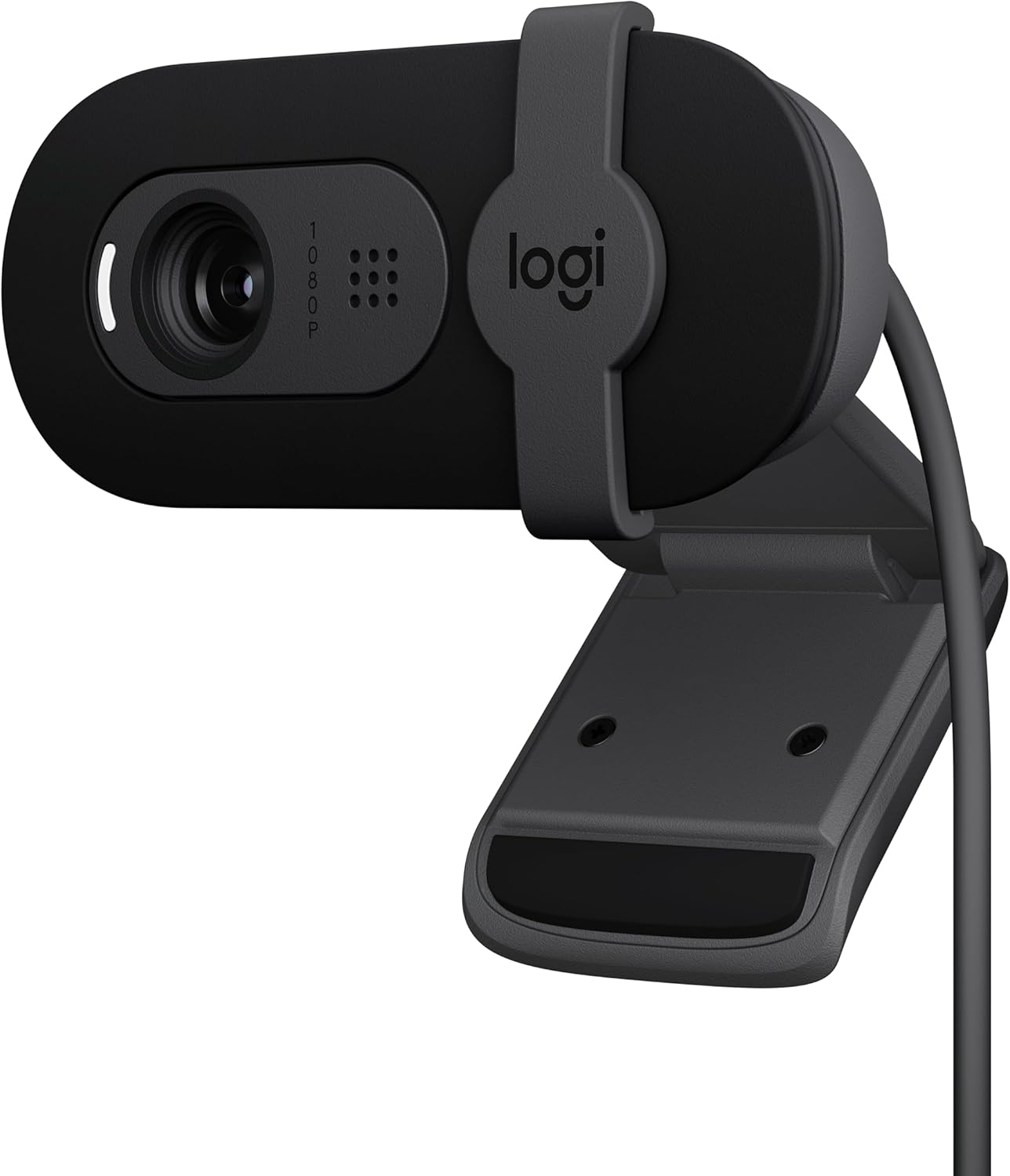
If you want a straightforward webcam for calls and streaming, the Logitech Brio 101 brings Full HD video, a built-in microphone and a sliding privacy shutter together in one compact device. Its USB-A connection keeps setup simple for a compatible laptop or desktop computer.
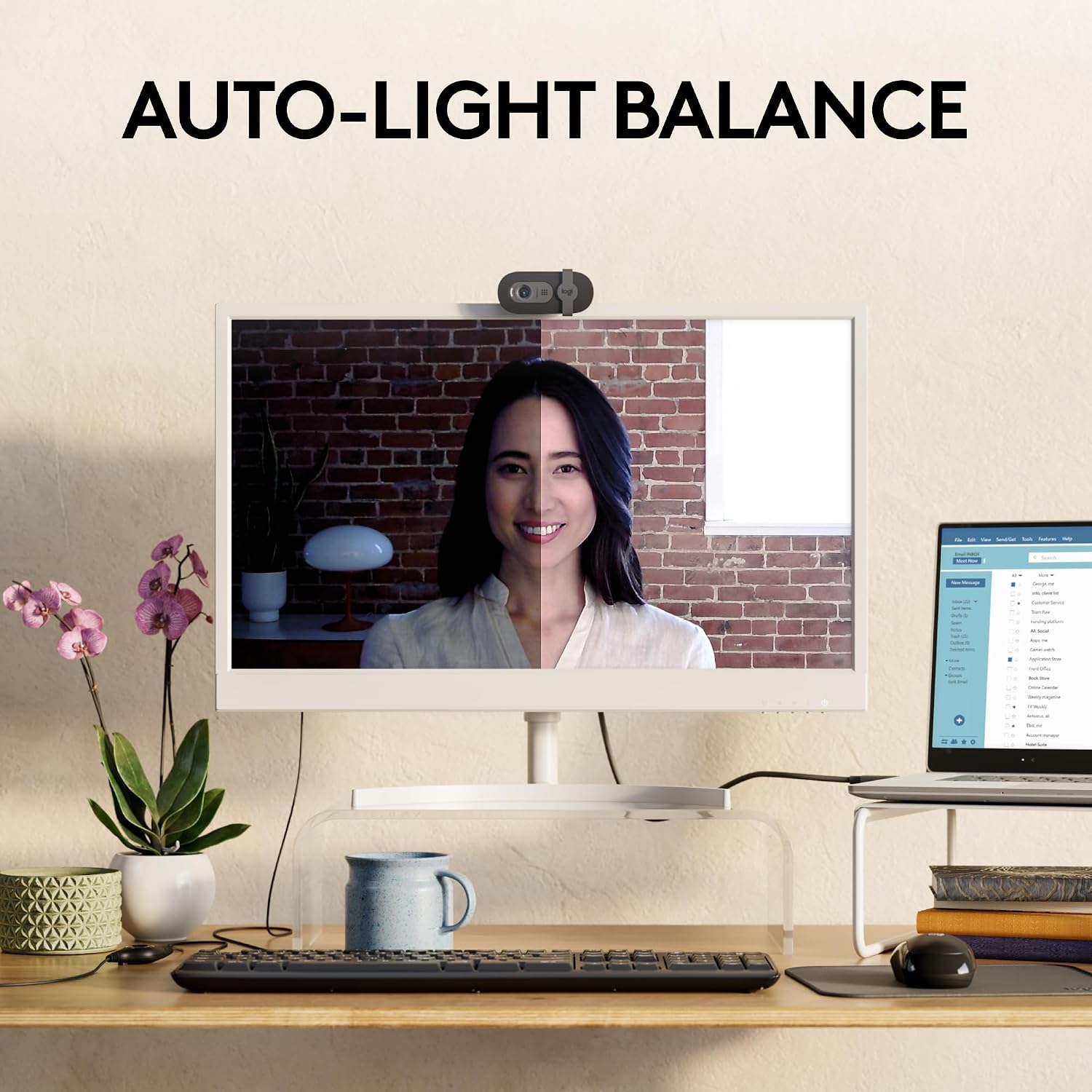
RightLight correction helps brighten the image and reduce shadows, while the 1080p resolution gives you a clear picture for everyday video calls.
Highlights
The Brio 101 captures video at Full HD 1080p and 30 fps, giving colleagues, friends or viewers a clear view during meetings and streams. Its RightLight correction is designed to boost brightness by up to 50% and reduce shadows compared with previous-generation Logitech webcams. That can be useful when your workspace lighting is less than ideal.
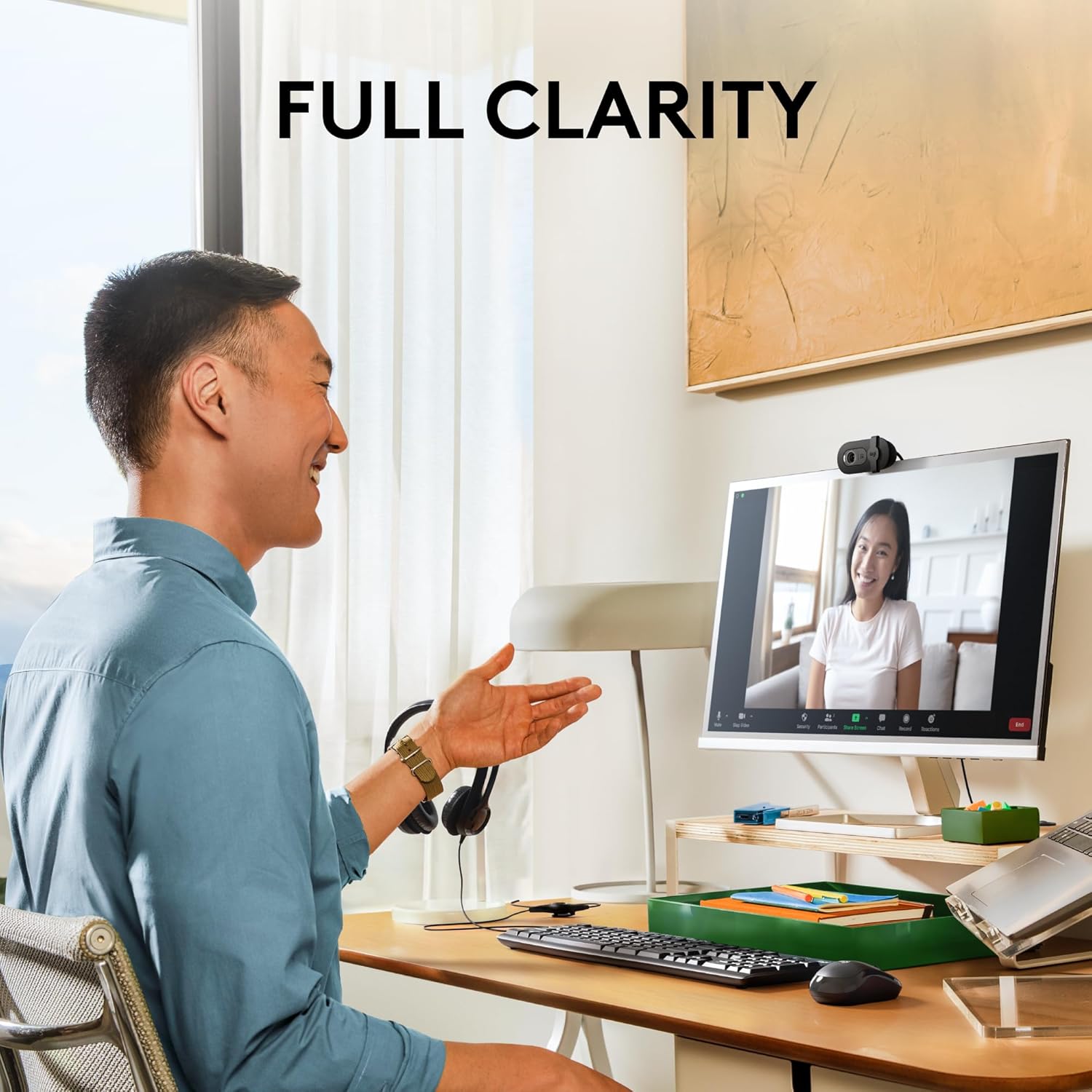
A built-in microphone captures your voice, so there’s no need to set up a separate mic for a call. The integrated privacy shutter slides over the camera when you want to block its view between meetings. The webcam uses USB-A and works with platforms including Microsoft Teams, Google Meet and Zoom, as well as Windows, macOS and ChromeOS.
Buyer feedback often highlights the picture clarity, while comments on microphone performance are mixed. Some buyers also raise concerns about framing and positioning, making it useful to place the webcam deliberately before joining a call. Which matters more for your setup: a clear video image or a camera that needs a more involved setup? The Brio 101 focuses on a simple connection and practical everyday features.
Practical tips
Connect the webcam’s USB-A cable to your computer, then select it in your video-calling app if needed. Its attached cable is 5 ft (1.5 m), so plan the camera’s position with your computer and screen in mind. For a natural view in meetings, place the webcam above the screen and check the framing before the call begins.
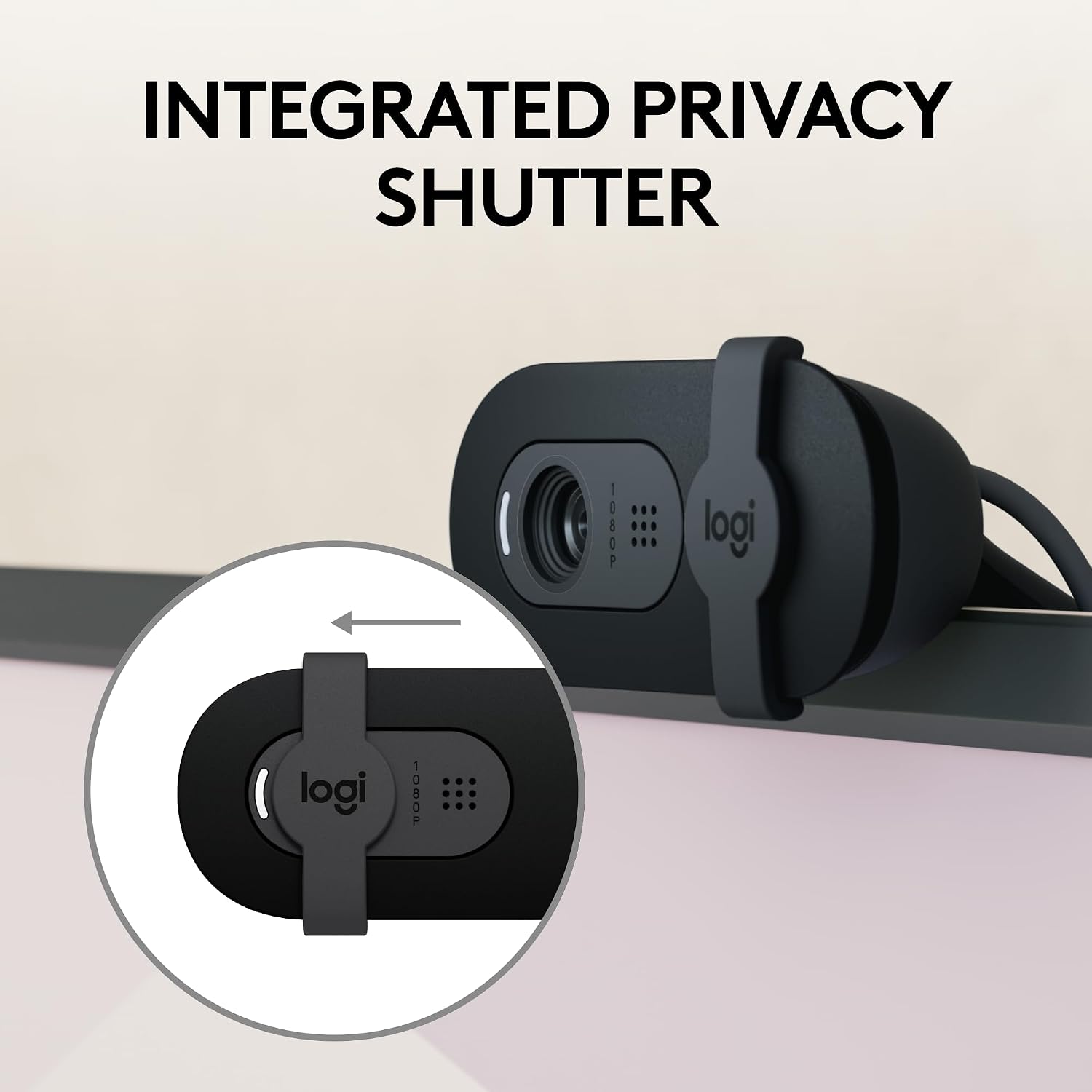
The privacy shutter is operated with a slide: open it for video, then close it when you want privacy. RightLight correction can help manage shadows, but a well-lit spot in front of you is still a practical choice for video calls. The camera uses fixed focus, so position yourself within its view rather than relying on focus adjustment.
Getting the most from it
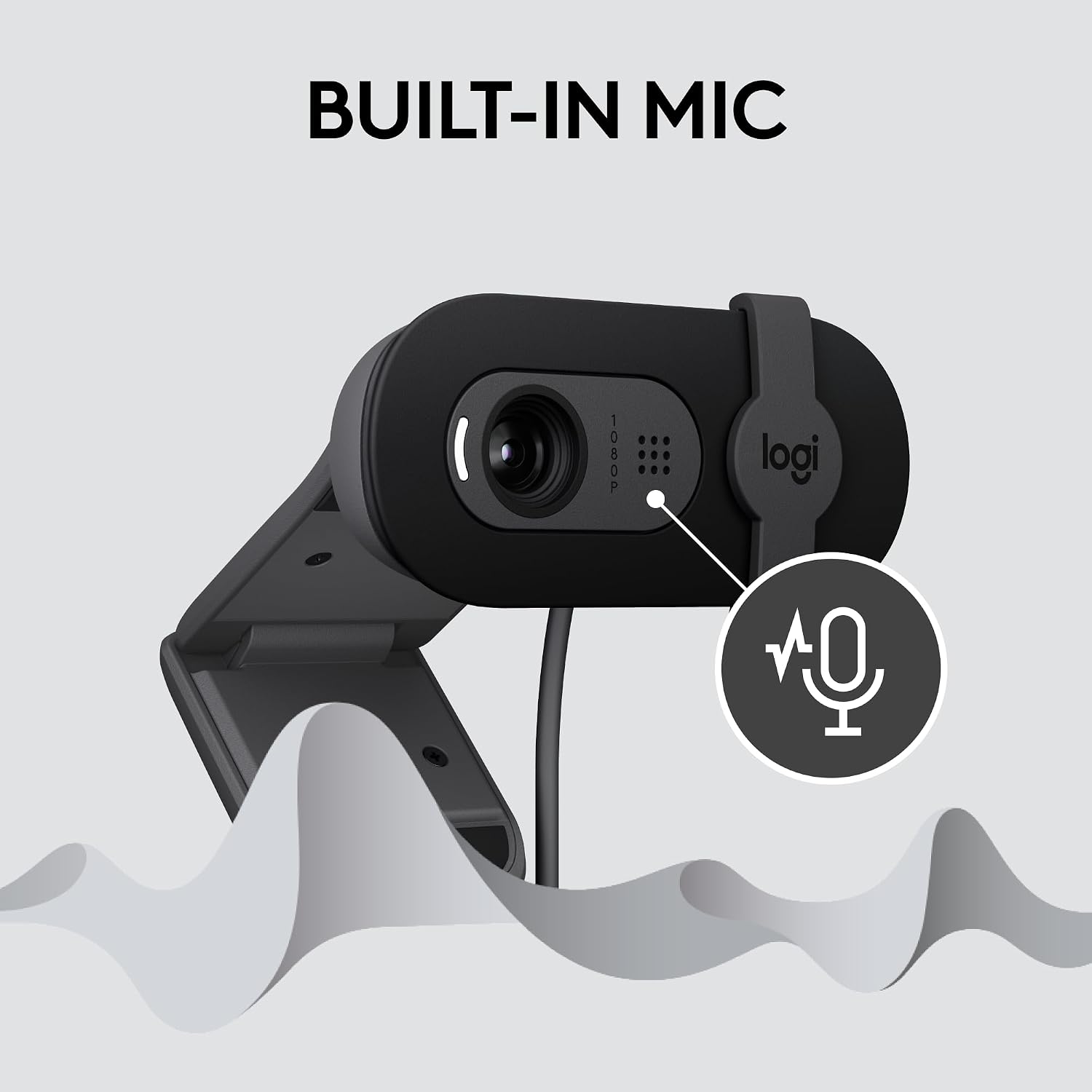
For regular meetings, the Brio 101 offers a convenient all-in-one approach: connect through USB-A, use the built-in microphone and join through a supported calling platform. This is a practical alternative to assembling a separate camera and microphone when your priority is a simple desk setup for work or personal calls. It can also serve for streaming or video recording at 1080p.
Its 58° diagonal field of view provides a defined frame for an individual at a desk. The compact black design suits a personal workspace, and the sliding cover makes camera privacy easy to manage between uses. If you move between calls and streaming, the same webcam can handle both tasks without changing the basic connection.

Practical questions
What video resolution does the Brio 101 support? It records video at Full HD 1080p, with a listed frame rate of 30 fps. It also supports 720p at 30 fps.
Which video-calling platforms can I use? It works with Microsoft Teams, Zoom and Google Meet, among other video-calling platforms. It is compatible with Windows, macOS and ChromeOS.
How do I cover the camera when I’m not using it? Slide the integrated privacy shutter across the lens to block the camera’s view between calls.
Should you buy it?
Choose the Logitech Brio 101 for everyday video meetings, streaming or recording when you want Full HD 1080p, a built-in microphone and a physical privacy shutter in a compact USB-A webcam. Its light correction and compatibility with popular calling platforms make it a convenient fit for a home or desk setup.