

Logitech MX Brio 960-001545 4K Webcam, 1080p at 60 fps, Graphite
Product description
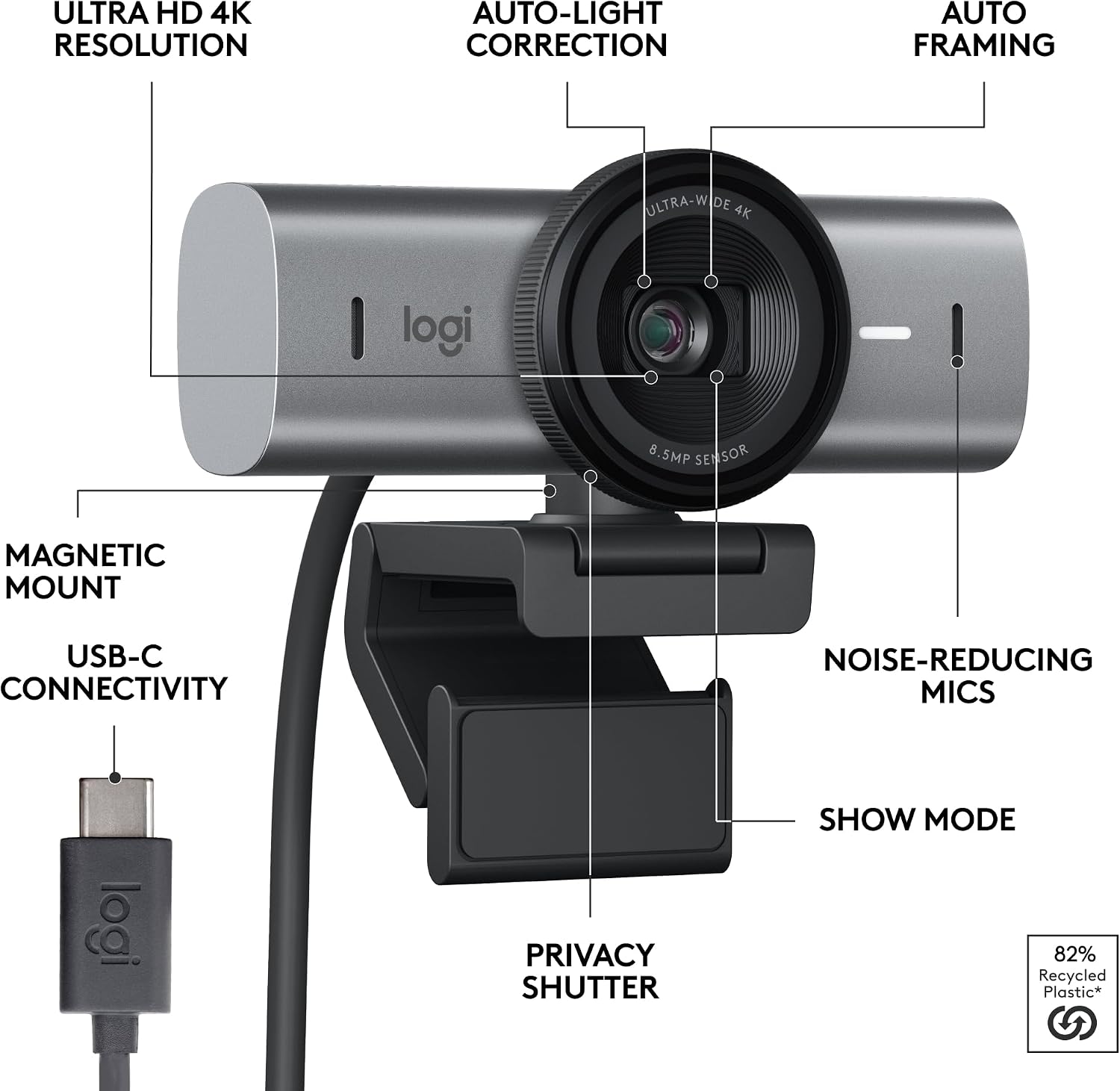
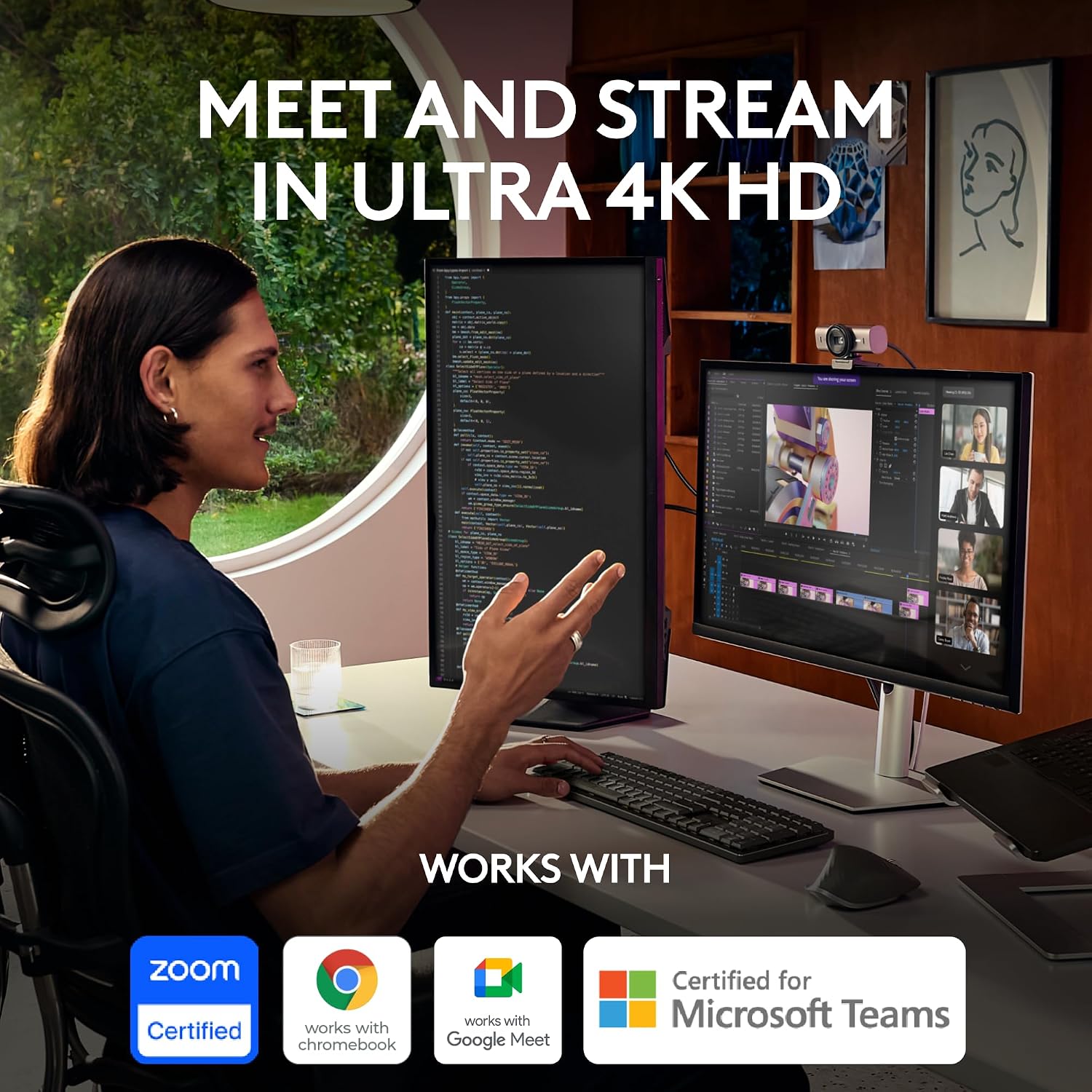
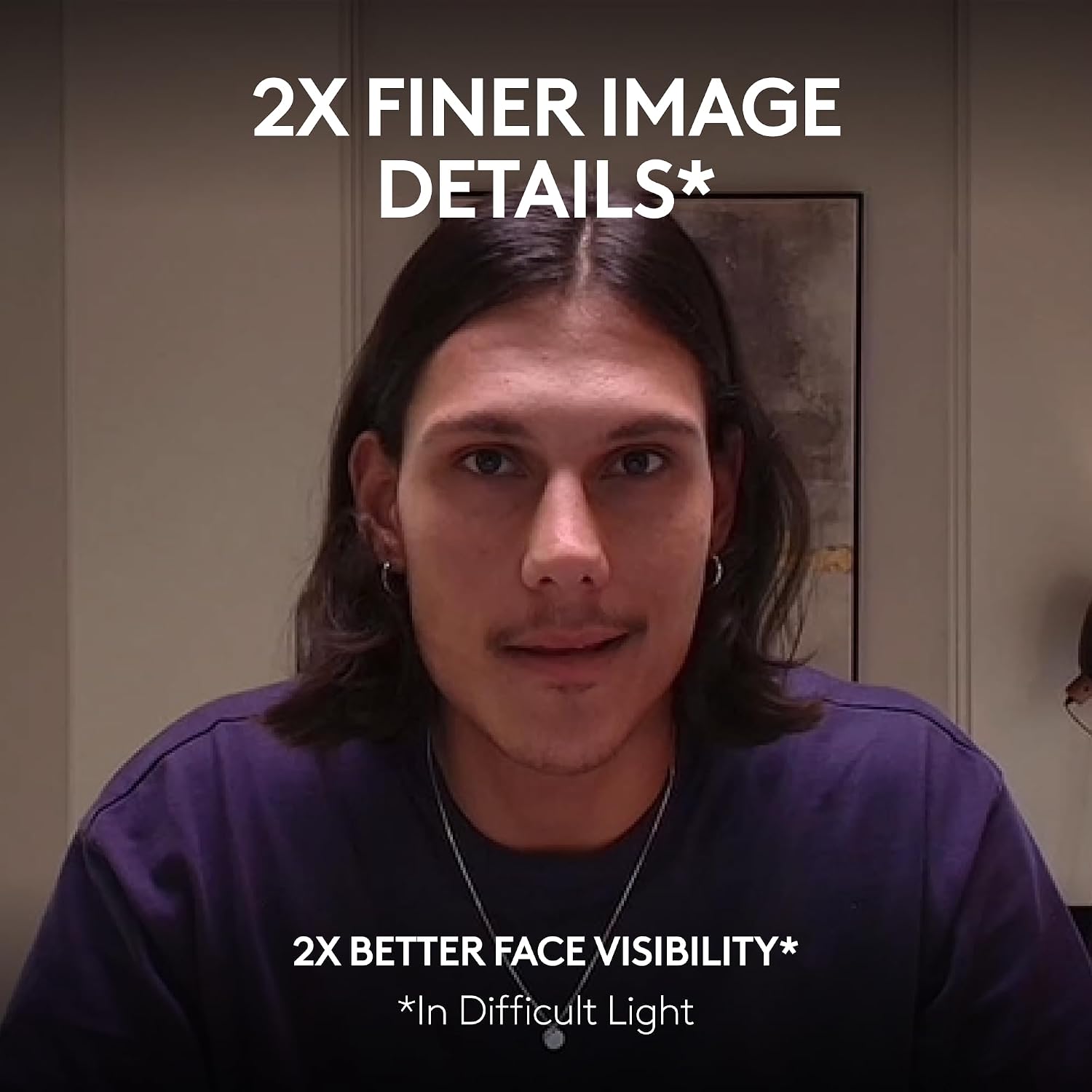
Ultra HD 4K video gives the Logitech MX Brio a clear format for meetings and streaming. Choose 4K at 30 fps or 1080p at 60 fps to suit your preferred video setup. Its graphite finish and built-in privacy cover make it a practical fit for a home or office desk. AI-enhanced image features help keep faces visible in challenging light.
What matters most
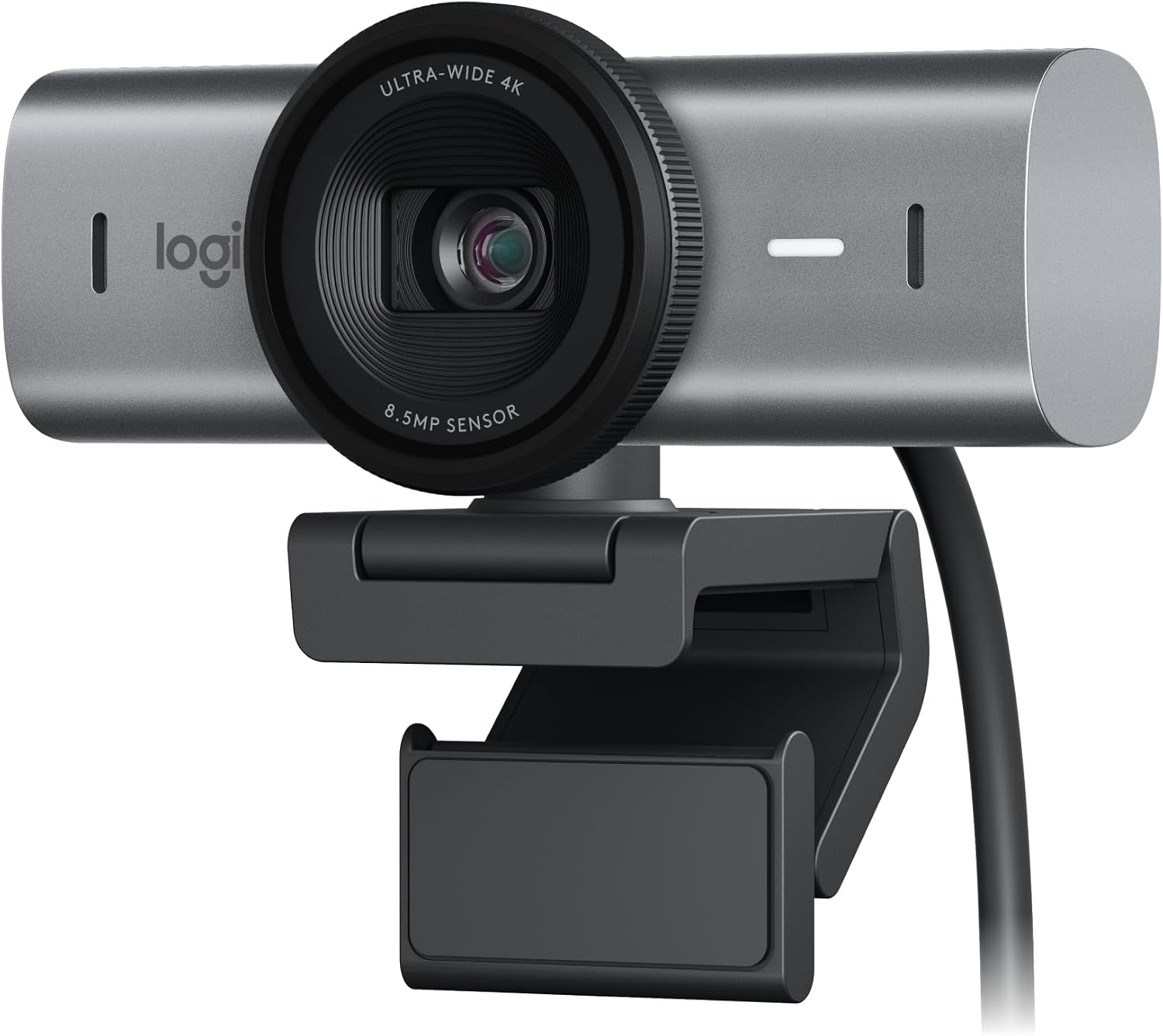
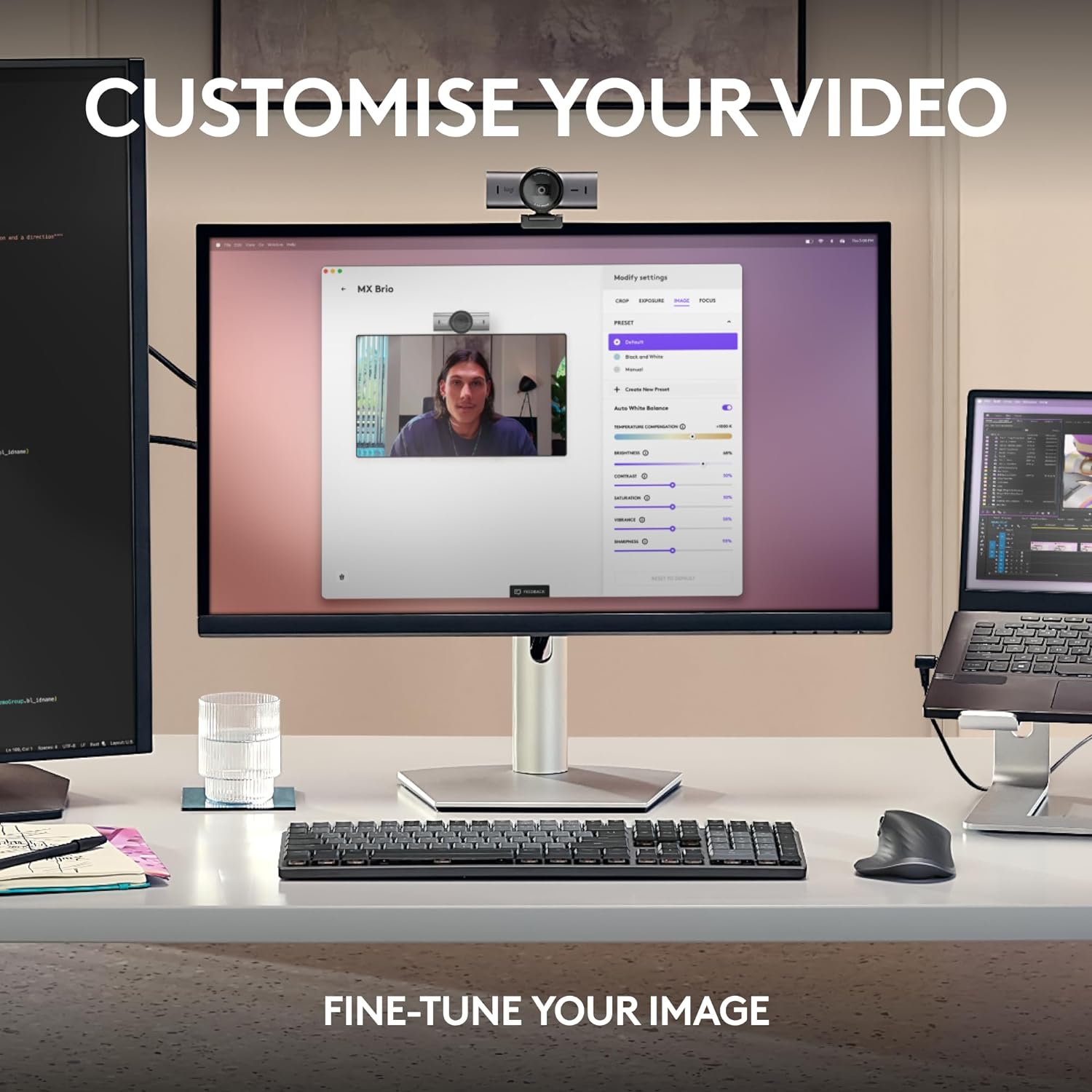
The webcam captures video in 4K, with 1080p at 60 fps as another available setting. Its sensor has larger pixels, and image processing includes auto-exposure, auto white balance and noise reduction. Autofocus helps keep the image sharp as you speak or present, while fine controls let you adjust settings such as ISO, shutter speed, tint and vibrance. Use automatic settings for a straightforward call, or tailor the image when you want more control over how you appear on screen.
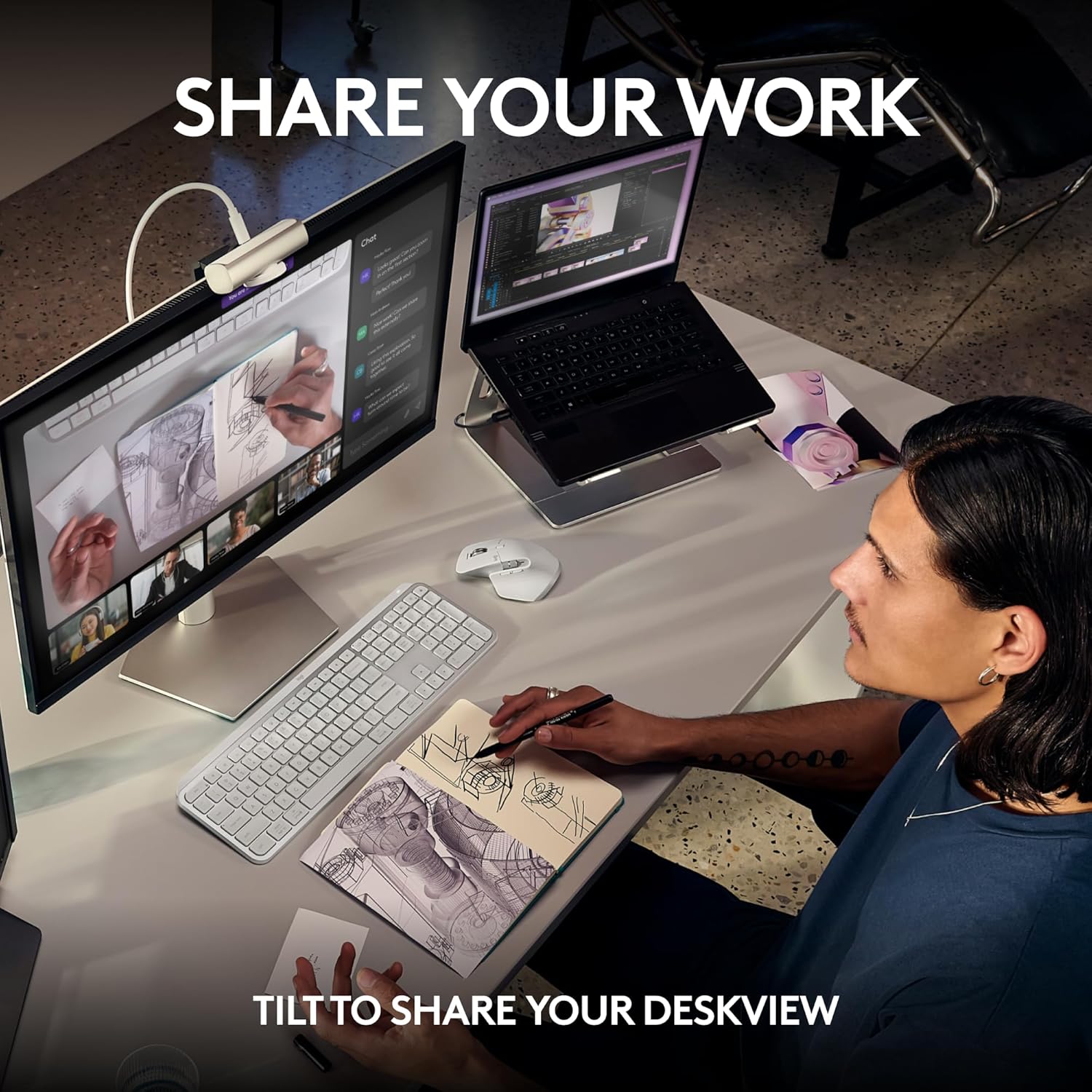
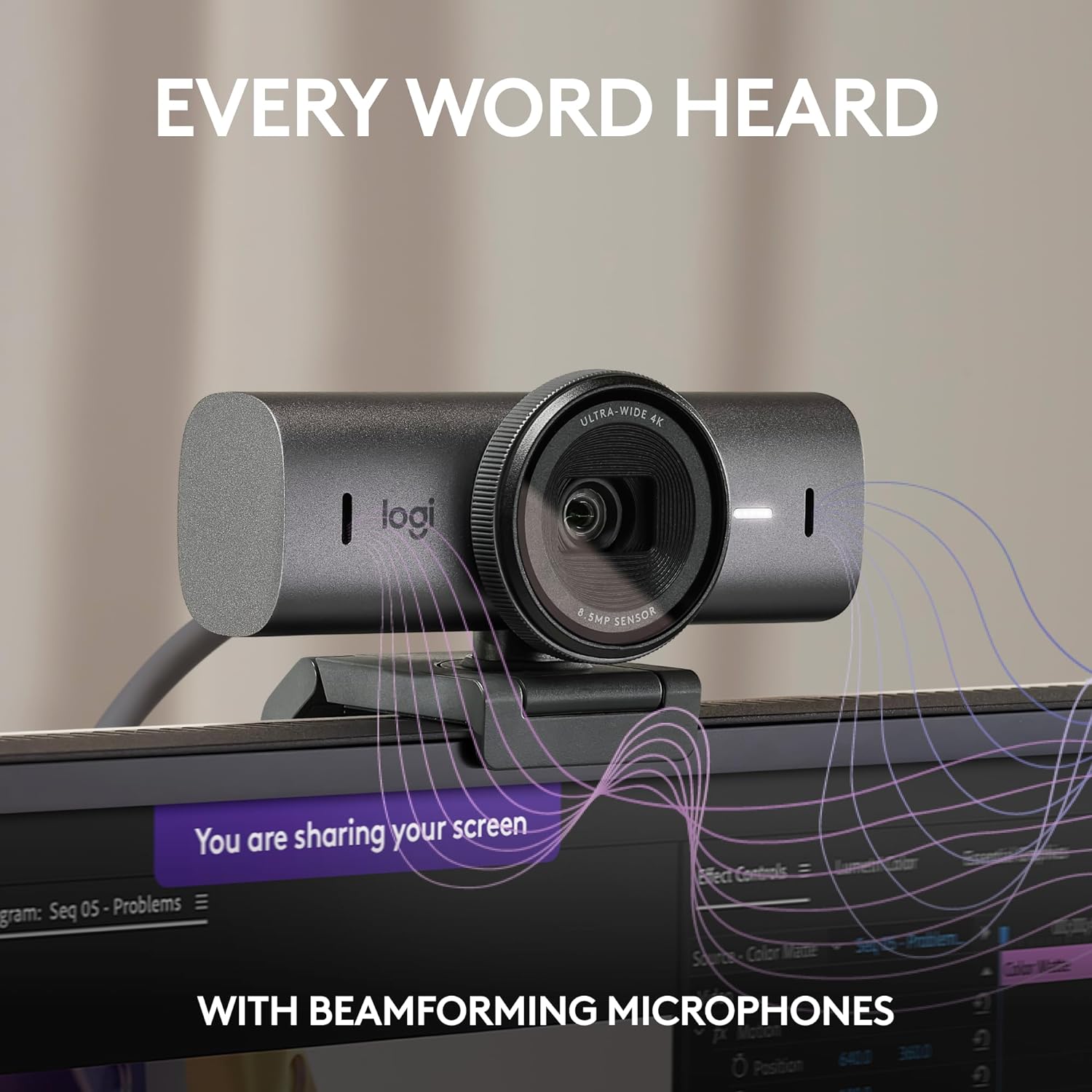
Two integrated beamforming microphones use noise-reducing technology to help reduce background sound during calls. For collaboration, Show Mode lets you tilt the camera down towards notes or sketches on your desk, bringing physical work into the conversation. When a meeting ends, rotate the built-in privacy cover to block the camera.
Practical tips
Position the webcam above your screen for a direct view during meetings, then tilt it down when you want to share something on your desk. Its USB-C connection supports a tidy connection to a compatible computer, and the webcam is listed for Windows, macOS, ChromeOS and Linux. Logi Options+ provides image fine controls and is available for Windows and macOS. If you prefer to keep setup simple, automatic exposure and white balance can handle those adjustments, use the software controls when you want to shape the image yourself.
Getting the most from it
For a team call, select the video mode that suits your setup and let the automatic image adjustments manage changing light. If you are streaming or presenting work, use the fine controls to adjust the look, and turn on Show Mode to share handwritten notes or sketches without moving them out of view. The dual microphones are built for clearer speech with noise-reducing technology, while the privacy cover offers a simple way to block the lens between calls. The webcam is also compatible with Nintendo Switch 2’s GameChat mode.
When it makes sense
Choose the MX Brio if you want one webcam for video meetings, streaming and hands-on collaboration, with both 4K and 1080p at 60 fps available. It suits people who value adjustable image settings as well as a quick automatic mode, and who want an easy way to show their desk during a call. Buyers praise the image quality and describe setup and everyday use as straightforward. Feedback is more mixed on reliability and adjustability, and some buyers question the value. Those perspectives are useful alongside the documented features when deciding whether its image controls, microphones and Show Mode match your routine.