

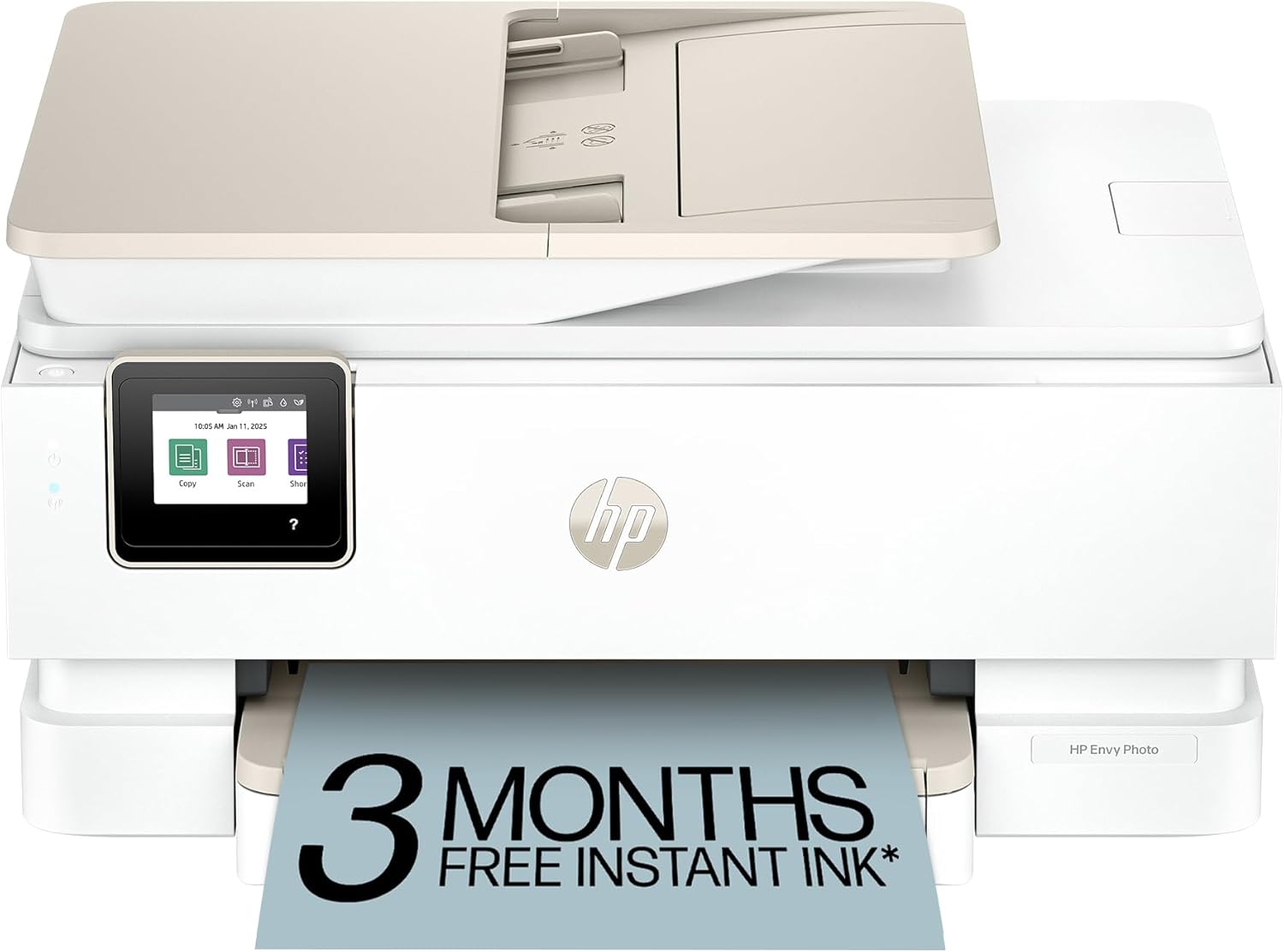
HP all-in-one photo printer 7975
Product description
How to use it
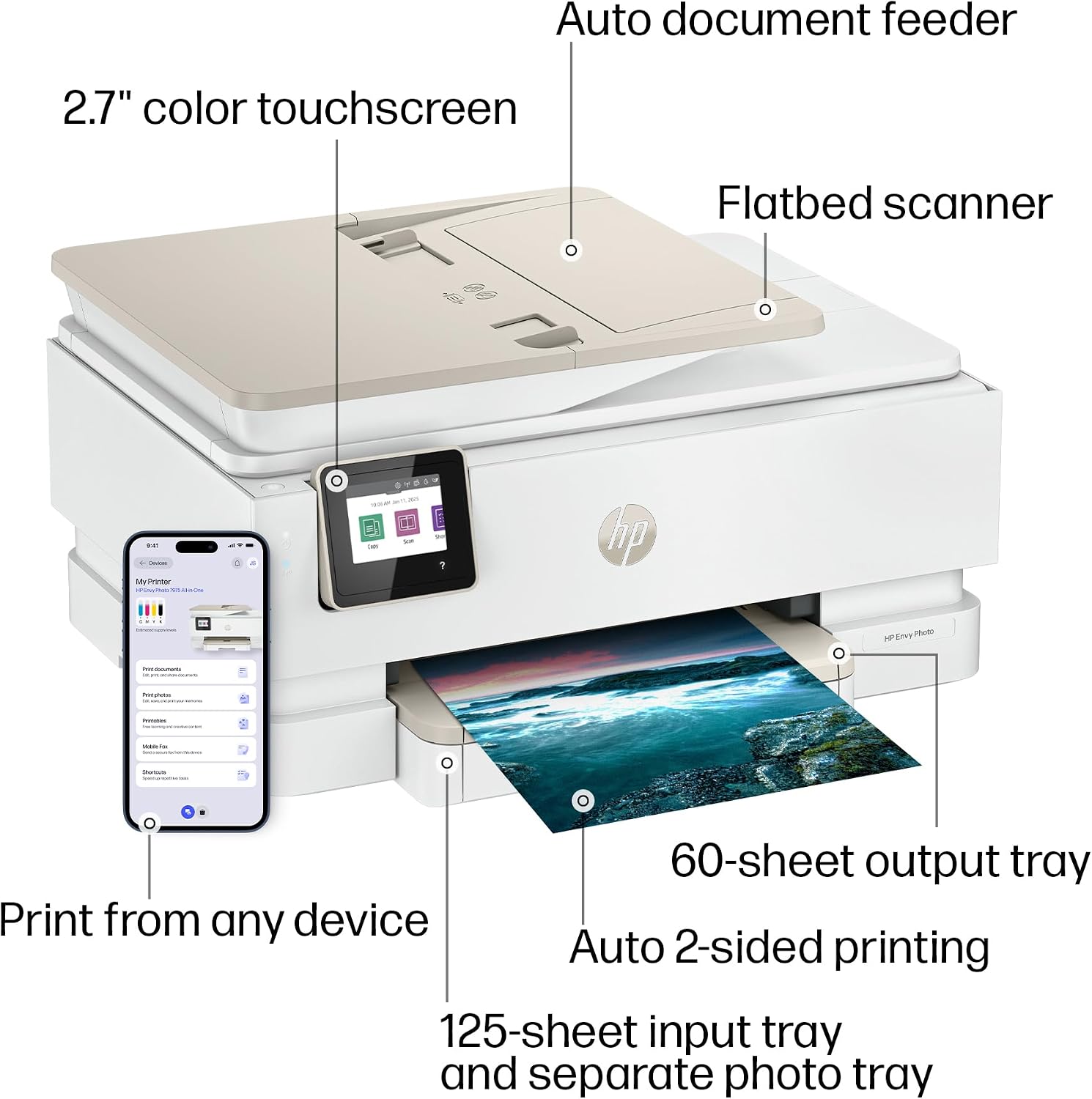
If you want one machine for everyday documents and occasional photo printing, the HP Envy 7975 brings printing, scanning and copying together, with a separate photo tray for keeping photo paper apart from the main supply. That setup can be handy when you switch between a school form and a few prints without having to reload the main tray each time. It also has a 35-sheet automatic document feeder (ADF), which gives you a way to handle a stack of pages for scanning or copying.
Its listed print speeds are up to 15 ppm in black and 10 ppm in colour. What matters more for your routine: a faster document printer, or one that also handles photos and scanning?
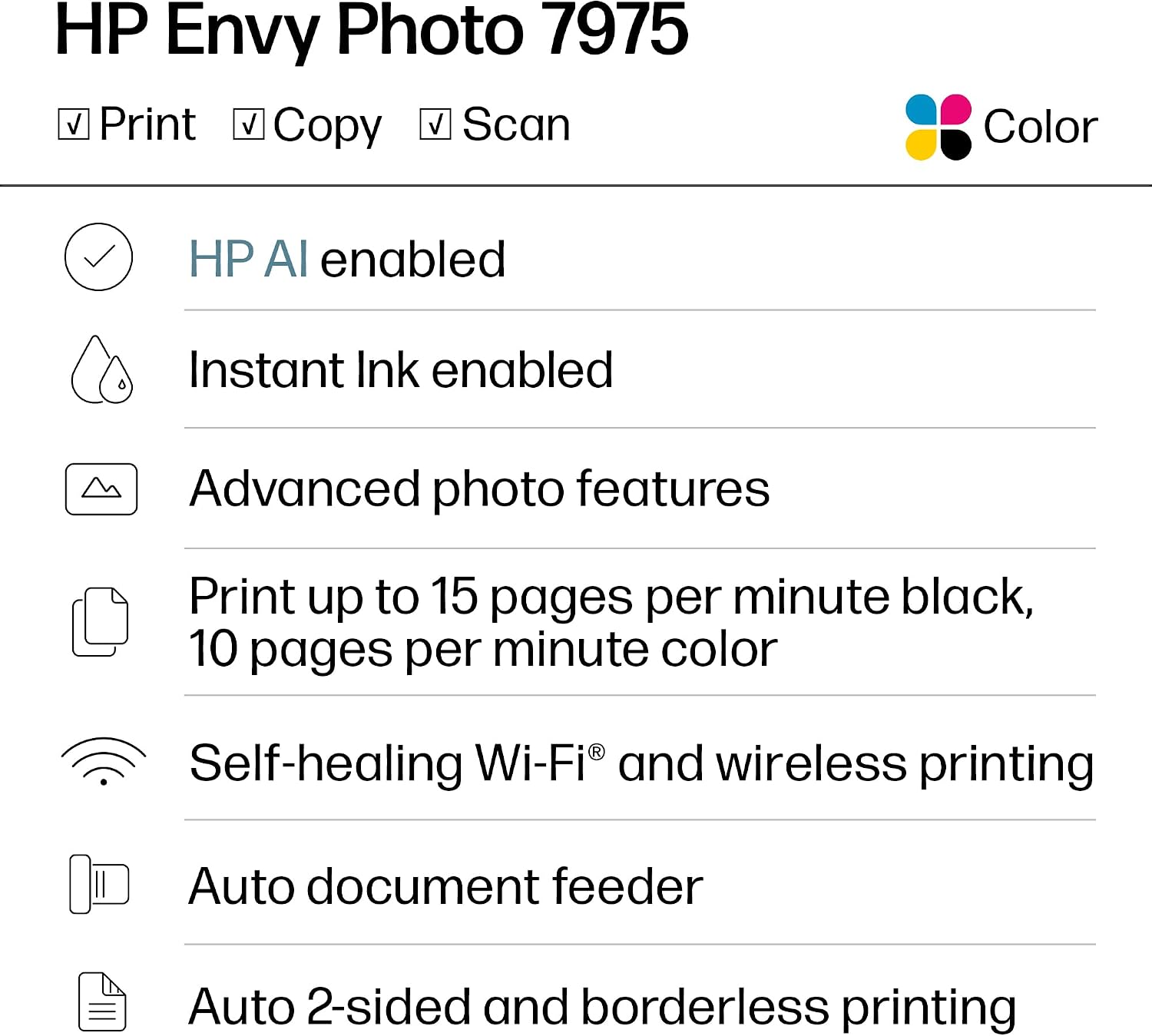
The printer supports USB 2.0 and dual-band Wi-Fi. Te conviene si you want a single device for several common tasks and expect to print photos now and then. Best avoided if your priority is a dedicated photo printer or you need specific features that aren't listed here. Based on the listed details, there’s no information about print resolution or duplex printing, so those are worth factoring into your decision rather than assuming they’re included.
Pros
- Combines print, scan, copy and photo printing, so you don’t need separate devices for those tasks.
- The 125-sheet input tray and 15-sheet photo tray give everyday paper and photo paper separate places.
- A 35-sheet ADF can make multi-page scanning or copying less hands-on than feeding pages individually.
- USB 2.0 and dual-band Wi-Fi offer wired and wireless connection options.
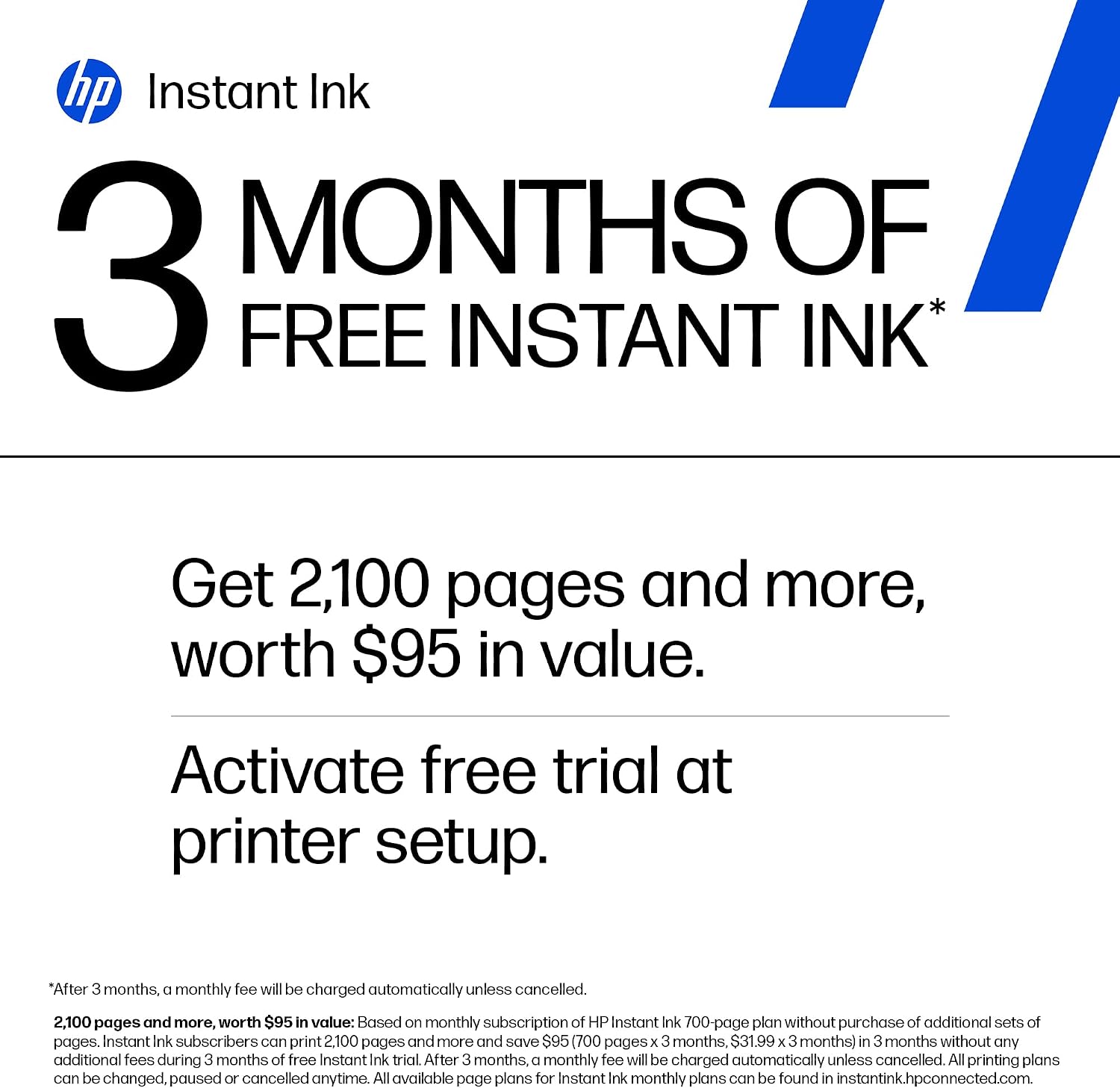
- It is listed as HP Instant Ink eligible, and the product name includes three free months of Instant Ink.
The trade-off is that the photo tray holds 15 sheets. If you plan to print a larger batch of photos, expect to reload it, this is more suited to occasional prints than to treating the tray as a large photo-paper supply. The stated speeds are maximums, not a promise that every job will finish at those rates.
Spec sheet
- Name: HP Envy 7975
- Type: All-in-one photo printer
- Functions: Print, scan and copy
- Print speed: Up to 15 ppm in black, up to 10 ppm in colour
- Input tray: 125 sheets
- Photo tray: 15 sheets
- ADF: 35 sheets
- Connections: USB 2.0 and dual-band Wi-Fi
- Ink service: HP Instant Ink eligible, the product name states three free months
What I’d decide
The Envy 7975 makes the most sense if you want a general-purpose printer that can also manage occasional photos, plus scanning and copying in the same unit. Picture a quick household job: print a form from a laptop over Wi-Fi, then copy a few pages through the ADF, with photo paper kept in its own tray for later. That mix of tasks is its practical appeal.
If you mainly print documents and rarely scan or make photos, a simpler printer may be enough. If photos are the main event, a dedicated photo-focused approach may suit you better, especially if you need details such as resolution or paper-handling features that aren’t provided here. The 7975 is a reasonable fit for varied, everyday use when its stated tray capacities and listed connectivity cover what you need, choose another route if you need confirmed specifications beyond those details.