

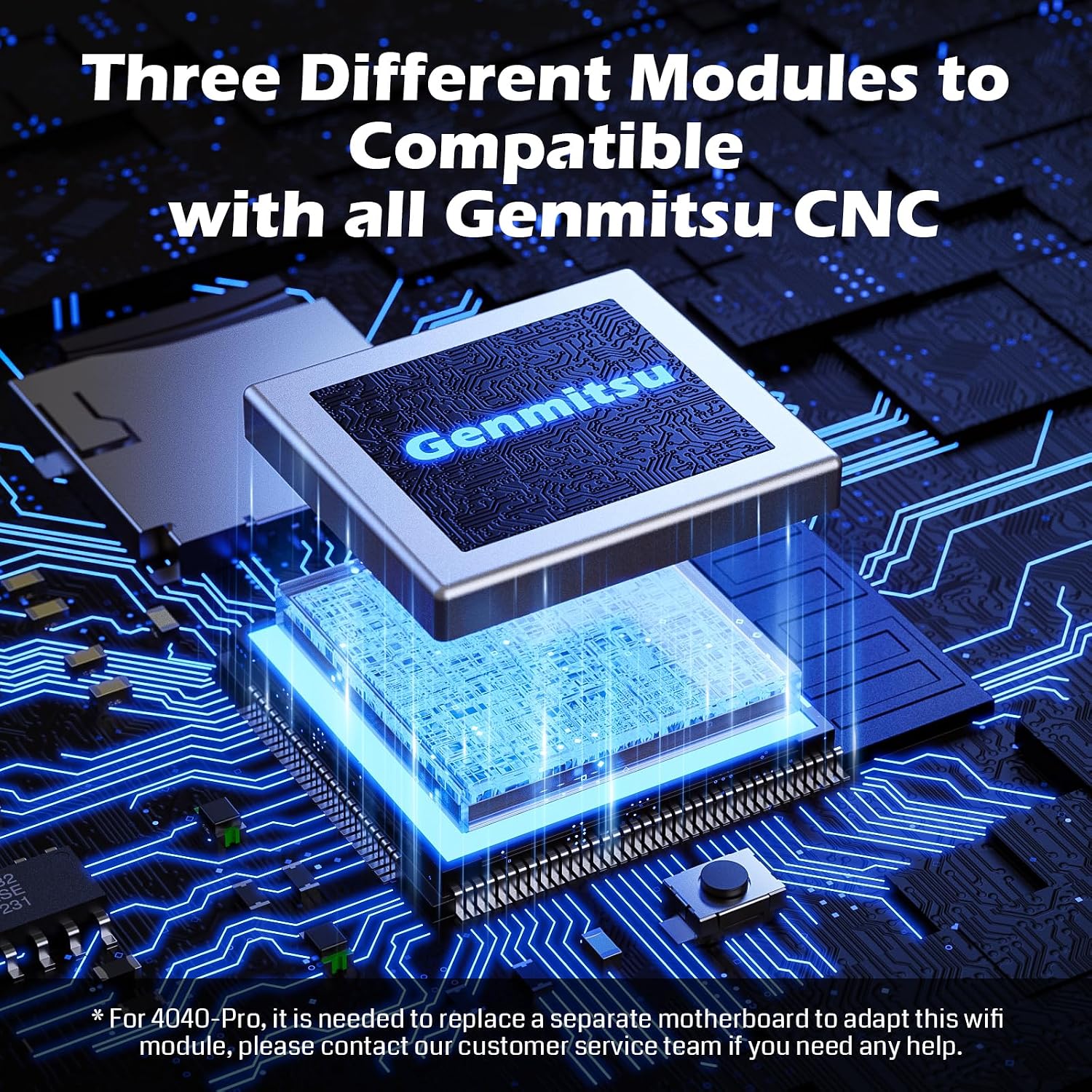
Genmitsu CNC Wi-Fi module GGW-U232
Product description
Key points
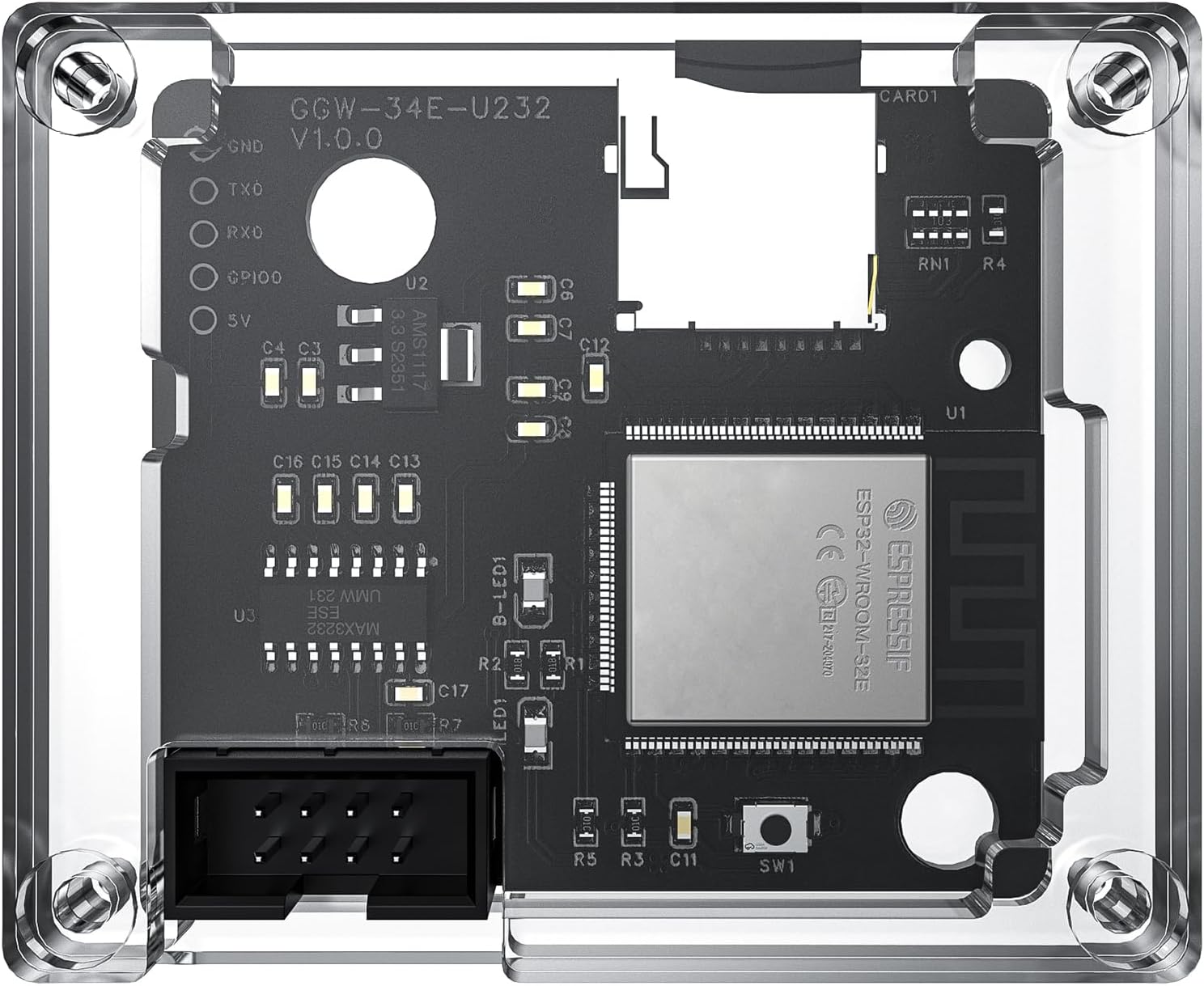
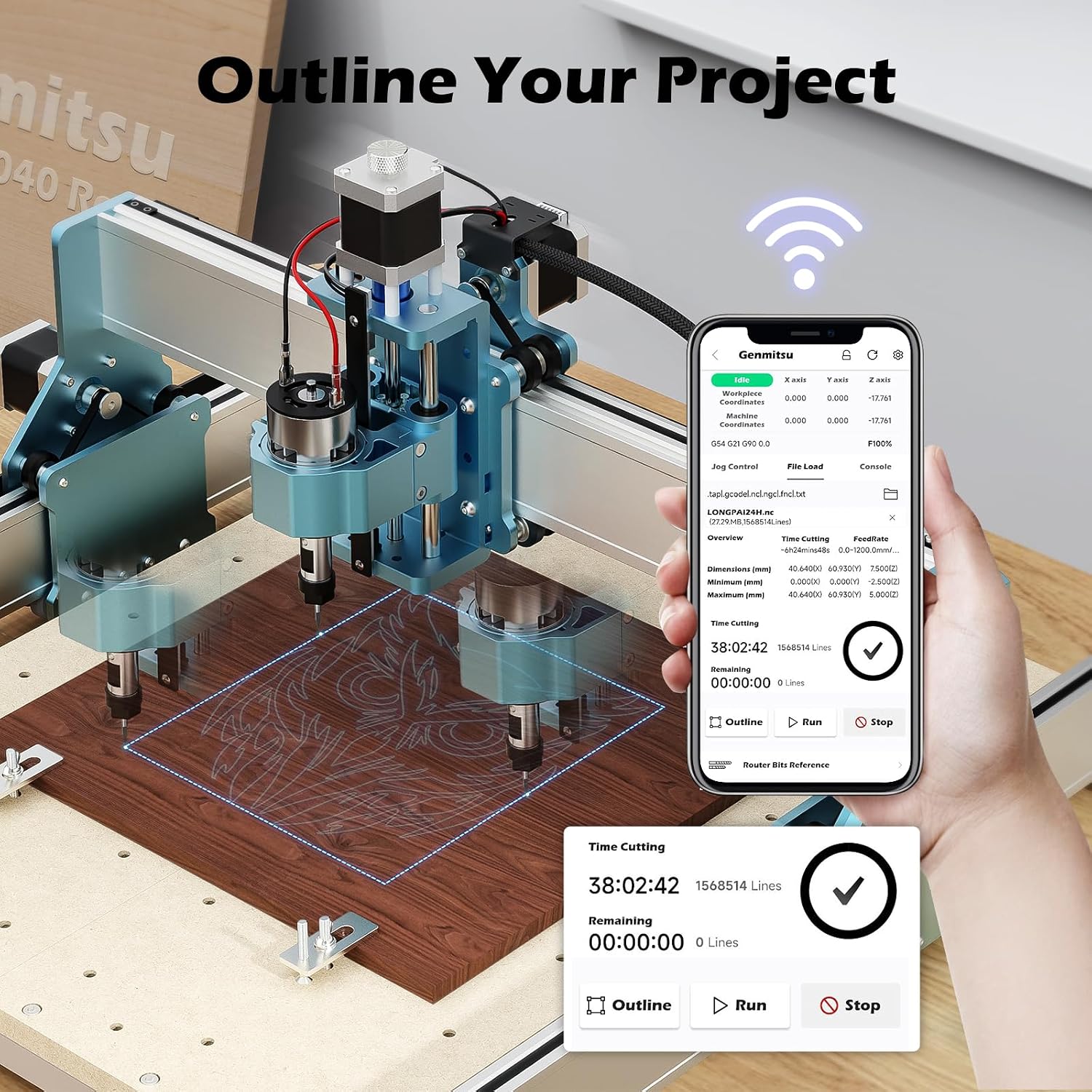
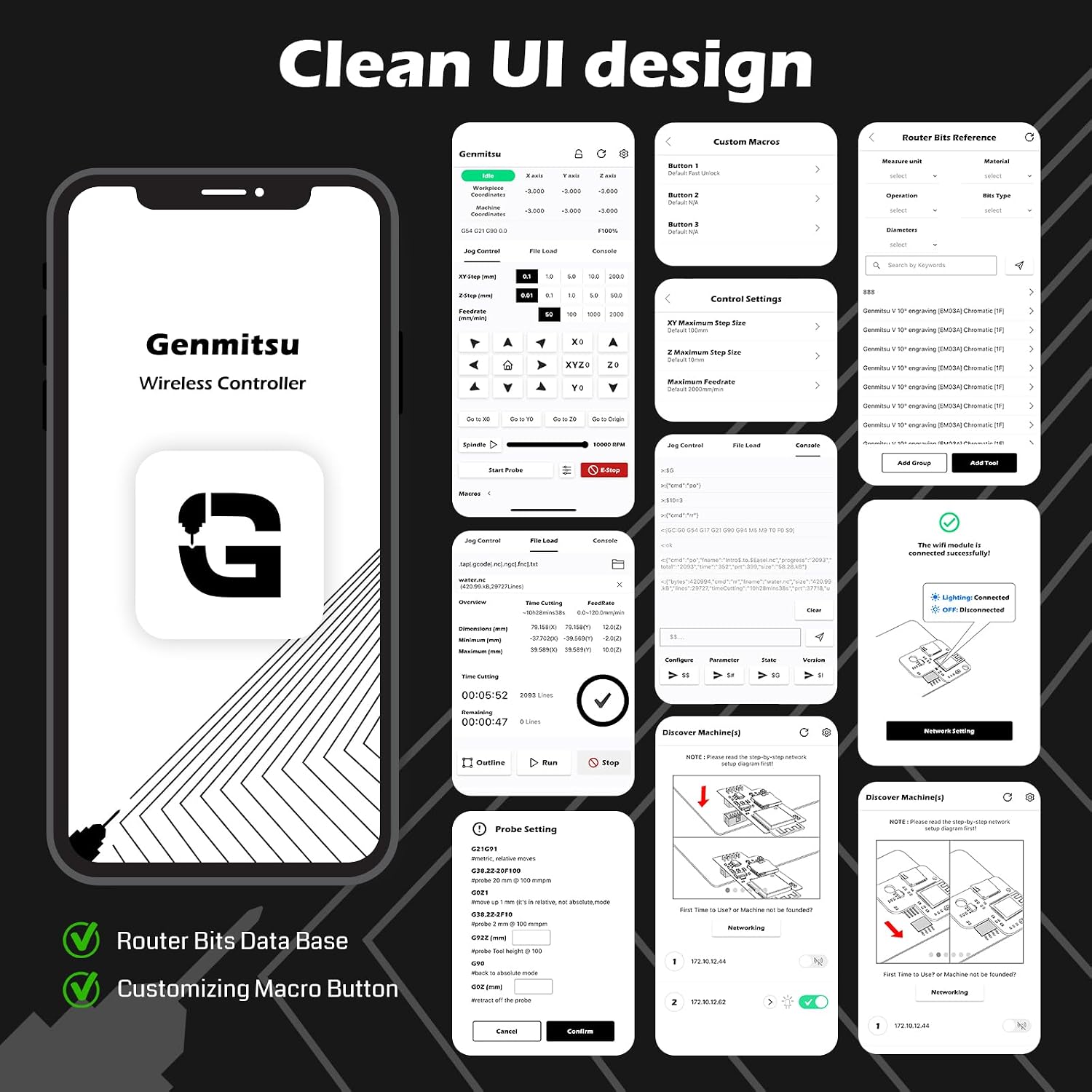
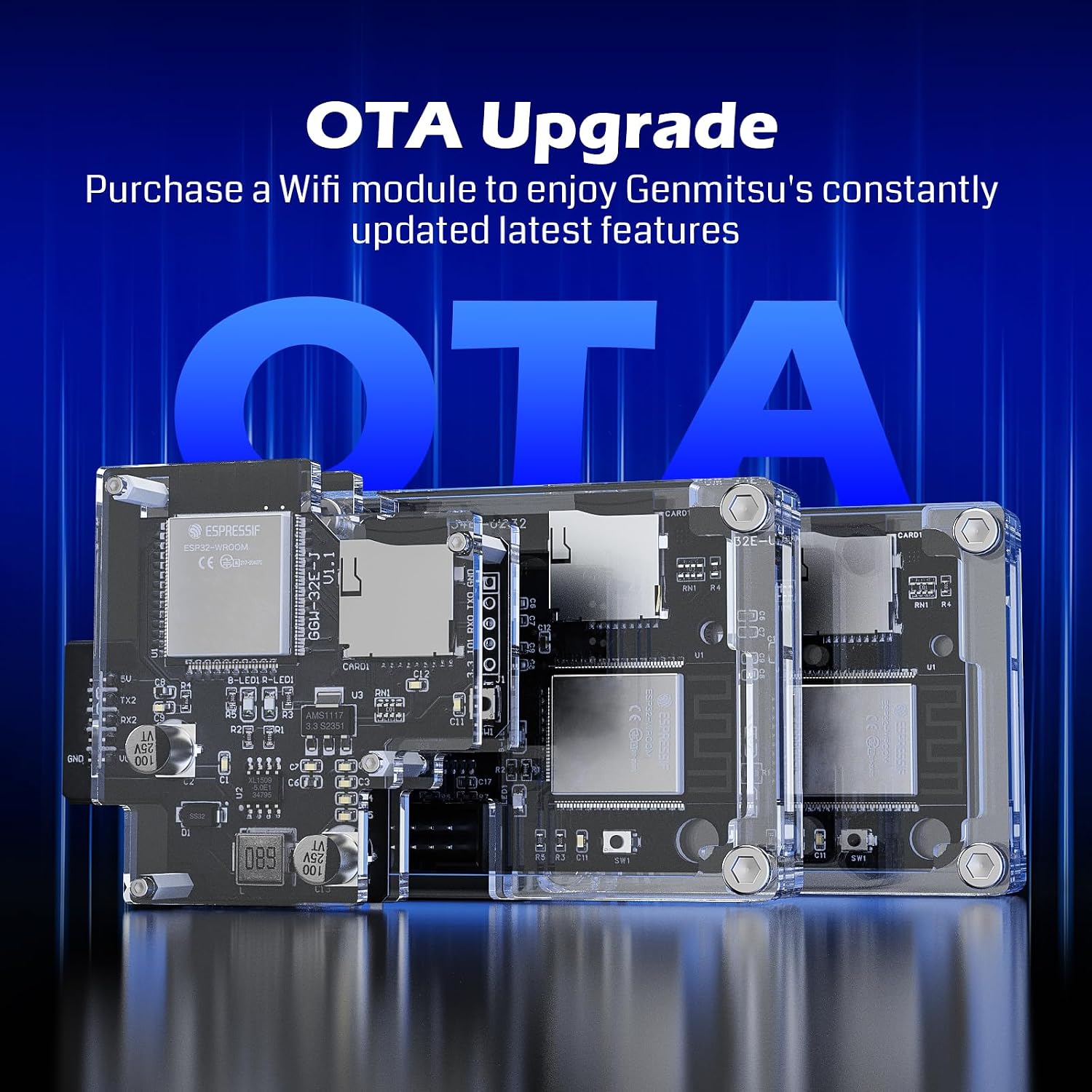
For Genmitsu PROVerXL owners who want to send G-code and check machine status from a phone or tablet, the GGW-U232 adds wireless control through a dedicated app. It supports the PROVerXL 4030, PROVerXL 4030 V2 and PROVerXL 6050. The app can send G-code files wirelessly, provide remote control and show real-time working status, it can also monitor multiple CNC machines.
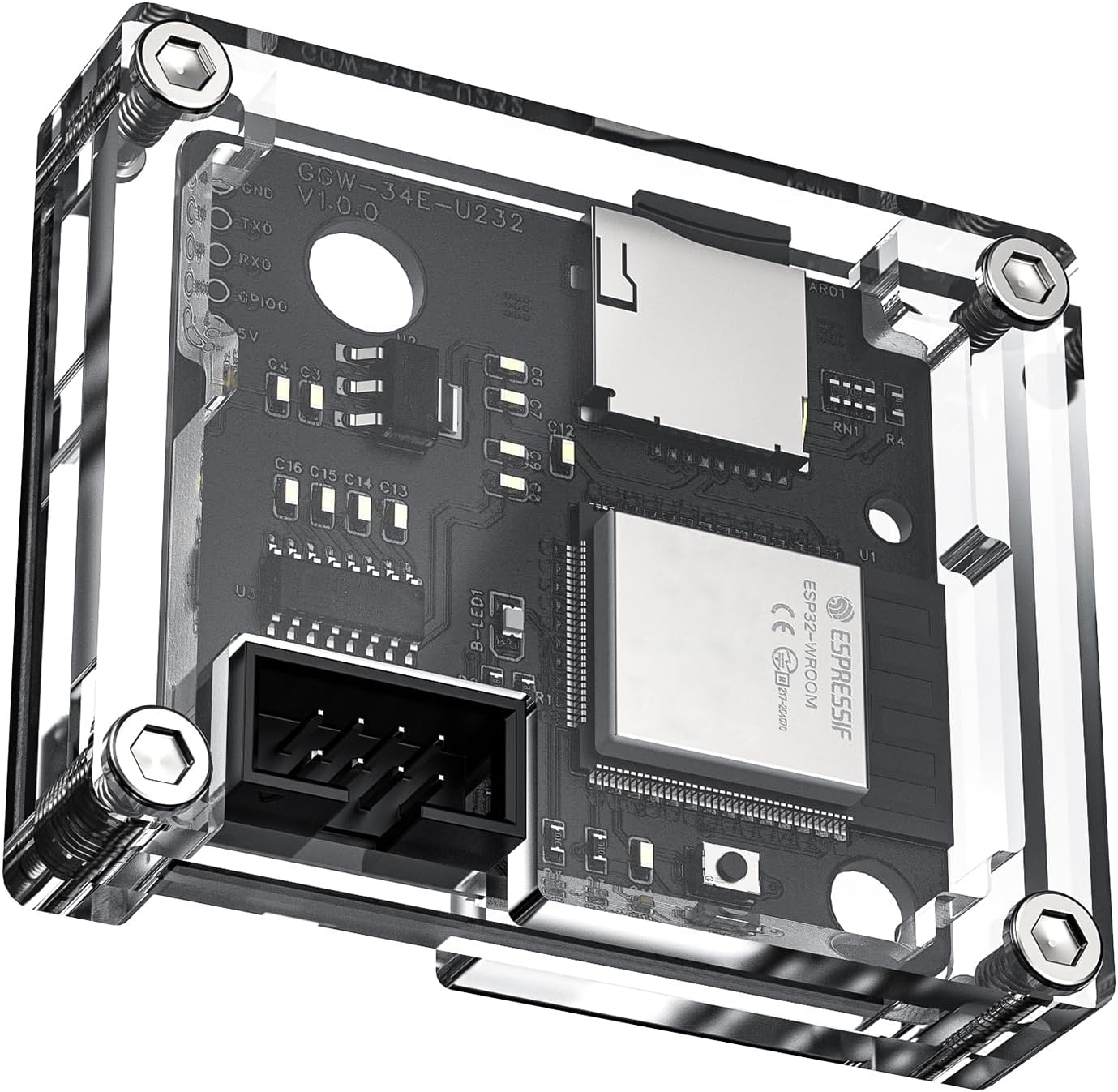
That means fewer trips back to the machine just to see how a job is progressing. It is an add-on for the listed machines, not a general-purpose wireless controller for any CNC.
Best use cases
This kit makes most sense in a workshop where a compatible PROVerXL is already in use and the operator would rather manage file transfer and status checks from a mobile device. For example, you could send a saved G-code file from your phone, start a job, then check its reported progress from another spot in the room. The app also gives access to online G-code resources and lets users share files, though the machine compatibility remains limited to the models named above.
It suits you if wireless file handling and remote status checks would make your existing CNC workflow more convenient. It may not suit you if your machine is not one of the supported models, or if you are looking for a stand-alone CNC machine rather than a control accessory.
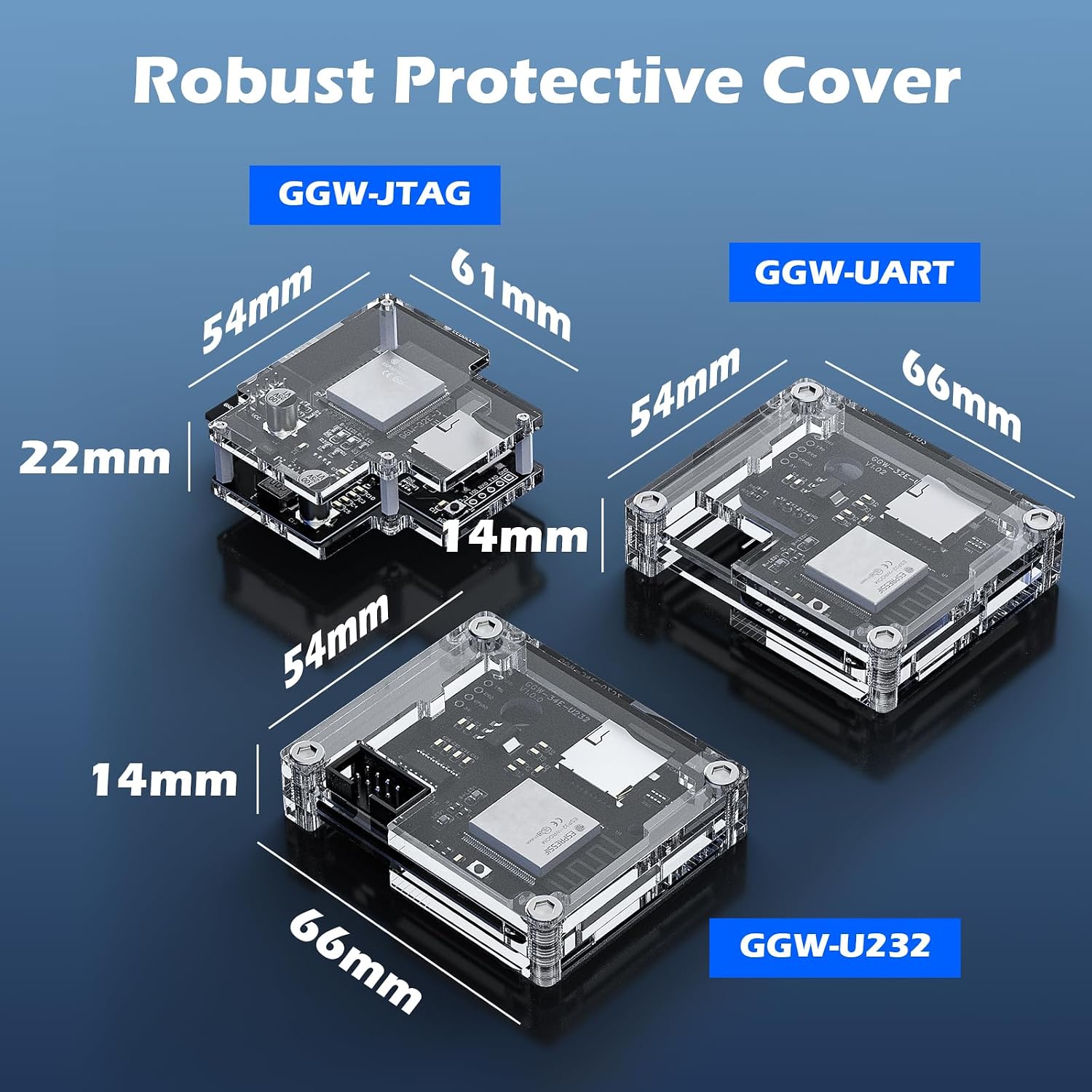
Tips for day-to-day use
The app is designed for Genmitsu CNC users, with file sending, remote operation and machine monitoring brought together on a phone or tablet. A larger mobile screen may be more comfortable for control than relying on a smaller display, but the key benefit is being able to check in without standing beside the machine. If you manage several compatible CNCs, the app’s multi-machine monitoring can help you keep an eye on their working status in one place.
Keep in mind that the module supports 2.4 GHz Wi-Fi only. If your wireless setup does not provide that band, this is a practical compatibility limit, not something the product description says the app can work around. The listing also does not specify extra app functions beyond those described, so avoid choosing it on the assumption that it includes features that are not mentioned.
Buying questions
Which CNC machines are listed as compatible? The PROVerXL 4030, PROVerXL 4030 V2 and PROVerXL 6050 are named. No other models are confirmed in the product details.
Can it send G-code without a cable? Yes. The stated purpose of the Wi-Fi module and app is to transfer G-code wirelessly, including files saved to a phone.
Can I check more than one machine? The app is described as supporting simultaneous monitoring of multiple CNC machines. The product details do not specify a maximum number.
Is it worth it?
For an owner of one of the listed PROVerXL machines, the GGW-U232 is worth considering if wireless G-code transfer and remote status checks solve a real workshop annoyance. Compared with a basic, machine-side workflow, its appeal is being able to handle files and monitor progress from a phone or tablet. The trade-off is narrow compatibility and the 2.4 GHz Wi-Fi requirement. If either does not fit your setup, a wireless add-on is unlikely to improve the day-to-day process, if both do, its stated functions are focused on the convenience this kind of accessory is meant to provide.